The search for the best free AI generator that can make videos usually doesn’t come from curiosity. It comes from frustration. Something that should take minutes becomes hours spent switching between tools, fixing formatting, and trying to make everything work together.
At that point, you’re not looking for “AI.” You’re looking for a practical way to turn an idea into a usable video fast, without getting stuck in technical details or juggling five different platforms.
That urgency makes sense. Video is already central to how teams create and communicate. In fact, according to the Business Wire, 97% of marketers say video is important to their strategy, and 90% plan to create more. The bottleneck is no longer in creating video but in how fast and efficiently you can produce it.
That’s why the real value today isn’t just in generating clips. It’s in how those clips fit into a full AI content creation workflow. From scripting and voice to editing, subtitles, and publishing, the best results come from tools that reduce friction across the entire process.
Modern best-in-app generative AI tools for digital media reflect that shift. Instead of forcing you to jump between disconnected apps, they bring everything into one place, making it easier to move from idea to finished video without breaking momentum.
If your goal is speed, consistency, and scalable output, the conversation is no longer just about which tool can generate video. It’s about how AI video generation models, editing capabilities, and workflow design come together into something you can actually use.
In this guide, we’ll break down the best free AI generators that can make videos, how they compare, and what actually defines the best setup for AI video generation, depending on what you want to create.
What are the best free AI video generators?
The best free AI video generators are platforms that combine video creation with editing, voice, and subtitles in one workflow. Some focus on quickly generating short clips, while others support structured content like tutorials, marketing videos, or voice-led formats. The right choice depends on your goal, how much control you need, and how efficiently you want to move from idea to finished video.
Best AI tools in media platforms for generative creativity
Most AI video tools can generate something. The problem starts when you try to turn that output into something usable.
The best platforms don’t just create clips. They support the full flow of AI in content creation, from scripting and generation to voice, editing, subtitles, repurposing, and publishing. That’s what makes them practical, especially when you need to turn your script into a video with AI and move quickly from idea to output.
What makes a good in-app AI video tool?
Not all AI tools are built the same, and you usually notice that the moment you try to turn an idea into something real. A good in-app AI video tool should make that process feel simple, not fragmented. Here’s what to look for:
• Easy prompt-to-video workflow: You should be able to go from idea or script to a first draft without multiple steps or complicated setup.
• Editing inside the same platform: Switching tools slows everything down. The best platforms let you generate and edit in one place.
• Voice, captions, or avatars built in: These aren’t optional anymore. They’re part of what makes content usable and ready to publish.
• Output quality and speed: If the result needs heavy fixing or takes too long, it becomes harder to keep attention, which is often why people stop watching your videos.
• Free access or free trial: A good free tier should let you test real workflows, not just generate one limited clip.
• Flexibility for different content formats: The tool should adapt to social videos, ads, and educational content without forcing you to restart each time.
A lot of people only realize these gaps after trying to build something real. A typical “stack” often looks like five different tools: one for scripting, one for generating visuals, one for voice, one for editing, and another for subtitles or publishing. It works, but it slows everything down and creates friction at every step.
By contrast, the best in-app generative AI tools for digital media reduce that fragmentation. Instead of jumping between tools, you move through one continuous workflow, from script to voice, video, and final edits. That’s usually what separates a tool you try once from one you actually keep using.
In practice, the best free AI generator that can make videos is rarely just a single feature. It’s often the best setup for AI video generation inside a platform that supports the full process, not just the first step.
Best free AI video tools to try
If you're looking for the best free AI generator that can make videos, the key is choosing based on what you actually want to create. Instead of going through a long list of tools, it’s easier to focus on your end goal. Different tools solve different parts of the process, and picking the right one upfront saves you a lot of time later.
Best for quick AI video generation
Runway
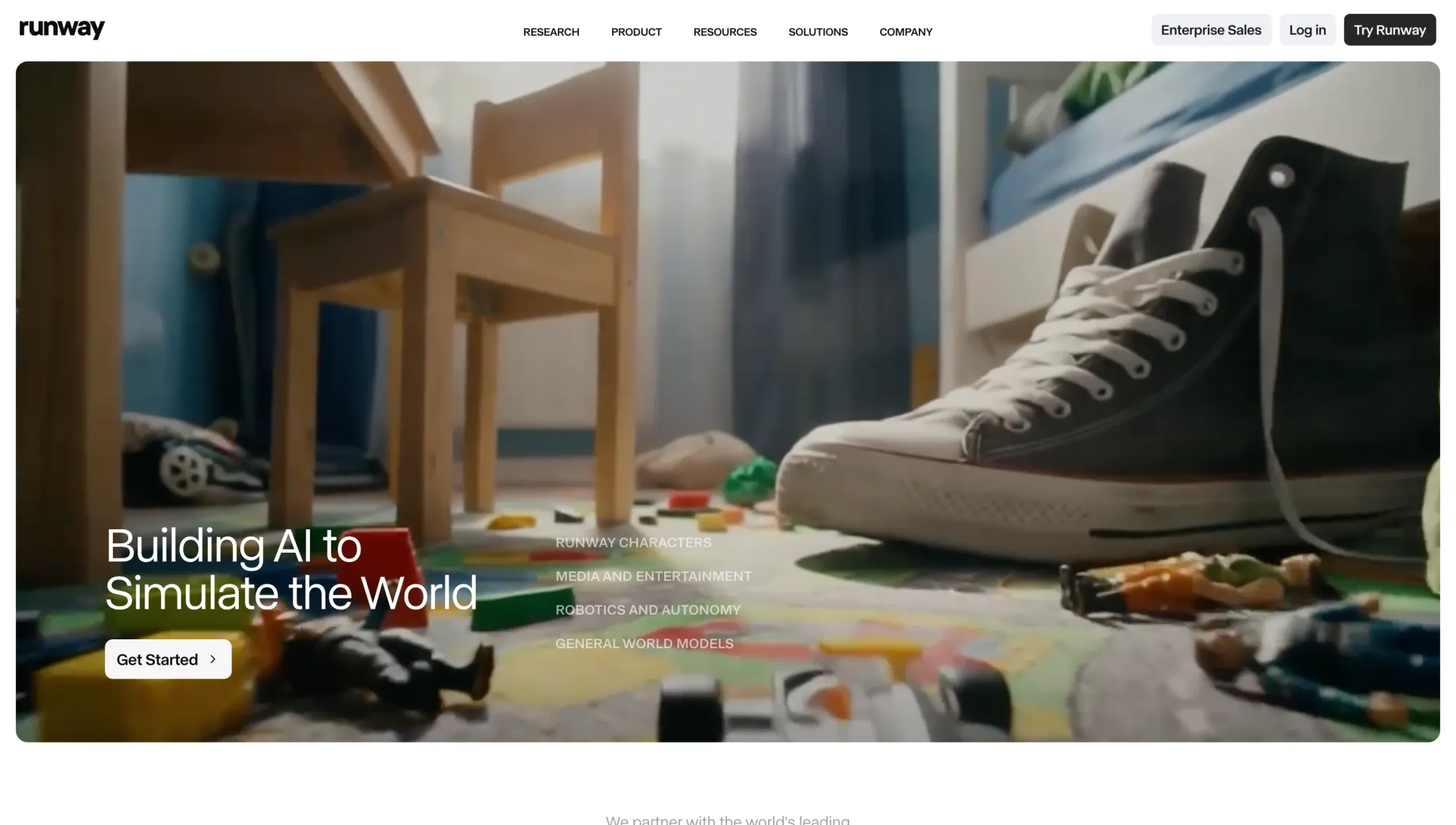
Runway is one of the most advanced tools for generating short AI videos from text or images. It’s especially useful for creative experiments, visual storytelling, and testing ideas quickly, though you may still need editing tools to refine the output. It’s also a useful option for teams that want to explore more cinematic outputs without building a full production workflow from scratch. If you’re working on more visual or cinematic ideas, like product shots, concept visuals, or short storytelling clips, it gives you more room to experiment before moving into a traditional editor.
Pika
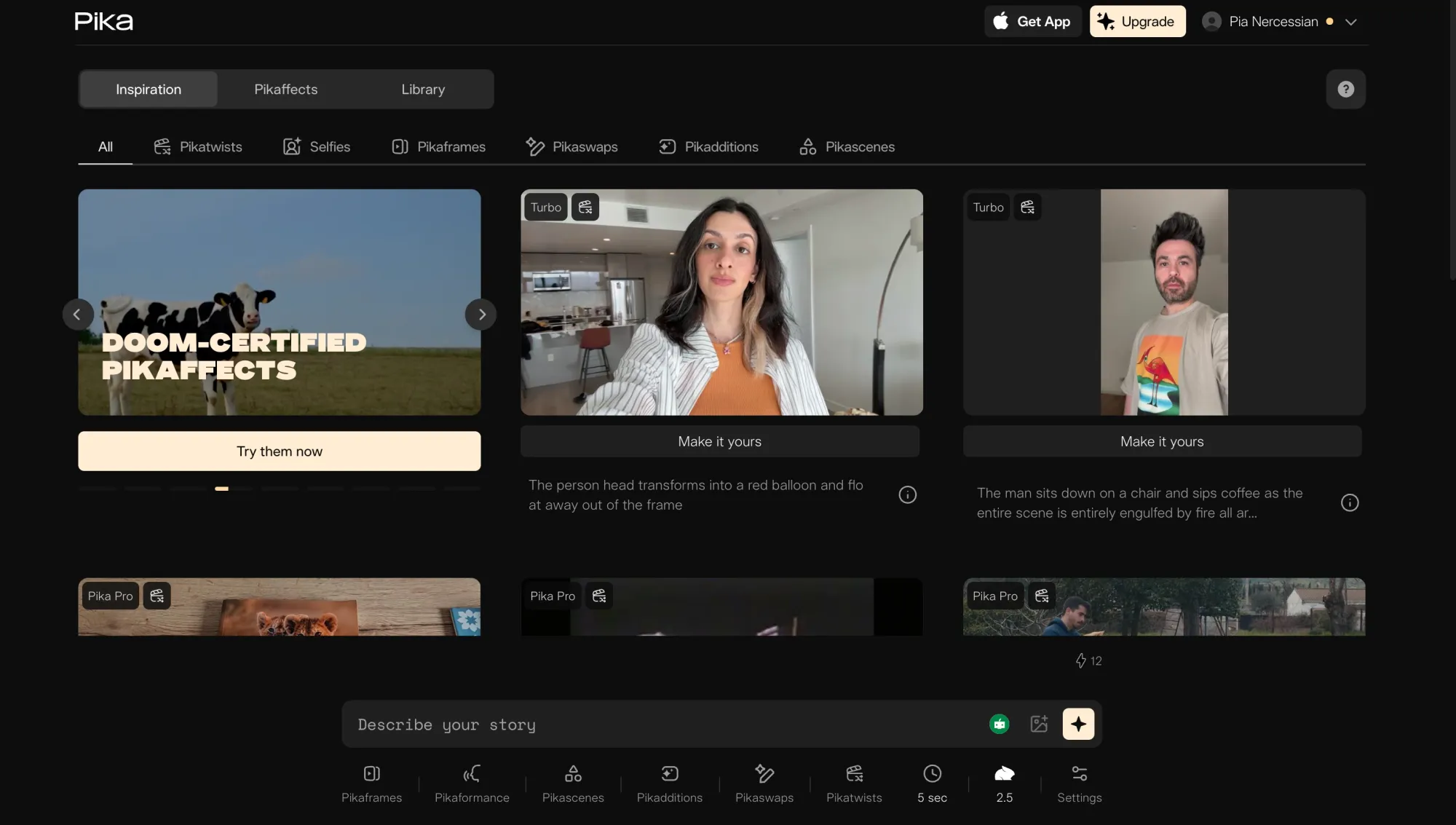
Pika is built for speed and simplicity. It’s a strong fit if you want to turn simple prompts, memes, or still images into motion quickly, especially for short-form content where speed matters more than precision. You can generate short videos directly from prompts with minimal setup, which makes it useful for quick ideas and social clips. It’s fast, but offers less control compared to more advanced tools.
Canva
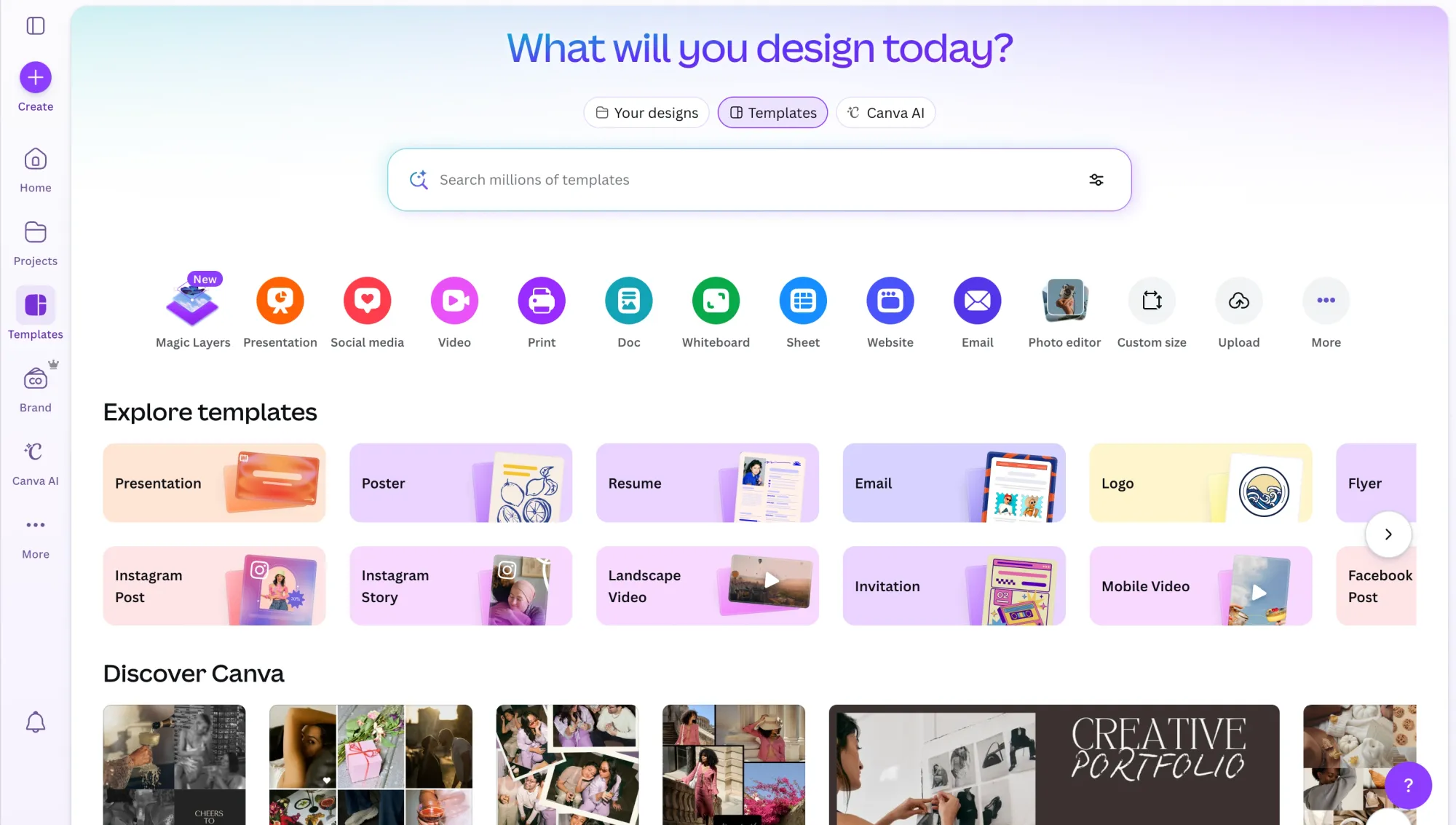
Canva focuses on usability over complexity. It integrates AI into a familiar editor, so you can create and edit videos in one place. It’s ideal for polished social or marketing content, even if the generation itself isn’t the most advanced. It’s especially useful if your existing workflow already lives in Canva, since you can combine templates, branding, and AI features without switching platforms.
Best for talking-head or avatar videos
Synthesia
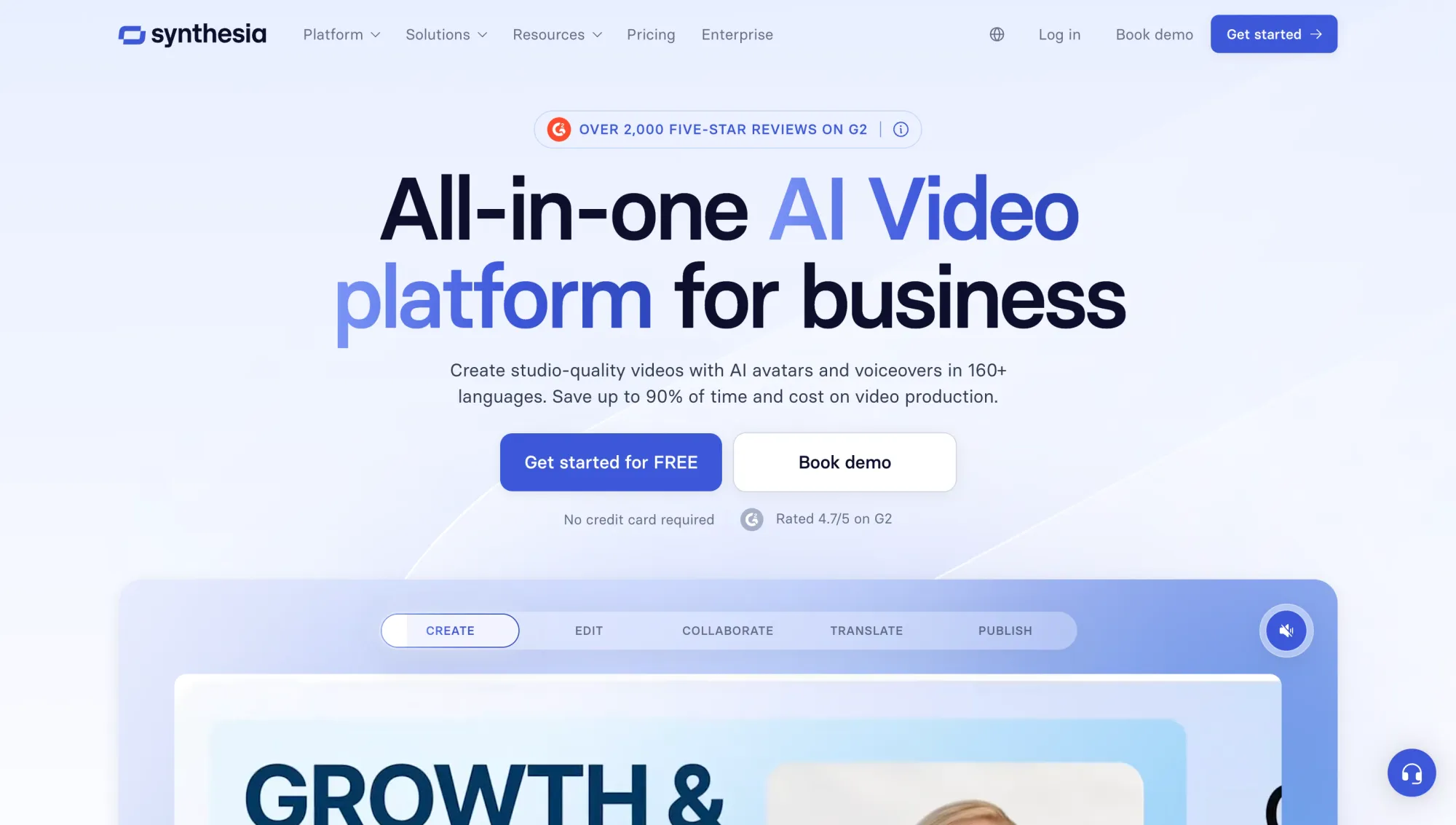
Synthesia is widely used for business and training videos. It works particularly well for teams that need to update training, onboarding, or compliance content regularly without recording new footage each time. It lets you generate talking-head content using AI avatars, which works well for structured communication and educational material. It’s less suited for creative or informal content.
HeyGen
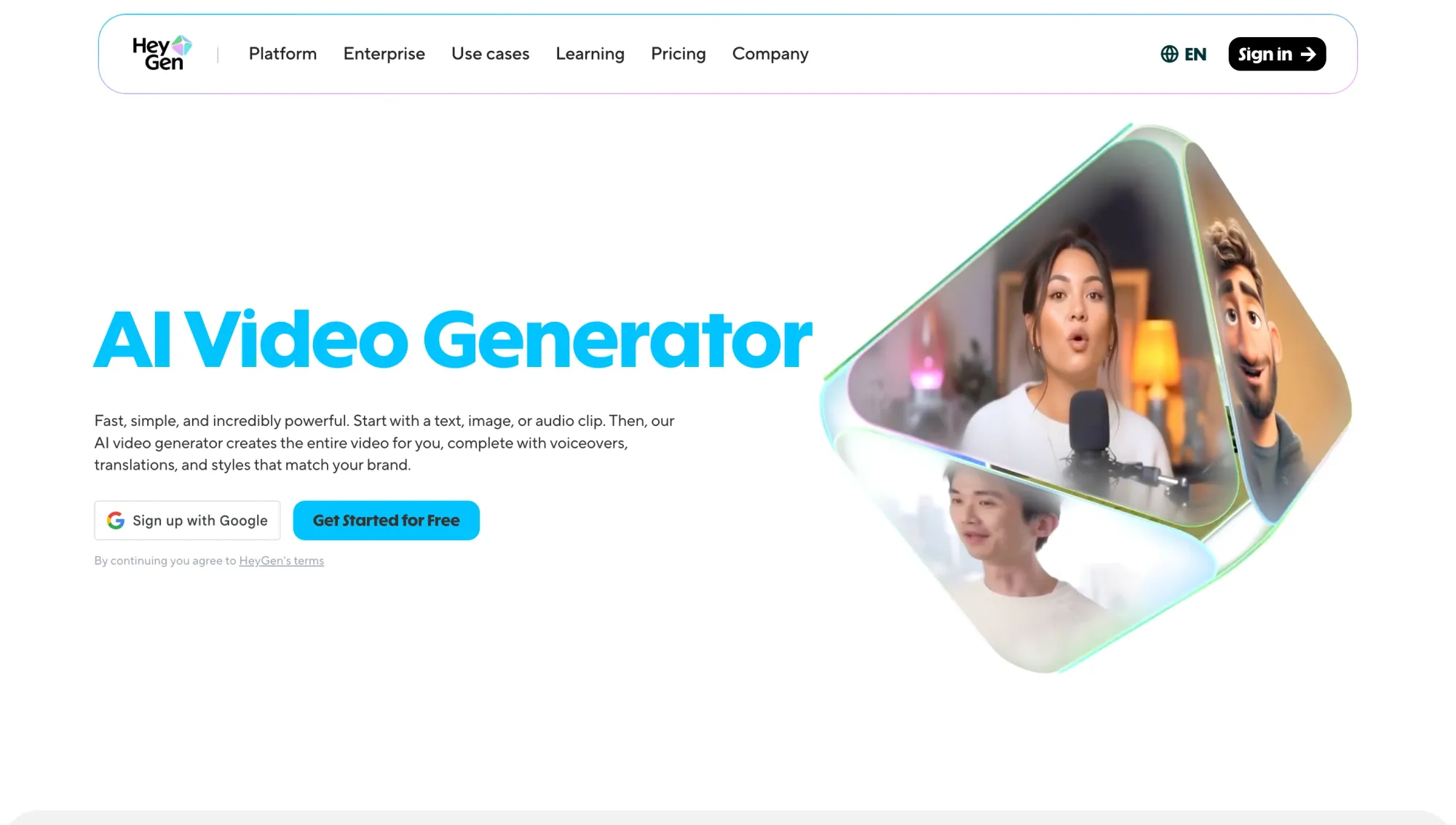
HeyGen offers a similar approach with more flexibility for creators. It supports avatar videos, voice syncing, and translations, making it a strong option for marketing and multilingual content. The focus stays on presentation rather than storytelling. It’s a good option if you need flexibility for marketing content, especially when creating localized or translated versions for different audiences.
Best for creators who want voice-first workflows
Async
Async focuses on the part most tools overlook: voice and structure. Instead of starting with visuals, it lets you build videos from scripts, narration, and AI text-to-speech, all within a single workflow. This approach works especially well if your content depends on:
• Clear voice-overs or narration
• Structured scripts or storytelling
• Multilingual dubbing or localization
• Fast editing and repurposing
It’s a strong fit for educational content, podcasts, and social videos where clarity, pacing, and consistency matter more than complex visuals. As more teams adopt AI in content creation, workflows that start from voice or structured scripts are becoming increasingly common, especially for content that needs to scale across formats and languages.
Best free option depending on what you want to make
Best for social clips
Pika: Fast, short-form video generation with motion suited for TikTok, Reels, and Shorts.
Best for business videos
Runway: More polished visuals for product demos and campaign-style content.
Synthesia: Clean talking-head videos for training, onboarding, and internal communication.
Best for voice-led content
Async: Built for scripts, narration, dubbing, and turning voice into structured video content.
Best for beginner-friendly creation
Canva: Simple editor with templates and AI features that make it easy to create something quickly.
Best for experimenting with AI video generation models
Runway: Good for testing advanced models, prompts, and styles.
Pika: Quick way to explore motion and visual variations on short clips.
Best setup for AI video generation
Most people start by comparing tools. That’s useful, but it only gets you halfway there.
The real difference in AI video generation doesn’t come from the interface or the features you see first. It comes from what’s underneath. Two platforms can look similar on the surface, yet produce completely different results once you actually start generating videos.
If you care about quality, consistency, and speed, the setup matters just as much as the tool you choose.
The real quality difference is in the model
A lot of AI video tools feel interchangeable at first. You type a prompt, generate a clip, and get something that looks decent.
But once you start using them seriously, the differences become obvious.
What really separates them is the underlying AI video generation models. These models control how motion is rendered, how closely the output follows your prompt, how consistent scenes stay across frames, and how usable the final result is without heavy editing.
That’s why some tools produce clips that feel smooth and intentional, while others look slightly off, with awkward motion, inconsistent details, or results that drift away from what you asked for. It also affects how fast you can iterate. Stronger models tend to produce usable outputs faster, which makes a big difference when you’re testing ideas or creating content at scale.
What to look for in AI video generation models
Not all models are built the same, and small differences can have a big impact on your final output. Here’s what actually matters when you’re evaluating them:
Prompt accuracy
A good model should follow your input closely. If you describe a scene, style, or action, the output should reflect that clearly instead of drifting into something unrelated. The more predictable the results, the easier it is to build on them.
Motion quality
Motion is where a lot of models still struggle. Look for outputs where movement feels natural and intentional, not stiff, glitchy, or overly artificial. This becomes especially important for anything involving people or dynamic scenes.
Visual consistency
Consistency across frames is critical. Characters, objects, and environments should stay stable instead of changing shape, color, or position unexpectedly. Without this, even a good-looking clip can feel unusable.
Speed and usability
Fast generation is only useful if the output is usable. The goal is to move from idea to a workable draft quickly, without needing multiple retries or heavy fixes. This is what makes AI actually save time instead of adding friction.
Workflow fit
Even a strong model can feel limiting if it sits in isolation. The best setups combine solid models with platforms that support scripting, voice, editing, subtitles, and publishing. That’s what turns raw output into finished content.
Best setup for different creators
The “best” setup depends less on the tool itself and more on how you actually create content. Once you align your workflow with your goals, choosing the right setup becomes much easier.
For social media creators
Speed usually matters more than perfection. Most social workflows are built around generating short clips quickly, editing inside the same platform, and exporting in the right formats for TikTok, Reels, or Shorts, often using workflows like AI reframe to adapt content across different formats. You don’t need a complex setup to get results. What matters is being able to test ideas fast, iterate, and keep posting consistently. Over time, that momentum tends to outperform perfectly polished content.
For marketers
Here, it’s less about experimenting and more about control. You’re working with messaging, brand guidelines, and clear outcomes like conversions or engagement. That means your setup should support structured content, clean visuals, and repeatable formats you can scale across campaigns. The goal isn’t just to create something once. It’s to create something that works the same way every time.
For educators
Educational content works differently. It relies on clarity, pacing, and structure. In most cases, the strongest approach starts with a script, then moves into narration, and only then into visuals that support the explanation. Voice, subtitles, and editing play a huge role here. When those pieces are aligned, the content becomes much easier to follow and actually more effective.
For podcasters and video-first creators
If your content starts as audio, your workflow should reflect that. Recording, editing through transcripts, adding subtitles, and then turning that into a video becomes much more efficient when everything is connected. Instead of rebuilding content for each format, you’re simply adapting it. This is where voice-first workflows really make a difference, especially if you’re creating clips, episodes, or multilingual versions from the same source.
For teams repurposing long-form content
When you’re working with webinars, interviews, or long-form videos, the priority shifts to efficiency and scale. You’re not trying to create something new every time. You’re trying to get more value out of what you already have. That usually means turning one piece of content into multiple outputs, from short clips to subtitles and different formats for different platforms, using tools like AI Clips. A strong setup makes that process feel seamless instead of repetitive.
Why AI video creation is shifting toward complete workflows
Most AI tools today still feel like isolated features. You generate a clip here, edit somewhere else, add voice in another tool, and then figure out subtitles and publishing separately.
That approach works for testing ideas, but it breaks down quickly once you try to create consistently.
The next step in AI in content creation isn’t just better outputs. It’s better integration. Strong AI video generation models matter, but they only go so far on their own. The real value comes when those models are part of a complete workflow that supports the entire creation process.
That means moving from idea to finished content without constantly switching tools. Script, voice, video, captions, repurposing, localization, and publishing all need to connect in a way that feels natural.
This is where platforms like Async start to make more sense. Instead of focusing on a single feature, they bring the full workflow into one place, so you can build, edit, and scale content without breaking momentum.
As AI video generation models continue to improve, the gap between tools will matter less than the experience around them. The platforms that win won’t just generate better videos. They’ll make it easier to turn ideas into consistent, usable content at scale.
FAQ
What's the best video generation tool right now?
There isn’t a single “best” tool in isolation. The best results come from platforms that combine strong AI video generation models with a complete workflow, including scripting, voice, editing, and publishing. For example, if your focus is visual experimentation, you might prioritize generation quality, but if your content is structured or voice-led, the best free AI generator that can make videos will usually be the one that supports the full workflow from script to final output.
Is Google Veo 3 the best AI video generator?
Google Veo 3 is one of the most advanced AI video generation models in terms of realism and motion quality. However, access is still limited, and most creators rely on tools that are available today and integrated into real workflows to produce and publish content consistently. It’s a strong example of how far AI video generation models have come, but most creators still rely on tools that balance quality with usability and accessibility today.
Which ChatGPT is best for video creation?
ChatGPT is best used for scripting, ideation, and structuring content. It works as a starting point, helping you turn ideas into clear scripts that can then be transformed into video using platforms that support voice, editing, and full content workflows. A simple workflow might look like drafting a script, refining structure and tone, then passing that into a video platform that handles voice, visuals, and editing in one place.
Which video editing tool is best?
The best editing tool depends on how much control and speed you need. Many creators are shifting toward platforms that combine editing with AI features like voice, captions, and repurposing, so they can move from idea to finished video without switching between multiple tools.
What do most YouTubers use to edit videos?
Many creators still use traditional editing software for full control, especially for long-form content. At the same time, AI-driven platforms are becoming more common for faster workflows, particularly when creating short-form videos or repurposing content across multiple formats.