Sometimes, the hardest part isn’t the idea. It’s getting it out.
We’ve built a tool for creators who just want to get their content ready from thought to publish. Introducing our Text to Content Generator that creates, voices, and edits content in one flow.
Here’s what it is and how you can get the most out of it.
What is Text to Content Generator?
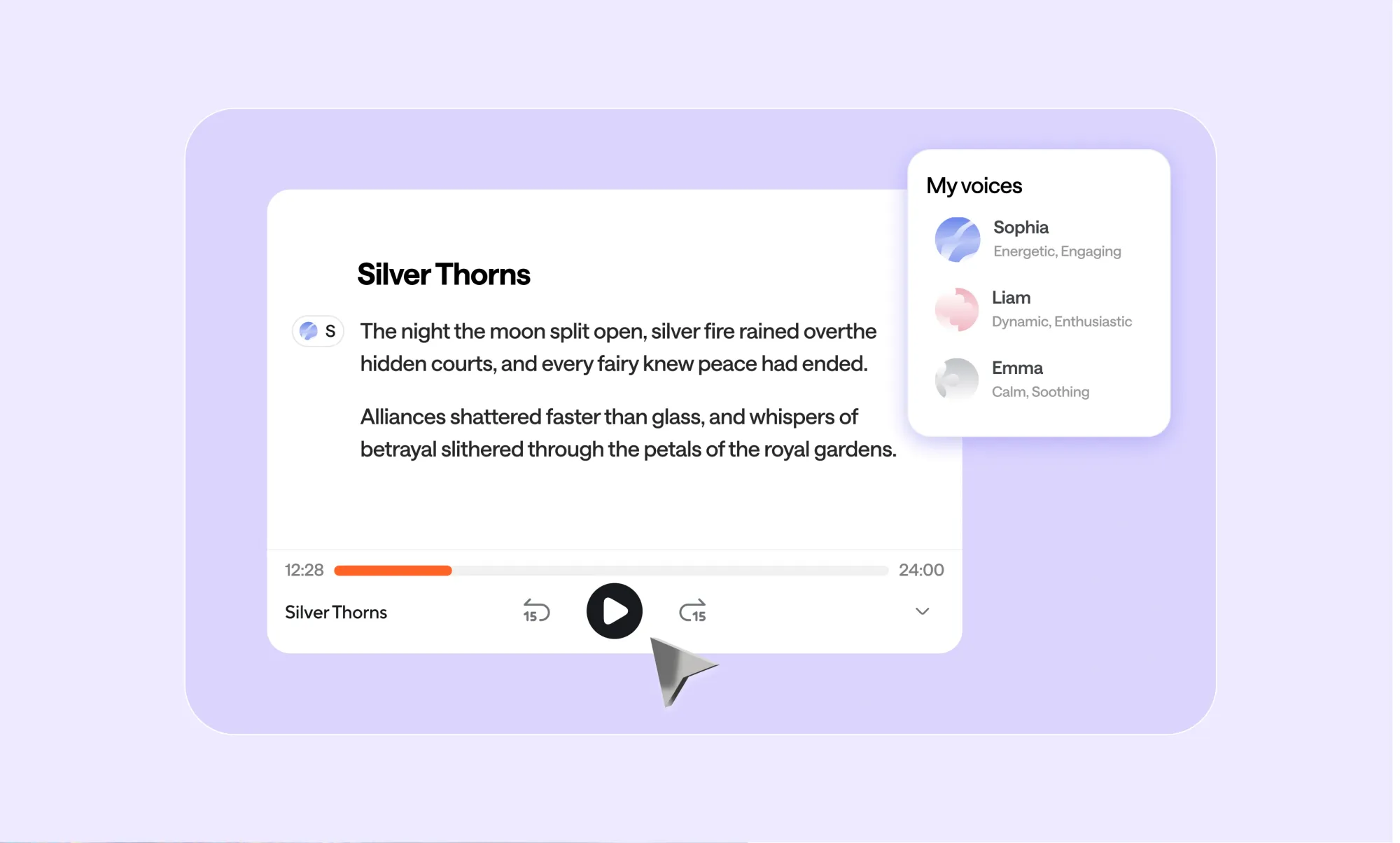
Text to Content Generator turns ideas, text, or documents into fully editable audio or video. You start with a thought, a prompt, or a PDF, and Async helps you turn it into spoken content instantly.
There’s no handoff between tools and no final export step that stops you from editing. Text to speech, editing, and refinement all live inside the same workspace, so your content stays flexible from start to finish.
Text to content, the way it should work
Let’s say you’re in a mildly nihilistic mood, but need to create an episode about the meaning of life. So if you’re not quite sure what it should even be about, our AI helps you find a direction and get started.
Start in the chat
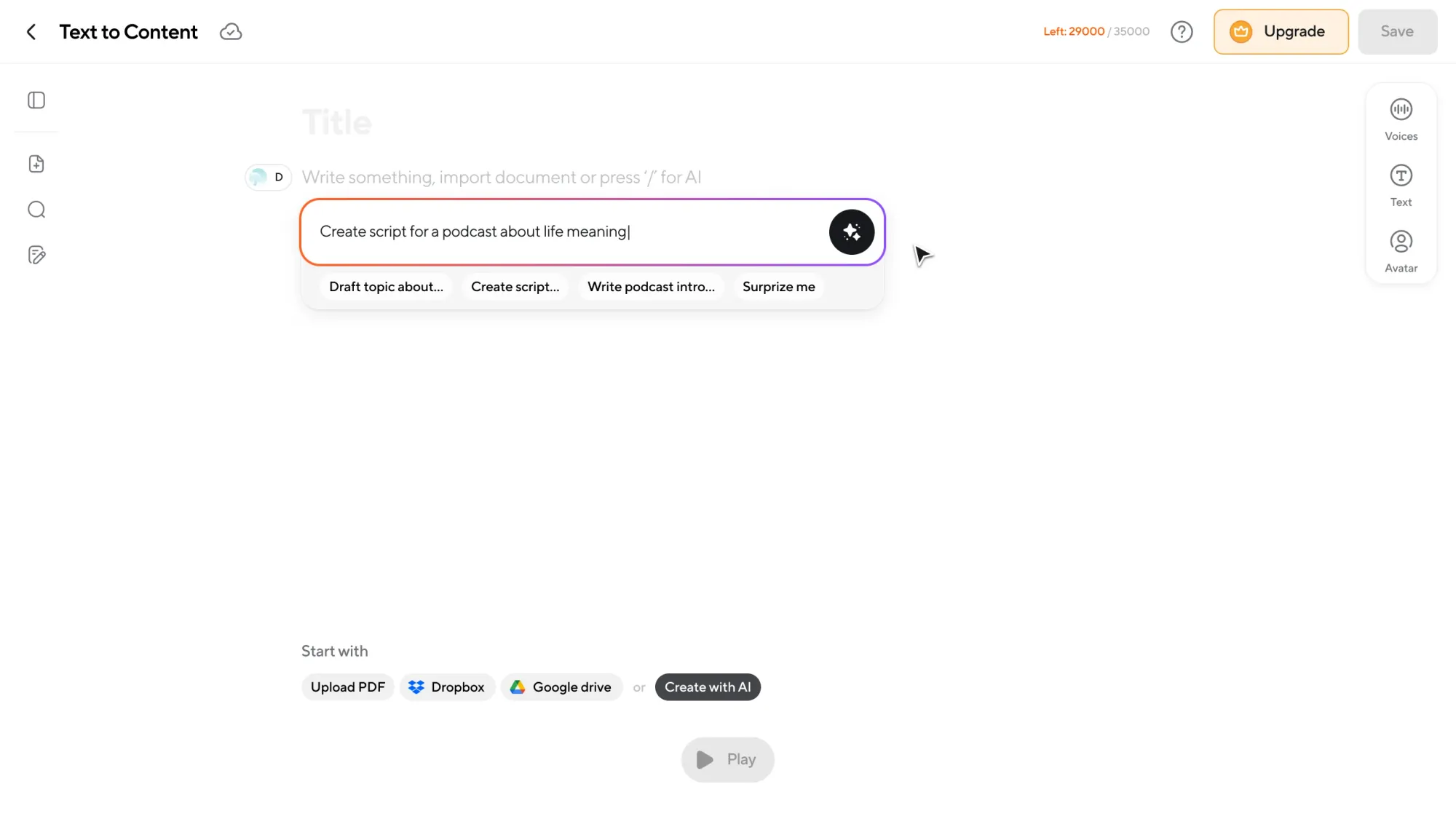
You tell Async what you want to create, or upload a PDF if you already wrote it.
Just prompt something like: “I want to create an episode about the meaning of life.”
Async’s AI chatbot helps you turn that idea into a script. You can refine it, rewrite parts, shorten sections, or expand others. All in conversation, without leaving the editor.
When you’re ready, Async takes that text and instantly turns it into speech.
You don’t need to export it or wait for a setup.
Text-based editing that feels instant
Click play, and your content starts playing immediately.
As the audio plays, you’re still working in text. This means you can:
• Delete a sentence and the audio updates.
• Rewrite a paragraph, and the pacing adjusts.
• Extend a section and the audio grows with it.
Our feature also allows you to:
• Search for words and remove them across the script
• Regenerate sections
• Highlight parts to use later for visuals or video
• Create a new version without losing the original
Editing feels like editing a document. Because that’s exactly what you’re doing.
Full control over voices and speakers
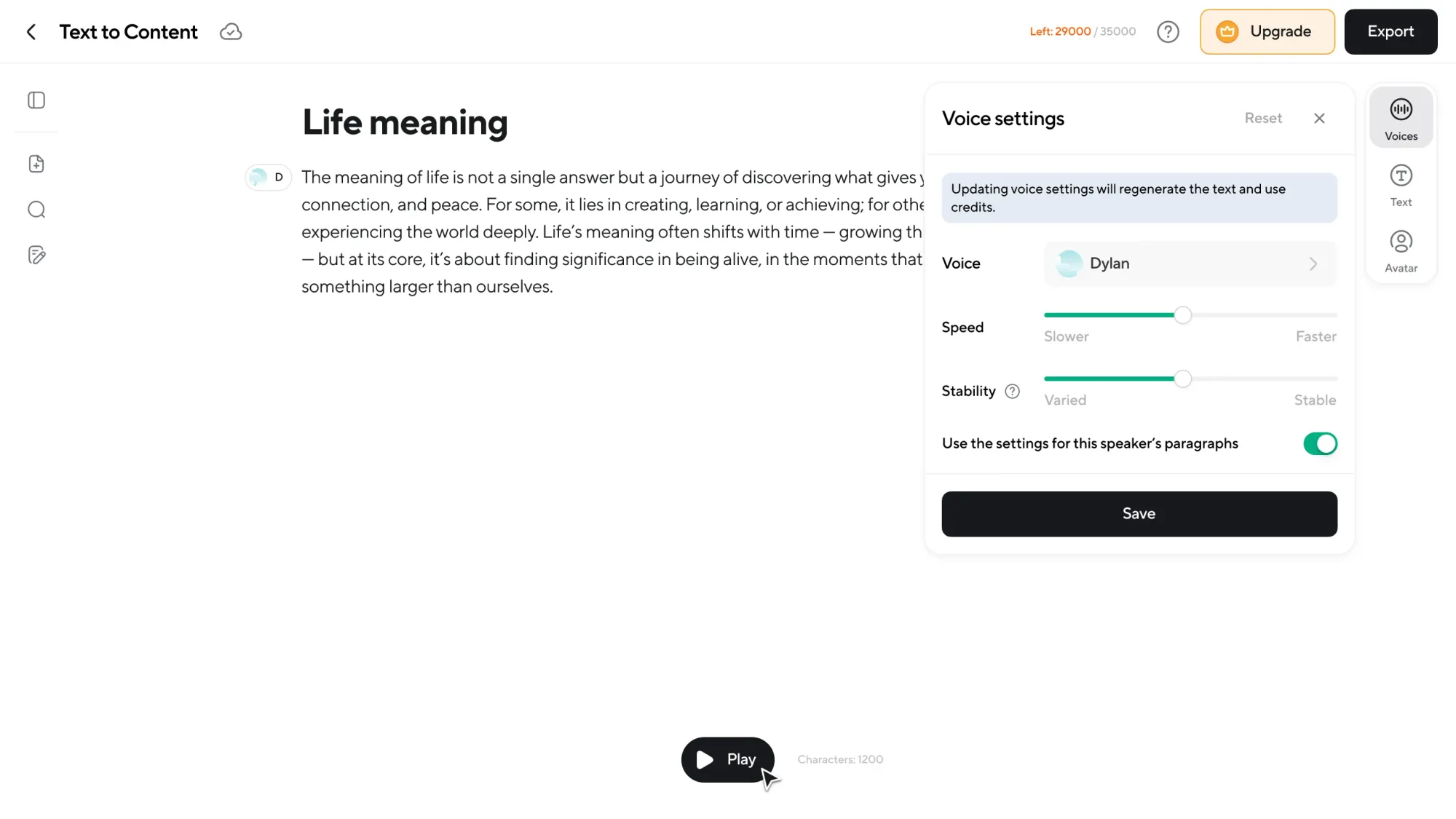
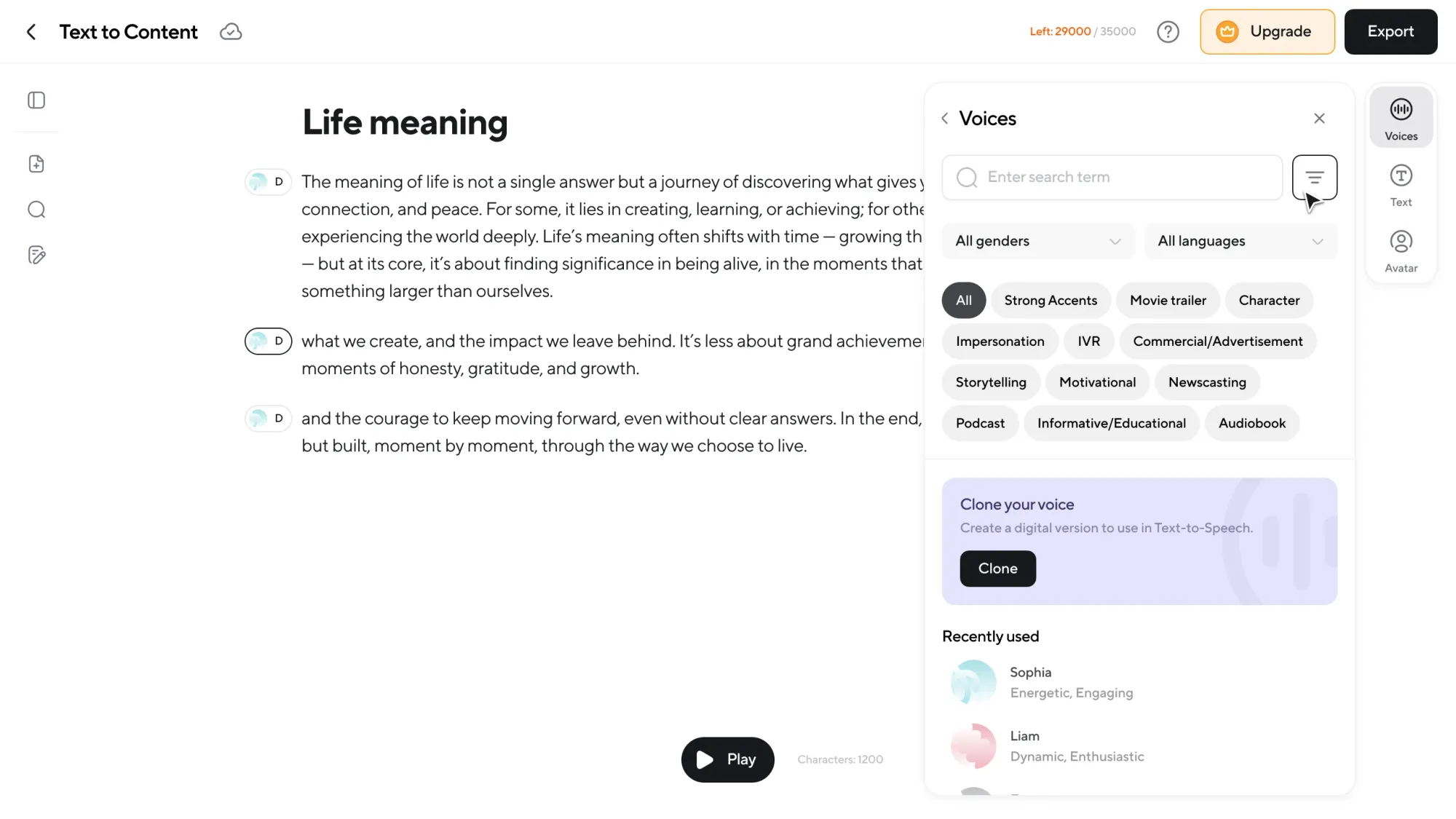
On the right panel, you control how your content sounds. Choose from AI voices across different genders, accents, and styles. Switch voices per speaker or use your own cloned voice.
If you have more than one speaker, you can easily create a multi-speaker dialogue by assigning voices to sections of text.
Want to regenerate the whole piece with a different voice? You just need one click.
PDF (lets have a small H3 like sometimes you might have your pdf ready bla bla)
Want to upload a PDF instead? Same flow.
Finish in audio or video. Your choice
Once your content is ready, you’re not locked into a single format.
You can:
• Continue polishing in the audio editor
• Move into the video editor
• Add visuals, music, or effects
• Generate subtitles
• Dub into other languages
• Export in high quality and publish anywhere
It’s one continuous workflow, from idea to finished content, inside Async.
Why creators use Text to Content Generator
Here’s what this unlocks in practice:
No creative friction
You never stop managing tools, formats, or exports. Ideas move straight from your head into usable content without breaking your flow. Everything happens in one place, so you stay focused on what you’re creating, not how to create it.
Zero editing experience required
If you can edit text, you can edit audio and video. There’s no need to learn timelines, waveforms, or production shortcuts. Text to Content Generator removes technical barriers so anyone can produce polished content with confidence.
Faster time to ready-to-publish content
What used to take hours now takes minutes. Writing, voicing, and editing happen in a single continuous workflow instead of separate steps. That means less setup, fewer revisions, and much faster publishing.
Built for long form and short form
Whether you’re creating podcasts, audiobooks, lessons, or videos, the workflow stays the same. Long projects stay manageable, and short pieces are easy to iterate on. One tool supports every format without compromise.
Not a one-off AI tool
Text-to-speech is built directly into the editor, not locked behind a single export. You can regenerate, refine, and continue editing at any stage. AI works alongside you throughout the process, not just at the start.
Frequently asked questions
What is text-based editing?
Text-based editing lets you edit audio or video by editing the transcript. When you change the text, the audio or video updates automatically to match.
Do I need production or editing skills?
No. Async removes timelines, waveforms, and technical setup. If you can work with text, you can create finished content.
Can I still edit after generating AI text-to-speech?
Yes. Text-to-speech is part of the workflow, not the final step. You can refine timing, pacing, voices, and effects anytime.
Can I use my own voice?
Yes. You can clone your voice and use it just like any other AI voice. Including mixing it with other speakers.
Can I switch to timeline editing later?
Absolutely. You can move between text-based editing and traditional audio or video timelines whenever you want.