Hero banner

AI voice cloning that sounds just like you

Clone your voice in seconds, edit with chat, and create content that sounds like you in 15+ languages.

What you get with Async AI voice cloning

bottleneck-img
bottleneck-img
bottleneck-img
< Super feature section >

Clone your voice with realistic AI speech

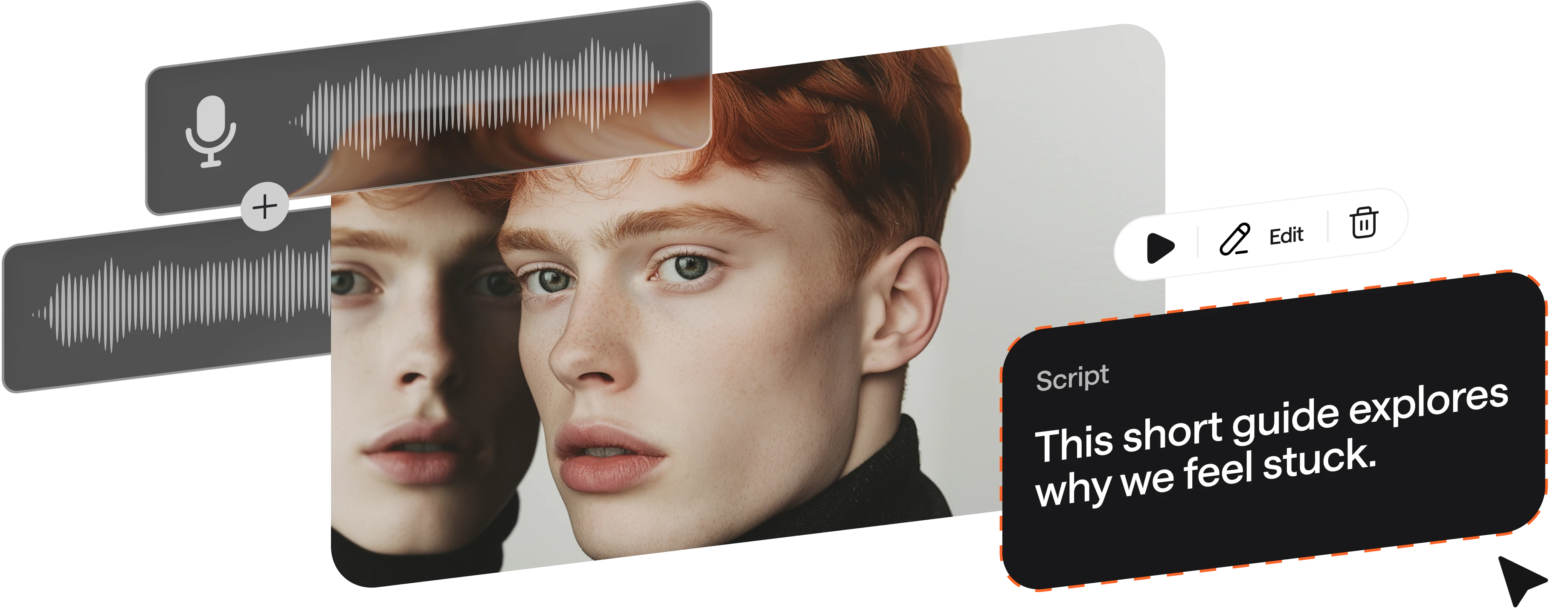
Async Voice Cloning and Text-to-Speech preserve tone and emotion with advanced voice modeling. Train your voice model to perfection and tweak settings for any project to get a fast, reliable, and safe custom voice.

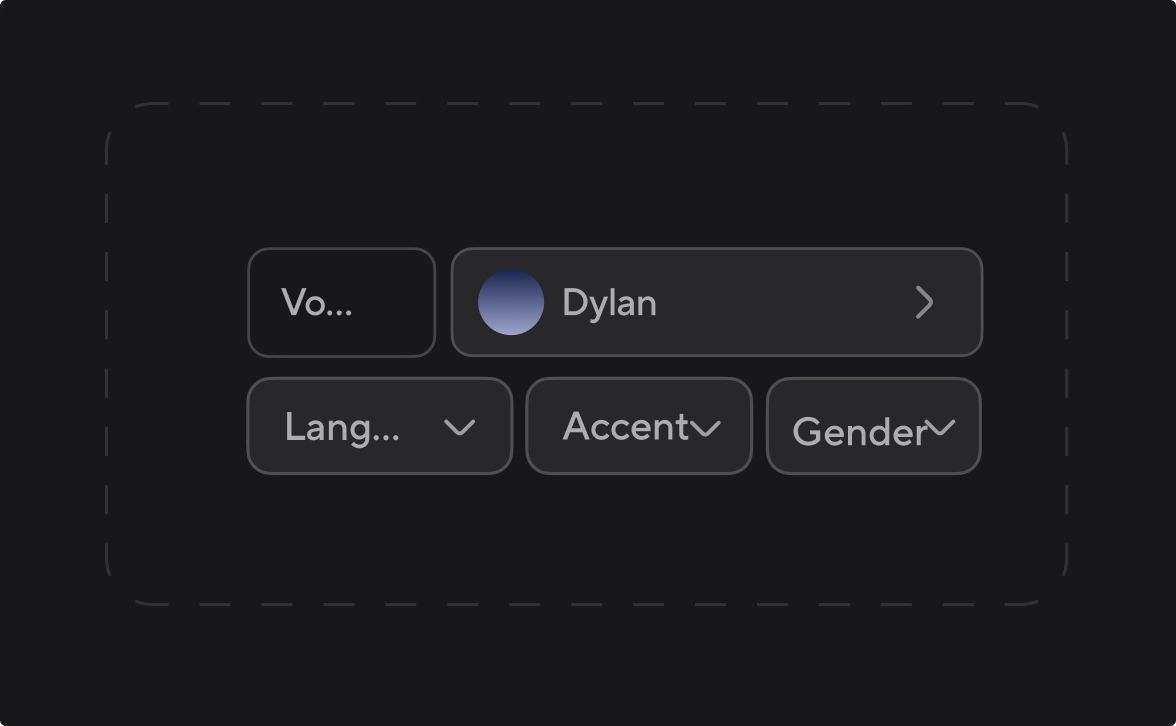
Choose from 1000+ AI voices by accent, style, or language

Raquel
Try now
Albert
Try now
Gregory
Try now
Lorenzo
Try now
George
Try now
Gustavo
Try now
Adelina
Try now
Olivia
Try now
Charlie
Try now
Cristian
Try now
Carmine
Try now
Explore AI Voices library

Rely on TTS technology built for scale

100%

speech stability. Same input,
same output, every time

Zero

skipped words with sentence-level checks.

15 min

from script to polished audio.

90%

less time spent on voiceovers production vs studio recording.

100+

languages and dialects tested for natural pronunciation.

Human-like AI voices for every project
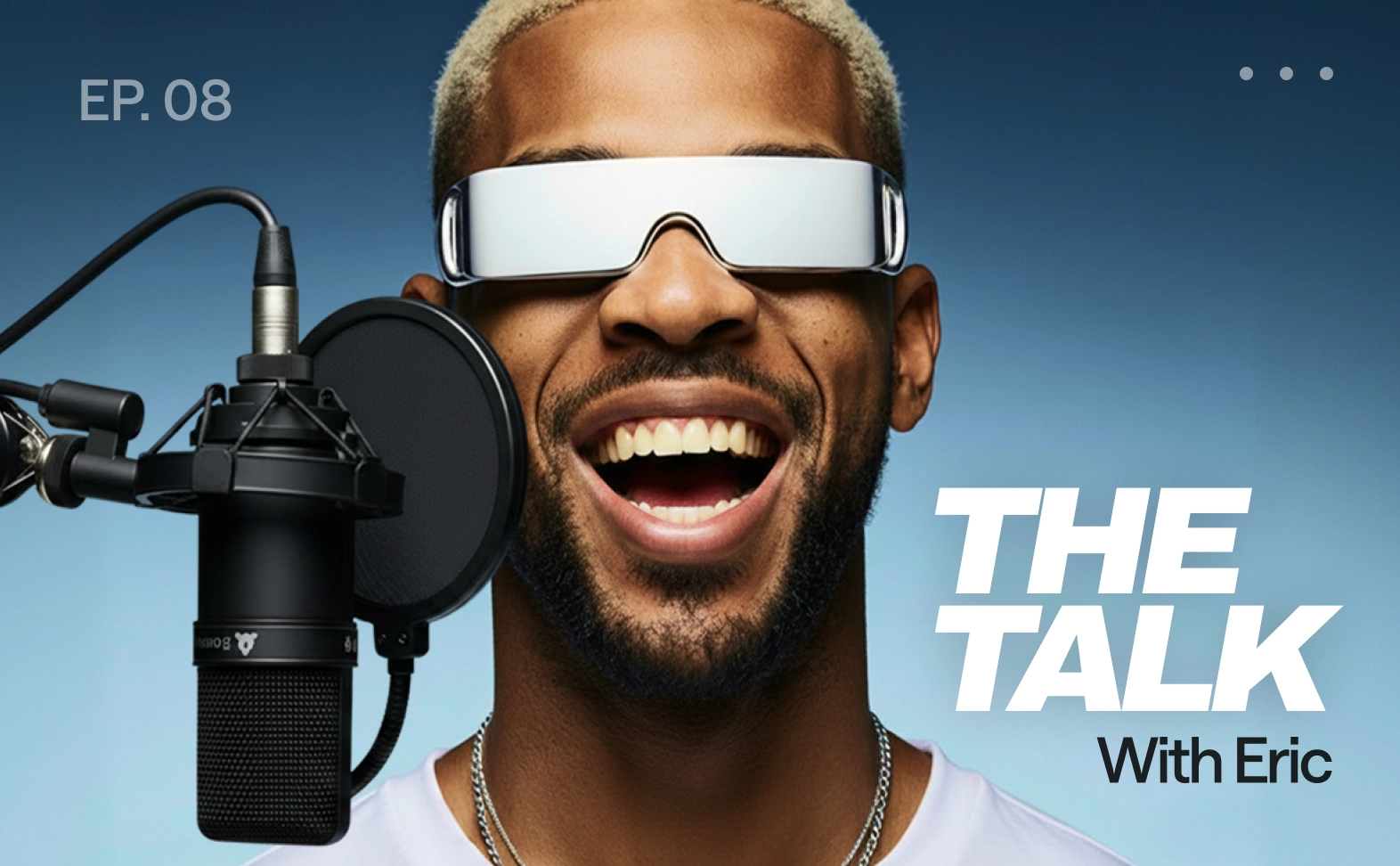
Podcasts
Podcasts

Generate intros, full podcasts, sponsor reads, and transitions with AI voice cloning to keep every podcast episode consistent.

E-learning and training
E-learning content

Produce clear training narration for onboarding, lessons, and tutorials with multi-speaker conversations that feel realistic.

Product demos
Product demos

Convert launch scripts into clean narration with pronunciation controls for brand names, features, and technical product terms.

Audiobooks and long form narration
Audiobooks

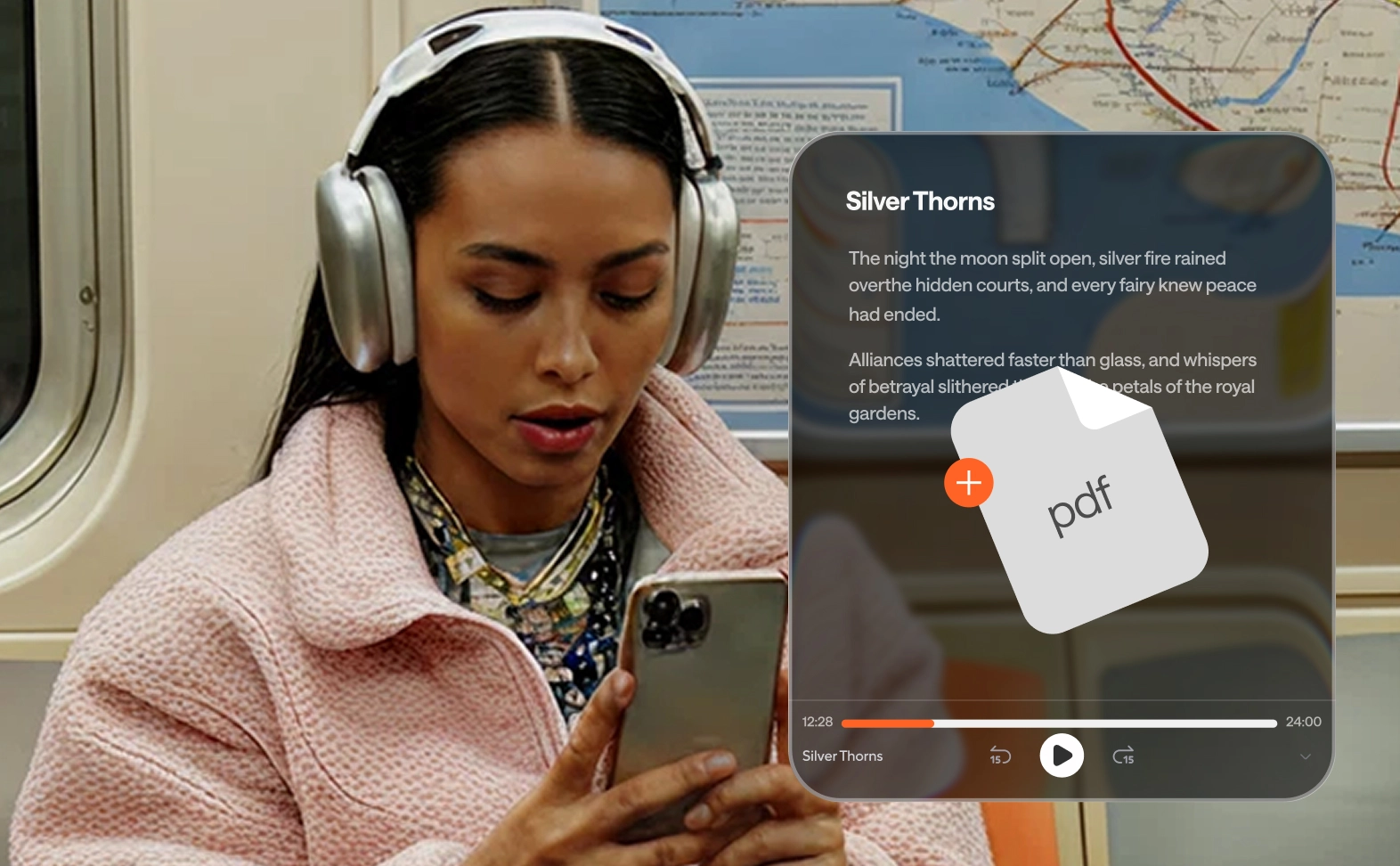
Transform text into natural long-form audiobooks with your cloned voice or realistic AI voices. Narrate chapters in multiple languages and regenerate specific sentences to polish them.

Accessibility
Better accessibility

Add audio versions to articles and docs. Make content easier to consume for people with visual impairments or specific reading difficulties.

Video voiceovers
Video voiceovers

Create natural AI voiceovers for ads, explainers, and social clips. Edit single lines fast and export polished audio instantly.

How to clone your voice with Async

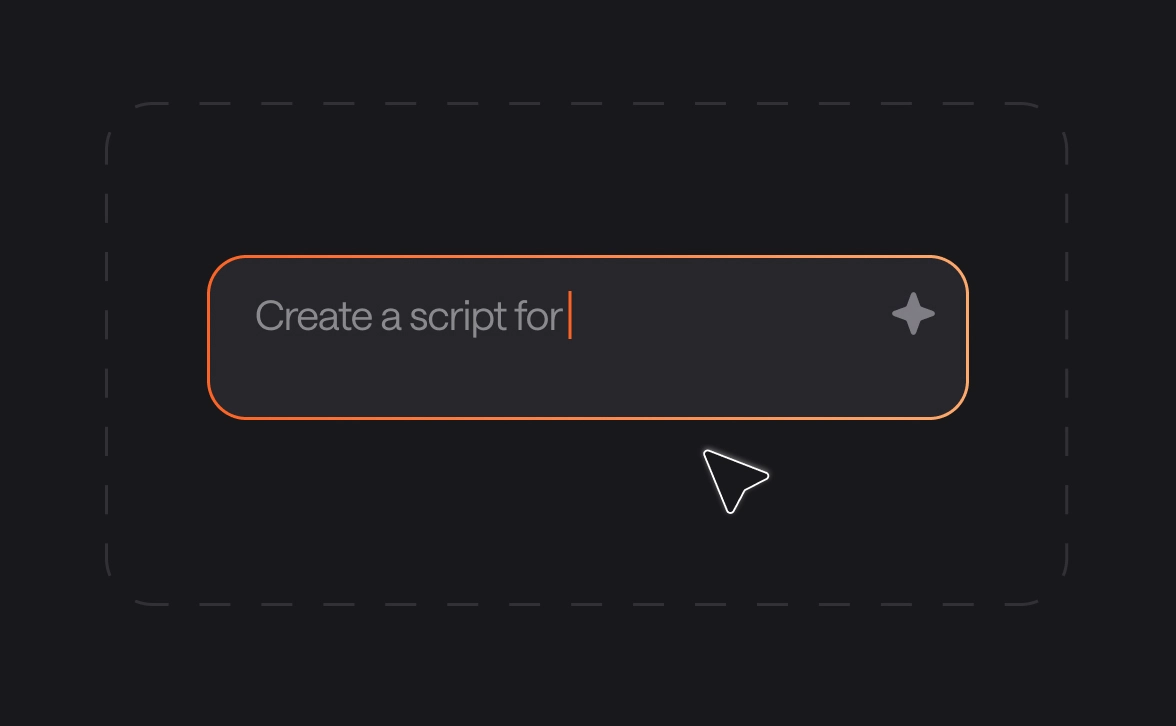
Four steps to clone your voice instantly and use it anytime without re-recording.
convert-img
convert-img
convert-img
convert-img
voice-api-img

Add text-to-speech to your app or agent with our Voice API

Async Text-to-Speech is powered by the same proprietary model available via API. Build realtime voice apps and agents with streaming support and voice cloning. Use ready-to-go integrations with Pipecat, n8n, LiveKit, Twilio, and more. Starting at $0.50 per hour with 24/7 SLA from day one.

Explore Voice API

Frequently Asked Questions

What is AI voice cloning?

AI voice cloning is a sophisticated technology that uses deep learning to create a high-fidelity digital replica of a human voice. By analyzing a small sample of your actual speech, the voice cloning AI learns your unique pitch, tone, and emotional inflections. Once the model is trained, you can use Async AI voice cloning to generate unlimited audio content that sounds exactly like you, simply by typing.

When did voice cloning start?

While the concept of speech synthesis dates back to the 18th century, modern AI voice cloning, as we know it, began gaining momentum in the late 1990s and early 2000s. Significant breakthroughs occurred around 2016 with the introduction of neural networks like WaveNet. Today, tools like Async AI voice cloning have refined this tech so you can clone your voice in as little as 3 seconds with professional-grade accuracy.

How does AI voice cloning work?

The process of voice cloning involves three main stages:

1. Analysis: The system ingests your audio to map out "speaker embeddings," which are mathematical representations of your vocal signature.
2. Modeling: A neural network uses these embeddings to fine-tune a pre-trained AI text-to-speech model.
3. Synthesis: The text-to-speech generator processes your written script, applying your unique cadence and rhythm to create new speech you never actually recorded.

How to use text-to-speech?

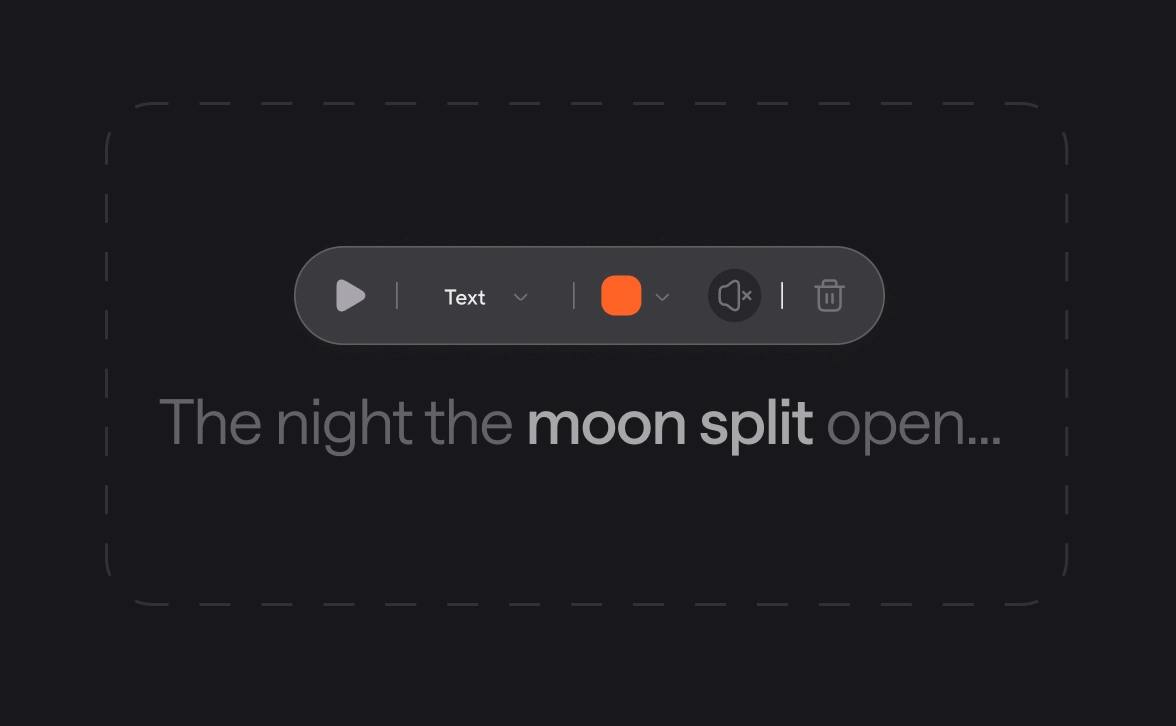
Using text-to-speech is simple and document-based. First, choose your preferred AI voices or clone your voice to create a custom model. Next, type or paste your script into the editor. Finally, hit generate. Most modern platforms allow you to edit the output like a text file, adjusting pauses, pronunciation, and emphasis until the audio is perfect.

What is the best text-to-speech generator for content creators?

The best text-to-speech generator for creators is one that balances realism with control. Async AI voice cloning is a top choice because it offers chat-based editing and a pronunciation dictionary, ensuring brand names and technical terms are always correct. It provides a massive library of 1000+ AI voices, making it a versatile tool for YouTube, podcasts, and social media.

How can I convert text to speech with a natural-sounding voice?

To get the most natural results, use an AI text-to-speech platform that supports "neural" voices. These models don't just read words; they understand context and emotion. When you clone your voice using Async AI voice cloning, the system captures the subtle nuances of your personality, allowing you to convert text into audio that feels human, expressive, and authentic.

One subscription.

Everything covered.

Record, edit, dub, subtitle, create clips, and clone voices. All in our AI platform.

Start creating for free