What is an AI image generator?
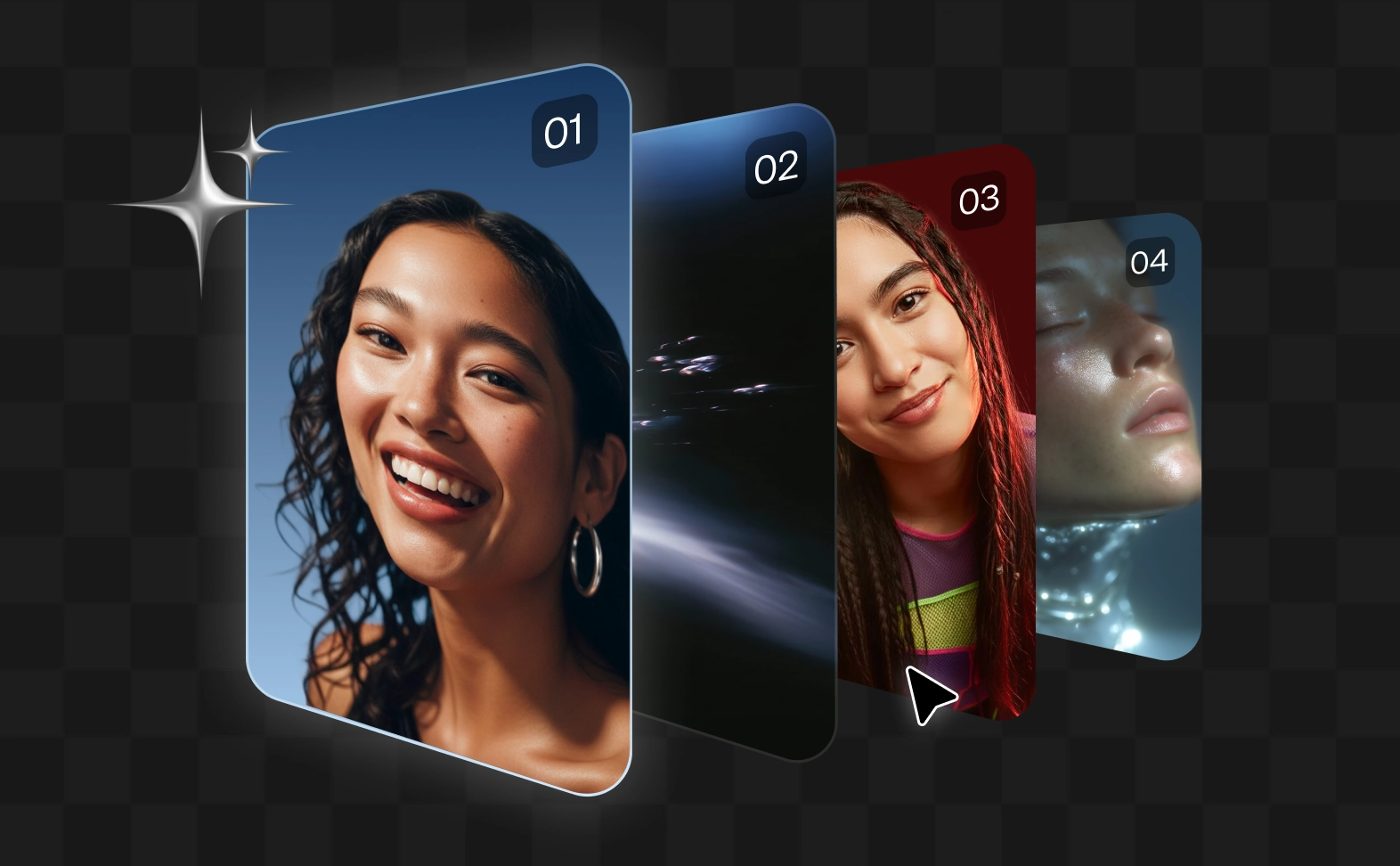
An AI image generator is an advanced software tool that uses artificial intelligence and machine learning to create completely new, high-quality visuals from scratch. By analyzing vast datasets, it translates text prompts, sketches, or reference photos into custom graphics, illustrations, and photorealistic imagery.
How do I create an AI image from text?
To generate an AI image from text, simply type a descriptive prompt into the platform's input box. Describe the subject, setting, lighting, and art style you want. Advanced AI image generation tools like Async will analyze your words and render a completely unique graphic based on your text description in a matter of seconds.
What is the best AI image generator?
The best AI image generator is one that combines top-tier visual quality, ease of use, and advanced editing flexibility. Async stands out by bringing the industry's leading AI image generation models into a single, unified workspace, allowing you to switch styles and fine-tune pixels without needing multiple platform subscriptions.
What AI image generator has no restrictions?
Most AI image generators include safety policies and content guidelines. The level of flexibility varies between AI image generation tools and models. Async gives you access to multiple AI image generation models, allowing you to choose the option that best fits your creative needs while maintaining responsible use.
How long does AI image generation take?
The AI image generation process is incredibly fast, typically taking anywhere from 5 to 30 seconds depending on the complexity of the prompt, the chosen aspect ratio, and the specific rendering engine you select.
Is Async’s AI image generator free?
Async offers a Try for Free tier so you can explore AI image generation and test different AI image generation models. For advanced features, higher generation limits, premium models, image enhancement tools, and professional workflows, flexible monthly and yearly subscription plans are available.
Can I also edit AI-generated images in Async?
Of course! Async goes beyond image generation by offering AI-powered editing tools. You can remove objects, replace backgrounds, expand images, change styles, adjust colors, generate variations, upscale quality, and refine your AI image using simple chat prompts.
What AI image models can I use in Async?
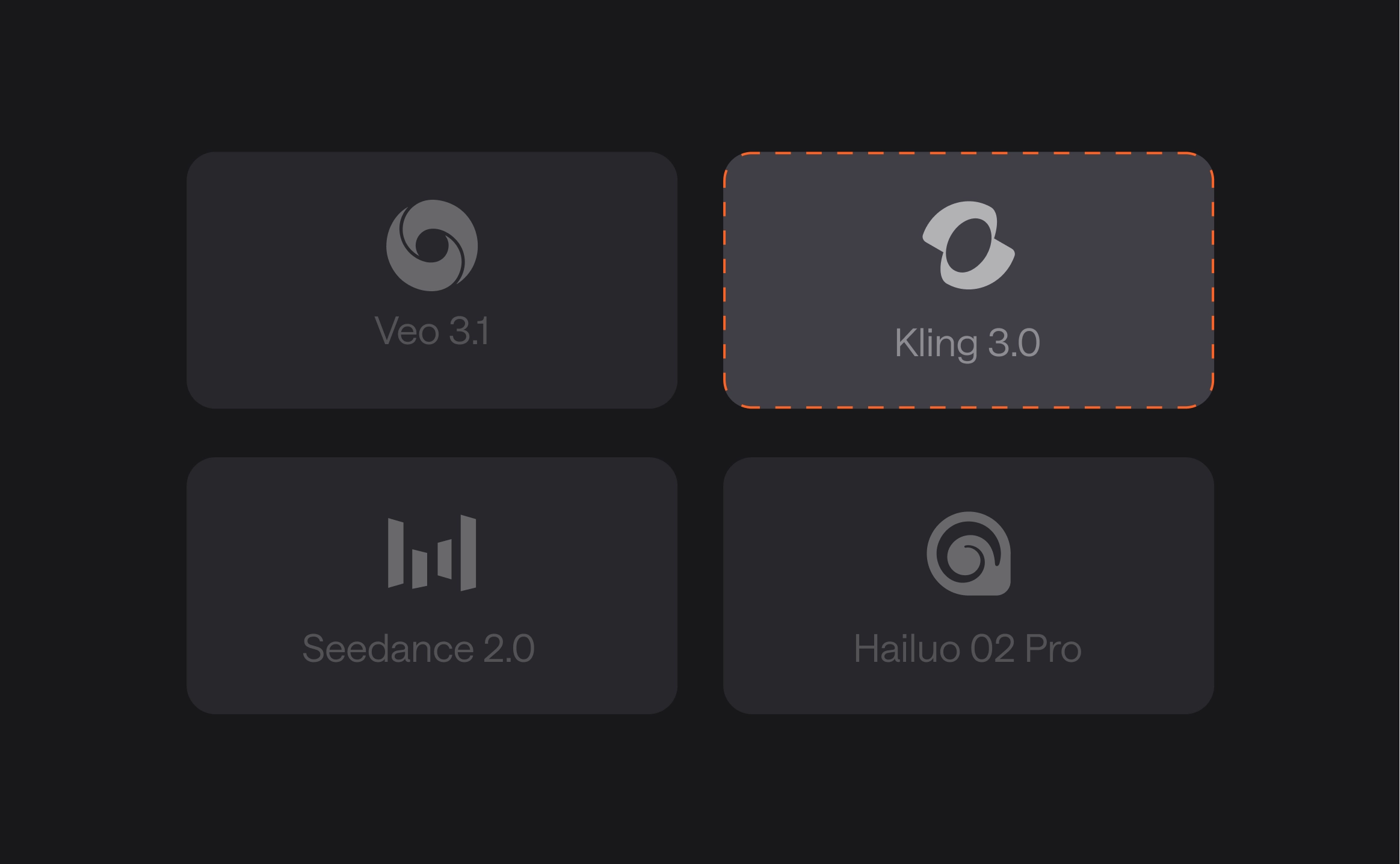
Async gives you access to some of the best AI image generation models available, including Kling Image, Nano Banana Pro, GPT Image 2, Grok Imagine, Seedream, Topaz Upscale, and 100+ additional models as they become available.
Do I need design skills to use an AI image generator?
Not at all. AI image generators are designed to make image creation accessible to everyone. Whether you're a marketer, business owner, content creator, designer, or beginner, you can generate AI images using simple text descriptions and intuitive editing tools.
How to write prompts for AI image generation?
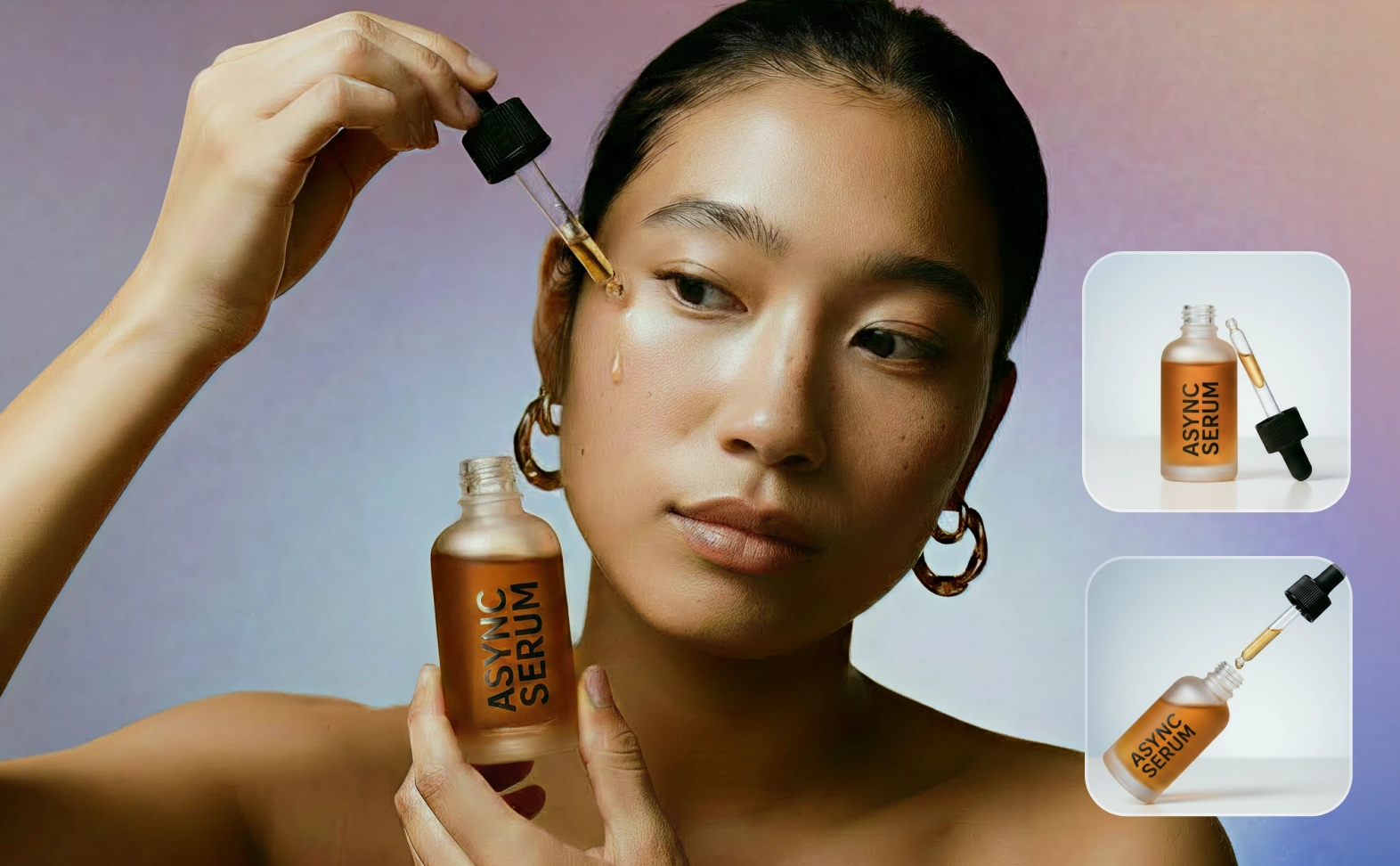
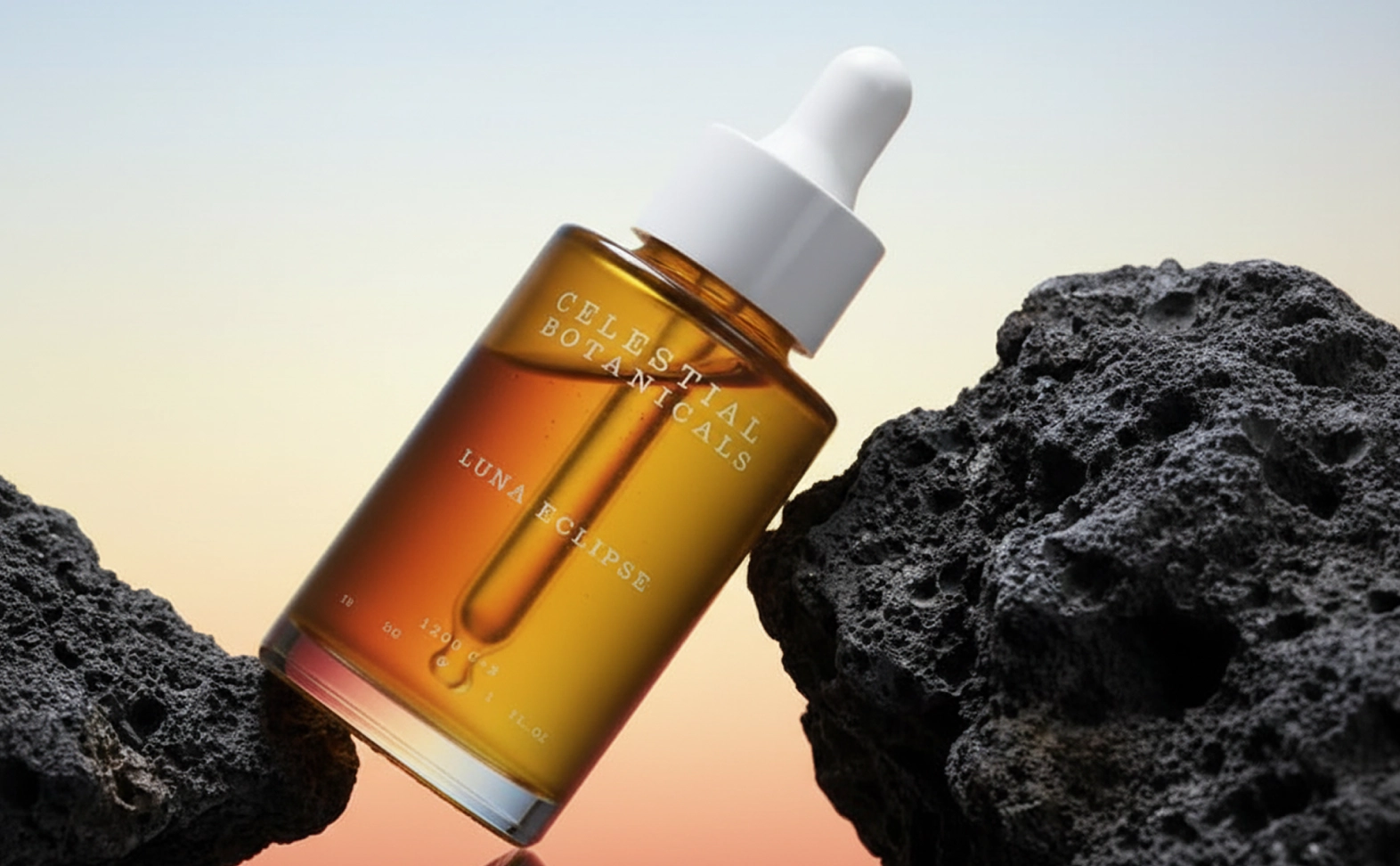
The best prompts are clear and specific. Include details about the subject, style, lighting, composition, colors, camera angle, and desired mood. For example: "A luxury skincare product on a marble countertop, soft natural lighting, professional product photography, high detail." The more context you provide, the better the AI image generation results.
How does AI image generation work?
AI image generation uses trained machine learning models that understand the relationship between text, images, and visual concepts. When you enter a prompt, the AI image generator interprets your instructions and creates a new image based on patterns learned from large datasets.
What can I generate with Async?
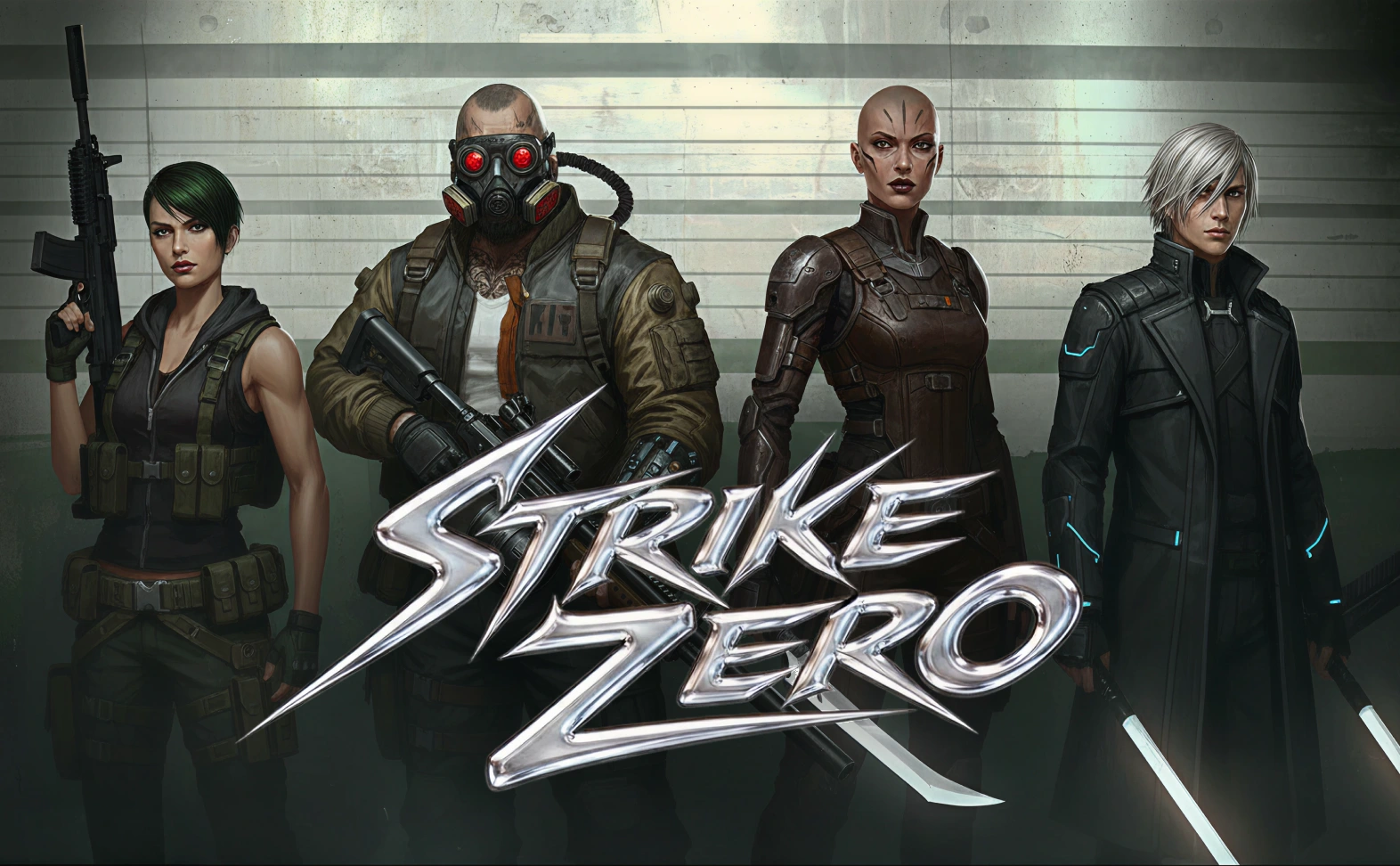
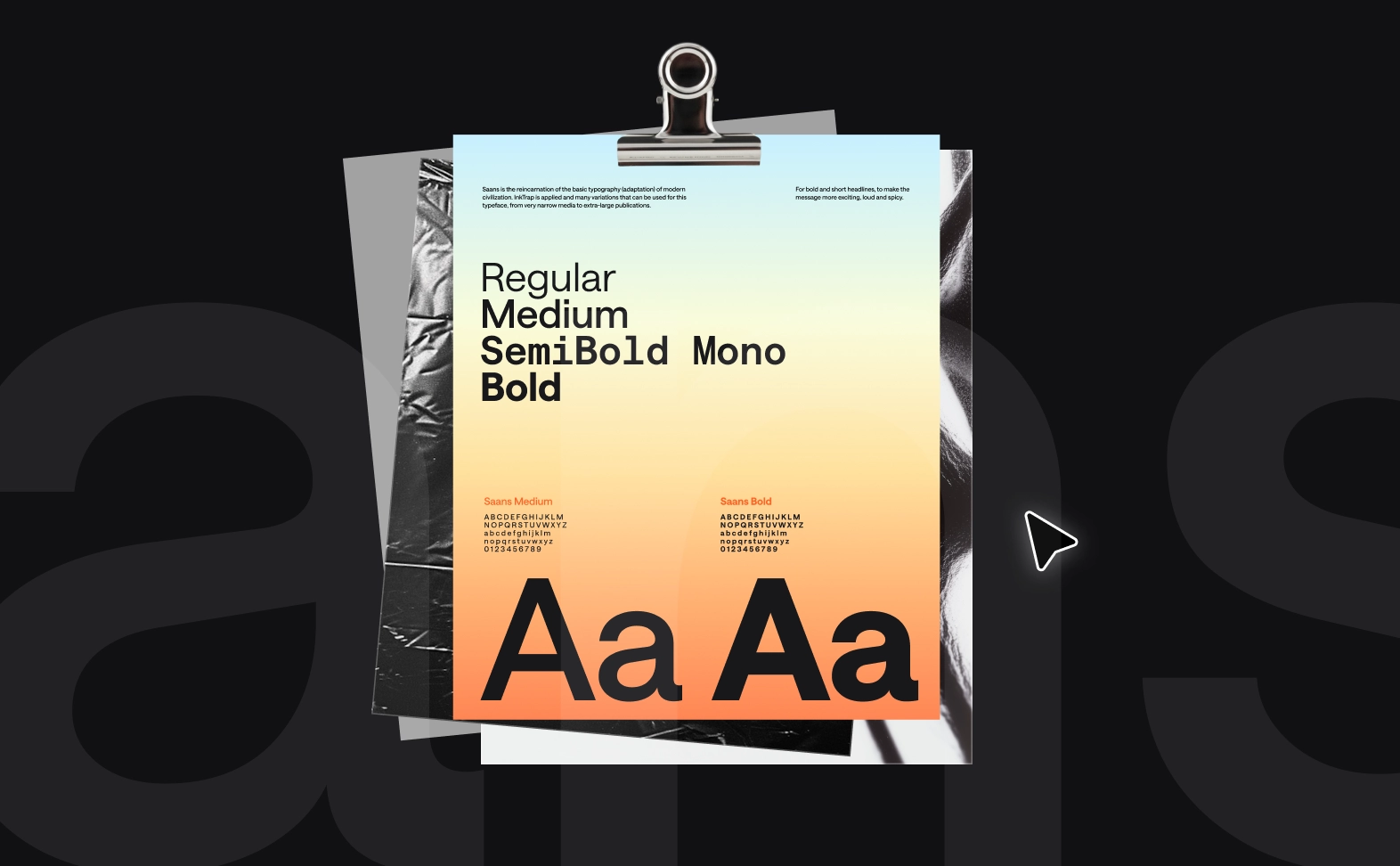
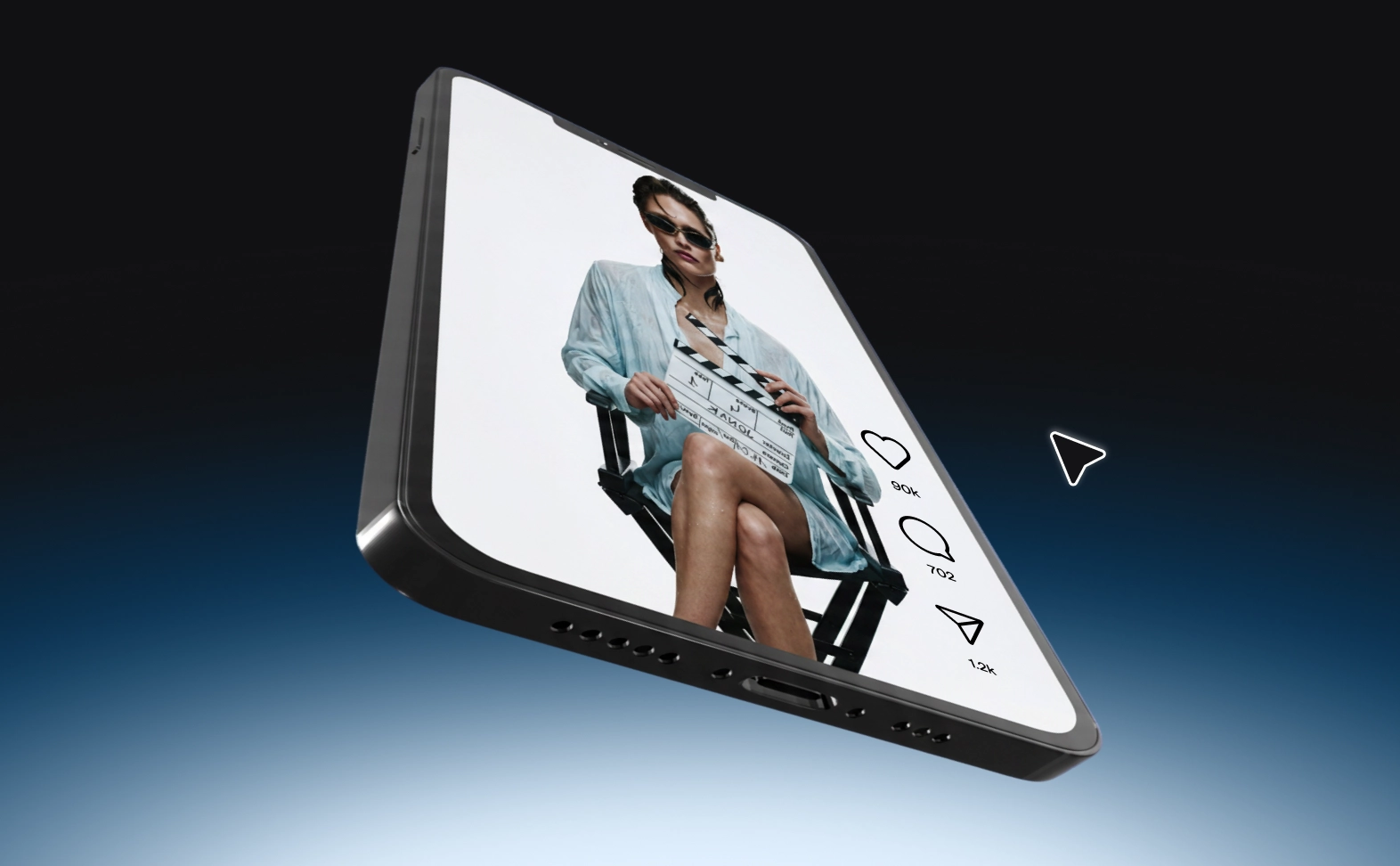
With Async, you can generate AI images for product photography, ad creatives, social media content, website graphics, blog visuals, concept art, illustrations, mood boards, presentations, marketing campaigns, branding assets, character designs, and much more. Additionally, you can create AI videos, sound effects, music, and avatars using the leading AI generation models inside Async.