 15,880 remixes

Generate AI videos with leading AI models, refine scenes through chat-based editing, add captions, realistic AI voice, and music.
Generate AI videos from anything
Image to video
Produce high-definition content with Kling 3.0. This AI video generator delivers 1080p resolution with deep colors and sharp textures for every sequence.
Script to video
Direct your vision with precise tools. Use this AI video generator to execute complex pans, tilts, and zooms for a truly professional cinematic finish.
Video to video
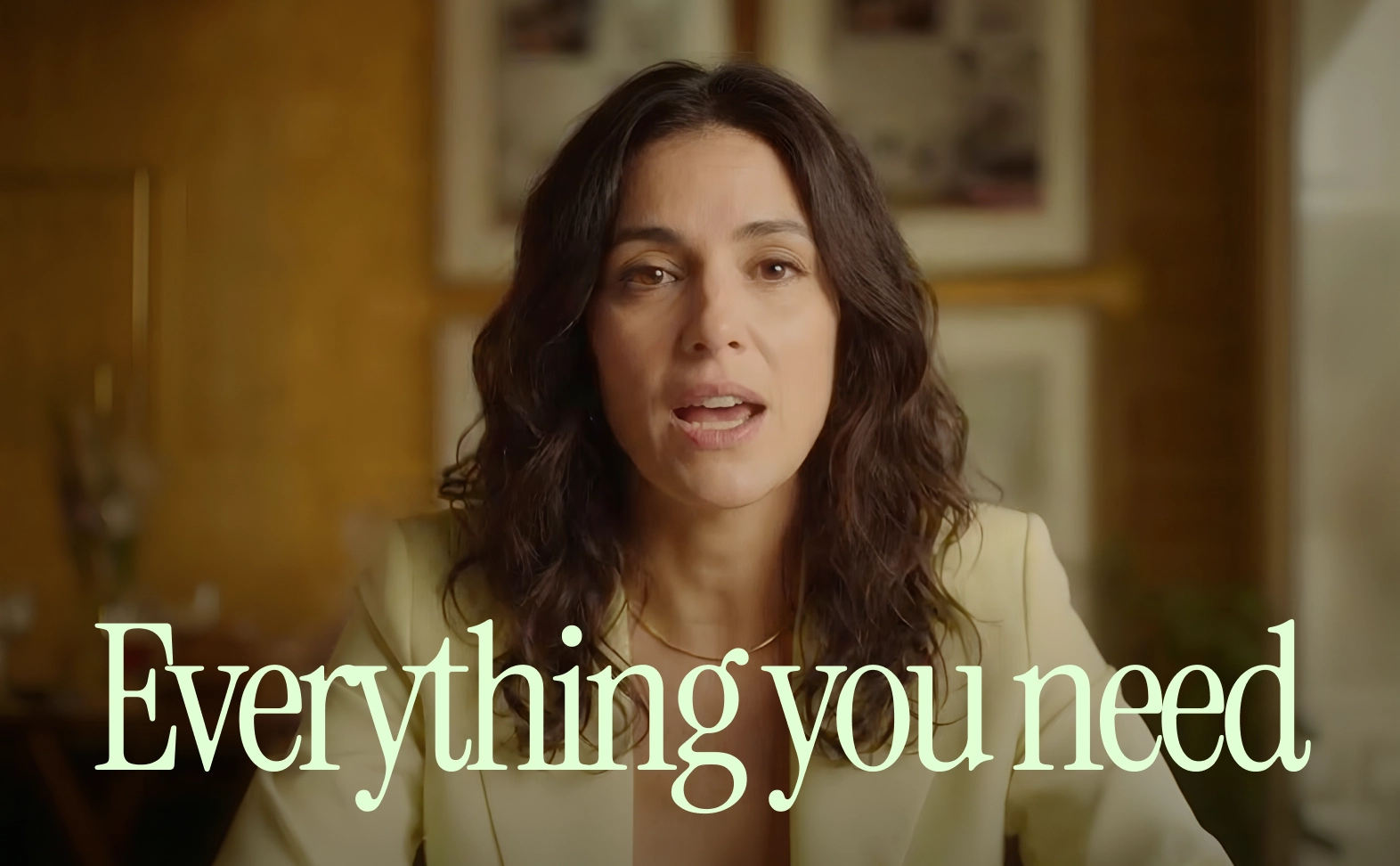
Perfect your talking head videos. Kling 3.0 uses smart AI video generation to align character mouth movements with audio for highly realistic dialogue.
Prompt to edit
Tell a complete story in one shot. Use the best AI video generator to create quick clips that maintain perfect visual consistency and character identity.
Text to video
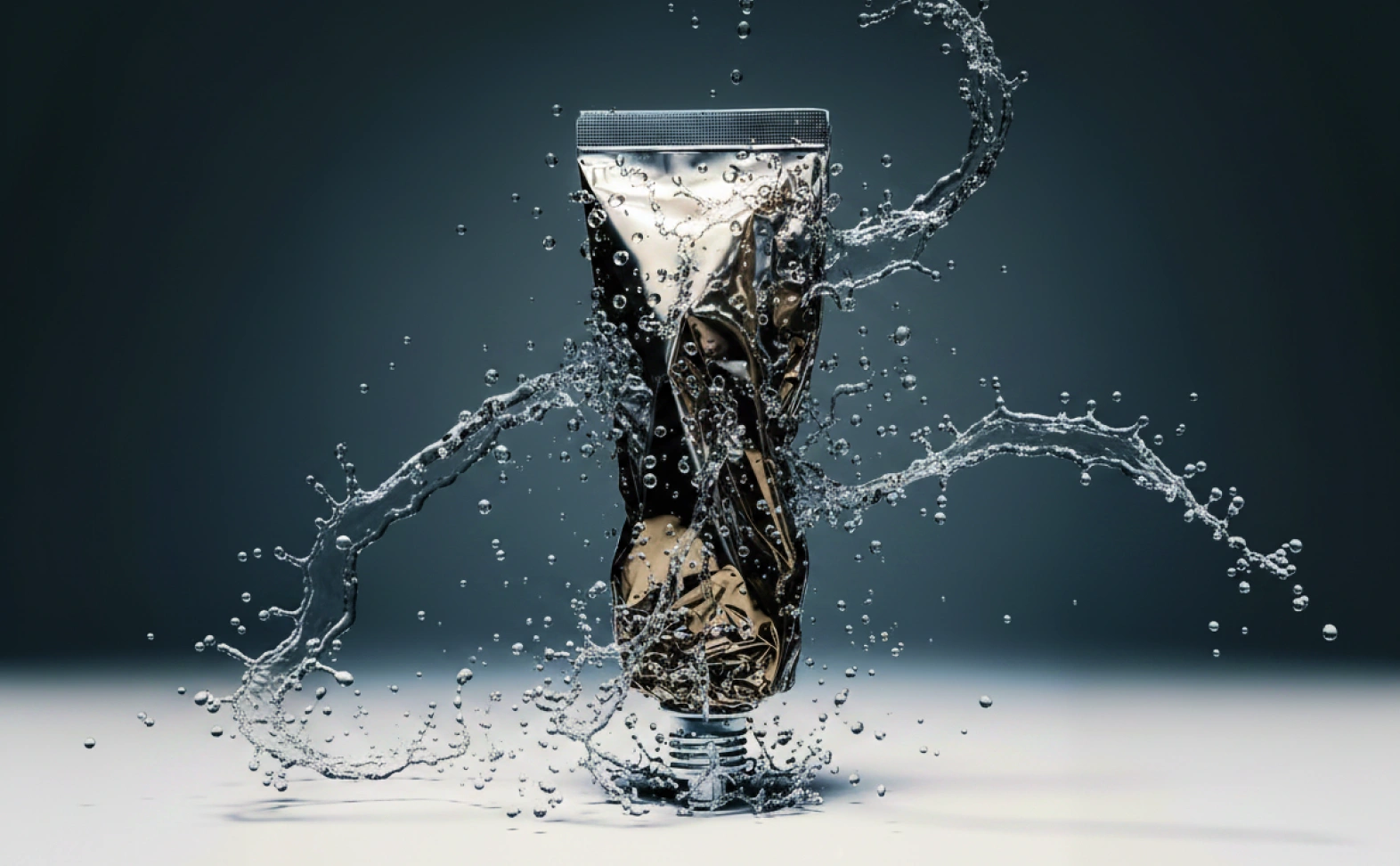
Our AI video generator simulates real-world physics accurately, handling complex motions like flowing water or hair with zero distortion.
Create videos for every channel and campaign
How to turn your idea into a finished video
Async keeps your entire workflow in one place so you can focus on the story, not the software.
 15,880 remixes
14,435 remixes
4,502 remixes
11,405 remixes
17,986 remixes
11,511 remixes
15,880 remixes
14,435 remixes
4,502 remixes
11,405 remixes
17,986 remixes
11,511 remixes

 15,880 remixes


 14,435 remixes
 4,502 remixes
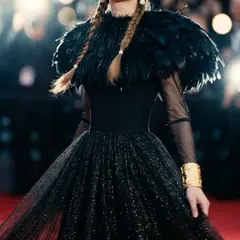
 11,405 remixes
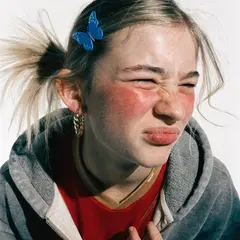
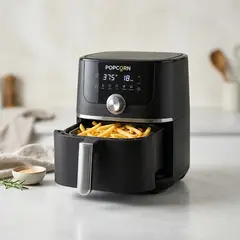 17,986 remixes
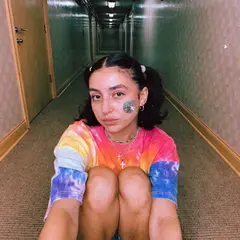
 11,511 remixes
01
One workspace, one tab
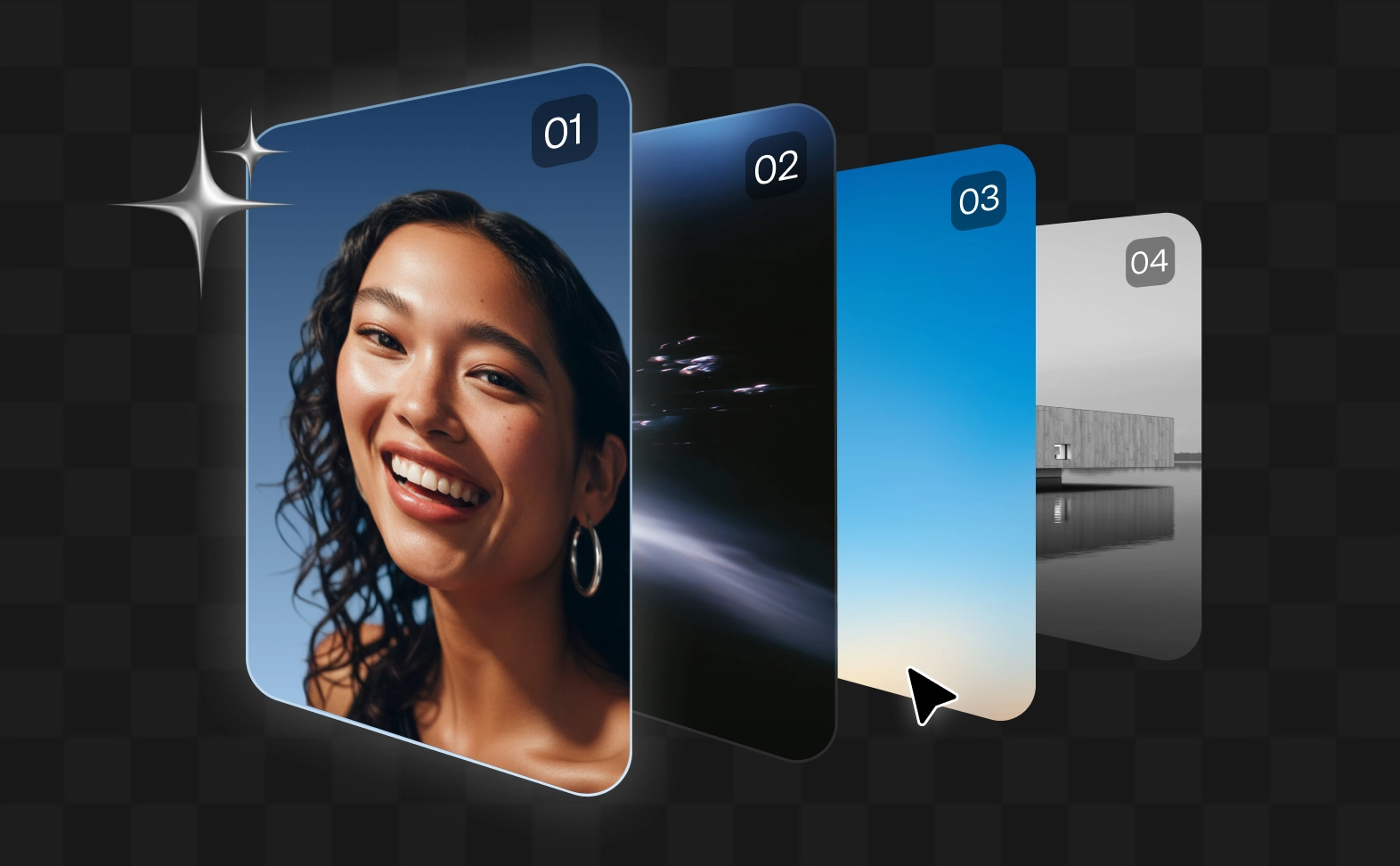
Generate, edit, caption, enhance, and export your AI videos from the same workspace instead of stitching together disconnected apps and timelines.
02
Best AI models in one flow
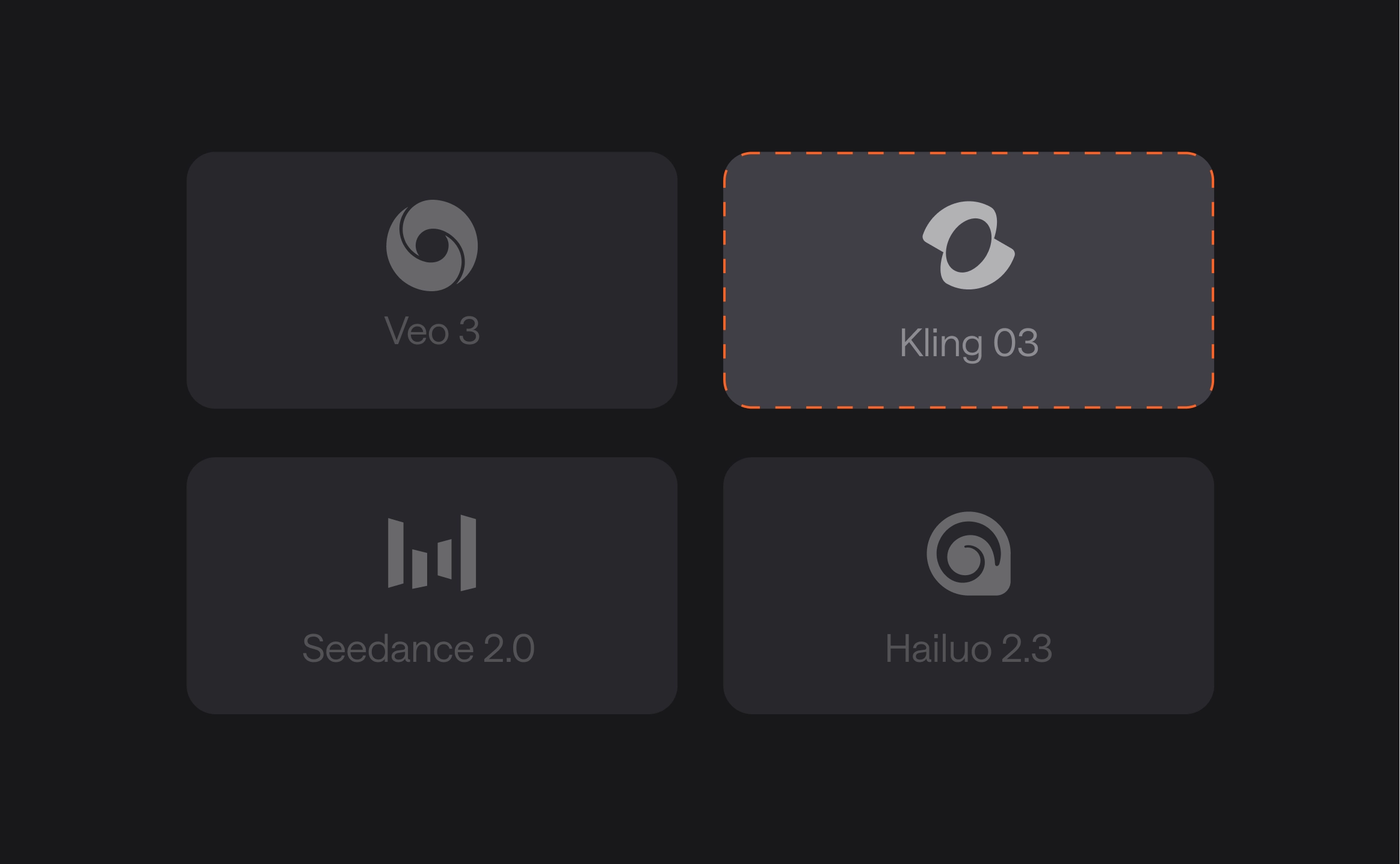
Experiment with 100+ top AI video models like VEO, Kling, Seedance, and more without rebuilding your workflow every time you want a different output.
03
Chat-based AI video editing
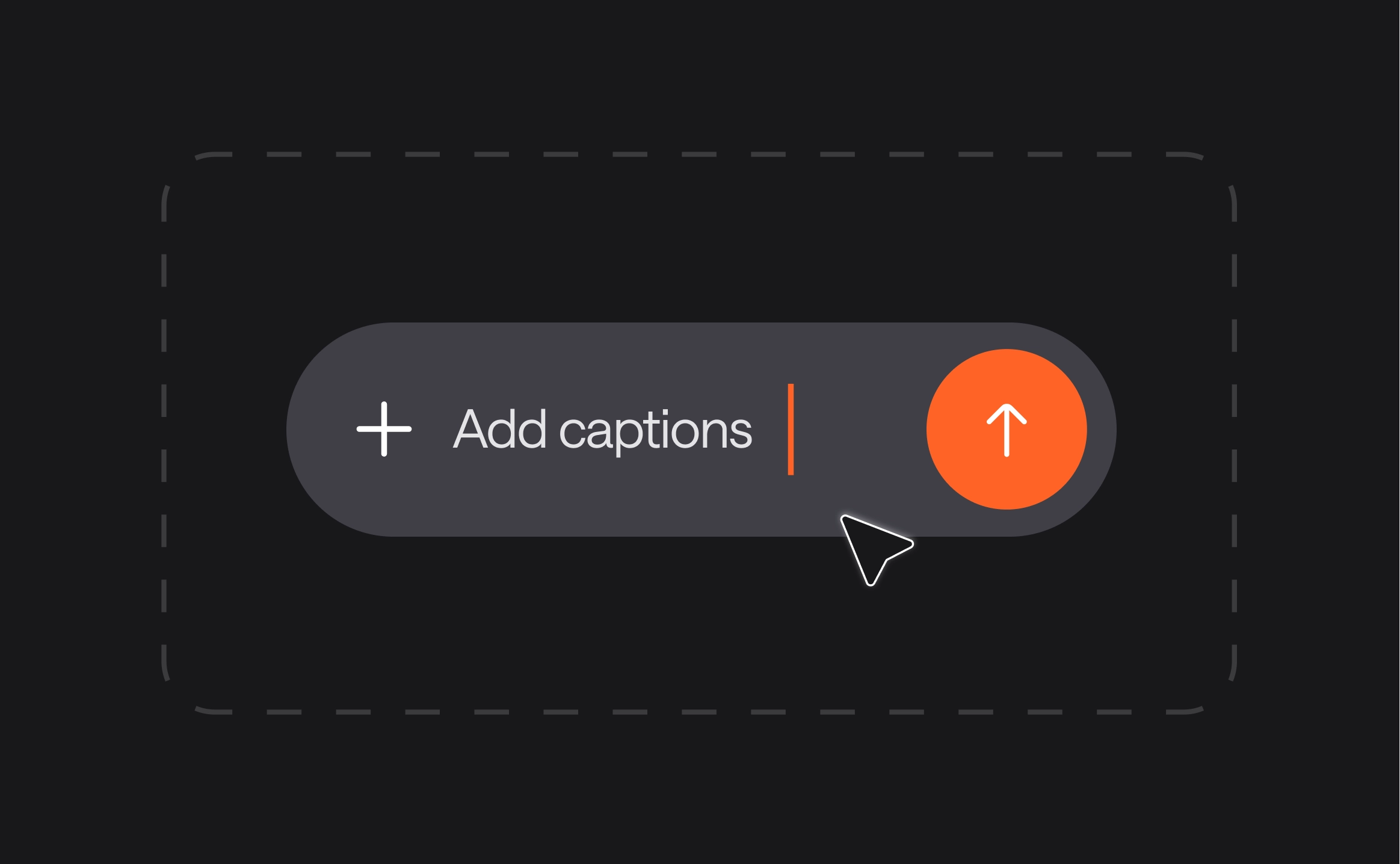
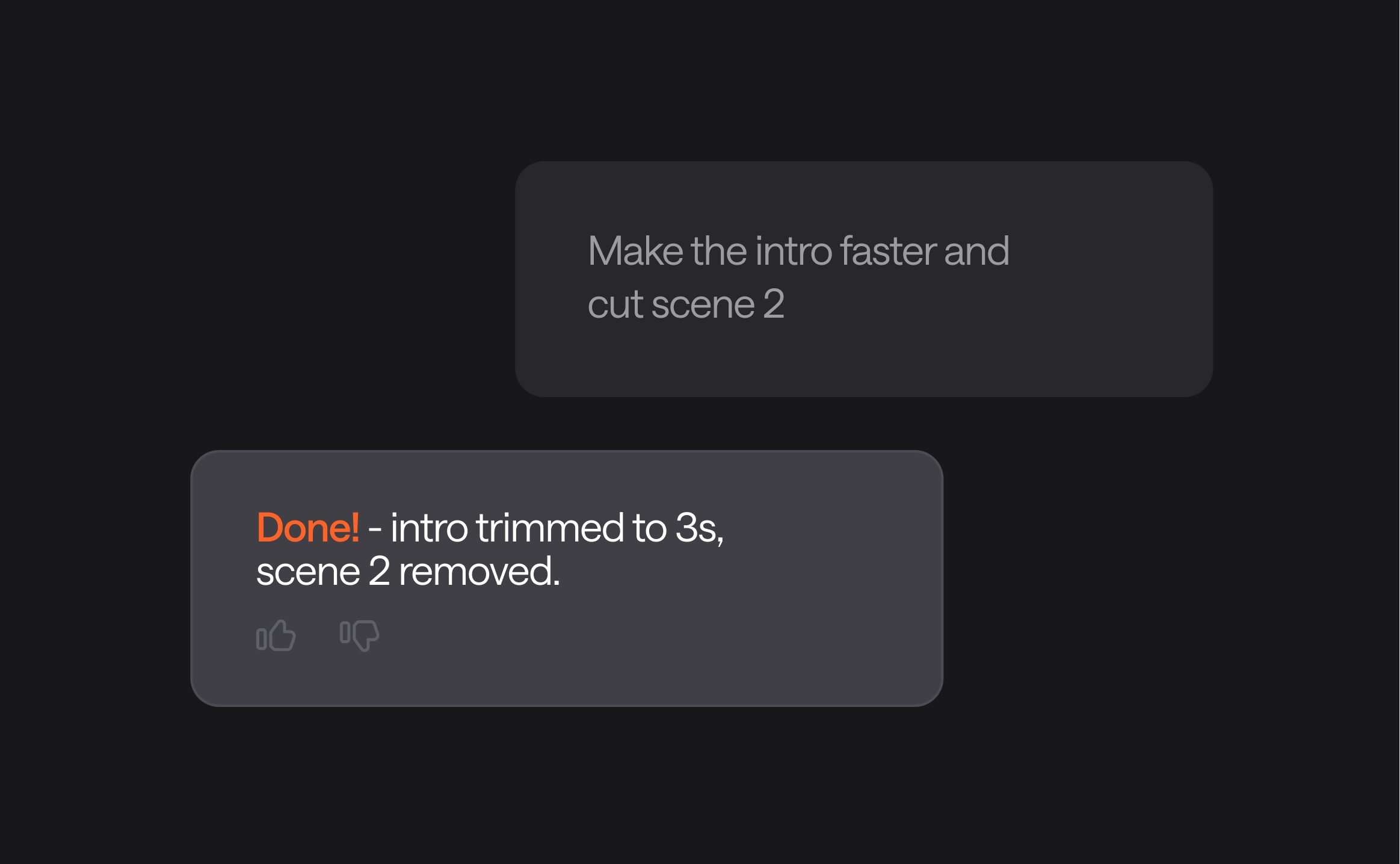
Keep improving your generated videos using natural language. Adjust pacing, rewrite captions, resize formats, swap styles, refine scenes, or create shorter versions through chat.
04
Ready-to-publish content
From AI voiceovers to brand-consistent captions, we provide the polish needed to take a raw video generator output straight to your primary marketing channels.
05
Designed for teams and collaborations
Keep your brand assets, project history, and final exports organized in one workspace. Async isn't just a tool; it's a professional infrastructure for your video content.
06
Creative control without complexity
Move faster with AI video tools while still having the flexibility to refine details, adjust outputs, and shape the final result your way.
Discover more
What is an AI video generator?
An AI video generator is a tool that creates videos using artificial intelligence. You can generate AI video content from text prompts, scripts, images, or existing footage without filming or editing everything manually. Modern AI video generation tools can also add voiceovers, captions, music, sound effects, and visual styles automatically.
How do I create an AI video from text?
To create an AI video from text, start with a prompt, script, or idea describing the scene, subject, style, or goal of the video. The AI video generator uses that input to generate visuals, motion, pacing, and sometimes audio. In Async, you can continue refining the generated video through chat-based editing.
Can I create an AI video from an image?
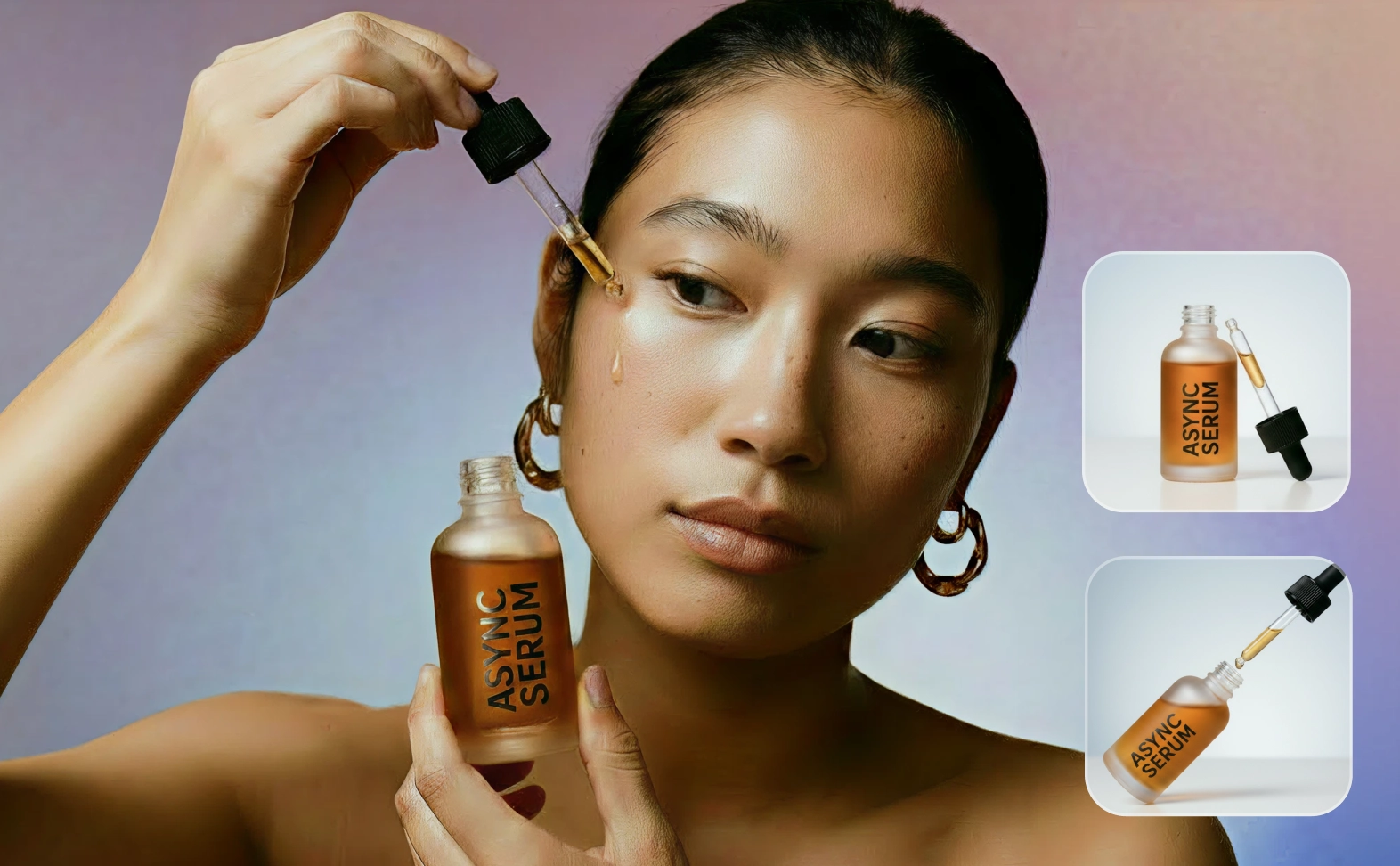
Yes! Some AI video generation tools, like Async, support image-to-video AI workflows. You can upload a product photo, portrait, illustration, AI image, or concept art and turn it into motion-based video content with animation, camera movement, and scene transitions.
What is the best AI video generator?
The best AI video generator is one that offers a balance of cinematic quality, ease of use, and editing control. Async is widely considered a top choice because it aggregates the industry's best AI video models (like Veo, and Kling) into a single workspace with built-in chat-based editing. Unlike other AI video generation tools that force you to restart for every change, Async’s AI chat helps you refine your AI video with simple text commands. It’s the only video generator that combines AI generation, AI video and audio editing tools, and publishing into a single, high-speed workflow.
Is Async’s AI video generator free?
Async offers a "Try for Free" tier so you can explore AI video generation and test different models. For professional features, including high-resolution exports and advanced AI video generation tools, flexible monthly or yearly subscription plans are available.
Can I edit AI-generated videos in Async?
Absolutely. Async goes beyond simple generation by allowing you to edit your AI video using a chat interface. You can request a better cut, change the aspect ratio, or refine the pacing simply by typing instructions, removing the need for a complex video and audio editing experience.
Can I add voice, music, captions, and sound effects?
Yes, Async is an all-in-one video generator. Once you generate AI video, you can layer in professional AI voices (with voice cloning), generate original background music, add automatic captions, and insert cinematic sound effects without leaving the dashboard.
What AI video models can I use in Async?
Async gives you access to a curated selection of the world's leading AI video models, including Google Veo, Kling, Seedance, and 100+ other leading AI model options. This allows you to pick the best model for your specific creative needs, whether it's cinematic realism or fast social clips.
Can I use AI-generated videos for marketing or social media?
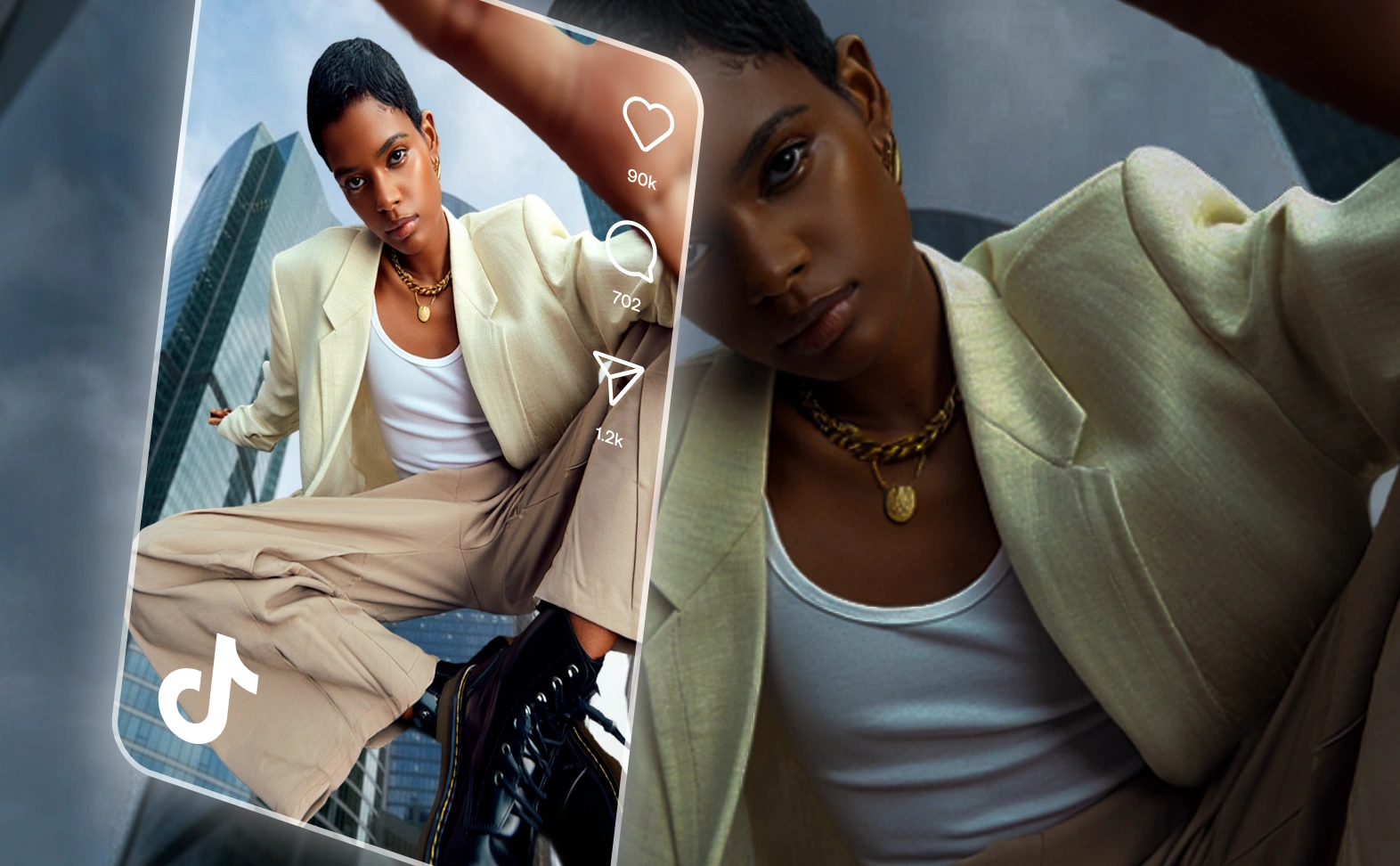
Sure! AI video generation is ideal for marketing. You can create high-performing video ads, scroll-stopping TikToks and Reels, and professional product explainers. Async’s tools ensure your content is polished and ready for any major social platform or campaign.
Do I need editing experience to use an AI video generator?
Nope. AI video generation tools are designed to be intuitive. If you can write a text message, you can generate AI video. Async’s chat-based editing further simplifies the process, making it accessible for marketers, small business owners, and creators of all skill levels.
How to write prompts for AI video generation?
To get the best results, be specific. Include the subject (who/what), the action (what is happening), the lighting (e.g., "golden hour"), and the cinematography (e.g., "cinematic 4k, wide shot"). Effective AI video prompts act like a director’s note to the AI.
How does AI video generation work?
AI video generation works by using neural networks, specifically diffusion models and transformers, to predict what a sequence of video frames should look like based on your prompt. The AI starts with visual "noise" and iteratively refines it into a clear, moving image that matches your description.