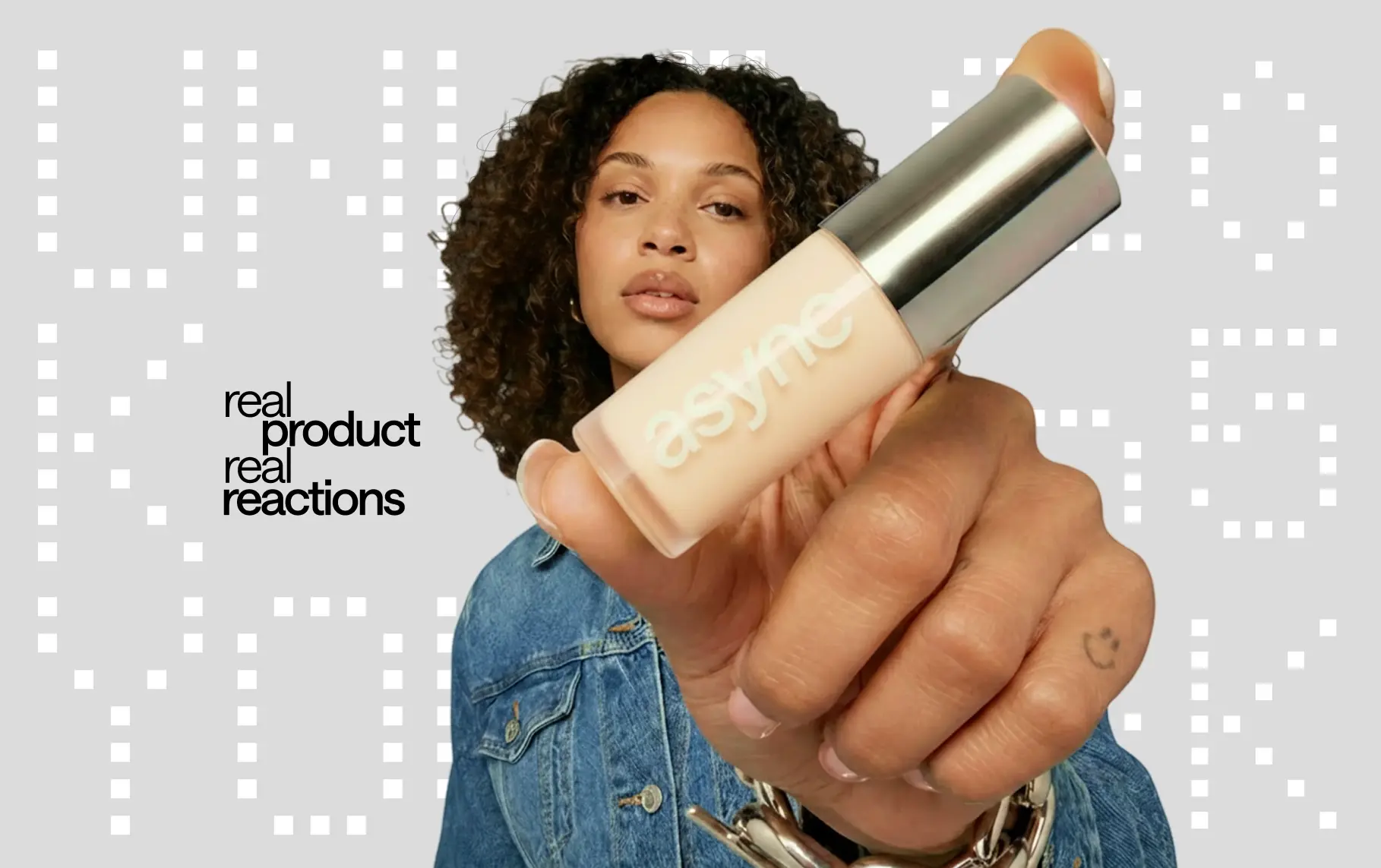
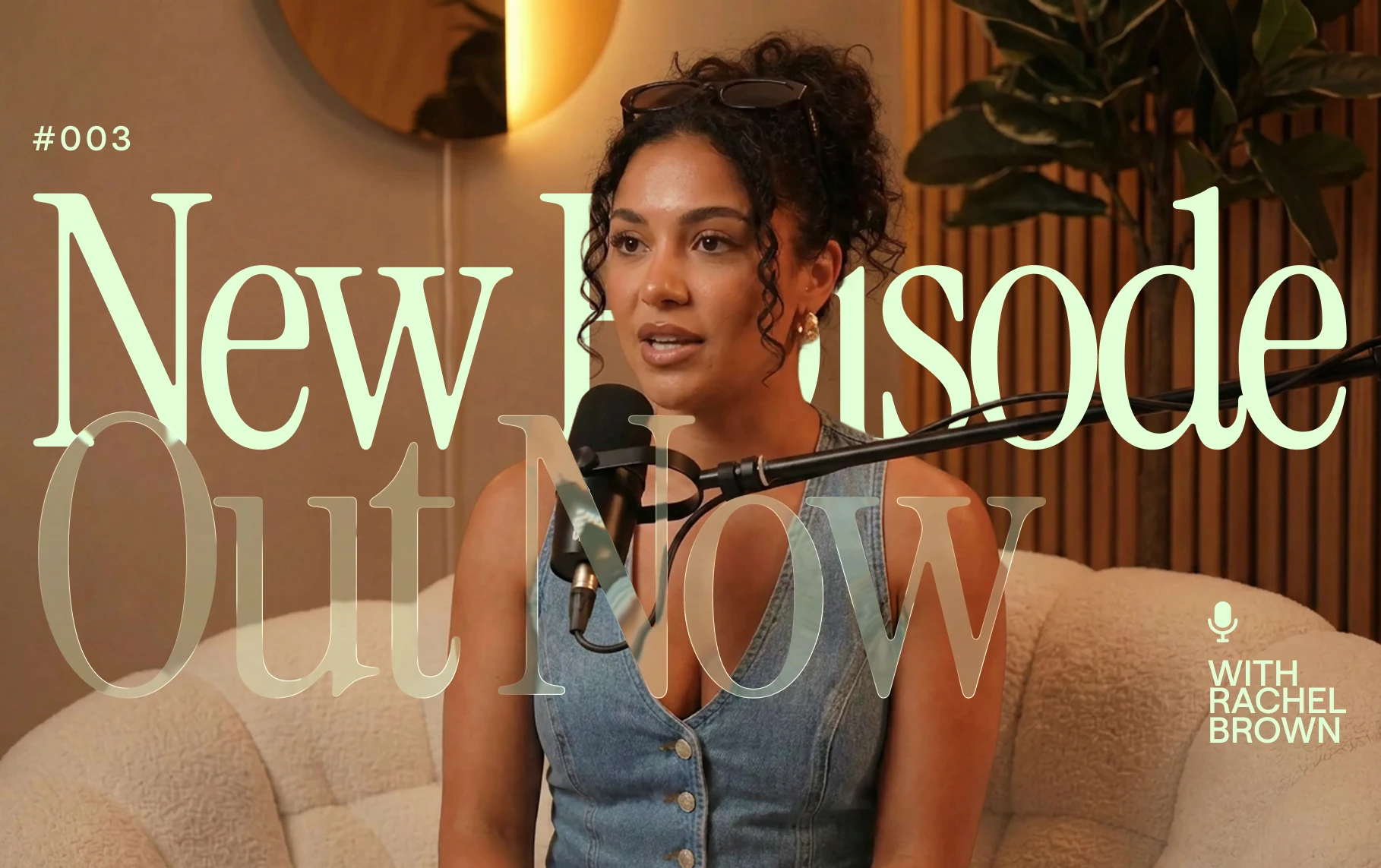



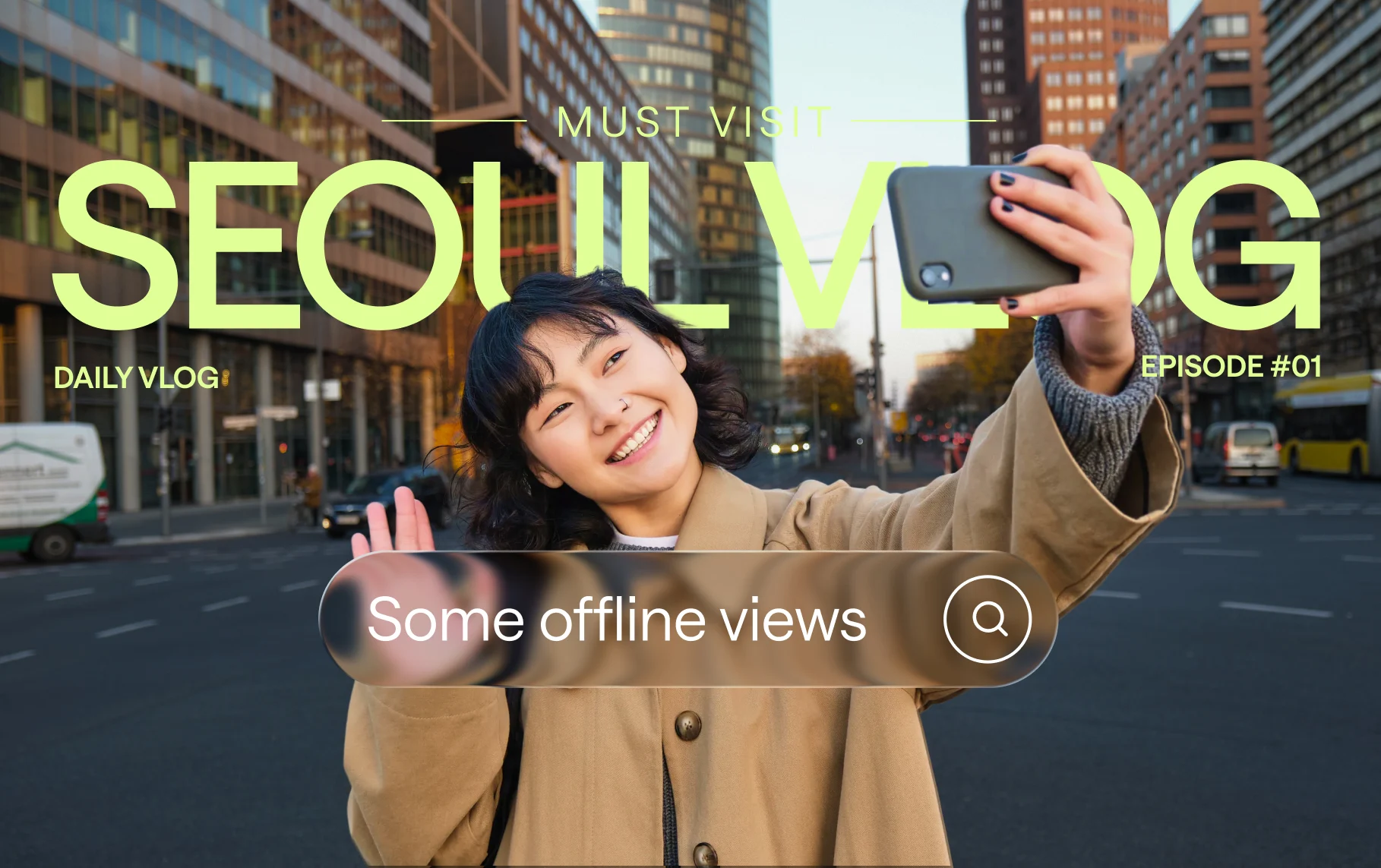


Video templates for creators and small businesses
Aesthetic reels, quote videos, fashion lookbooks, and brand intros — customized through chat, no editing skills needed.
Make Async edit your way with skills
Save your editing style as a skill, then reuse it whenever you need.
Loved by creators worldwide

“I really like it because it's the best application i have used so far for recording my episodes in the podcast.”
iCast P. on G2
“Async is very easy to use. The customer service is also top rate. I am glad I chose to work with them.”
Robert S. on G2
“Async has saved me so much time and money to be able to do everything all in one tool.”
Cosmin G. on G2
Discover more
What is an AI video editor?
An AI video editor helps you create and edit videos using simple prompts instead of complex editing tools. With Async, you can generate videos, cut clips, add subtitles, dub content, create voiceovers, and repurpose videos for social media: all in one online video editing workflow.
Can AI edit my videos for me?
Yes. Async is an AI video editor that lets you create and edit videos by chatting with AI instead of using complicated video editing software. It’s built to make video editing faster and easier, with AI models and AI-powered editing tools that help you go from an idea, prompt, or uploaded media to polished video content in minutes.
Do I need editing experience to use Async?
Not at all. Async is built for people who want to create videos without any prior video editing experience. You don’t need to learn complicated video editing software, just start with an idea, prompt, uploaded media, or a pre-made workflow, and Async’s AI-powered tools help you turn it into a finished video in minutes.
Can I use Async to make social media clips?
Yes. Async helps turn long videos, podcasts, webinars, interviews, and recordings into short-form clips for TikTok, Instagram Reels, YouTube Shorts, LinkedIn, and other platforms. You can generate clips, add captions, improve sound, and create shareable videos faster.
Does Async add subtitles and dub videos?
Async includes AI subtitles and AI dubbing tools, so you can caption videos, translate content, and create multilingual versions for global audiences. It also supports multilingual AI voices, making it easier to localize videos without rebuilding every project from scratch.
Is Async just for creators, or can teams use it too?
Async was built for both creators and teams. Creators can use it to make videos faster without complex editing tools, while teams can use it to scale content production with collaborative workflows, brand consistency, and AI-powered video editing tools.