Searching for the best AI models usually leads to a mix of chatbots, image generators, and general AI tools. But if your goal is creating videos, that definition changes fast. The strongest options are no longer just about generating text or images. They are about producing motion, understanding prompts deeply, and fitting into a real creative workflow.
That’s where most lists fall short. They treat all artificial intelligence apps as interchangeable, even though video generation requires a completely different level of control. Things like motion realism, scene consistency, image-to-video flexibility, and iteration speed matter far more than generic output quality.
In 2026, the landscape has shifted. New video generation models are not just experimental tools. They are becoming core parts of how creators, marketers, and teams produce content at scale. Recent data from the Stanford AI Index Report highlights the rapid rise of multimodal AI models, signaling a clear shift from text-based systems toward video and image generation. From short-form vertical clips to cinematic sequences, the models that matter most are the ones that can actually move ideas forward, not just generate assets in isolation.
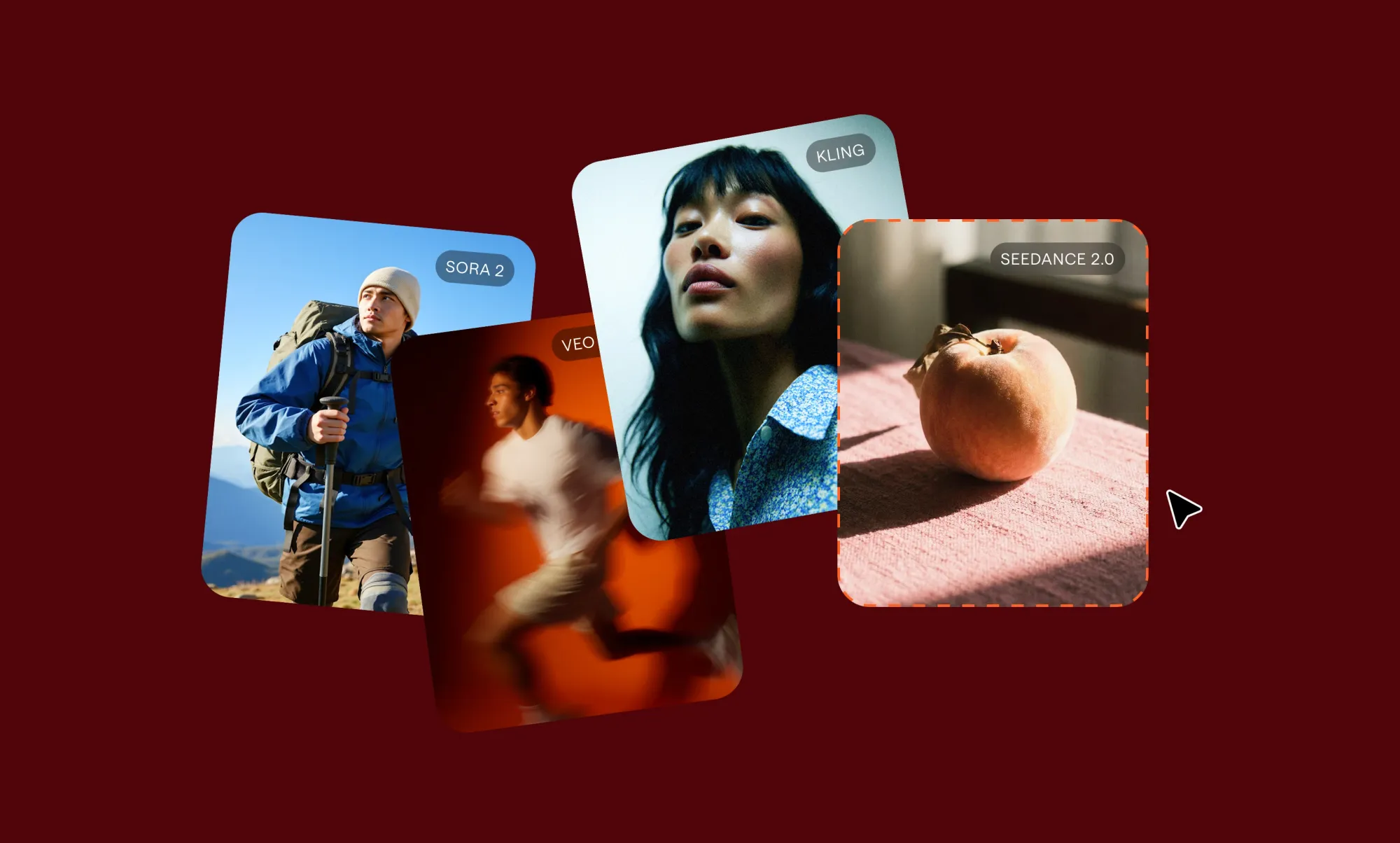
The best AI models for most creators in 2026 are the ones built for video generation, not just text. Models like Veo 3, Sora 2, Kling, Hailuo, and Seedance stand out because they handle motion realistically, follow prompts more closely, and support image-to-video AI workflows that fit how modern AI apps for creators are actually used.
This guide focuses specifically on those models. Not the most popular AI tools overall, but the ones that are genuinely useful for video creation today.
What does “best AI models” mean if your goal is video generation
The best video generation models are not the same as the strongest AI systems overall. While many AI tools focus on text or images, video models are evaluated based on motion realism, prompt accuracy, scene consistency, and how easily they fit into a real editing workflow.
When people ask what is the best AI, they are often thinking about general-purpose tools like chatbots or image generators. But those models are not built to handle time-based content. Video introduces a different layer of complexity. Frames need to connect smoothly, movement needs to feel natural, and outputs need to stay consistent across sequences.
That’s why not all artificial intelligence apps are useful for creators working with video. A model that generates strong images might still struggle with motion or break continuity between frames. Similarly, a text-focused AI tool might produce great prompts but fail to translate them into usable video outputs.
For video generation, the definition of “best” becomes much more specific. It comes down to a combination of factors:
• How realistic does the motion look
• How closely the model follows prompts
• How well it handles text-to-video AI and image-to-video AI workflows
• How consistent are scenes across clips
• How fast can you iterate and refine outputs
• How well it fits into a broader workflow with other AI tools
This is also why many creators don’t rely on a single tool anymore. They combine different AI video tools for social media depending on the type of content they’re producing, from short-form clips to longer narrative videos.
Once you evaluate video models through this lens, the landscape becomes much clearer. Instead of comparing everything under the same category, you start identifying which models are actually built for video creation and which ones are not. That shift is what makes it easier to choose the right tools and avoid wasting time on models that look impressive but don’t translate into usable results.
How we evaluated the best AI models for video generation
The strongest video generation models are not defined by popularity or hype. To identify which AI tools and artificial intelligence apps are actually useful for creators, we evaluated them based on how they perform in real video workflows, not isolated demos.
We focused on a set of practical criteria that reflect how creators actually use these models:
• Output quality: how detailed, sharp, and visually coherent the generated video looks
• Prompt adherence: how accurately the model follows instructions, including style, movement, and scene composition
• Realism and motion: how natural and consistent movement appears across frames
• Image to video flexibility: the ability to turn reference images into usable video sequences
• Speed and iteration: how quickly you can generate, test, and refine outputs
• Workflow readiness: how easily the model fits into a broader creation process alongside other AI tools
These criteria matter because video generation is not just about producing a single clip. It is about creating something you can use, refine, and integrate into a larger content pipeline.
By evaluating models through this lens, the focus shifts away from novelty and toward usability. The best AI models are the ones that consistently deliver results that creators can build on.
Best AI models for video generation in 2026
If you’re looking for the best AI models for video generation in 2026, these are the names worth paying attention to right now. The current landscape of AI tools and artificial intelligence apps is evolving quickly, but a small group of AI video generation tools consistently stands out for their ability to produce usable video, not just impressive demos.
The leading models in this space are built to handle motion, follow prompts accurately, and support workflows like text-to-video and image-to-video, which is what defines the best AI for video generation today. They are not just generating clips. They help creators move from idea to output faster and with more control.
In practice, creators rarely rely on a single model. Instead, they combine multiple AI tools depending on the type of video they are creating. Different models excel at different tasks, from cinematic generation to fast iteration to avatar-based content. That’s why understanding each model’s strengths matters more than trying to find a single “best” option.
Below is a breakdown of the most relevant video generation models today, including what they are best at, where they fall short, and who they are actually useful for.
Veo 3
Use case: Best for high realism and cinematic video generation
Why include:
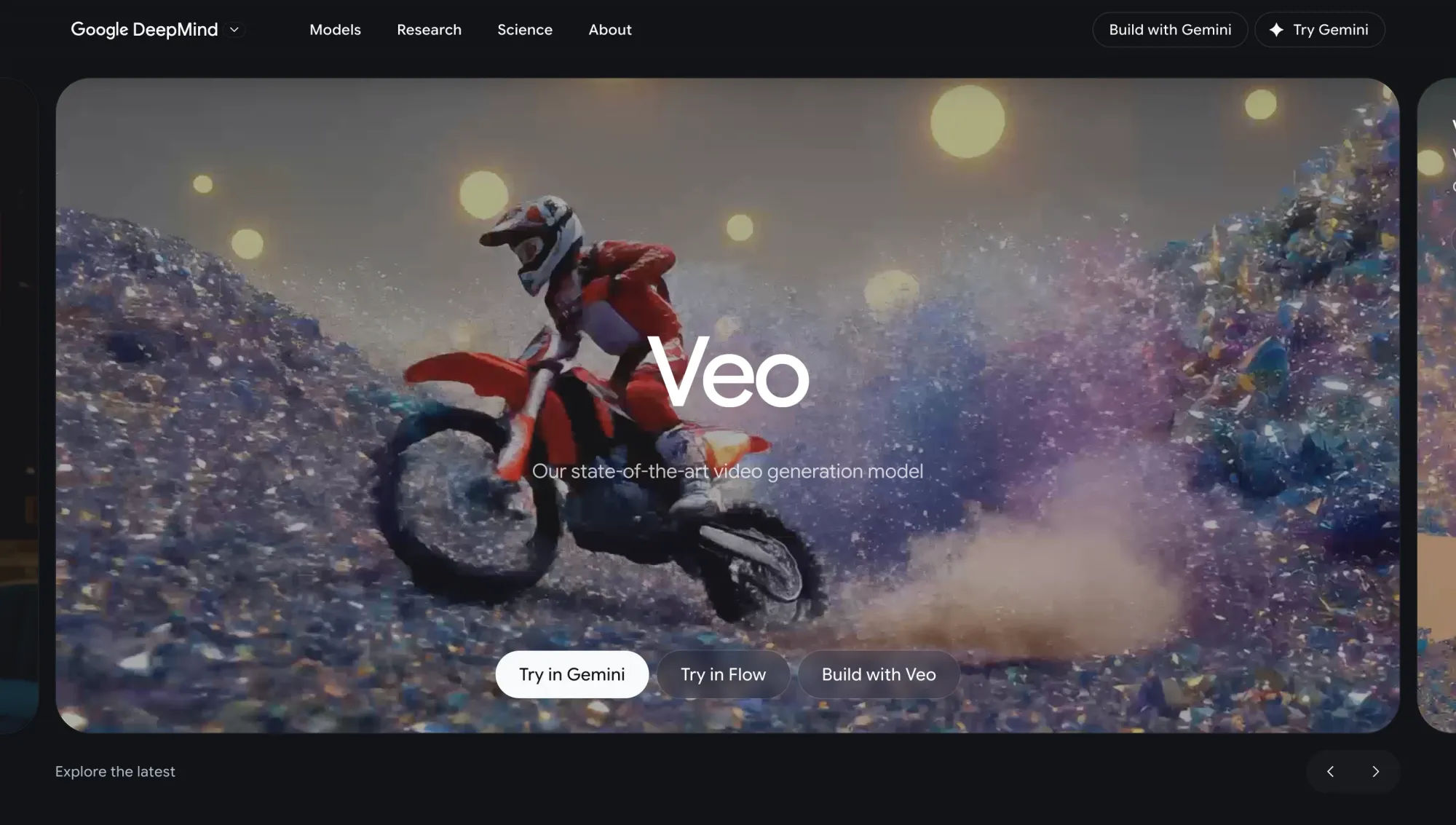
Google positions Veo as its most advanced video generation model, and Veo 3 reflects that with strong motion realism, better prompt interpretation, and improved scene consistency across frames. It supports both text-to-video and image-to-video workflows, along with vertical formats and higher-quality outputs that make it suitable for production-level content.
What creators like:
• Very strong motion realism compared to most models
• Better consistency across frames, especially in longer clips
• Handles cinematic prompts and camera directions more accurately
• Produces outputs that feel closer to finished content
Where it falls short:
• Access is still limited compared to more open tools
• Slower generation times, especially for high-quality outputs
• Requires more deliberate prompting to get the best results
• Not ideal for fast iteration or quick social content testing
Who it’s for: Creators and teams focused on high-quality visual output, storytelling, and polished content where realism and control matter more than speed.
Sora 2
Use case: Best for cinematic storytelling and prompt-driven video generation
Why include: Sora 2 is designed to turn detailed prompts into structured video sequences with strong scene composition and timing. It stands out for how well it handles narrative flow, camera movement, and multi-scene generation, making it one of the most advanced models for concept-driven video creation.
What creators like:
• Strong ability to translate detailed prompts into structured scenes
• Handles camera angles and transitions more intentionally than most models
• Better at generating multi-scene or narrative sequences
• Outputs feel more directed rather than random
Where it falls short:
• Less suited for fast testing or quick iterations
• Requires well-structured prompts to get consistent results
• Limited availability depending on access
• Not ideal for short-form social content workflows
Who it’s for: Creators focused on storytelling, concept videos, and cinematic sequences where structure and direction matter more than speed.
Kling
Use case: Best for smooth motion and flexible generation modes
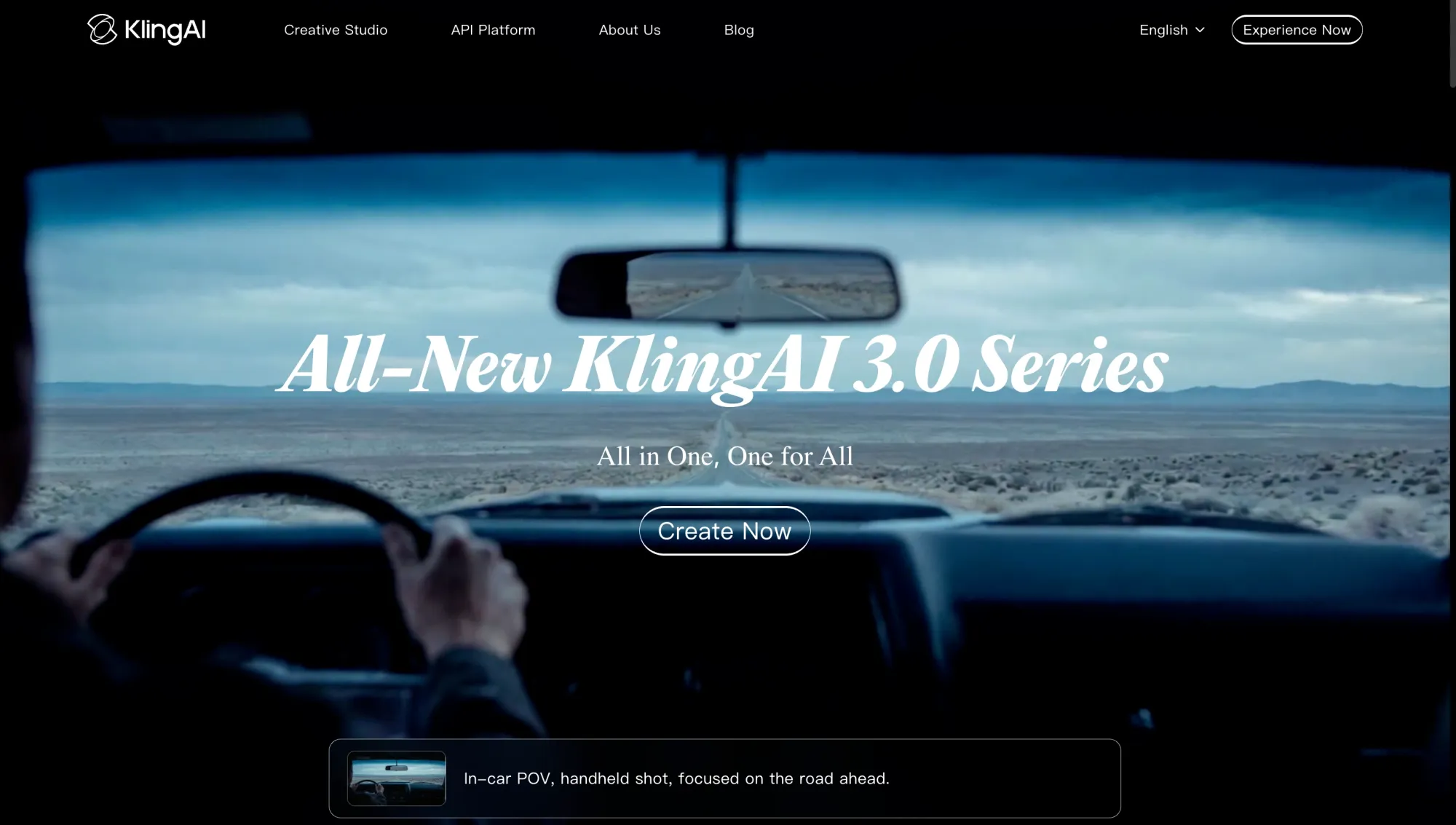
Why include: Kling stands out for how it handles movement across frames, making it one of the strongest models for dynamic scenes. It supports both text-to-video and image-to-video workflows and gives creators more flexibility when experimenting with different styles and formats.
What creators like:
• Smooth and natural motion compared to many other models
• Works well for action-heavy or movement-focused scenes
• Supports multiple input types, including text and images
• More flexible when testing different styles and ideas
Where it falls short:
• Output consistency can vary depending on prompt clarity
• Often requires multiple generations to refine results
• Less control over narrative structure compared to cinematic-focused models
• Visual quality can be less stable in complex scenes
Who it’s for: Creators who prioritize movement, experimentation, and flexibility across different types of video content.
Hailuo 2.3 Pro
Use case: Best for fast iteration and rapid content testing
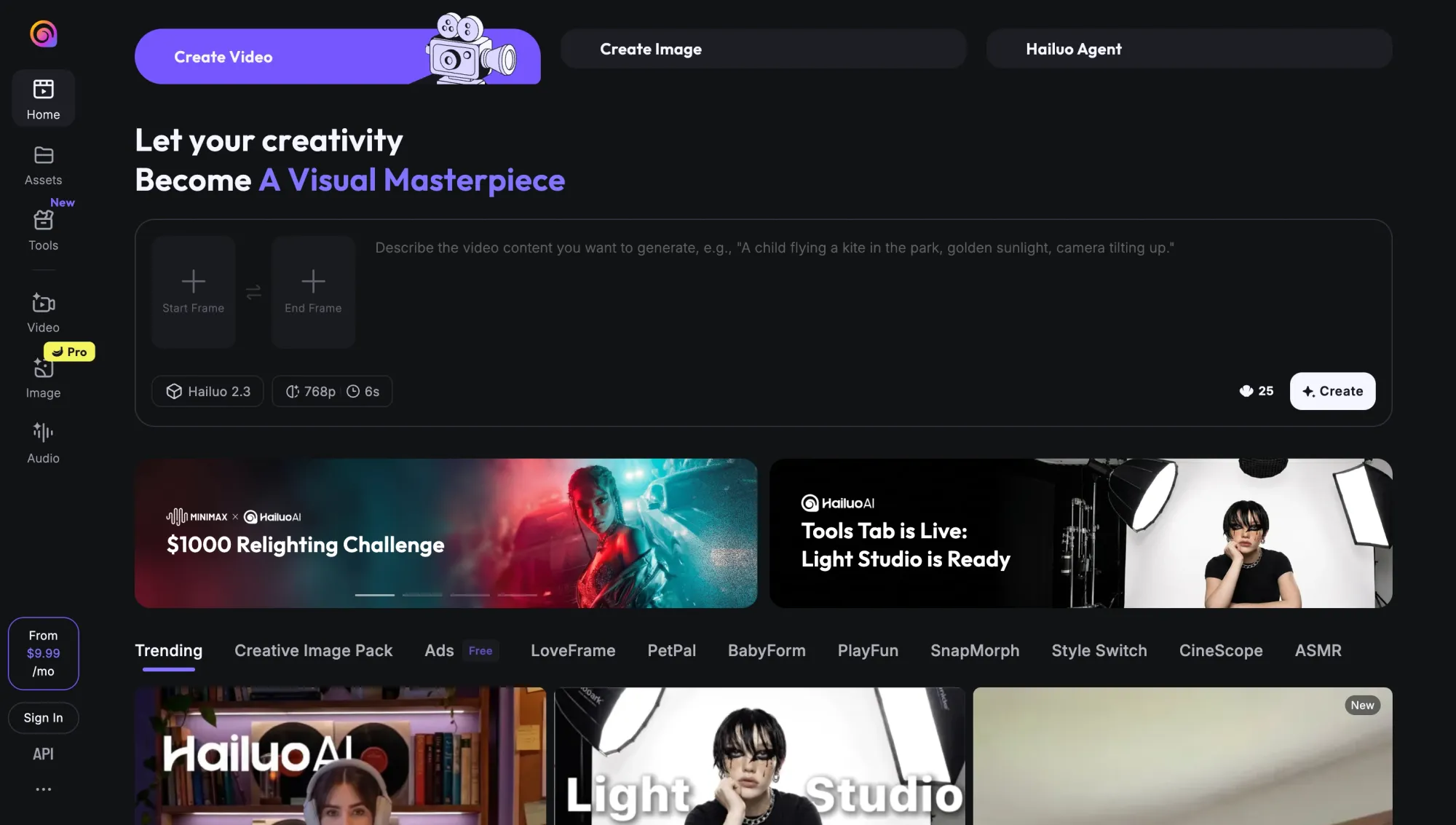
Why include: Hailuo 2.3 Pro is designed for speed and flexibility, making it one of the most practical models for creators who need to generate and test multiple ideas quickly. It supports both text-to-video and image-to-video workflows, with faster turnaround times that make it easier to refine outputs without long delays.
What creators like:
• Faster generation compared to most high-quality models
• Easy to test multiple prompts and variations quickly
• Supports both text-to-video and image-to-video inputs
• Useful for early-stage ideation and content testing
Where it falls short:
• Output quality is less consistent compared to realism-focused models
• Motion and detail can vary across generations
• Less control over complex scenes or structured narratives
• Outputs often require refinement before final use
Who it’s for: Creators who prioritize speed, experimentation, and rapid iteration over polished final output.
Seedance 1.5 Pro / Seedance 2.0
Use case: Best for balanced text-to-video and image-to-video workflows
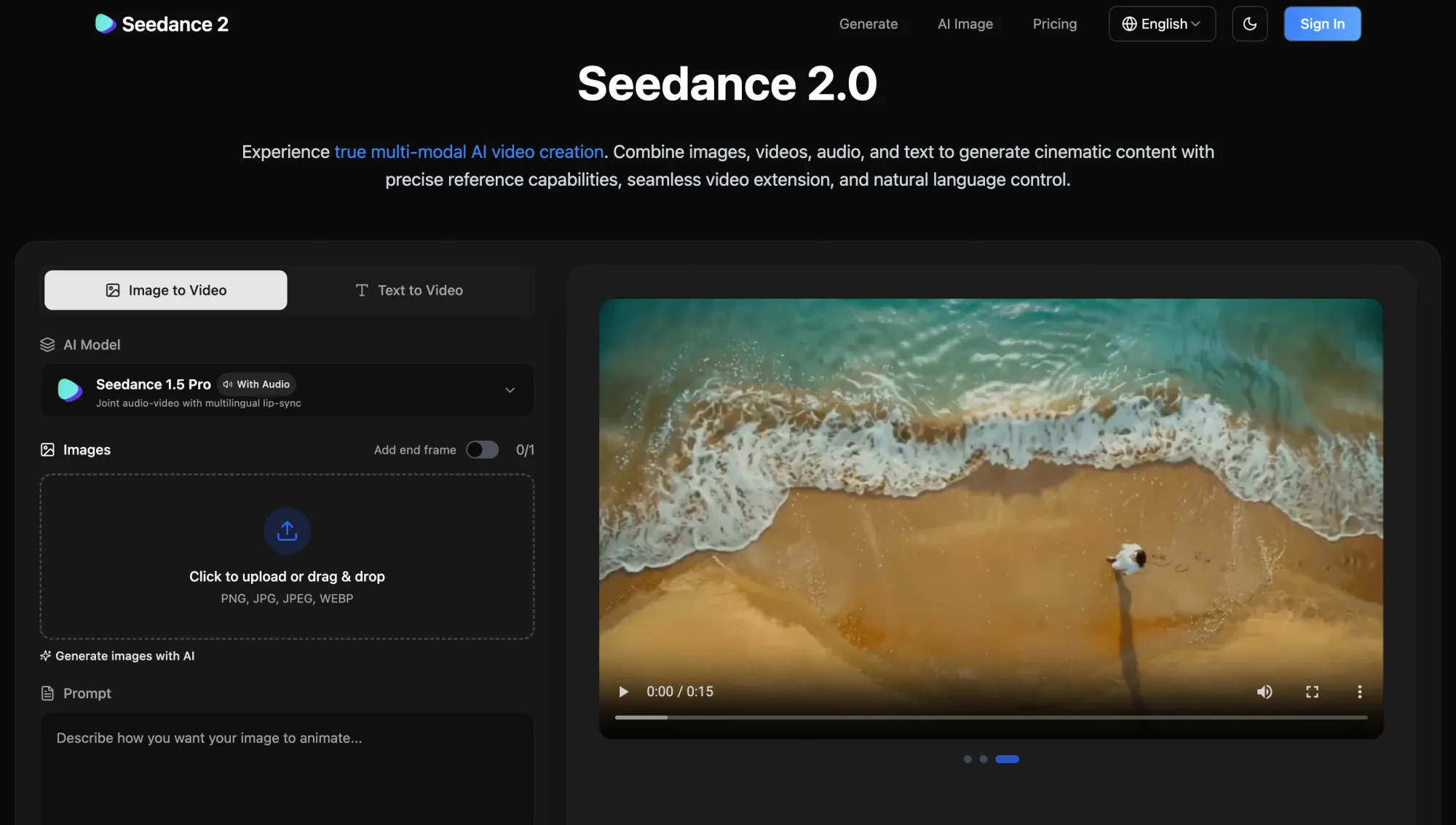
Why include: Seedance models offer a flexible middle ground between speed and quality, making them useful across different types of video generation tasks. They support both text-to-video and image-to-video workflows and are often used when creators want consistent results without committing to a single specialized model.
What creators like:
• Balanced performance across quality, speed, and flexibility
• Works well for both text-to-video and image-to-video inputs
• More predictable outputs compared to highly experimental models
• Useful for testing ideas without switching tools constantly
Where it falls short:
• Does not specialize in one area, like realism or storytelling
• Output quality can feel average compared to top-tier models
• Less advanced control over cinematic scenes
• Not the fastest option for rapid iteration
Who it’s for: Creators who want a reliable, flexible model that works across multiple use cases without needing constant switching.
Wan 2.6
Use case: Best for reference-based video generation and multi-input control
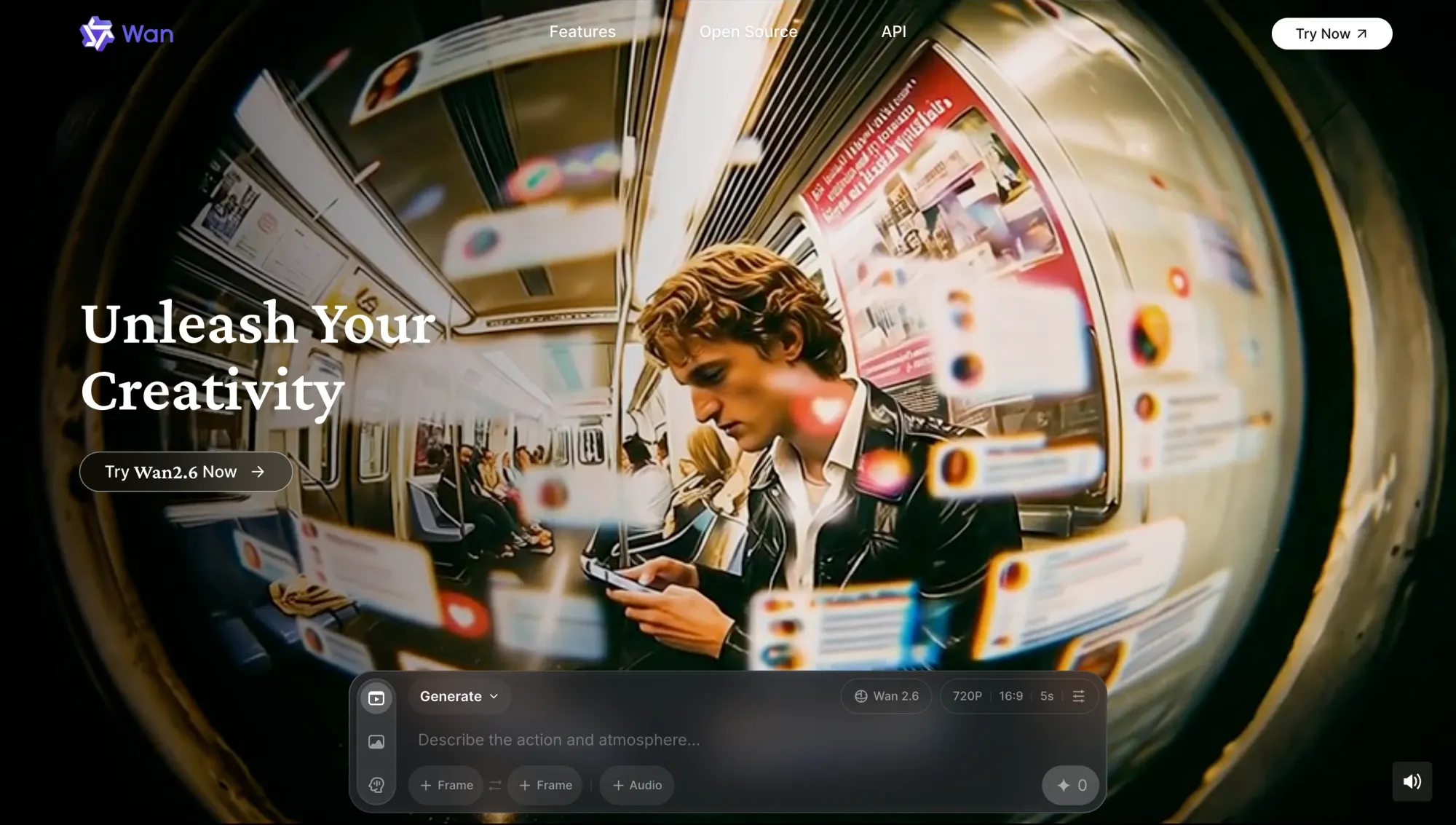
Why include: Wan 2.6 stands out for its ability to generate video based on reference inputs, including images and structured prompts. It gives creators more control over how scenes evolve, making it useful for projects where visual consistency and direction matter across multiple clips.
What creators like:
• Strong support for reference-based generation using images
• More control over how scenes evolve across clips
• Useful for maintaining visual consistency in sequences
• Works well for structured and repeatable workflows
Where it falls short:
• Requires more setup compared to simpler prompt-based models
• Slower to use when testing quick ideas
• The interface and workflow can feel less intuitive
• Output quality depends heavily on input quality
Who it’s for: Creators who want more control over inputs and consistency, especially when working with references or structured visual concepts.
LTX 2.3
Use case: Best for editing, extending, and refining generated video

Why include: LTX 2.3 is built around post-generation workflows, giving creators the ability to extend clips, refine outputs, and iterate on existing video instead of starting from scratch. It focuses more on control and continuity, which makes it valuable once you already have a base result.
What creators like:
• Ability to extend and continue existing video clips
• Useful for refining outputs instead of regenerating everything
• Helps maintain continuity across iterations
• More control over adjustments and small changes
Where it falls short:
• Not designed for initial video generation
• Requires a base output before it becomes useful
• Less relevant for quick ideation workflows
• Can feel slower compared to generation-first models
Who it’s for: Creators who want to refine, extend, and improve existing video outputs instead of constantly regenerating new ones.
Grok Imagine Video
Use case: Best for experimental video generation and creative exploration
Why include: Grok Imagine Video focuses on open-ended generation, allowing creators to experiment with ideas without a rigid structure. It is designed for exploration rather than precision, making it useful when testing concepts, styles, or unexpected directions.
What creators like:
• More freedom to explore unusual or creative prompts
• Less rigid compared to highly structured models
• Useful for brainstorming visual concepts
• Can generate unexpected and interesting results
Where it falls short:
• Lower consistency compared to more controlled models
• Outputs can feel unpredictable
• Limited control over structure and continuity
• Not ideal for production-ready content
Who it’s for: Creators who want to experiment, explore ideas, and push creative boundaries without strict constraints.
HeyGen Avatar 4
Use case: Best for avatar-based video creation and talking-head content
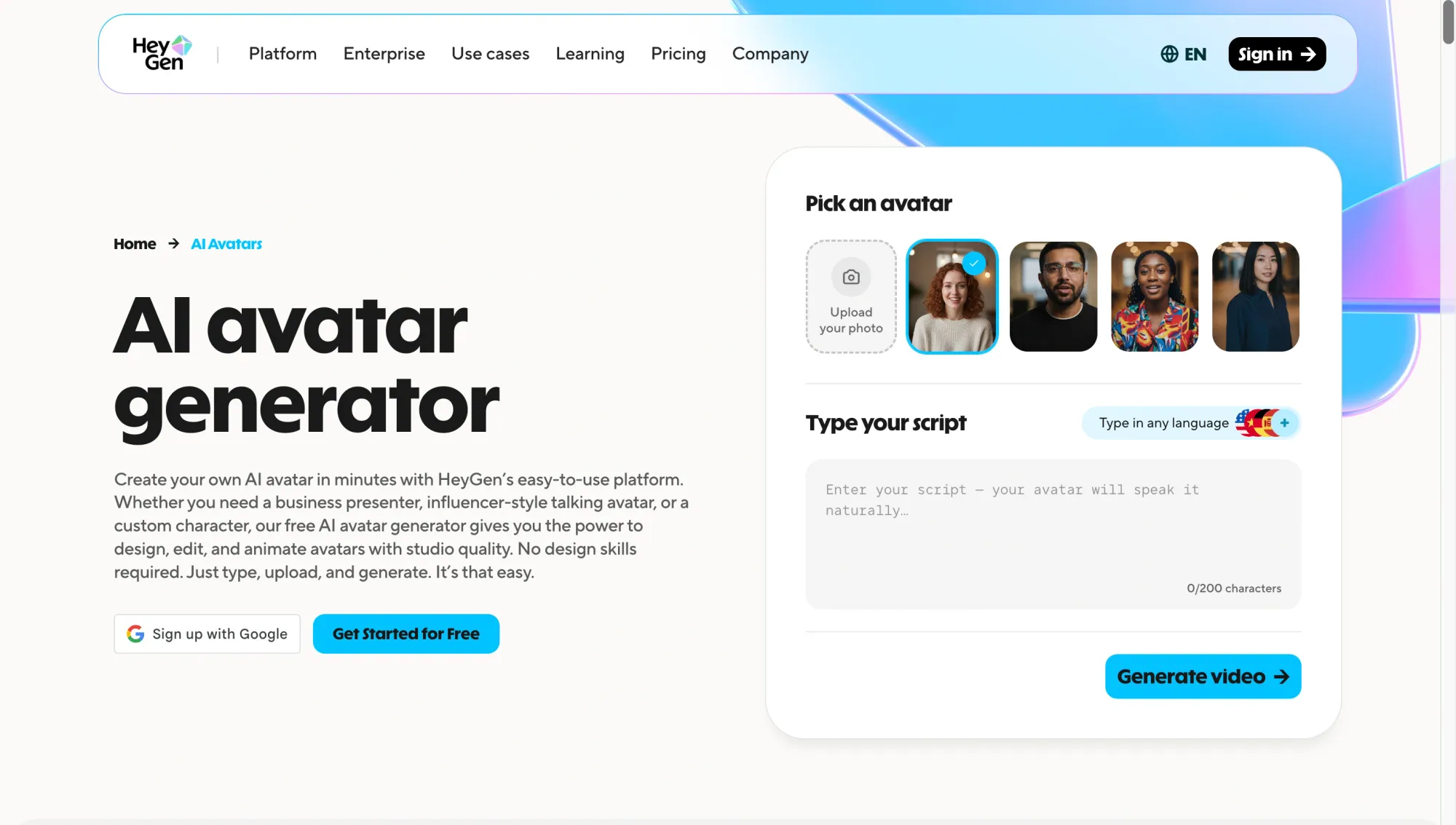
Why include: HeyGen Avatar 4 focuses on generating videos with realistic digital avatars that can speak, present, and deliver scripted content. It is built for communication-driven use cases rather than cinematic generation, making it one of the most practical tools for scalable video production.
What creators like:
• Realistic avatars that can deliver scripts naturally
• A fast way to produce talking-head videos without filming
• Strong support for multilingual content and voice syncing
• Consistent output across multiple videos
Where it falls short:
• Limited flexibility for cinematic or scene-based generation
• Outputs can feel repetitive if overused
• Less control over dynamic environments and motion
• Not suited for creative or narrative video formats
Who it’s for: Creators, marketers, and teams producing educational, promotional, or communication-driven videos at scale.
Sync LipSync v2
Use case: Best for lip sync, dubbing, and localized video workflows
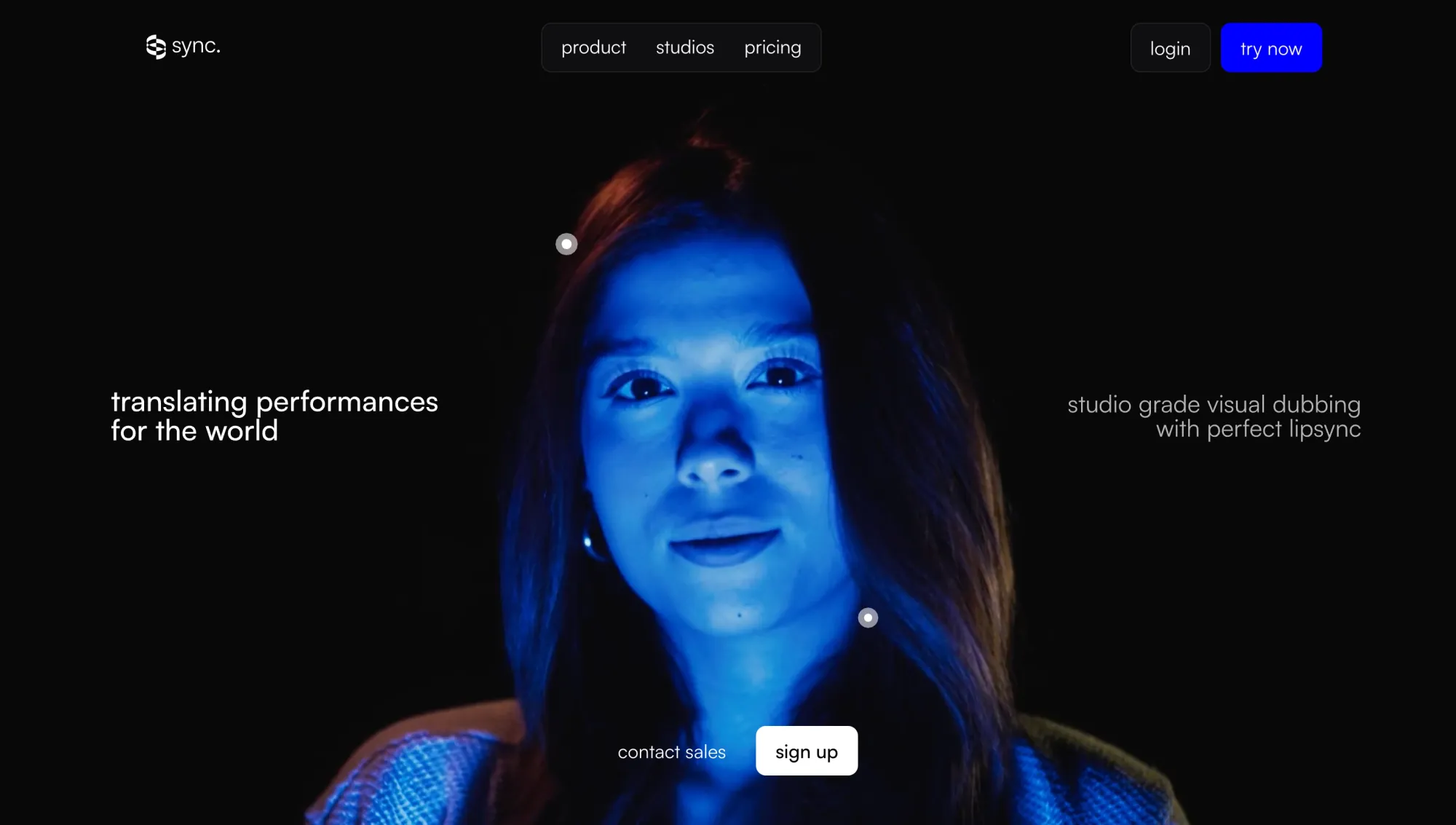
Why include: Sync LipSync v2 focuses on aligning speech with video, making it easier to adapt content across languages and formats. Instead of generating video from scratch, it enhances existing footage by syncing dialogue accurately, which is critical for localization and voice-driven content.
What creators like:
• Accurate lip sync that matches speech timing closely
• Useful for dubbing and multilingual content workflows
• Helps repurpose existing videos instead of recreating them
• Works well alongside other generation and editing tools
Where it falls short:
• Does not generate video content on its own
• Requires existing footage to be useful
• Output quality depends on the input video and audio
• Limited use outside of voice and dialogue workflows
Who it’s for: Creators and teams working on dubbing, localization, and dialogue-driven video content across multiple languages.
Which AI video model is best for each use case?
If you’re still asking what is the best AI, the answer depends entirely on what you’re trying to create. These models are not interchangeable. Each one is built for a different type of output, and knowing where each one performs best saves a lot of time.
The same applies when choosing the best AI video generator. The right choice comes down to the kind of video you want to make, not which tool is the most popular. Here’s a quick breakdown of the most useful AI tools based on real use cases.
Best AI model for cinematic video quality
If your priority is realism, storytelling, and structured scenes, these are the best AI models to start with. Veo 3 is stronger on visual realism and motion consistency, while Sora 2 stands out for narrative flow and prompt-driven direction.
Best AI model for image-to-video
For turning images into dynamic video, these models offer the most flexibility. Kling handles motion especially well, Veo 3 adds higher visual fidelity, and Hailuo is useful when you want faster results across multiple variations.
Best AI model for speed and iteration
When speed matters more than perfection, these AI tools are the most practical. Hailuo and Seedance help you test ideas quickly, while LTX 2.3 becomes valuable when refining and extending existing clips without restarting from scratch.
Best AI model for avatar videos
For talking-head content, training videos, or scalable communication, HeyGen is one of the most reliable artificial intelligence apps available today. It allows you to generate consistent avatar-led videos without filming, which is ideal for teams producing content at scale.
Best AI model for lip sync and localization
If your focus is dubbing, translation, or adapting videos across languages, this model fills a critical gap. It is not a generator, but it enhances other AI tools by making dialogue feel natural and aligned across different versions of the same video.
Best AI model for creators who want one workspace
If you’re trying to combine multiple AI tools into one workflow, this is where things shift. Instead of choosing a single model, many creators now work across several leading models depending on the task.
Async brings these models into one place, so you can move between text-to-video, image-to-video, avatars, editing, and more without switching platforms. If you want to understand how this works in practice, this breakdown of a chat-based AI model in workflows explains how creators are starting to use multiple models together.
Free AI apps and free AI programs worth trying for video creation
Free AI apps for video creation can be useful, but only within the right context. Most of the top video models are not fully available for free, especially at the level of quality needed for consistent output.
Many artificial intelligence apps offer limited access through free tiers, credits, or trial-based usage. That is especially true for the best artificial intelligence apps for video, which often reserve stronger quality, longer generations, or better export options for paid plans.
In practice, free AI programs are most useful for:
• Testing different prompts and styles
• Experimenting with text-to-video or image-to-video workflows
• Understanding how different models behave before scaling production
Where they fall short is in consistency, output quality, and usage limits. Free tiers often restrict resolution, generation time, or the number of exports, which makes them harder to rely on for ongoing content creation.
Another important factor is access. Some of the best AI models are only available through waitlists, credits, or bundled platforms rather than fully open tools. That means the “best” option is not always the one with the strongest model but the one you can actually use consistently.
The most effective approach is to treat free access as a testing layer. Use it to explore different AI tools, compare outputs, and identify which models fit your workflow. Then move into a setup that supports faster iteration and more reliable results.
Why the best AI models are even more useful inside one workflow
These models are powerful on their own, but most creators do not rely on a single model from start to finish. Different AI tools solve different parts of the process, and switching between them is often where friction starts to build.
One model might be better for realism. Another might be better for image-to-video. A different one might handle avatars, lip sync, audio, or even upscaling and enhancement tasks. Trying to force one model to handle everything usually leads to slower workflows and less consistent results.
That shift is exactly why more creators are moving toward multi-model workflows. Instead of asking which AI is best, the focus shifts to how different models can work together to produce better outputs. McKinsey estimates that generative AI could add trillions of dollars in annual value, with productivity gains depending heavily on how organizations actually integrate these systems into real work.
In practice, a typical workflow might look like this:
• Generate a base scene using one of the leading video models
• Refine or extend the clip using another model
• Add voice, lip sync, or localization using a separate tool
• Adjust format, timing, or structure before final output
The challenge is not access to models anymore. It is how easily those models can be used together. Jumping between disconnected artificial intelligence apps creates delays, breaks momentum, and makes iteration harder than it needs to be.
That is why workflow design is becoming just as important as model quality. The real advantage comes from being able to move between models quickly, test variations, and refine outputs without constantly restarting or switching platforms.
Use Async to explore 100+ AI models for video generation in one workspace
Finding the best AI models is one thing. Actually using them in a fast, consistent workflow is another.
You’ll probably end up combining multiple AI tools to get the result you want. One model for generation, another for refinement, and another for avatars or voice. That’s usually how it plays out in practice, and it works, but switching between platforms can quickly slow you down.
Async solves that by bringing video generation tools and supporting models into one workspace. Instead of always having to move back and forth between AI apps, you can generate, edit, refine, and finalize your content in a single flow.
That means you can move through different stages of creation without breaking your rhythm. You can generate clips from text or images, refine outputs, add avatars or voice, sync dialogue, and improve quality through enhancement and upscaling, all without restarting your process.
Instead of locking you into one model, Async lets you explore how different models behave in real scenarios. You can test outputs across systems like Veo, Sora, Kling, Hailuo, Seedance, Wan, and LTX while also working with tools for avatars, voice, and enhancement like HeyGen, ElevenLabs, and Topaz. This makes it easier to compare results, iterate faster, and build a workflow that actually fits how you create.
If you want to see how this kind of setup comes together, this guide on building a content creation workflow breaks down how creators structure multi-model systems in practice.
The advantage is not just having access to more models. It’s what it lets you do. You can move from idea to output faster, test variations without friction, and stay focused on the creative side instead of managing tools.
FAQ
What are the best AI models for video generation in 2026?
The top video generation models in 2026 include Veo 3, Sora 2, Kling, Hailuo, and Seedance. Each one stands out for a different reason. Veo and Sora are stronger for realism and storytelling, Kling excels at motion, Hailuo is better for speed and testing, and Seedance offers a balanced approach across different workflows. The right choice depends on what you want to create, not just which model is the most advanced overall.
What is the best AI for making videos?
There isn’t a single answer to what is the best AI for making videos is. It depends on your use case. If you want cinematic quality, Veo or Sora are strong options. For faster iteration, Hailuo or Seedance works better. For avatar-based content, HeyGen is more suitable. And for localization or dubbing, tools like Sync LipSync are essential. In practice, most creators use a combination of AI tools instead of relying on just one.
Are there any free AI apps for video generation?
Yes, there are free AI apps and free AI programs available, but they usually come with limitations. The best artificial intelligence apps for video usually have free tiers with restricted usage, lower output quality, or limited export options. These are useful for testing ideas or learning how different models work, but they are rarely enough for consistent production. If you’re planning to create videos regularly, you’ll likely need access to more advanced features or multiple models.
What’s the difference between AI tools and AI models?
AI models are the underlying systems that generate content, such as text, images, or video. AI tools are the platforms or interfaces that allow you to use those models. For example, a video generation model creates the output, while an AI video editor helps you refine, structure, or improve that output as part of your workflow.
Which AI model is best for image-to-video?
The best AI models for image-to-video include Kling, Veo 3, and Hailuo. Kling is strong for motion and flexibility, Veo delivers higher-quality visuals and consistency, and Hailuo is useful for generating variations quickly. The best option depends on how much control, speed, and quality you need for your workflow.
Do I need one AI model or multiple AI tools?
In most cases, you’ll need multiple AI tools. Different models are built for different tasks. One might handle generation, another refinement, and another voice or lip sync. Trying to rely on a single model usually limits what you can create. The most effective workflows combine several leading models so you can move faster, test ideas, and improve outputs without starting over each time.