[ Built by engineers — inspired by creators ]

AI Video Editor for people who'd rather not edit

We handle the edit for you. Async spots drop-offs, fixes pacing, and delivers a ready-to-publish cut, right in your browser.

Edit video in one click with AI

Async Intelligence

The new era of engagement optimization is here.
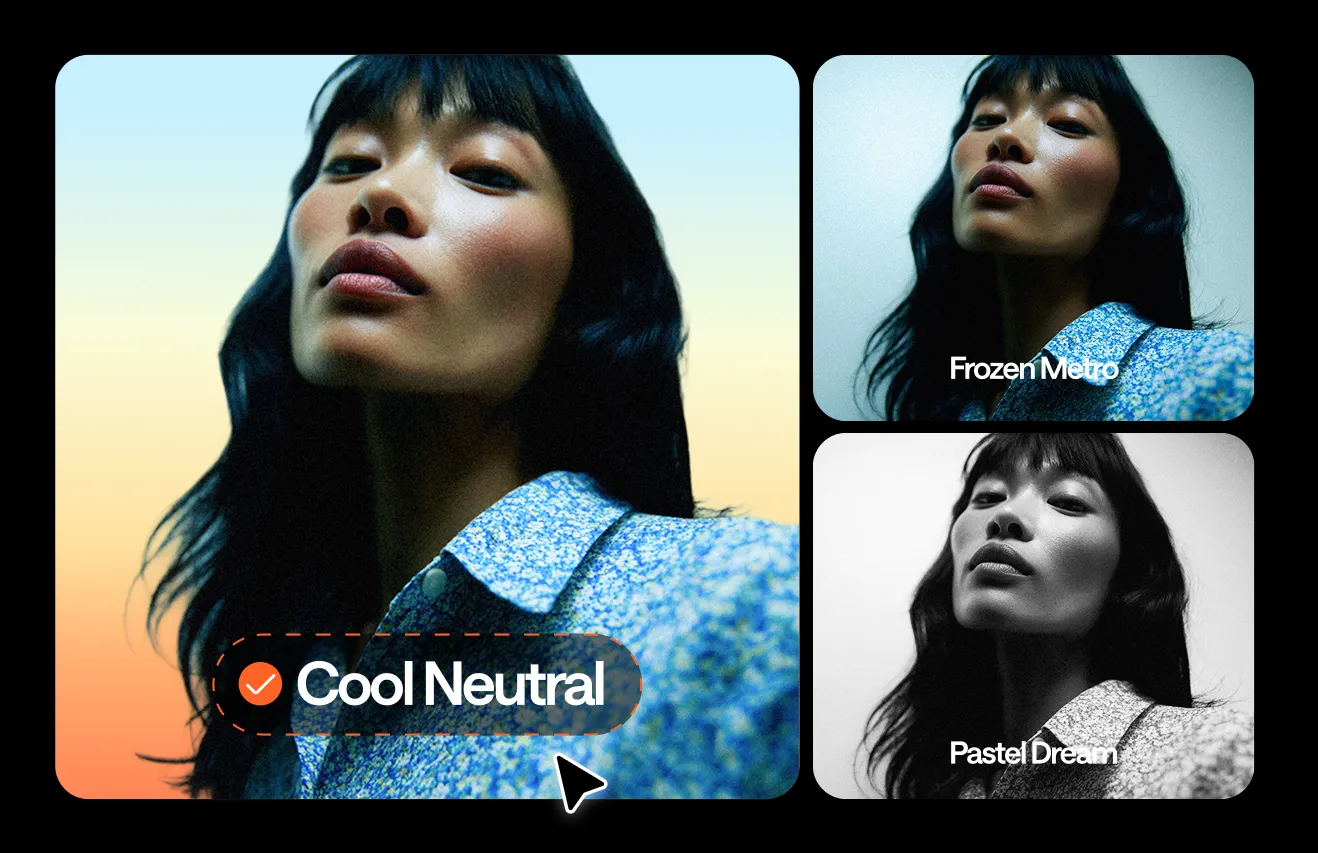
Async Intelligence thinks like your viewers, edits your recording automatically around what hooks them, and maximizes retention with one click.

Your entire creative workflow, seamlessly connected

Unlike other tools, Async connects every step of your workflow under one roof, so you can focus on stories, not on software.

Start with any recording

Use visual stock media or upload files directly.

Edit the way you want

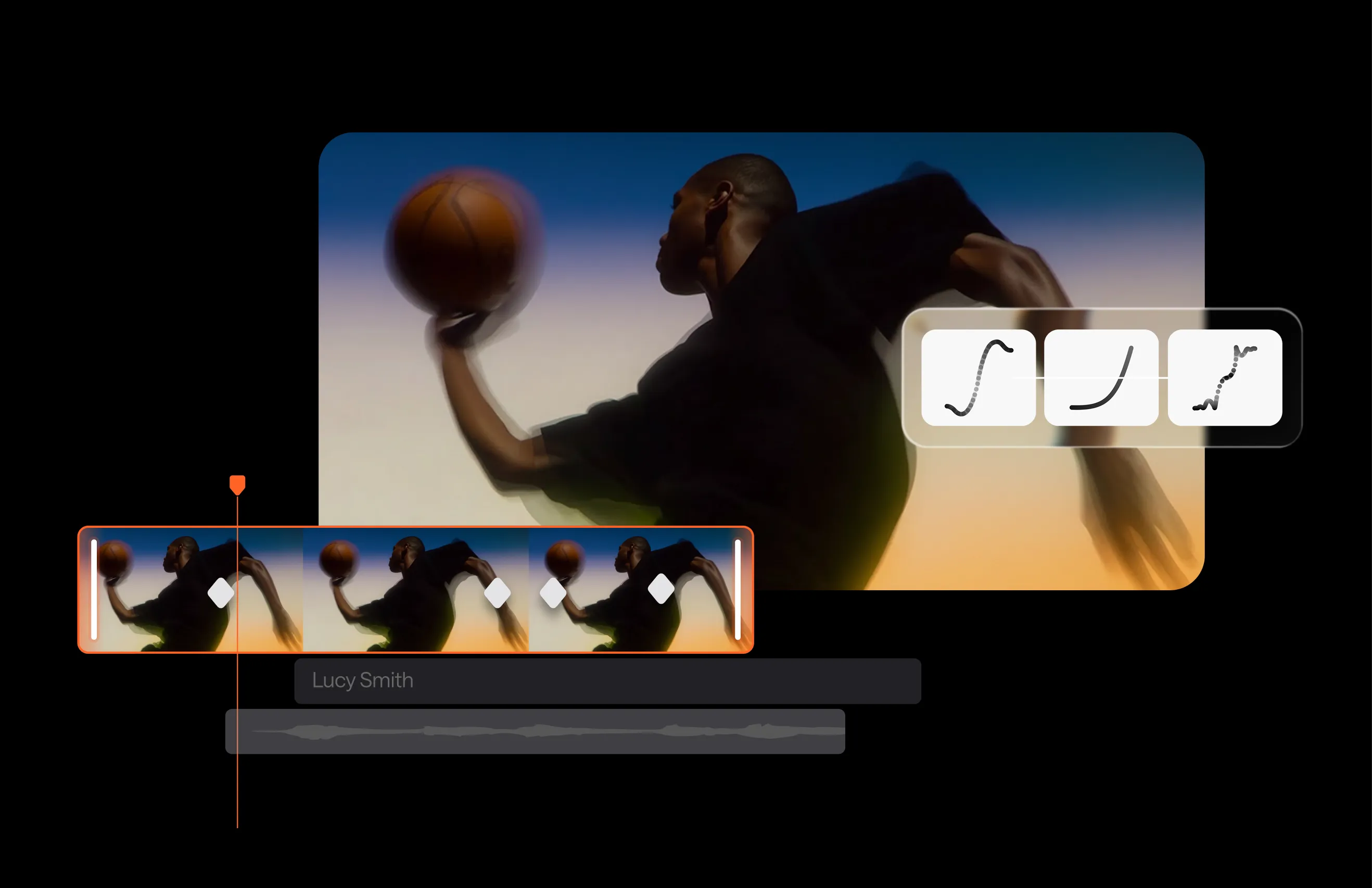
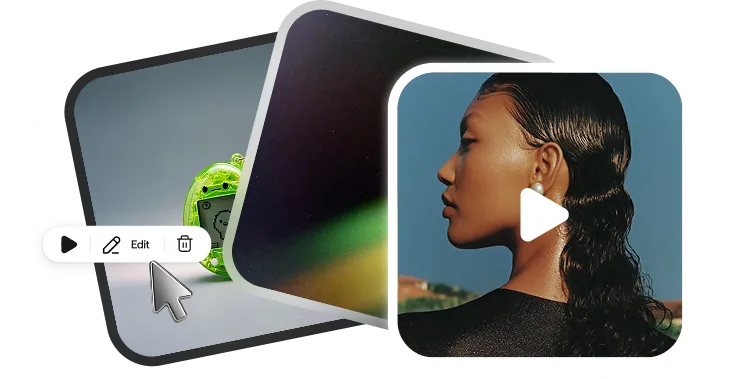
Use audio/video timelines.

Enhance with AI

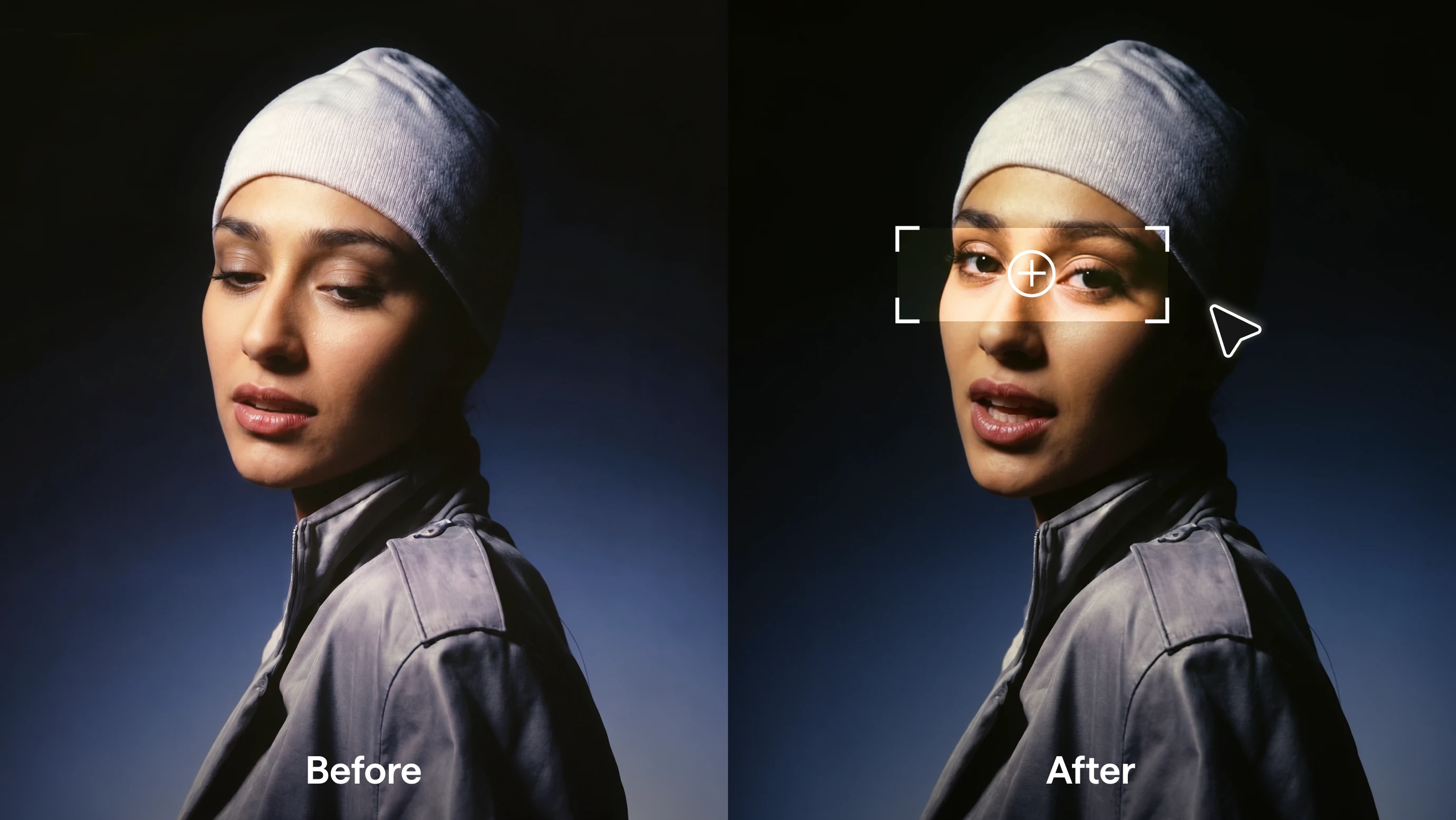
Clean, balance, and polish in seconds.

Take it a step further

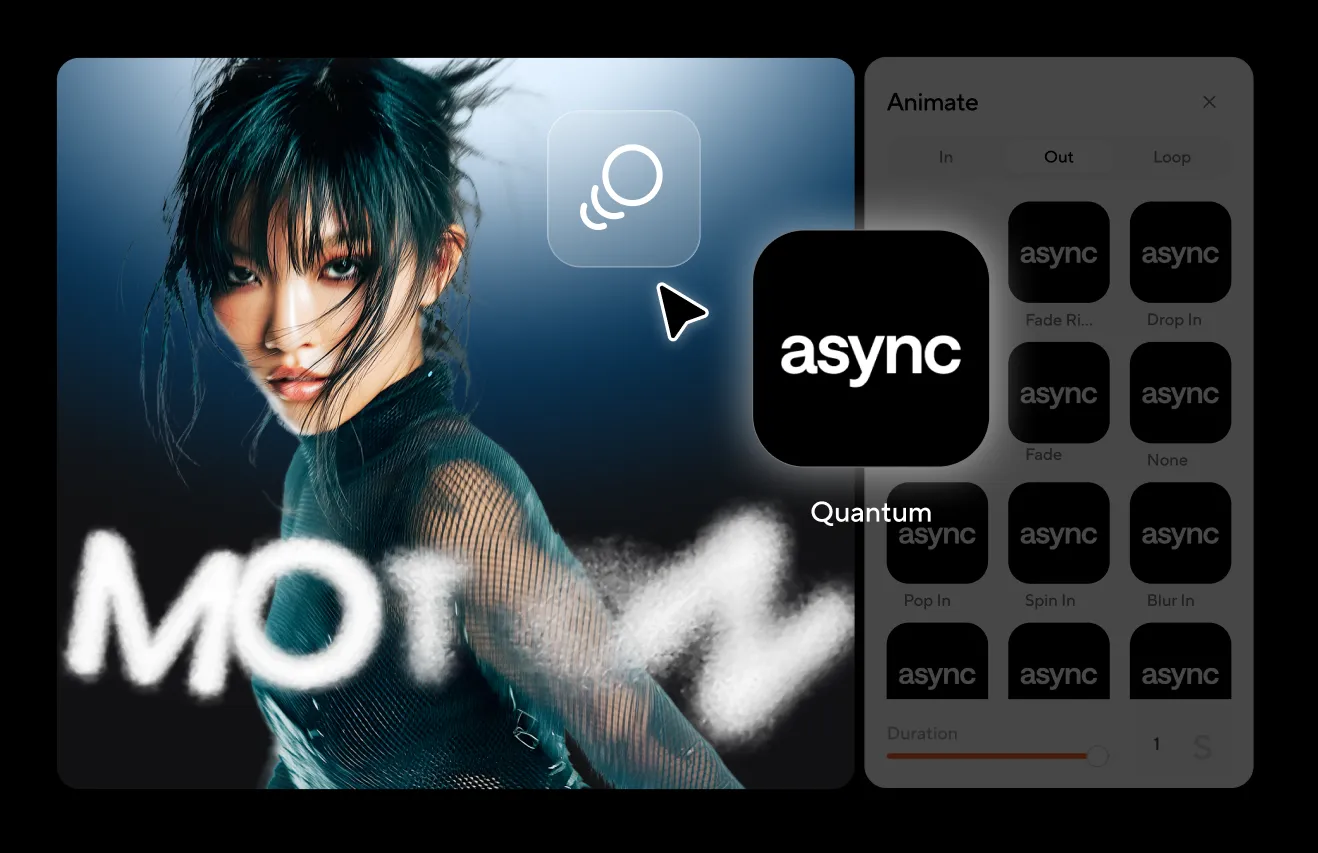
Add AI voiceovers, subtitles, music, or effects.

Publish anywhere

Repurpose your content into different formats and share on socials.

Explore full Async platform

Amplify your creativity with our AI Tools Suite

AI that empowers creators, not replaces them. Built on our in-house Async technology platform, the suite helps you create, enhance, and promote your content at every step.

One AI Video Editor. Endless possibilities

Create long-form YouTube videos that stay watchable from the first second.

Record video interviews and video podcasts that feel tight, clean, and on-brand.

Ship marketing videos like webinars, demos, and explainers, fast.

Repurpose for social media with scroll-stopping clips in minutes.

LOVED BY CREATORS WORLDWIDE

"I really like it because it's the best application i have used so far for recording my episodes in the podcast."

"Async is very easy to use. The customer service is also top rate. I am glad I chose to work with them."

"Async has saved me so much time and money to be able to do everything all in one tool."

Frequently Asked Questions

How can I make my videos more engaging without re-recording?

Use Async Intelligence to automatically edit your video for maximum engagement with AI. It pulls your strongest moment to the start, cuts the parts that drag, and shapes the conversation into a clearer story arc so it keeps moving. Our AI also refines the viewing experience by keeping focus on the most expressive speaker, adding captions for retention, and cleaning the audio so it’s easy to listen to all the way through.

How do I remove long pauses and tighten pacing without making it sound unnatural?

Start by using our AI silence remover to remove long silences and obvious dead space, then do a quick listen-through to keep the “breathing room” that makes you sound human. Aim to shorten awkward gaps, not erase every pause. After that, smooth it out with our auto-leveling so the pacing feels natural and the transitions stay seamless.

Which AI video editor is best for beginners?

If you’re looking for something that’s genuinely easy to pick up, start with Async. We bring a clean interface, guided workflows, and one-click AI helpers. Our free AI video editor is built specifically to help beginners get to a polished cut fast, without needing a steep learning curve.

How to use AI video editor?

With our AI video editor, you can create your video in three steps. First, record or upload your footage. Enter the recording studio to record, or go straight to the editor to upload. Next, edit your video by chopping and changing your multi-track timeline and using AI-powered enhancements. Finally, export or publish by choosing your quality and format, then uploading to your desired channels.

Is there any AI video editor for free?

Yes! You can try our online AI video editor for free, so you can have fun creating with no cost attached. When you’re ready to level up, unlock our advanced features like higher-quality exports, more AI enhancements, and faster workflows with a paid plan.

Can I start with Async Intelligence edits and still make manual changes?

Yes. Use Async Intelligence to apply the suggested edits first, then jump into the editor to fine-tune anything you want, like trims, captions, pacing, reframing, or branding, before you export.

One subscription.
Everything covered.

Record, edit, dub, subtitle, create clips, and clone voices. All in our AI platform.