What does it mean to 'trim a video'?
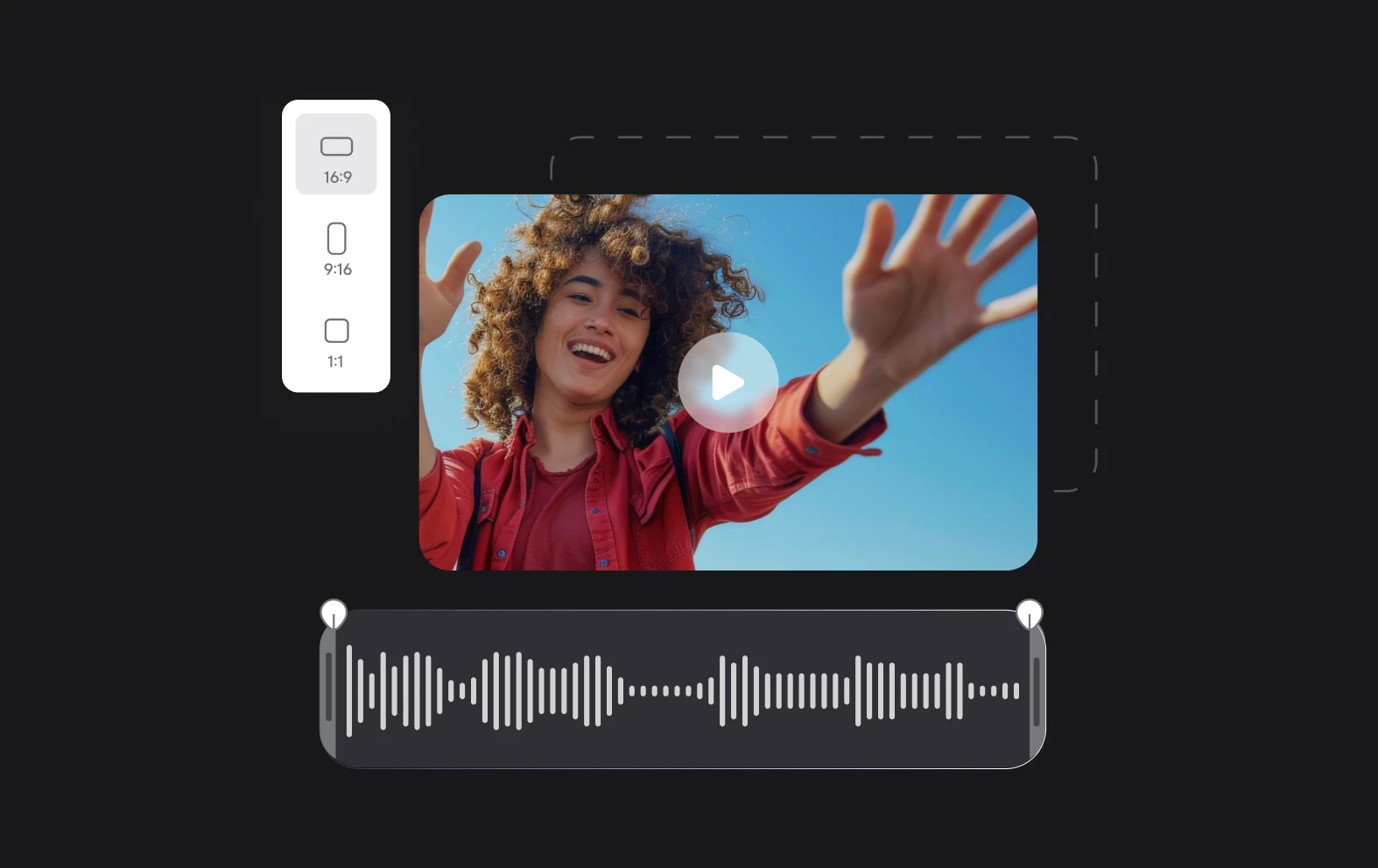
To "trim a video" means to remove unwanted sections of the footage, typically at the beginning or end, to shorten the video or eliminate parts that are irrelevant or unnecessary. Trimming is a common video editing technique used to refine the content and improve its flow. With tools like Async, users can easily trim videos by selecting the start and end points of the sections they want to keep, ensuring a more polished and concise final product. Async's AI-powered editing tools make trimming intuitive, allowing users to quickly remove excess footage without needing advanced video editing skills.
Can I trim a video without downloading software?
Yes, you can trim a video without downloading software by using online platforms like Async, which offers web-based video editing tools. With Async, you can upload your video directly to the platform, use its intuitive editing features to trim unwanted sections, and then save the edited version without needing to install any software. This makes it easy to quickly cut out parts of the video, such as the beginning or end, without the hassle of complex installations or downloads. Async’s cloud-based solution provides a convenient and efficient way to edit videos on the go.
What is the best lightweight video editing suite?
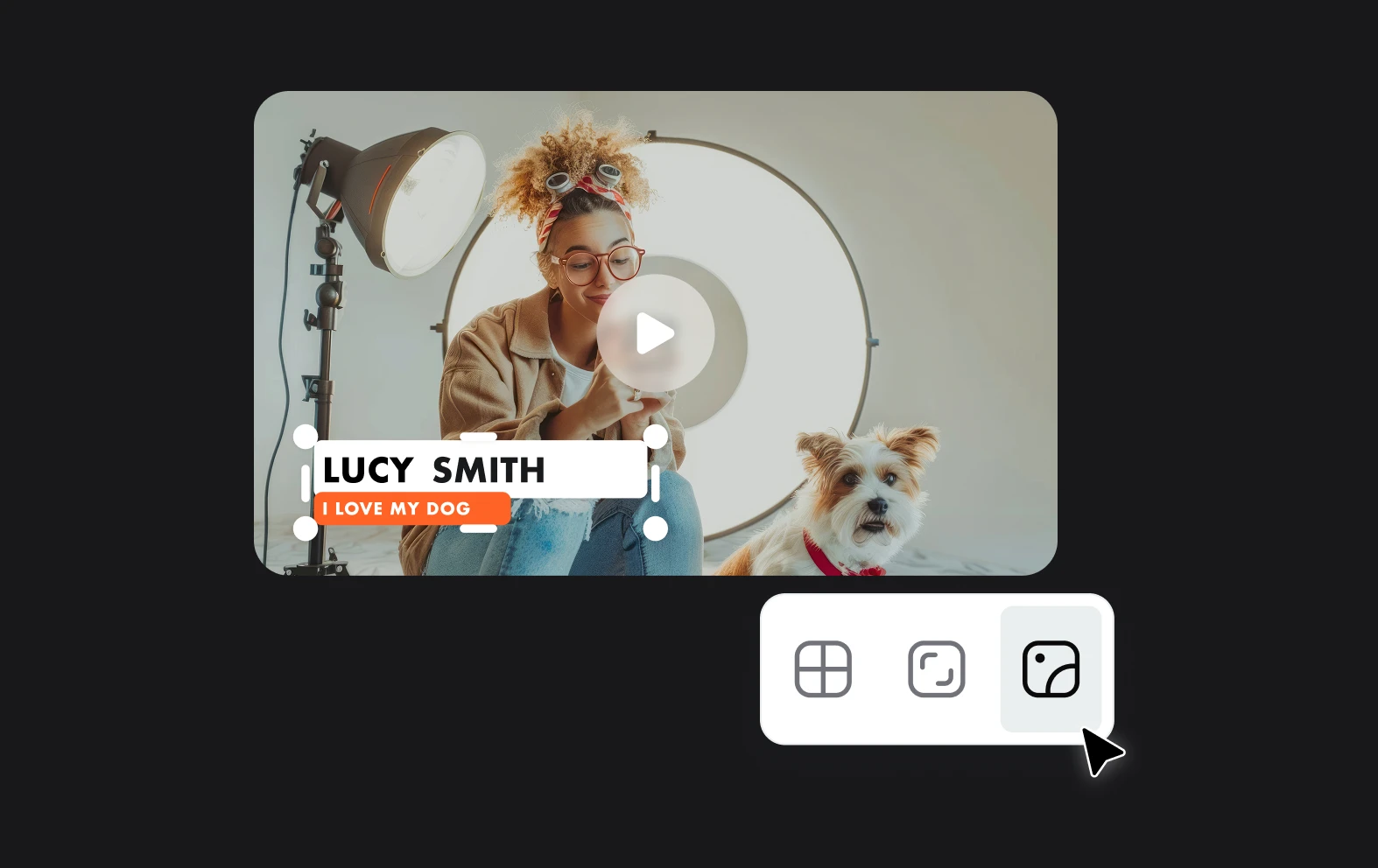
The best lightweight video editing suite depends on your needs, but Async is a top choice for those seeking an easy-to-use, web-based tool with powerful editing features. It offers a range of functionalities such as trimming, background blurring, audio enhancement, and AI-powered video quality improvement, all without requiring a heavy software download. Async’s intuitive interface and cloud-based platform make it ideal for quick video editing tasks, especially for users who need a simple yet effective solution without compromising on performance. Its lightweight nature and ease of access make it a great option for both beginners and professionals.
Can I trim a YouTube video for free online?
Yes, you can trim a YouTube video for free online using tools like Async, which offers a limited free tier with basic video editing features, including trimming. With Async, you can upload your video and easily trim unwanted sections without needing to download any software. However, for more advanced features, such as longer video lengths or additional editing tools, Async provides paid options. The free tier is perfect for simple tasks, making it a convenient choice for quick video edits.
Are you allowed to download YouTube videos?
Downloading YouTube videos is generally not allowed under YouTube's Terms of Service, which state that content on the platform can only be streamed directly unless a download option is explicitly provided, such as through YouTube Premium. Downloading videos without permission may violate copyright laws unless the content is in the public domain, has a Creative Commons license, or you have explicit permission from the copyright owner. To stay within the guidelines, it’s best to use YouTube's official download options or ensure you have the legal right to download and use the video.