icon

Explainer Video Maker

Explainer videos are a great way to communicate complex topics in a simple and engaging format. Async’s video editor makes them faster and easier to make.

How explainer videos work

Whether you’re a creator, a marketer, a salesperson, a HR professional or anyone else looking to communicate complex information in a short space of time, you want a solution that can hook your audience, keep them engaged and demonstrate the value of your idea or product in a matter of minutes.

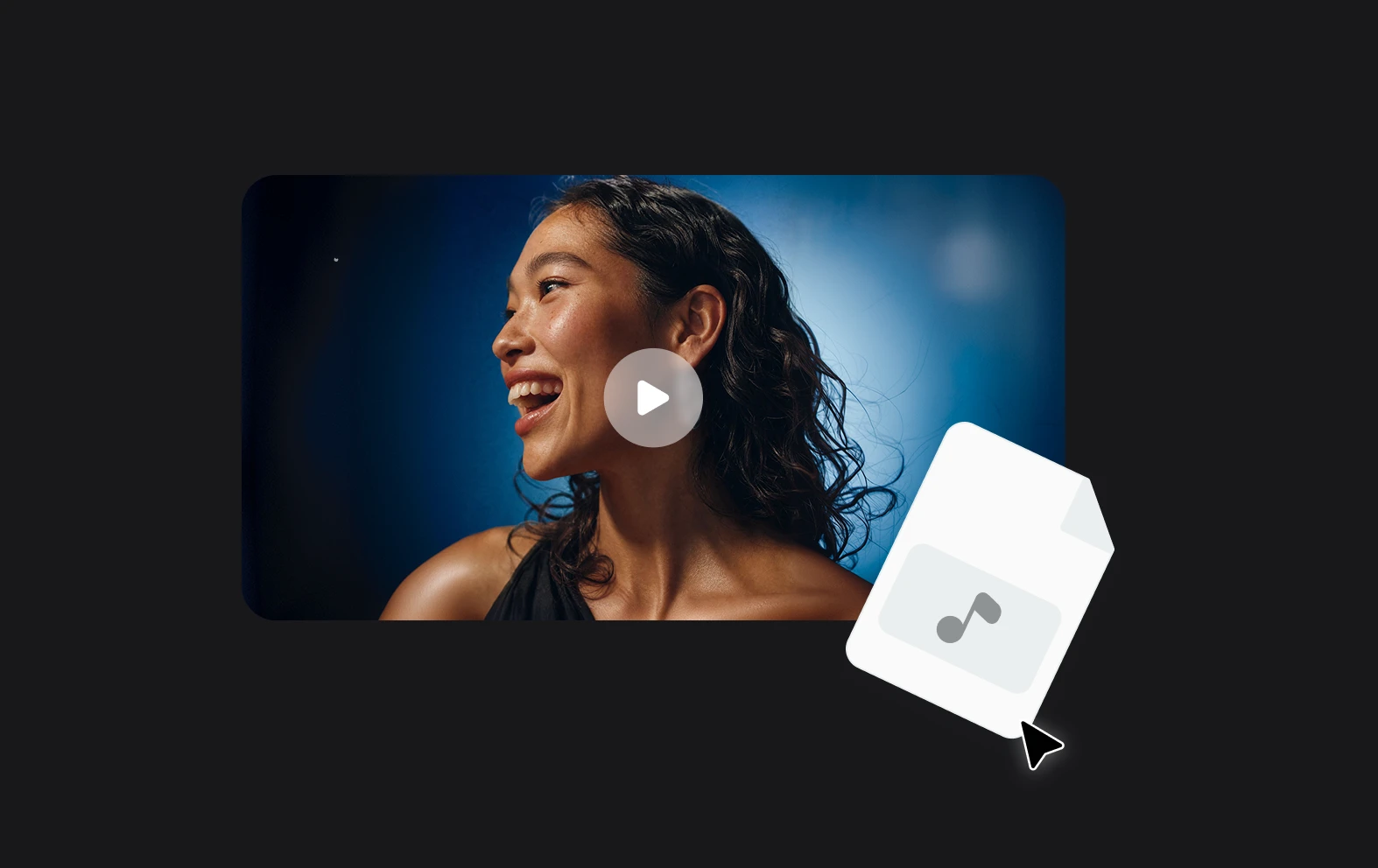
This is where explainer videos are ideal tools to communicate information in a short space of time. They can be quick to create, combining direct-to-camera speech, graphics, music and voiceover to create a compelling piece of content.

icon

How to create explainer videos?

card 1 img
card 2 img
card 3 img
benefit img 1

Intuitive video editing

You don’t need to be an experienced content creator to make great videos on Async. Our recording studio and video editor are designed to be used by anyone, from beginner to professional, super quick and super easy to get started.
benefit img 2

AI video tools

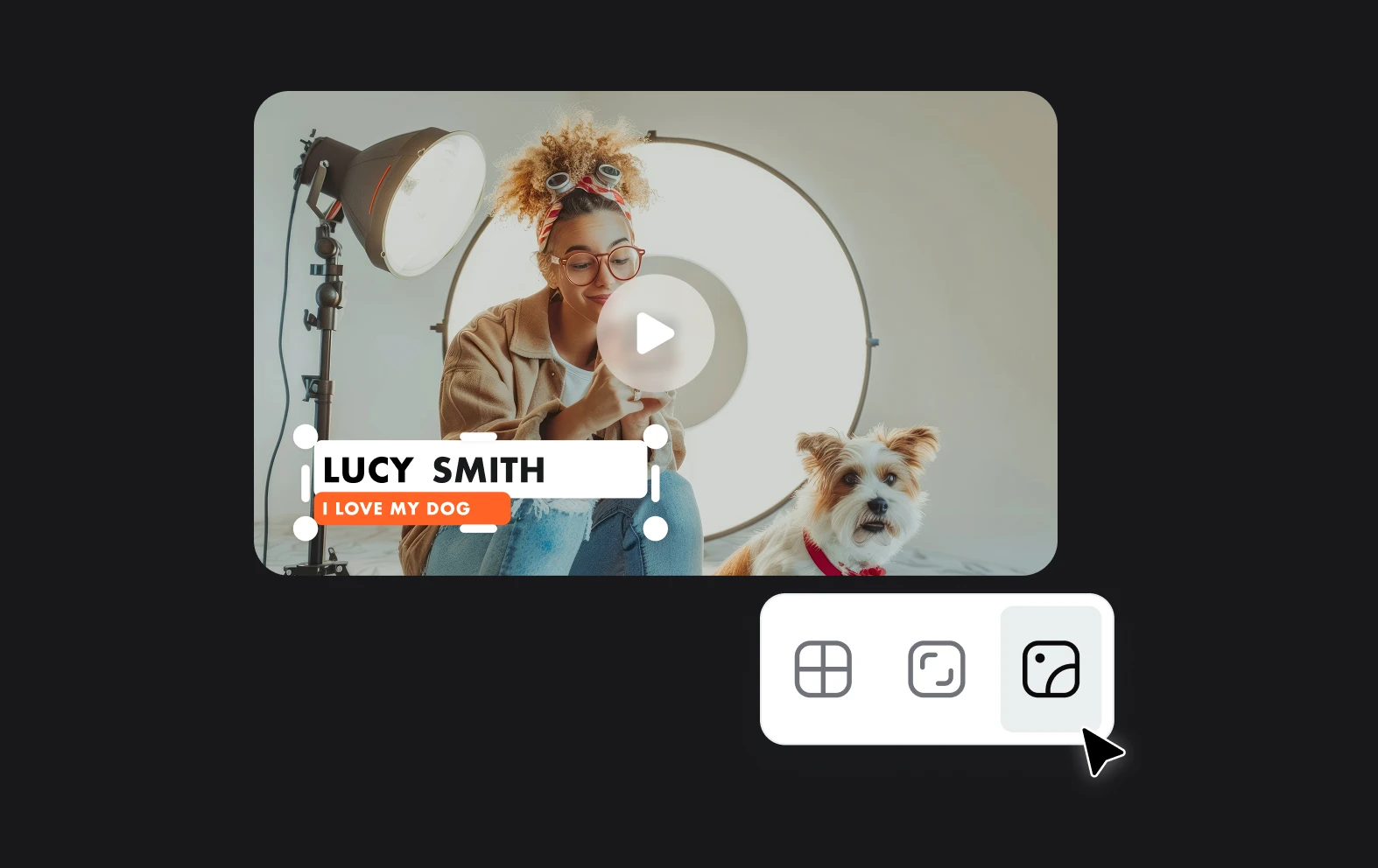
All of our tools come packed with AI features that let you change your video with a single click. Don’t spend hours sweating over improving your video to make sure it’s perfect, let AI take the strain. Enhance the quality, fix eye contact, blur backgrounds and add subtitles easily with the power of AI.
benefit img 3

Branded videos

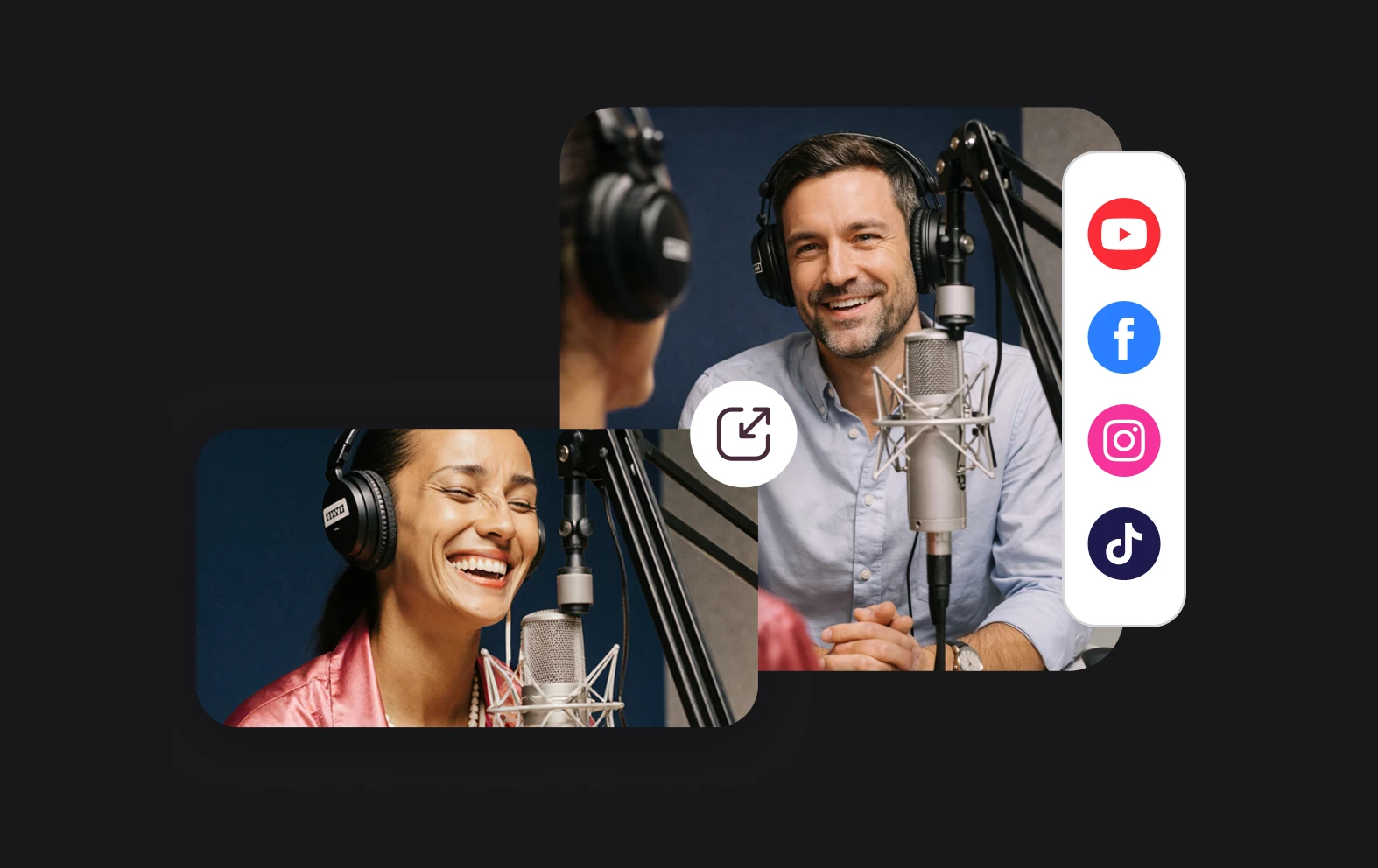
Your content should always represent your brand and that’s why our video editor allows you to customize your videos with the right visual style that’s unique to you. Ensure consistency across content whether it’s for marketing, onboarding new employees or internal communications.

Discover more

Add Audio to Video OnlineAdd Music to VideosAdd Subtitles to VideoAdd Text to VideoAI Audio AssistantAI Audio EnhancerAI Content ToolsAI Noise ReducerAI Podcast Clip GeneratorAI Subtitle GeneratorAI Video AssistantAI Video EditorAI Video EnhancerAI Video UnblurAnimation VoiceoversAudio JoinerAudio LooperAudio PodcastAudio ProductionAudio RecorderAudio to TextAudio TranslatorAudiobook Recording StudioAutomatic Video EditorBirthday Video MakerBlur Video BackgroundsCar Sound EffectsChange Video Aspect RatioClip MakerCloud Video EditingCompress MP4Compress VideoCreate a PodcastCreate Marketing VideosCreate Training VideosCreate Video OnlineCrop VideoDigital Marketing VideosE-Learning VoiceoversEasiest Video Editing AppEdit MOV FilesEdit WebM FilesExplainer Video MakerExplainer Video VoiceoverExtract AudioEye Contact FixerFemale Voice ChangerFiller Word DetectionFlip VideoFunny Sound EffectsFunny Video MakerHappy Stock MusicInterview TranscriptionJazz Stock MusicLightweight Video EditorLong Video to Short VideoLoop VideoLyric Video MakerMerge Audio FilesMerge VideoMontage Video MakerMP3 Audio CutterMP3 EditorMp3 to TextMP3 to WAV ConverterMP3 TrimmerMP3 Volume IncreaserMP4 to MP3 ConverterMp4 to TextMP4 TrimmerMP4 Video CutterMP4 Video EditorMusic Video MakerMute VideoOnline Audio ConverterOnline Movie MakerOnline Video ConverterOnline Video CutterOnline Video MakerOnline Video RecorderOnline Video TrimmerPhoto to Video MakerPodcast Editing SoftwarePodcast MakerPodcast RecordingPodcast StudioPodcast TeleprompterPodcast TranscriptionPodcast Video EditorPromo Video MakerRain Sound EffectsRecord Audio on iPhoneRemote Interview RecordingRemove Background Noise from AudioRemove Background Noise from VideoRemove Music from VideoResize VideoRotate VideoSilence RemovalSocial Media Marketing VideosSocial Media Video EditorSound Effects LibrarySpeech to Text SoftwareStart PodcastingText Video MakerText-Based EditingTrailer MakerTravel Video MakerTutorial Video MakerVideo Ad MakerVideo Background RemovalVideo ClearerVideo Collage OnlineVideo Compilation MakerVideo CreatorVideo Game VoiceoversVideo Interview SoftwareVideo JoinerVideo MakerVideo MergerVideo PodcastVideo Quality EnhancerVideo Recording SoftwareVideo ResizerVideo Size ReducerVideo SplitterVideo Subtitle GeneratorVideo to AudioVideo to TextVideo TranscriptionVideo TrimmerVideo Tutorial SoftwareVideo Voice OverVoice Over RecordingVoice Over StudioVoice RecorderVoice to TextVoiceovers for PresentationsWAV EditorWAV to MP3 ConverterWebinar Recording SoftwareWedding Video MakerYouTube Sound EffectsYouTube to MP4 TrimYouTube Video CreatorYouTube Video CutterYouTube Video EditorYouTube Video MakerYouTube Video TrimmerYouTube Video Voiceovers
More tools

Frequently Asked Questions

What is the best explainer video maker?

The best tool for creating explainer videos is Async. This browser-based platform offers a range of features designed to make video creation simple and effective, even for beginners. Async provides access to tools like voiceover recording, music libraries, sound effects, and easy-to-use editing options that help bring explainer videos to life. With Async's intuitive drag-and-drop interface, you can quickly add visuals, sync audio, and edit the content to create an engaging video that conveys your message clearly. The platform’s AI-powered features also allow you to enhance audio quality and generate captions, making Async a powerful all-in-one solution for creating professional explainer videos.

How do I create explainer videos for free?

To create explainer videos for free, you can start with Async's free plan, which offers basic editing tools to record, upload, trim, and organize your video content. With the free version, you can add and edit voiceovers, adjust audio levels, and include simple music or effects. However, for advanced features like AI-powered voiceovers, noise reduction, and additional recording and storage options, you’ll need a premium subscription. The free plan still allows you to create polished explainer videos, but upgrading to premium unlocks tools that enhance audio quality and provide more customization options.

Can you make animated explainer videos with Async?

Yes, you can use Async to work on animated explainer videos, but it’s important to note that Async doesn’t create animations from scratch. Instead, you can upload pre-made animated content and use Async’s editing tools to enhance it. Async allows you to add voiceovers to your animations, including realistic AI-generated voices if you need narration but don’t have a voice actor. You can also use its audio editing features to improve sound quality, add background music, and sync audio with your animation. This makes Async a valuable tool for refining and completing animated explainer videos.

How long should an explainer video be?

An explainer video should typically be between 60 and 90 seconds, but can be up to several minutes depending on the topic. This length is ideal for capturing and maintaining viewers' attention while delivering a concise and impactful message. For complex topics, explainer videos can extend to around two minutes, but it’s best to keep them as short as possible to avoid losing audience interest. The goal is to communicate the key points quickly and clearly, making the content easy to understand without overwhelming the viewer.

How does AI help make explainer videos?

AI assists in creating explainer videos by streamlining tasks that would otherwise require extensive manual effort. For example, AI-driven tools can automatically generate accurate transcriptions of audio, making it easier to edit the video based on dialogue. AI can also help improve audio quality by reducing background noise and balancing sound levels, which enhances overall video professionalism. Additionally, AI can suggest relevant visual assets, music, and sound effects based on the video’s topic, allowing creators to quickly find and incorporate fitting elements. By automating these steps, AI enables faster production and helps creators focus on crafting an engaging message for their audience.
Your video, made by chat.
Just tell Async what you want.

From raw footage and AI-generated scenes to finished videos in one AI workflow.

Start creating for free