
Say goodbye to awkward pauses
Automatically remove all silent segments and long pauses in your audio tracks with a single click!
Remove awkward pauses instantly
Keep your audio smooth and professional by automatically cutting out long silences. With Async’s Silence Removal tool, you save time on editing and deliver a clean, engaging listening experience every time.
How to use Async’s Silence Removal
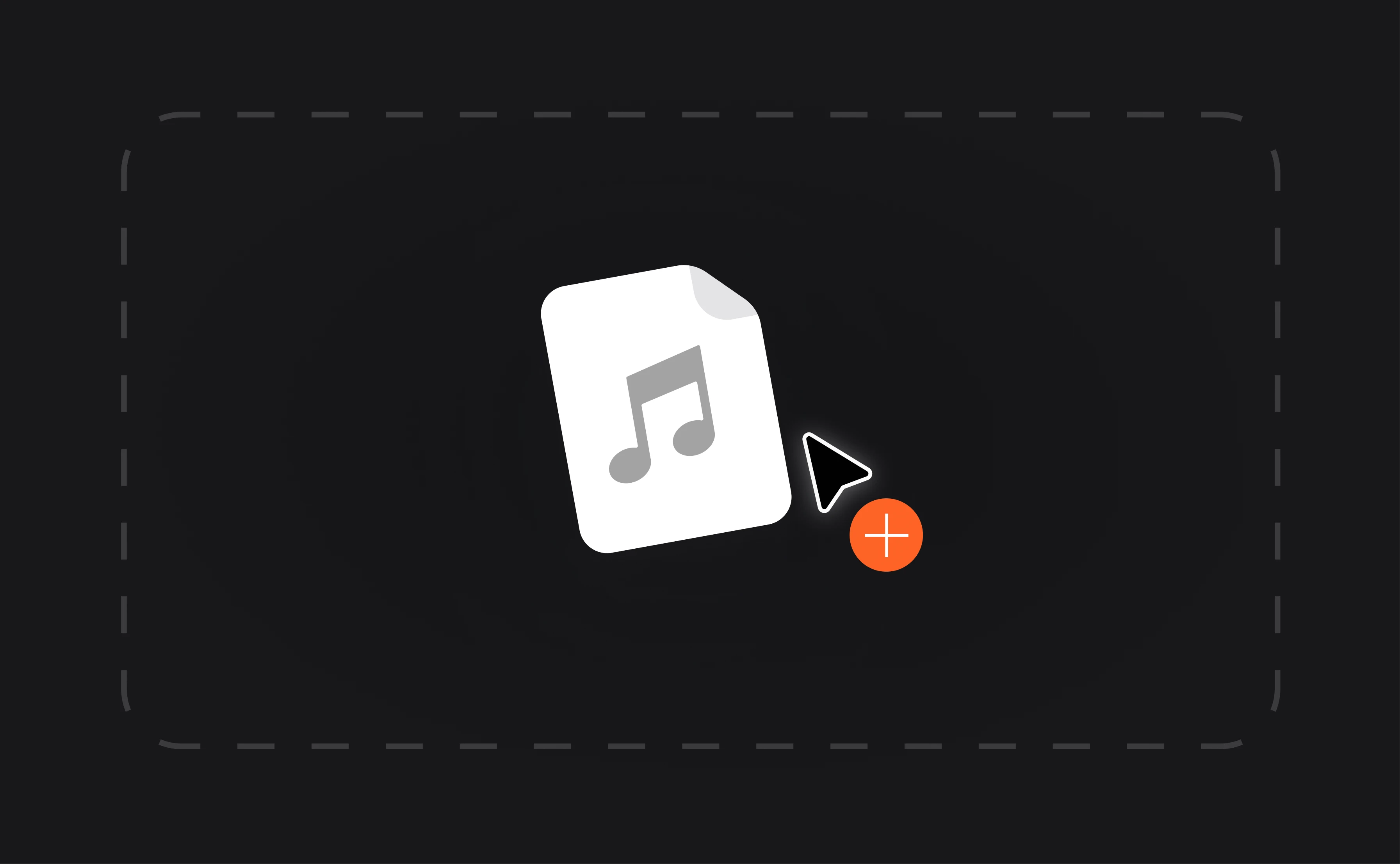
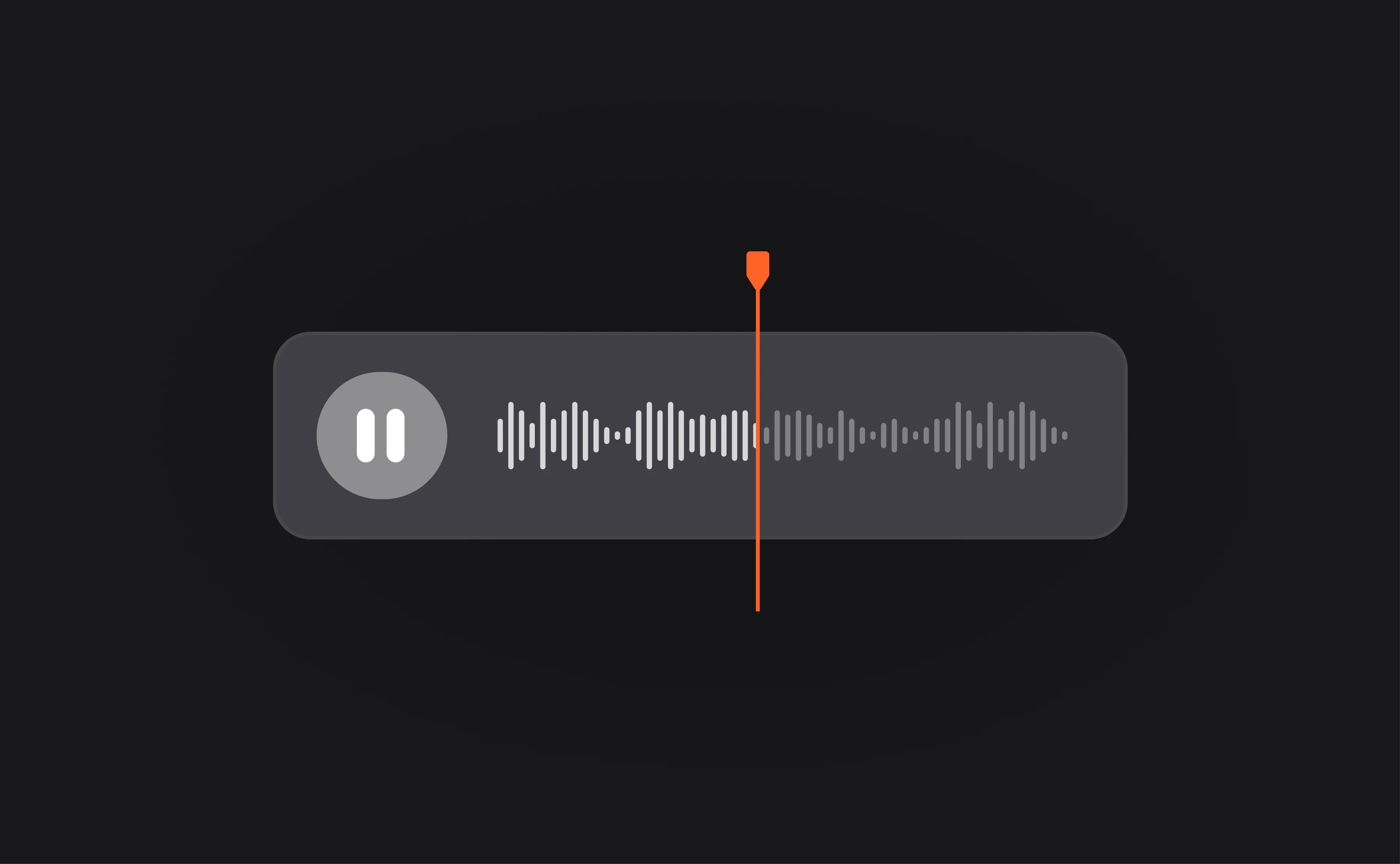
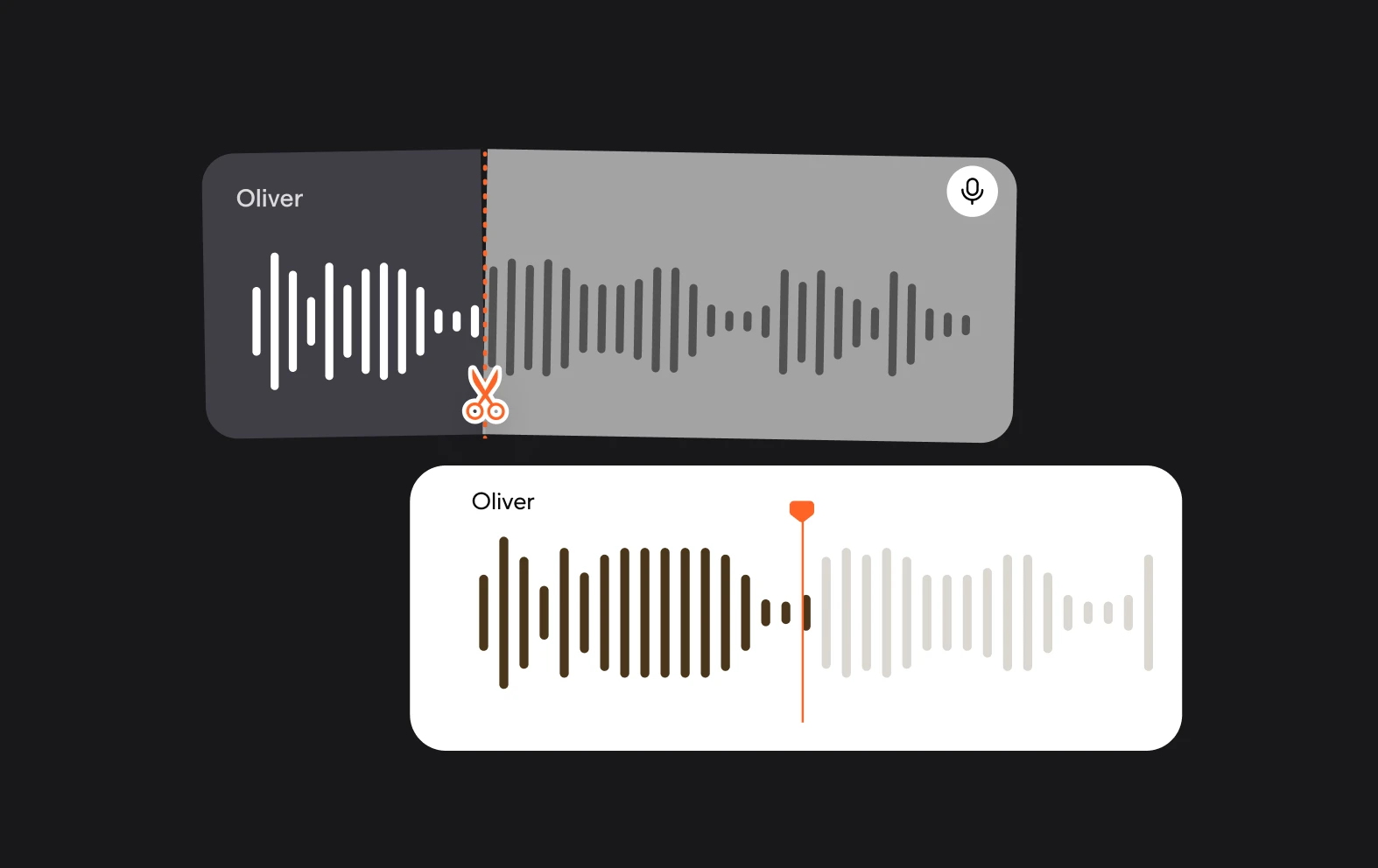
Effortless one-click cleanup
Automatically detect and eliminate long pauses with just a single click-no manual trimming required.
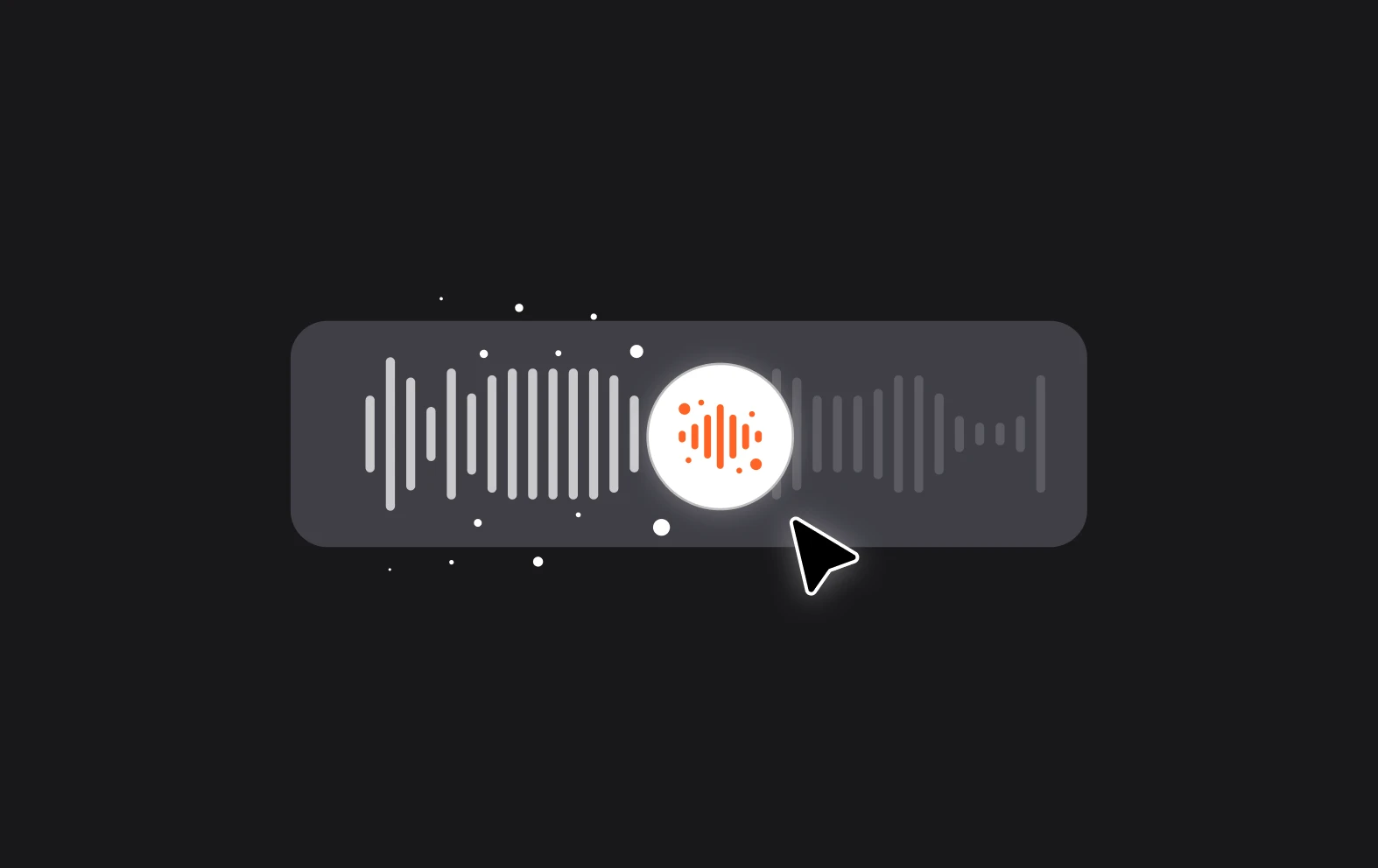
Fast, AI-powered processing
Leverage intelligent AI to rapidly clean your audio, preserving a natural flow while cutting out silent gaps.
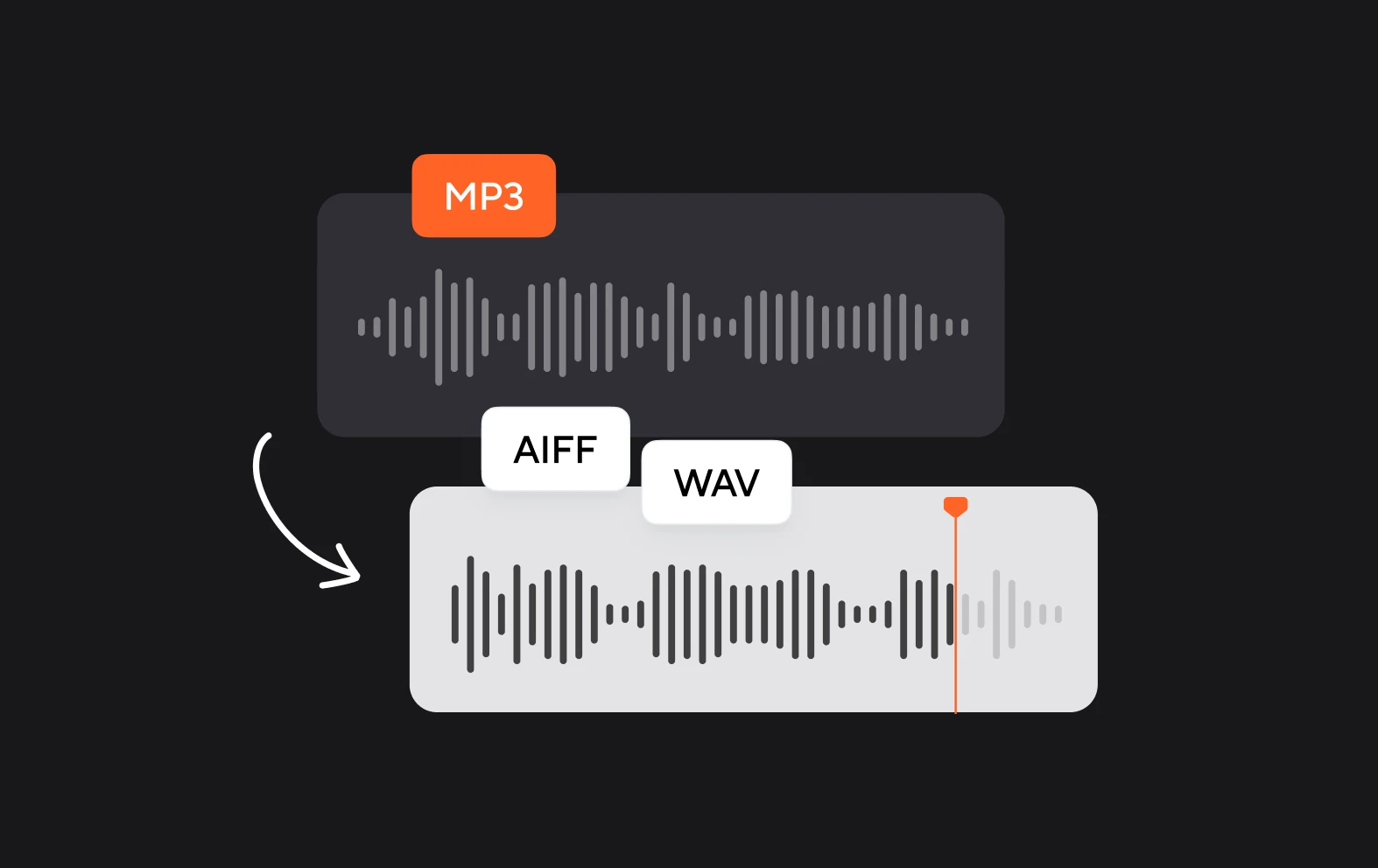
Compatible with popular audio formats
Works seamlessly with MP3, WAV, and M4A files, so you can clean any spoken audio, regardless of format.
How do I get started with Async?
Sign up for a free Async account and upload your audio file. Open the editor, select your track, and use the Silence Removal tool to automatically clean up pauses in your recording.
Can I move to Async from another platform?
Yes! You can easily import audio files from other platforms. Once uploaded, Async’s Silence Removal tool and AI-powered editor let you refine your recordings without losing quality.
Is Async right for me?
Everyone has unique needs for their website, so there’s one way to know if Async is right for you: try it!
We offer a free 14-day trial so you can explore our platform, begin building a site, and decide if you're ready to subscribe to Async. If you're still not sure or if you need more time, you can extend it or start again later. Learn more about trials.
Can someone record my Async for me?
While Async doesn’t record for you, our platform makes it easy to manage recordings yourself. You can record, remove silences, edit, and export your audio all within the browser-no extra software needed.
Have specific questions?
Our support team is here to help! For questions about Silence Removal, editing tips, or AI features, reach out via the Help Center or live chat, and we’ll guide you step by step.