icon

Transform Photos into Stunning Videos

With Async's Photo to Video Maker, turn your favorite photos into captivating videos in minutes.

From photos to professional videos in minutes

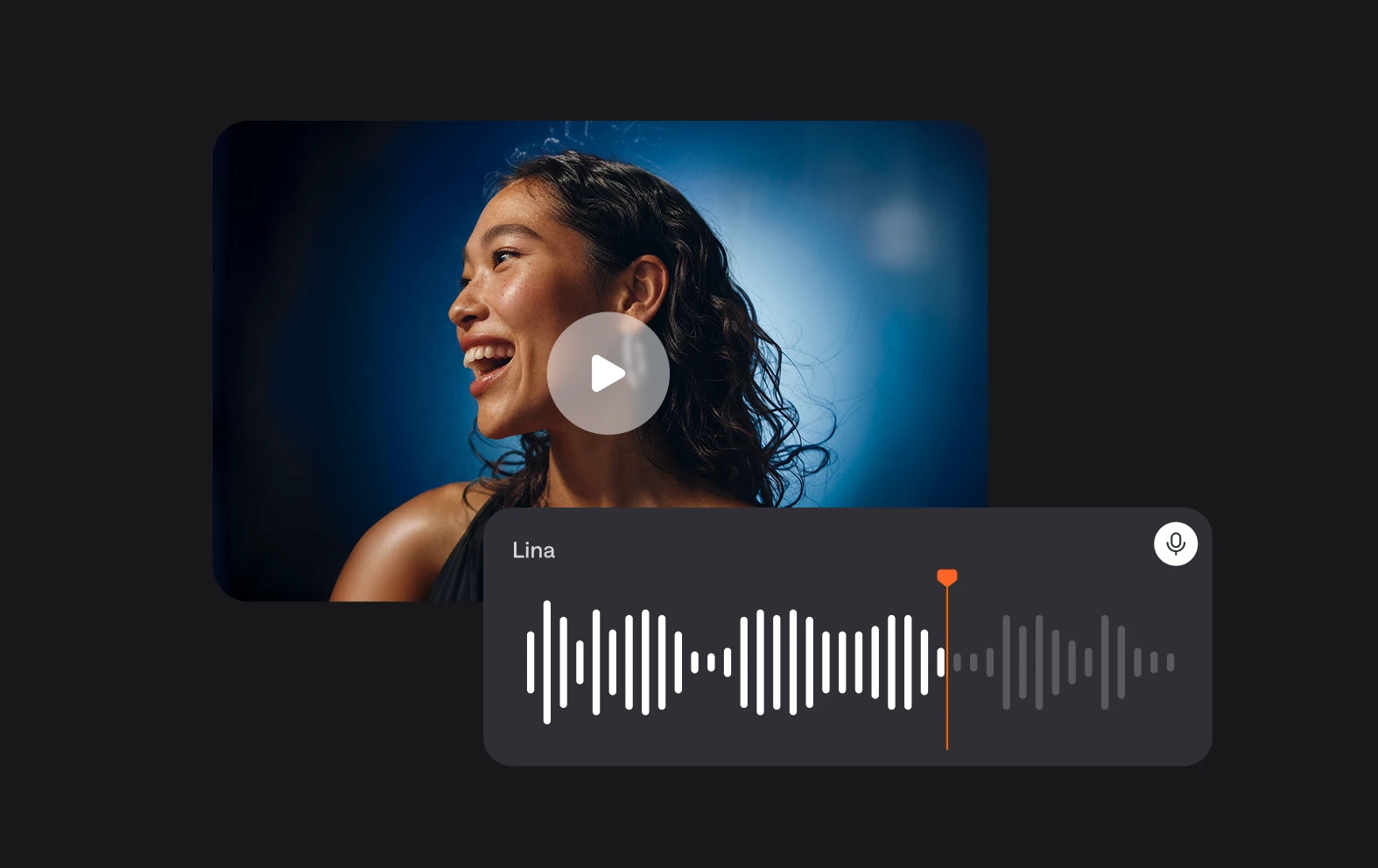
Async’s intuitive photo to video slideshow maker helps you bring your photos to life. Upload your images, arrange them in your preferred sequence, and use our drag-and-drop timeline to design a seamless slideshow. Add music, captions, and AI-powered enhancements to give your video a polished, professional finish. Whether you’re creating a personal memory reel or promotional content, Async has everything you need.

icon

How to make a video with photos and videos
card 1 img
card 2 img
card 3 img
benefit img 1

Add professional audio to your videos

Elevate your photo slideshows by pairing them with professional-quality audio. Async’s audio editor online free lets you record, edit, and enhance voiceovers or add royalty-free music directly to your slideshow. Whether you want soft instrumental tracks or upbeat tunes, you can create the perfect atmosphere to match your visuals. Combine your photos with smooth transitions and captivating audio to craft a compelling story that leaves a lasting impression on your audience.
benefit img 2

Versatile export options for any platform

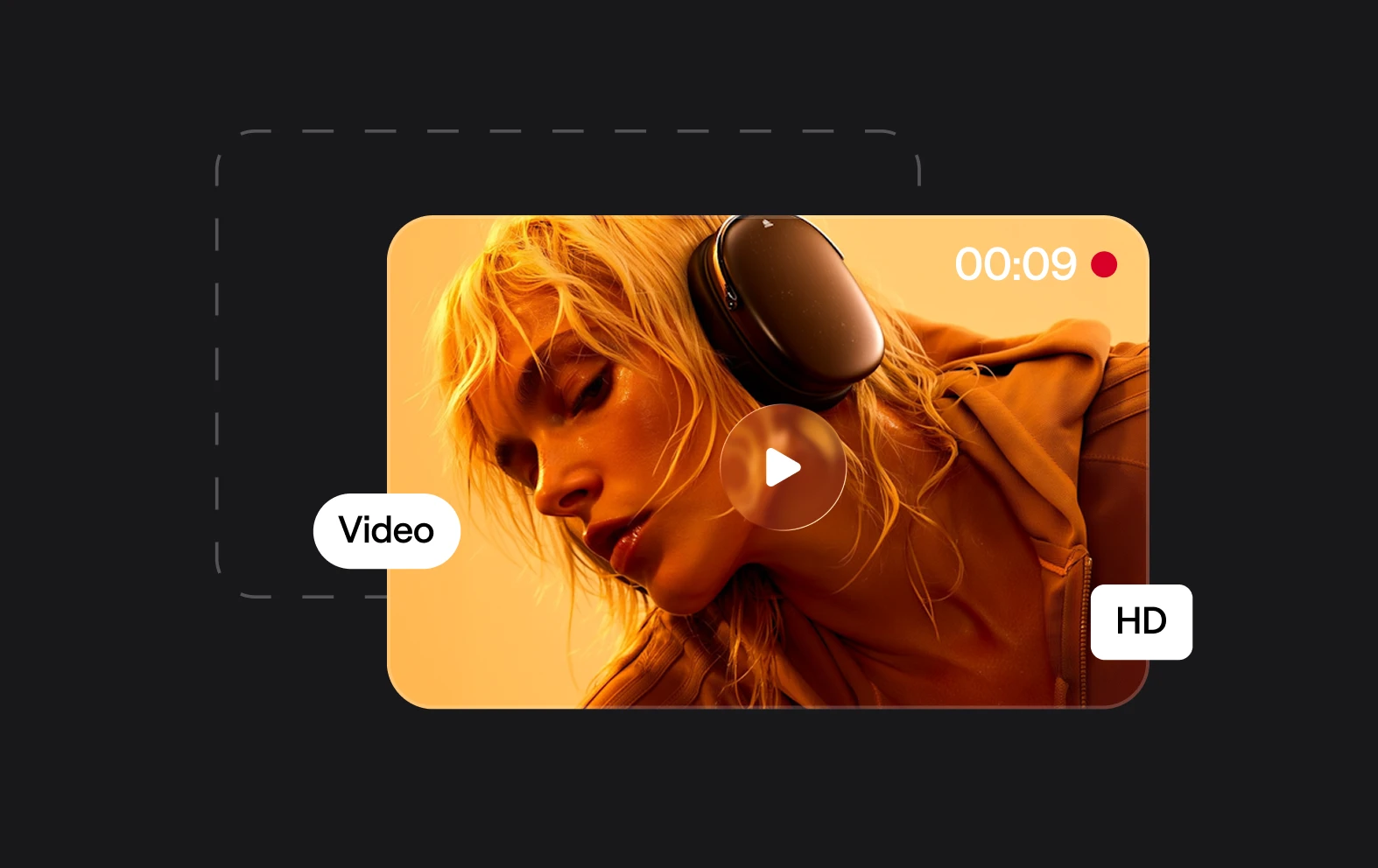
Async’s photo-to-video maker ensures your final video fits any platform or purpose. With versatile export options, you can adjust resolution, format, and aspect ratio to meet the specific requirements of platforms like Instagram, YouTube, or Facebook. Whether you're creating a personal video or professional marketing material, Async allows you to share your content in high-quality formats that look amazing anywhere.

benefit img 3

Effortless collaboration with your team

Async makes team projects a breeze by enabling real-time collaboration. Share your project link with your team members and work together to arrange photos, add captions, or adjust transitions. This feature is perfect for businesses creating marketing content, families sharing memory reels, or creators looking to streamline their workflow. With Async’s browser-based interface, you and your collaborators can edit on the go, ensuring your video turns out exactly how you envisioned.

Discover more

Add Audio to Video OnlineAdd Music to VideosAdd Subtitles to VideoAdd Text to VideoAI Audio AssistantAI Audio EnhancerAI Content ToolsAI Noise ReducerAI Podcast Clip GeneratorAI Subtitle GeneratorAI Video AssistantAI Video EditorAI Video EnhancerAI Video UnblurAnimation VoiceoversAudio JoinerAudio LooperAudio PodcastAudio ProductionAudio RecorderAudio to TextAudio TranslatorAudiobook Recording StudioAutomatic Video EditorBirthday Video MakerBlur Video BackgroundsCar Sound EffectsChange Video Aspect RatioClip MakerCloud Video EditingCompress MP4Compress VideoCreate a PodcastCreate Marketing VideosCreate Training VideosCreate Video OnlineCrop VideoDigital Marketing VideosE-Learning VoiceoversEasiest Video Editing AppEdit MOV FilesEdit WebM FilesExplainer Video MakerExplainer Video VoiceoverExtract AudioEye Contact FixerFemale Voice ChangerFiller Word DetectionFlip VideoFunny Sound EffectsFunny Video MakerHappy Stock MusicInterview TranscriptionJazz Stock MusicLightweight Video EditorLong Video to Short VideoLoop VideoLyric Video MakerMerge Audio FilesMerge VideoMontage Video MakerMP3 Audio CutterMP3 EditorMp3 to TextMP3 to WAV ConverterMP3 TrimmerMP3 Volume IncreaserMP4 to MP3 ConverterMp4 to TextMP4 TrimmerMP4 Video CutterMP4 Video EditorMusic Video MakerMute VideoOnline Audio ConverterOnline Movie MakerOnline Video ConverterOnline Video CutterOnline Video MakerOnline Video RecorderOnline Video TrimmerPhoto to Video MakerPodcast Editing SoftwarePodcast MakerPodcast RecordingPodcast StudioPodcast TeleprompterPodcast TranscriptionPodcast Video EditorPromo Video MakerRain Sound EffectsRecord Audio on iPhoneRemote Interview RecordingRemove Background Noise from AudioRemove Background Noise from VideoRemove Music from VideoResize VideoRotate VideoSilence RemovalSocial Media Marketing VideosSocial Media Video EditorSound Effects LibrarySpeech to Text SoftwareStart PodcastingText Video MakerText-Based EditingTrailer MakerTravel Video MakerTutorial Video MakerVideo Ad MakerVideo Background RemovalVideo ClearerVideo Collage OnlineVideo Compilation MakerVideo CreatorVideo Game VoiceoversVideo Interview SoftwareVideo JoinerVideo MakerVideo MergerVideo PodcastVideo Quality EnhancerVideo Recording SoftwareVideo ResizerVideo Size ReducerVideo SplitterVideo Subtitle GeneratorVideo to AudioVideo to TextVideo TranscriptionVideo TrimmerVideo Tutorial SoftwareVideo Voice OverVoice Over RecordingVoice Over StudioVoice RecorderVoice to TextVoiceovers for PresentationsWAV EditorWAV to MP3 ConverterWebinar Recording SoftwareWedding Video MakerYouTube Sound EffectsYouTube to MP4 TrimYouTube Video CreatorYouTube Video CutterYouTube Video EditorYouTube Video MakerYouTube Video TrimmerYouTube Video Voiceovers
More tools

Frequently Asked Questions

How do I turn photos into a video?

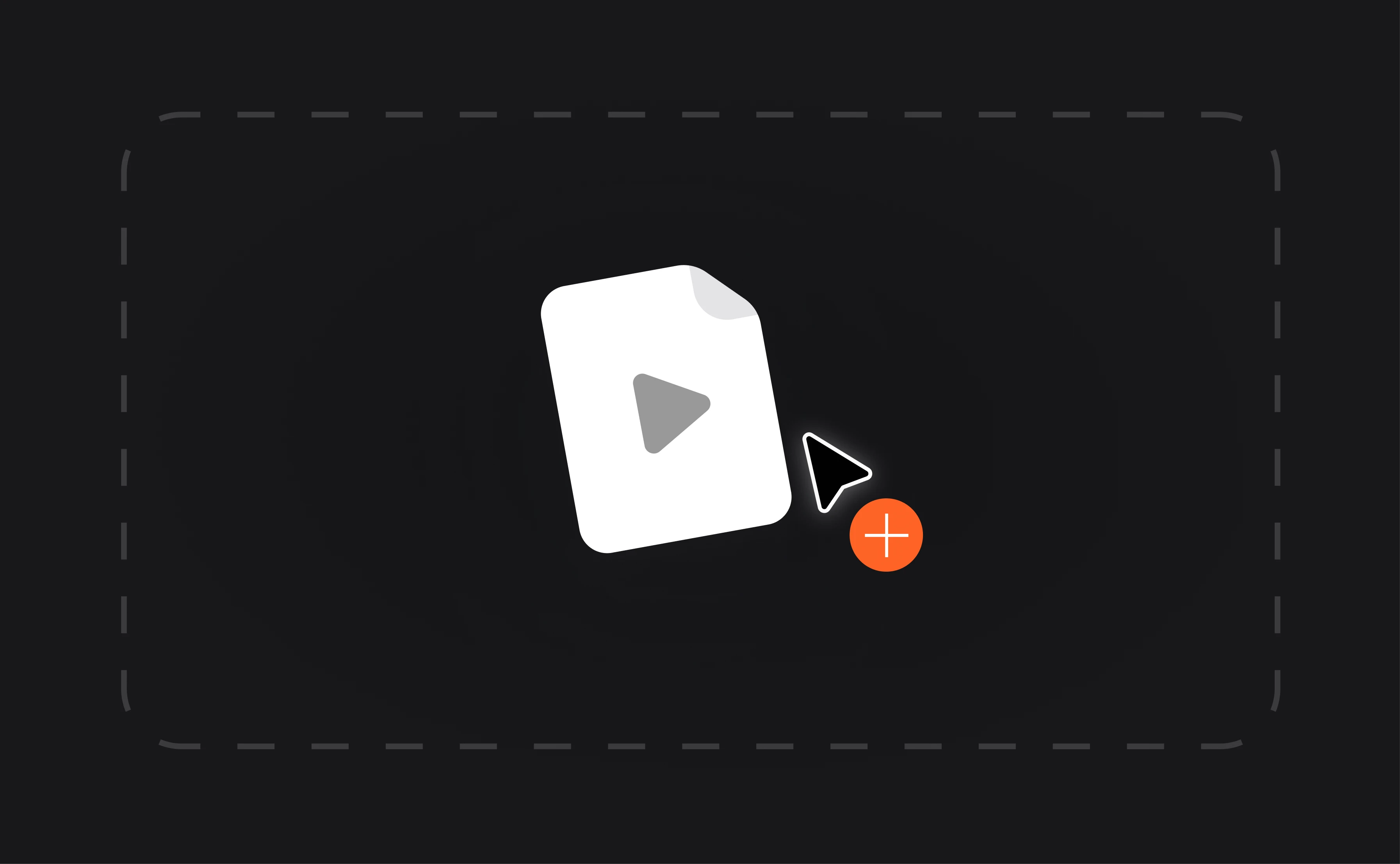
With Async, turning your photos into a video is simple. Start by uploading your images, arranging them in your desired sequence, and selecting from various transitions and effects. Add background music, captions, or voiceovers to personalize your slideshow. Once your video is ready, export it in the format and resolution of your choice. Async’s tools are designed to be user-friendly, so even beginners can create professional-looking videos in just a few steps.

Can I add music to my photo video?

Yes, Async makes it easy to add music to your photo video. Choose from royalty-free tracks available on the platform or upload your own audio file. You can sync the music to match the flow of your slideshow and adjust its volume for balance. Adding background music enhances your video’s emotional impact and makes it more engaging for viewers, whether you're creating personal content or professional marketing videos.

Is Async’s Photo to Video Maker free?

Async offers both free and premium plans for its photo to video AI maker. With the free version, you can access essential editing tools and create stunning slideshows. Upgrading to a premium plan unlocks advanced features like higher-quality exports, additional transitions, and more music options. Whether you stick with the free tools or go premium, Async ensures you have everything you need to produce high-quality videos.

Can I combine videos with photos in Async?

Absolutely! Async allows you to combine video clips with your photos to create dynamic, mixed-media content. Arrange your files on the timeline, add transitions, and enhance them with captions or music. This flexibility makes Async ideal for creating marketing materials, social media content, or personal memory reels. The platform’s drag-and-drop editor simplifies the process, enabling you to blend videos and photos seamlessly for a polished result.

Do I need any prior editing experience to use Async?

Not at all! Async’s intuitive design is perfect for both beginners and experienced creators. Its user-friendly interface guides you through the process of arranging photos, applying transitions, and adding effects without any steep learning curve. For those who want to explore advanced features, such as AI-powered enhancements or audio editing, helpful tutorials and support are readily available. With Async, creating professional-quality videos is easy for everyone.
Your video, made by chat.
Just tell Async what you want.

From raw footage and AI-generated scenes to finished videos in one AI workflow.

Start creating for free