icon

Video Compilation Maker

Create memorable videos effortlessly with Async’s video compilation maker, the ultimate tool for blending your favorite clips into one seamless video.

The ultimate Video Compilation tool

Async’s video compilation maker allows you to combine multiple clips into one cohesive masterpiece. Whether you're creating a funny video compilation to make people laugh or showcasing highlights from an event, our intuitive platform makes the process fast and easy. Add transitions, background music, and text to personalize your videos while maintaining professional quality. Wondering how to make a video compilation? Async has you covered with its beginner-friendly features!

icon

How to make a video compilation in 3 easy steps
card 1 img
card 2 img
card 3 img
benefit img 1

Combine clips seamlessly

With Async’s video compilation maker, stitching together multiple clips has never been easier. Our platform automatically aligns your videos for smooth transitions, helping you create engaging compilations without any hassle. Add text, filters, or music to your clips to personalize your final project, whether it’s for professional use or a fun gathering with friends.
benefit img 2

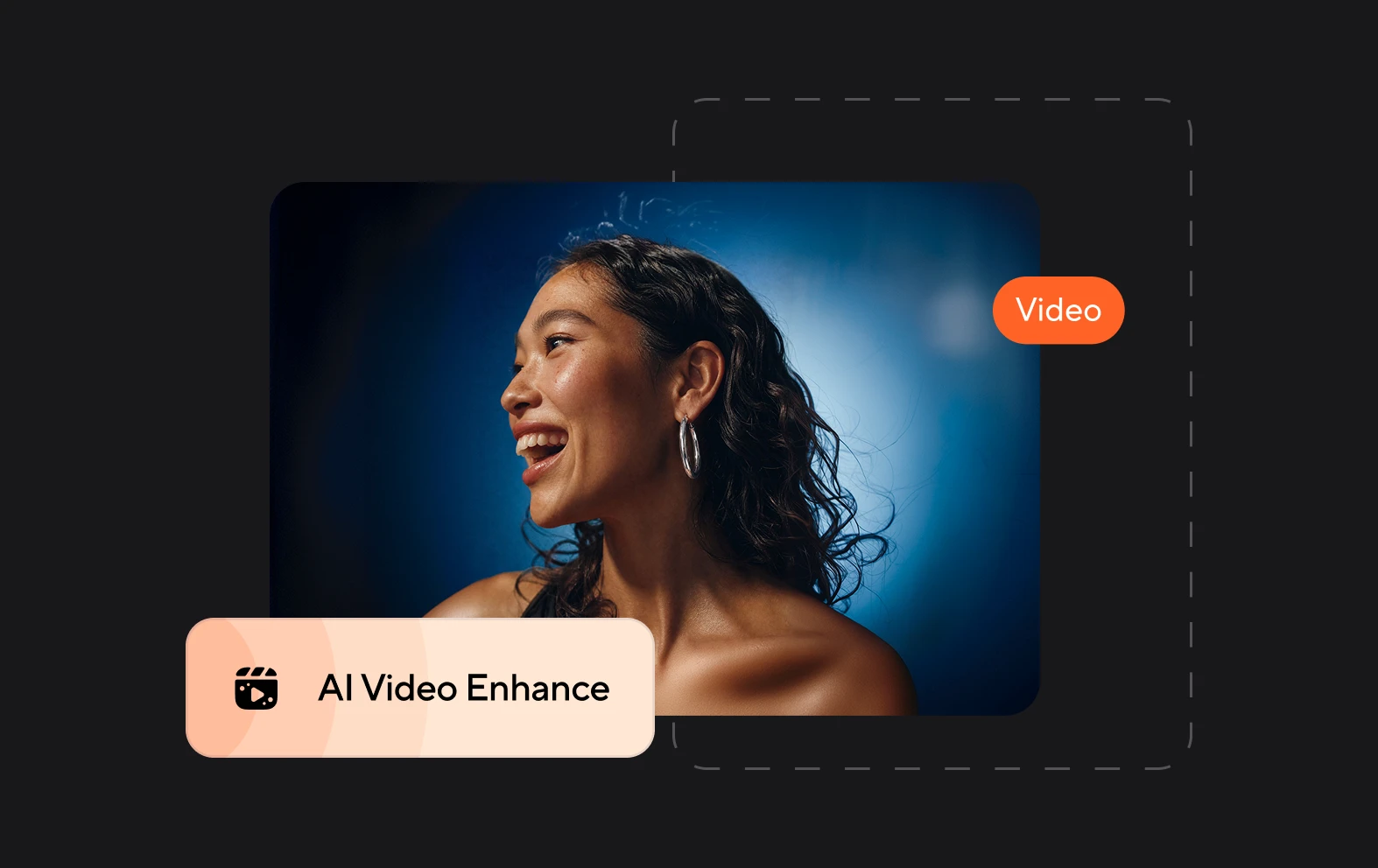
Professional editing made simple

Async combines simplicity with advanced features, making it the easiest way to create a video compilation. Trim, cut, and rearrange clips or enhance the visual quality with just a few clicks. It’s perfect for users looking for a funny video compilation or those needing polished presentations.
benefit img 3

Accessible anywhere, anytime

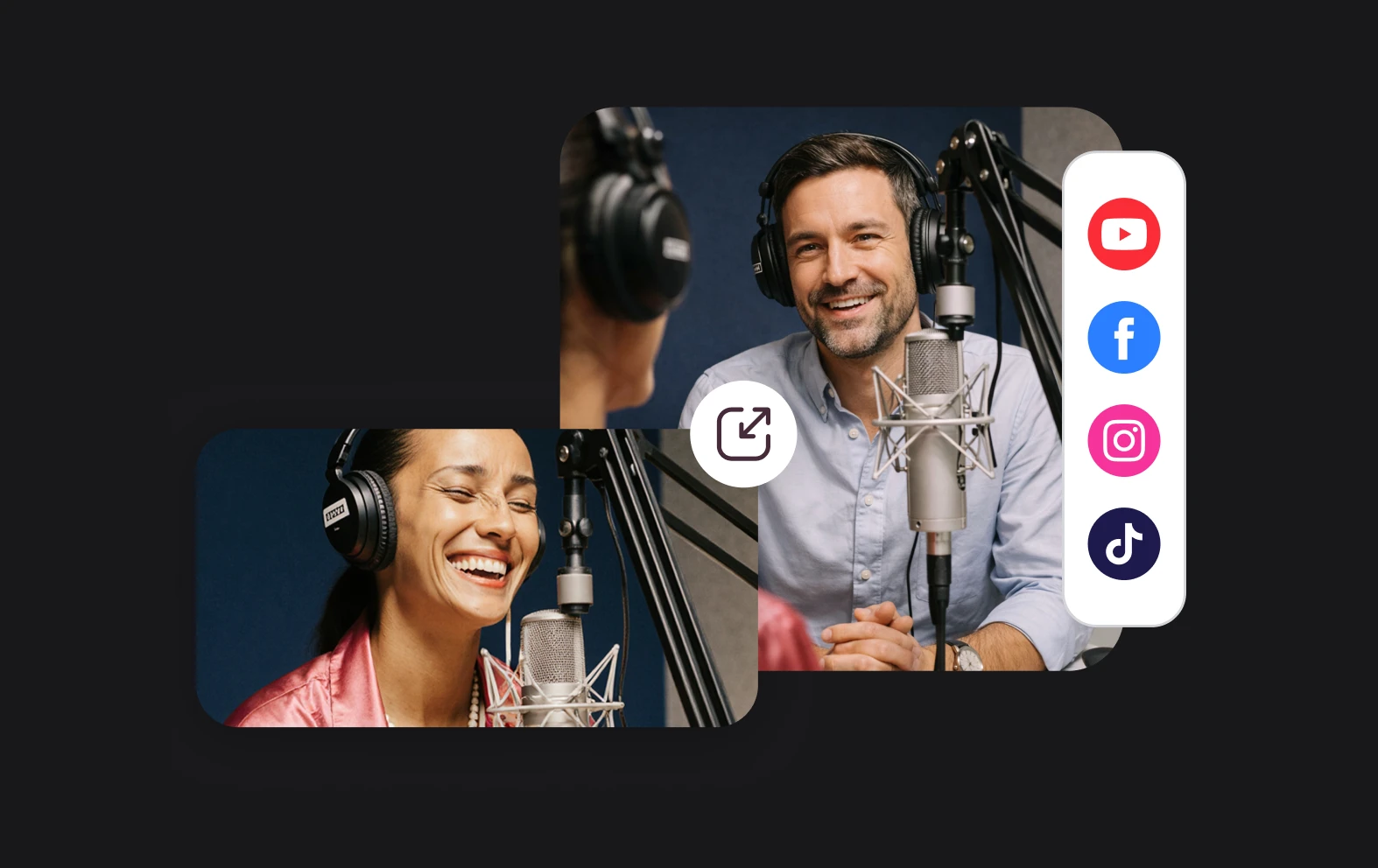
Subtitles, or captions, are great for accessibility, but also for expanding your audience. The great thing about our video editor is that you can automatically add captions and customize them in different styles and languages.

Discover more

Add Audio to Video OnlineAdd Music to VideosAdd Subtitles to VideoAdd Text to VideoAI Audio AssistantAI Audio EnhancerAI Content ToolsAI Noise ReducerAI Podcast Clip GeneratorAI Subtitle GeneratorAI Video AssistantAI Video EditorAI Video EnhancerAI Video UnblurAnimation VoiceoversAudio JoinerAudio LooperAudio PodcastAudio ProductionAudio RecorderAudio to TextAudio TranslatorAudiobook Recording StudioAutomatic Video EditorBirthday Video MakerBlur Video BackgroundsCar Sound EffectsChange Video Aspect RatioClip MakerCloud Video EditingCompress MP4Compress VideoCreate a PodcastCreate Marketing VideosCreate Training VideosCreate Video OnlineCrop VideoDigital Marketing VideosE-Learning VoiceoversEasiest Video Editing AppEdit MOV FilesEdit WebM FilesExplainer Video MakerExplainer Video VoiceoverExtract AudioEye Contact FixerFemale Voice ChangerFiller Word DetectionFlip VideoFunny Sound EffectsFunny Video MakerHappy Stock MusicInterview TranscriptionJazz Stock MusicLightweight Video EditorLong Video to Short VideoLoop VideoLyric Video MakerMerge Audio FilesMerge VideoMontage Video MakerMP3 Audio CutterMP3 EditorMp3 to TextMP3 to WAV ConverterMP3 TrimmerMP3 Volume IncreaserMP4 to MP3 ConverterMp4 to TextMP4 TrimmerMP4 Video CutterMP4 Video EditorMusic Video MakerMute VideoOnline Audio ConverterOnline Movie MakerOnline Video ConverterOnline Video CutterOnline Video MakerOnline Video RecorderOnline Video TrimmerPhoto to Video MakerPodcast Editing SoftwarePodcast MakerPodcast RecordingPodcast StudioPodcast TeleprompterPodcast TranscriptionPodcast Video EditorPromo Video MakerRain Sound EffectsRecord Audio on iPhoneRemote Interview RecordingRemove Background Noise from AudioRemove Background Noise from VideoRemove Music from VideoResize VideoRotate VideoSilence RemovalSocial Media Marketing VideosSocial Media Video EditorSound Effects LibrarySpeech to Text SoftwareStart PodcastingText Video MakerText-Based EditingTrailer MakerTravel Video MakerTutorial Video MakerVideo Ad MakerVideo Background RemovalVideo ClearerVideo Collage OnlineVideo Compilation MakerVideo CreatorVideo Game VoiceoversVideo Interview SoftwareVideo JoinerVideo MakerVideo MergerVideo PodcastVideo Quality EnhancerVideo Recording SoftwareVideo ResizerVideo Size ReducerVideo SplitterVideo Subtitle GeneratorVideo to AudioVideo to TextVideo TranscriptionVideo TrimmerVideo Tutorial SoftwareVideo Voice OverVoice Over RecordingVoice Over StudioVoice RecorderVoice to TextVoiceovers for PresentationsWAV EditorWAV to MP3 ConverterWebinar Recording SoftwareWedding Video MakerYouTube Sound EffectsYouTube to MP4 TrimYouTube Video CreatorYouTube Video CutterYouTube Video EditorYouTube Video MakerYouTube Video TrimmerYouTube Video Voiceovers
More tools

Frequently Asked Questions

Can I use the video compilation maker for free?

Yes, Async’s video compilation maker provides free access to a wide range of essential features, making it easy for anyone to start creating stunning videos without any upfront cost. The free version allows you to upload multiple clips, arrange them seamlessly, and add personal touches like transitions and text overlays. Whether you're crafting a funny video compilation or a professional presentation, the free plan gives you plenty of tools to bring your vision to life. If you need advanced features, you can always upgrade to unlock even more options.

How do I make a video compilation look professional?

Creating a professional video compilation with Async is simple and efficient. Start by carefully selecting high-quality clips that fit your theme. Once uploaded, you can use the intuitive editing tools to trim, align, and arrange them in a logical sequence. Add smooth transitions between clips, overlay text to convey key messages, and include background music to set the right tone. Async’s video compilation maker also allows you to adjust brightness, contrast, and color to ensure your video looks polished. With its user-friendly interface, you don’t need advanced skills to create a professional-looking compilation.

Can I create a funny video compilation with Async?

Absolutely! Async is ideal for crafting funny video compilations that entertain and engage your audience. Upload your funniest clips, then enhance them using features like text captions to highlight punchlines or sound effects to amplify the humor. You can also add playful transitions and background music to keep the tone lighthearted. Whether you're compiling bloopers, pet antics, or hilarious moments from your friends, Async’s easy-to-use tools make it a breeze to edit and share your creation. Plus, the browser-based platform ensures you can work on your project from any device.

Is Async suitable for beginners?

Yes, Async is specifically designed with beginners in mind, making it one of the easiest platforms to use for video editing. Its intuitive interface eliminates the complexity often associated with video editing software, allowing you to create stunning compilations in just a few steps. Whether you're experimenting with video editing for the first time or simply looking for a hassle-free way to piece together clips, Async’s video compilation maker provides all the tools you need. Detailed guides and helpful tooltips ensure that even first-time users can achieve professional results effortlessly.

What file formats does Async support?

Async supports a wide range of file formats to ensure compatibility with virtually any type of video. Common formats like MP4, MOV, and more are easily handled by the video compilation maker, allowing you to upload and edit your clips without worrying about conversions. This flexibility makes it ideal for users who work with various devices and cameras. Once you’ve completed your project, you can export it in high-quality formats that are ready for sharing on platforms like YouTube, Instagram, or even for professional presentations.
Your video, made by chat.
Just tell Async what you want.

From raw footage and AI-generated scenes to finished videos in one AI workflow.

Start creating for free