
Video Tutorial Maker
Making educational videos to demonstrate software, tools or processes is super easy with Async. Upload and record video and edit easily.
Make tutorial videos
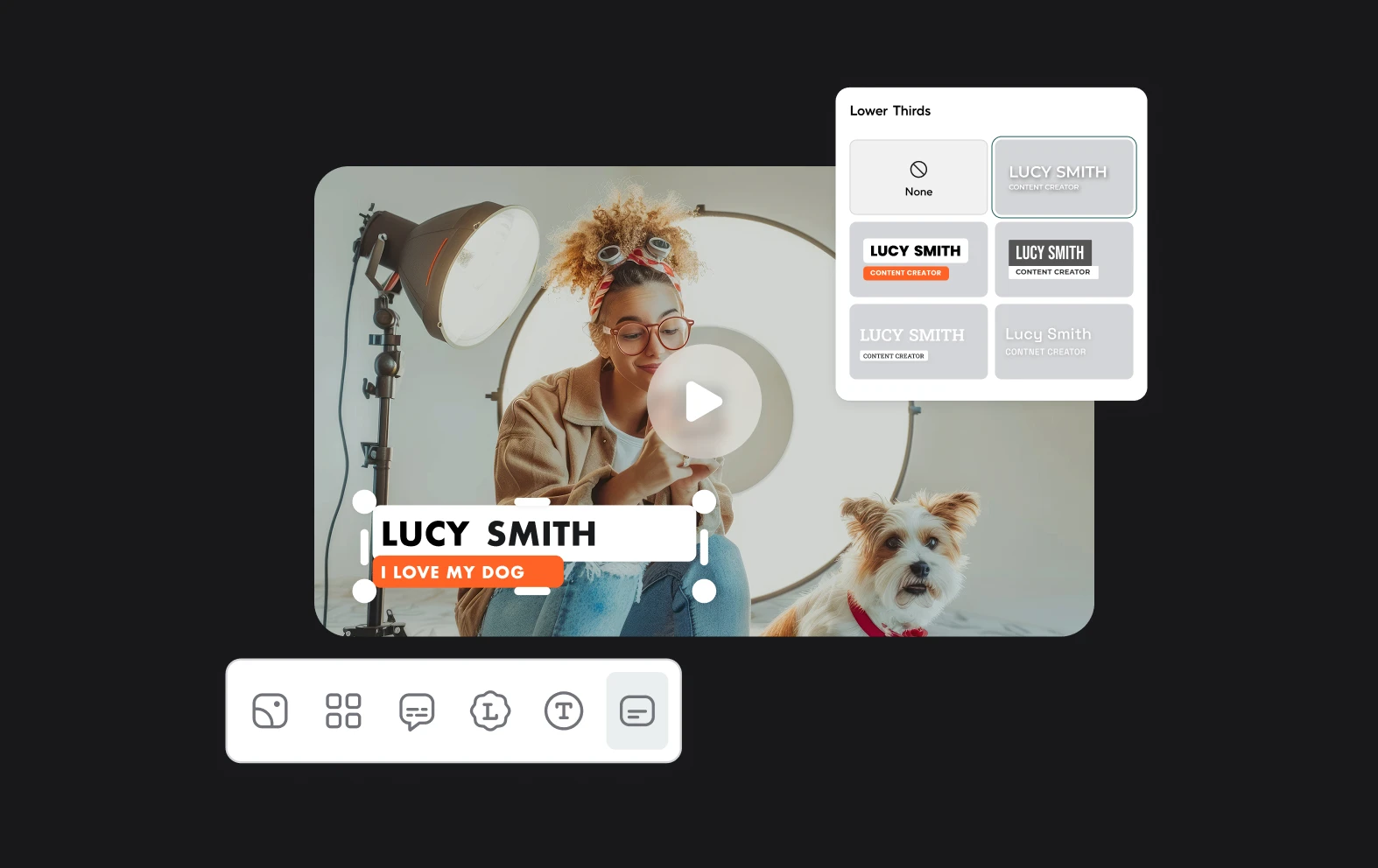
Creating engaging tutorial videos has become easier than ever with editors like Async, which provides all the essential tools for crafting clear, professional instructional content. Start by planning your tutorial with a structured outline, then record your screen or camera footage with clear, step-by-step demonstrations. Async's editing features allow you to enhance your tutorial by trimming unnecessary pauses, adding text overlays for important points, and incorporating smooth transitions between steps. You can also adjust audio levels to ensure your voice-over instructions are crisp and clear, and add visual highlights to draw attention to crucial details, all while maintaining a professional look that keeps viewers engaged.

How to make tutorial videos

Online Video Editor
Our intuitive multi-track editor transforms video editing from a chore into an enjoyable creative process. Built to work seamlessly in your web browser, Async's powerful platform lets you access your projects and professional editing tools from anywhere.
Royalty-free music and sounds
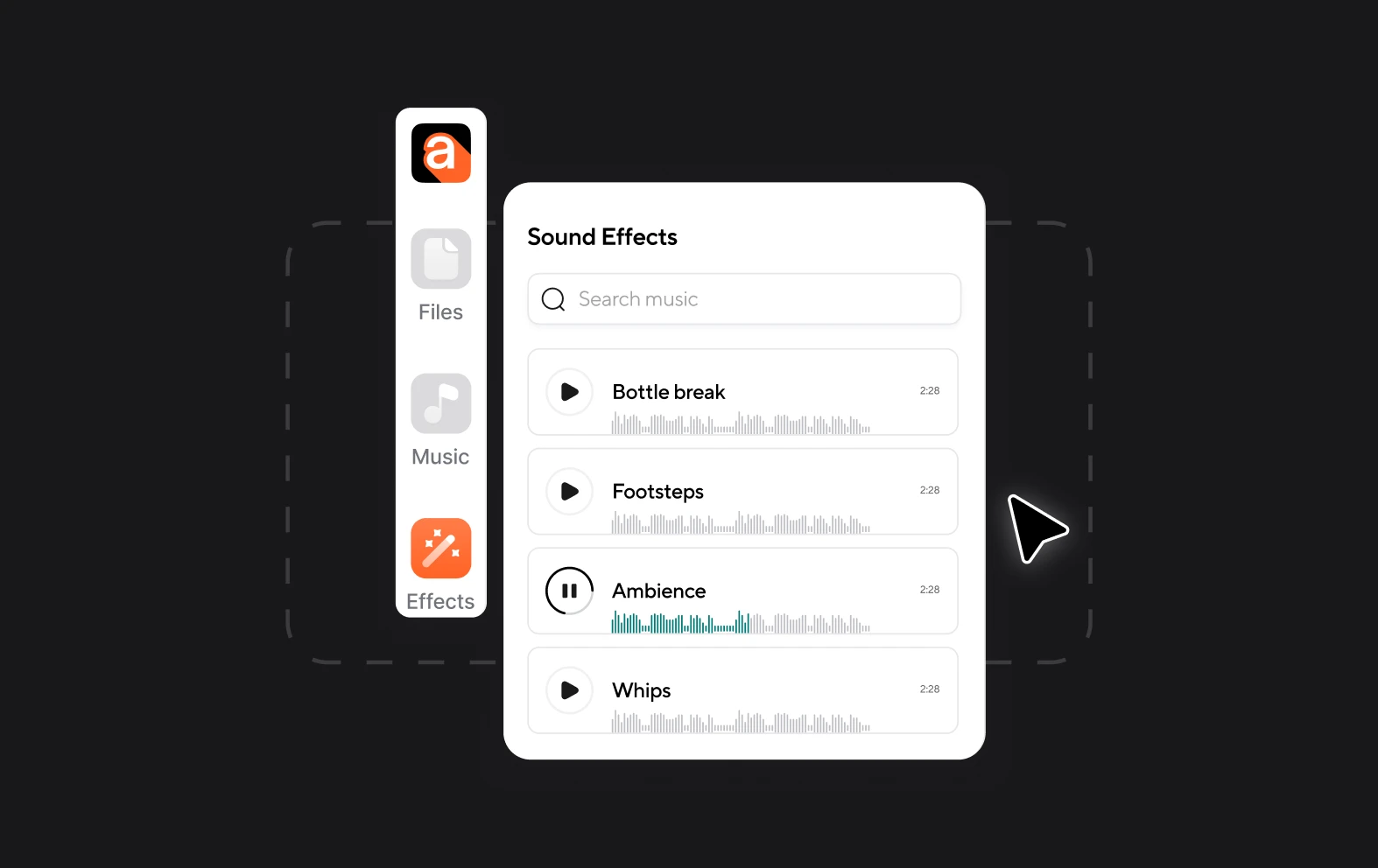
We have 1000s of stock music tracks and sound effects that are perfect for making your tutorial video more engaging. Whether you want rock, jazz or something a bit more chill, search our library for the right sounds.
Enhance with AI
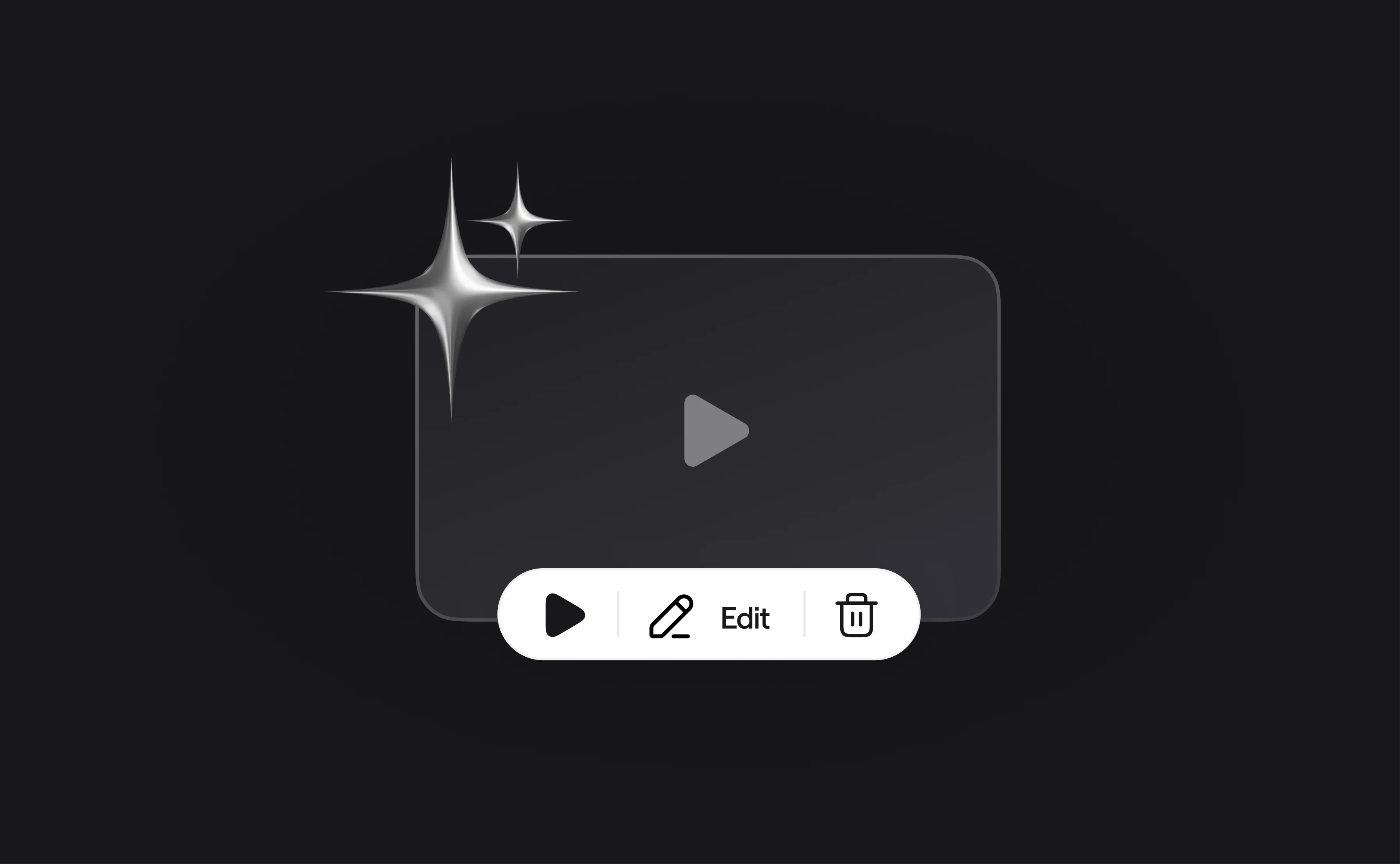
Not only can you edit videos quickly and easily with Async, you can also make use of our AI tools to quickly enhance the quality of your video. Cinematic Blur will add a premium blurring effect and our audio tools remove background noise automatically.