icon

Online Audio Looper

Loop audio using MP3, WAV, AAC and other file formats with Async’s audio editing software, get unlimited recording and editing.

AI Audio Looper

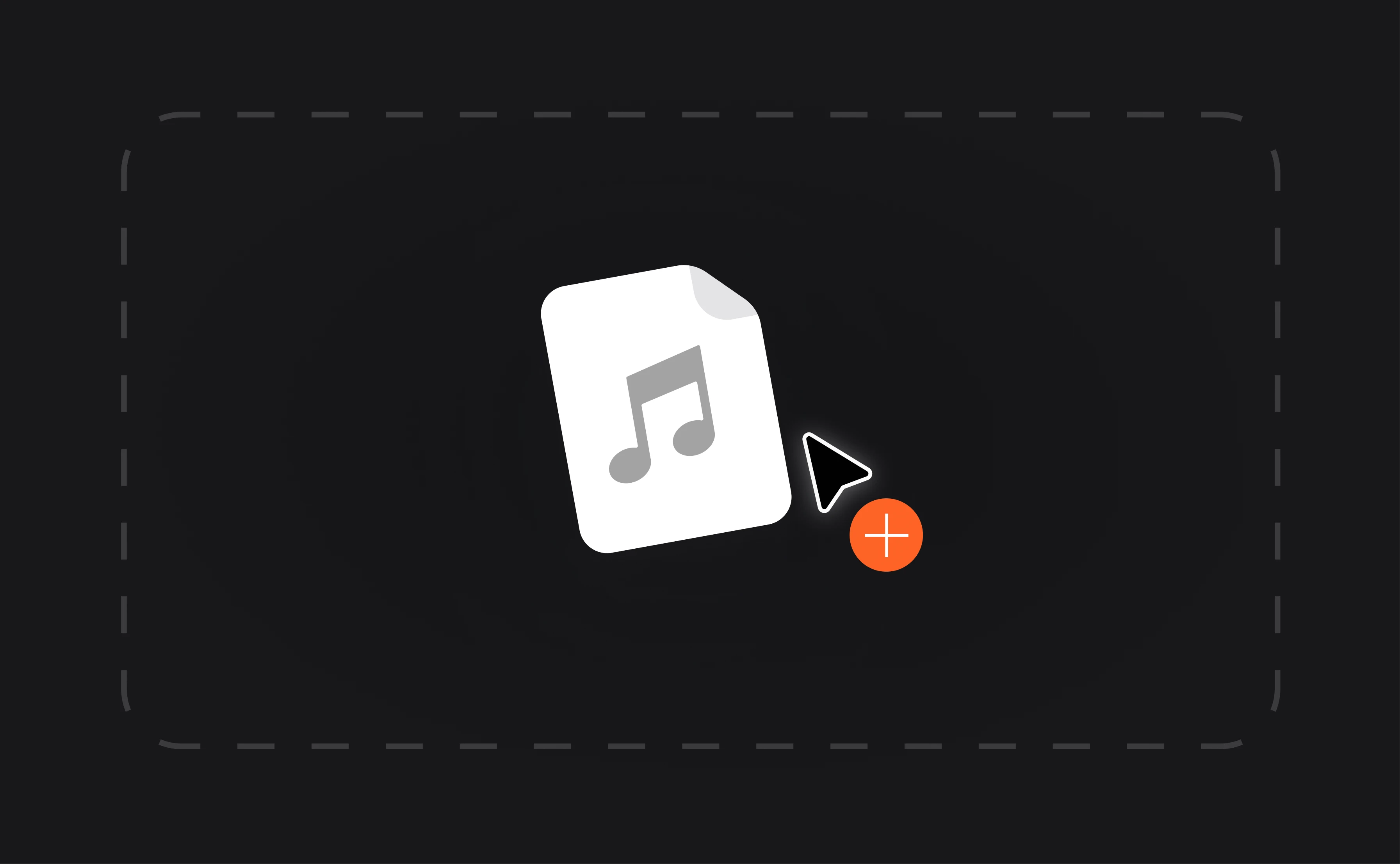
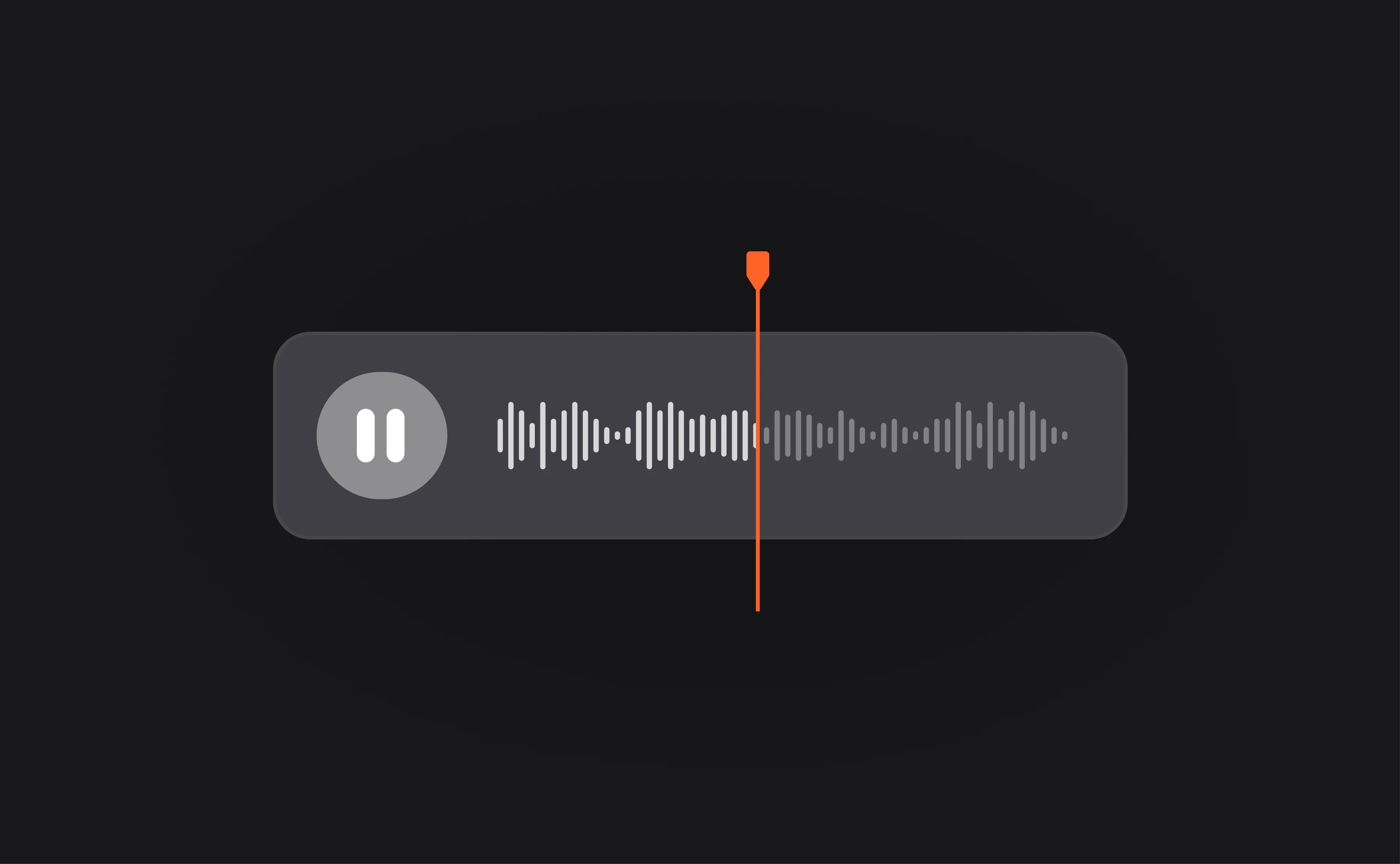
Looping audio is a simple job with Async. Once you’ve uploaded your file you can copy and paste until your heart’s content, looping audio for as long as you need. Our AI-powered features also make it easy to enhance the quality of your audio to make sure it’s as seamless as possible.

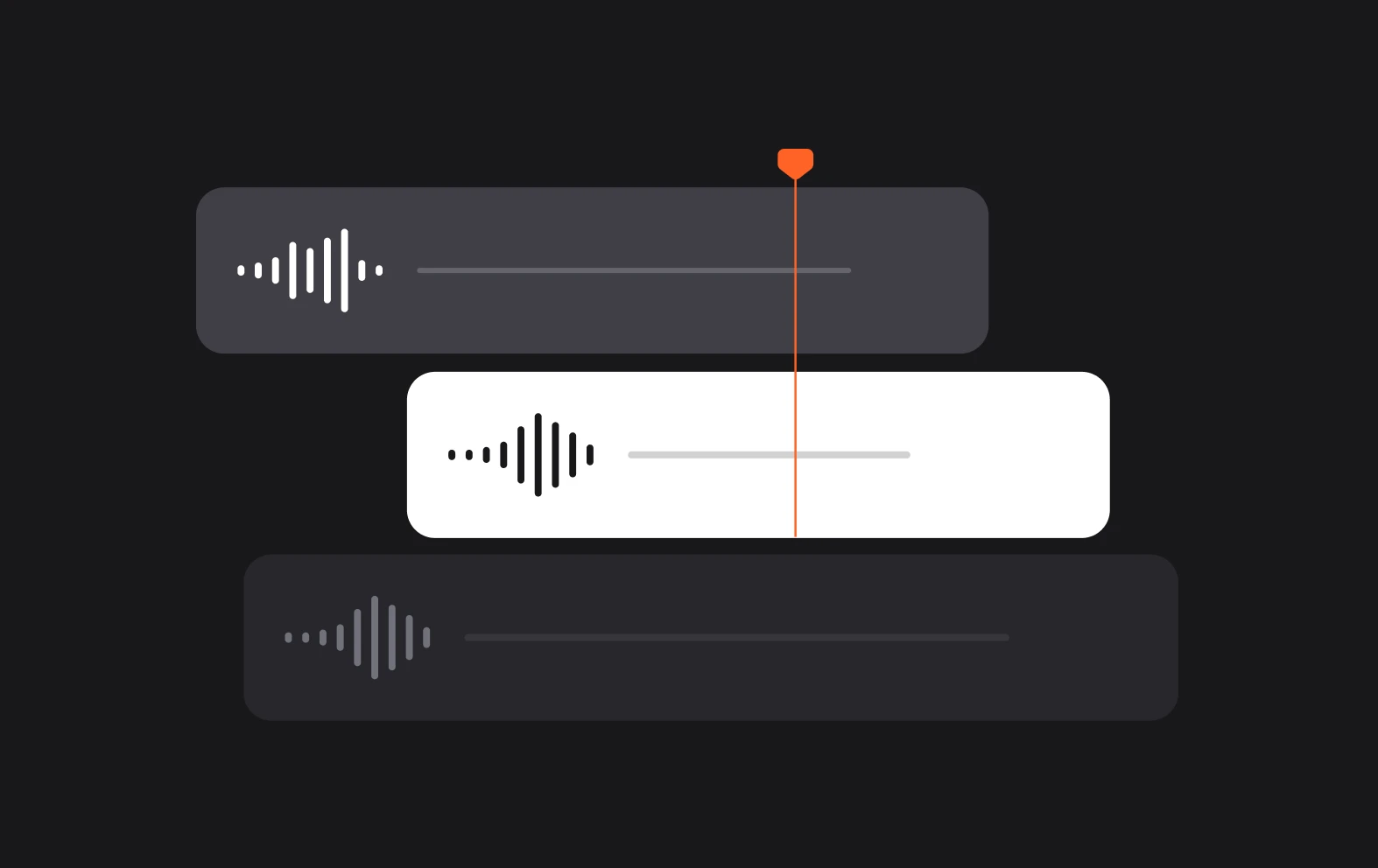
Our drag and drop fade-in and fade-out features make it easy to blend audio files together and create a perfect audio loop. Upload your files now to see how easy our AI software is to use.

icon

How to loop audio files

card 1 img
card 2 img
card 3 img
benefit img 1

Unlimited audio editing

Our basic plan includes unlimited audio editing so you can upload your files and edit without a long-term commitment.
benefit img 2

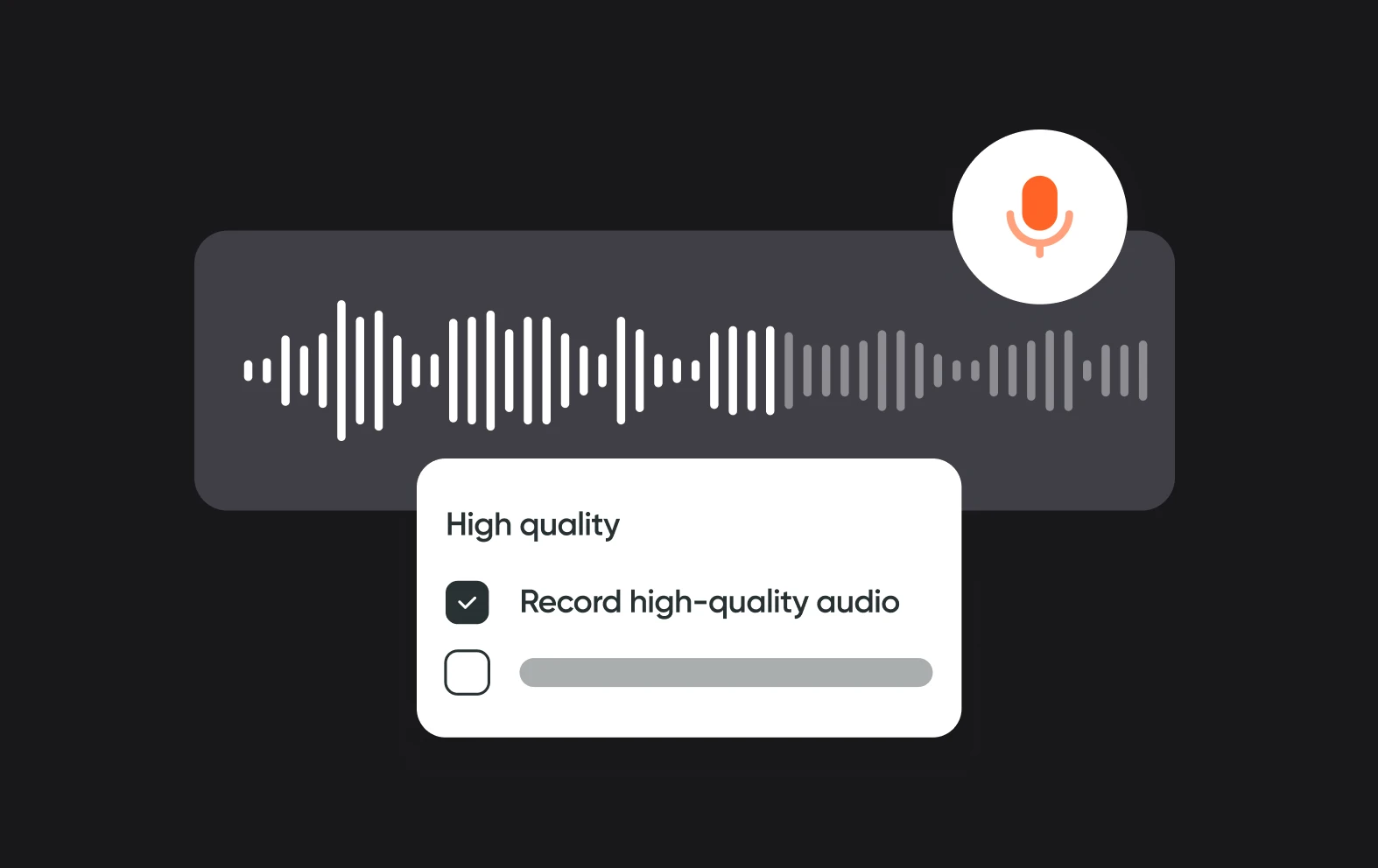
Studio quality sound

Our audio editing tool works in the background to make sure your audio is as clean and crisp as possible, giving you the best sound.
benefit img 3

Online audio looper

No need to install apps or download software, just create a free account, upload your audio and you are good to go.

Discover more

Add Audio to Video OnlineAdd Music to VideosAdd Subtitles to VideoAdd Text to VideoAI Audio AssistantAI Audio EnhancerAI Content ToolsAI Noise ReducerAI Podcast Clip GeneratorAI Subtitle GeneratorAI Video AssistantAI Video EditorAI Video EnhancerAI Video UnblurAnimation VoiceoversAudio JoinerAudio LooperAudio PodcastAudio ProductionAudio RecorderAudio to TextAudio TranslatorAudiobook Recording StudioAutomatic Video EditorBirthday Video MakerBlur Video BackgroundsCar Sound EffectsChange Video Aspect RatioClip MakerCloud Video EditingCompress MP4Compress VideoCreate a PodcastCreate Marketing VideosCreate Training VideosCreate Video OnlineCrop VideoDigital Marketing VideosE-Learning VoiceoversEasiest Video Editing AppEdit MOV FilesEdit WebM FilesExplainer Video MakerExplainer Video VoiceoverExtract AudioEye Contact FixerFemale Voice ChangerFiller Word DetectionFlip VideoFunny Sound EffectsFunny Video MakerHappy Stock MusicInterview TranscriptionJazz Stock MusicLightweight Video EditorLong Video to Short VideoLoop VideoLyric Video MakerMerge Audio FilesMerge VideoMontage Video MakerMP3 Audio CutterMP3 EditorMp3 to TextMP3 to WAV ConverterMP3 TrimmerMP3 Volume IncreaserMP4 to MP3 ConverterMp4 to TextMP4 TrimmerMP4 Video CutterMP4 Video EditorMusic Video MakerMute VideoOnline Audio ConverterOnline Movie MakerOnline Video ConverterOnline Video CutterOnline Video MakerOnline Video RecorderOnline Video TrimmerPhoto to Video MakerPodcast Editing SoftwarePodcast MakerPodcast RecordingPodcast StudioPodcast TeleprompterPodcast TranscriptionPodcast Video EditorPromo Video MakerRain Sound EffectsRecord Audio on iPhoneRemote Interview RecordingRemove Background Noise from AudioRemove Background Noise from VideoRemove Music from VideoResize VideoRotate VideoSilence RemovalSocial Media Marketing VideosSocial Media Video EditorSound Effects LibrarySpeech to Text SoftwareStart PodcastingText Video MakerText-Based EditingTrailer MakerTravel Video MakerTutorial Video MakerVideo Ad MakerVideo Background RemovalVideo ClearerVideo Collage OnlineVideo Compilation MakerVideo CreatorVideo Game VoiceoversVideo Interview SoftwareVideo JoinerVideo MakerVideo MergerVideo PodcastVideo Quality EnhancerVideo Recording SoftwareVideo ResizerVideo Size ReducerVideo SplitterVideo Subtitle GeneratorVideo to AudioVideo to TextVideo TranscriptionVideo TrimmerVideo Tutorial SoftwareVideo Voice OverVoice Over RecordingVoice Over StudioVoice RecorderVoice to TextVoiceovers for PresentationsWAV EditorWAV to MP3 ConverterWebinar Recording SoftwareWedding Video MakerYouTube Sound EffectsYouTube to MP4 TrimYouTube Video CreatorYouTube Video CutterYouTube Video EditorYouTube Video MakerYouTube Video TrimmerYouTube Video Voiceovers
More tools

Frequently Asked Questions

How to loop an MP3 file?

To loop an MP3 file, you can use audio editing software like Async. Simply import the MP3 file, select the entire track, copy and paste it multiple times to extend its length, then export the edited file. For creating a playlist, use any music player, add the MP3 to a new playlist, and enable the repeat function in the player settings to loop the track indefinitely.

What is the best audio editing software?

The best audio editing software often depends on the user's specific needs and skill level, but popular choices include Audacity, Async, and Logic Pro X. Audacity is a free, open-source option that offers robust features suitable for beginners and intermediate users. Async provides easy-to-use audio recording and editing features, with AI technology. Logic Pro X, available for macOS, is a comprehensive digital audio workstation favored by musicians and producers for its extensive suite of tools, virtual instruments, and high-quality audio editing capabilities. Each of these programs excels in different areas, making them top choices in the field of audio editing.

Why would you need to loop an audio file?

Looping an audio file is useful in various scenarios, primarily in music production and media playback. In music, looping allows for seamless repetition of a specific section or phrase, which is essential for creating backing tracks, beats, or ambient sounds in compositions. It enables musicians and DJs to maintain a consistent rhythm or melody without interruption, enhancing the listening experience or facilitating live performances. In media, looping can be used for background music in videos, podcasts, and presentations, ensuring continuity and maintaining a desired atmosphere throughout the content. Overall, looping provides flexibility and control over how audio content is experienced, whether for artistic expression, functional use, or enhancing user engagement.

How long can an MP3 be?

The length of an MP3 file is not inherently limited by the MP3 format itself but is primarily constrained by practical considerations such as file size and storage capacity. MP3 files can vary widely in duration depending on the bitrate (quality setting) used during encoding. Higher bitrates result in larger file sizes but typically higher audio quality, while lower bitrates reduce file size but may compromise audio fidelity. In practical terms, MP3 files can range from a few seconds (for short clips or sound effects) to several hours (for long recordings or audiobooks).

How big is an MP3 per minute?

The size of an MP3 file per minute depends on the bitrate (measured in kilobits per second, or kbps) at which the MP3 is encoded. Here are approximate file sizes for MP3s at common bitrates: 128 kbps: Approximately 1 MB per minute, 192 kbps: Approximately 1.5 MB per minute, 256 kbps: Approximately 2 MB per minute and320 kbps: Approximately 2.4 MB per minute. These sizes are estimates and can vary based on factors such as the complexity of the audio and the efficiency of the MP3 encoder. Higher bitrates result in larger file sizes but generally maintain better audio quality, while lower bitrates reduce file size but may sacrifice some fidelity.
Your video, made by chat.
Just tell Async what you want.

From raw footage and AI-generated scenes to finished videos in one AI workflow.

Start creating for free