icon

Make it Sound Flawless

Unleash the power of AI to transform your low-quality audio recordings into studio-level sound with our AI Audio Enhancer Magic Dust.

Hear our AI Audio Enhancer in action

Check out the ‘before and after’ effect of using Magic Dust AI.
The easiest way to enhance your audio

Make every recording sound as if it were captured in a professional studio with a single click. Magic Dust is Async’s AI-powered audio enhancer that clears away background noise, evens out distracting volume spikes, and polishes your voice so it comes through warm, clear, and natural.

No need for editing skills or long, stressful hours in front of your screen. Magic Dust takes the raw, unpolished sound and transforms it into something you can be proud of. It’s not just a tool, it’s the invisible finishing touch that helps your content feel professional, polished, and effortless.

icon

How to use Async AI Audio Enhancer
card 1 img
card 2 img
card 3 img
benefit img 1

Record anywhere

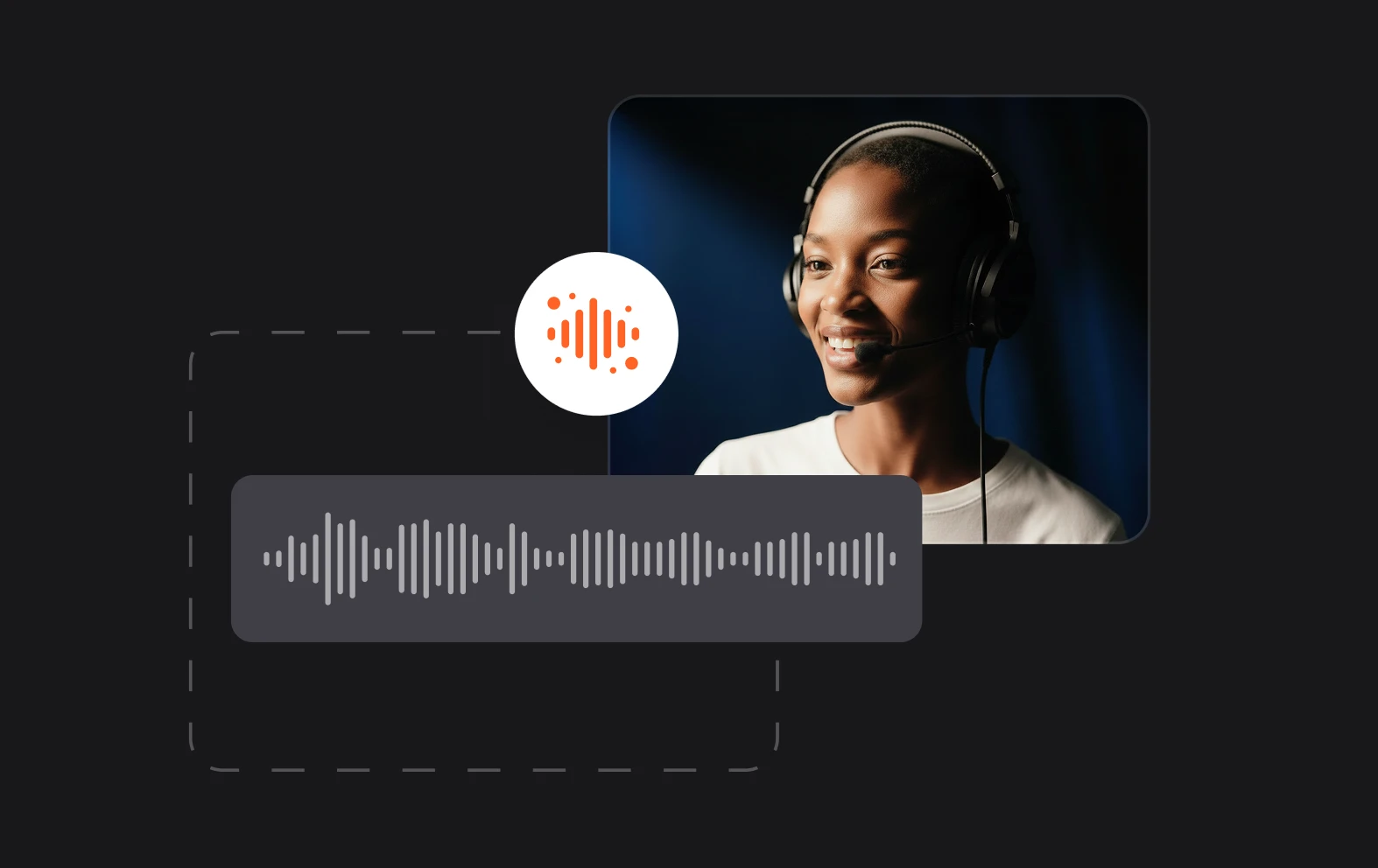
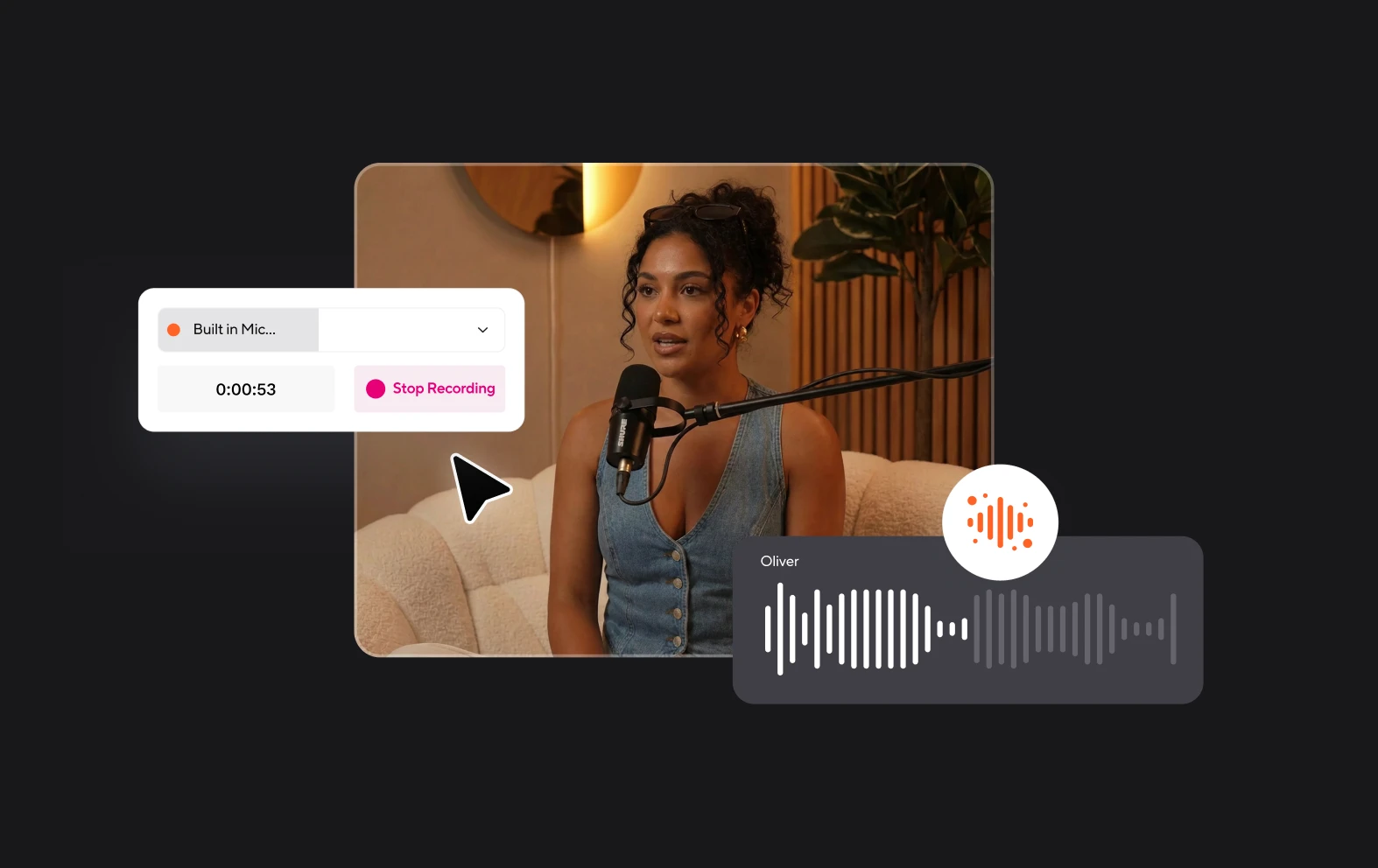
Whether you’re on location or on vacation, record your content and let Magic Dust AI do the rest. Remove background noise, equalize audio levels and sweeten your voice to sound like you’re in the studio.
benefit img 2

Studio quality sound

Level the playing field and publish premium-sounding content whatever your budget. Create professional-level audio without the expensive equipment, studio and team of engineers.
benefit img 3

Click and go

Forget sweating over every second, minute and hour of audio. With Magic Dust AI you can enhance your tracks with one click. Less time finessing and more time creating and promoting your content.

Discover more

Add Audio to Video OnlineAdd Music to VideosAdd Subtitles to VideoAdd Text to VideoAI Audio AssistantAI Audio EnhancerAI Content ToolsAI Noise ReducerAI Podcast Clip GeneratorAI Subtitle GeneratorAI Video AssistantAI Video EditorAI Video EnhancerAI Video UnblurAnimation VoiceoversAudio JoinerAudio LooperAudio PodcastAudio ProductionAudio RecorderAudio to TextAudio TranslatorAudiobook Recording StudioAutomatic Video EditorBirthday Video MakerBlur Video BackgroundsCar Sound EffectsChange Video Aspect RatioClip MakerCloud Video EditingCompress MP4Compress VideoCreate a PodcastCreate Marketing VideosCreate Training VideosCreate Video OnlineCrop VideoDigital Marketing VideosE-Learning VoiceoversEasiest Video Editing AppEdit MOV FilesEdit WebM FilesExplainer Video MakerExplainer Video VoiceoverExtract AudioEye Contact FixerFemale Voice ChangerFiller Word DetectionFlip VideoFunny Sound EffectsFunny Video MakerHappy Stock MusicInterview TranscriptionJazz Stock MusicLightweight Video EditorLong Video to Short VideoLoop VideoLyric Video MakerMerge Audio FilesMerge VideoMontage Video MakerMP3 Audio CutterMP3 EditorMp3 to TextMP3 to WAV ConverterMP3 TrimmerMP3 Volume IncreaserMP4 to MP3 ConverterMp4 to TextMP4 TrimmerMP4 Video CutterMP4 Video EditorMusic Video MakerMute VideoOnline Audio ConverterOnline Movie MakerOnline Video ConverterOnline Video CutterOnline Video MakerOnline Video RecorderOnline Video TrimmerPhoto to Video MakerPodcast Editing SoftwarePodcast MakerPodcast RecordingPodcast StudioPodcast TeleprompterPodcast TranscriptionPodcast Video EditorPromo Video MakerRain Sound EffectsRecord Audio on iPhoneRemote Interview RecordingRemove Background Noise from AudioRemove Background Noise from VideoRemove Music from VideoResize VideoRotate VideoSilence RemovalSocial Media Marketing VideosSocial Media Video EditorSound Effects LibrarySpeech to Text SoftwareStart PodcastingText Video MakerText-Based EditingTrailer MakerTravel Video MakerTutorial Video MakerVideo Ad MakerVideo Background RemovalVideo ClearerVideo Collage OnlineVideo Compilation MakerVideo CreatorVideo Game VoiceoversVideo Interview SoftwareVideo JoinerVideo MakerVideo MergerVideo PodcastVideo Quality EnhancerVideo Recording SoftwareVideo ResizerVideo Size ReducerVideo SplitterVideo Subtitle GeneratorVideo to AudioVideo to TextVideo TranscriptionVideo TrimmerVideo Tutorial SoftwareVideo Voice OverVoice Over RecordingVoice Over StudioVoice RecorderVoice to TextVoiceovers for PresentationsWAV EditorWAV to MP3 ConverterWebinar Recording SoftwareWedding Video MakerYouTube Sound EffectsYouTube to MP4 TrimYouTube Video CreatorYouTube Video CutterYouTube Video EditorYouTube Video MakerYouTube Video TrimmerYouTube Video Voiceovers
More tools

Frequently Asked Questions

What is AI audio enhancer?

An AI audio enhancer is a tool powered by artificial intelligence algorithms designed to improve the quality of audio recordings.

How does audio enhancement work?

Audio enhancement works by analyzing the audio waveform and applying various algorithms to improve its quality. This process may involve removing background noise, equalizing frequencies, adjusting volume levels, and enhancing clarity.

How to improve audio quality online?

Improving audio quality online can be achieved through various tools and software available on the internet. One effective method is to use an AI-powered audio enhancement tool like Async, which offers AI-powered features and tools that allow you to enhance audio quality directly through your web browser. Simply upload your audio file, apply the desired enhancements, and download the improved version within moments.

What types of audio files can I enhance with Async?

Whether you're working with podcast recordings, music tracks, interviews, or any other type of audio content, you can easily enhance them using Async’s AI audio enhancer.

How does audio quality affect podcast engagement?

Audio quality plays a crucial role in podcast engagement as it directly impacts the listener's experience. High-quality audio with clear vocals, minimal background noise, and balanced volume levels enhances comprehension and enjoyment, keeping listeners engaged and more likely to return for future episodes.
Your video, made by chat.
Just tell Async what you want.

From raw footage and AI-generated scenes to finished videos in one AI workflow.

Start creating for free