
Video background remover
Remove video background in seconds and create clean, professional-looking videos without complicated editing.
Remove video background online
Use AI background removal to instantly isolate subjects from footage and replace distracting backgrounds. Create cleaner, more professional videos for social media, marketing, and creative projects without complicated editing.

How to remove video background

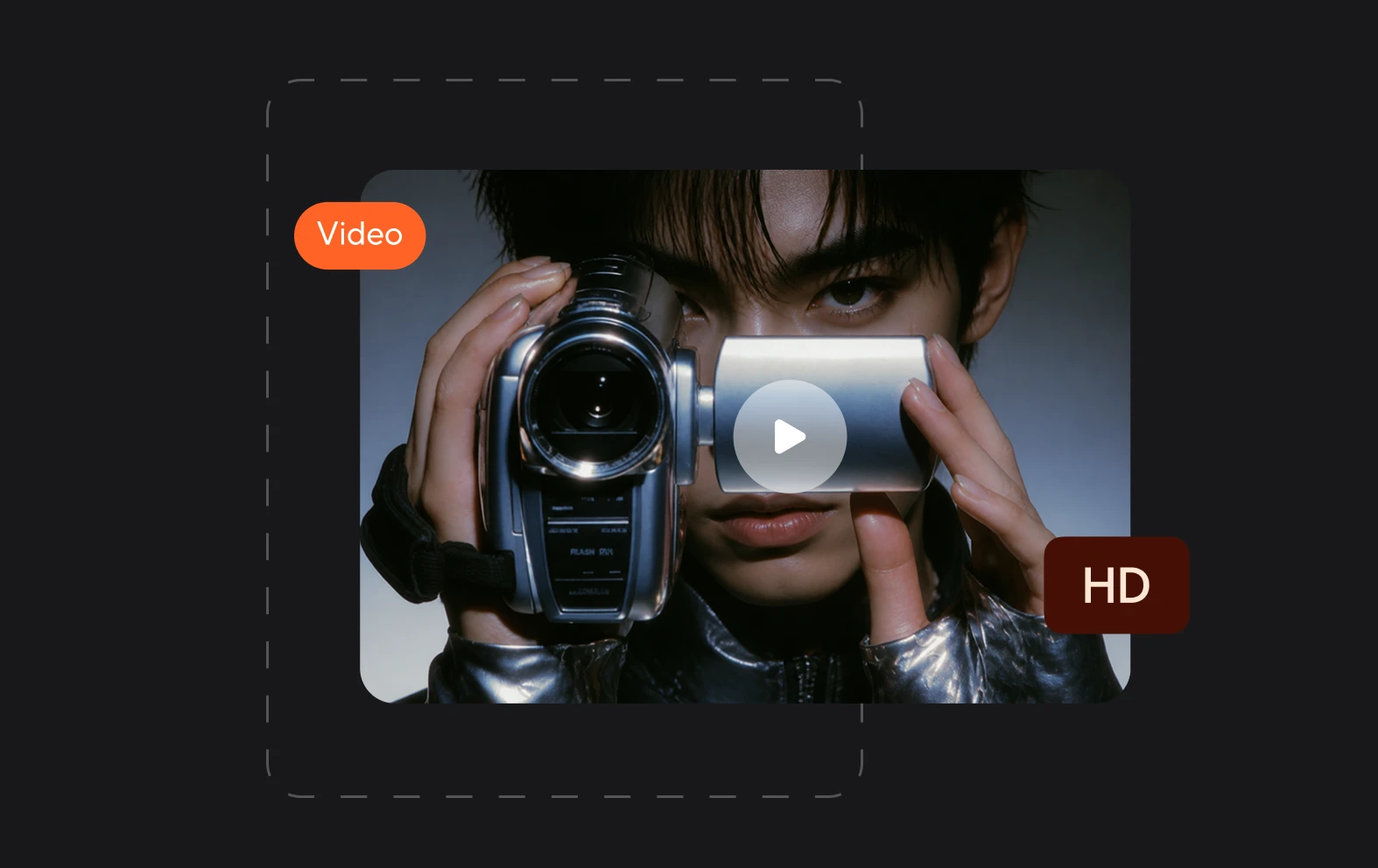
Fast AI background removal
Remove video backgrounds in seconds with AI background removal that automatically isolates your subject without tedious manual editing.
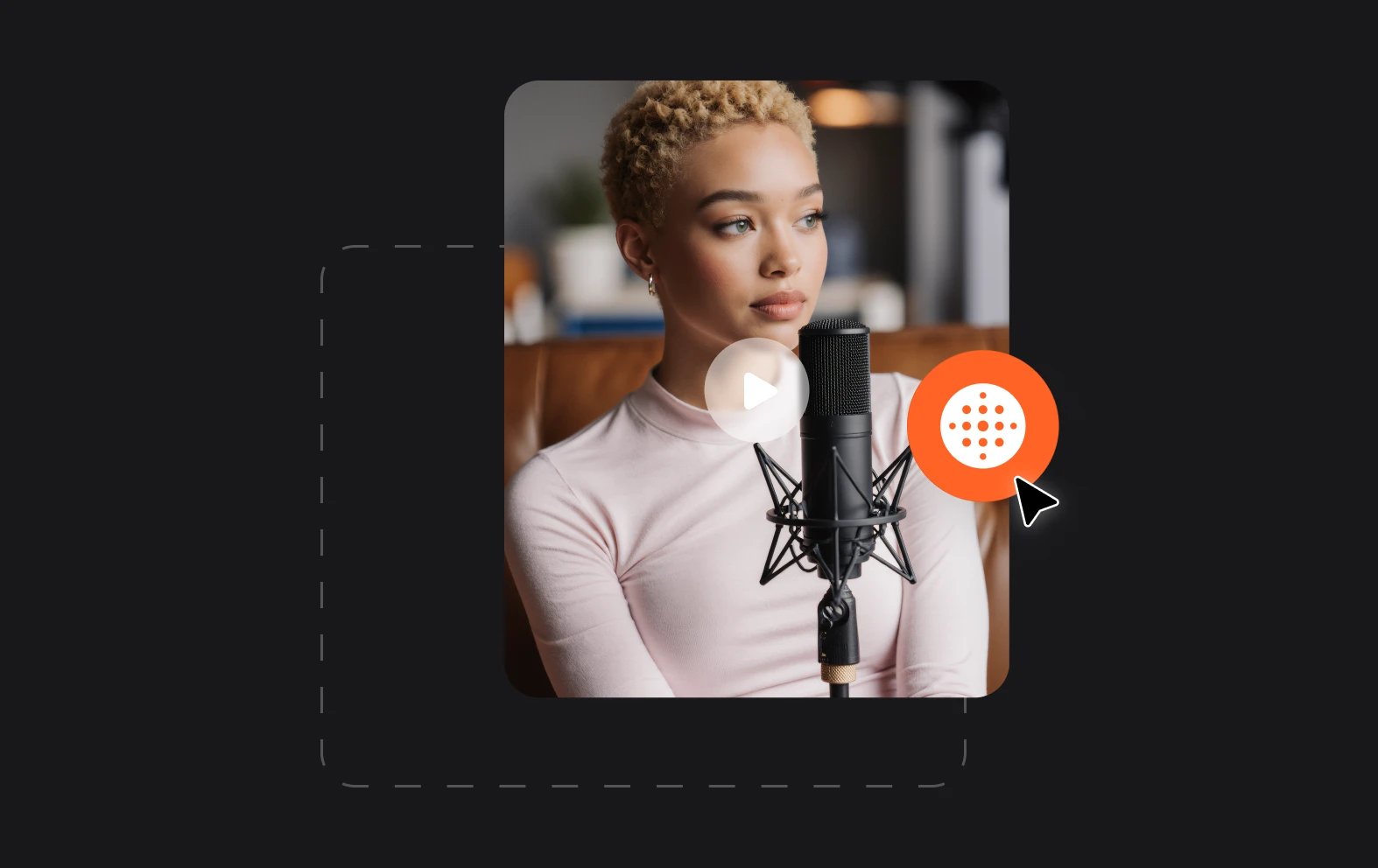
AI chat-based editing
Write simple prompts to swap the original scene for an image, video, or solid color to create videos that fit your creative style. Edit, adjust, and improve instantly.

Everything in one platform
Use Async as an all-in-one editor to remove video background, refine your footage, add effects, and finish your video without switching between tools.