
Voice Over Recording
Record a professional-quality voice over at home — with our voice over recording software; it's free, easy, and fun. Record voice over yourself or use our AI-generated voice-skins to quickly turn your text into speech.
Best voice over recording software
Use Async for recording and editing your voice from anywhere and still sounding like you're in a studio. We guarantee a locally uncompressed, top-quality voice over.

How to record voice over
Voice over generator
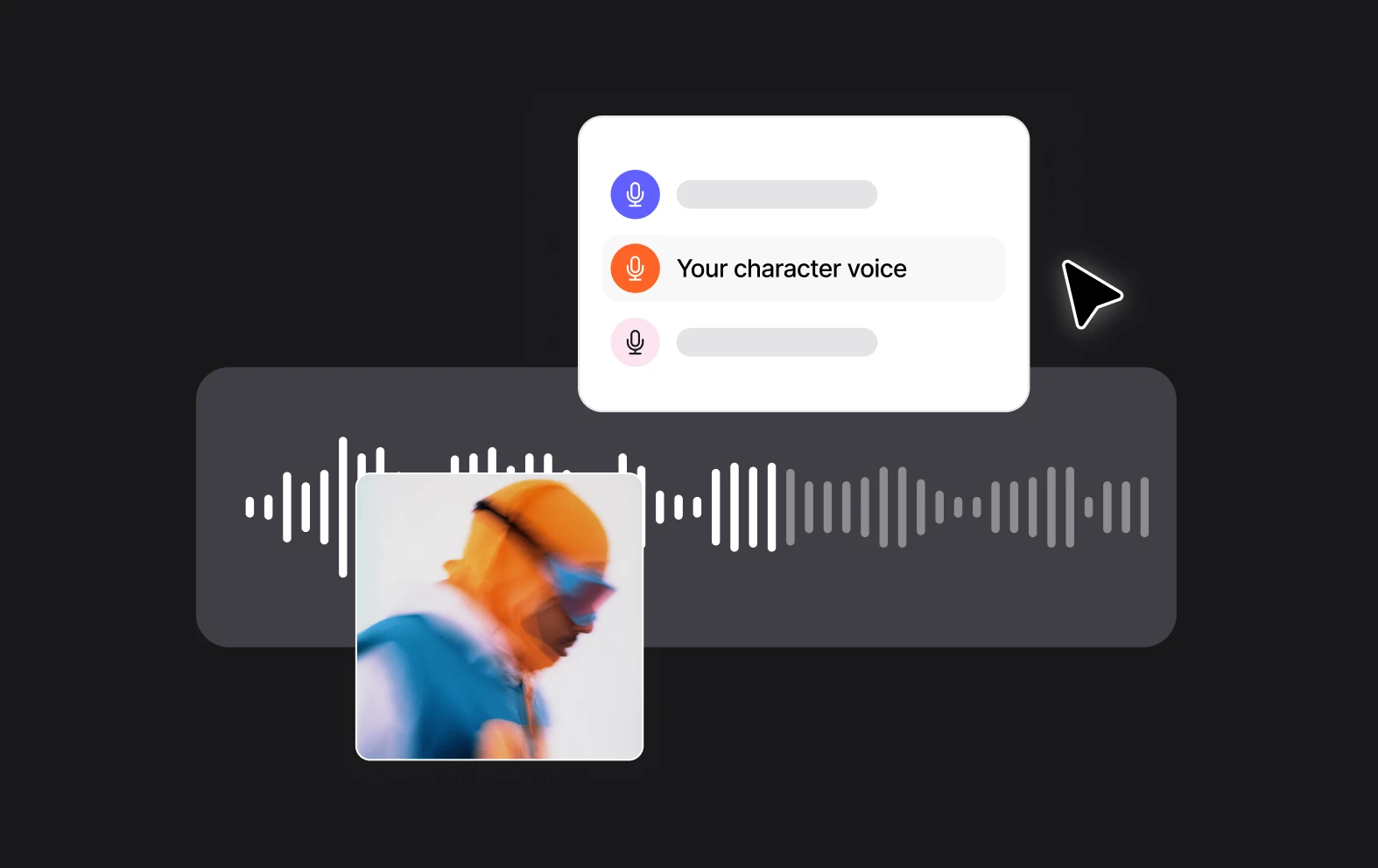
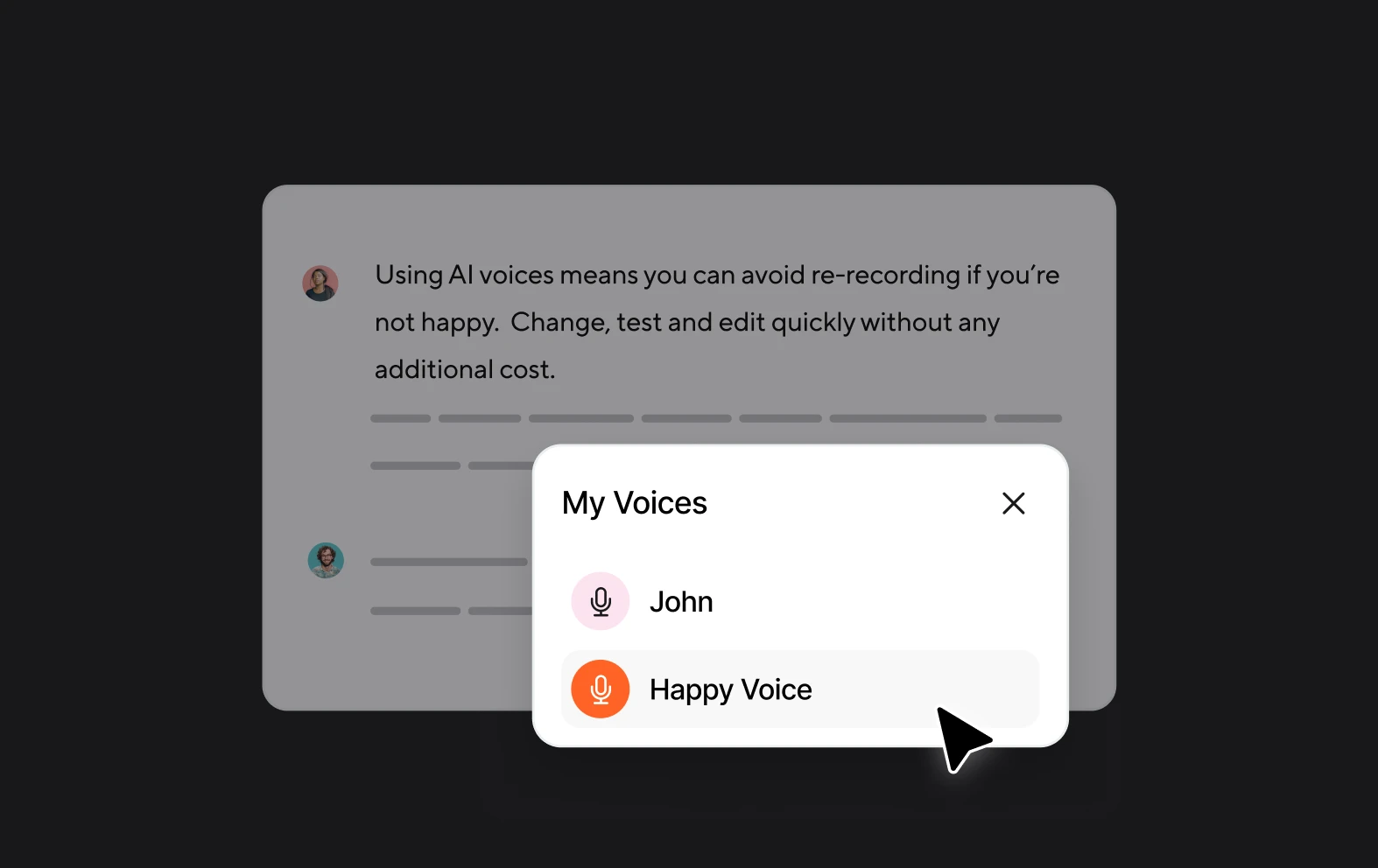
Don't want to record the audio yourself? We got you covered! Use our AI-powered voice skins to generate automatic voiceovers by converting your text to speech. The type of voice over you're working on doesn't matter; you'll find a perfectly matching AI-voice skin in our library!
1000s of voices
Choose from a huge library of voices that include a range of genders, nationalities, tones and attributes. Pick the perfect voice for your project by trying out and comparing different voices.
Editing Included
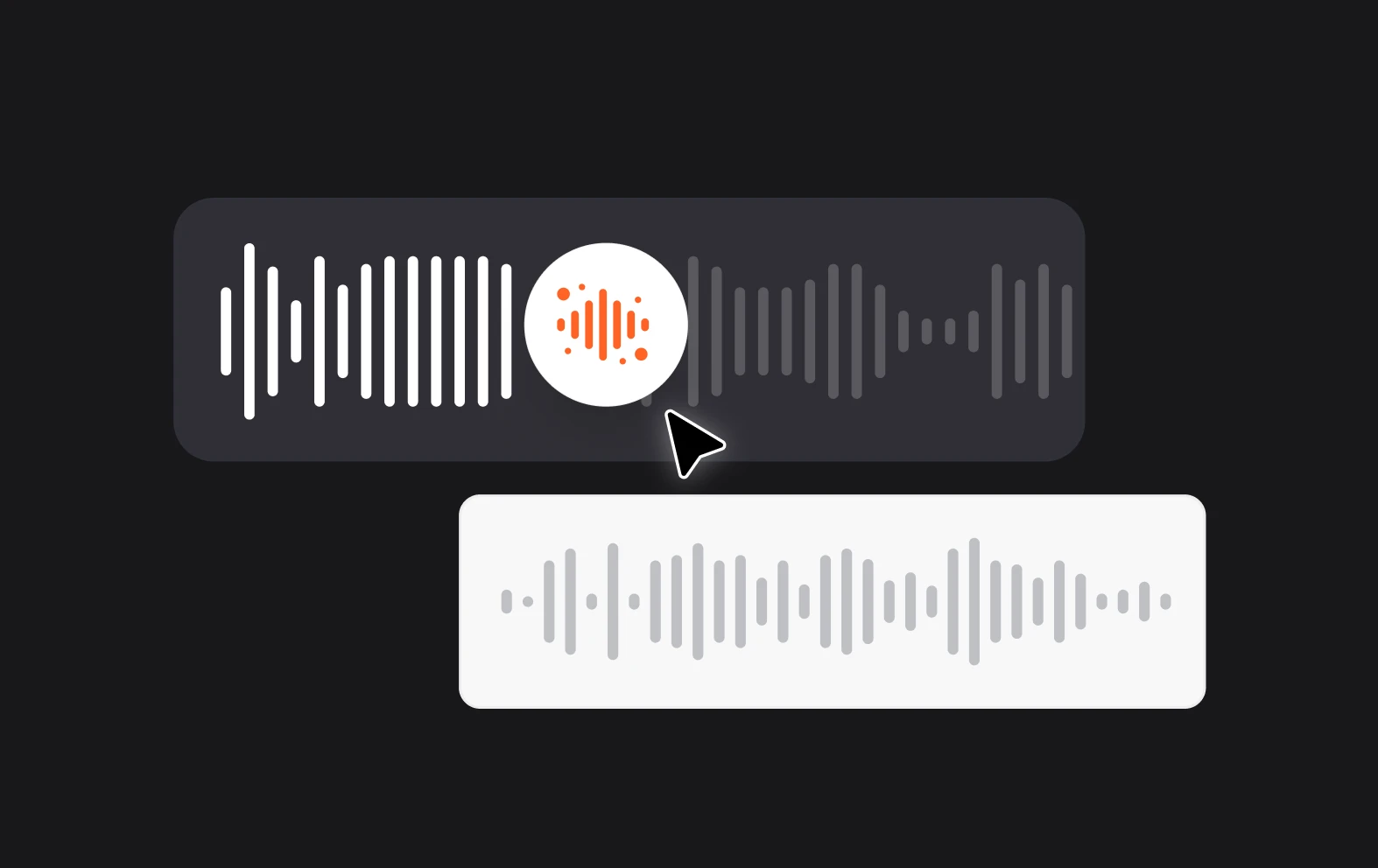
Async comes with built-in audio and video editors so you can record or generate your voiceover and then add it straight onto your video or your podcast, all in one place.