icon

Online Video Looper

Creating a video loop is quick and simple with Async. You can loop a single video or combine multiple videos.

How to loop videos

It’s super simple to loop videos with Async, once you’ve uploaded your video you can just copy and paste to make it play 10 times, 100 times or even more! This can be useful if you want to upload a video to YouTube that automatically loops without someone changing the play settings. For example you can replay the same meme video or ASMR sounds 1000 times or you might want to recreate a ‘DVD screensaver’. This can be either annoying or relaxing depending on your desired goal, making the perfect video to study with or the ideal video to drive friends crazy.

icon

How to loop videos with Async?

card 1 img
card 2 img
card 3 img
benefit img 1

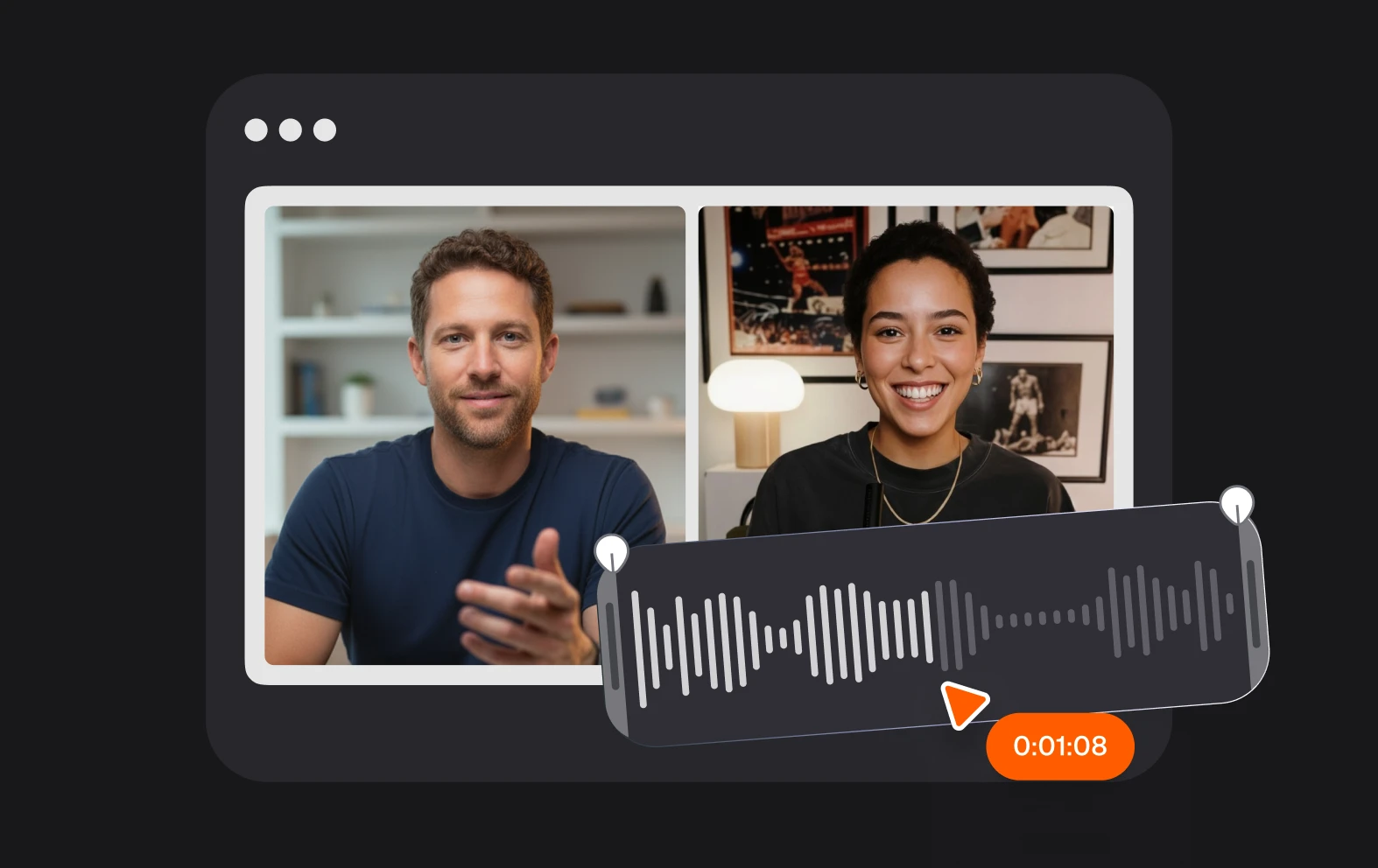
Simple video editing

Async’s video editor is powerful enough for professional editors but simple enough for beginners. You can create any kind of video or movie with our range of editing tools, from looping a video clip to editing long-form video essays and films.
benefit img 2

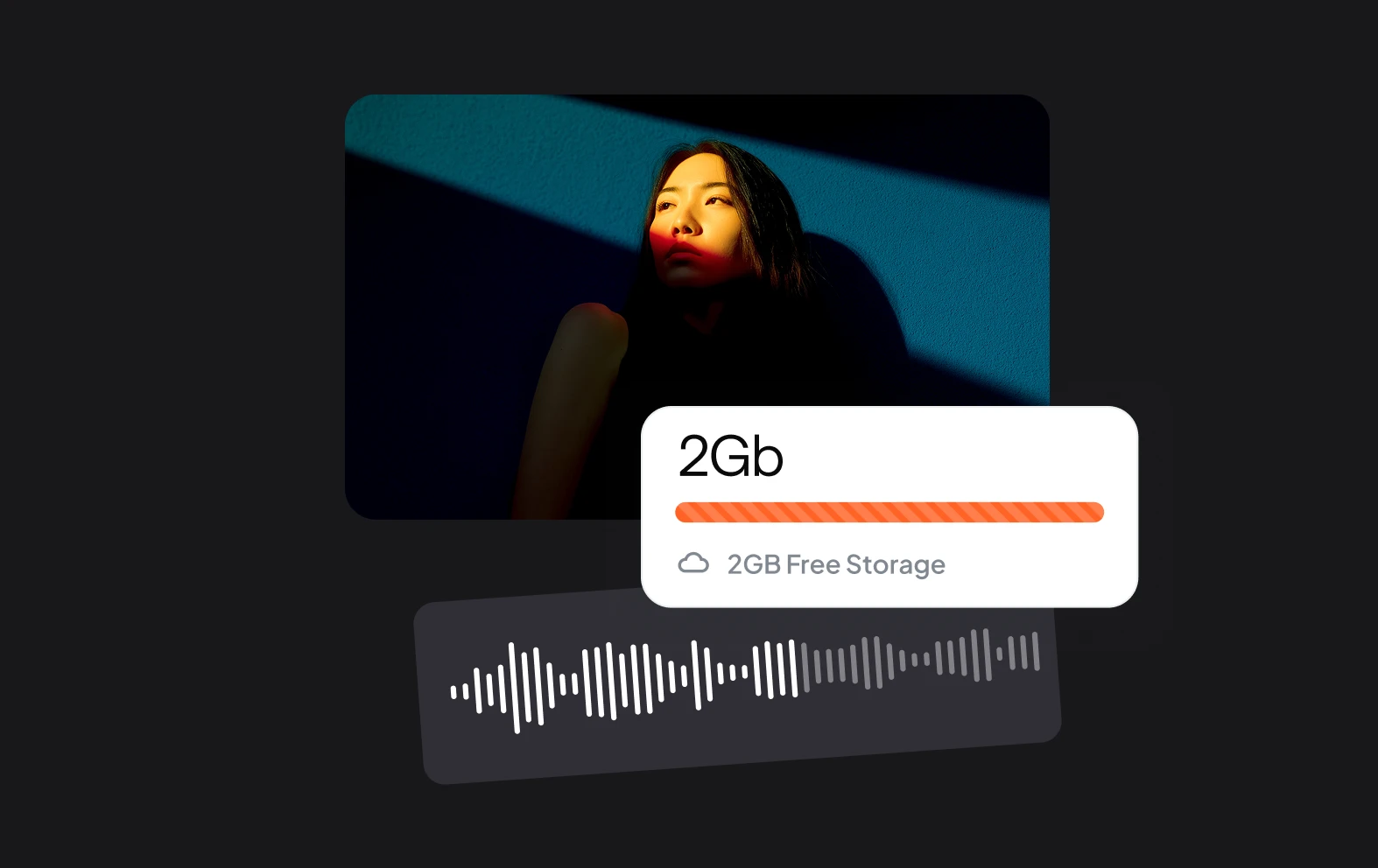
Secure storage

When you upload your files to Async, they’re stored safely in your account for whenever you need them. Async is browser-based, meaning you can access your files from anywhere on any computer. Simply log in, upload your files and export or come back to finish your projects when you’re ready.
benefit img 3

Enhance with AI

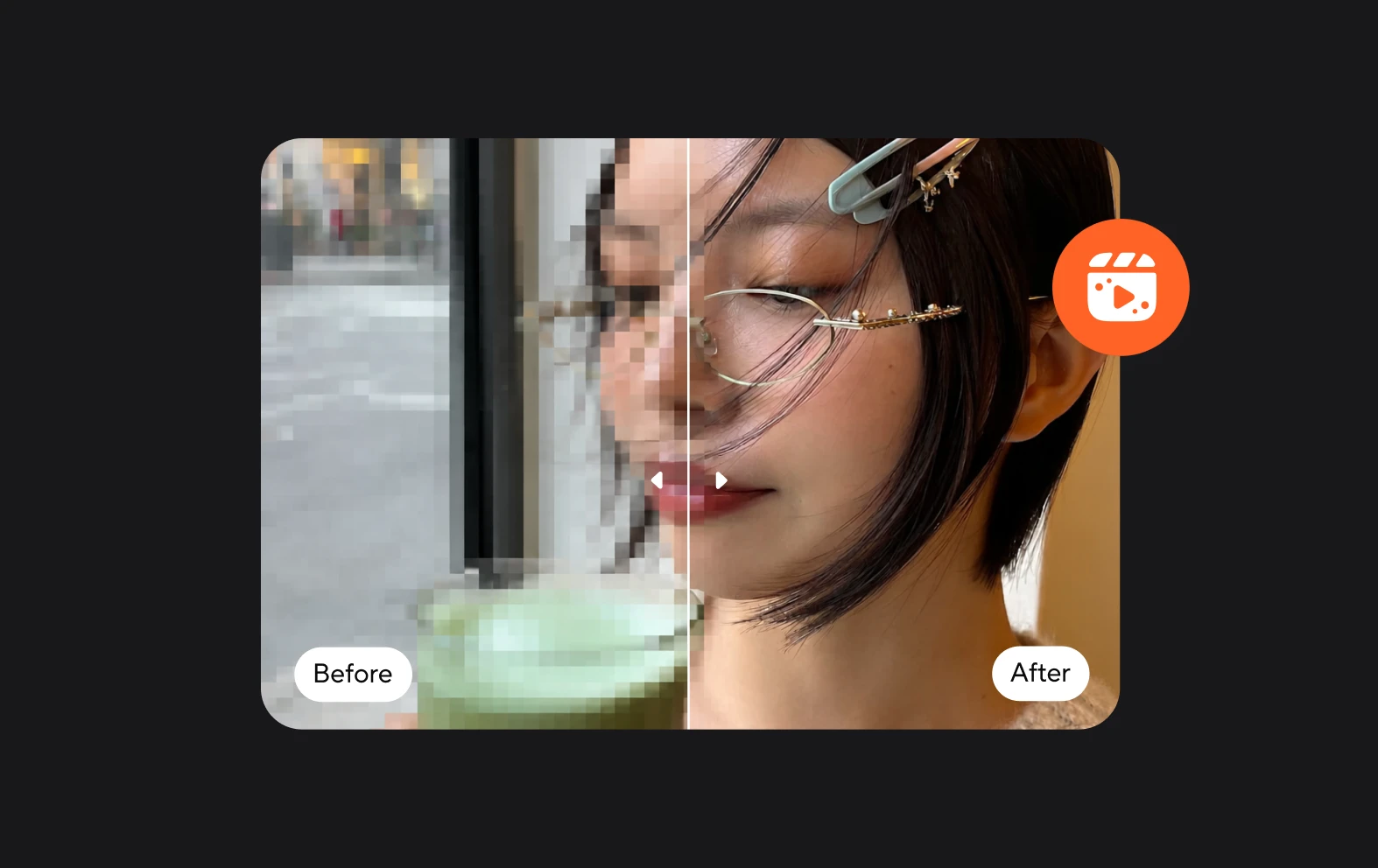
AI-powered editing is a game-changer for content creators. No longer do you have to spend hours worrying about the small stuff when AI can do it at the click of a button. Enhance your content, improve the sound and video.

Discover more

Add Audio to Video OnlineAdd Music to VideosAdd Subtitles to VideoAdd Text to VideoAI Audio AssistantAI Audio EnhancerAI Content ToolsAI Noise ReducerAI Podcast Clip GeneratorAI Subtitle GeneratorAI Video AssistantAI Video EditorAI Video EnhancerAI Video UnblurAnimation VoiceoversAudio JoinerAudio LooperAudio PodcastAudio ProductionAudio RecorderAudio to TextAudio TranslatorAudiobook Recording StudioAutomatic Video EditorBirthday Video MakerBlur Video BackgroundsCar Sound EffectsChange Video Aspect RatioClip MakerCloud Video EditingCompress MP4Compress VideoCreate a PodcastCreate Marketing VideosCreate Training VideosCreate Video OnlineCrop VideoDigital Marketing VideosE-Learning VoiceoversEasiest Video Editing AppEdit MOV FilesEdit WebM FilesExplainer Video MakerExplainer Video VoiceoverExtract AudioEye Contact FixerFemale Voice ChangerFiller Word DetectionFlip VideoFunny Sound EffectsFunny Video MakerHappy Stock MusicInterview TranscriptionJazz Stock MusicLightweight Video EditorLong Video to Short VideoLoop VideoLyric Video MakerMerge Audio FilesMerge VideoMontage Video MakerMP3 Audio CutterMP3 EditorMp3 to TextMP3 to WAV ConverterMP3 TrimmerMP3 Volume IncreaserMP4 to MP3 ConverterMp4 to TextMP4 TrimmerMP4 Video CutterMP4 Video EditorMusic Video MakerMute VideoOnline Audio ConverterOnline Movie MakerOnline Video ConverterOnline Video CutterOnline Video MakerOnline Video RecorderOnline Video TrimmerPhoto to Video MakerPodcast Editing SoftwarePodcast MakerPodcast RecordingPodcast StudioPodcast TeleprompterPodcast TranscriptionPodcast Video EditorPromo Video MakerRain Sound EffectsRecord Audio on iPhoneRemote Interview RecordingRemove Background Noise from AudioRemove Background Noise from VideoRemove Music from VideoResize VideoRotate VideoSilence RemovalSocial Media Marketing VideosSocial Media Video EditorSound Effects LibrarySpeech to Text SoftwareStart PodcastingText Video MakerText-Based EditingTrailer MakerTravel Video MakerTutorial Video MakerVideo Ad MakerVideo Background RemovalVideo ClearerVideo Collage OnlineVideo Compilation MakerVideo CreatorVideo Game VoiceoversVideo Interview SoftwareVideo JoinerVideo MakerVideo MergerVideo PodcastVideo Quality EnhancerVideo Recording SoftwareVideo ResizerVideo Size ReducerVideo SplitterVideo Subtitle GeneratorVideo to AudioVideo to TextVideo TranscriptionVideo TrimmerVideo Tutorial SoftwareVideo Voice OverVoice Over RecordingVoice Over StudioVoice RecorderVoice to TextVoiceovers for PresentationsWAV EditorWAV to MP3 ConverterWebinar Recording SoftwareWedding Video MakerYouTube Sound EffectsYouTube to MP4 TrimYouTube Video CreatorYouTube Video CutterYouTube Video EditorYouTube Video MakerYouTube Video TrimmerYouTube Video Voiceovers
More tools

Frequently Asked Questions

What does it mean to loop a video?

Looping a video means playing it repeatedly from start to finish without stopping. Once the video reaches its end, it automatically starts again from the beginning, creating a continuous playback cycle. This is useful for background videos, music videos, or any content that benefits from uninterrupted repetition. Looping can be done manually by creating a video that loops or automatically through software settings, media players, or platforms like YouTube that offer built-in looping options.

What’s the best software for quickly editing videos?

One of the best software options for quickly editing videos is Async. Known for its user-friendly interface and powerful tools, Async is designed for creators who need efficient, professional-grade video and audio editing without a steep learning curve. It offers features like AI-powered quality enhancement, automatic transcription, and easy trimming, allowing users to enhance their video content seamlessly. Additionally, Async's browser-based platform means no downloads are needed, making it accessible and ideal for users who want to edit on the go. This combination of convenience and functionality makes Async a great choice for quick, high-quality video edits.

What file size is a one hour looping video?

The file size of a one-hour looping video depends on several factors, including resolution, frame rate, compression, and bitrate. For example, at 1080p resolution with standard compression (around 5 Mbps), a one-hour video would be approximately 2.25 GB. At 4K resolution (around 20 Mbps), it would be closer to 9 GB. If the video has a low resolution (like 480p) or uses high compression, the file size could be smaller, perhaps around 0.5-1 GB. Conversely, higher quality or uncompressed formats will make the file size significantly larger.

How to loop a video on YouTube?

To loop a video on YouTube, right-click on the video itself while it’s playing and select “Loop” from the options that appear. This will make the video replay automatically once it finishes. If you’re using the YouTube mobile app, tap the three dots in the upper right corner of the video player, then select “Loop video.” You can also create a playlist with just that video, enable "Repeat," and it will loop continuously.

How to loop a video on iPhone?

To loop a video on an iPhone, you can use the Photos app, YouTube, or a third-party app. In the Photos app, add the video to an album, open the album, and select "Slideshow" from the options to set it to loop continuously. If you're watching on YouTube, play the video in the mobile app, tap the three-dot menu, and select "Loop video." For more control, apps like Looper for YouTube or VLC Media Player let you create loops with additional settings. Each method provides an easy way to continuously replay videos on your iPhone.
Your video, made by chat.
Just tell Async what you want.

From raw footage and AI-generated scenes to finished videos in one AI workflow.

Start creating for free