Record Audio on Your iPhone

Recording audio directly from your iPhone is easy with Async’s audio recording app, sign-up for free and get the app.
Get Started Free
No credit card required.
Record Audio on Your iPhone

How to record audio on your iPhone

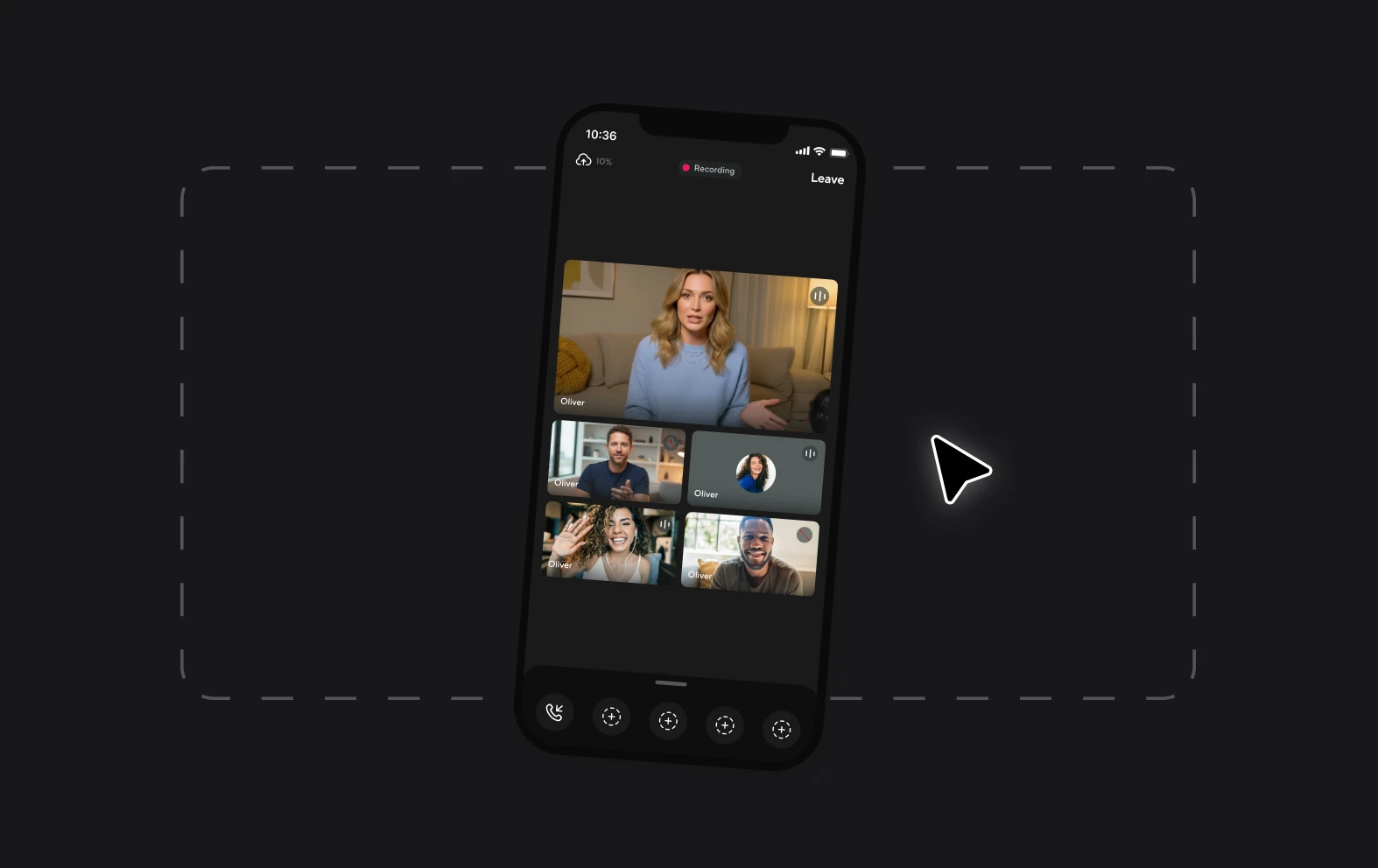
Recording audio content on the go is easier than ever. No need to lug around a laptop, giant microphone, specialist headphones or an audio mixer, just download the Async app and start recording!
Async is an easy-to-use audio and video content creation platform that works on desktop and on iOS mobile devices. Record your audio in high-quality studio sound directly from your phone and it will be stored in your Async workspace ready for editing and exporting. If you’re wondering how to record audio on an iPhone, try out Async for free!
How to record audio on an iPhone?
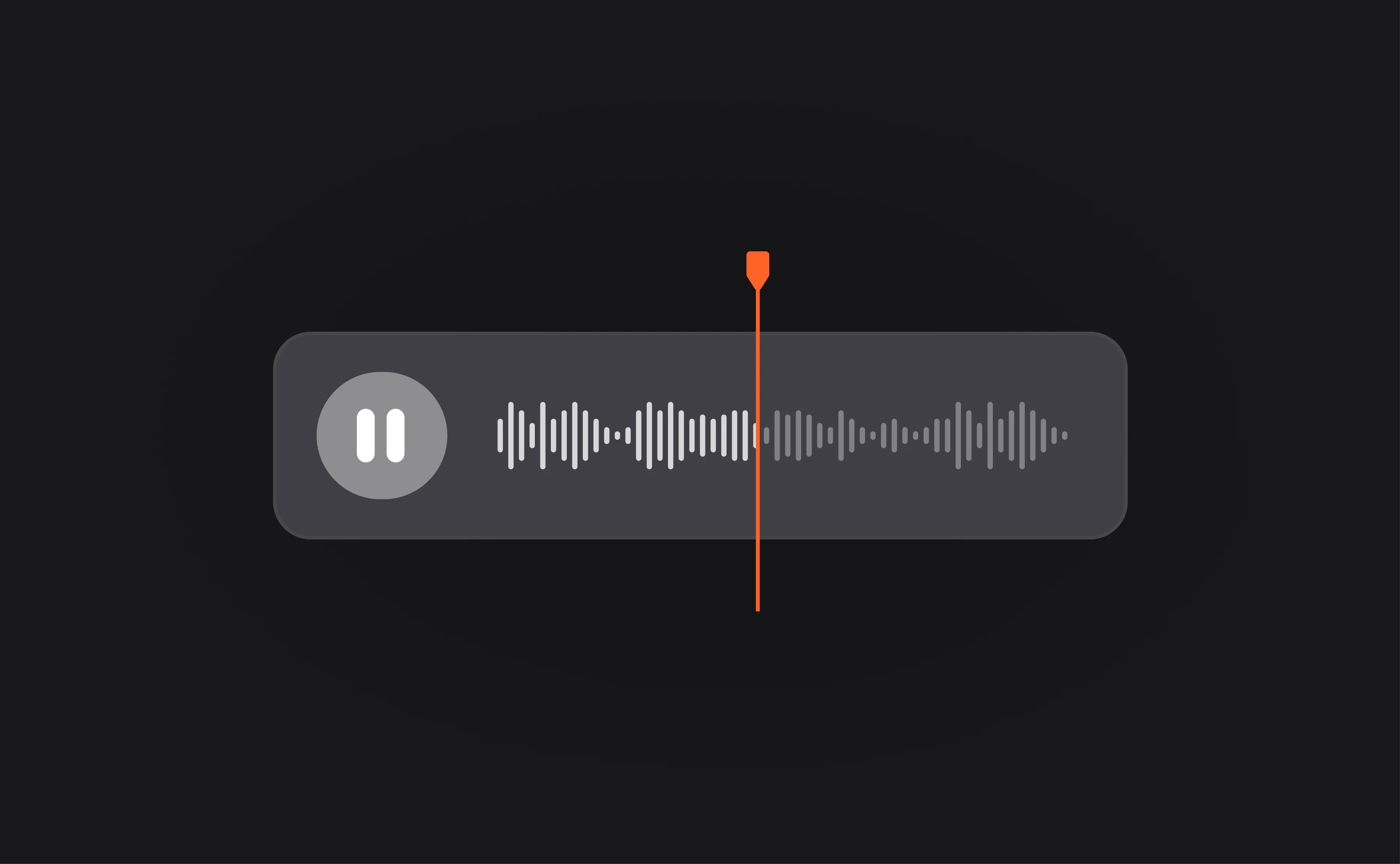
Install the Async app
Create a free Async account and install the Async app.
Start recording
Click the + button to start a new recording and get going.
Access your files
You can then access and download your audio files at any time.

Recording on your phone with Async

Free audio recording

When you create an account with Async, you can choose between a basic and premium plan. The basic plan includes unlimited audio recording on desktop and phone.
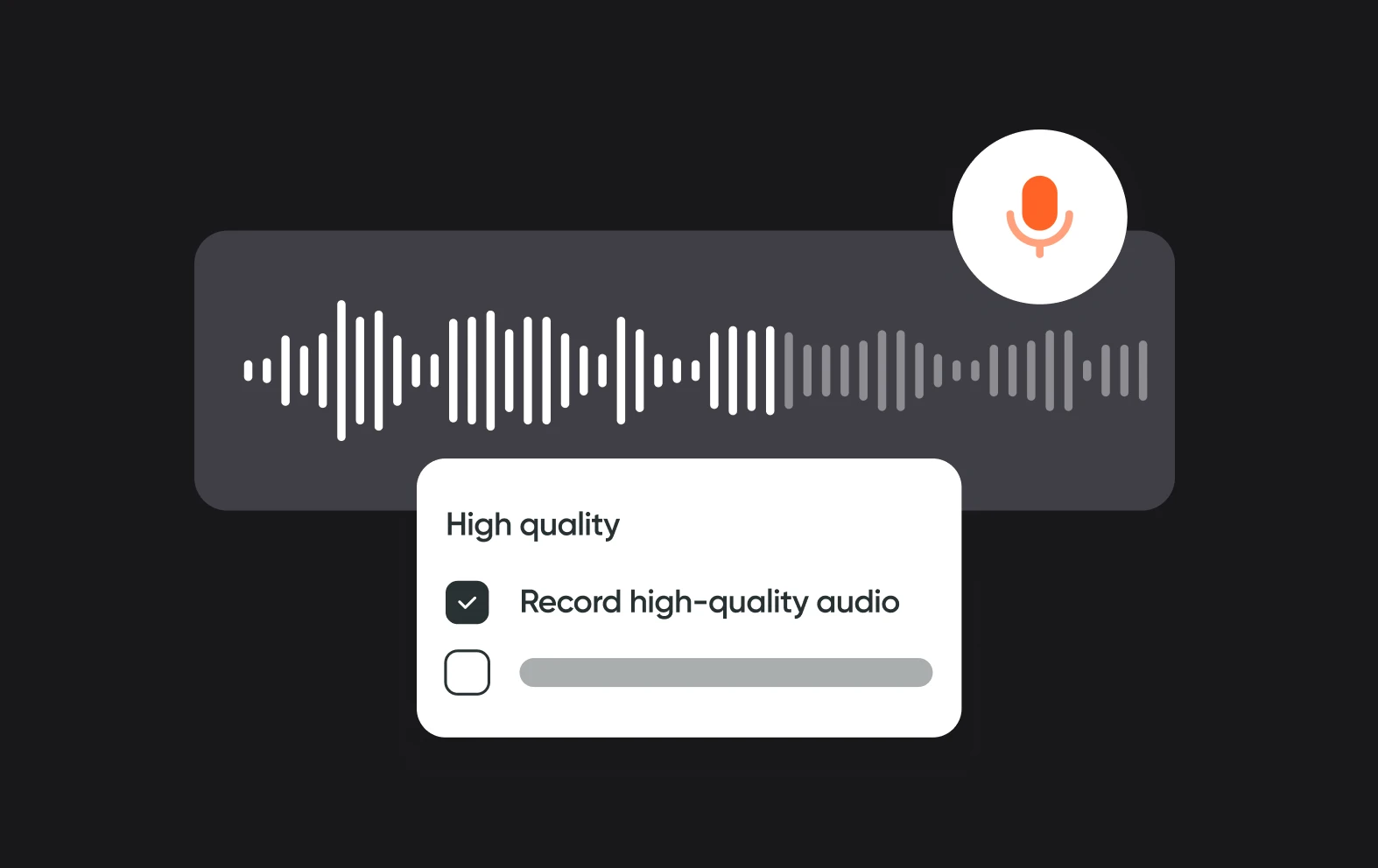
Great sound quality

Whatever inspires you to record audio on your phone, you want the quality to be as good as possible. You can get next-level sound with Async’s recording studio.
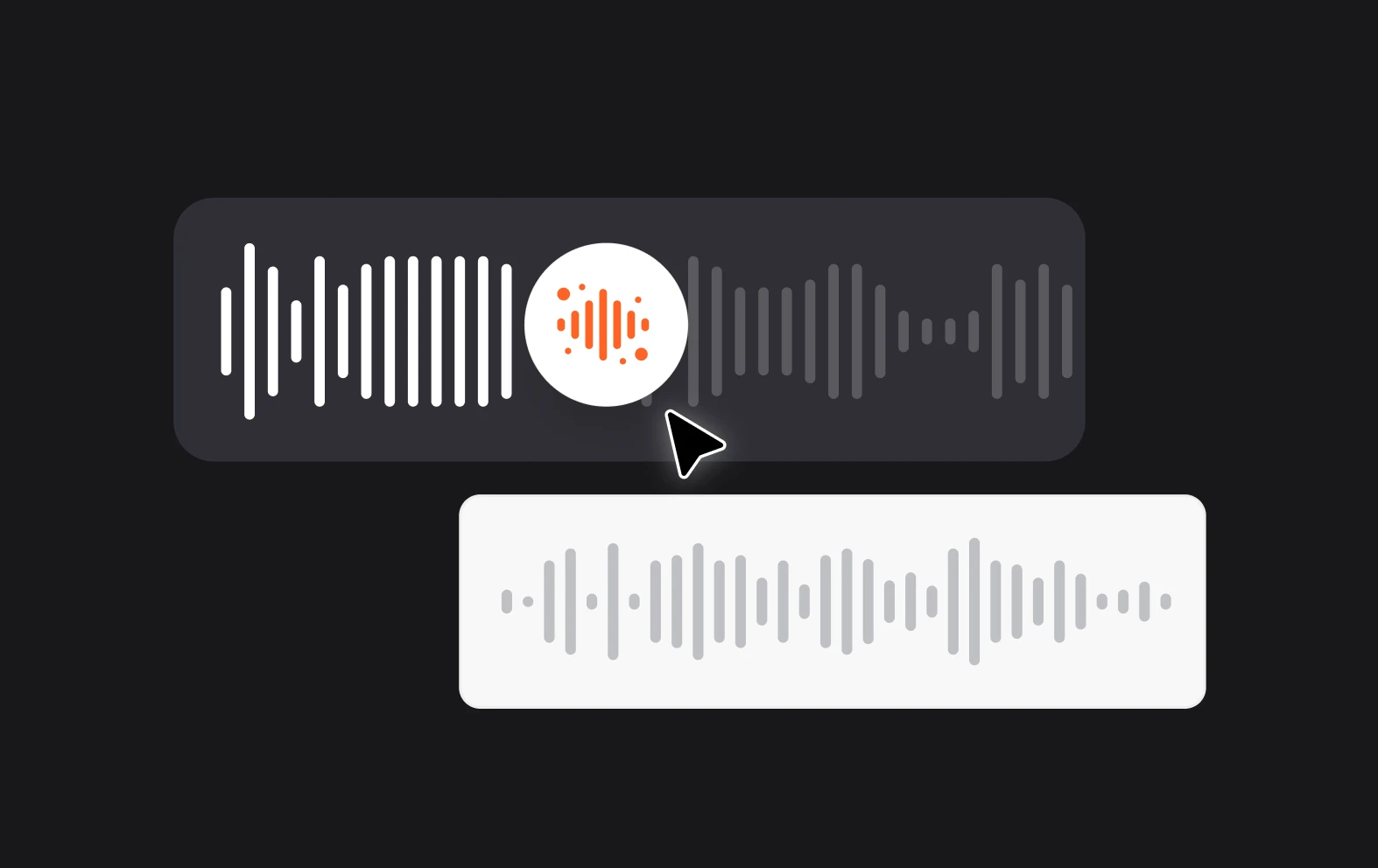
AI-powered audio editing

You can try out AI features like noise removal, audio generation and speaker detection with our range of premium tools.

Content creation tools

Async offers a huge range of AI-powered tools and features to make content creation fast and simple.
Audio Tools
Video Tools
Transcription

More about Async

  • Async is an AI-powered, collaborative audio & video creation platform
  • We help professional and amateur podcasters create, edit and distribute production-quality podcasts effortlessly
  • Our mission is to democratize access to broadcast storytelling
  • We offer simple, end-to-end creation tools that are professional, yet fun

Frequently Asked Questions

How can you record external audio on an iPhone?
To record external audio on an iPhone, you can use the Voice Memos app or a dedicated recording app like Async for higher quality and more features. Start by downloading and opening the Async app from the App Store. Connect an external microphone or use your phone’s internal mic. In Async, tap the record button to begin capturing audio and tap it again to stop. The app allows you to edit, enhance, and share your recordings easily, providing a seamless way to produce professional-quality audio directly from your iPhone.
Can you record a podcast on an iPhone?
Yes, you can record a podcast on an iPhone using apps like Async, which offer user-friendly interfaces and professional-grade features. Simply download and open the Async app from the App Store, and connect an external microphone if you prefer higher audio quality. Tap the record button to start capturing your podcast and tap it again to stop. The app provides tools for editing, enhancing, and sharing your podcast episodes, making it easy to produce and publish high-quality content directly from your iPhone.
How good is the microphone on an iPhone?
The built-in microphone on an iPhone is of high quality for a smartphone and performs well for everyday tasks such as phone calls, voice memos, and casual recordings. It captures clear and relatively noise-free audio, benefiting from Apple's advanced processing algorithms. However, for professional-level recordings, such as podcasts, music, or detailed audio projects, an external microphone is recommended. External mics can offer superior sound fidelity, better noise reduction, and greater sensitivity, ensuring a more polished and high-quality audio output.
What file format do iPhones record audio in?
iPhones typically record audio in the M4A (MPEG-4 Audio) file format when using the built-in Voice Memos app. Using a platform like Async you can record your audio in studio quality and then export in a variety of formats including MP3, WAV, AAC and more.
What is the best audio recorder for iPhone?
The best audio recorder for iPhone is Async. This app stands out for its user-friendly interface, high-quality recording capabilities, and extensive features tailored for podcasters and content creators. Async allows for easy recording, editing, and enhancing of audio directly from your iPhone. It supports external microphones for superior sound quality and offers advanced tools such as noise reduction, sound effects, and seamless sharing options. Whether you're a professional podcaster or a beginner, Async provides everything you need to create and publish high-quality audio content effortlessly.

Async's Blog