icon

Your Personal AI Audio Assistant

Creating world-class audio content is easy with Async’s AI Audio Assistant. Record, edit and enhance with the power of AI at your fingertips.

Bring your ideas to life

Our AI-powered content creations tools don’t replace human creativity, they enhance it. When you have an idea you want to make it real as quickly and easily as possible, that’s where our AI Assistant comes in. Spend less time sweating the small stuff and more time on your big ideas with an AI Audio Assistant that fixes, cleans and enhances your tracks.

icon

How to use the AI Audio Assistant

card 1 img
card 2 img
card 3 img
benefit img 1

Audio Enhancement

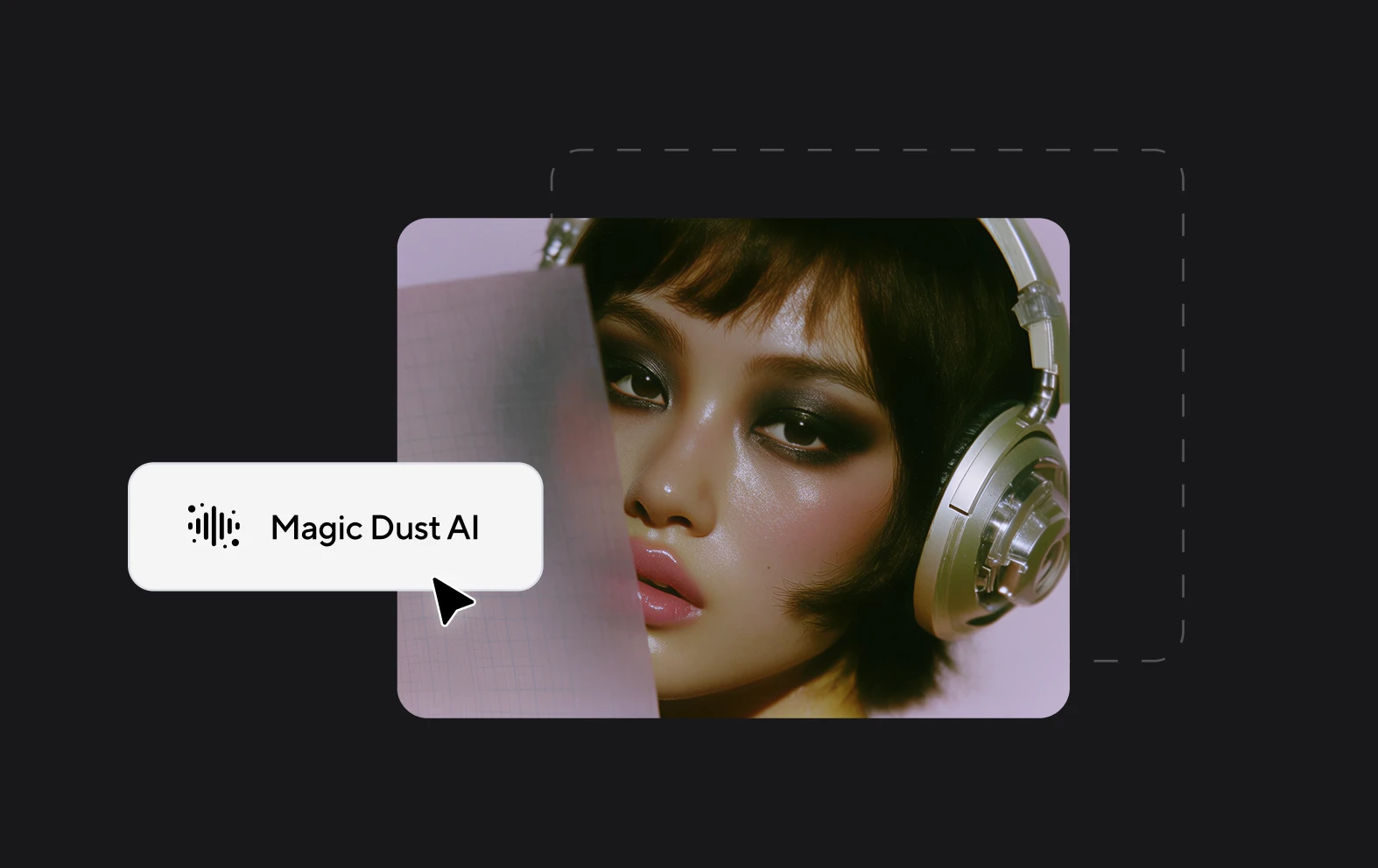
If your audio quality isn’t up to scratch you can easily make it crisper and reduce noise with our Magic Dust tool. Apply with one click and see the difference.
benefit img 2

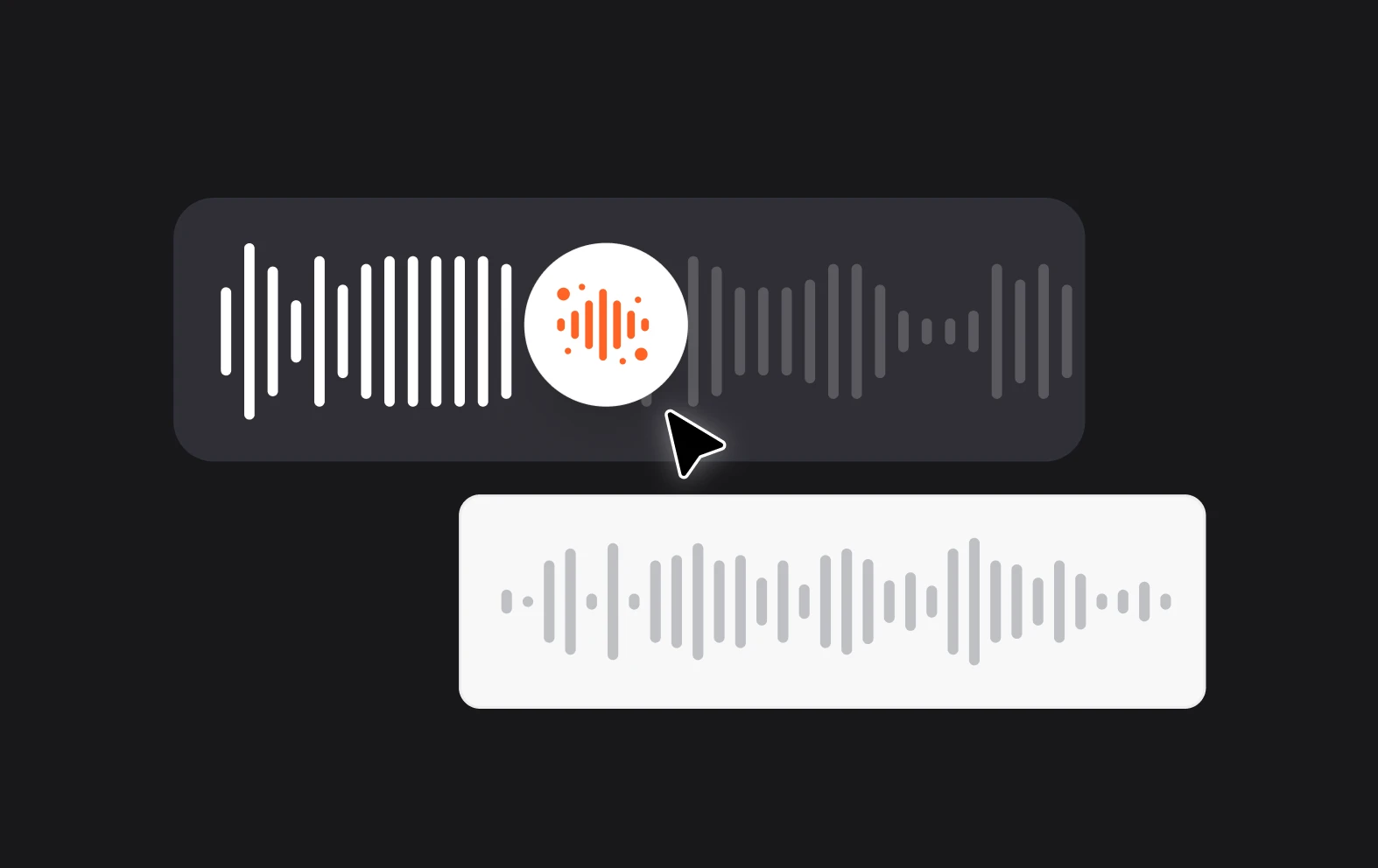
Noise reduction

Remove or reduce background noise from your audio recordings and create clear, professional-quality content free of electronic hums, noisy neighbors and traffic.
benefit img 3

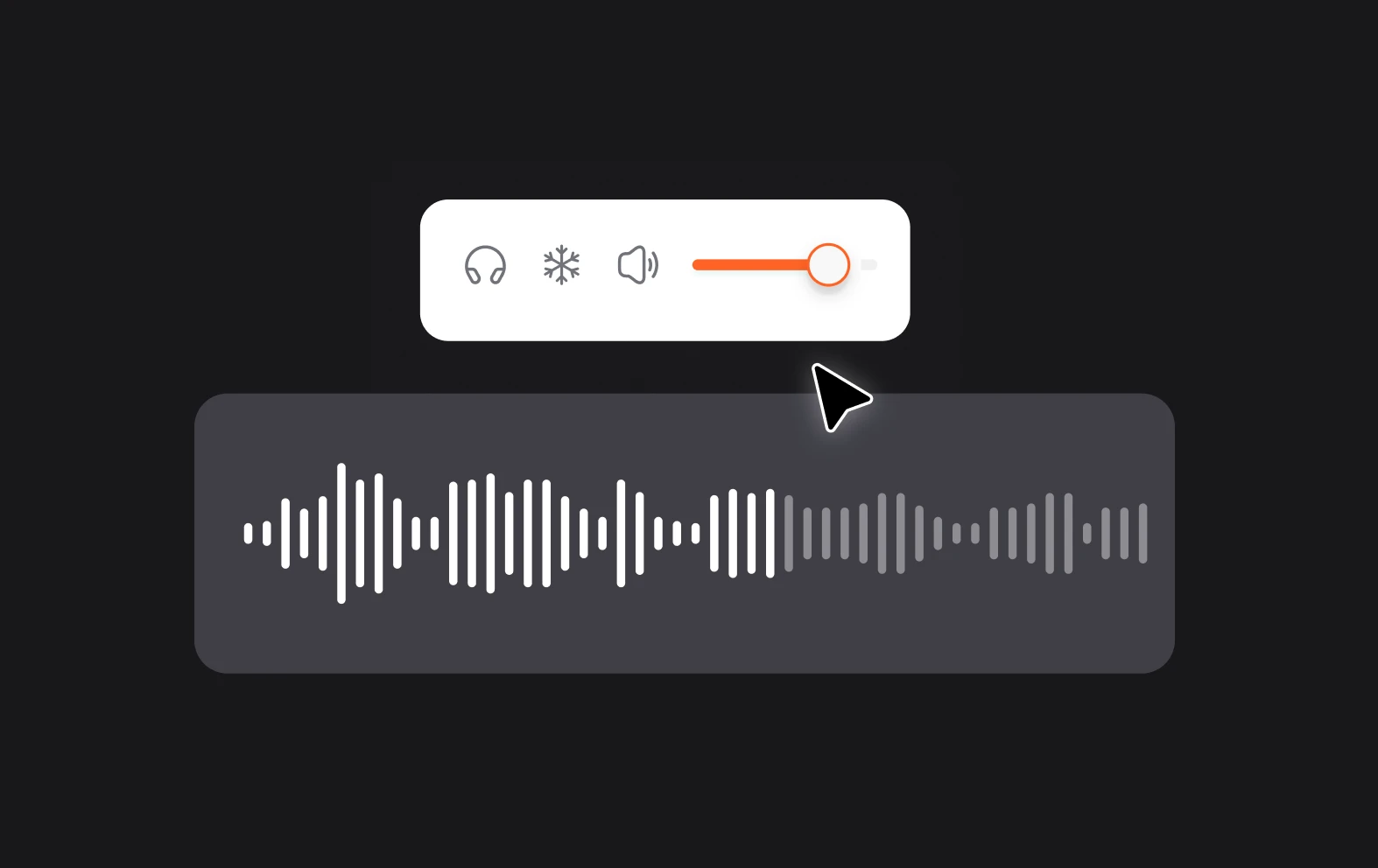
Auto leveling

Create a smooth, consistent listening experience for your audience with auto leveling. Adjust volumes automatically so all of your audio is in the same range.

Discover more

Add Audio to Video OnlineAdd Music to VideosAdd Subtitles to VideoAdd Text to VideoAI Audio AssistantAI Audio EnhancerAI Content ToolsAI Noise ReducerAI Podcast Clip GeneratorAI Subtitle GeneratorAI Video AssistantAI Video EditorAI Video EnhancerAI Video UnblurAnimation VoiceoversAudio JoinerAudio LooperAudio PodcastAudio ProductionAudio RecorderAudio to TextAudio TranslatorAudiobook Recording StudioAutomatic Video EditorBirthday Video MakerBlur Video BackgroundsCar Sound EffectsChange Video Aspect RatioClip MakerCloud Video EditingCompress MP4Compress VideoCreate a PodcastCreate Marketing VideosCreate Training VideosCreate Video OnlineCrop VideoDigital Marketing VideosE-Learning VoiceoversEasiest Video Editing AppEdit MOV FilesEdit WebM FilesExplainer Video MakerExplainer Video VoiceoverExtract AudioEye Contact FixerFemale Voice ChangerFiller Word DetectionFlip VideoFunny Sound EffectsFunny Video MakerHappy Stock MusicInterview TranscriptionJazz Stock MusicLightweight Video EditorLong Video to Short VideoLoop VideoLyric Video MakerMerge Audio FilesMerge VideoMontage Video MakerMP3 Audio CutterMP3 EditorMp3 to TextMP3 to WAV ConverterMP3 TrimmerMP3 Volume IncreaserMP4 to MP3 ConverterMp4 to TextMP4 TrimmerMP4 Video CutterMP4 Video EditorMusic Video MakerMute VideoOnline Audio ConverterOnline Movie MakerOnline Video ConverterOnline Video CutterOnline Video MakerOnline Video RecorderOnline Video TrimmerPhoto to Video MakerPodcast Editing SoftwarePodcast MakerPodcast RecordingPodcast StudioPodcast TeleprompterPodcast TranscriptionPodcast Video EditorPromo Video MakerRain Sound EffectsRecord Audio on iPhoneRemote Interview RecordingRemove Background Noise from AudioRemove Background Noise from VideoRemove Music from VideoResize VideoRotate VideoSilence RemovalSocial Media Marketing VideosSocial Media Video EditorSound Effects LibrarySpeech to Text SoftwareStart PodcastingText Video MakerText-Based EditingTrailer MakerTravel Video MakerTutorial Video MakerVideo Ad MakerVideo Background RemovalVideo ClearerVideo Collage OnlineVideo Compilation MakerVideo CreatorVideo Game VoiceoversVideo Interview SoftwareVideo JoinerVideo MakerVideo MergerVideo PodcastVideo Quality EnhancerVideo Recording SoftwareVideo ResizerVideo Size ReducerVideo SplitterVideo Subtitle GeneratorVideo to AudioVideo to TextVideo TranscriptionVideo TrimmerVideo Tutorial SoftwareVideo Voice OverVoice Over RecordingVoice Over StudioVoice RecorderVoice to TextVoiceovers for PresentationsWAV EditorWAV to MP3 ConverterWebinar Recording SoftwareWedding Video MakerYouTube Sound EffectsYouTube to MP4 TrimYouTube Video CreatorYouTube Video CutterYouTube Video EditorYouTube Video MakerYouTube Video TrimmerYouTube Video Voiceovers
More tools

Frequently Asked Questions

How can I clean and enhance my audio?

With Async, cleaning and enhancing your audio is quick and straightforward. Upload your audio file to the platform, and use its AI-powered noise reduction tool to remove background noise, making your recording clearer and more professional. You can also adjust audio levels to balance volume and apply automatic audio enhancement to improve clarity and richness. Async's tools allow you to refine pitch, reduce echo, and equalize frequencies, which enhances the overall quality. This way, Async helps you achieve studio-quality audio without requiring extensive editing experience, making it perfect for podcasts, videos, and voiceovers.

What is auto leveling?

Auto leveling refers to the automatic adjustment of volume levels to maintain a consistent sound level throughout a recording or playback. This feature is often used in recording devices, audio software, and broadcasting to prevent sudden volume spikes or drops, which can disrupt the listening experience. Auto leveling smooths out volume discrepancies, ensuring that quieter parts are amplified and louder sections are softened to create a balanced output. This technology is especially useful in environments where audio levels vary frequently, such as live broadcasts, podcasts, or background music, as it helps deliver a clear, uniform listening experience without manual intervention.

Can I enhance my video content with AI?

Yes, as well as a powerful AI Audio Assistant, we also have an AI Video Assistant that will automatically blur backgrounds, enhance your video and fix eye contact at the click of a button. It’s just as easy to use as the Audio Assistant and can be found in the editing suite by looking for the same circular icon in the bottom right corner.

How do AI audio tools help improve my content?

AI audio tools can significantly enhance content quality by automating and refining various aspects of audio production. They help by automatically adjusting volume levels, removing background noise, eliminating silences, and even enhancing speech clarity—tasks that would otherwise take substantial time and expertise. Additionally, AI tools can transcribe audio, suggest or create music and sound effects, making it easier to repurpose content for different languages or audiences. For podcasters, video creators, or anyone working with audio, these tools streamline production, improve audio quality, and create a more engaging and polished listening experience, all with minimal effort.

How do I access the AI Tools?

You can unlock AI features like Noise Removal and Magic Dust by upgrading to a premium Async account like Essentials or Pro. You can find out more about what’s included in each package on our pricing page.
Your video, made by chat.
Just tell Async what you want.

From raw footage and AI-generated scenes to finished videos in one AI workflow.

Start creating for free