
YouTube Video Maker
Create engaging YouTube videos quickly and easily with Async’s AI-powered and beginner-friendly YouTube video maker.
Your ultimate YouTube Video Maker
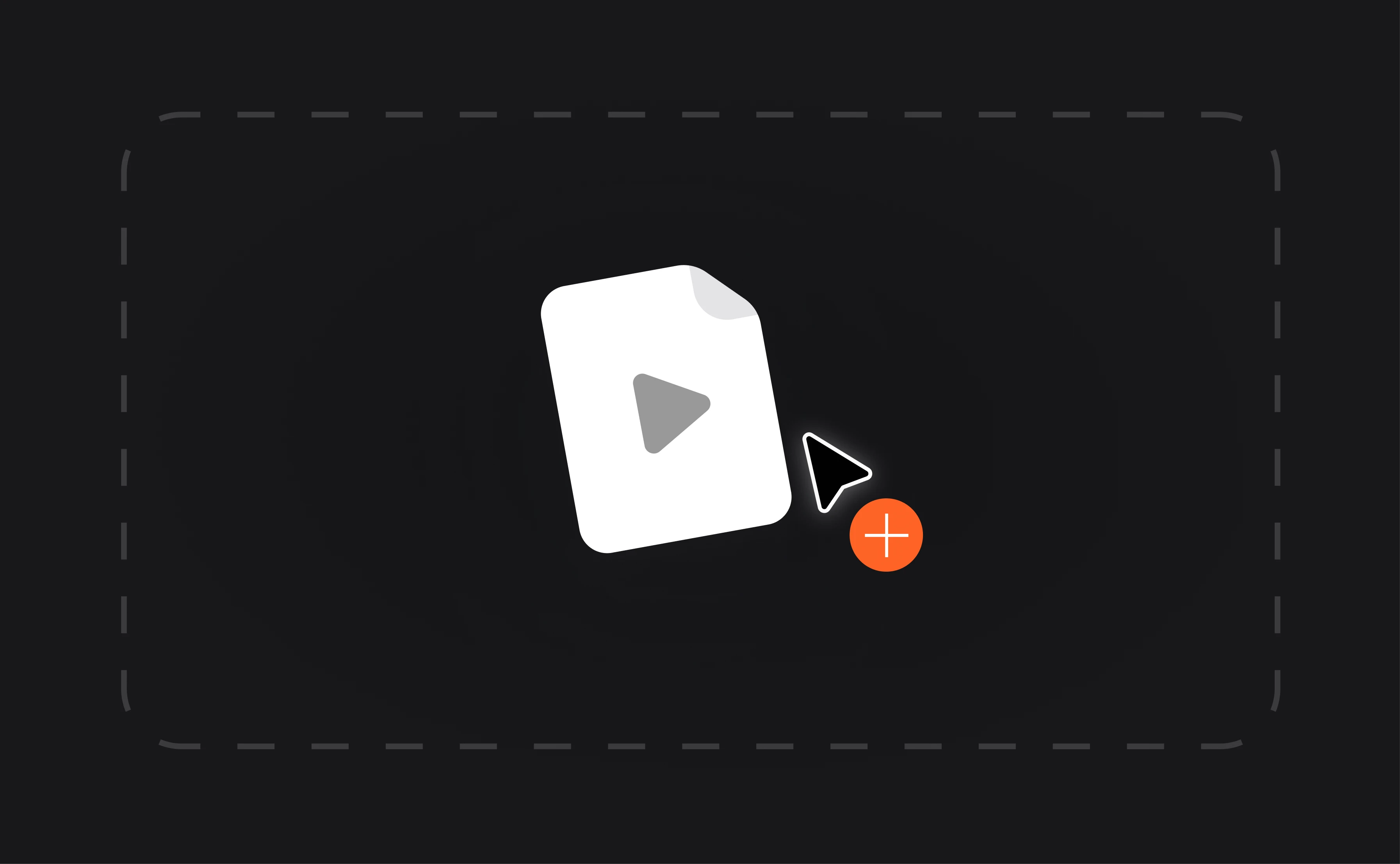
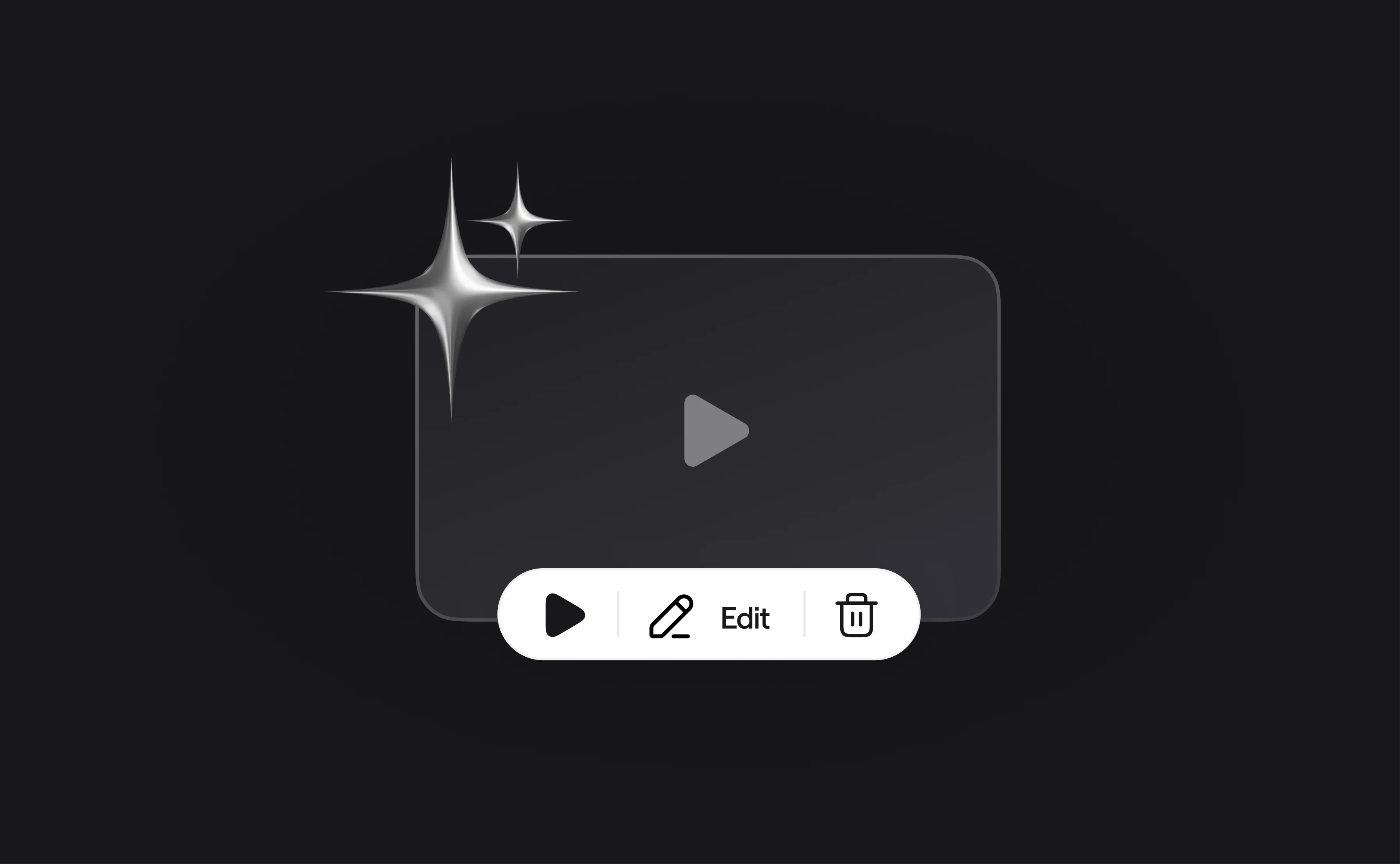
Async’s YouTube video maker is designed to make video creation simple and efficient. With powerful editing tools and an intuitive interface, you can easily upload, record, and edit your videos in one place. Whether you are a beginner or a seasoned creator, our YouTube video maker has everything you need to produce high-quality content that stands out. From trimming and splitting to adding effects and music, making videos for YouTube has never been easier.

How to make videos for YouTube with Async?

Record & edit in one place
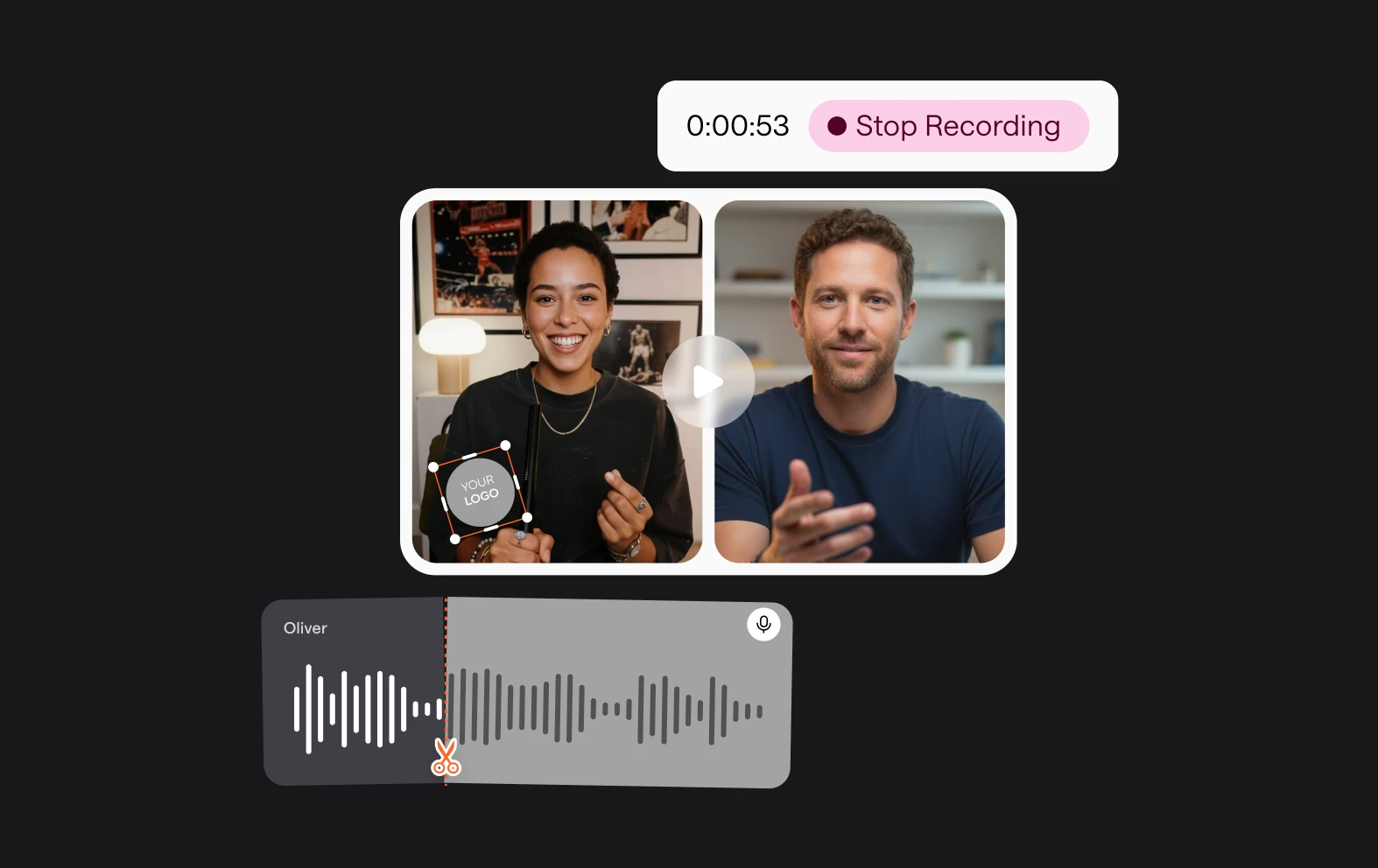
Record and edit your videos on the same platform to save time. The YouTube video maker lets you resize, split, and polish your content directly in your browser. Export your videos in 4K quality and in various video formats to offer the best viewing experience.
Enhance your brand
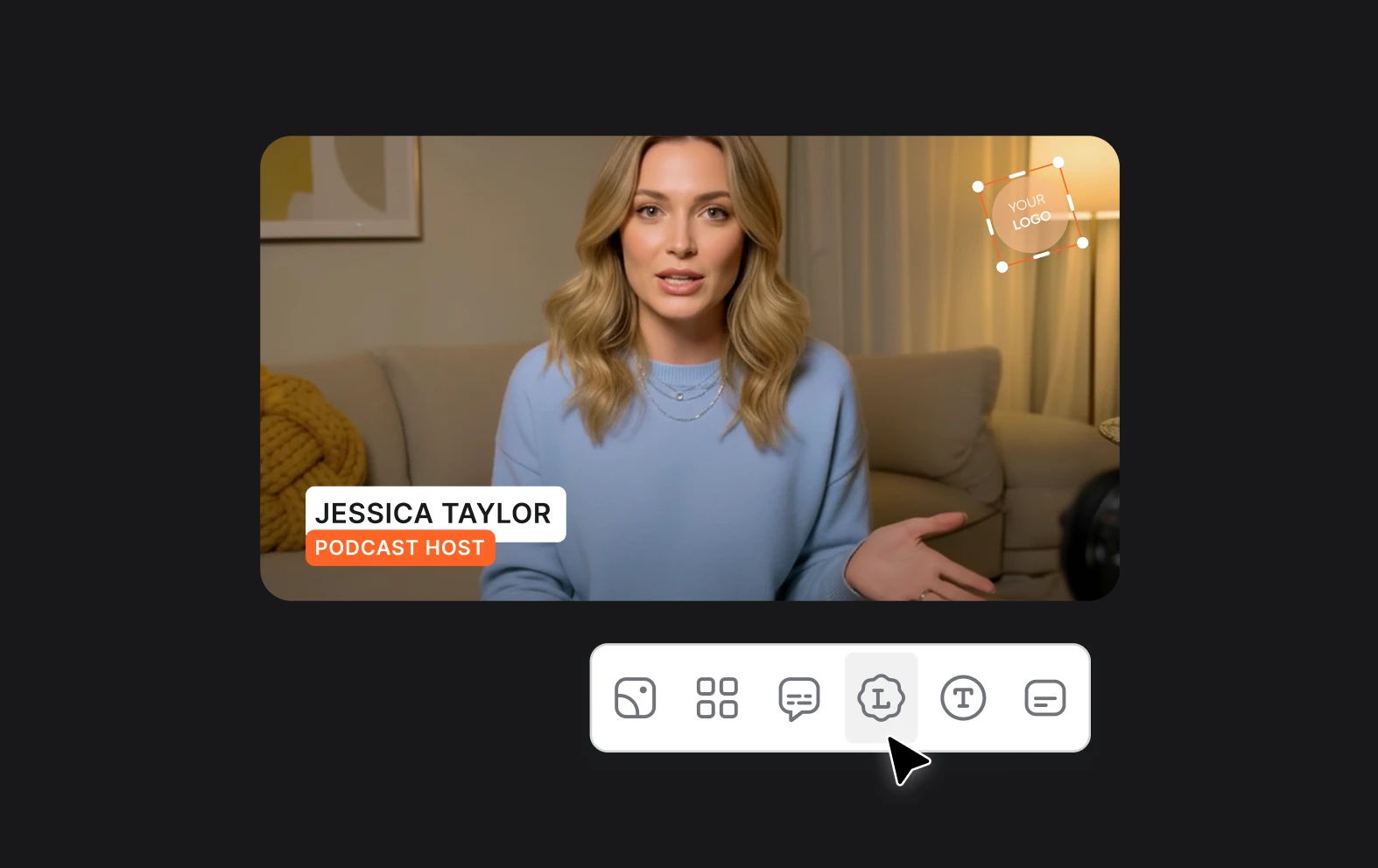
Personalize your videos by adding logos, custom backgrounds, and lower thirds. Whether you’re creating content for a business or your personal channel, the YouTube video maker makes it easy to showcase your brand. Stand out from the crowd with professionally edited videos.
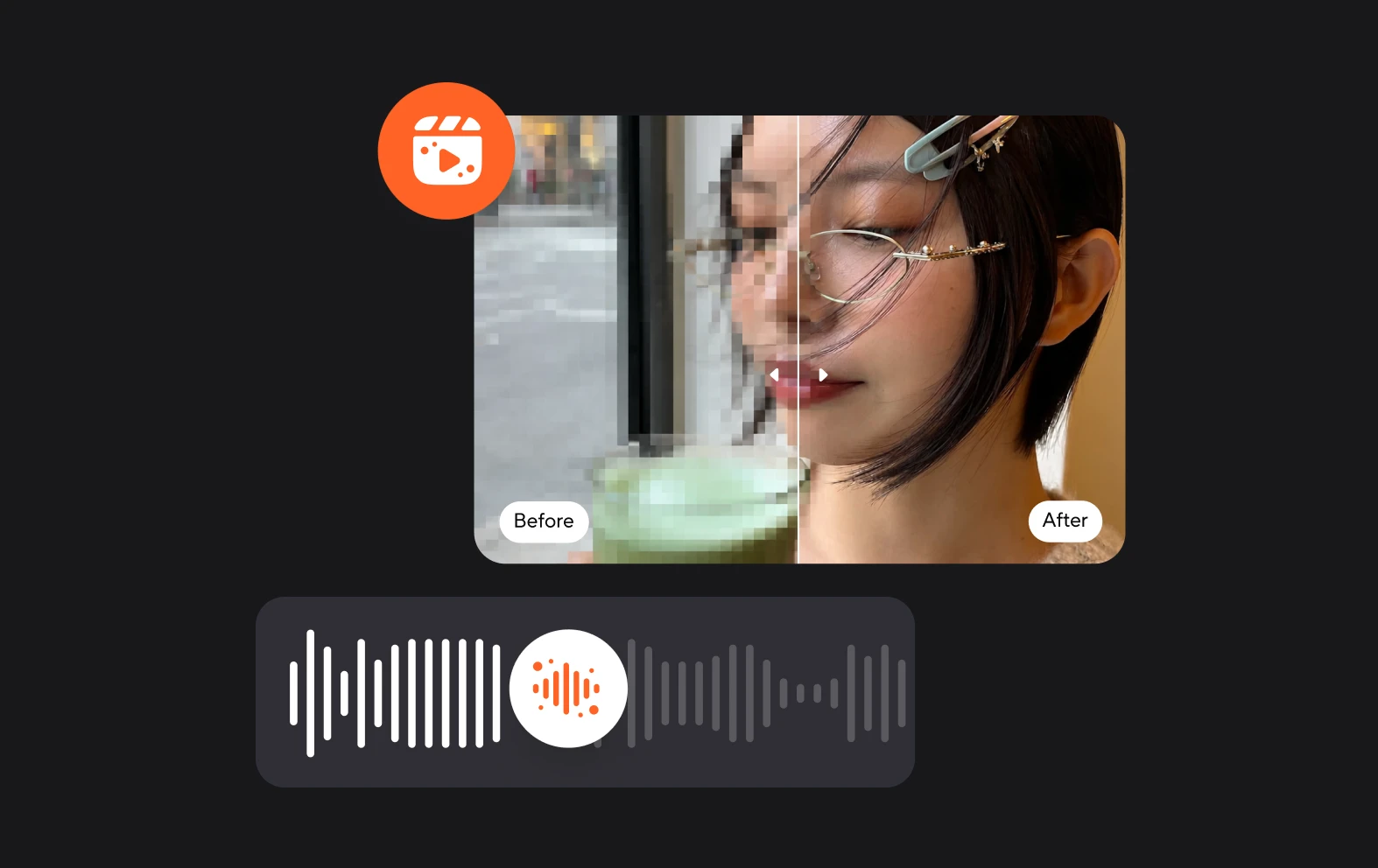
AI-powered editing tools
Leverage advanced AI tools to enhance your videos. The YouTube video maker offers features like green screen, background removal and filters. Our powerful AI tools will help you produce studio-quality videos effortlessly, making the process of creating videos for YouTube both fun and efficient.