icon

Video Quality Enhancer

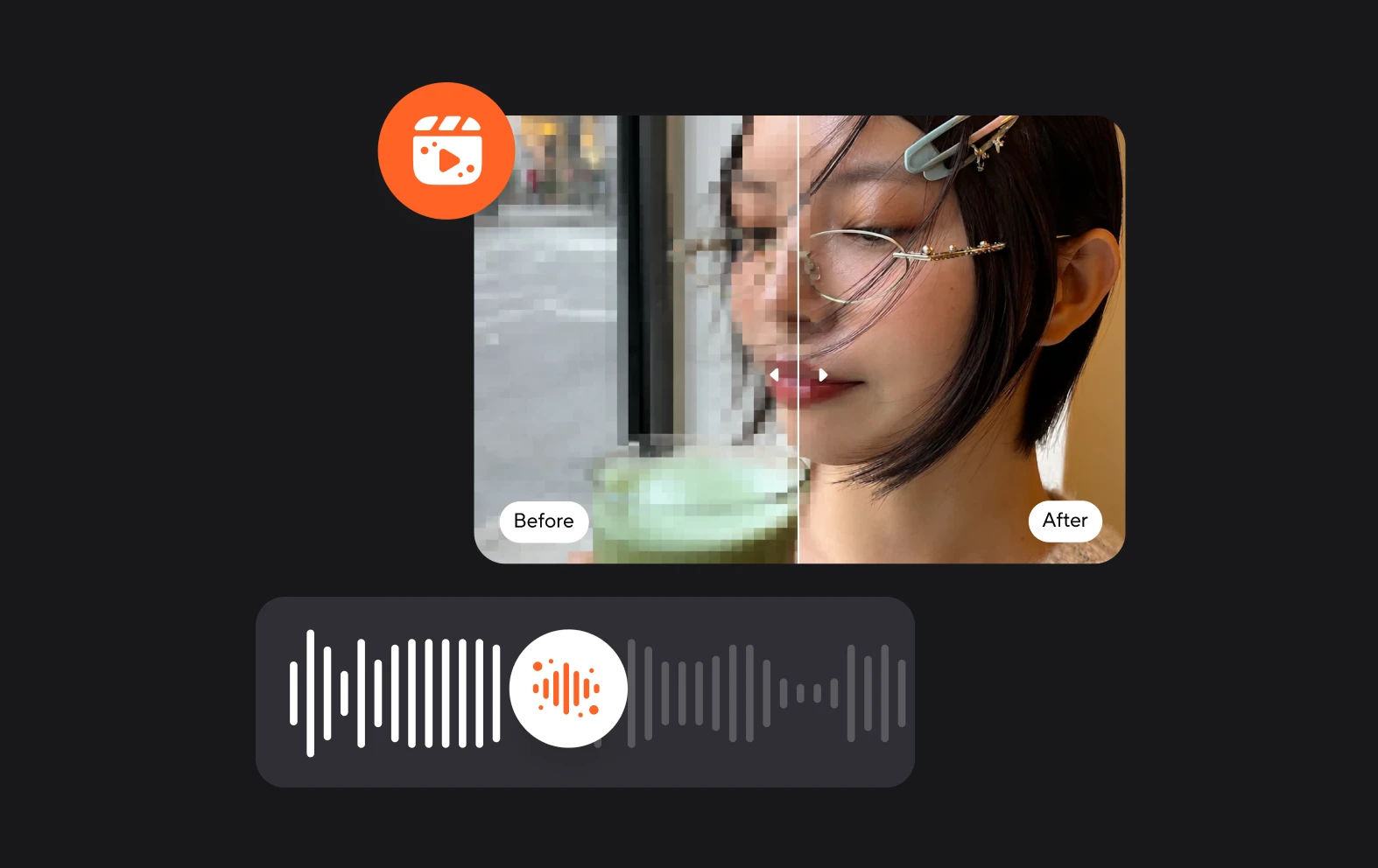
If you need to upscale your video quality, check out Async’s AI-powered video enhancer, it works with one click and transforms your video quality.

Create professional-quality videos

If you want to build and retain an audience, win over potential customers or create a good impression of your brand, you need video content that is of the highest quality. But, even having the best camera equipment, recording studio and software doesn’t guarantee perfect quality. Sometimes you’ll have to film in conditions that are less than perfect.

That’s where the beauty of AI comes in, with one click you can significantly enhance the quality of a video and present content worthy of you or your brand.

icon

How to enhance video quality?

card 1 img
card 2 img
card 3 img
benefit img 1

Record in glorious 4k

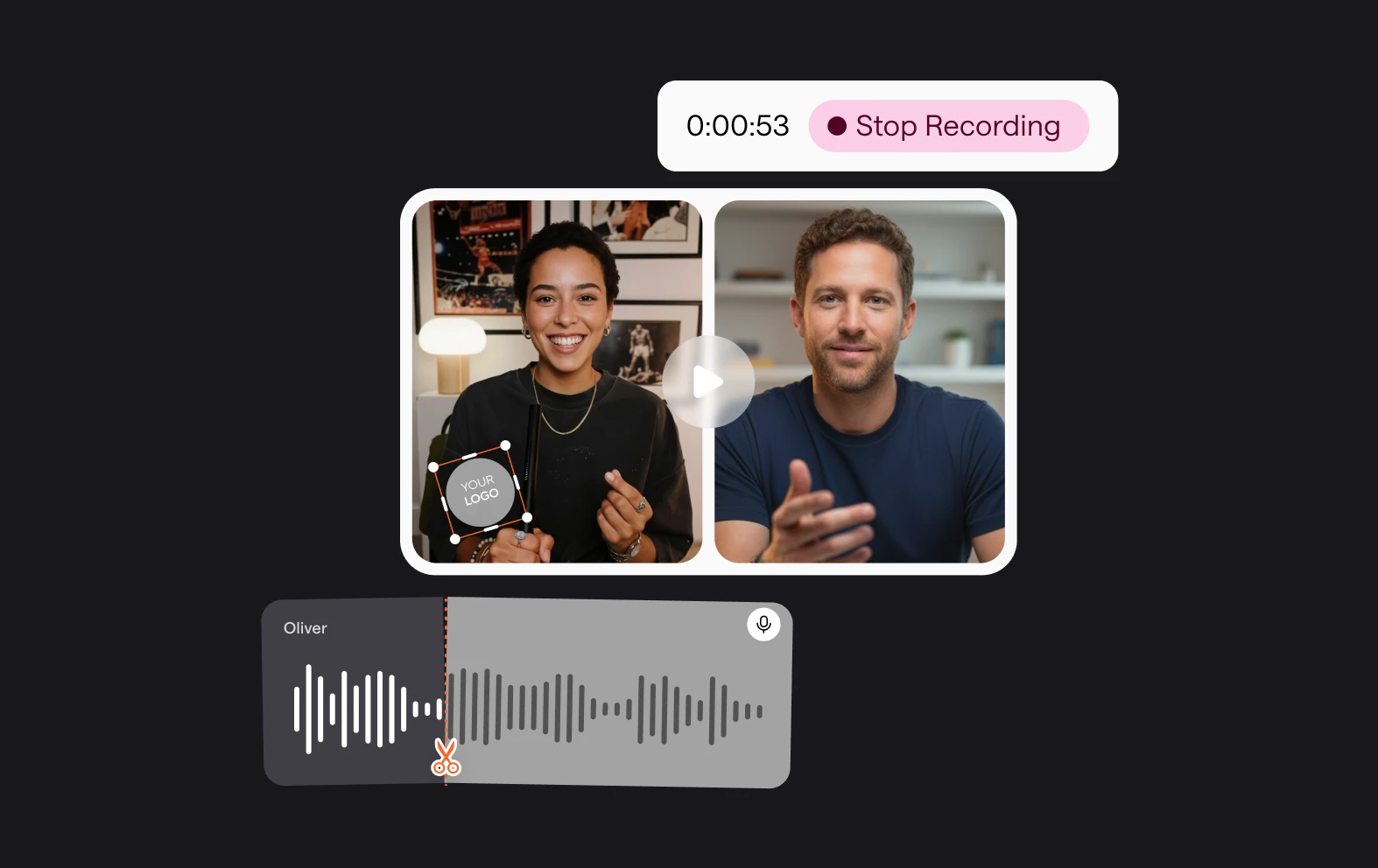
You can deploy the power of AI to fix blurry videos, but with Async’s recording studio you’ll get beautiful high-definition recording to start with. Invite up to 10 guests and record interviews, conversations and more.
benefit img 2

Crystal clear audio

Async’s editing suite doesn’t just fix video, it will fix your audio too! Our Magic Dust feature can be applied to audio or video and will remove annoying background noises as well as creating a premium sound.
benefit img 3

Quick and easy

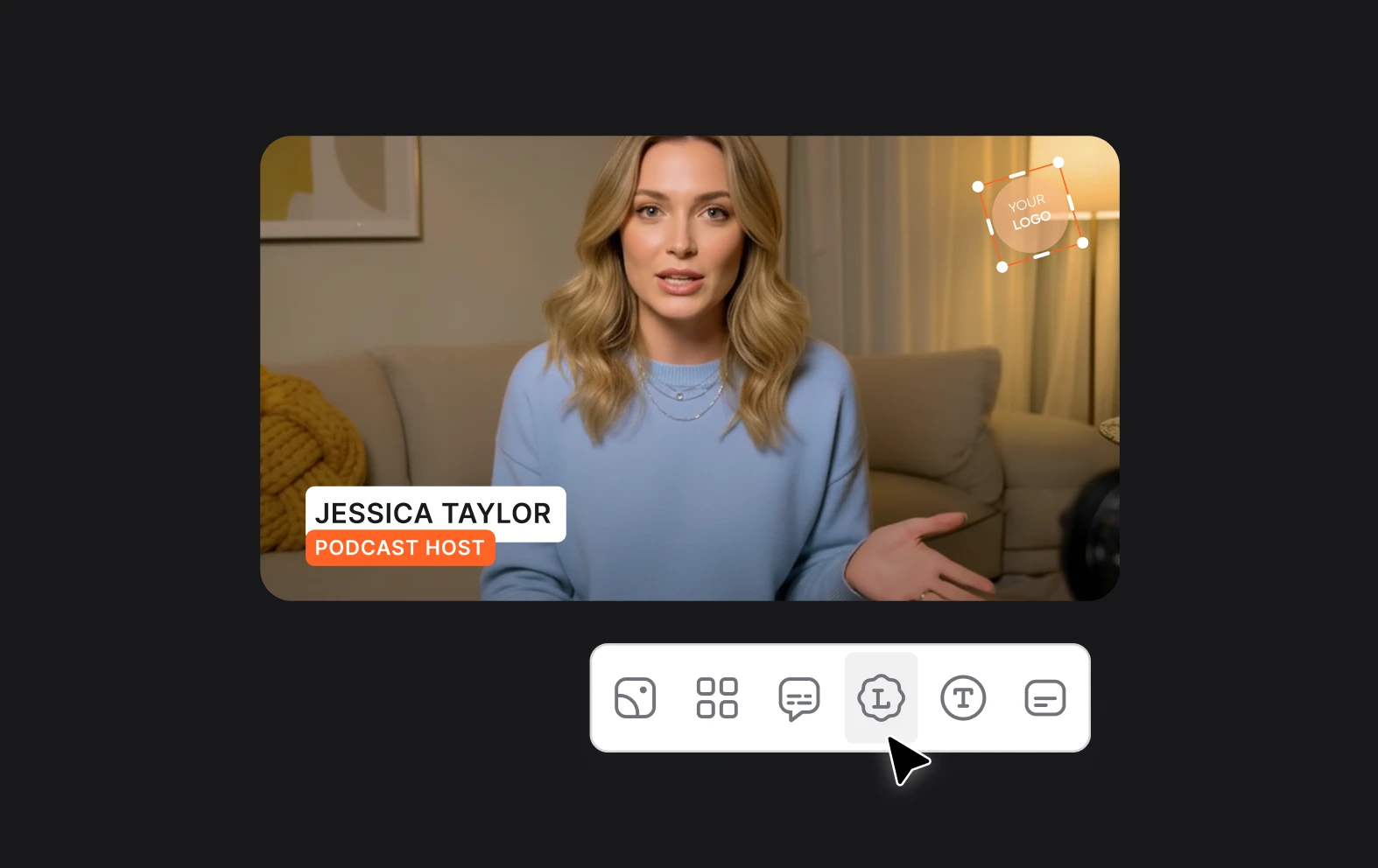
Why waste time with cumbersome editing tools that require installation and a textbook to get started? Async works in your browser and is built to save time and effort with its easy-to-use interface.

Discover more

Add Audio to Video OnlineAdd Music to VideosAdd Subtitles to VideoAdd Text to VideoAI Audio AssistantAI Audio EnhancerAI Content ToolsAI Noise ReducerAI Podcast Clip GeneratorAI Subtitle GeneratorAI Video AssistantAI Video EditorAI Video EnhancerAI Video UnblurAnimation VoiceoversAudio JoinerAudio LooperAudio PodcastAudio ProductionAudio RecorderAudio to TextAudio TranslatorAudiobook Recording StudioAutomatic Video EditorBirthday Video MakerBlur Video BackgroundsCar Sound EffectsChange Video Aspect RatioClip MakerCloud Video EditingCompress MP4Compress VideoCreate a PodcastCreate Marketing VideosCreate Training VideosCreate Video OnlineCrop VideoDigital Marketing VideosE-Learning VoiceoversEasiest Video Editing AppEdit MOV FilesEdit WebM FilesExplainer Video MakerExplainer Video VoiceoverExtract AudioEye Contact FixerFemale Voice ChangerFiller Word DetectionFlip VideoFunny Sound EffectsFunny Video MakerHappy Stock MusicInterview TranscriptionJazz Stock MusicLightweight Video EditorLong Video to Short VideoLoop VideoLyric Video MakerMerge Audio FilesMerge VideoMontage Video MakerMP3 Audio CutterMP3 EditorMp3 to TextMP3 to WAV ConverterMP3 TrimmerMP3 Volume IncreaserMP4 to MP3 ConverterMp4 to TextMP4 TrimmerMP4 Video CutterMP4 Video EditorMusic Video MakerMute VideoOnline Audio ConverterOnline Movie MakerOnline Video ConverterOnline Video CutterOnline Video MakerOnline Video RecorderOnline Video TrimmerPhoto to Video MakerPodcast Editing SoftwarePodcast MakerPodcast RecordingPodcast StudioPodcast TeleprompterPodcast TranscriptionPodcast Video EditorPromo Video MakerRain Sound EffectsRecord Audio on iPhoneRemote Interview RecordingRemove Background Noise from AudioRemove Background Noise from VideoRemove Music from VideoResize VideoRotate VideoSilence RemovalSocial Media Marketing VideosSocial Media Video EditorSound Effects LibrarySpeech to Text SoftwareStart PodcastingText Video MakerText-Based EditingTrailer MakerTravel Video MakerTutorial Video MakerVideo Ad MakerVideo Background RemovalVideo ClearerVideo Collage OnlineVideo Compilation MakerVideo CreatorVideo Game VoiceoversVideo Interview SoftwareVideo JoinerVideo MakerVideo MergerVideo PodcastVideo Quality EnhancerVideo Recording SoftwareVideo ResizerVideo Size ReducerVideo SplitterVideo Subtitle GeneratorVideo to AudioVideo to TextVideo TranscriptionVideo TrimmerVideo Tutorial SoftwareVideo Voice OverVoice Over RecordingVoice Over StudioVoice RecorderVoice to TextVoiceovers for PresentationsWAV EditorWAV to MP3 ConverterWebinar Recording SoftwareWedding Video MakerYouTube Sound EffectsYouTube to MP4 TrimYouTube Video CreatorYouTube Video CutterYouTube Video EditorYouTube Video MakerYouTube Video TrimmerYouTube Video Voiceovers
More tools

Frequently Asked Questions

What is a video upscaler?

A video upscaler is a tool or software that increases the resolution of a video, making lower-resolution footage appear clearer and more detailed when viewed on higher-resolution screens. Upscalers use algorithms to add pixels to the original video, enhancing its sharpness and definition. Advanced AI-powered video upscalers go a step further by analyzing the video content and intelligently filling in missing details, reducing artifacts and improving the overall image quality. These upscalers are particularly useful for improving older or low-resolution videos to match modern HD or 4K display standards.

What is a good video quality for YouTube?

A good resolution for YouTube videos is typically 1920x1080 pixels (Full HD), as it offers a high-quality viewing experience and is widely supported across devices. For even higher quality, 4K resolution (3840x2160 pixels) is becoming increasingly popular, especially for content viewed on larger screens. However, YouTube supports a range of resolutions, from 720p (HD) for decent quality to 4K and even 8K for ultra-high-definition content. The best resolution depends on your content and audience, but 1080p is a standard, balanced option for most creators.

How does compression affect video quality?

Compression affects video quality by reducing the file size, often at the cost of some visual clarity. Compression works by removing or simplifying parts of the video data that are deemed less noticeable, such as minor details in complex scenes. This process, while making the video easier to store and stream, can lead to a loss of detail, causing artifacts like blockiness, blurring, or banding. The degree of quality loss depends on the type of compression: lossy compression results in more noticeable degradation, while lossless compression preserves the original quality but typically yields larger files. Balancing file size and quality is key when compressing videos.

Can AI improve the quality of my videos?

Yes, AI can significantly improve the quality of your videos in various ways. AI-powered tools can enhance video resolution, sharpen details, and upscale low-quality footage to higher definitions. AI can also stabilize shaky video, automatically color-correct scenes for better visual consistency, and improve audio by removing background noise or balancing sound levels. Additionally, AI can enhance lighting, smooth out motion, and even suggest or apply effects that align with the video’s tone. By automating these improvements, AI makes it easier to produce professional-quality videos with less manual effort.

What is an 'artifact' when referring to videos?

In video terms, an artifact refers to visual distortions or imperfections that occur during video compression, processing, or playback. These can appear as blocky pixels, color banding, blurring, or other unwanted distortions that degrade the quality of the video. Artifacts often occur when video files are compressed to reduce their size, as the compression algorithm removes data to save space, which can lead to loss of detail and visual quality. They can also result from poor video encoding, transmission errors, or upscaling low-resolution footage. Reducing compression or using advanced AI-enhanced tools can help minimize artifacts.
Your video, made by chat.
Just tell Async what you want.

From raw footage and AI-generated scenes to finished videos in one AI workflow.

Start creating for free