icon

Remove retakes from video

Remove retakes from video in seconds with AI, turning multiple takes into polished, ready-to-share content without tedious manual editing.

AI retake remover

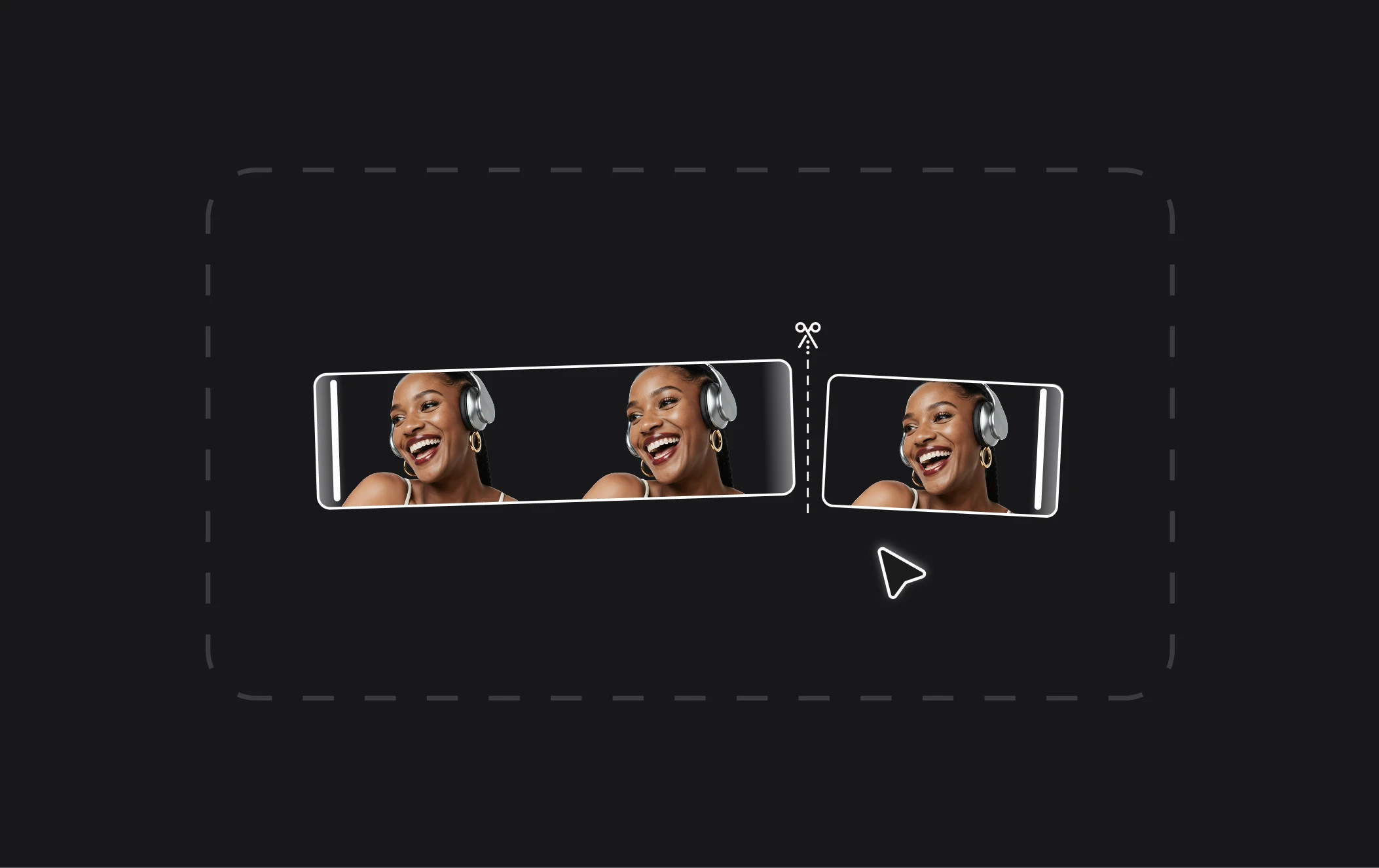
Remove bad takes from video with AI and turn multiple attempts into one smooth, polished result. Whether you're a content creator, marketer, or professional filming product demos, save time on manual editing and create clean, ready-to-share videos with less effort.

info icon

How to remove retakes from video

card 1 img
card 2 img
card 3 img
benefit img 1

Remove unwanted takes without manual editing

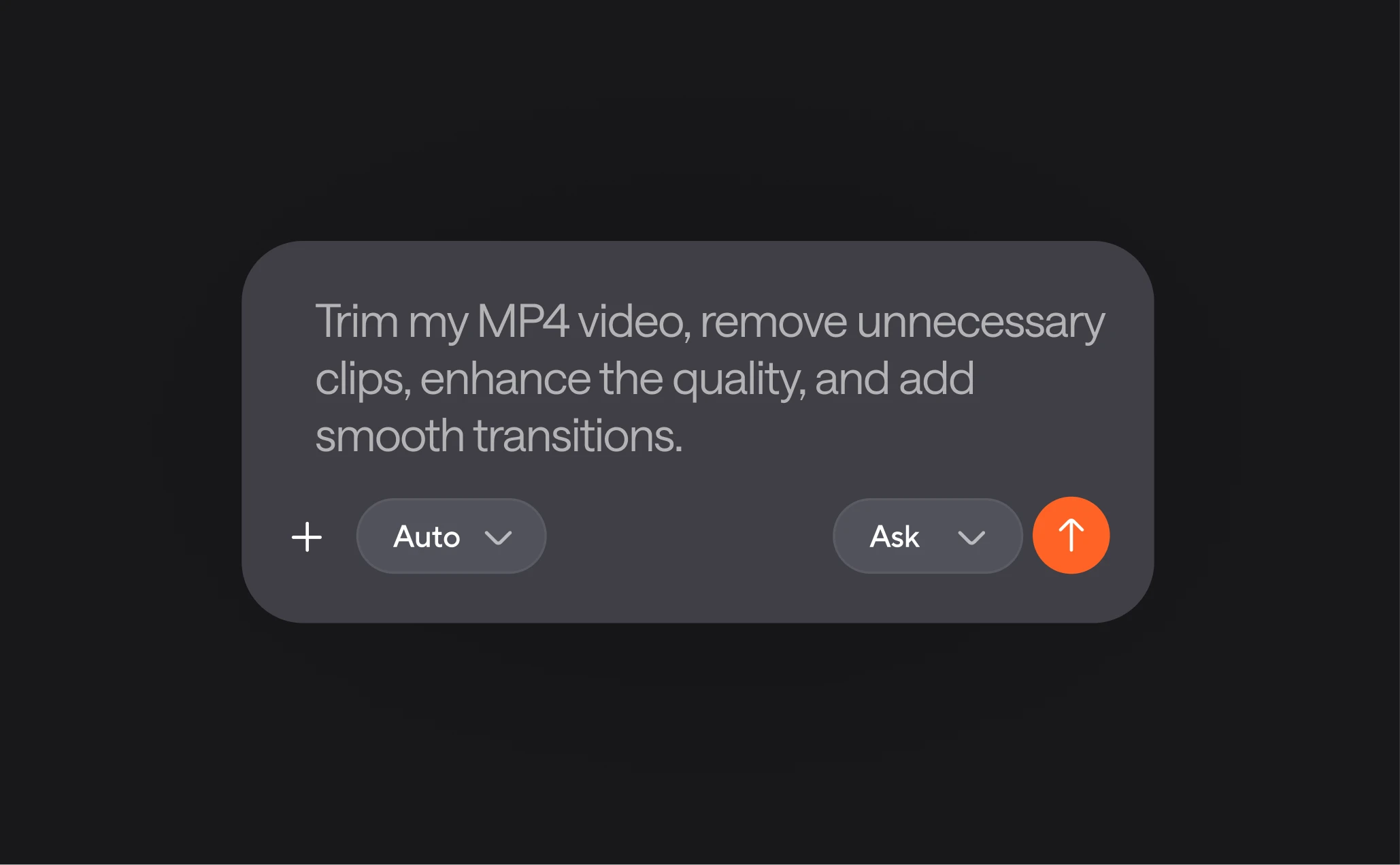
Use Async as your AI retake remover to remove bad takes from video with simple text prompts. Skip tedious timeline scrubbing and spend less time fixing footage, so you can focus on creating professional-looking content.
benefit img 1

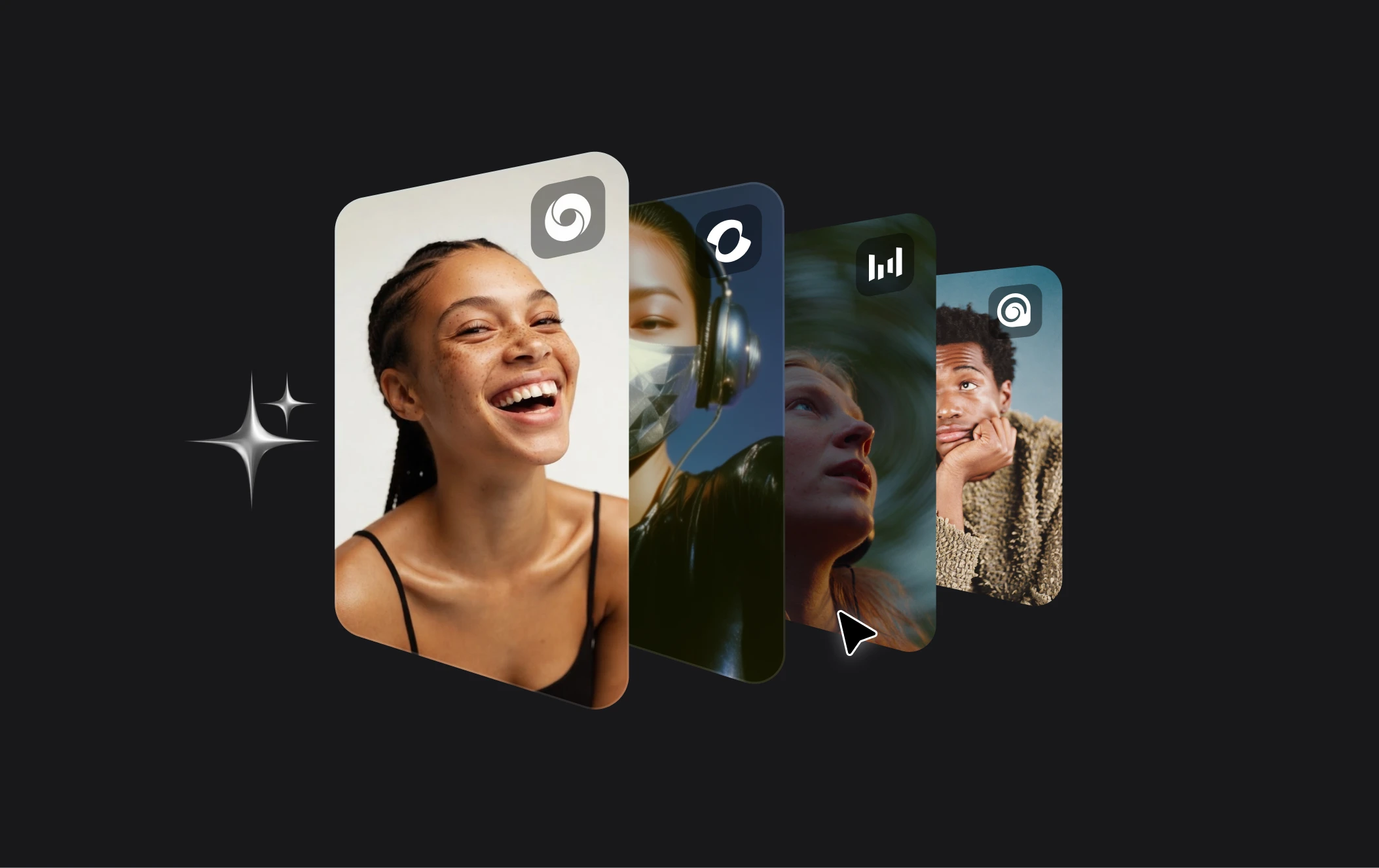
Access 100+ AI models and ready-to-use templates

Go beyond simply removing retakes with 100+ AI generation models and templates to create, refine, and customize videos for your needs. Whether you're making social media content, ads, or product demos, find the right tools to bring your vision to life.
benefit img 1

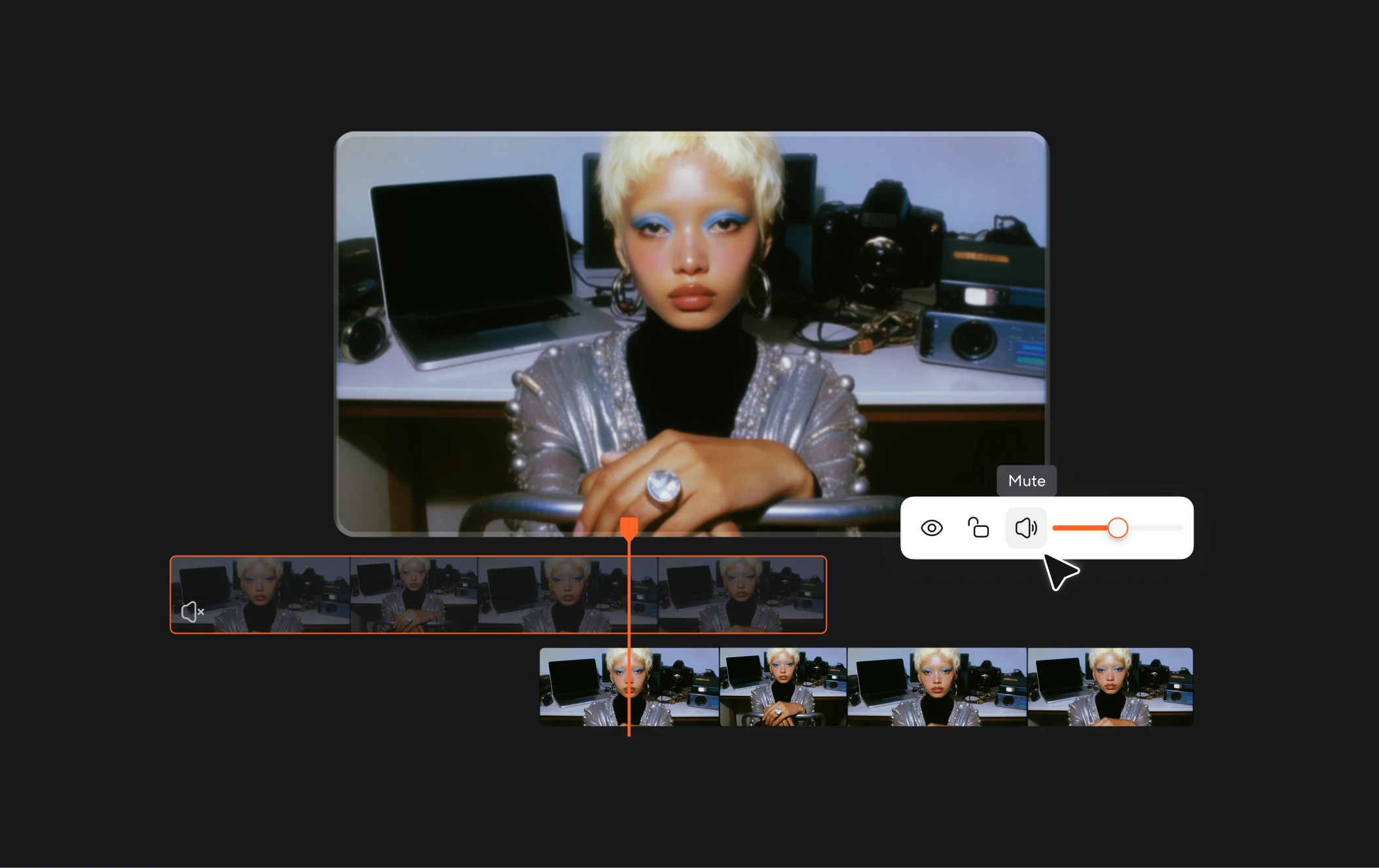
All-in-one AI video editor

Do more than remove retakes from video. Async combines AI video generation, editing, and publishing in one platform, helping you take your content from the first idea to a polished, ready-to-share video without switching between tools.

Built for every kind of video workflow
built img 1
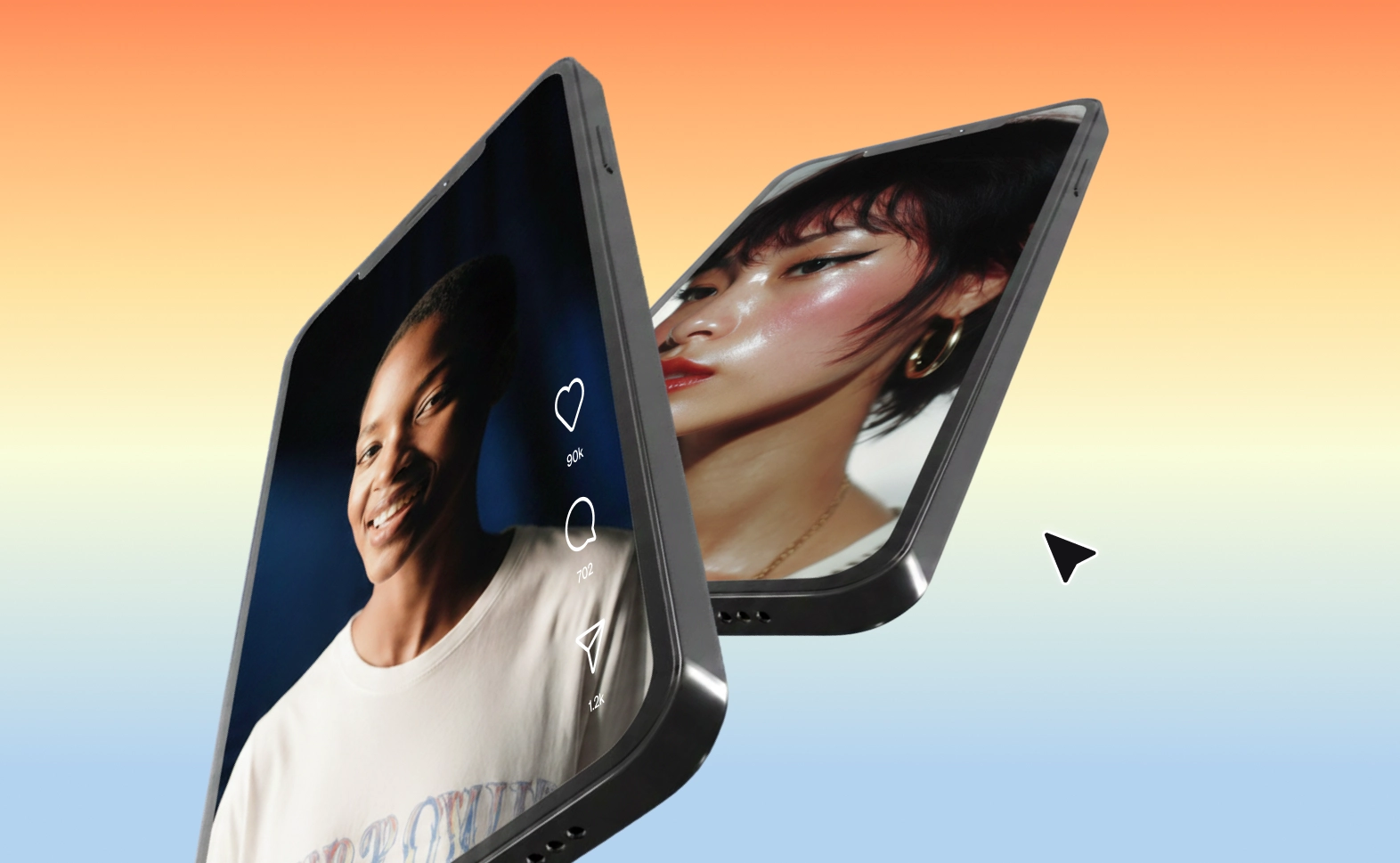
Social media videos

Remove repeated takes from vlogs, Reels, and TikToks to keep your content engaging.

built img 2
Marketing content

Remove bad takes from video ads and product demos for a polished, professional finish.

built img 3
Educational videos

Clean up recorded tutorials, presentations, and online lessons for a smoother viewing experience.

Why use Async to remove repeated takes?

We love seeing you bring your vision to life. Most tools stop after simple video editing, but Async stays with you for the whole process. Keep editing, generate new videos, and chat with our AI editor until your work looks exactly how you imagined it.

info icon

Discover more

Add Audio to Video OnlineAdd Music to VideosAdd Subtitles to VideoAdd Text to VideoAdd Transitions to VideoAesthetic Video GeneratorAI Animated Video GeneratorAI Audio AssistantAI Audio EnhancerAI Auto Edit VideoAI Content Repurposing ToolAI Content ToolsAI Dubbing GeneratorAI Dubbing ToolAI Explainer GeneratorAI Image AnimationAI Lesson Video MakerAI Marketing Video GeneratorAI Meeting HighlightsAI Narration Video MakerAI Noise ReducerAI Podcast Clip GeneratorAI Reels MakerAI Sales Video MakerAI Script GeneratorAI Short Video MakerAI Social Video MakerAI Subtitle GeneratorAI Thumbnail MakerAI Transcription ToolAI Video AssistantAI Video Caption GeneratorAI Video Cutting ToolAI Video EditorAI Video EnhancerAI Video GeneratorAI Video HighlighterAI Video LocalizationAI Video MakerAI Video UnblurAI Viral Video MakerAI Voiceover GeneratorAI YouTube Shorts MakerAnimated Text Video EditorAnimation VoiceoversAudio JoinerAudio LooperAudio PodcastAudio ProductionAudio RecorderAudio to TextAudio to VideoAudio TranslatorAudiobook Recording StudioAuto Caption GeneratorAutomatic Video EditorB2B Video MakerBeat Sync Video EditorBirthday Video MakerBlog to VideoBlur Video BackgroundsBranded Video MakerB-roll GeneratorCar Sound EffectsChange Video Aspect RatioCinematic Ad MakerCinematic AI Video GeneratorCinematic Video EditorClip MakerCloud Video EditingCompress MP4Compress VideoContent Repurposing AICreate a PodcastCreate Marketing VideosCreate Training VideosCreate Video OnlineCrop VideoDigital Marketing VideosDynamic Video MakerE-Learning VoiceoversEasiest Video Editing AppEcommerce Ad Maker AIEcommerce Video MakerEdit MOV FilesEdit Video OnlineEdit WebM FilesExplainer Animation AIExplainer Video MakerExplainer Video VoiceoverExtract AudioEye Contact FixerFacebook Video Ad MakerFemale Voice ChangerFiller Word DetectionFlip VideoFree Video Editor OnlineFunny Sound EffectsFunny Video MakerGaming Highlight EditorGif to Video ConverterGreen Screen Video EditorHappy Stock MusicImage to VideoInstagram Ad MakerInstagram Clip MakerInstagram Reel EditorInteractive Video MakerIntro Animation MakerIntro Video MakerInterview TranscriptionJazz Stock MusicLead Generation VideoLightweight Video EditorLinkedIn Video MakerLogo Animation MakerLong Video to Short VideoLoop VideoLuxury Video MakerLyric Video MakerMeeting Summary VideoMerge Audio FilesMerge VideoMontage Video MakerMood Video MakerMOV Editor OnlineMP3 Audio CutterMP3 EditorMp3 to TextMP3 to WAV ConverterMP3 TrimmerMP3 Volume IncreaserMP4 Editor OnlineMP4 to GIF ConverterMP4 to MP3 ConverterMp4 to TextMP4 TrimmerMP4 Video CutterMP4 Video EditorMulti Language SubtitlesMusic Video MakerMute VideoOnline Audio ConverterOnline Course Creator VideoOnline Course Video EditorOnline Movie MakerOnline Video ConverterOnline Video CutterOnline Video EditorOnline Video MakerOnline Video RecorderOnline Video TrimmerOutro Animation MakerOutro Video MakerPhoto to Video MakerPitch Deck Video MakerPodcast Editing SoftwarePodcast MakerPodcast RecordingPodcast Shorts MakerPodcast StudioPodcast TeleprompterPodcast to ShortsPodcast TranscriptionPodcast Video EditorPodcast Video MakerProduct Ad GeneratorProduct Demo Video MakerPromo Video MakerRain Sound EffectsReaction Video EditorReal Estate Video MakerRecord Audio on iPhoneReels Video EditorRemote Interview RecordingRemove Background Noise from AudioRemove Background Noise from VideoRemove Music from VideoRemove Retakes from VideoResize VideoRestaurant Video MakerRotate VideoScreen Capture EditorScreen Record EditorSilence RemovalSlideshow Maker OnlineSlideshow Video MakerSlow Motion Video EditorSocial Media Marketing VideosSocial Media Video EditorSound Effects LibrarySpeech to Text SoftwareSquare Video EditorStart PodcastingStartup Promo Video MakerStartup Video GeneratorStream Clip MakerSubtitle TranslatorTestimonial Video MakerText to Animation VideoText to Video AIText Video MakerText-Based EditingTiktok Ad MakerTikTok Video EditorTikTok Clip GeneratorTrailer MakerTraining Video MakerTravel Video MakerTutorial Video MakerTweet to VideoVertical Video EditorVideo Ad MakerVideo Background RemovalVideo ClearerVideo Collage OnlineVideo Color GradingVideo Compilation MakerVideo CreatorVideo Cropper OnlineVideo FiltersVideo from ImagesVideo Game VoiceoversVideo Highlight MakerVideo Interview SoftwareVideo JoinerVideo Loop MakerVideo MakerVideo Maker OnlineVideo Meme MakerVideo MergerVideo PodcastVideo Quality EnhancerVideo Recording SoftwareVideo ResizerVideo Size ReducerVideo Speed ControllerVideo SplitterVideo Subtitle GeneratorVideo Thumbnail GeneratorVideo to AudioVideo to Shorts AIVideo to TextVideo TranscriptionVideo TranslatorVideo TrimmerVideo Tutorial SoftwareVideo Voice OverViral Video GeneratorVoice Clone Video ToolVoice Over RecordingVoice Over StudioVoice RecorderVoice to TextVoiceovers for PresentationsWAV EditorWAV to MP3 ConverterWebinar Recording EditorWebinar Recording SoftwareWebinar to ClipsWedding Video MakerYouTube Clip GeneratorYouTube Intro MakerYouTube Outro MakerYouTube Shorts EditorYouTube Sound EffectsYouTube to MP4 TrimYouTube Video CreatorYouTube Video CutterYouTube Video EditorYouTube Video MakerYouTube Video TrimmerYouTube Video Voiceovers
More tools

Frequently Asked Questions

What is the best AI retake remover?

The best AI retake remover helps you cut out repeated attempts, awkward pauses, and failed lines without spending hours reviewing footage. With Async, you can streamline your video editing workflow, remove bad takes from video, and create cleaner, more engaging content ready to share.

How do I remove retakes from video?

To remove retakes from video, upload your footage to Async and use AI-powered editing tools to help identify and cut unwanted sections. Review the results, refine your edits, and export a video that keeps your best takes and strongest moments. You can spend less time on repetitive editing and more time creating content.

Can I use Async to remove repeated takes for social media videos?

Yes! Async helps you prepare social media videos by cutting unnecessary footage and focusing on the best parts of your performance. Remove repeated takes, trim mistakes, and tighten your delivery to create more engaging videos for TikTok, Instagram Reels, and YouTube Shorts.

Is Async beginner-friendly?

Absolutely! Async makes video editing accessible even if you have no prior editing experience. Use AI-powered tools and chat-based editing to simplify your workflow, remove unwanted footage, and get your videos ready to publish without mastering complicated editing software.

What else can I do in Async?

Async is an all-in-one platform for generating, editing, and publishing videos. Beyond using an AI retake remover, you can create videos with AI models and templates, add voiceovers and subtitles, enhance visuals, resize content for different platforms, and export videos ready to share.
Your video, made by chat.
Just tell Async what you want.

From raw footage and AI-generated scenes to finished videos in one AI workflow.

Start creating for free