Free Social Media Video Editor

Effortlessly create scroll-stopping videos for all your social media platforms with Async's free and intuitive online social media video editor.
Get Started Free
No credit card required.
social media video editor

Why choose our Social Media Video Editor?

Async makes video editing simple, fast, and accessible. Designed for creators of all skill levels, this browser-based editor lets you produce high-quality videos for Instagram, TikTok, YouTube, and more—right from your desktop or laptop. With powerful tools like trimming, transitions, subtitles, and audio enhancements, Async ensures your content stands out in crowded social feeds.

How to use Async’s Social Media Video Editor
Upload your footage
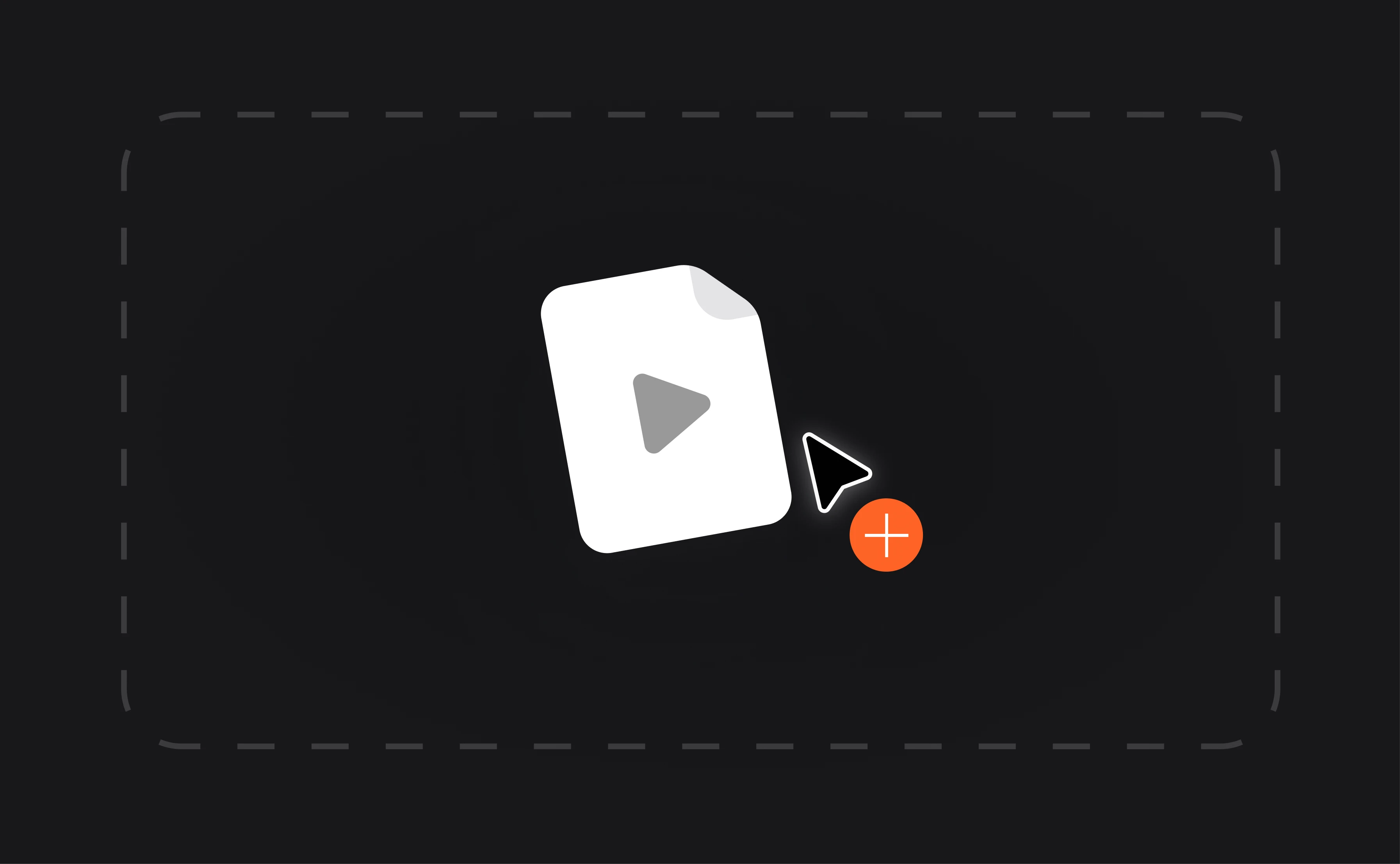
Start by uploading your video file directly to the editor. Async supports multiple file formats, so you can quickly begin working on any type of content.
Edit and customize
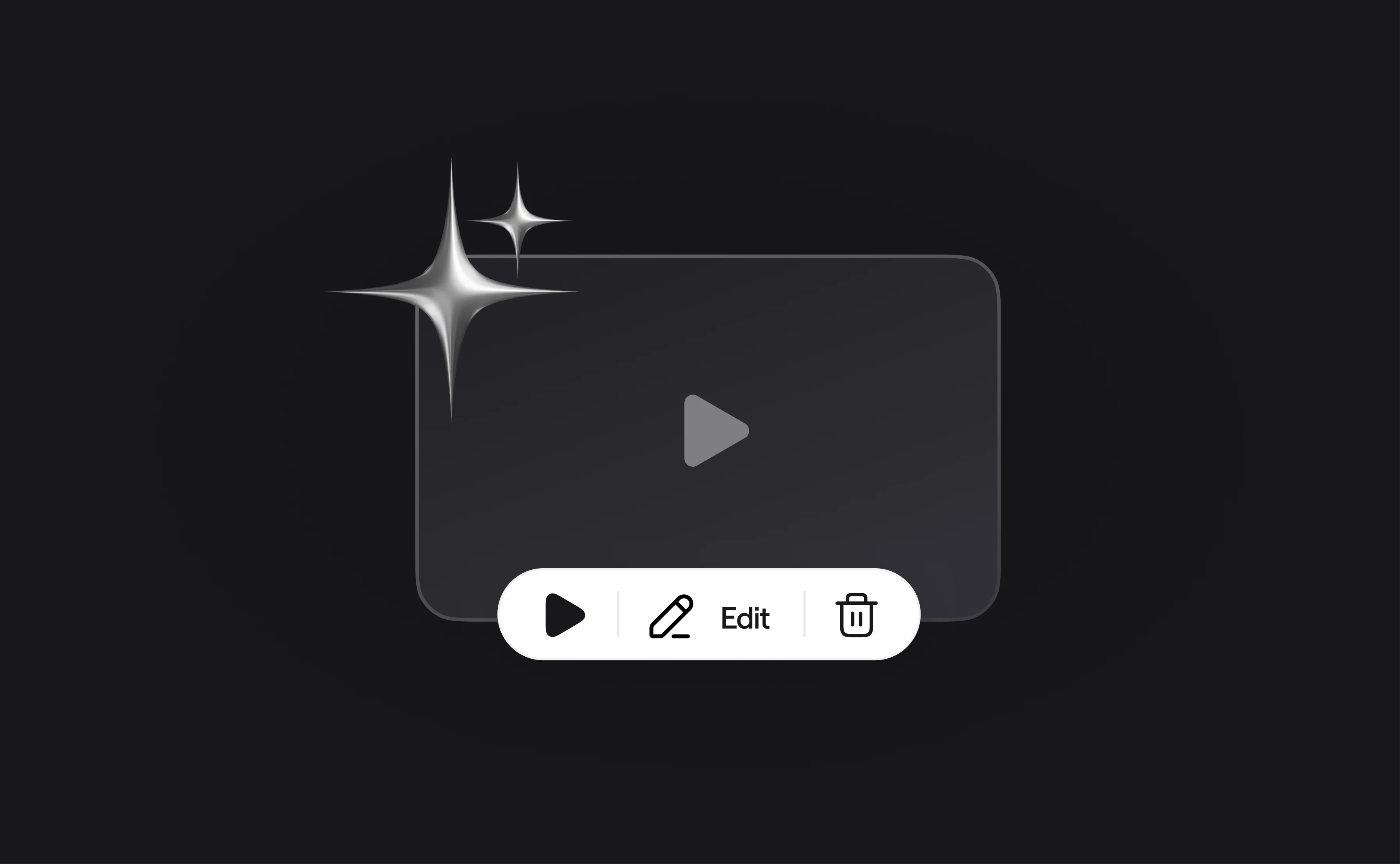
Trim, cut, and add transitions to perfect your clip. Enhance your audio quality, include subtitles, or add text overlays to make your video more engaging.
Export and share
Once satisfied with your edits, export your video in your desired format and resolution. Share your polished masterpiece across social media platforms with just a few clicks!

Effortless editing tools

Async’s video editor offers intuitive drag-and-drop tools that make video editing simple and enjoyable for users of all skill levels. Easily crop, trim, and adjust your footage to create a polished and professional result tailored to your needs. These tools allow you to highlight key moments, refine transitions, and ensure every frame fits perfectly into your social media strategy. The platform’s user-friendly interface eliminates the complexity often associated with video editing software, saving you time while delivering exceptional results.
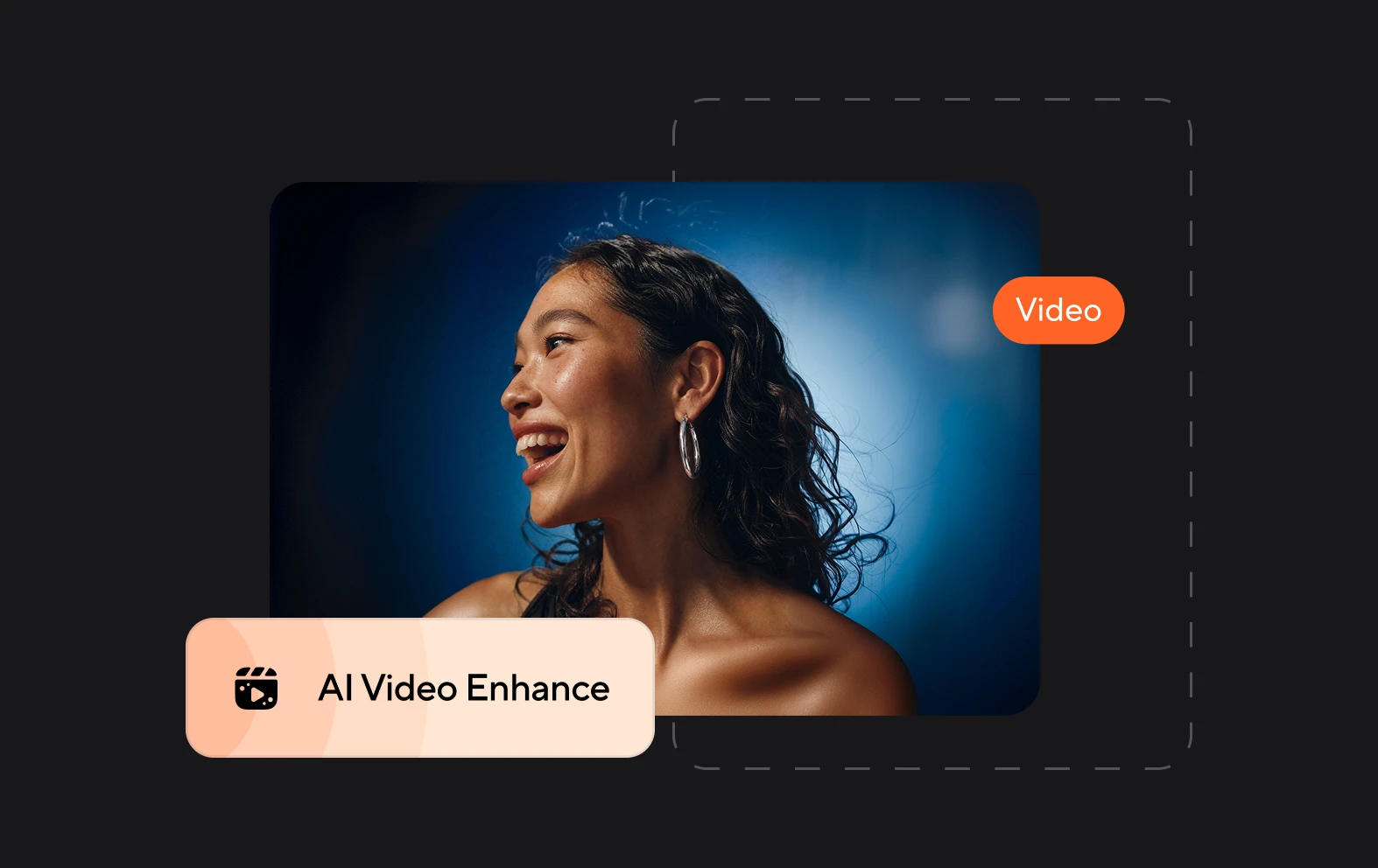
Built-in audio enhancements

Good audio can make or break your videos, and Async ensures your sound quality is top-notch. With advanced audio features, you can reduce background noise, balance volume levels, and ensure your audio is crisp and clear. Add royalty-free music from Async’s library to enhance the mood and make your videos more engaging. The platform’s intelligent tools even allow you to fine-tune spoken dialogue, ensuring every word is heard clearly. Whether you’re creating a product demo or an entertaining clip, Async’s audio tools help elevate your content to professional standards.
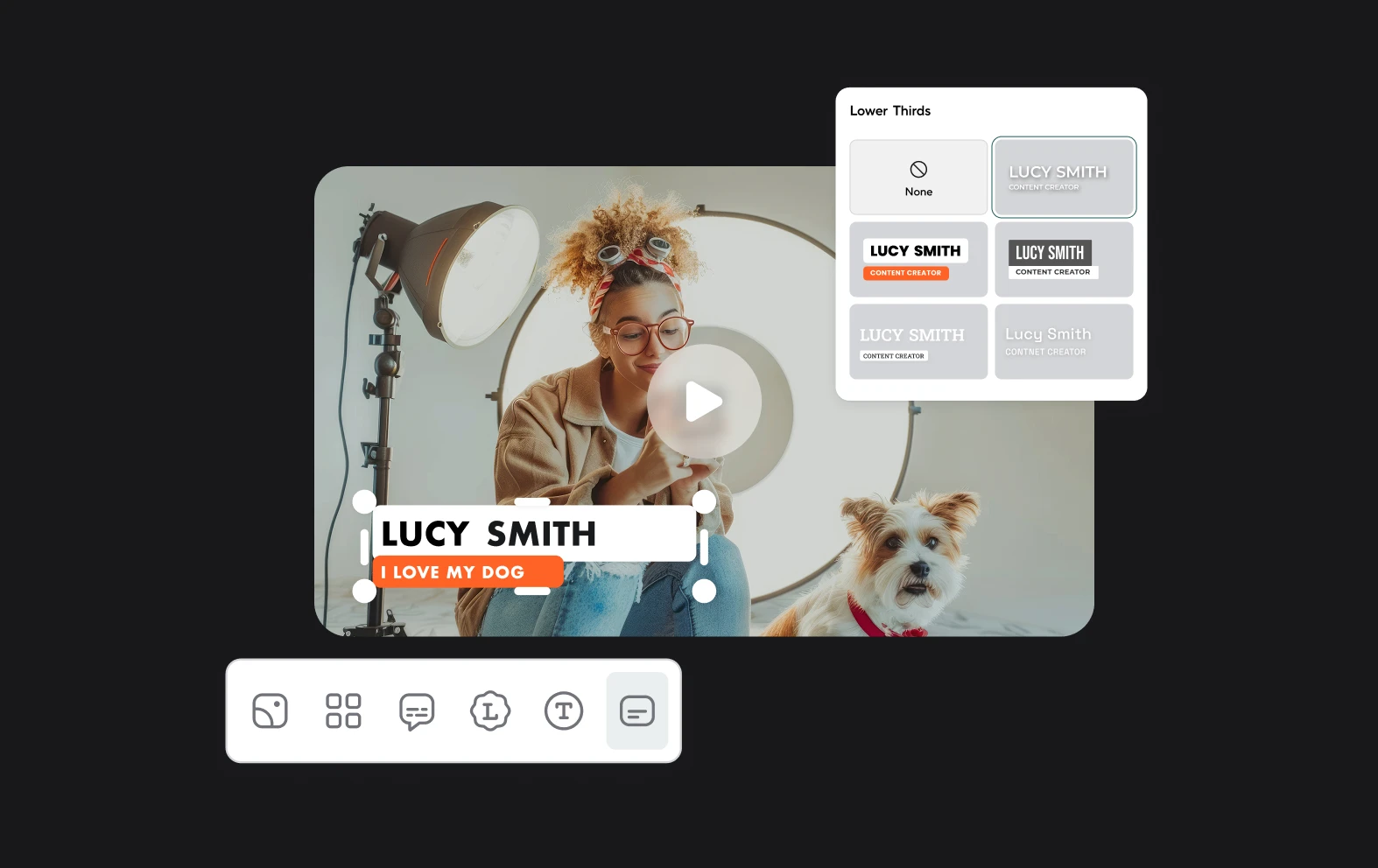
Instant subtitles and text overlays

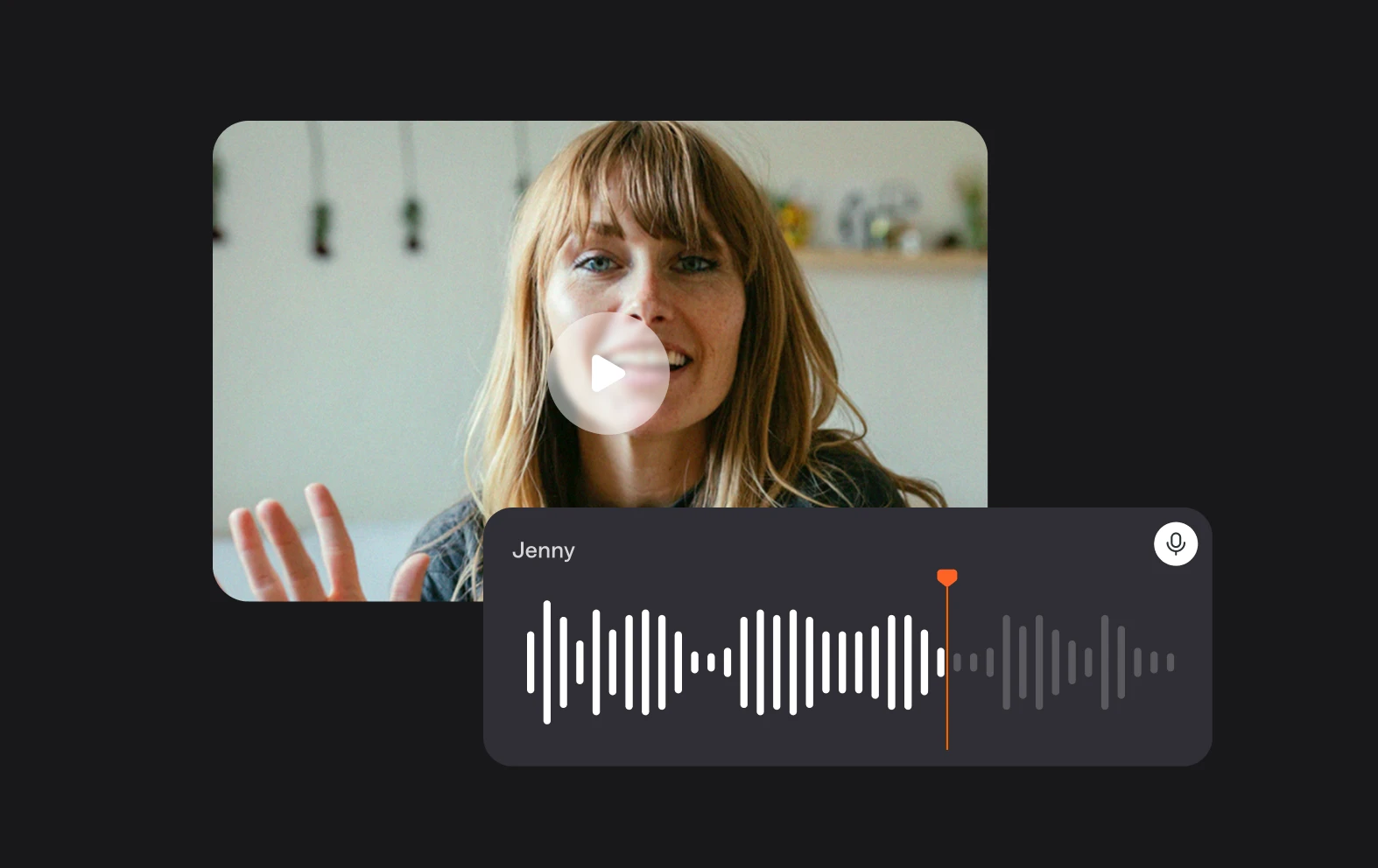
Boost your video’s reach and engagement with Async’s subtitle and text overlay features. Adding subtitles is as simple as a click, thanks to AI-powered automation that generates accurate captions in seconds. These features are especially helpful for social media audiences who often watch videos with the sound off. You can also customize the text’s font, size, and color to match your branding or highlight key points. By improving accessibility and ensuring your message gets across to every viewer, Async helps you create videos that captivate and connect with your audience.

Content creation tools

Async offers a huge range of AI-powered tools and features to make content creation fast and simple.
Audio Tools
Video Tools
Transcription

More about Async

  • Async is an AI-powered, collaborative audio & video creation platform
  • We help professional and amateur podcasters create, edit and distribute production-quality podcasts effortlessly
  • Our mission is to democratize access to broadcast storytelling
  • We offer simple, end-to-end creation tools that are professional, yet fun

Frequently Asked Questions

Is Async’s Social Media Video Editor free to use?
Yes, Async offers a free version of its social media video editor, allowing you to create, edit, and export high-quality videos at no cost. The free plan includes essential editing tools like trimming, cropping, adding text, and audio enhancements, ensuring you can produce professional-looking videos without spending a dime. It also offers premium packages for more advanced features. This flexible pricing ensures that whether you’re a hobbyist or a professional, there’s a plan tailored to your needs.
Can I edit videos for different social media platforms?
Absolutely! Async’s editor is specifically designed to meet the unique requirements of various social media platforms. You can easily adjust the aspect ratio, resolution, and video length to ensure compatibility with Instagram, TikTok, YouTube, Facebook, and more. For example, switch to a 9:16 aspect ratio for TikTok or Instagram Stories or choose 16:9 for YouTube videos. This customization feature ensures your videos look perfect on every platform, helping you reach your audience effectively and professionally, regardless of where they are.
Do I need to download any software to use Async?
No, Async is a fully browser-based platform, meaning there’s no need to download or install any software. All you need is a device with an internet connection, and you can start editing directly from your web browser. This cloud-based functionality allows you to work on your projects from anywhere, whether you’re at home, in the office, or on the go. Plus, your edits are saved automatically, so you don’t have to worry about losing your progress or transferring files between devices.
Can I add subtitles or text to my videos?
Yes, Async provides powerful tools to add subtitles and text overlays to your videos. You can generate subtitles automatically using AI, which saves time and ensures accuracy, or manually add your own captions. Subtitles not only make your videos more accessible to a wider audience but also increase engagement by allowing viewers to follow along even when watching on mute. You can also customize text overlays to highlight important messages, product names, or calls to action, ensuring your videos are visually appealing and informative.
What video formats and resolutions are supported by Async?
Async supports a wide variety of video formats, including MP4, MOV, and more, making it compatible with most video files. The platform also allows you to export your videos in different resolutions, from standard definition to full HD and beyond, depending on your needs. Whether you’re creating short clips for Instagram or high-resolution content for YouTube, Async ensures your videos look professional and meet the technical requirements of the platform. This versatility makes Async a one-stop solution for all your social media video editing needs.

Async's Blog