icon

Turn Your Audio to Text

Automatically convert up to 1 hour of audio for FREE and get a full transcription in seconds.

Audio to text transcription

Need a quick transcription for one of your audio or video files? We're here to help. Async's AI technology allows you to convert speech to text within seconds. Much quicker than manual transcription, automated transcripts are highly accurate and able to understand complex and obscure words. Simply upload an audio file and let our transcription software do the rest.

icon

How to transcribe speech to text?

card 1 img
card 2 img
card 3 img
benefit img 1

Transcribe audio in seconds

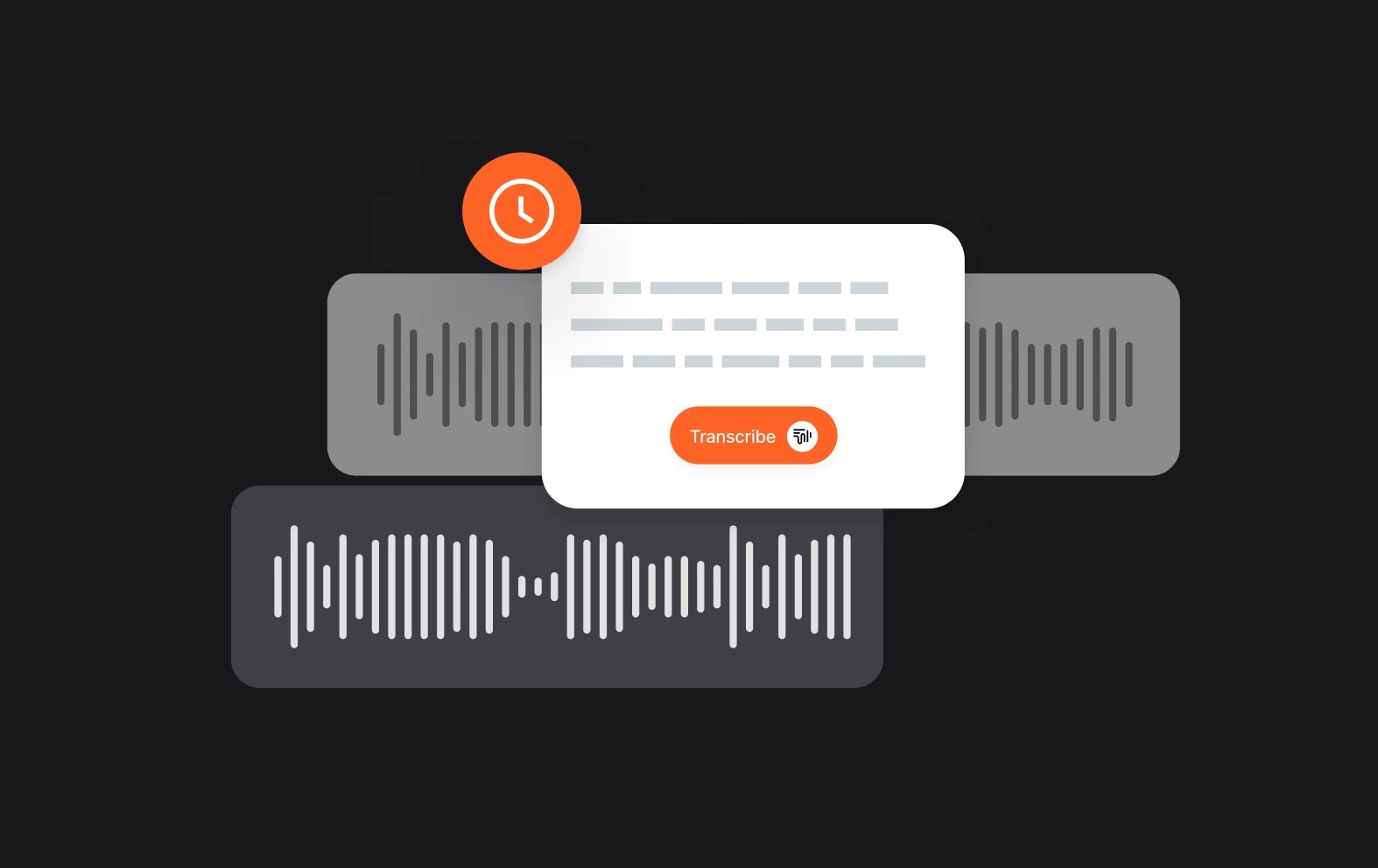
A 5 minute-long audio file will usually take about 20 minutes to transcribe manually. It also requires your full concentration, and takes a lot of effort to type and type and type again. Save time using our audio-to-text converter, and get your transcriptions in seconds.
benefit img 2

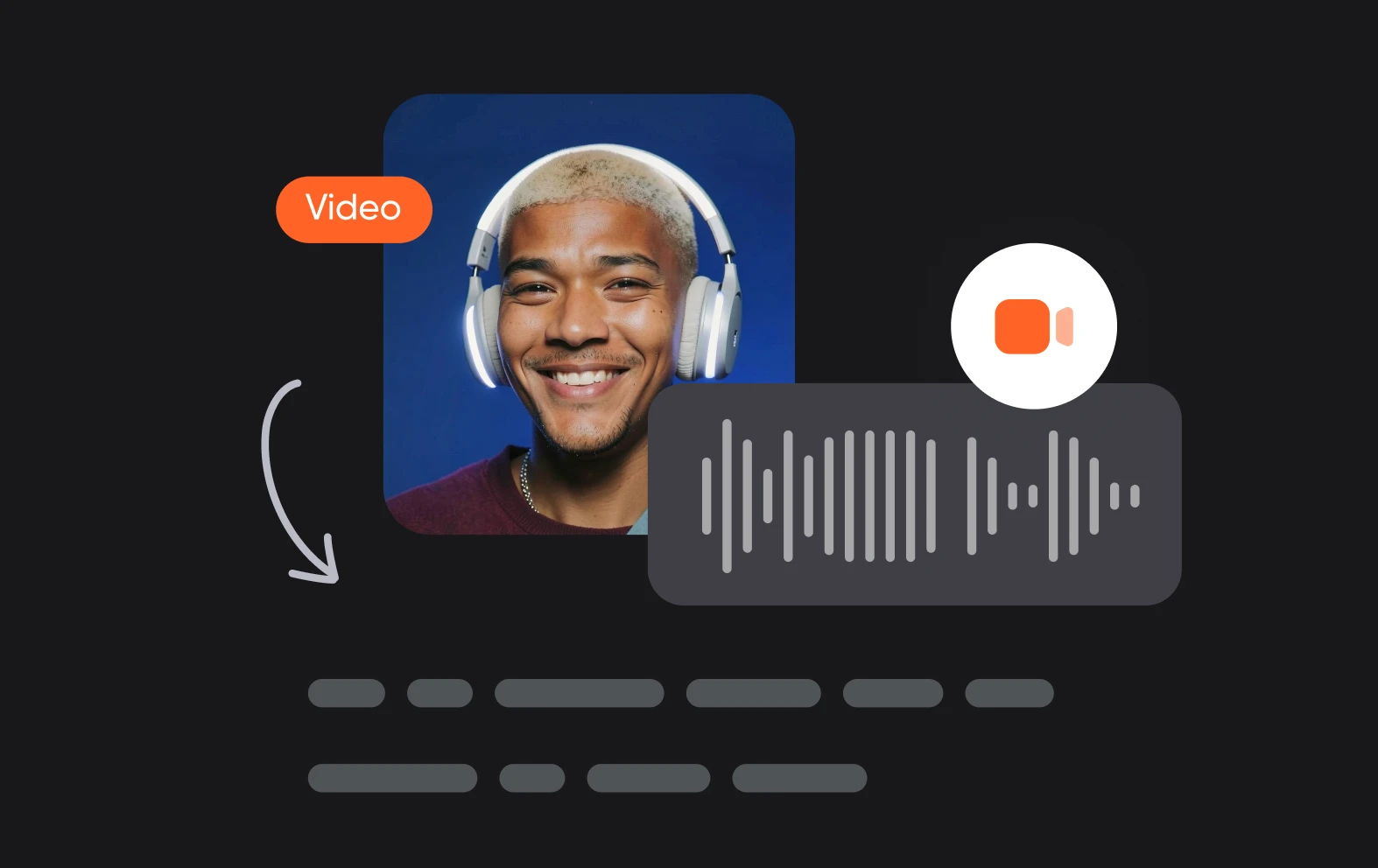
Get transcripts for videos

Our transcription services also allow you to transcribe video. Async automatically turns your video file into audio and gives an accurate transcription with just a few clicks. Video transcription can be really useful for accessibility, letting people read along or follow subtitles. It can also make it easier for people to find specific parts of your video.
benefit img 3

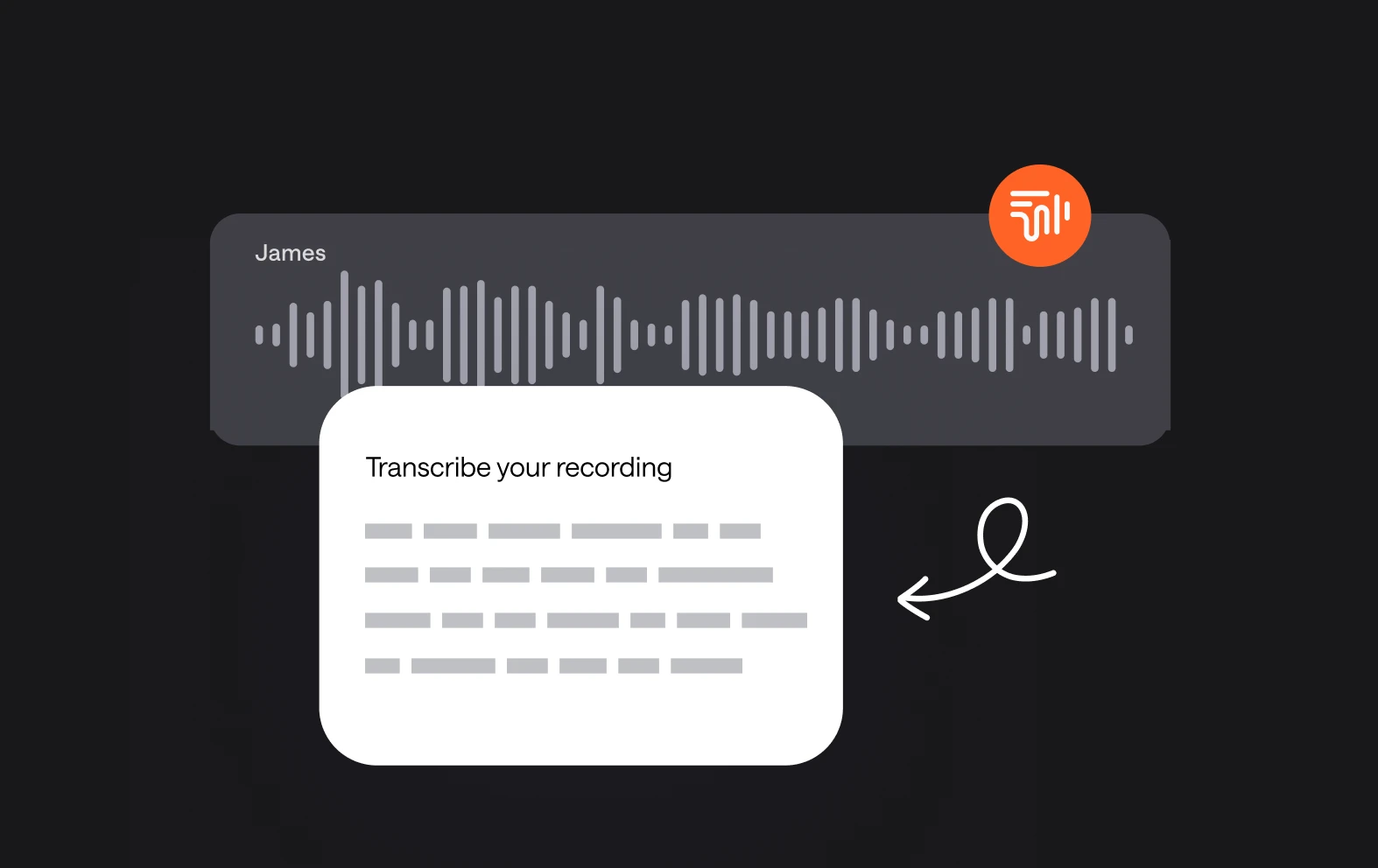
Free & fast audio transcription

Accurately transcribe up to one hour of audio for absolutely nothing You can also upgrade to our Storyteller plan and get 10 hours of transcription services every month for only $11.99 monthly.

Discover more

Add Audio to Video OnlineAdd Music to VideosAdd Subtitles to VideoAdd Text to VideoAI Audio AssistantAI Audio EnhancerAI Content ToolsAI Noise ReducerAI Podcast Clip GeneratorAI Subtitle GeneratorAI Video AssistantAI Video EditorAI Video EnhancerAI Video UnblurAnimation VoiceoversAudio JoinerAudio LooperAudio PodcastAudio ProductionAudio RecorderAudio to TextAudio TranslatorAudiobook Recording StudioAutomatic Video EditorBirthday Video MakerBlur Video BackgroundsCar Sound EffectsChange Video Aspect RatioClip MakerCloud Video EditingCompress MP4Compress VideoCreate a PodcastCreate Marketing VideosCreate Training VideosCreate Video OnlineCrop VideoDigital Marketing VideosE-Learning VoiceoversEasiest Video Editing AppEdit MOV FilesEdit WebM FilesExplainer Video MakerExplainer Video VoiceoverExtract AudioEye Contact FixerFemale Voice ChangerFiller Word DetectionFlip VideoFunny Sound EffectsFunny Video MakerHappy Stock MusicInterview TranscriptionJazz Stock MusicLightweight Video EditorLong Video to Short VideoLoop VideoLyric Video MakerMerge Audio FilesMerge VideoMontage Video MakerMP3 Audio CutterMP3 EditorMp3 to TextMP3 to WAV ConverterMP3 TrimmerMP3 Volume IncreaserMP4 to MP3 ConverterMp4 to TextMP4 TrimmerMP4 Video CutterMP4 Video EditorMusic Video MakerMute VideoOnline Audio ConverterOnline Movie MakerOnline Video ConverterOnline Video CutterOnline Video MakerOnline Video RecorderOnline Video TrimmerPhoto to Video MakerPodcast Editing SoftwarePodcast MakerPodcast RecordingPodcast StudioPodcast TeleprompterPodcast TranscriptionPodcast Video EditorPromo Video MakerRain Sound EffectsRecord Audio on iPhoneRemote Interview RecordingRemove Background Noise from AudioRemove Background Noise from VideoRemove Music from VideoResize VideoRotate VideoSilence RemovalSocial Media Marketing VideosSocial Media Video EditorSound Effects LibrarySpeech to Text SoftwareStart PodcastingText Video MakerText-Based EditingTrailer MakerTravel Video MakerTutorial Video MakerVideo Ad MakerVideo Background RemovalVideo ClearerVideo Collage OnlineVideo Compilation MakerVideo CreatorVideo Game VoiceoversVideo Interview SoftwareVideo JoinerVideo MakerVideo MergerVideo PodcastVideo Quality EnhancerVideo Recording SoftwareVideo ResizerVideo Size ReducerVideo SplitterVideo Subtitle GeneratorVideo to AudioVideo to TextVideo TranscriptionVideo TrimmerVideo Tutorial SoftwareVideo Voice OverVoice Over RecordingVoice Over StudioVoice RecorderVoice to TextVoiceovers for PresentationsWAV EditorWAV to MP3 ConverterWebinar Recording SoftwareWedding Video MakerYouTube Sound EffectsYouTube to MP4 TrimYouTube Video CreatorYouTube Video CutterYouTube Video EditorYouTube Video MakerYouTube Video TrimmerYouTube Video Voiceovers
More tools

Frequently Asked Questions

How to transcribe audio to text?

To transcribe audio to text, you can use tools like Async, which simplifies the process with AI-based transcription. First, sign up or log in to Async, upload or record your audio, and select the "Transcribe Audio" option. The platform will automatically convert your spoken words into written text, making it easy to edit, review, or export the transcription.

Can I also transcribe my video?

Yes, AI tools can transcribe video into text by analyzing the audio track of the video. Platforms like Async offer this functionality. You simply upload the video, and the AI extracts the audio to generate a text transcription, which can then be edited or exported.

Can I edit my transcription?

Yes! After transcribing your audio to text, you can access the complete transcription in our online Text Editor. You can also search for specific words to make editing faster and automatically remove silences and filler words with a single click! Editing a transcription is super simple and it will also automatically update the original audio file as you edit the transcript if you still need to use the audio content.

Is automatic transcription better than manual transcription?

Automatic transcription offers several advantages over manual transcription, primarily in terms of speed and efficiency. AI-powered tools can transcribe large amounts of audio or video in a fraction of the time it would take a person, reducing turnaround time significantly. Additionally, automatic transcription is more cost-effective, especially for lengthy recordings, and can easily handle multiple languages and accents with reasonable accuracy. While manual transcription might offer higher precision, especially with complex audio, automatic transcription can be quickly edited, making it a highly convenient option for most users.

Can I also use Async to record my audio files?

Yes, you can use Async to record audio files directly within the platform. Async offers a built-in recording feature that allows you to capture high-quality audio for podcasts, interviews, or other projects. Once recorded, the audio can be edited, enhanced, or transcribed using Async's various tools. Additionally, you can collaborate with remote guests by recording multi-track audio for clearer and more organized editing later.
Your video, made by chat.
Just tell Async what you want.

From raw footage and AI-generated scenes to finished videos in one AI workflow.

Start creating for free