
Video splitter online
Cut video segments quickly with AI, split long footage into precise clips, and get ready-to-use videos without complicated editing.
Video breakdown tool
Use a video splitter online to quickly divide long footage into focused clips and separate segments. Ideal for creators, marketers, and teams who need to repurpose content, isolate key moments, or prepare footage for editing.

How to split/divide videos in Async
User-friendly video editor
You don’t have to be a video editing guru to work with Async. Our video splitter tool is intuitive and easy to use, which makes it a perfect option for content creators of all levels.
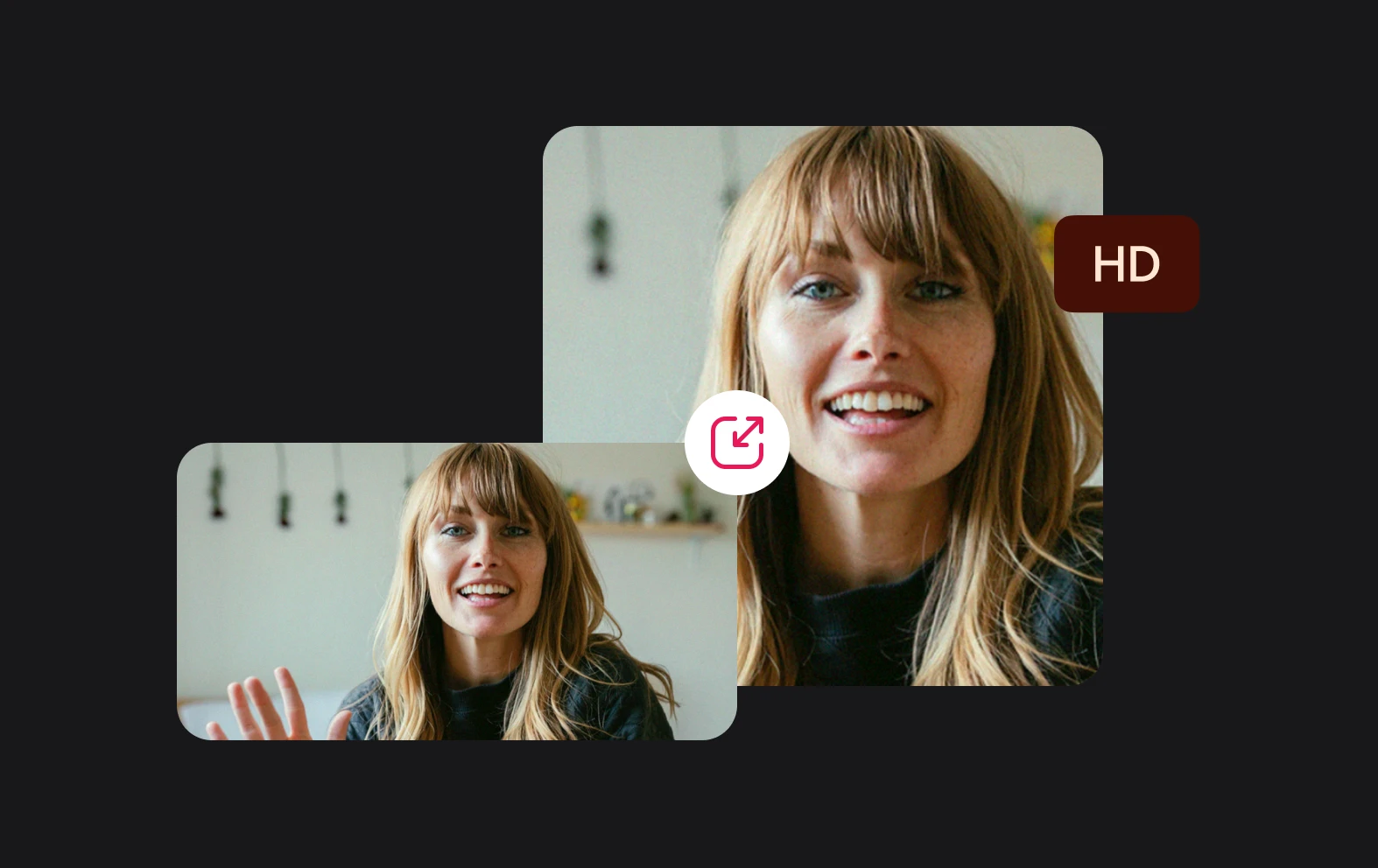
Crop and resize videos
Creating a video for social media? Use our aspect ratio tool to resize your video and make it a perfect fit for social media platforms.
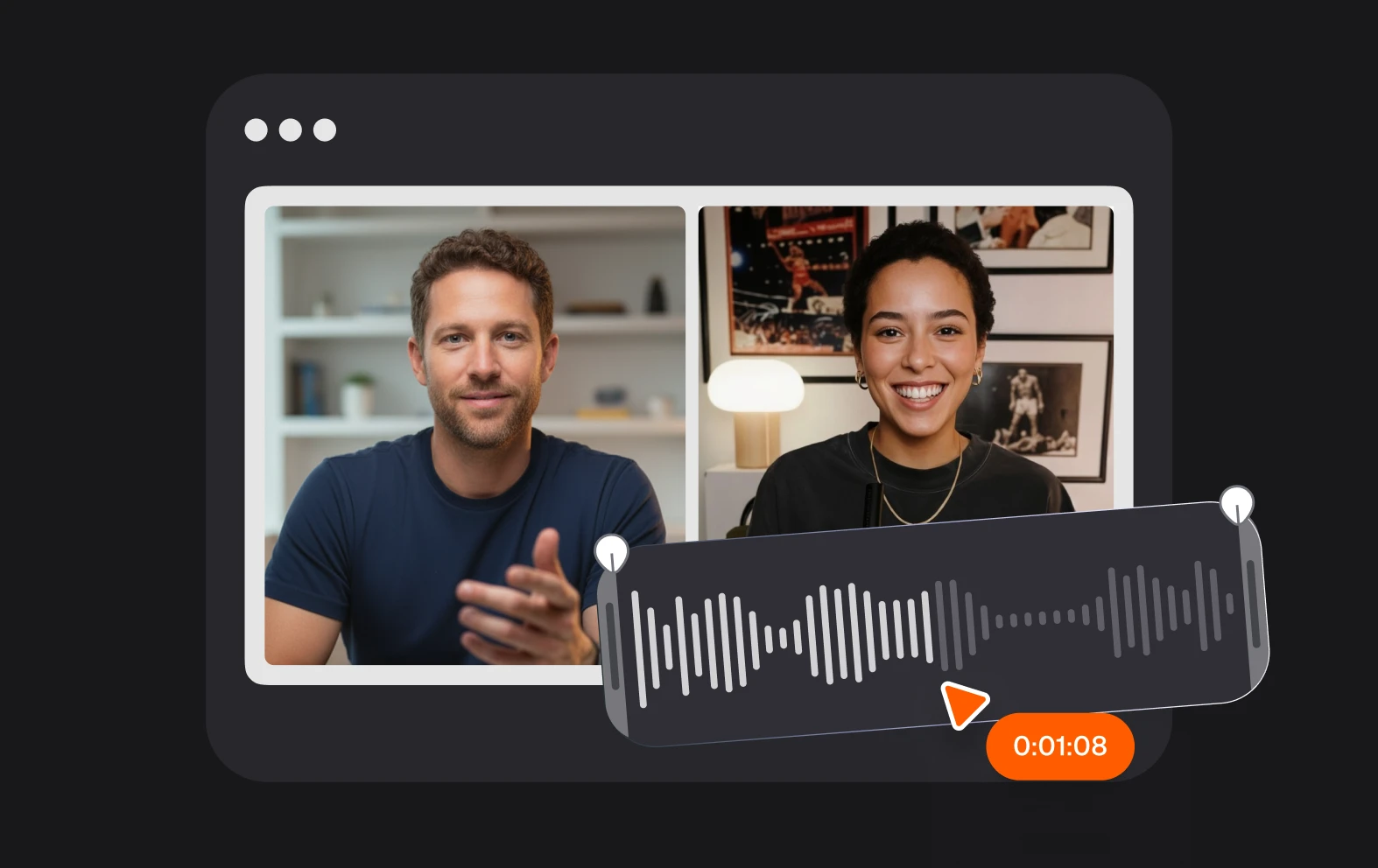
Trim and cut videos online
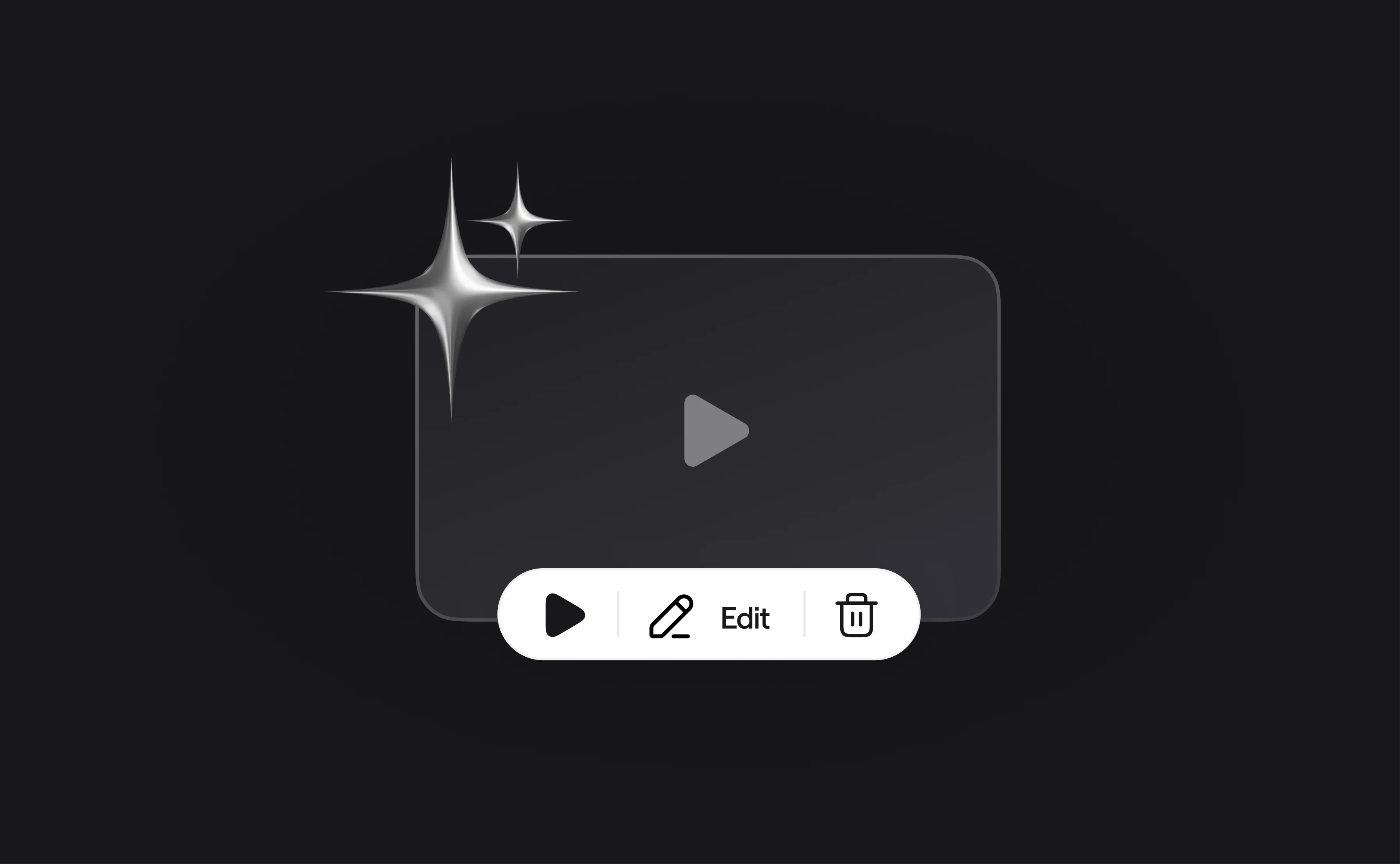
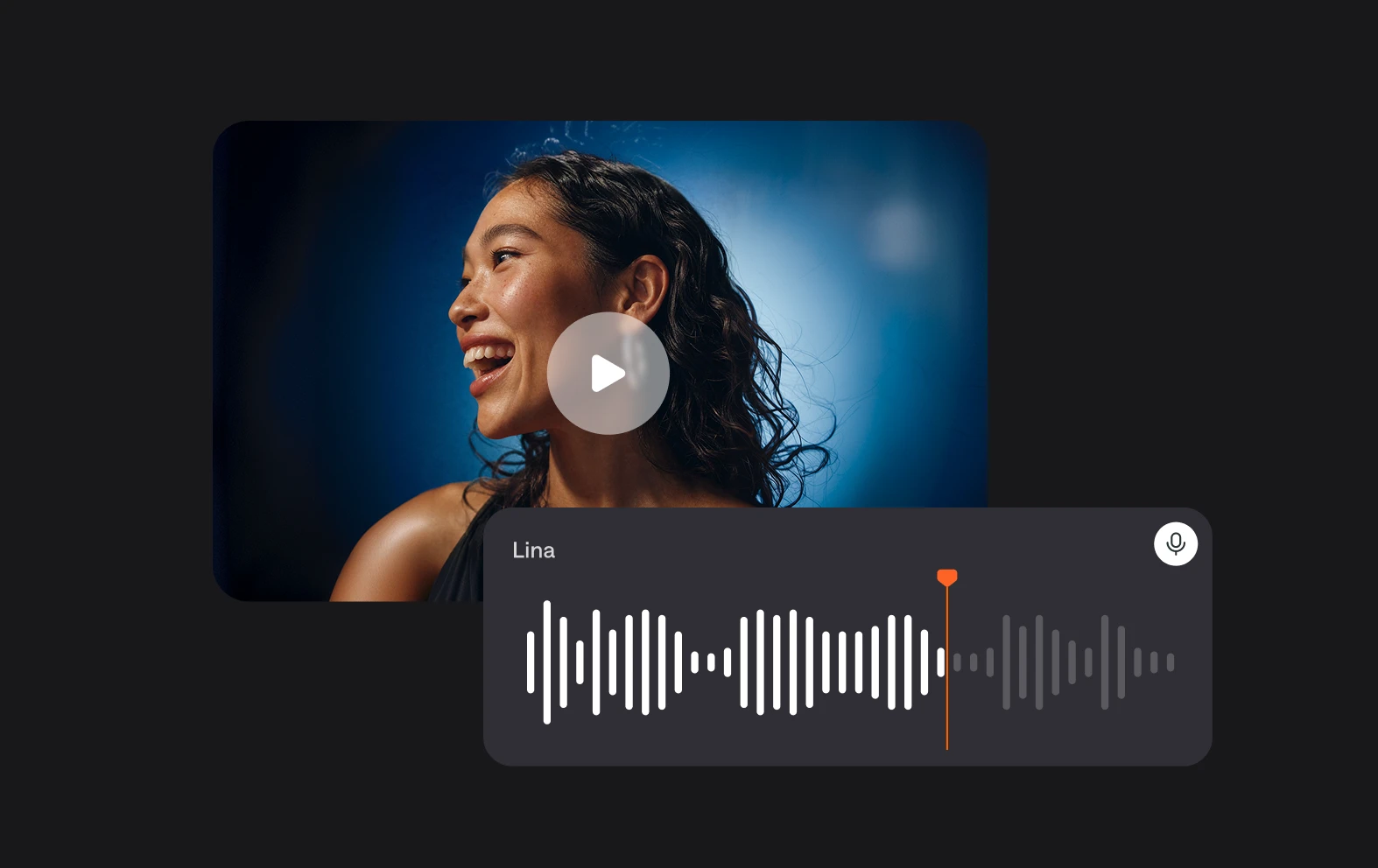
Record, trim and cut your videos all from one place. Our video splitting software has it all!
Why use Async to split MP4 clips?
We love seeing you bring your vision to life. Most tools stop after basic video splitting, but Async stays with you for the whole process. Keep editing, generate new videos, and chat with our AI editor until your work looks exactly how you imagined it.