icon

Online Video Converter

Convert your videos with Async’s free online video converter. It’s quick, simple, and compatible with many major video formats.

Free Online Video Converter

With Async’s free online video converter, you can effortlessly convert MP4, MOV, MKV, WebM, and more in just a few clicks. Whether you’re preparing videos for social media, presentations, or personal projects, our online video converter gives you professional results every time. No need to install software—just upload, convert, and download your video in minutes!

icon

How to convert video in 3 easy steps?
card 1 img
card 2 img
card 3 img
benefit img 1

High-quality conversions

Async’s online video format converter prioritizes video quality, preserving the sharpness and clarity of your footage. Enjoy crisp visuals and smooth audio without compromise. Our converter is designed to keep your content looking professional, even after multiple conversions.
benefit img 2

Accessible anywhere

No installations, sign-ups, or hidden fees—Async’s free online video converter is entirely web-based and easy to access from any device. Whether you’re working on your desktop, laptop, or even mobile, all you need is an internet connection to convert your videos instantly.
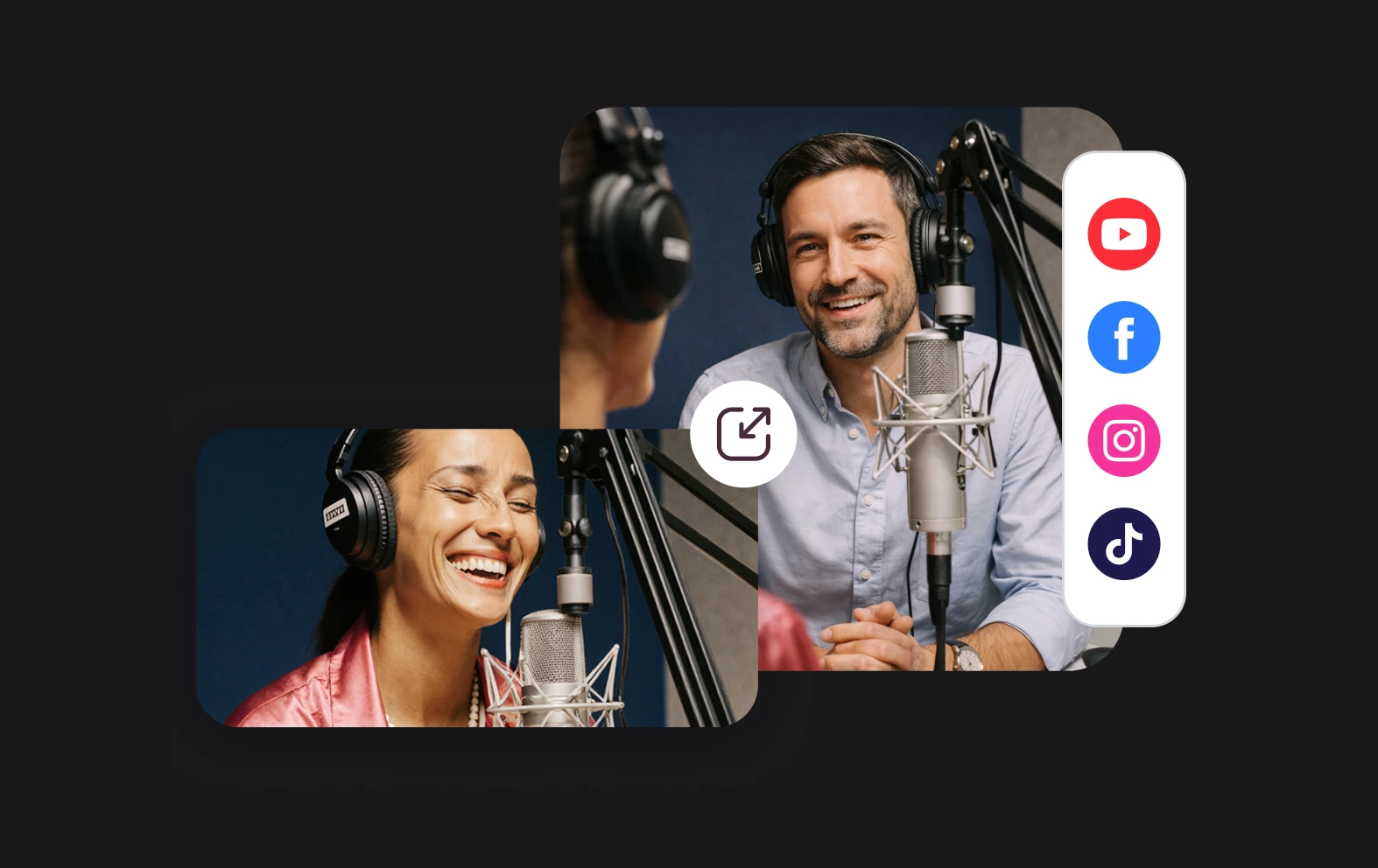
benefit img 3

Conversions in seconds

Async’s online video converter is built to process videos quickly, allowing you to convert multiple files in minutes. Say goodbye to lengthy conversion times—get your videos in the format you need without delay so that you can stay focused on your creative projects.

Discover more

Add Audio to Video OnlineAdd Music to VideosAdd Subtitles to VideoAdd Text to VideoAI Audio AssistantAI Audio EnhancerAI Content ToolsAI Noise ReducerAI Podcast Clip GeneratorAI Subtitle GeneratorAI Video AssistantAI Video EditorAI Video EnhancerAI Video UnblurAnimation VoiceoversAudio JoinerAudio LooperAudio PodcastAudio ProductionAudio RecorderAudio to TextAudio TranslatorAudiobook Recording StudioAutomatic Video EditorBirthday Video MakerBlur Video BackgroundsCar Sound EffectsChange Video Aspect RatioClip MakerCloud Video EditingCompress MP4Compress VideoCreate a PodcastCreate Marketing VideosCreate Training VideosCreate Video OnlineCrop VideoDigital Marketing VideosE-Learning VoiceoversEasiest Video Editing AppEdit MOV FilesEdit WebM FilesExplainer Video MakerExplainer Video VoiceoverExtract AudioEye Contact FixerFemale Voice ChangerFiller Word DetectionFlip VideoFunny Sound EffectsFunny Video MakerHappy Stock MusicInterview TranscriptionJazz Stock MusicLightweight Video EditorLong Video to Short VideoLoop VideoLyric Video MakerMerge Audio FilesMerge VideoMontage Video MakerMP3 Audio CutterMP3 EditorMp3 to TextMP3 to WAV ConverterMP3 TrimmerMP3 Volume IncreaserMP4 to MP3 ConverterMp4 to TextMP4 TrimmerMP4 Video CutterMP4 Video EditorMusic Video MakerMute VideoOnline Audio ConverterOnline Movie MakerOnline Video ConverterOnline Video CutterOnline Video MakerOnline Video RecorderOnline Video TrimmerPhoto to Video MakerPodcast Editing SoftwarePodcast MakerPodcast RecordingPodcast StudioPodcast TeleprompterPodcast TranscriptionPodcast Video EditorPromo Video MakerRain Sound EffectsRecord Audio on iPhoneRemote Interview RecordingRemove Background Noise from AudioRemove Background Noise from VideoRemove Music from VideoResize VideoRotate VideoSilence RemovalSocial Media Marketing VideosSocial Media Video EditorSound Effects LibrarySpeech to Text SoftwareStart PodcastingText Video MakerText-Based EditingTrailer MakerTravel Video MakerTutorial Video MakerVideo Ad MakerVideo Background RemovalVideo ClearerVideo Collage OnlineVideo Compilation MakerVideo CreatorVideo Game VoiceoversVideo Interview SoftwareVideo JoinerVideo MakerVideo MergerVideo PodcastVideo Quality EnhancerVideo Recording SoftwareVideo ResizerVideo Size ReducerVideo SplitterVideo Subtitle GeneratorVideo to AudioVideo to TextVideo TranscriptionVideo TrimmerVideo Tutorial SoftwareVideo Voice OverVoice Over RecordingVoice Over StudioVoice RecorderVoice to TextVoiceovers for PresentationsWAV EditorWAV to MP3 ConverterWebinar Recording SoftwareWedding Video MakerYouTube Sound EffectsYouTube to MP4 TrimYouTube Video CreatorYouTube Video CutterYouTube Video EditorYouTube Video MakerYouTube Video TrimmerYouTube Video Voiceovers
More tools

Frequently Asked Questions

Can I use Async’s online video converter for free?

Yes! Async’s video converter is completely free to use, with no hidden costs or subscriptions required. Simply upload your video and select the format you want to convert to, and you’re good to go. Whether you’re a content creator, educator, or business professional, you can use our tool without worrying about paying for additional features or functionality. It's an accessible, no-cost option for anyone looking to convert their videos easily and quickly.

Can I convert multiple formats?

Absolutely! Async’s free online video converter supports a wide range of popular video formats. Whether you need to convert MP4, MOV, AVI, or another format, the tool allows you to convert quickly and efficiently. This flexibility ensures that your videos are ready for uploading to social media, websites, or other platforms without the hassle of compatibility issues.

Will my video quality be affected after conversion?

No, Async’s online video format converter preserves the original quality of your video throughout the conversion process. You can expect crisp visuals and clear audio, just like the original file, without any loss in quality. We prioritize maintaining your content’s integrity, so you can confidently convert your videos without worrying about sacrificing the quality of your work. Whether you’re editing for personal projects or professional content, your videos will remain sharp and impressive.

Do I need to download any software to use this converter?

No downloads or installations are needed to use Async’s video converter. It’s completely web-based, so you can access and convert videos directly through your browser on any device with internet access. Whether you're using a laptop, desktop, or tablet, you can start converting videos right away without the need for extra software. This online convenience allows you to save storage space and work seamlessly from anywhere, making it perfect for creators on the go.

Can I use this tool to edit videos as well?

Yes! Async not only provides a powerful video converter, but also offers a range of editing tools. You can edit, enhance, and even transcribe your videos, making it an all-in-one platform for your content creation needs. Whether you want to trim, add effects, or fine-tune your video, Async gives you the flexibility to make adjustments. After converting your video, you can quickly edit it to perfection before sharing it on social media, websites, or other platforms.
Your video, made by chat.
Just tell Async what you want.

From raw footage and AI-generated scenes to finished videos in one AI workflow.

Start creating for free