icon

Lead generation video

Generate engaging lead generation videos with Async to attract potential customers, showcase your value, and create compelling corporate marketing videos that turn viewers into leads.

Business video editor

Create compelling corporate marketing videos with Async’s business video editor. Turn your ideas, footage, and images into engaging content that highlights your services, builds trust with potential customers, and helps generate more leads without complicated editing.

info icon

How to create corporate marketing videos
card 1 img
card 2 img
card 3 img
benefit img 1

Create a lead generation video that converts

Use Async to create a compelling lead generation video that showcases your services, communicates your value, and encourages potential customers to take action. Make content for landing pages, campaigns, and social media to attract qualified leads and grow your business.
benefit img 1

Explore 100+ AI generation models and templates

Create engaging corporate marketing videos with 100+ AI generation models, tools, and ready-made templates. Experiment with different visuals and styles to produce promotional videos, company introductions, and professional content for LinkedIn using LinkedIn video AI.
benefit img 1

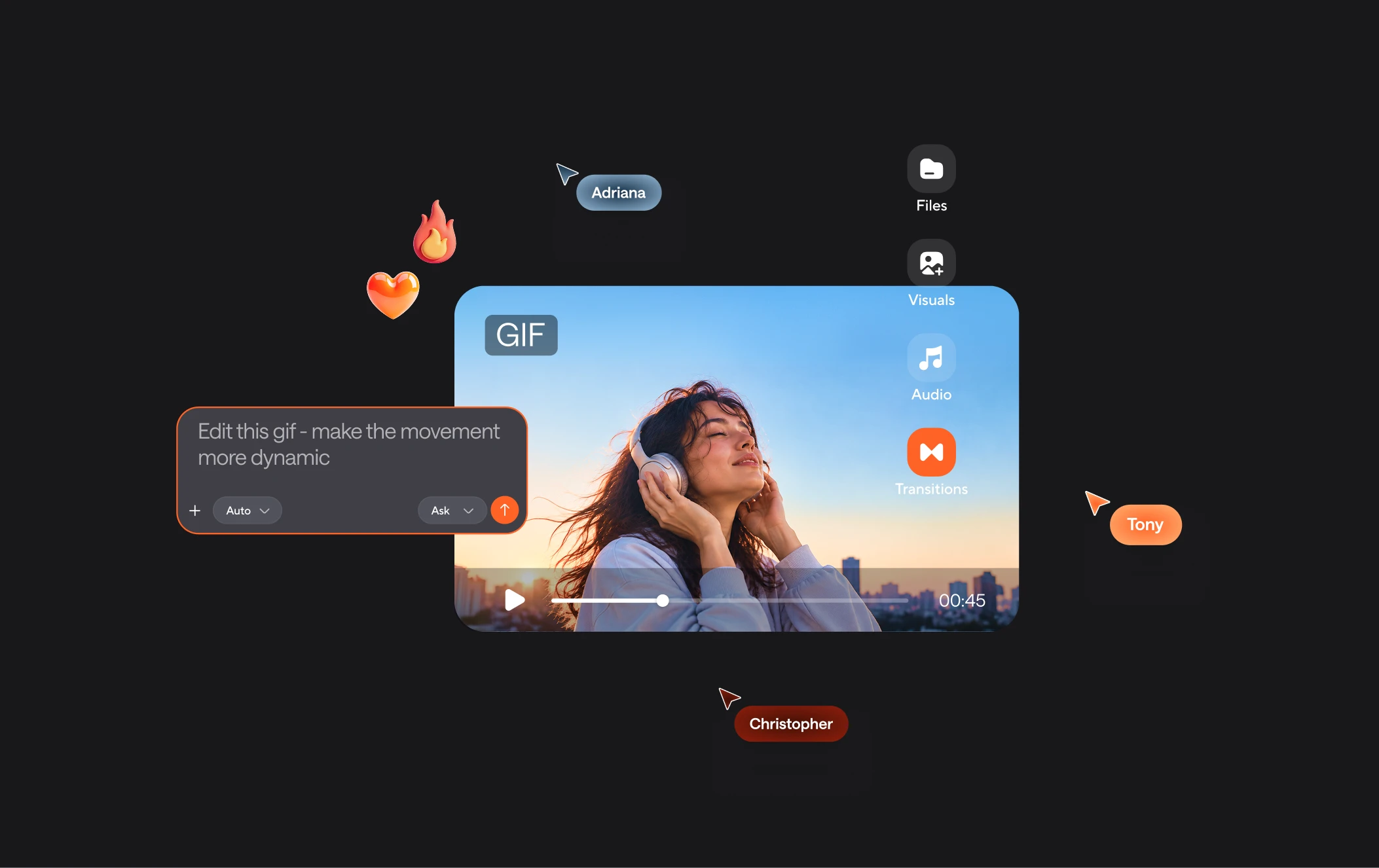
Your all-in-one business video editor

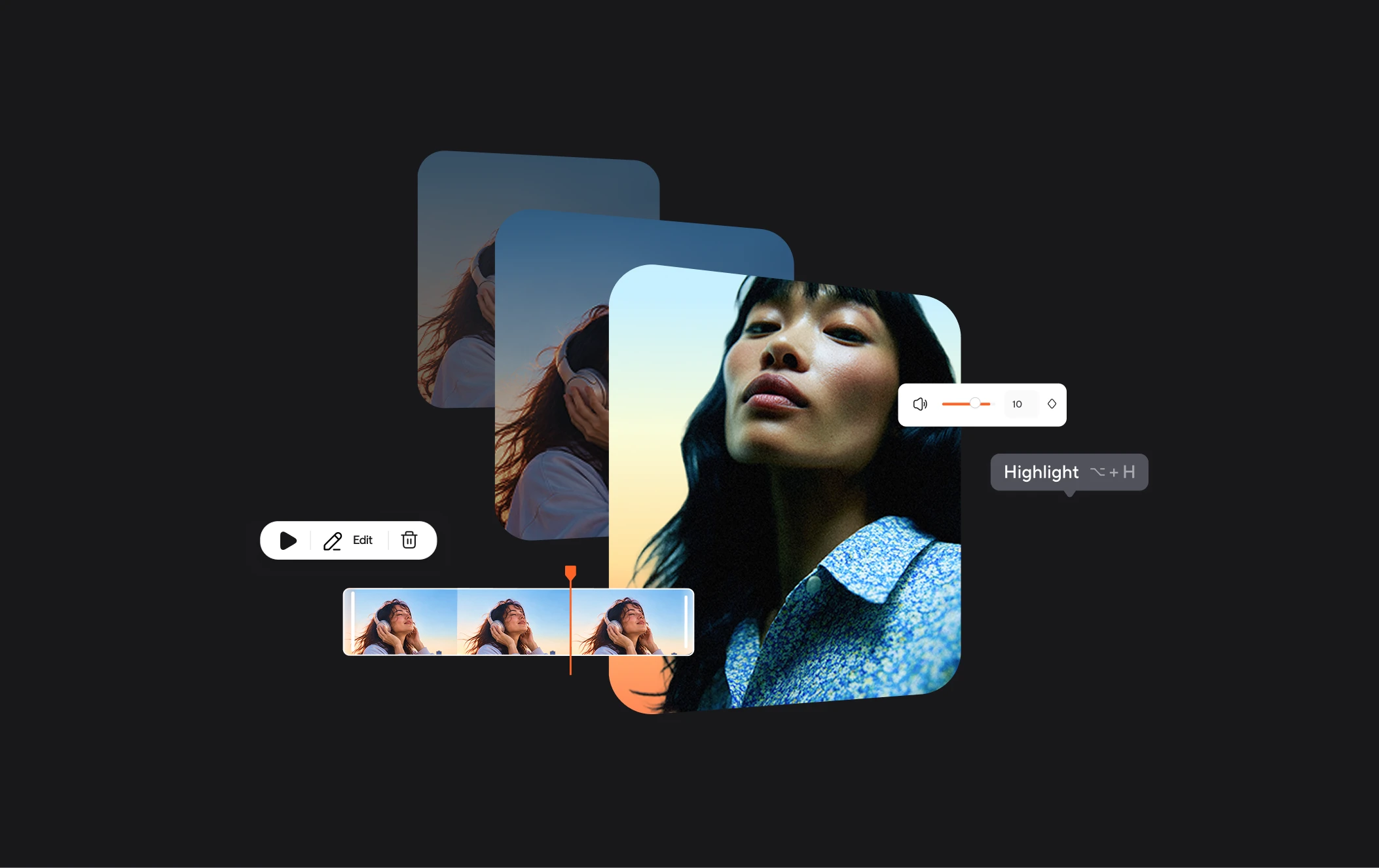
Async is an all-in-one business video editor where you can generate videos with AI, refine them through chat-based editing, and export content ready to publish. Manage your workflow in one place, from your first idea to the final video, without switching between multiple tools.

Built for every kind of video workflow
built img 1
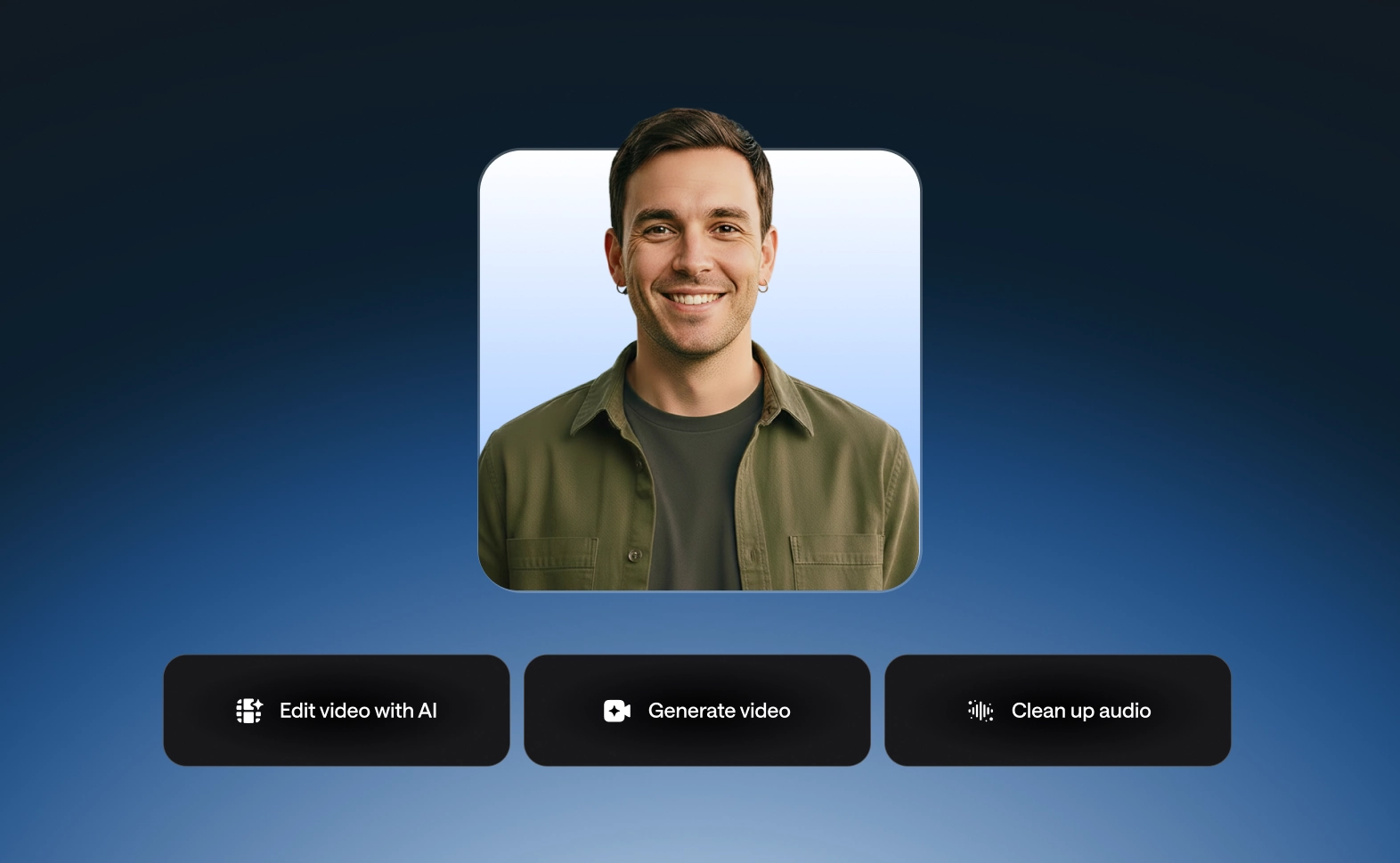
Lead generation campaigns

Create videos that showcase your offer and encourage potential customers to sign up or request a demo.
built img 2
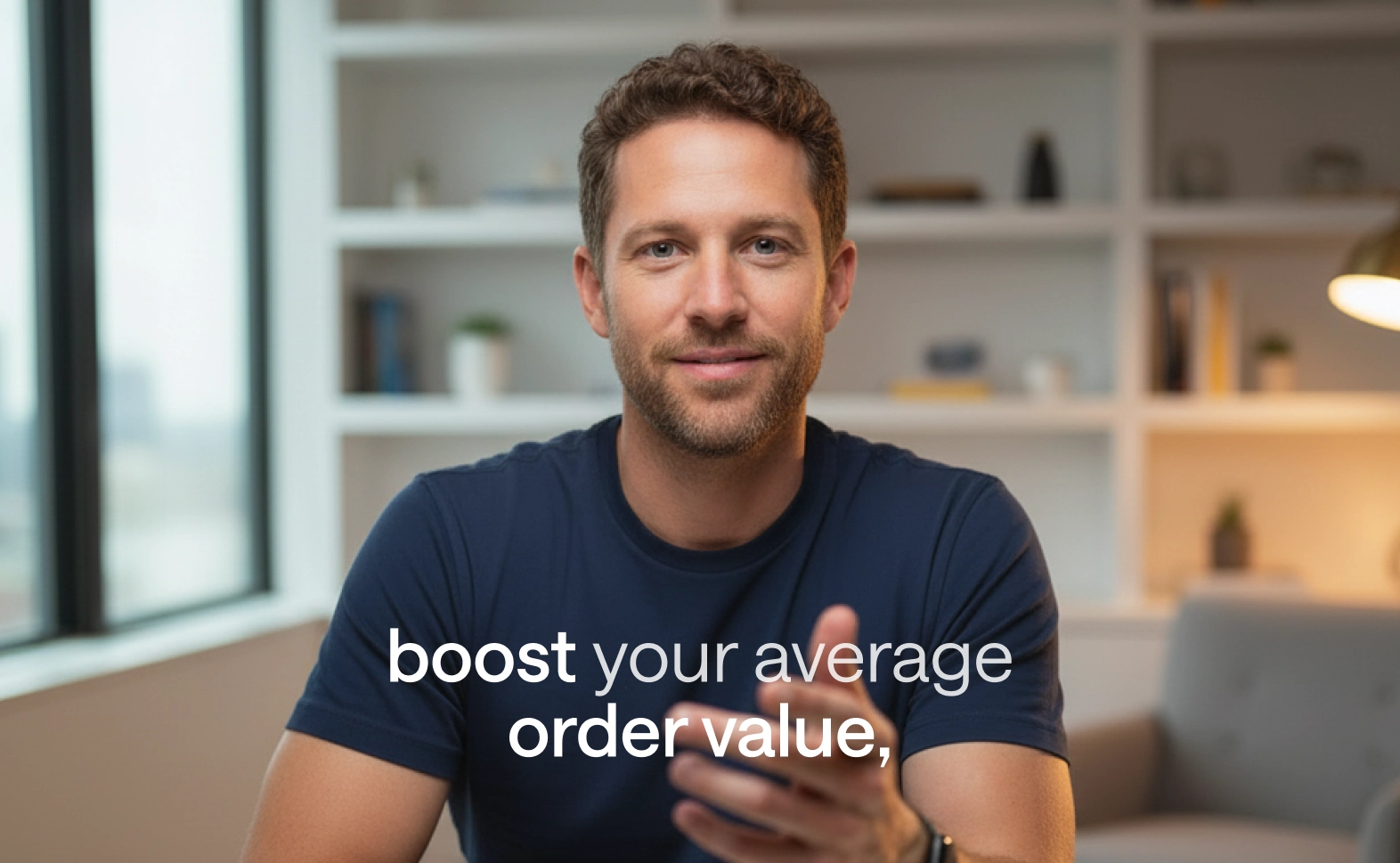
LinkedIn marketing

Share engaging corporate videos that build brand awareness and attract professional audiences.

built img 3
Product and service promotions

Highlight key benefits and demonstrate your solutions to turn viewer interest into sales opportunities.

Why use Async for corporate marketing videos?

We love seeing you bring your vision to life. Most tools stop after simple video editing, but Async stays with you for the whole process. Keep editing, generate new videos, and chat with our AI editor until your work looks exactly how you imagined it.

info icon

Discover more

Add Audio to Video OnlineAdd Music to VideosAdd Subtitles to VideoAdd Text to VideoAI Animated Video GeneratorAI Audio AssistantAI Audio EnhancerAI Auto Edit VideoAI Content Repurposing ToolAI Content ToolsAI Dubbing ToolAI Explainer GeneratorAI Image AnimationAI Marketing Video GeneratorAI Noise ReducerAI Podcast Clip GeneratorAI Reels MakerAI Sales Video MakerAI Script GeneratorAI Short Video MakerAI Social Video MakerAI Subtitle GeneratorAI Thumbnail MakerAI Transcription ToolAI Video AssistantAI Video Caption GeneratorAI Video Cutting ToolAI Video EditorAI Video EnhancerAI Video GeneratorAI Video HighlighterAI Video MakerAI Video UnblurAI Viral Video MakerAI Voiceover GeneratorAI YouTube Shorts MakerAnimation VoiceoversAudio JoinerAudio LooperAudio PodcastAudio ProductionAudio RecorderAudio to TextAudio to VideoAudio TranslatorAudiobook Recording StudioAuto Caption GeneratorAutomatic Video EditorB2B Video MakerBirthday Video MakerBlog to VideoBlur Video BackgroundsBranded Video MakerB-roll GeneratorCar Sound EffectsChange Video Aspect RatioCinematic Video EditorClip MakerCloud Video EditingCompress MP4Compress VideoContent Repurposing AICreate a PodcastCreate Marketing VideosCreate Training VideosCreate Video OnlineCrop VideoDigital Marketing VideosE-Learning VoiceoversEasiest Video Editing AppEcommerce Ad Maker AIEcommerce Video MakerEdit MOV FilesEdit Video OnlineEdit WebM FilesExplainer Video MakerExplainer Video VoiceoverExtract AudioEye Contact FixerFacebook Video Ad MakerFemale Voice ChangerFiller Word DetectionFlip VideoFree Video Editor OnlineFunny Sound EffectsFunny Video MakerGaming Highlight EditorGif to Video ConverterGreen Screen Video EditorHappy Stock MusicImage to VideoInstagram Ad MakerInstagram Clip MakerInstagram Reel EditorIntro Animation MakerIntro Video MakerInterview TranscriptionJazz Stock MusicLead Generation VideoLightweight Video EditorLinkedIn Video MakerLogo Animation MakerLong Video to Short VideoLoop VideoLyric Video MakerMerge Audio FilesMerge VideoMontage Video MakerMOV Editor OnlineMP3 Audio CutterMP3 EditorMp3 to TextMP3 to WAV ConverterMP3 TrimmerMP3 Volume IncreaserMP4 Editor OnlineMP4 to GIF ConverterMP4 to MP3 ConverterMp4 to TextMP4 TrimmerMP4 Video CutterMP4 Video EditorMusic Video MakerMute VideoOnline Audio ConverterOnline Course Video EditorOnline Movie MakerOnline Video ConverterOnline Video CutterOnline Video EditorOnline Video MakerOnline Video RecorderOnline Video TrimmerOutro Animation MakerOutro Video MakerPhoto to Video MakerPodcast Editing SoftwarePodcast MakerPodcast RecordingPodcast StudioPodcast TeleprompterPodcast to ShortsPodcast TranscriptionPodcast Video EditorPodcast Video MakerProduct Ad GeneratorProduct Demo Video MakerPromo Video MakerRain Sound EffectsReaction Video EditorReal Estate Video MakerRecord Audio on iPhoneReels Video EditorRemote Interview RecordingRemove Background Noise from AudioRemove Background Noise from VideoRemove Music from VideoResize VideoRestaurant Video MakerRotate VideoSilence RemovalSlideshow Maker OnlineSlideshow Video MakerSlow Motion Video EditorSocial Media Marketing VideosSocial Media Video EditorSound Effects LibrarySpeech to Text SoftwareSquare Video EditorStart PodcastingStartup Promo Video MakerStream Clip MakerSubtitle TranslatorText to Animation VideoText to Video AIText Video MakerText-Based EditingTiktok Ad MakerTikTok Video EditorTikTok Clip GeneratorTrailer MakerTraining Video MakerTravel Video MakerTutorial Video MakerTweet to VideoVertical Video EditorVideo Ad MakerVideo Background RemovalVideo ClearerVideo Collage OnlineVideo Compilation MakerVideo CreatorVideo Cropper OnlineVideo from ImagesVideo Game VoiceoversVideo Highlight MakerVideo Interview SoftwareVideo JoinerVideo Loop MakerVideo MakerVideo Maker OnlineVideo Meme MakerVideo MergerVideo PodcastVideo Quality EnhancerVideo Recording SoftwareVideo ResizerVideo Size ReducerVideo Speed ControllerVideo SplitterVideo Subtitle GeneratorVideo Thumbnail GeneratorVideo to AudioVideo to Shorts AIVideo to TextVideo TranscriptionVideo TranslatorVideo TrimmerVideo Tutorial SoftwareVideo Voice OverViral Video GeneratorVoice Over RecordingVoice Over StudioVoice RecorderVoice to TextVoiceovers for PresentationsWAV EditorWAV to MP3 ConverterWebinar Recording SoftwareWebinar to ClipsWedding Video MakerYouTube Clip GeneratorYouTube Intro MakerYouTube Outro MakerYouTube Shorts EditorYouTube Sound EffectsYouTube to MP4 TrimYouTube Video CreatorYouTube Video CutterYouTube Video EditorYouTube Video MakerYouTube Video TrimmerYouTube Video Voiceovers
More tools

Frequently Asked Questions

What is the best LinkedIn video AI?

The best LinkedIn video AI helps you create engaging professional videos that communicate your expertise, showcase your services, and attract potential customers. Async makes it easy to generate videos from ideas, footage, or images, then edit them with AI. Create content for thought leadership, company updates, product promotions, and lead generation without complicated editing workflows.

How do I create corporate marketing videos?

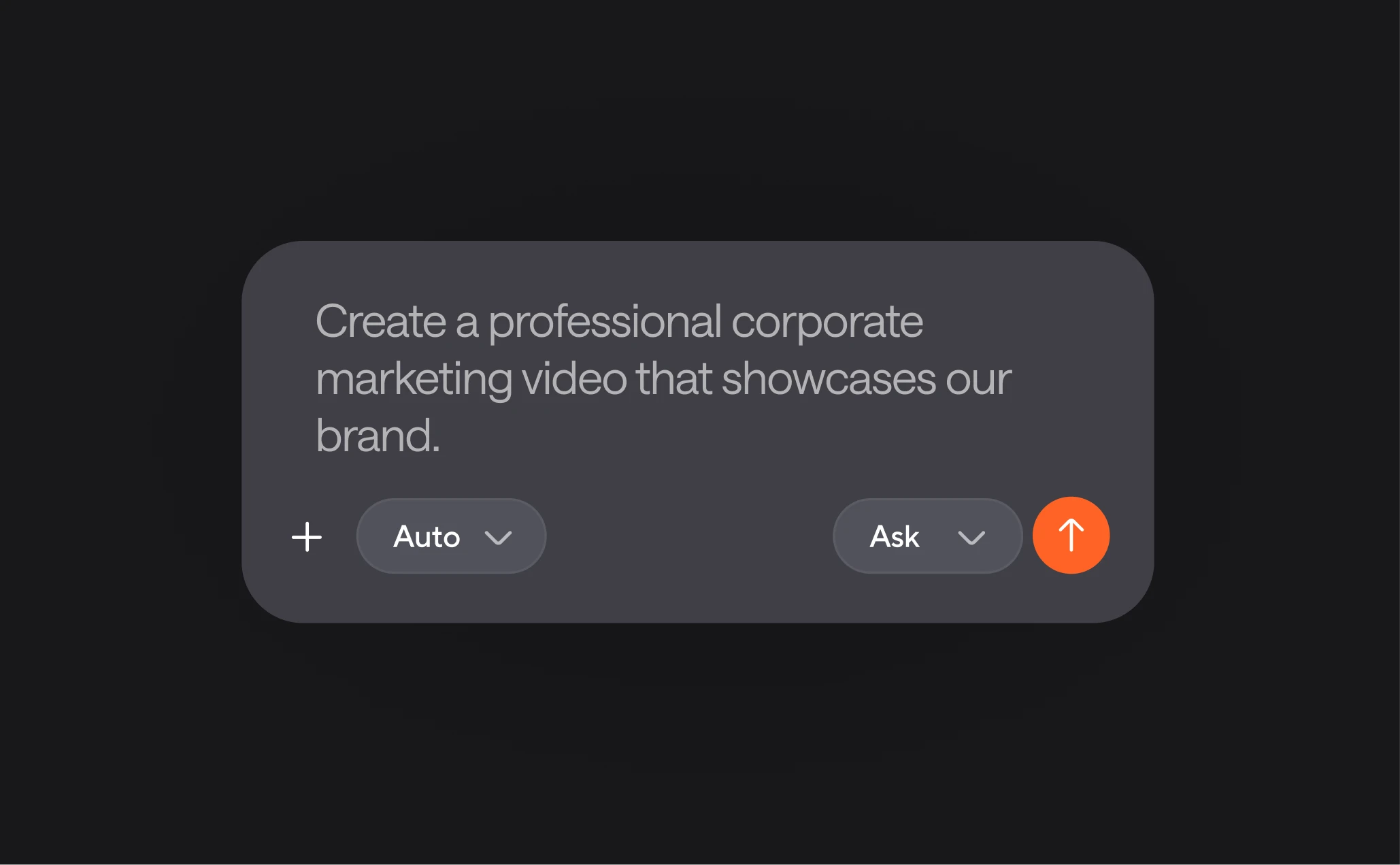
To create corporate marketing videos with Async, upload your footage or generate video assets from scratch. Describe your goals in the AI chat, whether you want to introduce your company, promote a service, or create a lead generation video. Async generates content based on your instructions, which you can refine, edit, and export in high quality for your marketing campaigns.

Can I use Async as a business video editor for social media?

Yes! Async works as a business video editor for creating content across LinkedIn, YouTube, Instagram, TikTok, and other social platforms. Generate promotional videos, company announcements, product demos, and video ads, then customize your content for different audiences and channels. AI-powered tools and templates help you create engaging videos without starting every project from scratch.

Is Async beginner-friendly?

Definitely. Async is designed to make video creation accessible, even if you have little editing experience. Instead of relying on complex editing workflows, you can describe what you want in the AI chat and let Async generate your video. You can then refine visuals, add subtitles or voiceovers, and export content ready to share with your audience.

What else can I do in Async?

Beyond creating a lead generation video, Async lets you generate and edit videos, create images, produce AI voiceovers, add subtitles, and repurpose content for different platforms. With 100+ AI generation models, tools, and templates, you can manage your creative workflow in one place, from developing an idea to publishing your final content.
Your video, made by chat.
Just tell Async what you want.

From raw footage and AI-generated scenes to finished videos in one AI workflow.

Start creating for free