
Blur Video Backgrounds
Adding blur to your video background not only hides what's in the room, it also adds a premium feel to your video! Plus it’s as easy as flipping a switch.
See Video Background Blurring in Action
Blur Video Backgrounds instantly with AI
Focus on what matters and remove distractions with Async’s AI-powered background blur tool. Perfect for professional-looking videos, video calls, and presentations-no technical skills required. Enhance your video quality in seconds, directly from your browser.

How to get a blurred background on your video


Blur backgrounds easily
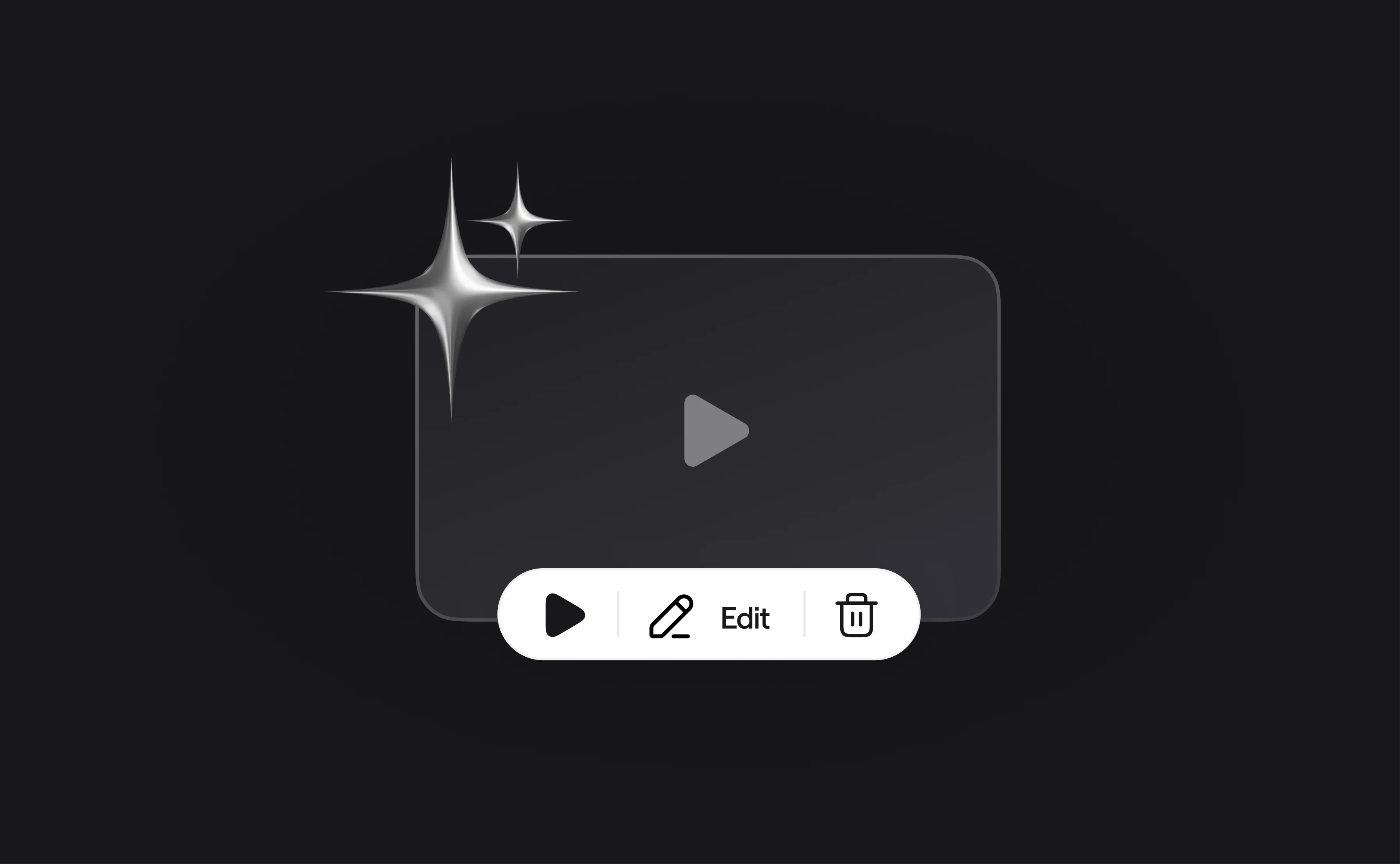
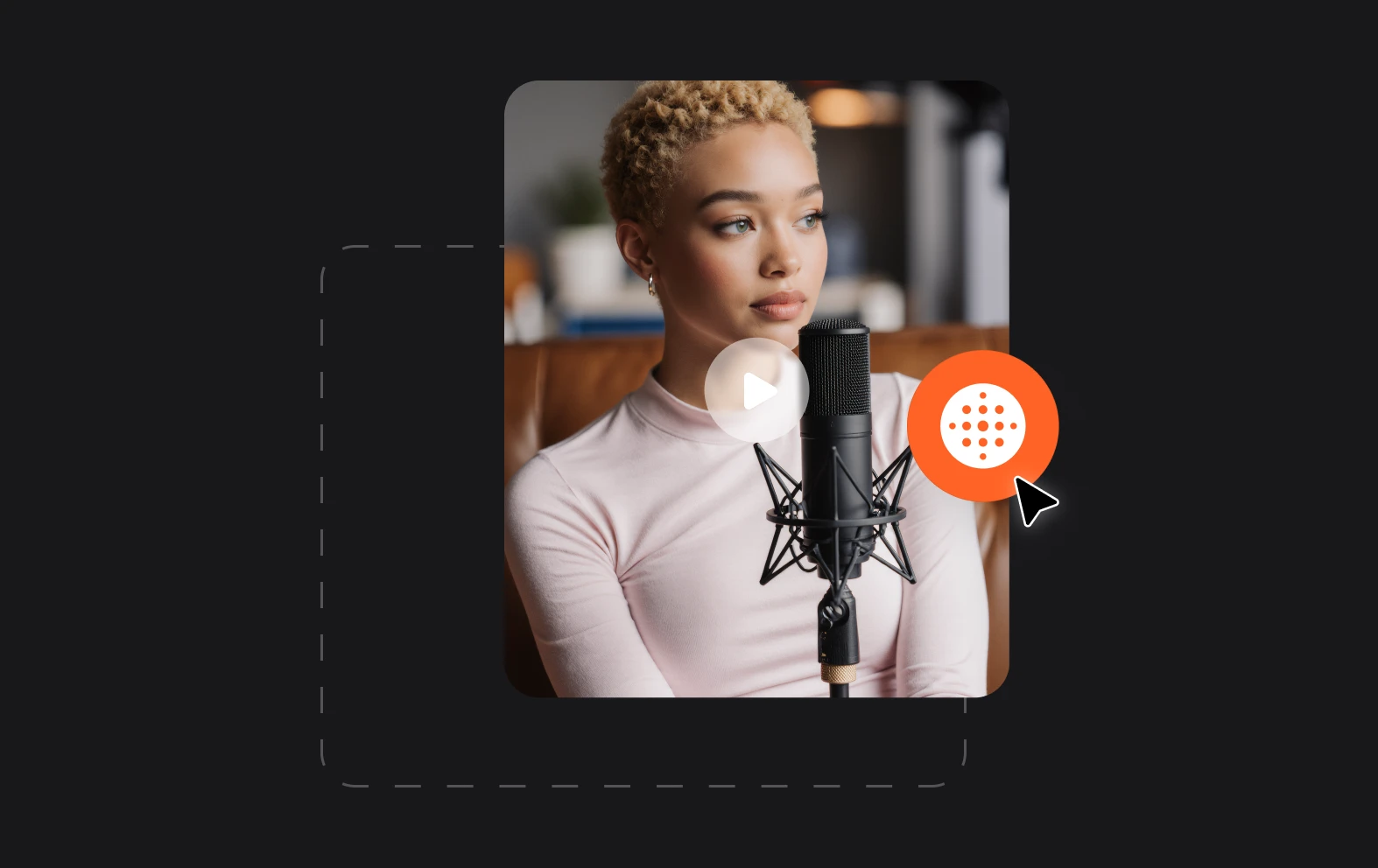
No need for time-consuming post production with our Cinematic Blur feature, it’s as easy as flipping a switch. You can turn it on before you record a video or add it afterwards in the Video Editor.

Record from anywhere
Your usual recording space might look great, but if you’re recording on the road you might not have an ideal background. Video blurring is perfect for creating a professional look anywhere.
Create premium videos
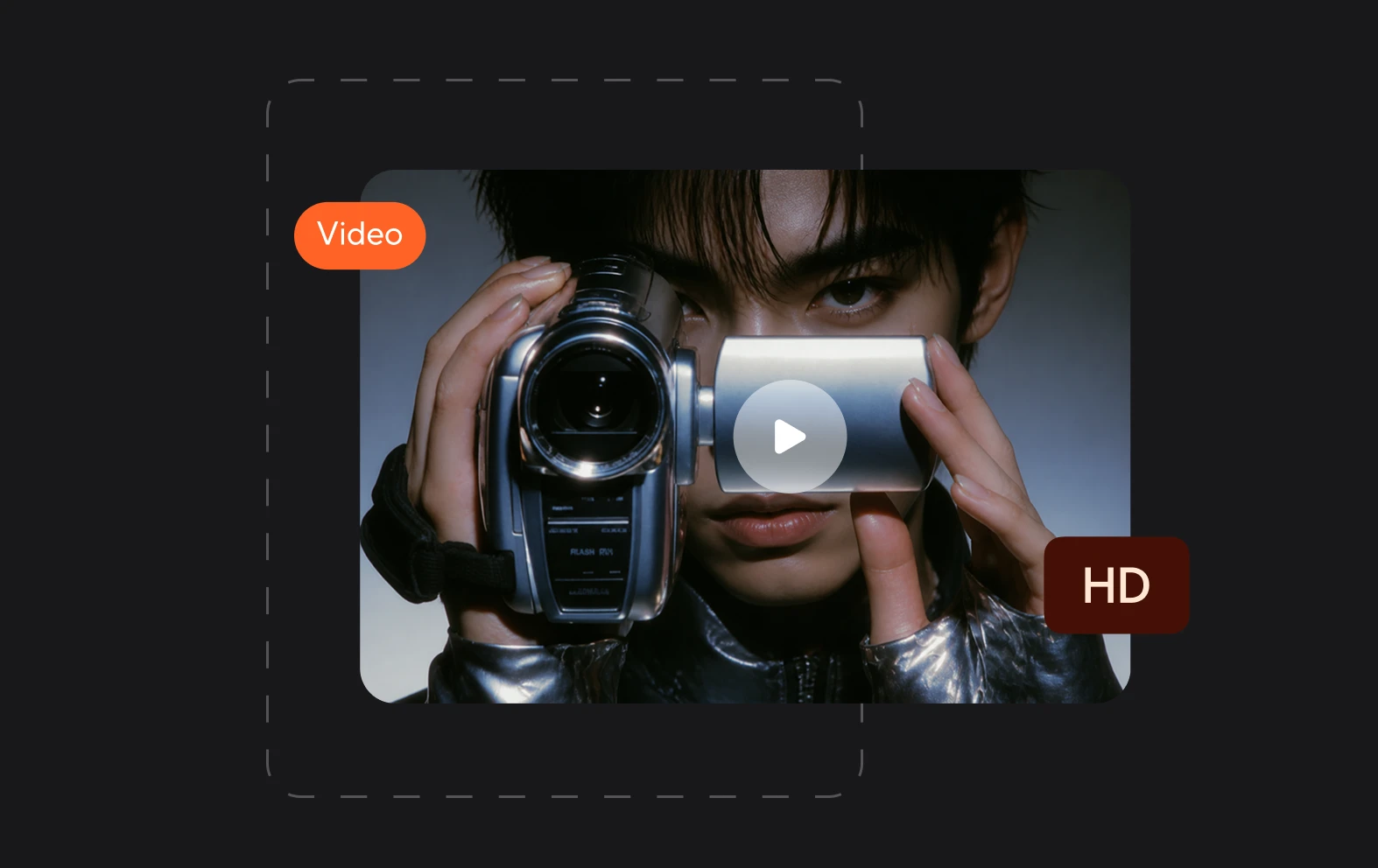
Adding blur to your background doesn’t just hide things that you don’t want viewers to focus on, it also gives your video a premium feel by adding ’bokeh’ - a depth and visual appeal to your images.