icon

Your AI Video Assistant

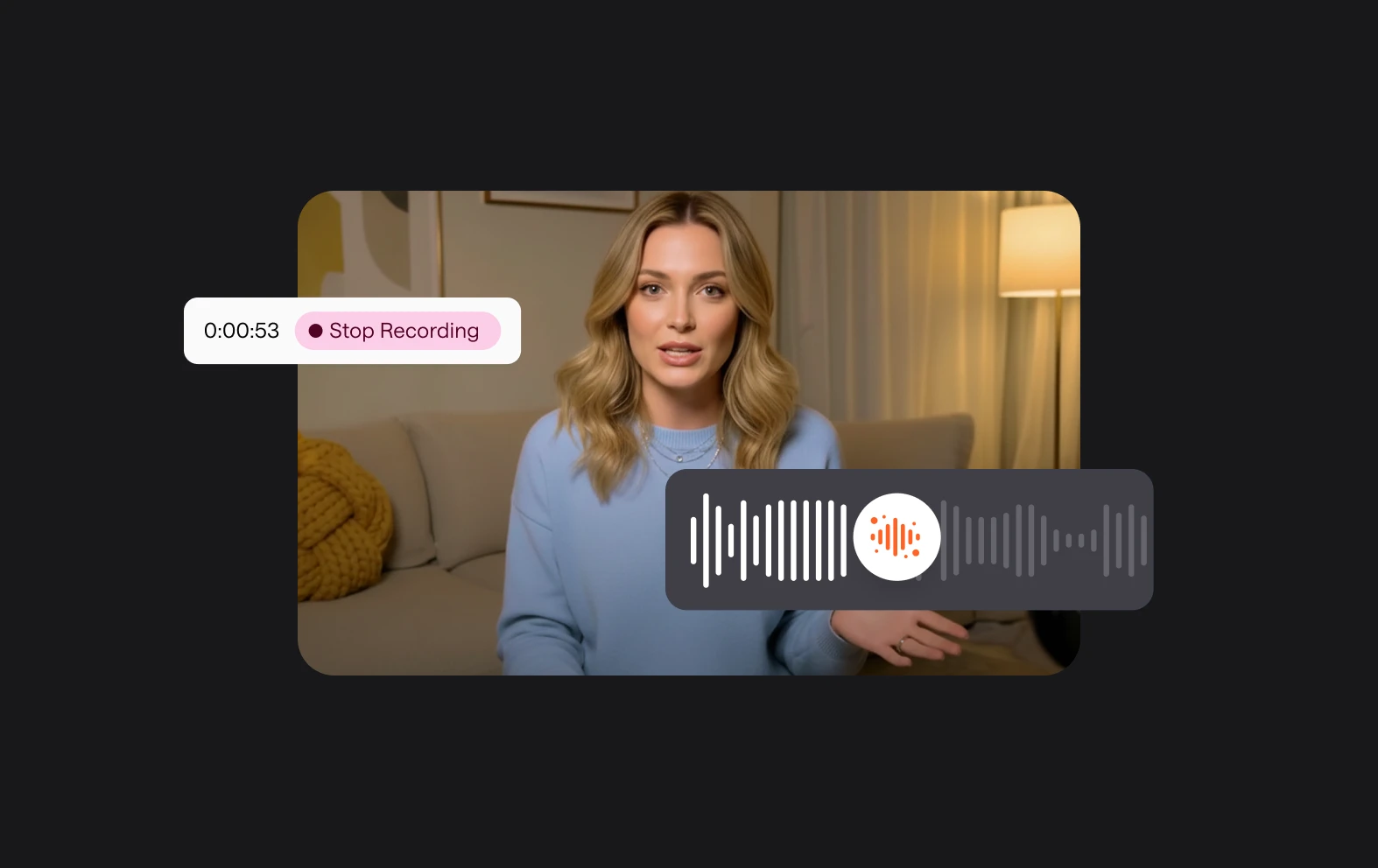
Creating professional-level video content is easy with Async’s AI Video Assistant. Record, edit and enhance with the power of AI at your fingertips.

Make your video ideas a reality

Our AI-powered content creations tools exist to help you do what you do best - just faster and easier. Enhance your content creation and focus more on what matters by letting our AI Video Assistant do the hard work for you. Spend less tweaking and more time on your big ideas with an AI Video Assistant that fixes, cleans and enhances.

icon

How to use the AI Video Assistant

card 1 img
card 2 img
card 3 img
benefit img 1

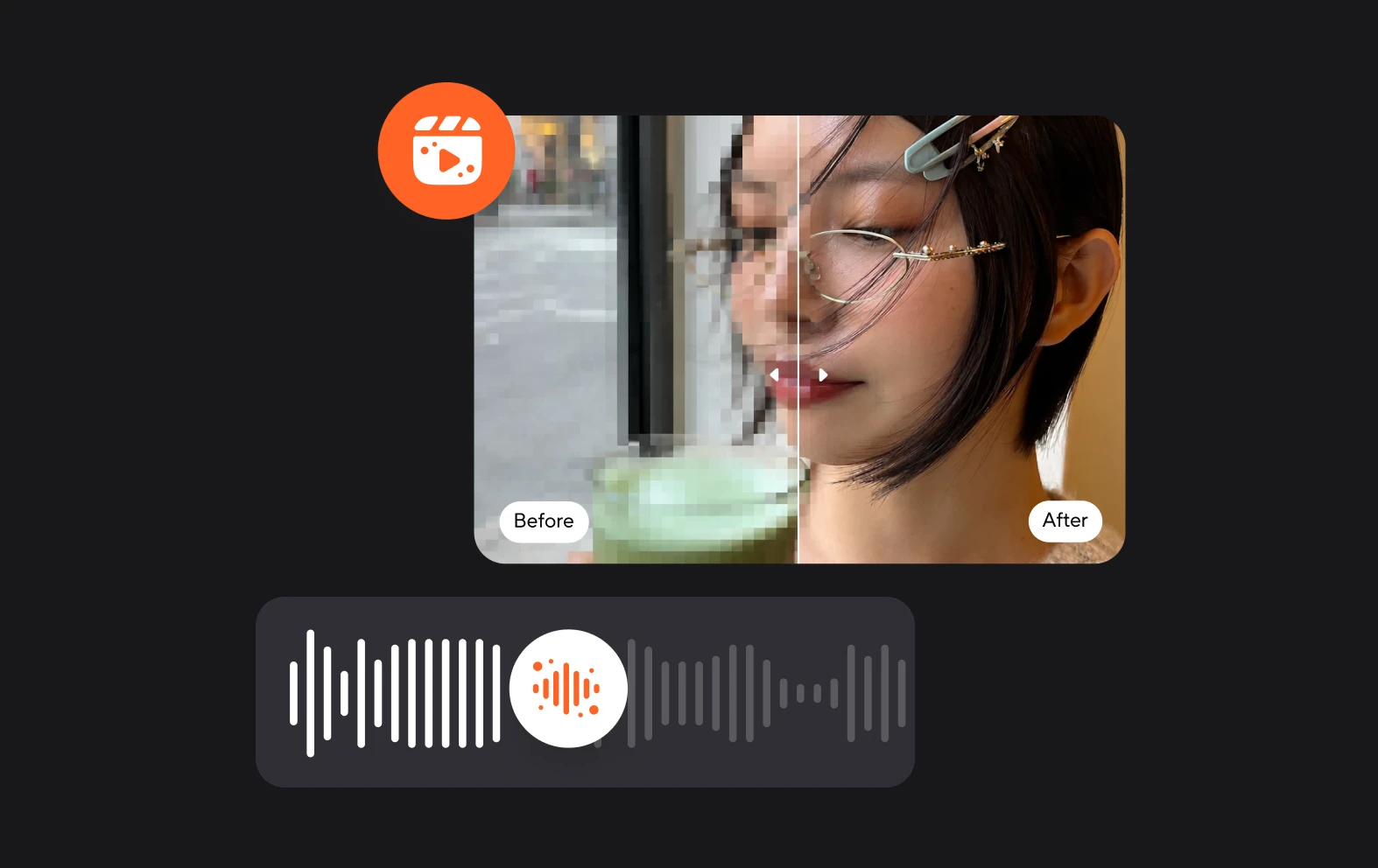
AI video enhancer

If your video quality isn’t up to scratch you can easily make it crisper and more premium-feeling with our AI Video Enhancer tool. Apply with one click and see the difference.

benefit img 2

Background blurring

Blurring video backgrounds not only hides things you don’t want viewers to see, but also adds a premium ‘bokeh’ feel to your video content, creating a professional-level look.

benefit img 3

Eye Contact correction

Keep your eyes on the prize with our AI Eye Contact Fixer that quickly fixes glances and distractions to make it look like your gaze is always directly at the camera.

Discover more

Add Audio to Video OnlineAdd Music to VideosAdd Subtitles to VideoAdd Text to VideoAI Audio AssistantAI Audio EnhancerAI Content ToolsAI Noise ReducerAI Podcast Clip GeneratorAI Subtitle GeneratorAI Video AssistantAI Video EditorAI Video EnhancerAI Video UnblurAnimation VoiceoversAudio JoinerAudio LooperAudio PodcastAudio ProductionAudio RecorderAudio to TextAudio TranslatorAudiobook Recording StudioAutomatic Video EditorBirthday Video MakerBlur Video BackgroundsCar Sound EffectsChange Video Aspect RatioClip MakerCloud Video EditingCompress MP4Compress VideoCreate a PodcastCreate Marketing VideosCreate Training VideosCreate Video OnlineCrop VideoDigital Marketing VideosE-Learning VoiceoversEasiest Video Editing AppEdit MOV FilesEdit WebM FilesExplainer Video MakerExplainer Video VoiceoverExtract AudioEye Contact FixerFemale Voice ChangerFiller Word DetectionFlip VideoFunny Sound EffectsFunny Video MakerHappy Stock MusicInterview TranscriptionJazz Stock MusicLightweight Video EditorLong Video to Short VideoLoop VideoLyric Video MakerMerge Audio FilesMerge VideoMontage Video MakerMP3 Audio CutterMP3 EditorMp3 to TextMP3 to WAV ConverterMP3 TrimmerMP3 Volume IncreaserMP4 to MP3 ConverterMp4 to TextMP4 TrimmerMP4 Video CutterMP4 Video EditorMusic Video MakerMute VideoOnline Audio ConverterOnline Movie MakerOnline Video ConverterOnline Video CutterOnline Video MakerOnline Video RecorderOnline Video TrimmerPhoto to Video MakerPodcast Editing SoftwarePodcast MakerPodcast RecordingPodcast StudioPodcast TeleprompterPodcast TranscriptionPodcast Video EditorPromo Video MakerRain Sound EffectsRecord Audio on iPhoneRemote Interview RecordingRemove Background Noise from AudioRemove Background Noise from VideoRemove Music from VideoResize VideoRotate VideoSilence RemovalSocial Media Marketing VideosSocial Media Video EditorSound Effects LibrarySpeech to Text SoftwareStart PodcastingText Video MakerText-Based EditingTrailer MakerTravel Video MakerTutorial Video MakerVideo Ad MakerVideo Background RemovalVideo ClearerVideo Collage OnlineVideo Compilation MakerVideo CreatorVideo Game VoiceoversVideo Interview SoftwareVideo JoinerVideo MakerVideo MergerVideo PodcastVideo Quality EnhancerVideo Recording SoftwareVideo ResizerVideo Size ReducerVideo SplitterVideo Subtitle GeneratorVideo to AudioVideo to TextVideo TranscriptionVideo TrimmerVideo Tutorial SoftwareVideo Voice OverVoice Over RecordingVoice Over StudioVoice RecorderVoice to TextVoiceovers for PresentationsWAV EditorWAV to MP3 ConverterWebinar Recording SoftwareWedding Video MakerYouTube Sound EffectsYouTube to MP4 TrimYouTube Video CreatorYouTube Video CutterYouTube Video EditorYouTube Video MakerYouTube Video TrimmerYouTube Video Voiceovers
More tools

Frequently Asked Questions

Can I make video content on Async?

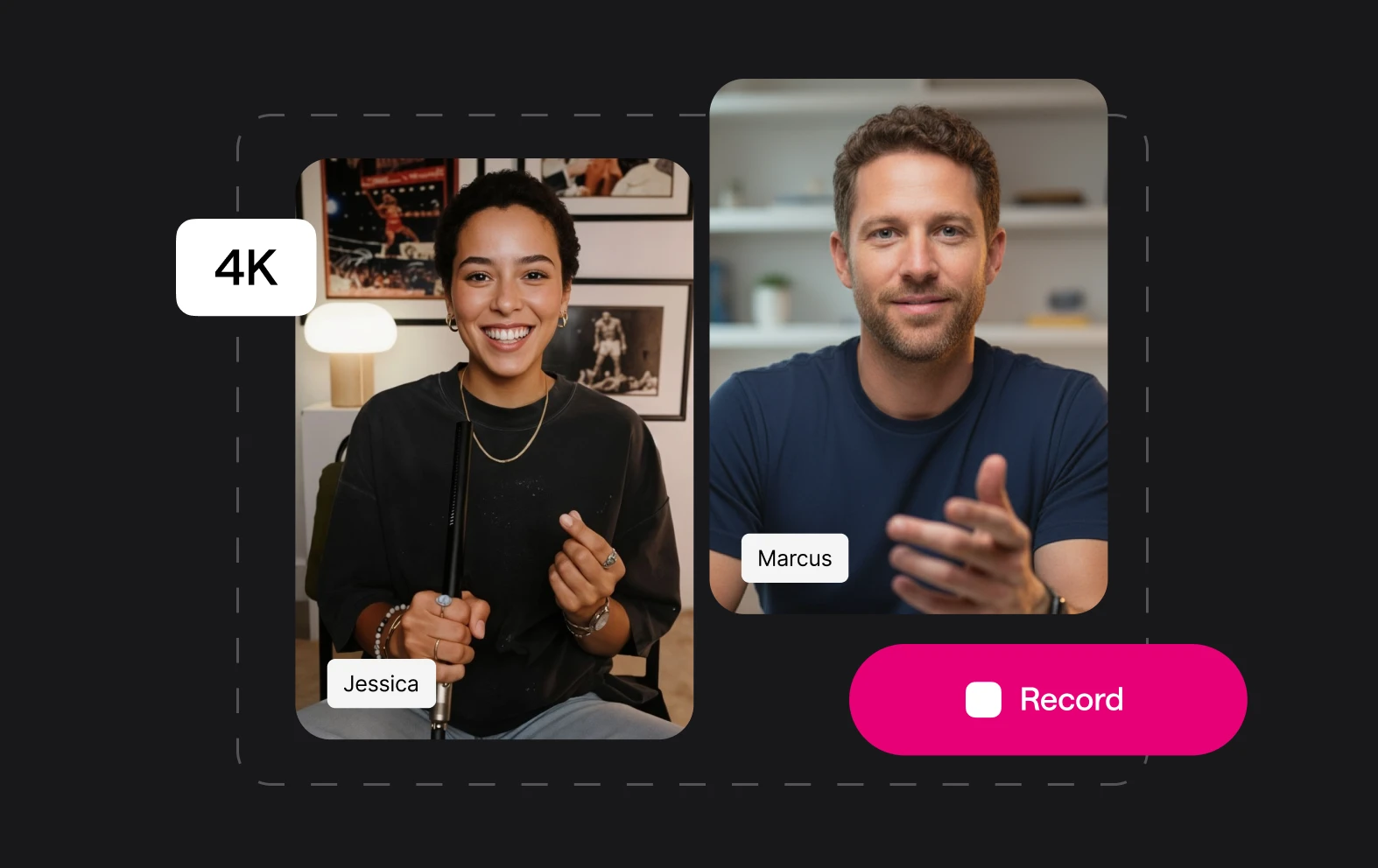
Yes, you can create video content on Async by uploading, recording, and editing videos directly within the platform. Async provides a range of powerful AI-driven tools to enhance video quality, such as the AI Video Enhancer, which improves clarity and resolution, and the Cinematic Blur feature, which allows you to add a professional-looking background blur to emphasize your subject. These tools make it easy to produce polished, high-quality videos that feel premium and visually engaging. With intuitive editing options and AI enhancements, Async is ideal for creators looking to make standout video content without the need for complex software or extensive editing expertise.

How does background blurring make a video feel premium?

Background blurring in videos can make content feel more premium by drawing attention to the subject and reducing distractions, creating a more polished and cinematic look. This effect, known as a shallow depth of field, is often used in professional filmmaking and photography to create a sense of depth and focus, giving videos a refined, high-quality appearance. Blurring the background helps the viewer focus on the key elements of the scene, such as the person speaking, making the content feel more engaging and aesthetically pleasing. Additionally, it adds an air of professionalism by mimicking high-end camera lenses, which are typically able to achieve this effect naturally, further enhancing the video’s visual appeal.

Can I also enhance my audio content with Async?

Yes, Async offers powerful tools to enhance audio content, making it an excellent choice for podcasters, creators, and audio editors. With features like noise reduction, automatic leveling, and silence removal, Async helps improve audio clarity and flow effortlessly. It also includes AI-powered voice enhancement to refine vocal quality, making voices sound more polished and professional. In addition, Async offers transcription, which can aid in editing and repurposing content for written formats, and even voice cloning, allowing creators to maintain a consistent voice in multiple takes or projects. These tools enable users to produce high-quality audio content with minimal manual editing, saving time and creating a more immersive listening experience.

How do AI Video Tools help enhance my content?

AI video tools enhance content by automating and refining various aspects of video production, making it easier to achieve professional-looking results. They can improve video quality through features like upscaling, which enhance visual clarity and aesthetic appeal. Many AI tools also offer background blurring to highlight key elements and reduce distractions. Some even provide transcription, captioning, and translation, helping make videos accessible and tailored to diverse audiences. For content creators, these tools streamline editing, saving time and boosting production value, while making content more engaging and polished for viewers.

How do I access the AI Tools?

You can unlock AI features like AI Video Enhancer and Cinematic Blur by upgrading to a premium Async account like Essentials or Pro. You can find out more about what’s included in each package on our pricing page.

Your video, made by chat.
Just tell Async what you want.

From raw footage and AI-generated scenes to finished videos in one AI workflow.

Start creating for free