icon

Promo Video Maker

Whatever you want to promote, it’s easy with Async’s online video editor. Get started in seconds and make amazing videos!

Make promotional videos online

Video is one of the best ways to grab people’s attention online and it’s something that users now expect to see. If you’re promoting an event, a product, a sale or anything else, a video will quickly communicate key information to your audience and get them excited. The good news is that making videos doesn’t have to be expensive or time-consuming any more, with Async’s video editor anyone can make compelling videos quickly. You can also quickly re-purpose your video to be used across different platforms with the right aspect ratio and layout.

icon

How to make a promo video

card 1 img
card 2 img
card 3 img
benefit img 1

Online video editor

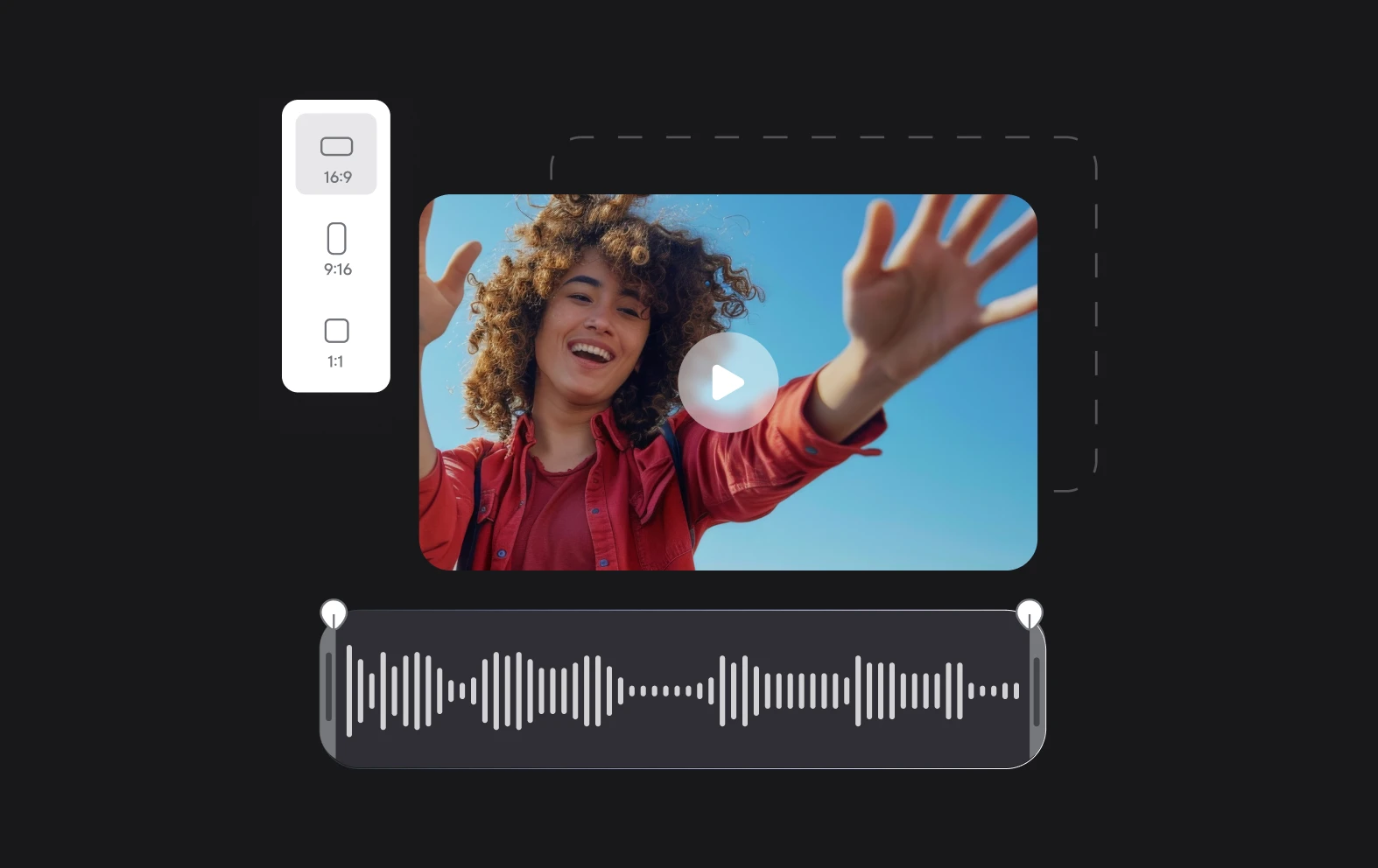
Our multi-track video editor is so easy to use you’ll actually enjoy editing videos! It works directly in your browser, meaning wherever you are you can access the tools and your files in our cloud-based platform.

benefit img 2

Stock music and effects

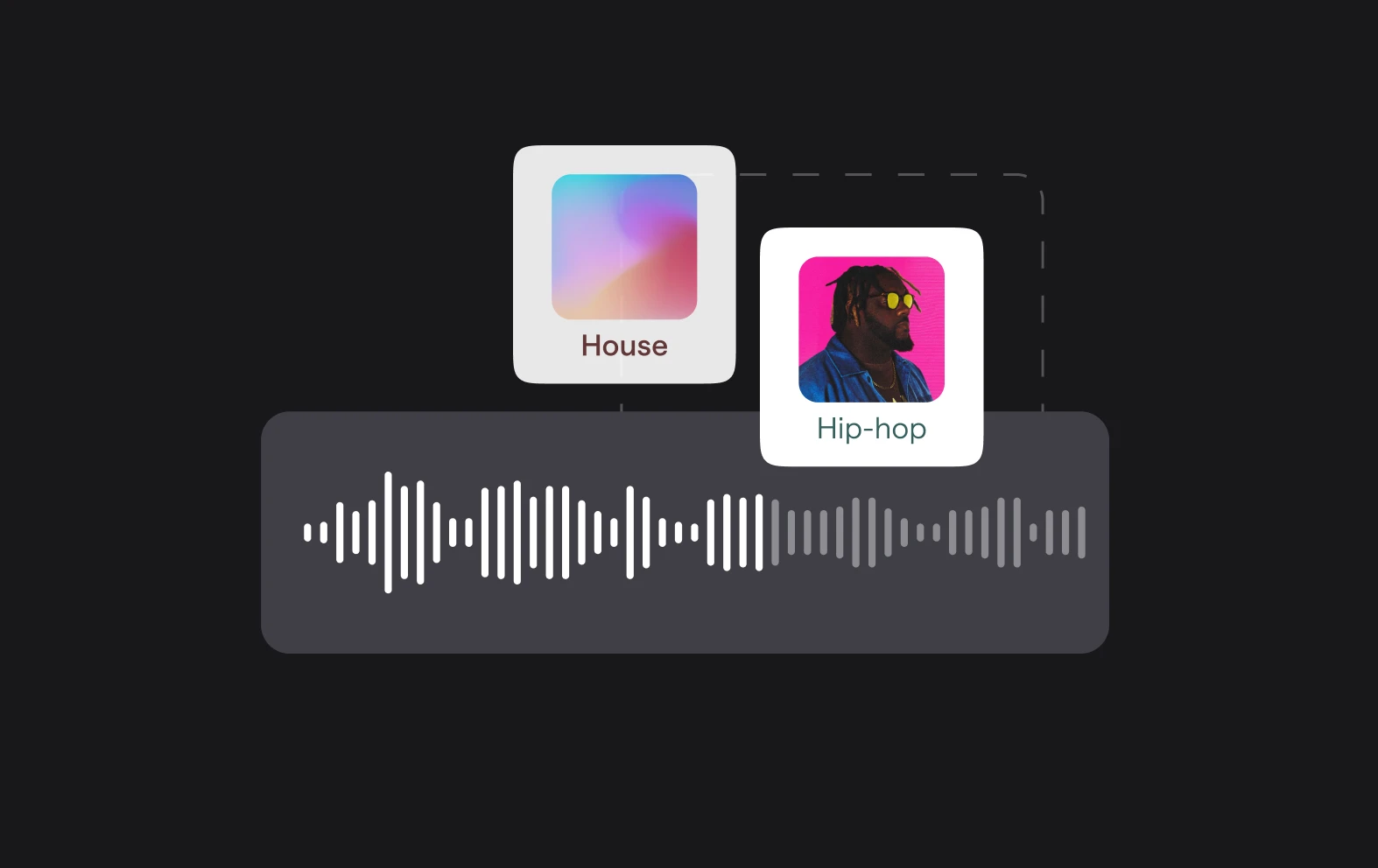
We have 1000s of royalty-free stock music tracks and sound effects that are perfect for making your video come to life. Whether you want rock, jazz or something a bit more chill, search our library for the right sounds.

benefit img 3

AI video tools

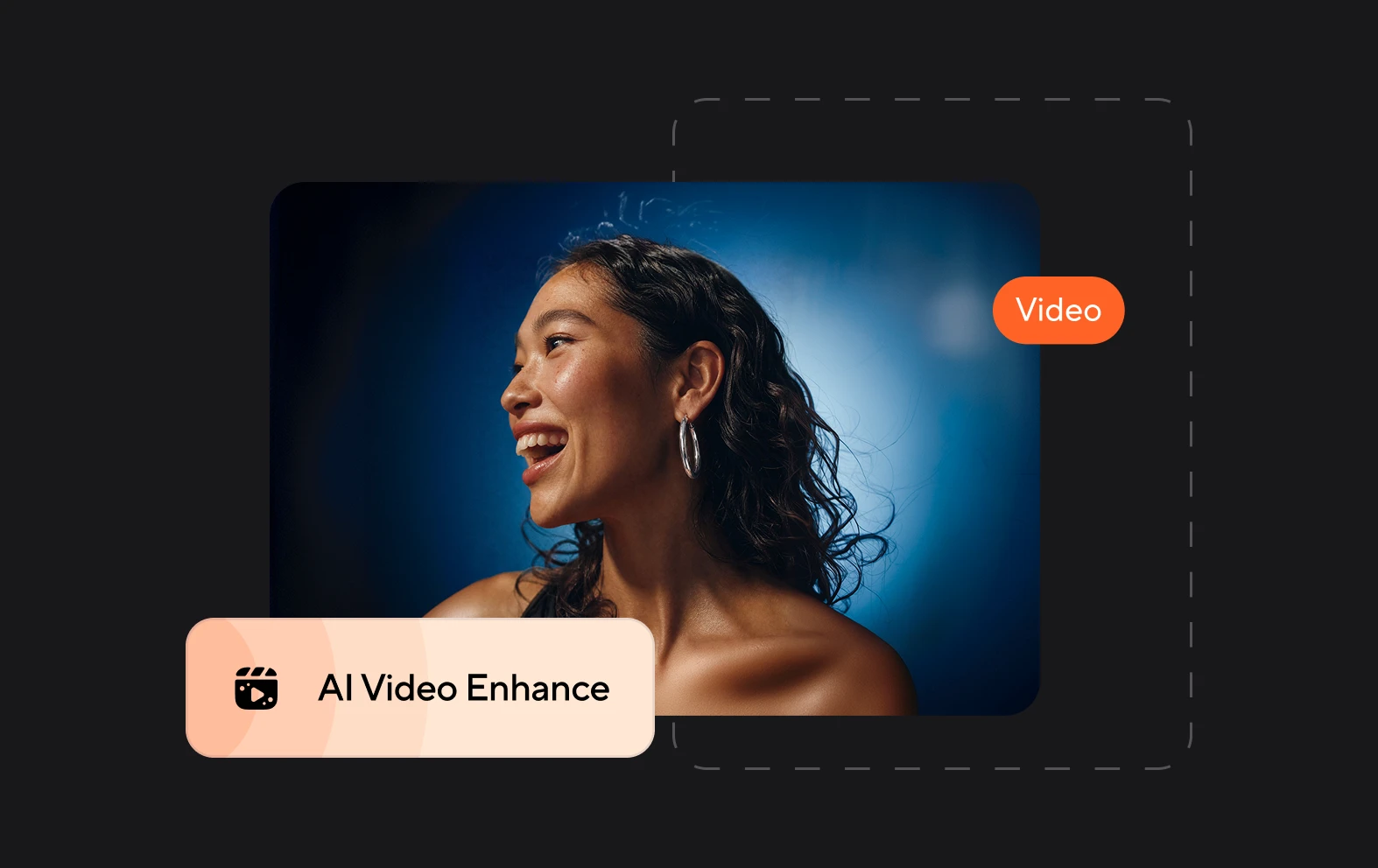
Not only can you edit videos quickly and easily with Async, you can also make use of our AI tools to quickly enhance the quality of your video. Cinematic Blur will add a premium blurring effect and our audio tools improve sound quality.

Discover more

Add Audio to Video OnlineAdd Music to VideosAdd Subtitles to VideoAdd Text to VideoAI Audio AssistantAI Audio EnhancerAI Content ToolsAI Noise ReducerAI Podcast Clip GeneratorAI Subtitle GeneratorAI Video AssistantAI Video EditorAI Video EnhancerAI Video UnblurAnimation VoiceoversAudio JoinerAudio LooperAudio PodcastAudio ProductionAudio RecorderAudio to TextAudio TranslatorAudiobook Recording StudioAutomatic Video EditorBirthday Video MakerBlur Video BackgroundsCar Sound EffectsChange Video Aspect RatioClip MakerCloud Video EditingCompress MP4Compress VideoCreate a PodcastCreate Marketing VideosCreate Training VideosCreate Video OnlineCrop VideoDigital Marketing VideosE-Learning VoiceoversEasiest Video Editing AppEdit MOV FilesEdit WebM FilesExplainer Video MakerExplainer Video VoiceoverExtract AudioEye Contact FixerFemale Voice ChangerFiller Word DetectionFlip VideoFunny Sound EffectsFunny Video MakerHappy Stock MusicInterview TranscriptionJazz Stock MusicLightweight Video EditorLong Video to Short VideoLoop VideoLyric Video MakerMerge Audio FilesMerge VideoMontage Video MakerMP3 Audio CutterMP3 EditorMp3 to TextMP3 to WAV ConverterMP3 TrimmerMP3 Volume IncreaserMP4 to MP3 ConverterMp4 to TextMP4 TrimmerMP4 Video CutterMP4 Video EditorMusic Video MakerMute VideoOnline Audio ConverterOnline Movie MakerOnline Video ConverterOnline Video CutterOnline Video MakerOnline Video RecorderOnline Video TrimmerPhoto to Video MakerPodcast Editing SoftwarePodcast MakerPodcast RecordingPodcast StudioPodcast TeleprompterPodcast TranscriptionPodcast Video EditorPromo Video MakerRain Sound EffectsRecord Audio on iPhoneRemote Interview RecordingRemove Background Noise from AudioRemove Background Noise from VideoRemove Music from VideoResize VideoRotate VideoSilence RemovalSocial Media Marketing VideosSocial Media Video EditorSound Effects LibrarySpeech to Text SoftwareStart PodcastingText Video MakerText-Based EditingTrailer MakerTravel Video MakerTutorial Video MakerVideo Ad MakerVideo Background RemovalVideo ClearerVideo Collage OnlineVideo Compilation MakerVideo CreatorVideo Game VoiceoversVideo Interview SoftwareVideo JoinerVideo MakerVideo MergerVideo PodcastVideo Quality EnhancerVideo Recording SoftwareVideo ResizerVideo Size ReducerVideo SplitterVideo Subtitle GeneratorVideo to AudioVideo to TextVideo TranscriptionVideo TrimmerVideo Tutorial SoftwareVideo Voice OverVoice Over RecordingVoice Over StudioVoice RecorderVoice to TextVoiceovers for PresentationsWAV EditorWAV to MP3 ConverterWebinar Recording SoftwareWedding Video MakerYouTube Sound EffectsYouTube to MP4 TrimYouTube Video CreatorYouTube Video CutterYouTube Video EditorYouTube Video MakerYouTube Video TrimmerYouTube Video Voiceovers
More tools

Frequently Asked Questions

Can you make a promo video without any experience?

Yes, you can make a promo video without any prior experience, especially with tools like Async. Async offers an intuitive, user-friendly platform that simplifies video creation and editing, even for beginners. With its easy drag-and-drop interface, AI-powered features, and customizable templates, you can create professional-looking promo videos quickly. Whether you need to trim footage, add text, or enhance audio, Async makes it easy to put together a polished promo video without any complex video editing skills.

Can I make a promo video online without downloading software?

Yes, you can make a promo video online without downloading software using platforms like Async. Async is a web-based tool that allows you to create and edit videos directly in your browser. It offers features like trimming, adding text, background music, and visual effects, all without the need to install any software. Simply upload your footage, customize it with easy-to-use tools, and export the finished promo video—all within the platform’s online interface. This makes it a convenient solution for creating professional promo videos quickly and easily.

Can I make promo videos for free?

Yes, you can make promo videos for free using Async, which offers a free plan with basic video editing features. The free plan allows you to create and edit promo videos, including trimming, adding text, and incorporating music. However, there are some limitations, such as access to AI features, export options, and certain advanced tools. For more advanced features and higher-quality exports, you should upgrade to a paid plan. Nonetheless, the free version is a great starting point for creating effective promo videos without any cost.

Where should I share a promo video?

You should share your promo video on platforms where your target audience is most active and engaged. Social media platforms like Instagram, Facebook, Twitter, and LinkedIn are great for reaching a broad audience, with each offering different formats (e.g., stories, posts, ads) for sharing video content. For a more targeted approach, consider sharing it on platforms like YouTube or TikTok, which are optimized for video content and have large, engaged communities. If your goal is to drive traffic to your website or landing page, sharing the video via email marketing or on your website itself can also be highly effective. Additionally, using paid advertising on platforms like Google Ads or Facebook Ads can help increase visibility and reach the right audience.

What’s the best promo video maker?

The best promo video maker is one that is easy to use, offers a range of customizable templates, provides high-quality editing tools, and supports efficient video export. It should allow for quick editing, such as trimming, adding text, music, and visual effects, while also offering flexibility for professional results. Async ticks all of these boxes, making it an excellent choice. With its intuitive, web-based interface, AI-powered features and ability to create and edit videos quickly, Async is perfect for both beginners and experienced creators looking to make a high-quality promo video with ease.

Your video, made by chat.
Just tell Async what you want.

From raw footage and AI-generated scenes to finished videos in one AI workflow.

Start creating for free