icon

Video Ad Maker

Easily create professional video ads with Async's video ad maker to extend your reach and better connect with your audience.

Your personal AI Video Ad Maker

Async’s video ad maker is designed to make creating high-quality ads a breeze. With intuitive AI-powered tools, you can easily edit, resize, and polish your videos to perfection. Whether you're a marketing professional or a small business owner, our video ad maker provides the flexibility and features you need to produce engaging ads. With Async, your video ad maker experience is simplified and efficient.

icon

How to make video ads with Async?

card 1 img
card 2 img
card 3 img
benefit img 1

All-in-one content production studio

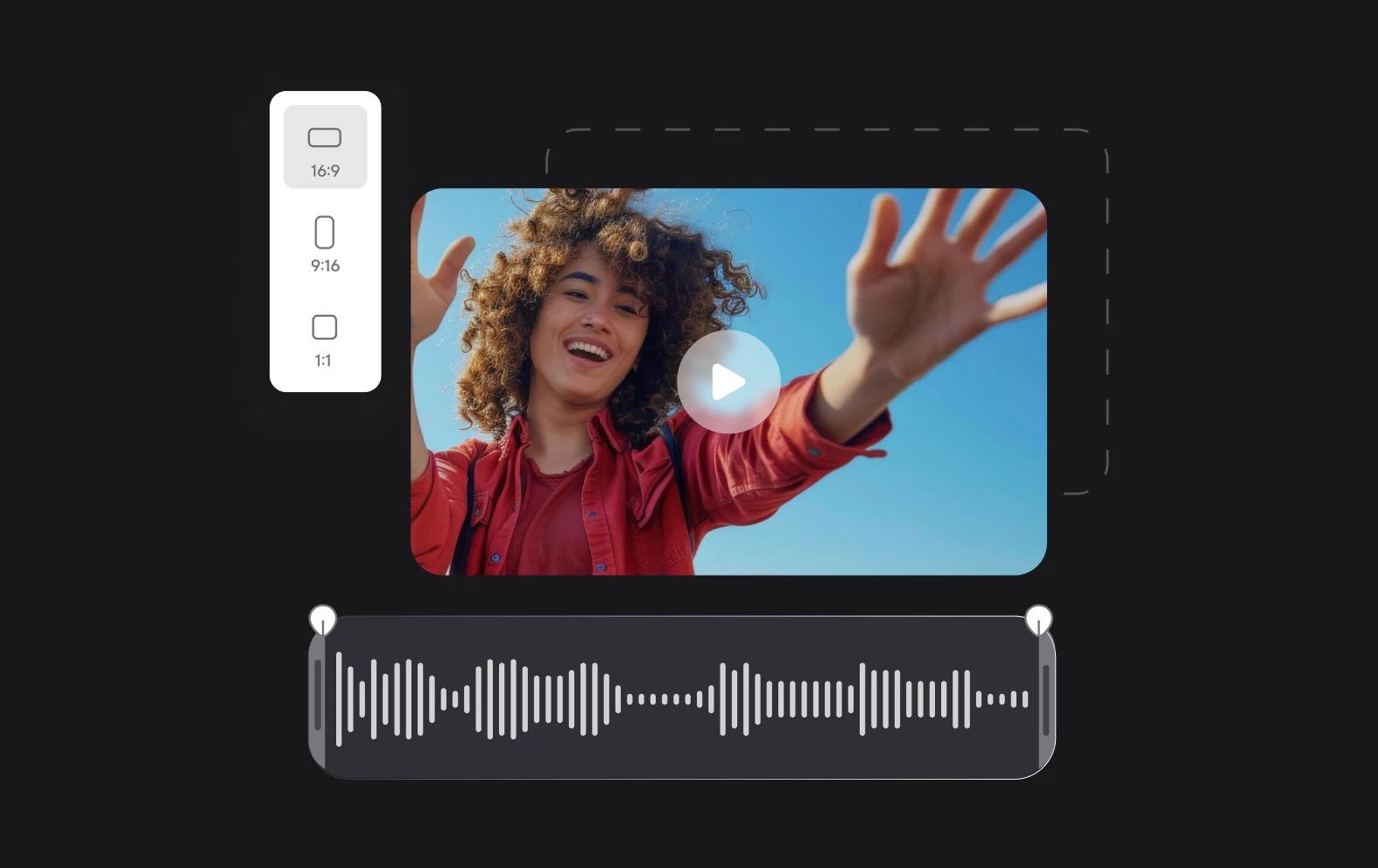
Async has all the tools you need to create professional content from scratch. We offer an all-in-one studio for all your content production needs. Save time by going from recording to editing videos, all in your browser. Cut, split, and resize your videos, then export it all in stunning 4K quality and share it with others.

benefit img 2

Showcase your brand

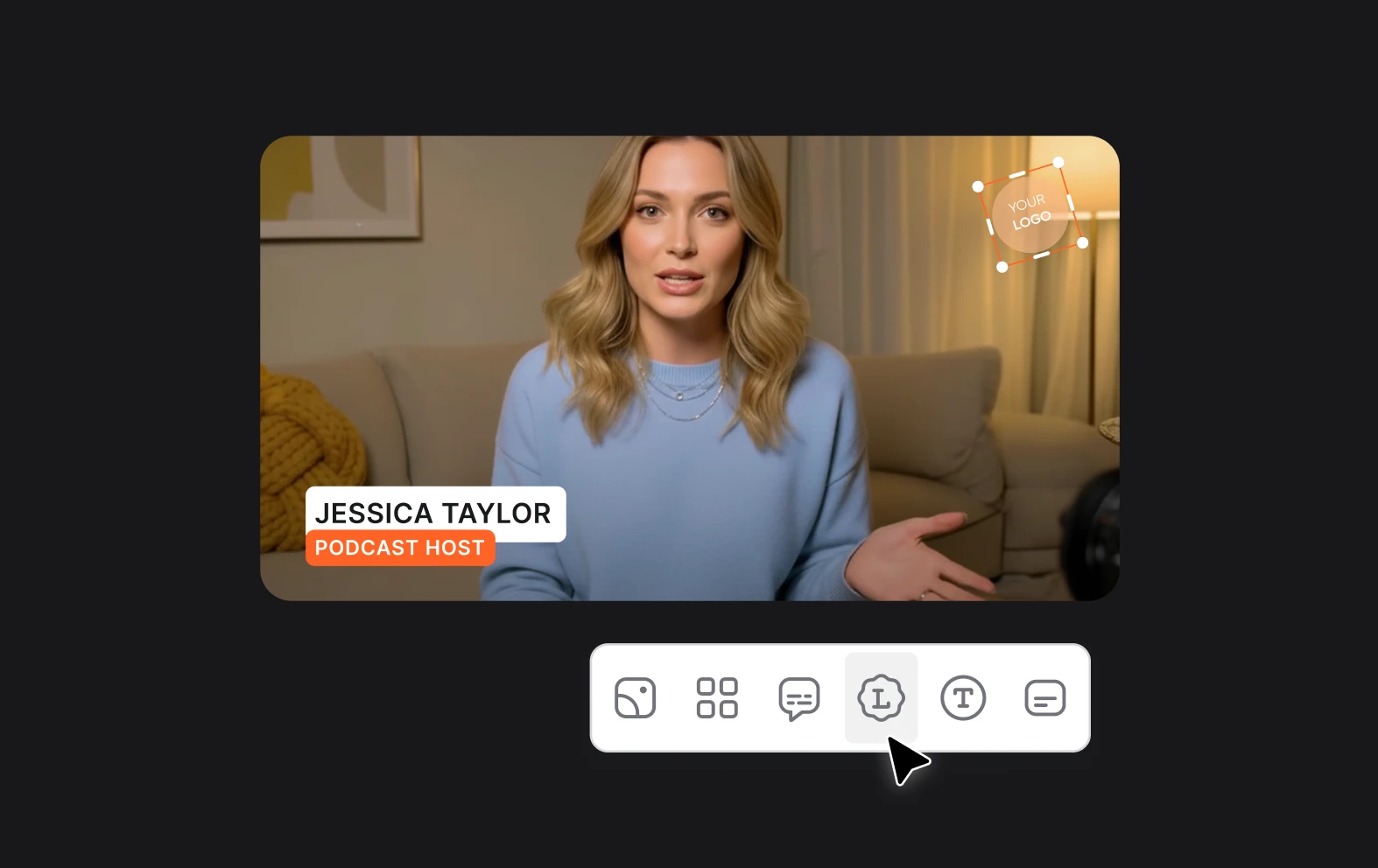
Add a professional touch to your videos by incorporating your logo, custom backgrounds, and lower thirds. Whether you're creating marketing videos or content for YouTube, Async makes it easy to highlight your brand. Customize your video ads and make your brand stand out in just a couple of clicks!

benefit img 3

Instant highlights

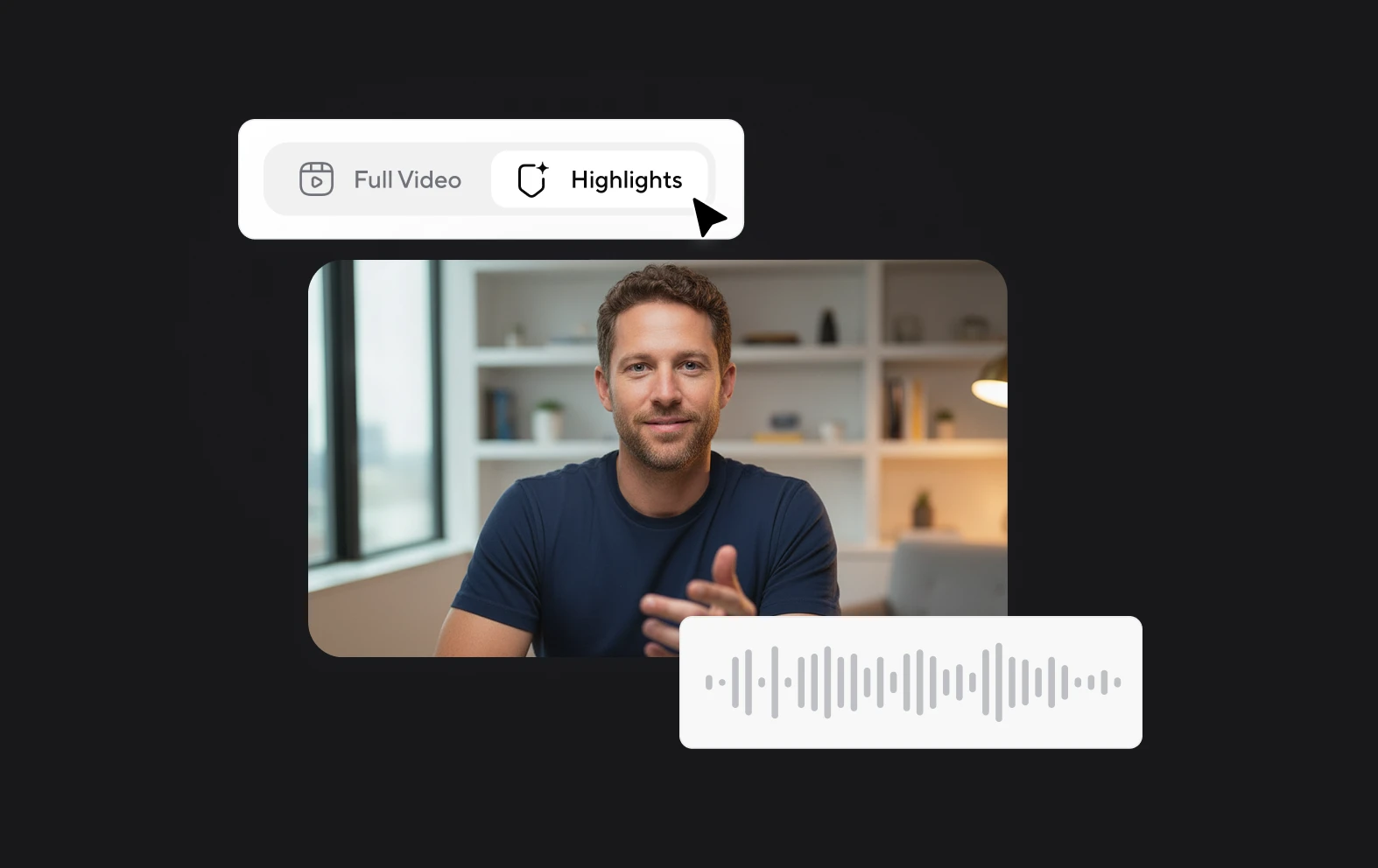
Want to repurpose your content later? We got your back! Make highlights during recording to create multiple short clips effortlessly. Tailor these clips for social media, add subtitles, and promote your videos to expand your reach and engage your audience.

Discover more

Add Audio to Video OnlineAdd Music to VideosAdd Subtitles to VideoAdd Text to VideoAI Audio AssistantAI Audio EnhancerAI Content ToolsAI Noise ReducerAI Podcast Clip GeneratorAI Subtitle GeneratorAI Video AssistantAI Video EditorAI Video EnhancerAI Video UnblurAnimation VoiceoversAudio JoinerAudio LooperAudio PodcastAudio ProductionAudio RecorderAudio to TextAudio TranslatorAudiobook Recording StudioAutomatic Video EditorBirthday Video MakerBlur Video BackgroundsCar Sound EffectsChange Video Aspect RatioClip MakerCloud Video EditingCompress MP4Compress VideoCreate a PodcastCreate Marketing VideosCreate Training VideosCreate Video OnlineCrop VideoDigital Marketing VideosE-Learning VoiceoversEasiest Video Editing AppEdit MOV FilesEdit WebM FilesExplainer Video MakerExplainer Video VoiceoverExtract AudioEye Contact FixerFemale Voice ChangerFiller Word DetectionFlip VideoFunny Sound EffectsFunny Video MakerHappy Stock MusicInterview TranscriptionJazz Stock MusicLightweight Video EditorLong Video to Short VideoLoop VideoLyric Video MakerMerge Audio FilesMerge VideoMontage Video MakerMP3 Audio CutterMP3 EditorMp3 to TextMP3 to WAV ConverterMP3 TrimmerMP3 Volume IncreaserMP4 to MP3 ConverterMp4 to TextMP4 TrimmerMP4 Video CutterMP4 Video EditorMusic Video MakerMute VideoOnline Audio ConverterOnline Movie MakerOnline Video ConverterOnline Video CutterOnline Video MakerOnline Video RecorderOnline Video TrimmerPhoto to Video MakerPodcast Editing SoftwarePodcast MakerPodcast RecordingPodcast StudioPodcast TeleprompterPodcast TranscriptionPodcast Video EditorPromo Video MakerRain Sound EffectsRecord Audio on iPhoneRemote Interview RecordingRemove Background Noise from AudioRemove Background Noise from VideoRemove Music from VideoResize VideoRotate VideoSilence RemovalSocial Media Marketing VideosSocial Media Video EditorSound Effects LibrarySpeech to Text SoftwareStart PodcastingText Video MakerText-Based EditingTrailer MakerTravel Video MakerTutorial Video MakerVideo Ad MakerVideo Background RemovalVideo ClearerVideo Collage OnlineVideo Compilation MakerVideo CreatorVideo Game VoiceoversVideo Interview SoftwareVideo JoinerVideo MakerVideo MergerVideo PodcastVideo Quality EnhancerVideo Recording SoftwareVideo ResizerVideo Size ReducerVideo SplitterVideo Subtitle GeneratorVideo to AudioVideo to TextVideo TranscriptionVideo TrimmerVideo Tutorial SoftwareVideo Voice OverVoice Over RecordingVoice Over StudioVoice RecorderVoice to TextVoiceovers for PresentationsWAV EditorWAV to MP3 ConverterWebinar Recording SoftwareWedding Video MakerYouTube Sound EffectsYouTube to MP4 TrimYouTube Video CreatorYouTube Video CutterYouTube Video EditorYouTube Video MakerYouTube Video TrimmerYouTube Video Voiceovers
More tools

Frequently Asked Questions

How to make video ads?

To make a video ad, start by identifying your target audience and the message you want to convey. Use a video ad maker to record or upload your footage. Edit the video to ensure it’s engaging and visually appealing. Add elements like text, logos, and music to enhance the ad. Finally, export the video in a suitable format and share it on platforms where your audience is most active. Async's video ad maker makes this process straightforward with its user-friendly tools.

Which is the best Facebook ad video maker?

When choosing a Facebook ad video maker, look for features that simplify the creation process, such as easy-to-use editing tools, customizable templates, and options for adding branding elements. It's also important that the tool supports different video formats and resolutions. Async stands out as an excellent choice due to its intuitive interface and comprehensive features, making it ideal for both beginners and experienced creators.

How much do video ads pay?

The payment for video ads can vary widely based on factors such as the platform used, the target audience, and the quality of the ad. Generally, video ads on platforms like YouTube and Facebook pay per view or click, with rates varying from a few cents to several dollars. Factors such as engagement rate, ad length, and viewer demographics can also influence the payout. Using a high-quality video ad maker like Async can help you create more engaging ads, potentially increasing your earnings.

What should I include in my advertisement?

An effective advertisement should include a clear and compelling message, strong visuals, and a call to action. Start with an attention-grabbing introduction to hook your audience. Highlight the key benefits of your product or service and use testimonials or case studies to build trust. Incorporate your branding elements and ensure the ad is visually appealing. Finally, include a clear call to action that tells viewers what you want them to do next, such as visiting your website or making a purchase.

What are the parts of a video ad?

A video ad typically consists of several key parts: an attention-grabbing intro, a clear message or storyline, engaging visuals, background music or sound effects, branding elements like logos and slogans, and a strong call to action. The intro should capture the viewer’s interest immediately. The message should be concise and focused on the benefits of your product or service. Visuals should support the message and keep viewers engaged. FInally, don’t forget the call to action in the end! The call to action should guide viewers on what to do next, whether it’s visiting a website, signing up, or making a purchase. Using a video ad maker can help streamline this process and ensure all these elements are effectively included.
Your video, made by chat.
Just tell Async what you want.

From raw footage and AI-generated scenes to finished videos in one AI workflow.

Start creating for free