
Presentation Voiceovers
Recording a voiceover for a presentation, pitch or demo is super easy with Async. You can record it yourself or just use our AI voices!
How to record voiceovers for presentations
When you’re recording a voiceover for a presentation, pitch or demo video, you want it to be engaging, professional and clear. Ideally you also want it to be done quickly, so you’re not spending hours recording and re-recording. Using Async’s audio recording and editing software is the easiest way to create informative content for marketing, sales or internal communications.
You can try it for free to experience amazing studio-quality sound recording and an incredibly easy-to-use editor. Record video and audio, edit it quickly and then export your presentations, demo or pitch voiceover.

How to record voiceovers

Free audio recording
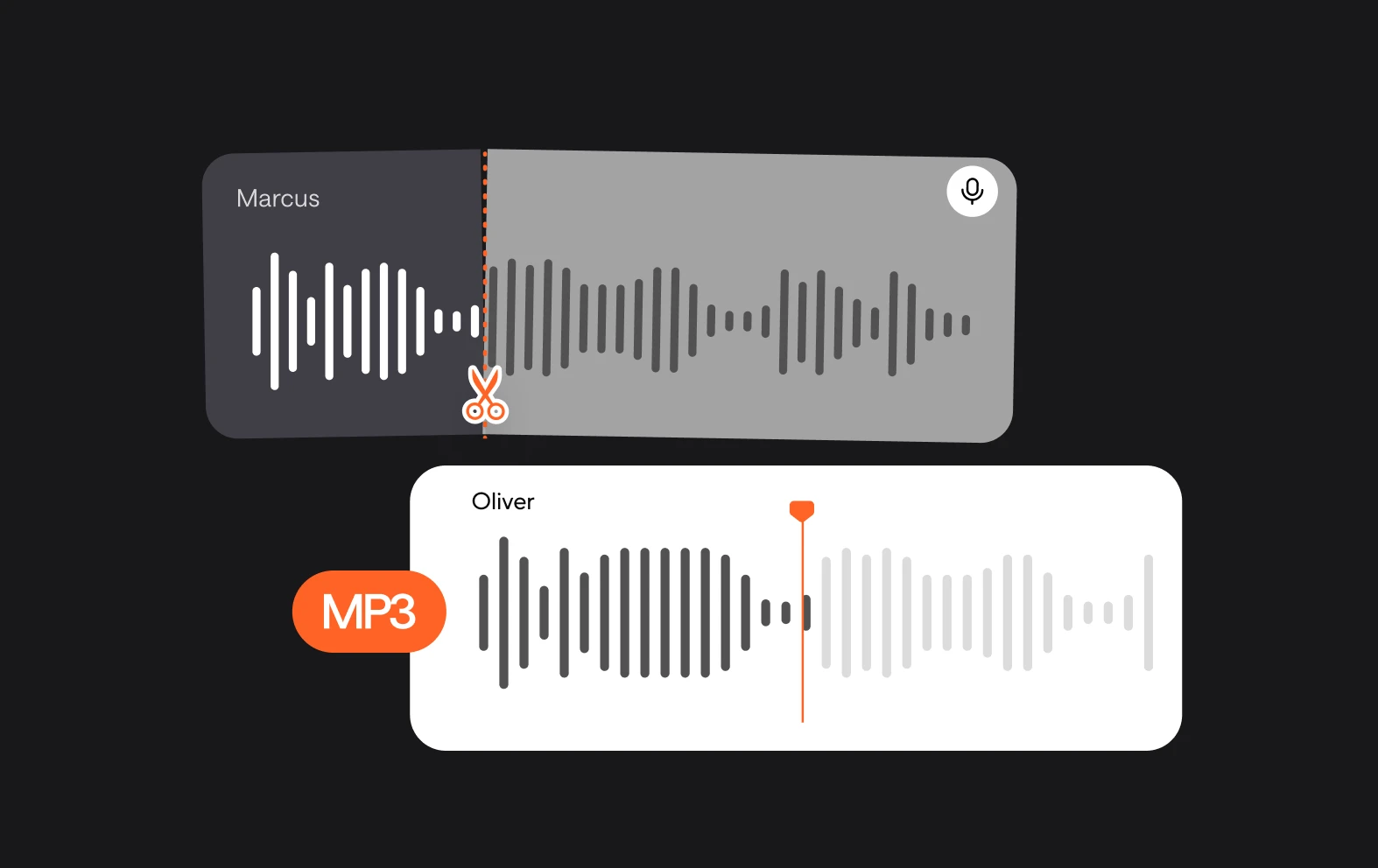
You can do unlimited audio recording and editing in our free plan, so try out making your presentation voiceover on Async with no commitments.
Clean your audio
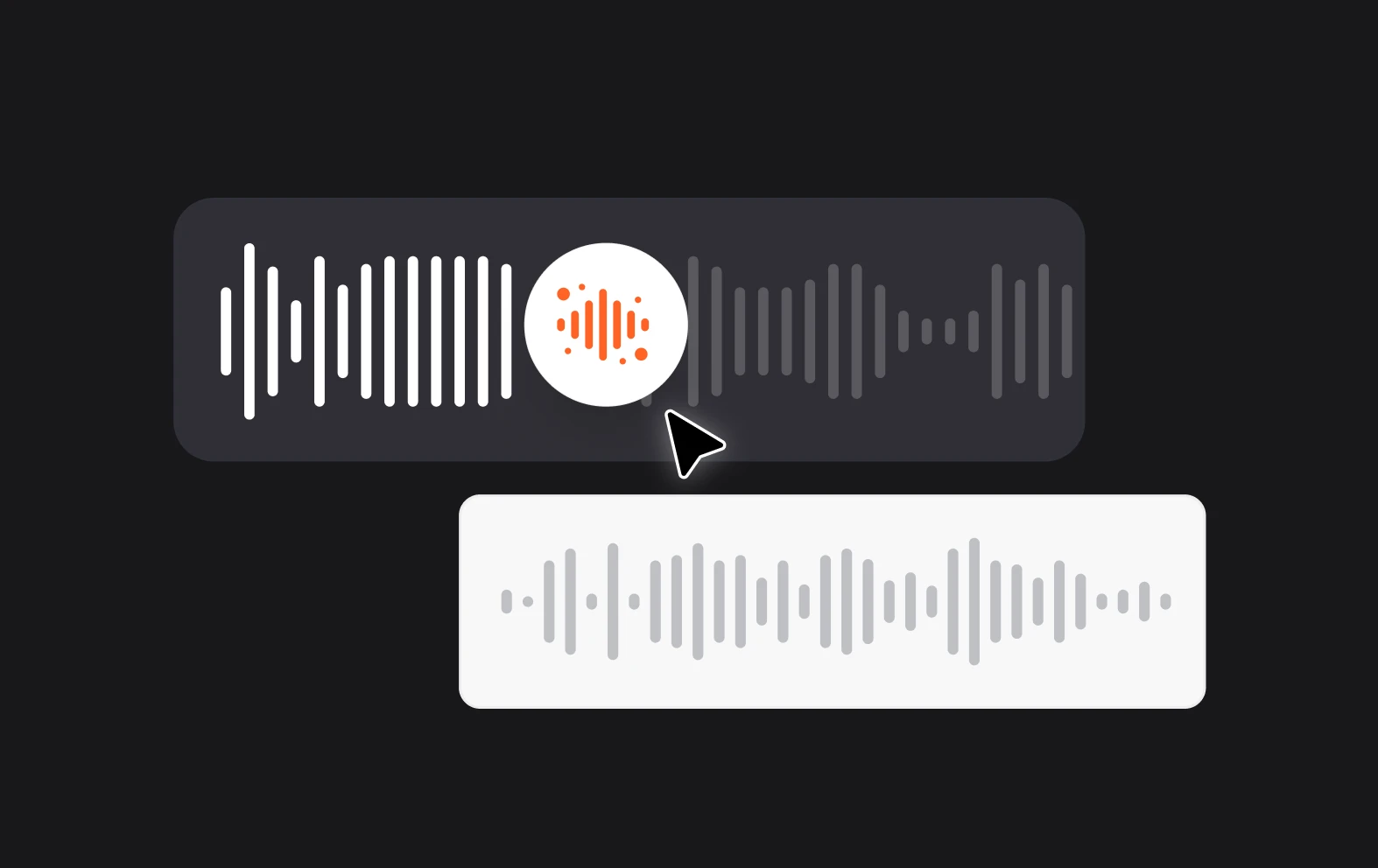
If you don’t have the perfect recording space, it doesn’t matter! In Async’s premium plans you can use AI to remove background noise with a single click.
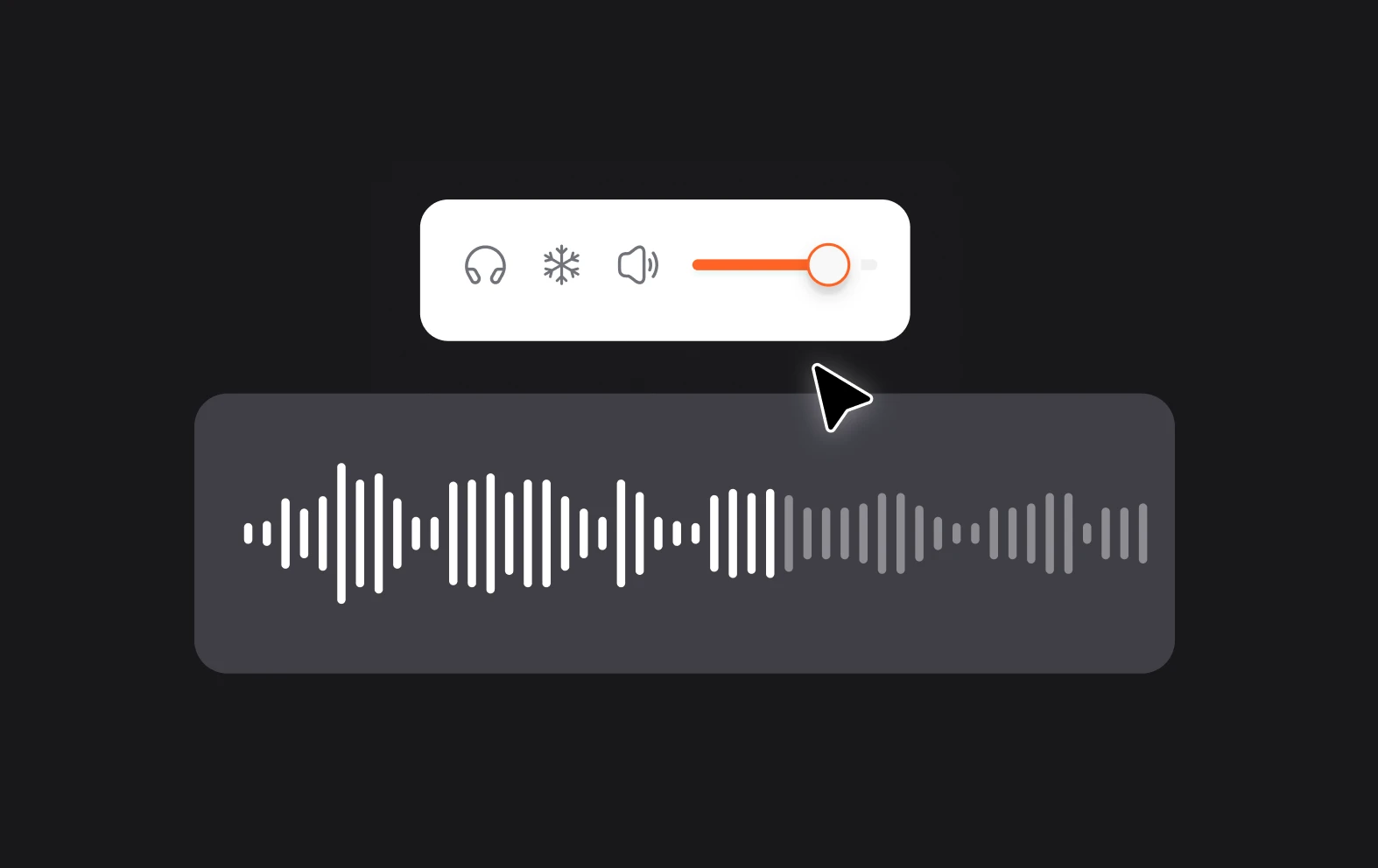
Adjust speed and volume
You can easily pump up the volume or slow down the speed with Async’s editor, so if you were too quiet or too fast, just adjust it in the edit.