
Add Text to Video Effortlessly
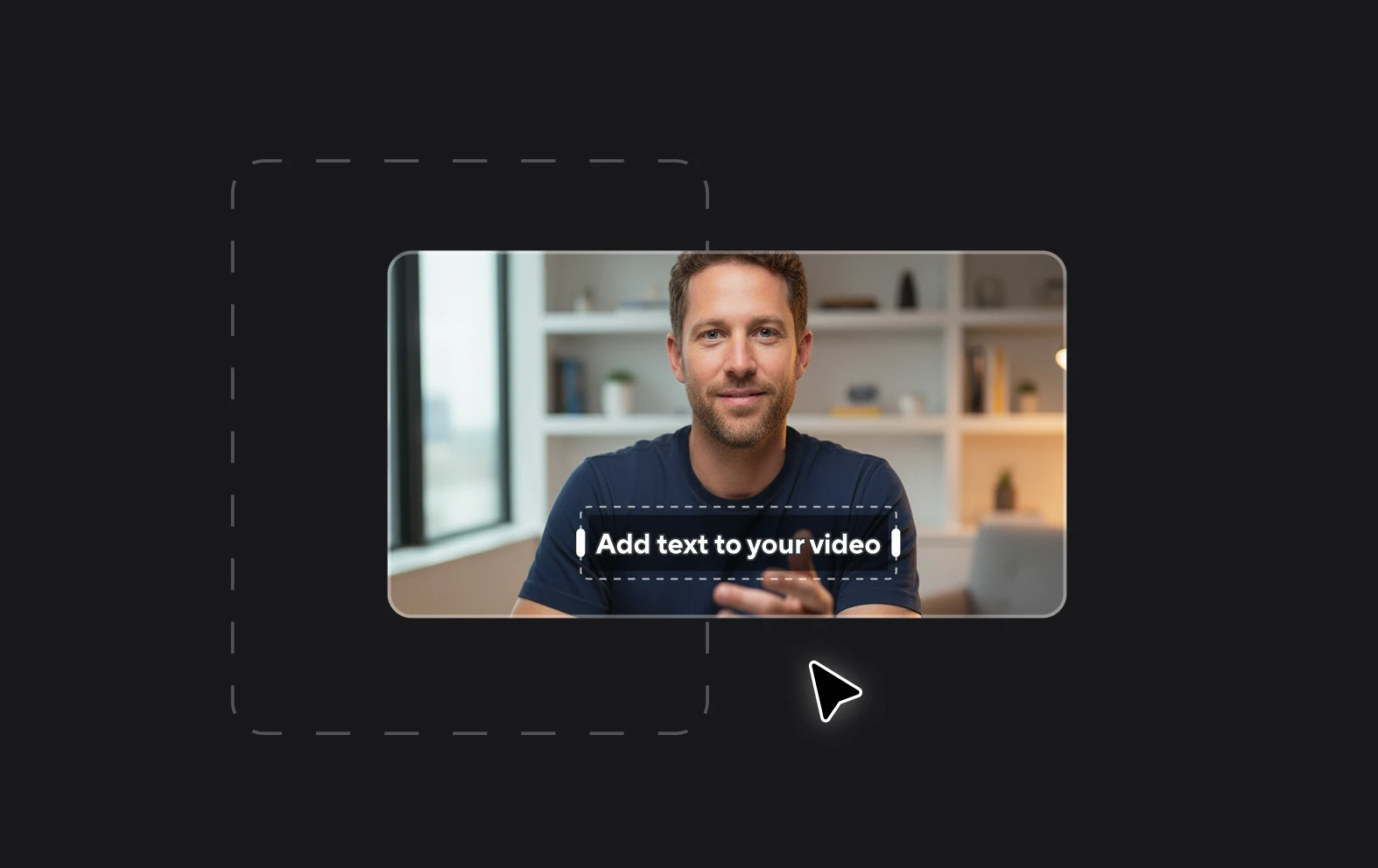
Putting text on video has never been easier. With Async’s online video editor you can automatically generate and add subtitles to your video, with just a few clicks! Ready to elevate your videos? Get Started Now!
Podcast branding with text
Unleash the full potential of your podcast with our powerful text branding capabilities. With Async, you can add custom text overlays, logos, and dynamic graphics to create a unique and memorable brand identity for your show.

How to add text to your video?

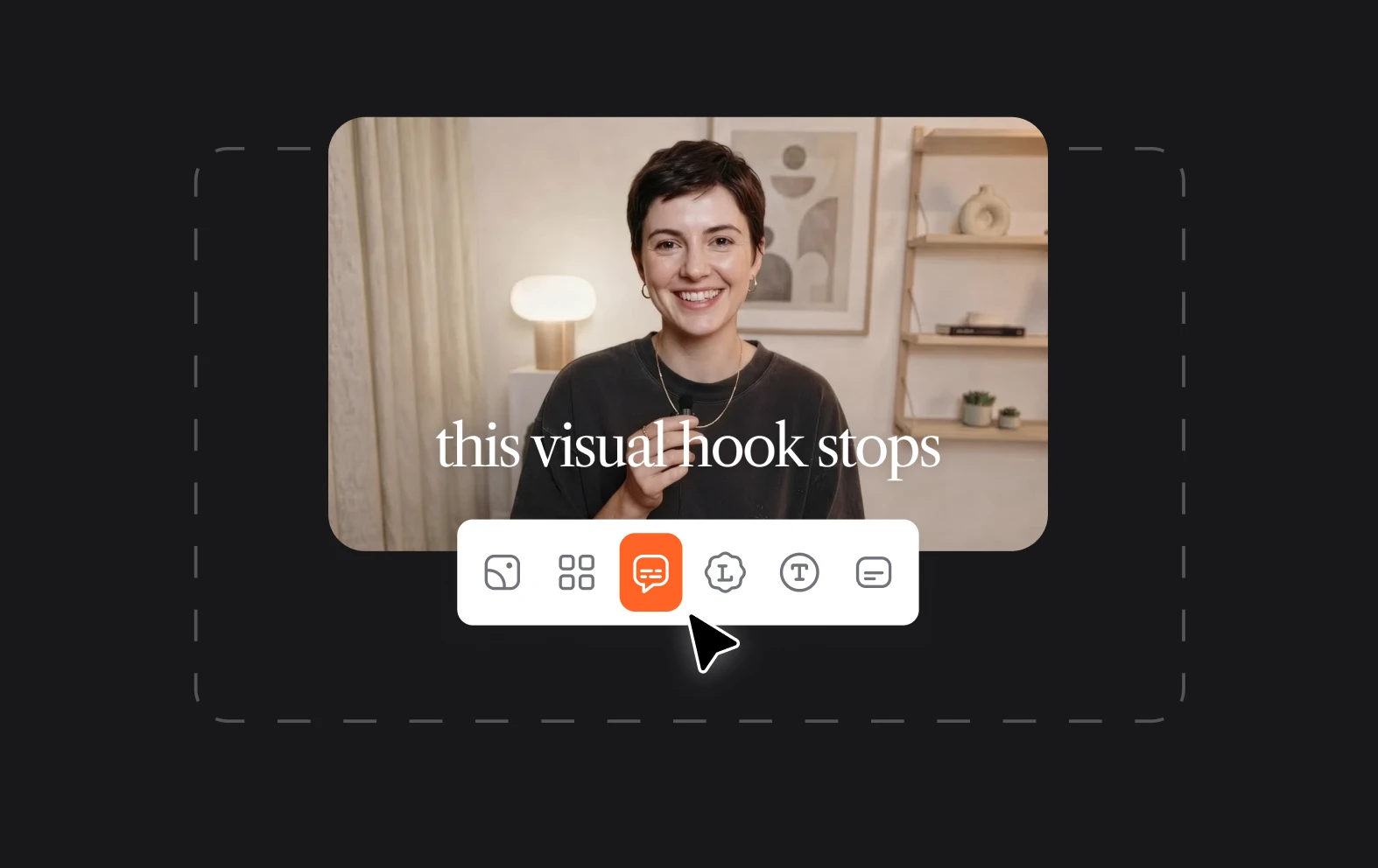
Simple interface
Our intuitive interface ensures that you can effortlessly add text to your videos. No complicated processes – just a clean and user-friendly experience.
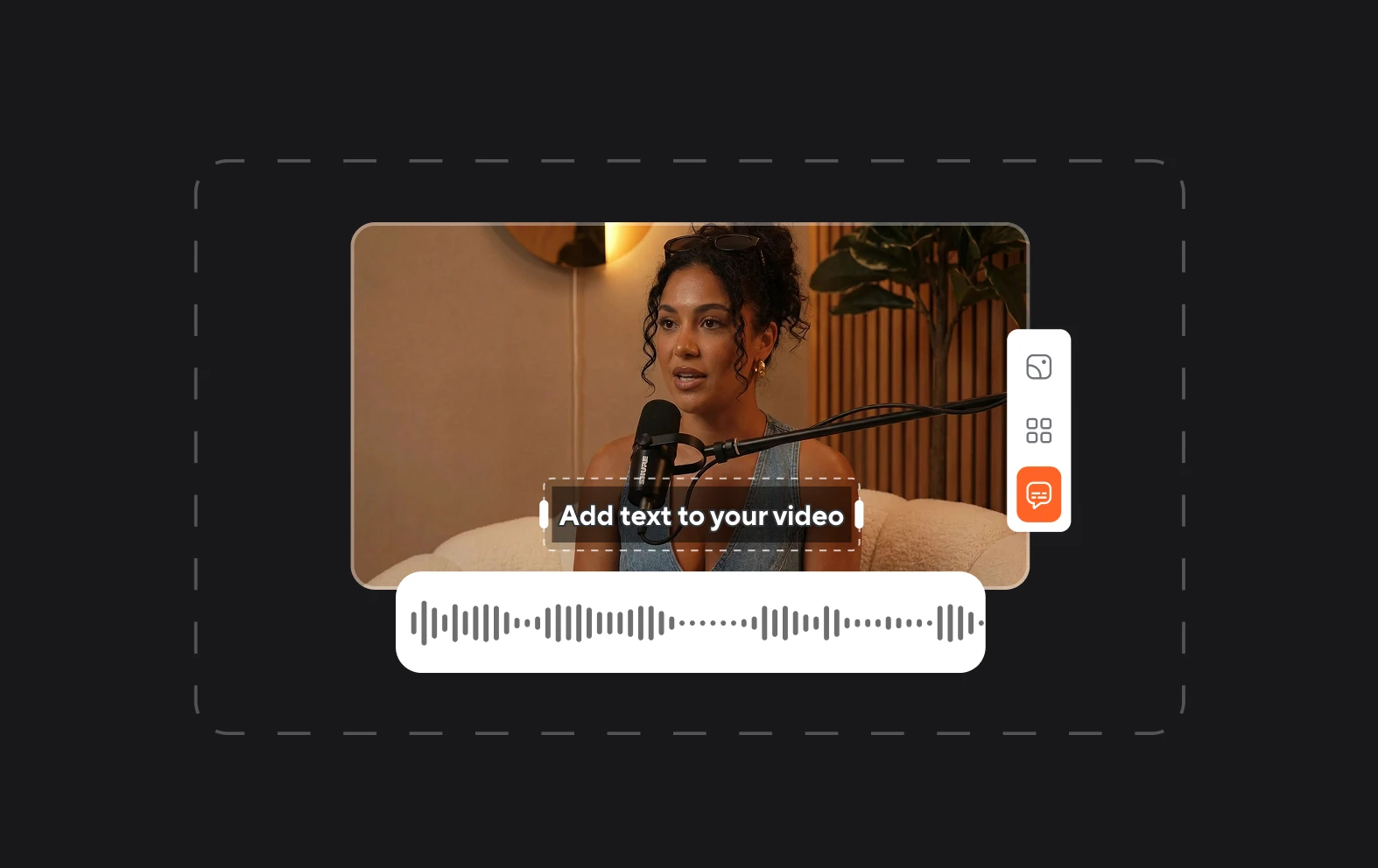
Ease of use
Adding text to video is quick and easy with Async: you can become a video editing pro without any prior experience.
Enhanced accessibility
Whether you're a seasoned content creator or just starting your video journey, Async's video editor is accessible to all. Empower yourself with the tools you need to succeed.