
Merge Audio Files
Merging two audio files is ridiculously easy with Async’s audio editor and with our basic plan, you can try it for free!
Merge two audio files
Got a whole bunch of audio recordings that you need to mix into one? Or maybe just two? Either way, it’s super simple to merge audio tracks using Async. Whether you have a podcast, a voiceover, or a recording that you need to make notes from, it’s just a case of uploading the files and dragging them together in our intuitive editor.
There are tons of different audio file formats out there, including MP3, WAV, FLAC, AAC and others. The great thing about our audio editor is that it supports all of them! You can upload an MP3 and WAV and merge them or you can merge two MP3s together.

How to merge audio tracks
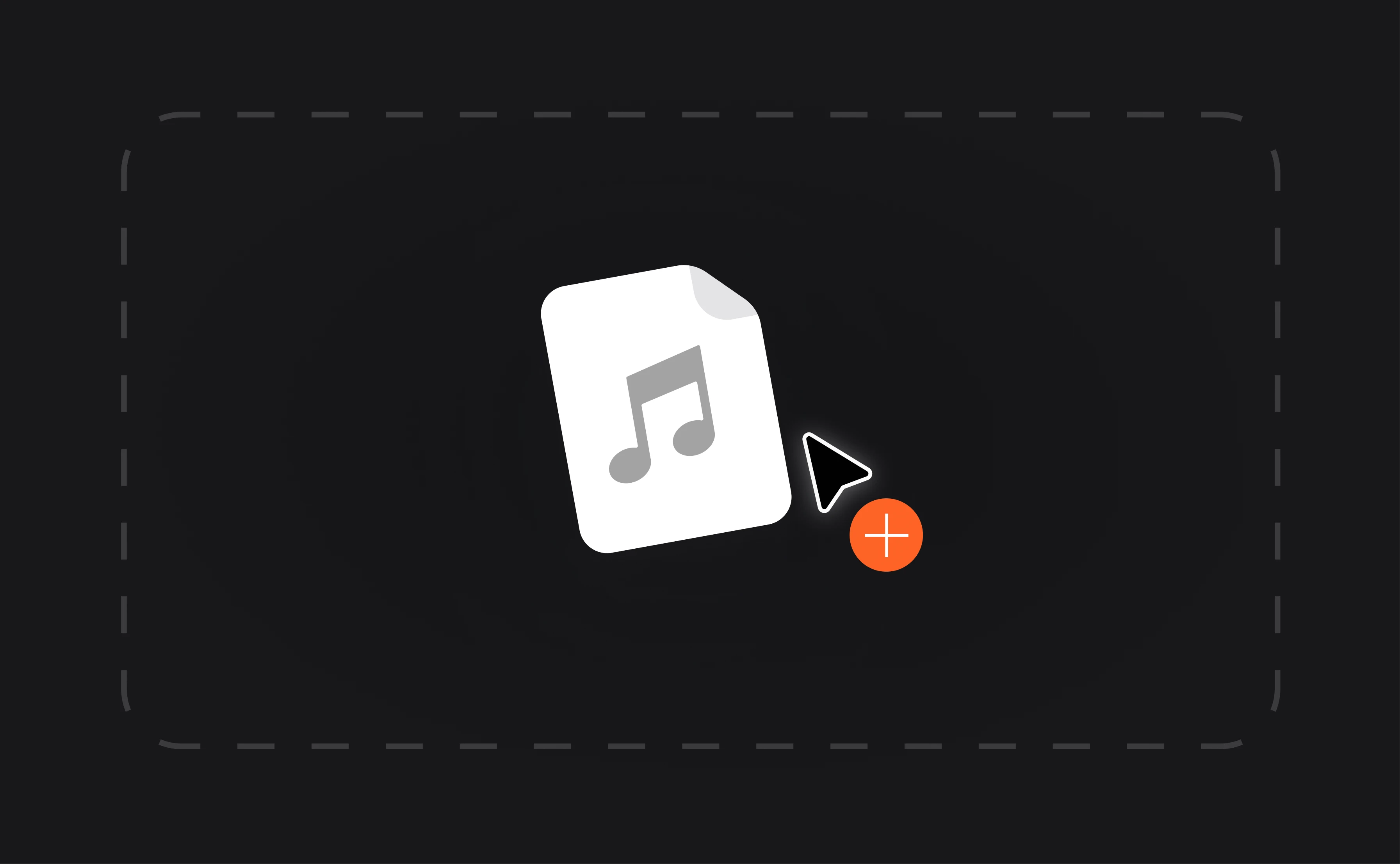
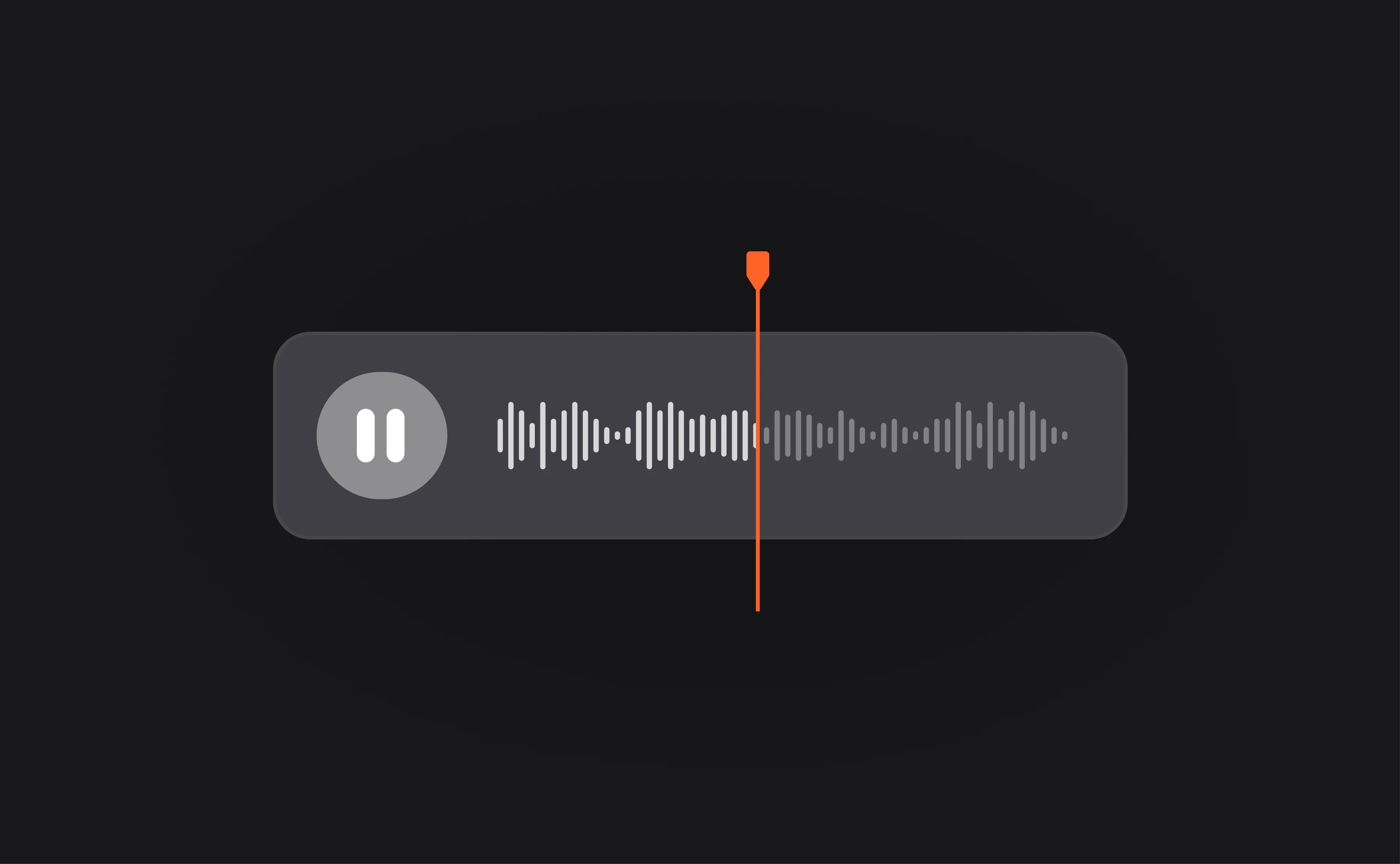

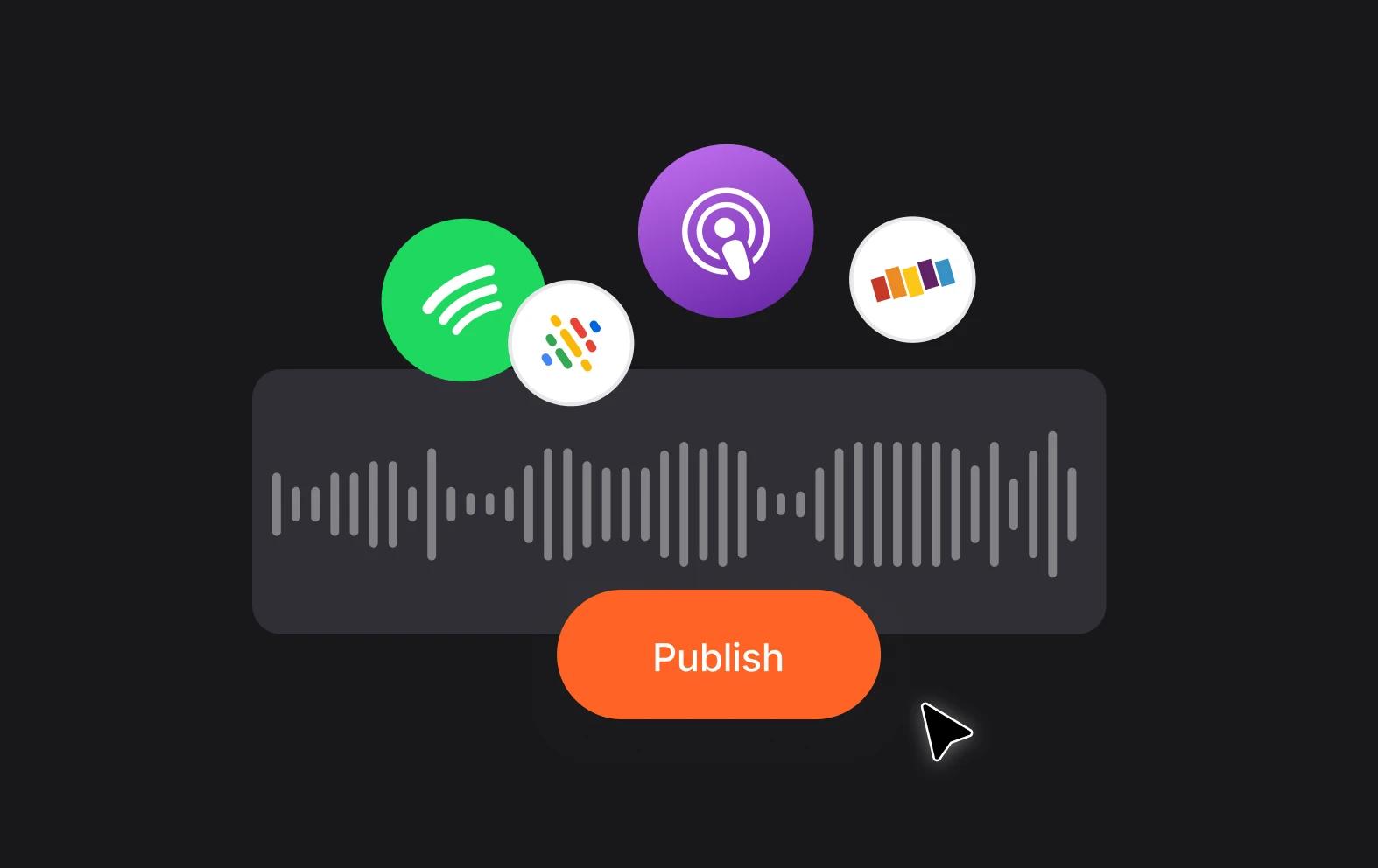
Free audio merging
You can try out audio editing for free with Async’s Basic Plan that features unlimited audio recording and editing. Upload your files and merge, combine, edit and mix.
Edit in just a few clicks
There’s nothing complicated about editing with Async you just need to upload your files, drag them into position and be done in a few clicks.
Merge files in your browser
No need to download stuff to your PC, Mac or Phone, just visit the Async website, go to your account and merge your audio tracks, with 2GB of free cloud storage.