icon

Video Podcast Editor

Create professional-quality video podcasts with AI. Our powerful and intuitive video editor lets you quickly edit your videos from anywhere.

Edit your podcast videos easily

Whether you’re adding video to your audio-only podcast or going primarily with a video, Async can help keep your sound and visuals on point. You can record audio and video in our recording studio and then easily edit with our multi-track editing suite. Drag and drop your files, move things around with ease and use our range of features to make your video pop.

Distributing and promoting your video podcast is easy as well, with the ability to quickly make clips of longer videos for use on social media. Quickly publish your videos across all channels and reach your audience faster.

icon

How to edit video podcasts?

card 1 img
card 2 img
card 3 img
benefit img 1

Studio-quality content

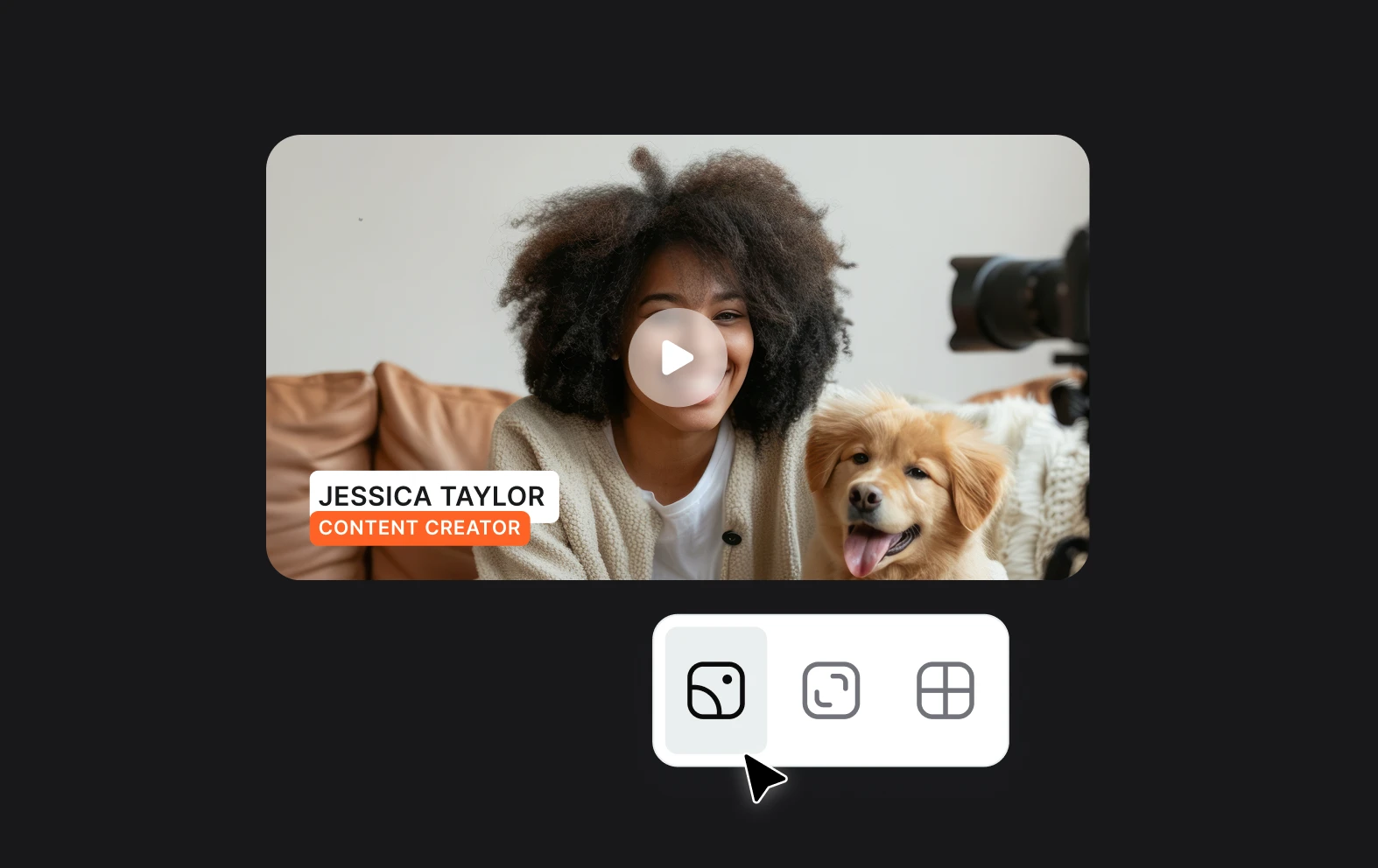
The combination of AI and an easy-to-use editor means anyone can create world class video content. Try it out and see just how easy it is to create amazing long-form videos that look great and captivate your viewers.
benefit img 2

Powerful editing software

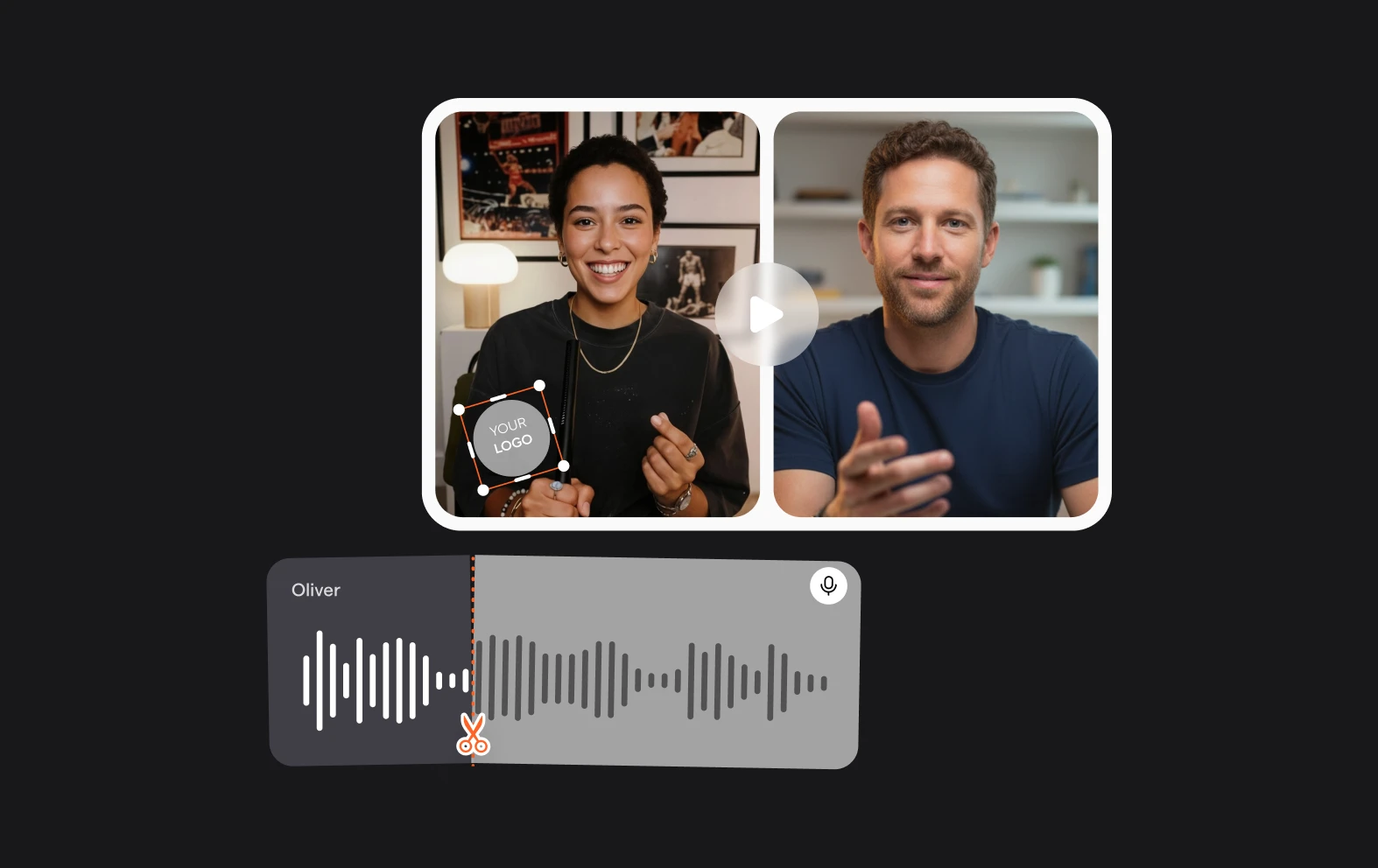
Whether you’re cutting a 2 minute social media video or a 3 hour epic YouTube documentary, Async can handle it. Upload your files and drag and drop on our multi-track editor with simplicity and reliability.
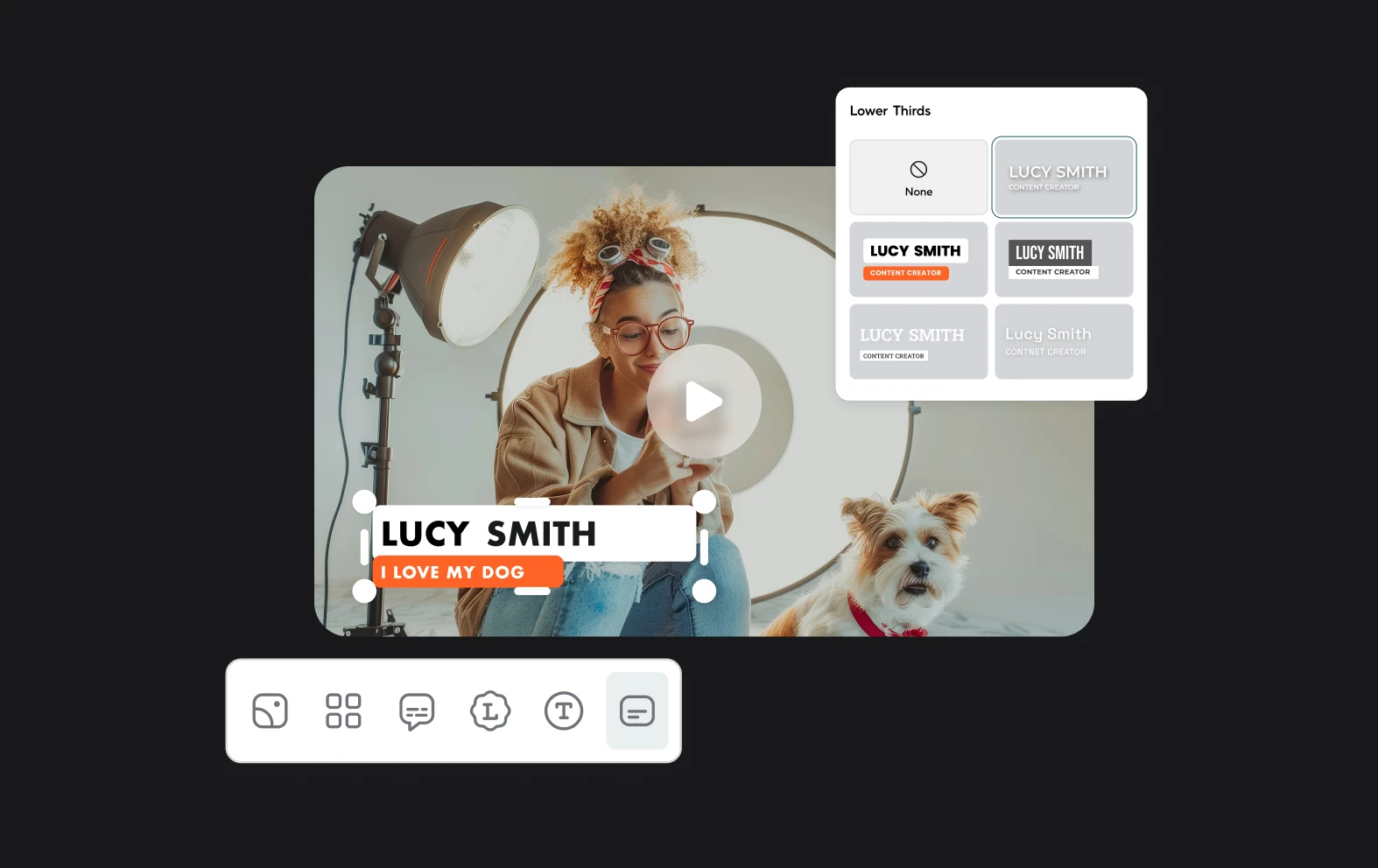
benefit img 3

Browser-based editing

Forget about installing hefty software on your PC or MAC, with Async you can log-in from different devices and find all of your projects waiting. Move faster and edit from anywhere with online video editing.

Discover more

Add Audio to Video OnlineAdd Music to VideosAdd Subtitles to VideoAdd Text to VideoAI Audio AssistantAI Audio EnhancerAI Content ToolsAI Noise ReducerAI Podcast Clip GeneratorAI Subtitle GeneratorAI Video AssistantAI Video EditorAI Video EnhancerAI Video UnblurAnimation VoiceoversAudio JoinerAudio LooperAudio PodcastAudio ProductionAudio RecorderAudio to TextAudio TranslatorAudiobook Recording StudioAutomatic Video EditorBirthday Video MakerBlur Video BackgroundsCar Sound EffectsChange Video Aspect RatioClip MakerCloud Video EditingCompress MP4Compress VideoCreate a PodcastCreate Marketing VideosCreate Training VideosCreate Video OnlineCrop VideoDigital Marketing VideosE-Learning VoiceoversEasiest Video Editing AppEdit MOV FilesEdit WebM FilesExplainer Video MakerExplainer Video VoiceoverExtract AudioEye Contact FixerFemale Voice ChangerFiller Word DetectionFlip VideoFunny Sound EffectsFunny Video MakerHappy Stock MusicInterview TranscriptionJazz Stock MusicLightweight Video EditorLong Video to Short VideoLoop VideoLyric Video MakerMerge Audio FilesMerge VideoMontage Video MakerMP3 Audio CutterMP3 EditorMp3 to TextMP3 to WAV ConverterMP3 TrimmerMP3 Volume IncreaserMP4 to MP3 ConverterMp4 to TextMP4 TrimmerMP4 Video CutterMP4 Video EditorMusic Video MakerMute VideoOnline Audio ConverterOnline Movie MakerOnline Video ConverterOnline Video CutterOnline Video MakerOnline Video RecorderOnline Video TrimmerPhoto to Video MakerPodcast Editing SoftwarePodcast MakerPodcast RecordingPodcast StudioPodcast TeleprompterPodcast TranscriptionPodcast Video EditorPromo Video MakerRain Sound EffectsRecord Audio on iPhoneRemote Interview RecordingRemove Background Noise from AudioRemove Background Noise from VideoRemove Music from VideoResize VideoRotate VideoSilence RemovalSocial Media Marketing VideosSocial Media Video EditorSound Effects LibrarySpeech to Text SoftwareStart PodcastingText Video MakerText-Based EditingTrailer MakerTravel Video MakerTutorial Video MakerVideo Ad MakerVideo Background RemovalVideo ClearerVideo Collage OnlineVideo Compilation MakerVideo CreatorVideo Game VoiceoversVideo Interview SoftwareVideo JoinerVideo MakerVideo MergerVideo PodcastVideo Quality EnhancerVideo Recording SoftwareVideo ResizerVideo Size ReducerVideo SplitterVideo Subtitle GeneratorVideo to AudioVideo to TextVideo TranscriptionVideo TrimmerVideo Tutorial SoftwareVideo Voice OverVoice Over RecordingVoice Over StudioVoice RecorderVoice to TextVoiceovers for PresentationsWAV EditorWAV to MP3 ConverterWebinar Recording SoftwareWedding Video MakerYouTube Sound EffectsYouTube to MP4 TrimYouTube Video CreatorYouTube Video CutterYouTube Video EditorYouTube Video MakerYouTube Video TrimmerYouTube Video Voiceovers
More tools

Frequently Asked Questions

What is the best video editor for podcasts?

The best video podcast editor is Async, which is specifically designed to cater to the needs of podcasters and content creators. Async offers a comprehensive, user-friendly platform that combines advanced video and audio editing tools with AI-powered features. It allows you to easily edit and enhance your video podcasts, with features like automatic transcription, text-based editing, noise reduction, and seamless integration of video and audio elements. Its intuitive interface makes it accessible even for beginners, while its powerful capabilities ensure a polished, professional result, making Async the top choice for video podcast editing.

What is an AI video podcast editor?

An AI video podcast editor like Async is a digital tool that leverages artificial intelligence to streamline and enhance the process of editing video podcasts. Async integrates advanced AI features such as automatic transcription, text-based video editing, and noise reduction, making it easier for creators to produce high-quality content quickly. The platform allows users to edit video by simply editing the transcript, automatically syncing changes with the video, and offering features like voice enhancement and audio cleanup. This makes Async an ideal solution for podcasters who want to efficiently create professional-grade video podcasts without needing extensive technical skills.

How long should a video podcast be?

The ideal length for a video podcast can vary depending on several factors, including the content type, audience preferences, and platform. Generally, video podcasts range from 15 minutes to over an hour. Shorter formats, around 15-30 minutes, work well for news updates, quick tips, or focused discussions on specific topics. They're easily digestible and fit into busy schedules. Mid-length podcasts, lasting 30-45 minutes, allow for more in-depth exploration of subjects while still maintaining viewer engagement. Longer formats, typically 60 minutes or more, are suitable for in-depth interviews, panel discussions, or complex topic analyses. These extended episodes appeal to dedicated fans and subject enthusiasts. Ultimately, the most effective length depends on your content and audience. It's crucial to balance thoroughness with maintaining viewer interest. Many successful podcasters experiment with different durations and use analytics to determine what resonates best with their audience.

What are some good video podcast examples?

There are many excellent video podcasts covering a wide range of topics. Some popular options include "The Joe Rogan Experience," which features long-form conversations with diverse guests, and "TED Talks Daily," offering thought-provoking presentations on various subjects. For tech enthusiasts, "This Week in Tech (TWiT)" provides in-depth discussions on the latest technology news. "Hot Ones" combines celebrity interviews with a unique hot sauce challenge, while "The Philip DeFranco Show" offers commentary on current events and pop culture. Nature lovers might enjoy "Our Changing Climate," which explores environmental issues.

Are video podcasts better than audio-only?

Video podcasts offer a visual element that can make the content more engaging, allowing viewers to see the hosts, guests, and any visual aids or demonstrations. This can create a stronger connection with the audience and make the content more memorable. Video podcasts also have the potential to reach a wider audience through platforms like YouTube, where video content is highly consumed and easily shared. On the other hand, audio-only podcasts are more convenient for listeners who prefer to consume content on the go, such as while driving or exercising. That’s why it’s a good idea to offer both video and audio versions to cater to as many people as possible.
Your video, made by chat.
Just tell Async what you want.

From raw footage and AI-generated scenes to finished videos in one AI workflow.

Start creating for free