
Online Video Trimmer
Trim your videos effortlessly with Async’s free video trimmer, the perfect tool to quickly cut and customize your content.
What is an online Video Trimmer?
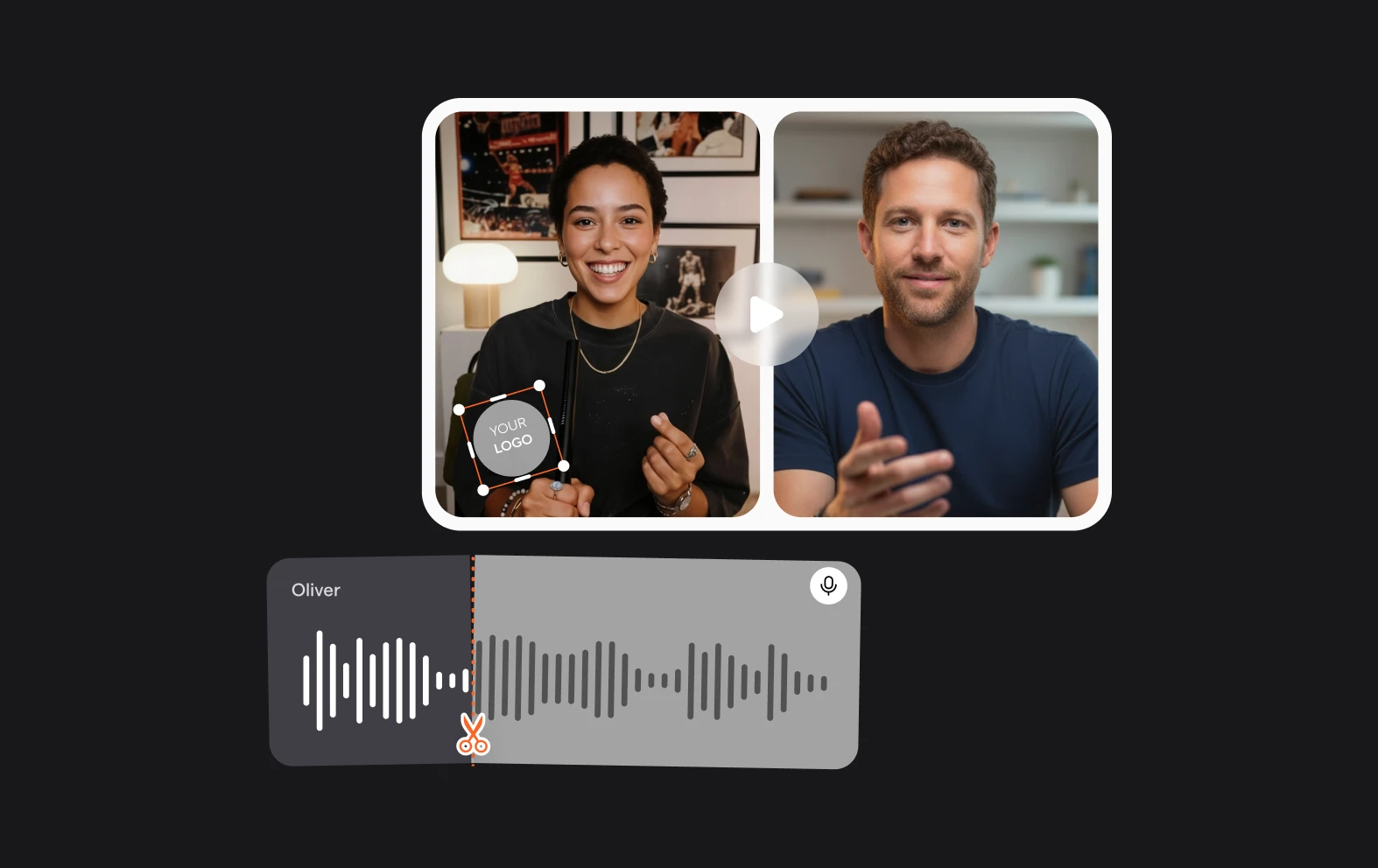
An online video trimmer is a great tool that allows you to shorten or cut segments of your video without needing any complex software. With Async’s video trimmer, you can trim videos directly in your browser, enjoying a quick and seamless editing experience.
Whether you’re creating content for social media, tutorials, or personal projects, our online video trimmer gives you total control over your video’s length and focus, helping you capture only the essential moments.

How to trim your videos in 3 easy steps?

Quick and simple trimming
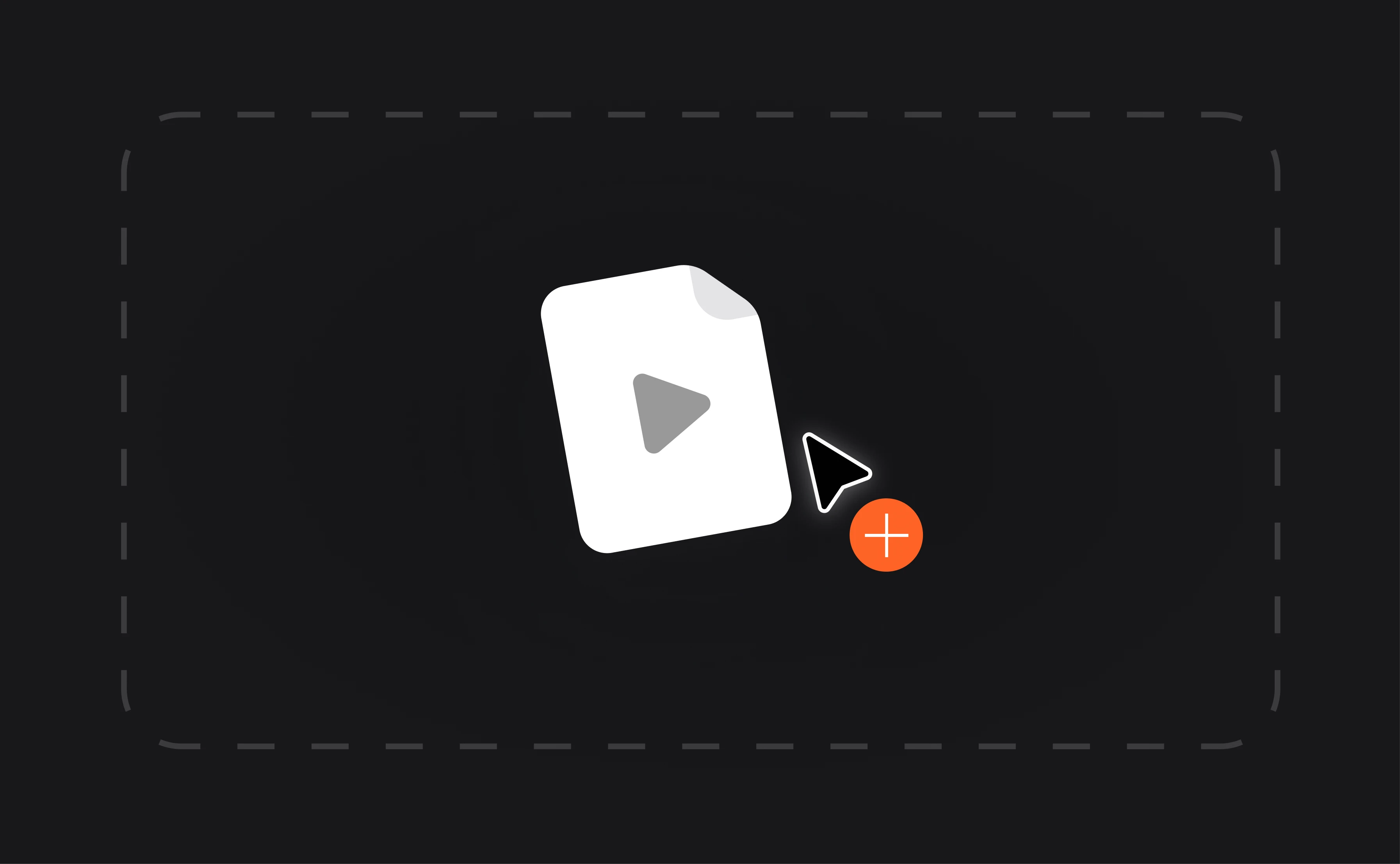
Async’s video trimmer is designed to make the editing process as easy as possible. With an intuitive drag-and-drop interface, trimming your videos is quick and requires no prior editing experience. Simply upload your video, adjust the trim, and you’re done—all in a matter of seconds. This streamlined approach makes it a perfect tool for content creators on the go or anyone looking to quickly adjust their video length without hassle.
No quality loss
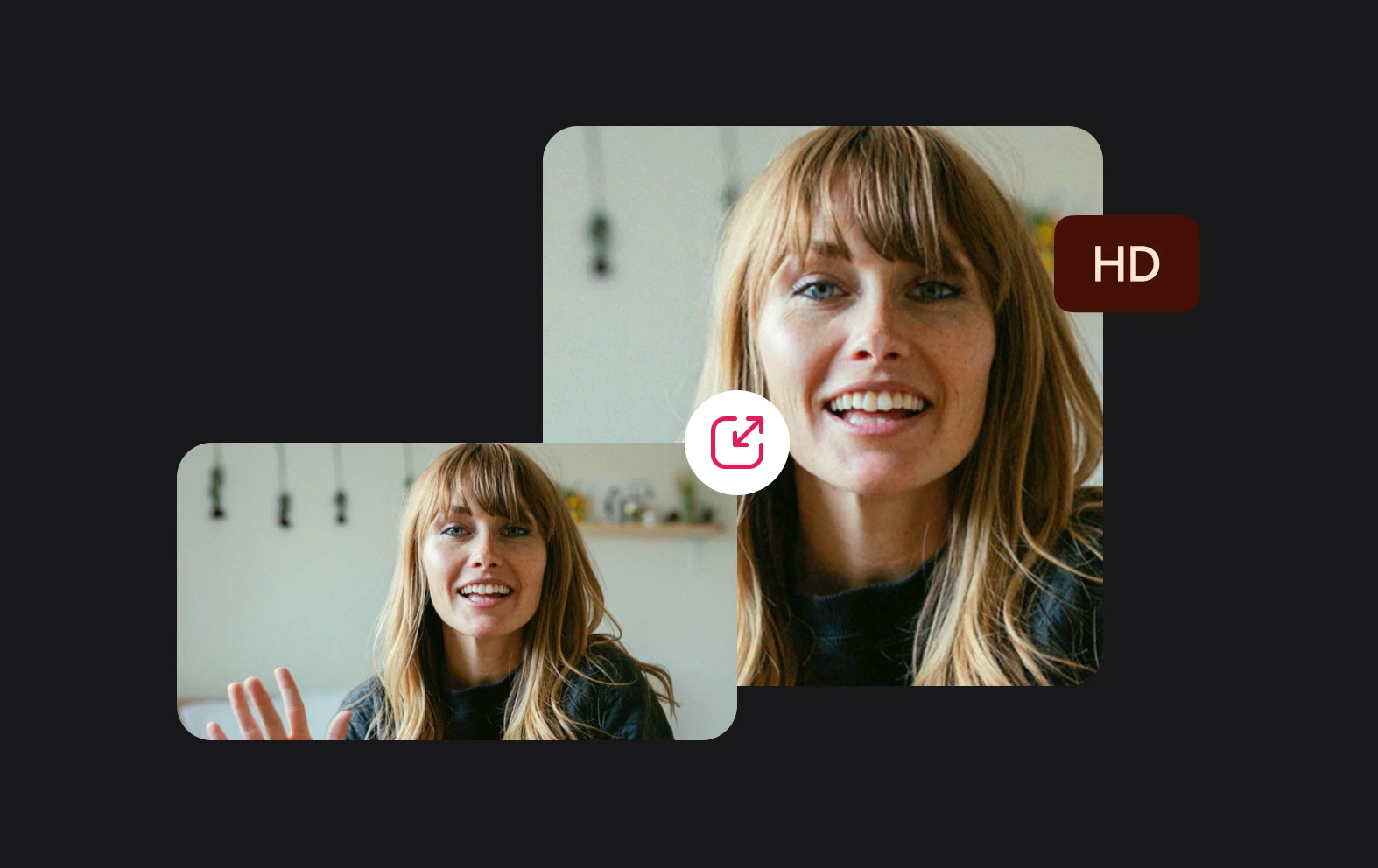
With Async’s online video trimmer, your videos retain their original quality even after trimming. This means you can confidently cut and shorten your content without worrying about pixelation or clarity loss. The tool compresses and edits your file without sacrificing quality, so your final output is sharp, clear, and ready for high-quality sharing on any platform.
Free and accessible
Our video trimmer is not only effective but also entirely free to use! You can access the tool online without the need to download or install any software, saving you time and storage space. It’s ideal for anyone looking for a free video trimmer solution that can be accessed from any device with an internet connection.