icon

Wedding Video Maker

Craft unforgettable memories with Async’s wedding video maker, designed to help you create stunning wedding videos effortlessly.

Why choose Async for wedding videos?

Async is your go-to tool for everything from crafting heartfelt wedding invitations to producing full-length wedding films. This AI wedding video maker combines user-friendly features with professional results, making it the ideal choice for couples and professionals alike. Whether you’re searching for a free online wedding video maker or learning how to make a wedding video, Async’s AI wedding video maker simplifies every step, offering stunning seamless editing and easy sharing options.

icon

How to make a wedding video in 3 simple steps

card 1 img
card 2 img
card 3 img
benefit img 1

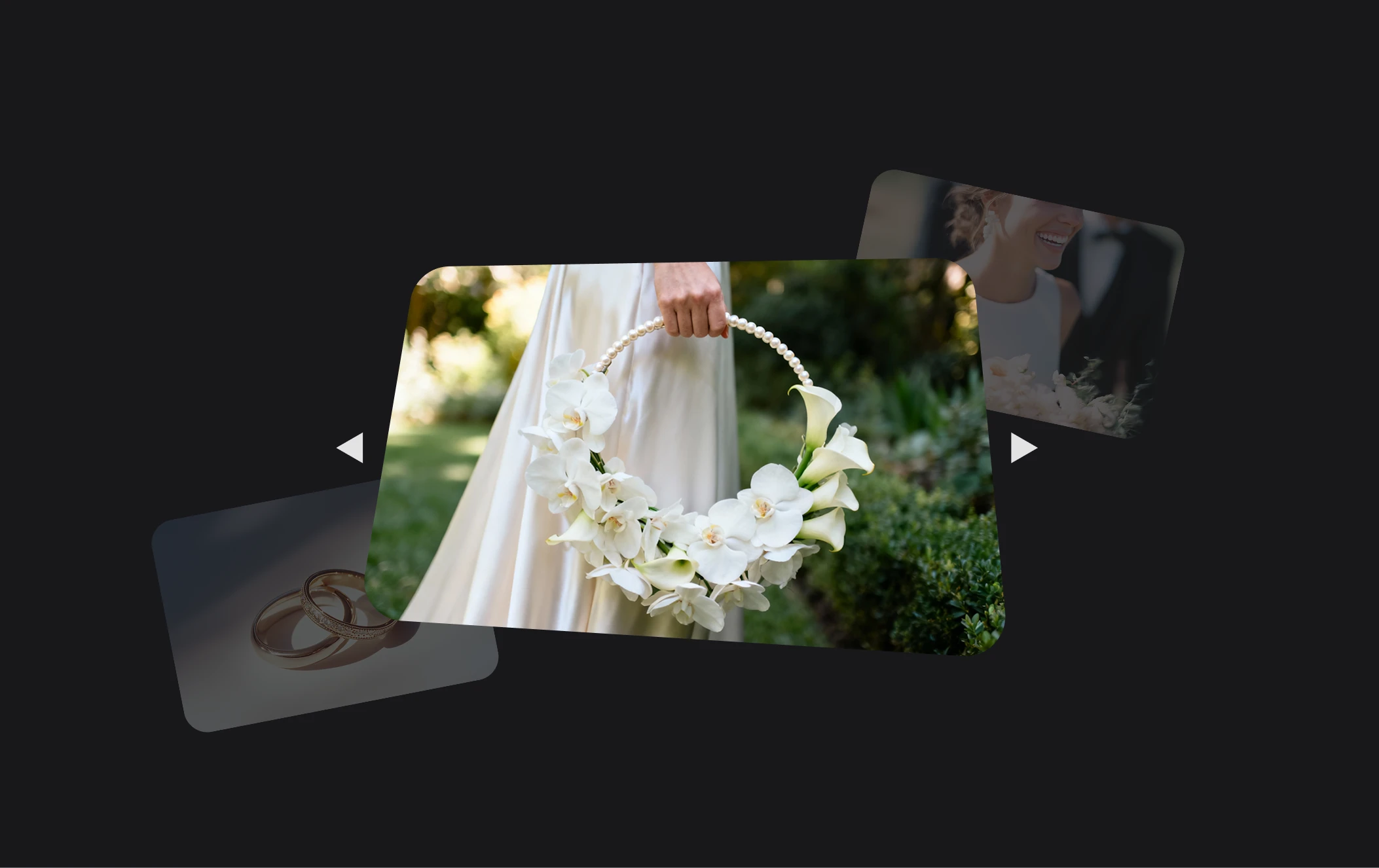
AI-powered editing for professional results

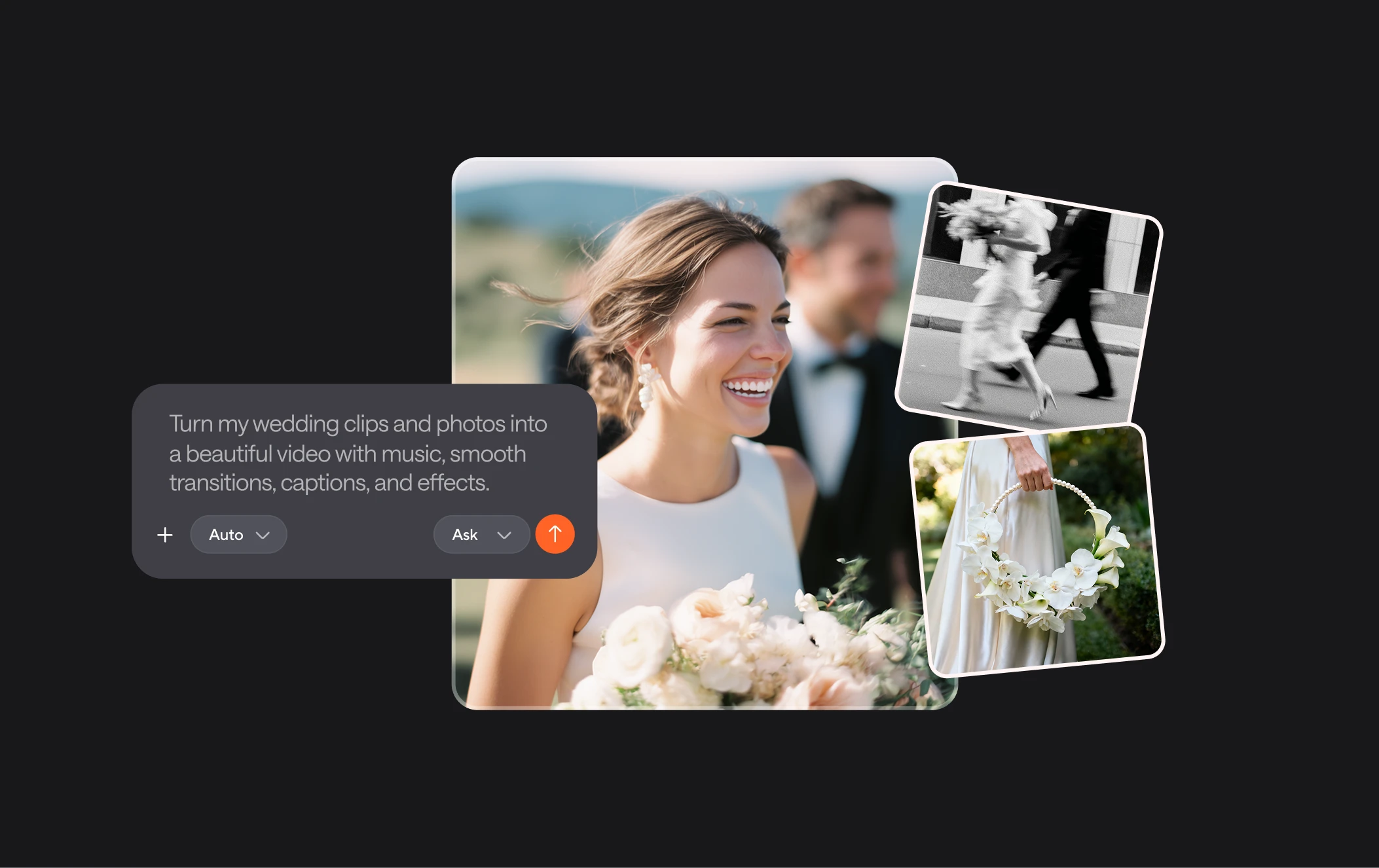
Async’s AI-powered wedding video maker takes the stress out of editing by automating complex tasks. With features like intelligent scene transitions, music synchronization, and AI enhancement tools, you can create stunning videos effortlessly. Whether you’re looking for a wedding invitation video maker online free or a tool to produce a full wedding film, Async delivers high-quality results without the learning curve.

benefit img 2

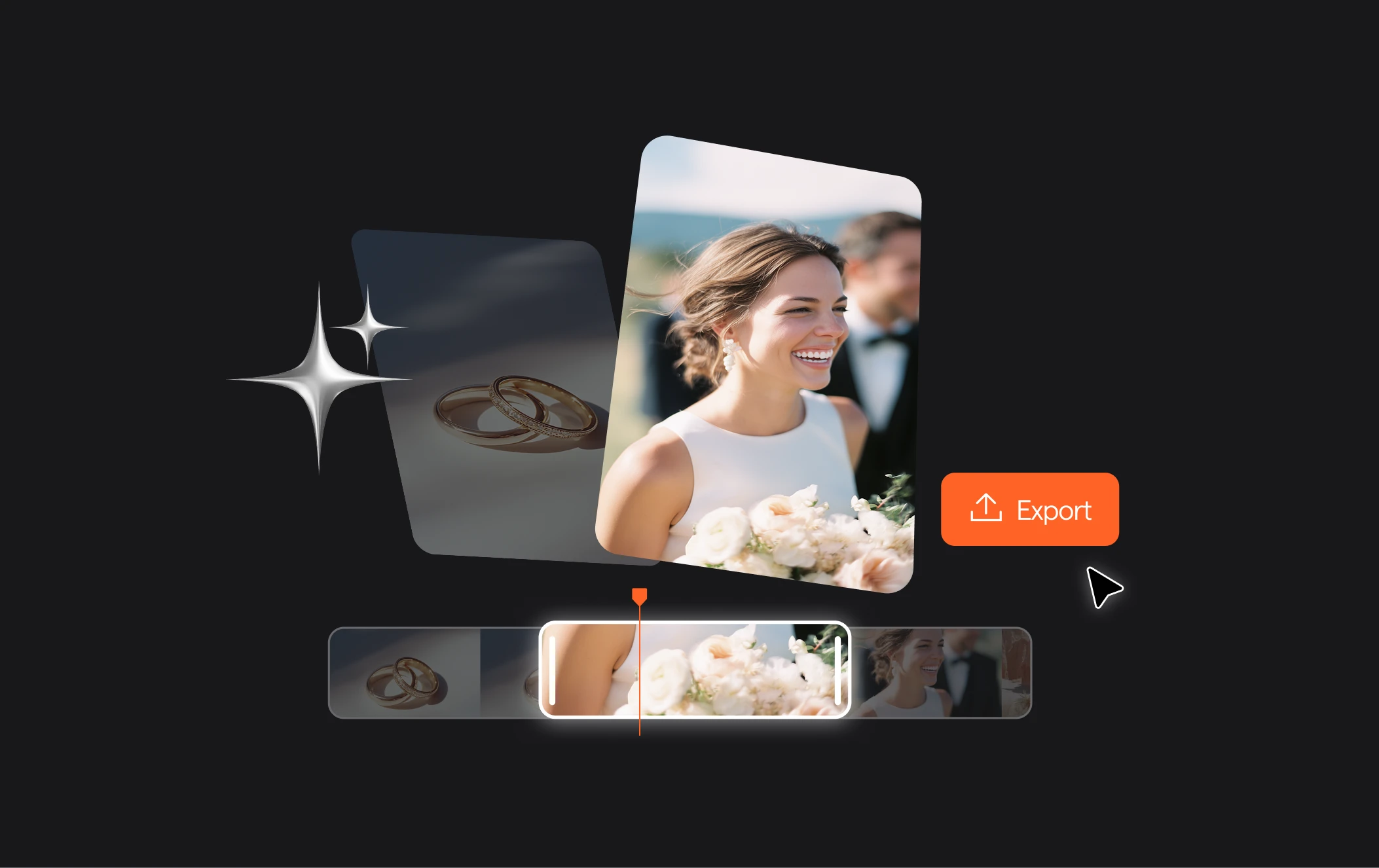
Tools for every wedding moment

From creating save-the-date announcements to capturing the heartfelt highlights of your big day, Async equips you with powerful AI tools to bring your vision to life. Upload your clips, add personalized text and music, and fine-tune your video to perfection. This free online wedding video maker is ideal for crafting everything from wedding invitations to full-length wedding films with ease and creativity.

benefit img 3

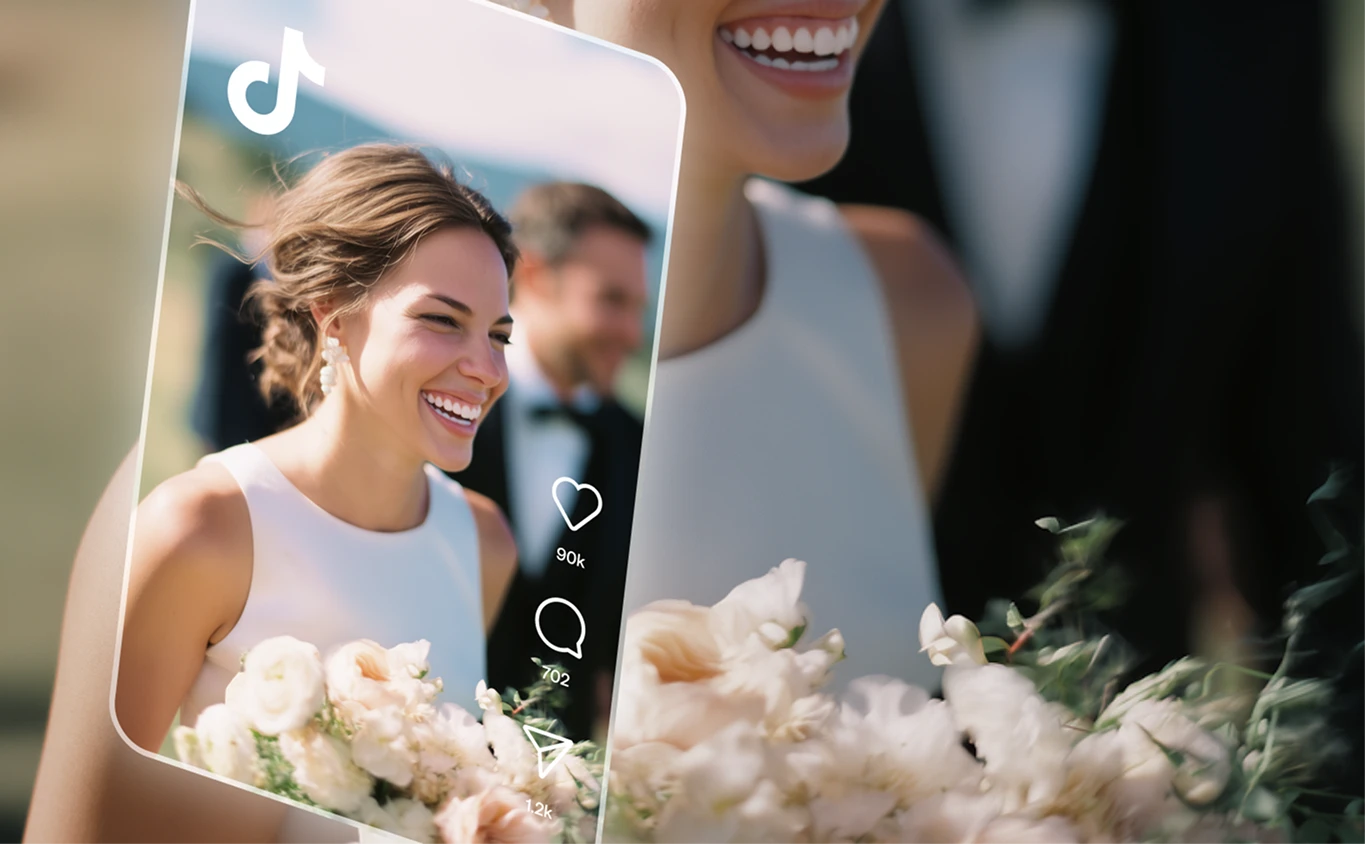
Easy sharing and high-quality exports

Once your wedding video is ready, export it in stunning high definition with just a click. Async makes it easy to share your creation on social media or directly with friends and family. With its seamless editing tools and free options, it’s the ultimate tool for anyone learning how to make a wedding video or looking to create something truly memorable.

Discover more

Add Audio to Video OnlineAdd Music to VideosAdd Subtitles to VideoAdd Text to VideoAI Audio AssistantAI Audio EnhancerAI Content ToolsAI Noise ReducerAI Podcast Clip GeneratorAI Subtitle GeneratorAI Video AssistantAI Video EditorAI Video EnhancerAI Video UnblurAnimation VoiceoversAudio JoinerAudio LooperAudio PodcastAudio ProductionAudio RecorderAudio to TextAudio TranslatorAudiobook Recording StudioAutomatic Video EditorBirthday Video MakerBlur Video BackgroundsCar Sound EffectsChange Video Aspect RatioClip MakerCloud Video EditingCompress MP4Compress VideoCreate a PodcastCreate Marketing VideosCreate Training VideosCreate Video OnlineCrop VideoDigital Marketing VideosE-Learning VoiceoversEasiest Video Editing AppEdit MOV FilesEdit WebM FilesExplainer Video MakerExplainer Video VoiceoverExtract AudioEye Contact FixerFemale Voice ChangerFiller Word DetectionFlip VideoFunny Sound EffectsFunny Video MakerHappy Stock MusicInterview TranscriptionJazz Stock MusicLightweight Video EditorLong Video to Short VideoLoop VideoLyric Video MakerMerge Audio FilesMerge VideoMontage Video MakerMP3 Audio CutterMP3 EditorMp3 to TextMP3 to WAV ConverterMP3 TrimmerMP3 Volume IncreaserMP4 to MP3 ConverterMp4 to TextMP4 TrimmerMP4 Video CutterMP4 Video EditorMusic Video MakerMute VideoOnline Audio ConverterOnline Movie MakerOnline Video ConverterOnline Video CutterOnline Video MakerOnline Video RecorderOnline Video TrimmerPhoto to Video MakerPodcast Editing SoftwarePodcast MakerPodcast RecordingPodcast StudioPodcast TeleprompterPodcast TranscriptionPodcast Video EditorPromo Video MakerRain Sound EffectsRecord Audio on iPhoneRemote Interview RecordingRemove Background Noise from AudioRemove Background Noise from VideoRemove Music from VideoResize VideoRotate VideoSilence RemovalSocial Media Marketing VideosSocial Media Video EditorSound Effects LibrarySpeech to Text SoftwareStart PodcastingText Video MakerText-Based EditingTrailer MakerTravel Video MakerTutorial Video MakerVideo Ad MakerVideo Background RemovalVideo ClearerVideo Collage OnlineVideo Compilation MakerVideo CreatorVideo Game VoiceoversVideo Interview SoftwareVideo JoinerVideo MakerVideo MergerVideo PodcastVideo Quality EnhancerVideo Recording SoftwareVideo ResizerVideo Size ReducerVideo SplitterVideo Subtitle GeneratorVideo to AudioVideo to TextVideo TranscriptionVideo TrimmerVideo Tutorial SoftwareVideo Voice OverVoice Over RecordingVoice Over StudioVoice RecorderVoice to TextVoiceovers for PresentationsWAV EditorWAV to MP3 ConverterWebinar Recording SoftwareWedding Video MakerYouTube Sound EffectsYouTube to MP4 TrimYouTube Video CreatorYouTube Video CutterYouTube Video EditorYouTube Video MakerYouTube Video TrimmerYouTube Video Voiceovers
More tools

Frequently Asked Questions

How do I make a wedding video?

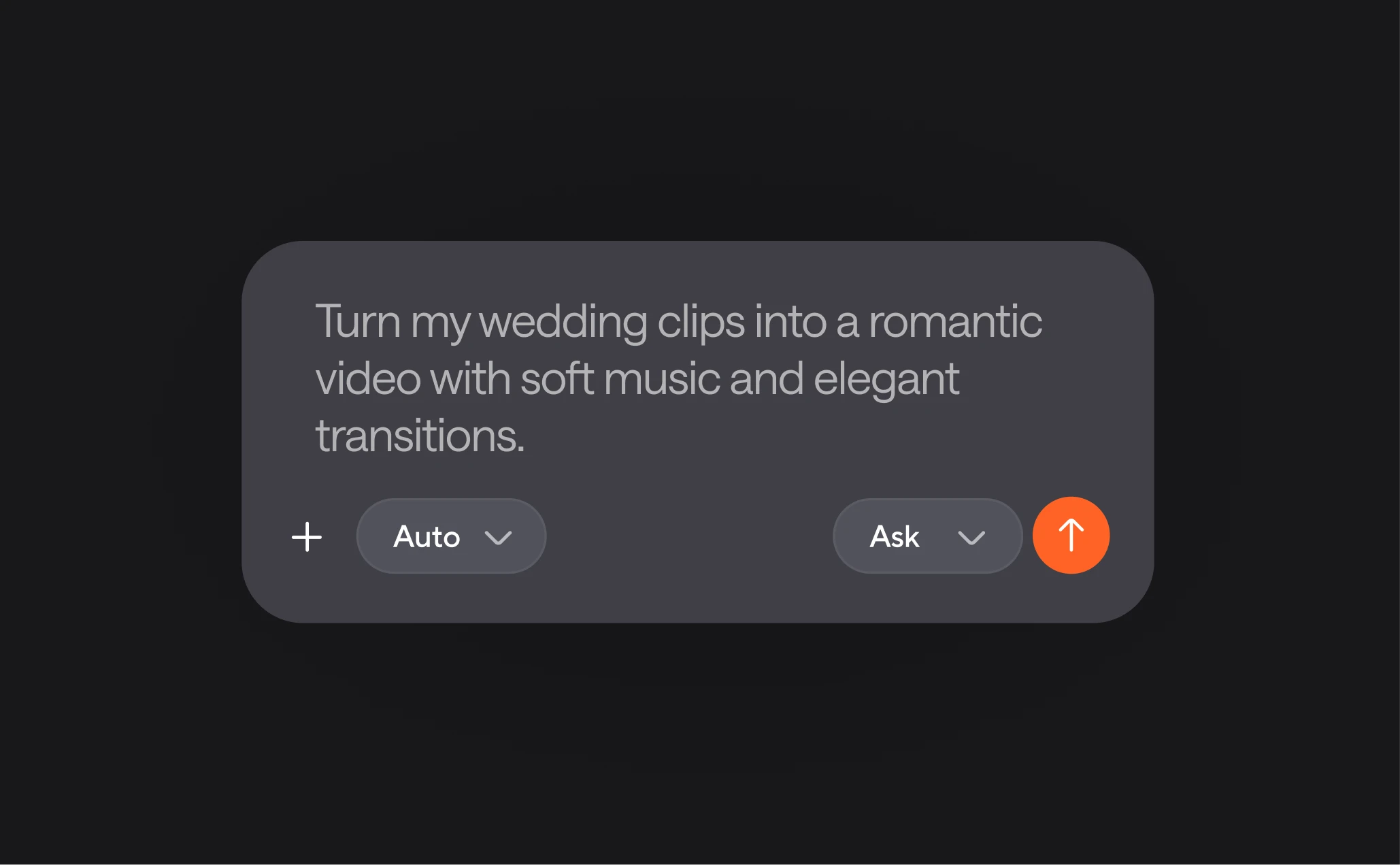
Making a wedding video with Async is simple and stress-free. Start by uploading your footage or recording clips directly on the platform. Go to Async and use the editing tools to trim, merge, and enhance your video. Add a personal touch by including music, captions, and transitions. Finally, export your video in high resolution and share it with your loved ones. Whether you’re creating a wedding invitation or a full-length film, Async offers everything you need to bring your ideas to life.

What is the best free wedding video editor?

Async is one of the best free wedding video editors available today. It’s designed for everyone, whether you’re a beginner or a pro, offering features like drag-and-drop editing and AI-powered tools for smooth transitions and effects. The platform supports high-quality video exports, ensuring your wedding videos look professional without costing a dime. Additionally, Async is entirely web-based, so there’s no need for complicated software downloads. It’s perfect for creating everything from wedding invitations to full-length films with ease.

How many hours does it take to edit a wedding video?

The time it takes to edit a wedding video depends on the complexity of the footage and the final result you’re aiming for. Traditionally, editing a full wedding video can take anywhere from 20 to 40 hours, especially if you’re manually trimming clips, syncing music, and adding effects. However, with Async’s AI-powered tools and user-friendly interface, this process can be significantly faster. You can create beautiful wedding videos in just a few hours, saving time while still achieving a polished result.

How long is an ideal wedding video?

The ideal length of a wedding video depends on its purpose. For highlight reels, aim for 3 to 5 minutes to capture the essence of the day without losing your audience's attention. Full-length wedding videos, on the other hand, often range between 30 and 90 minutes, featuring the ceremony, speeches, and key moments in detail. Async allows you to customize the length based on your needs, whether you’re creating a short video for social media or a comprehensive keepsake for family and friends.

Can a wedding video be edited?

Yes, wedding videos can absolutely be edited, and Async makes the process easy. Whether you want to enhance the footage with music, correct lighting, or remove unwanted sections, our intuitive tools help you do it all. The platform also offers AI-powered features to automate transitions and sync music seamlessly. Even if the video was shot months or years ago, you can upload it to Async, make your desired changes, and give it a fresh new look that perfectly captures the day.
Your video, made by chat.
Just tell Async what you want.

From raw footage and AI-generated scenes to finished videos in one AI workflow.

Start creating for free