icon

YouTube Video Cutter Online

Create and edit YouTube videos directly in your browser with Async’s video editing software. Start from scratch or upload and edit your existing videos.

Edit videos for YouTube online

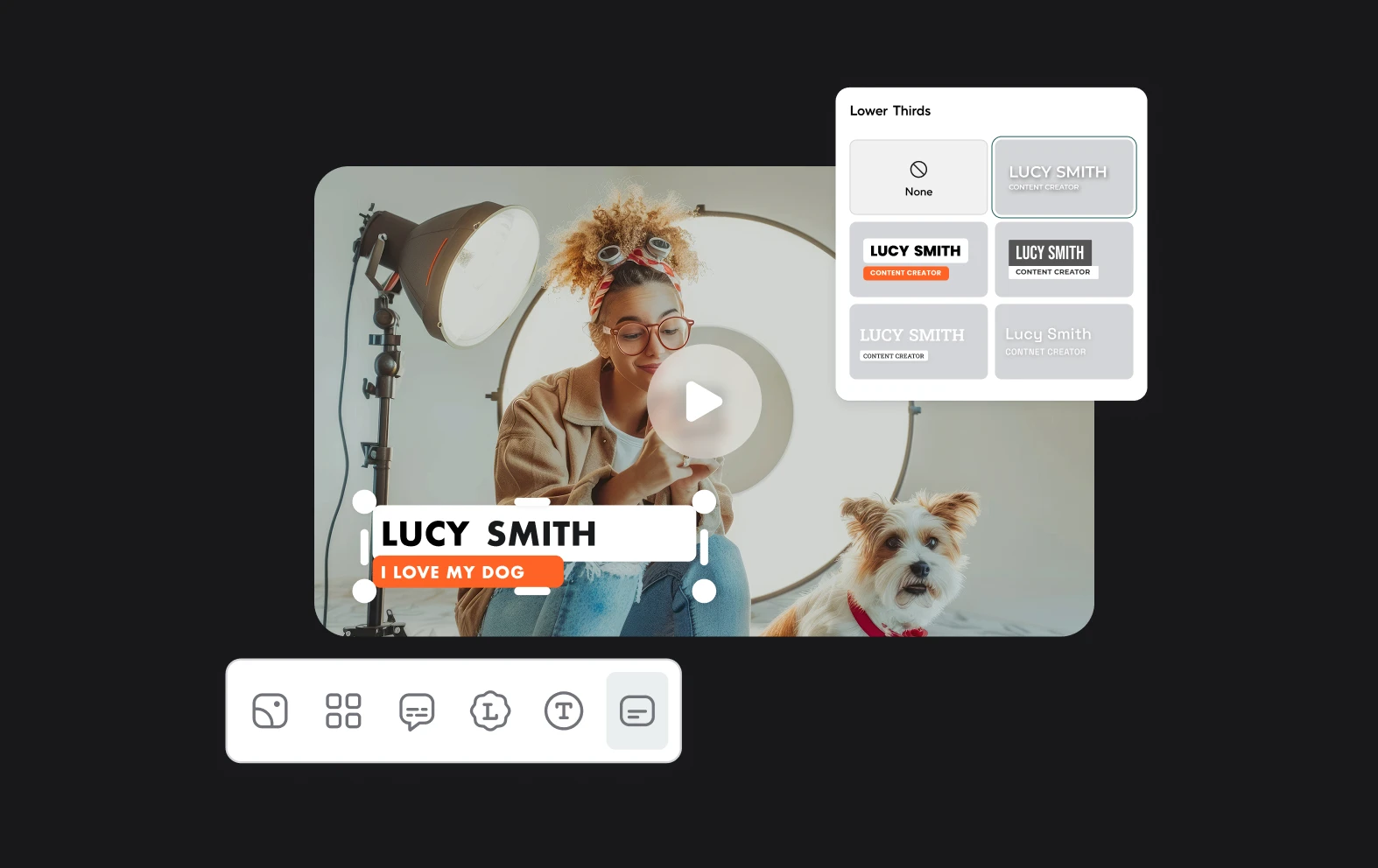
Whether you’re a regular YouTuber or just have one video that you need to cut down, Async’s super sleek, easy-to-use video editor is ideal for the job. Our drag-and-drop editor and AI features make editing any videos, including YouTube content, a breeze. Spends minutes editing, cutting and trimming videos instead of hours with the easiest video editor you’ll ever use.

What’s even better is that you don’t have to download or install anything! Just create an account and get started with cutting videos in your browser.

icon

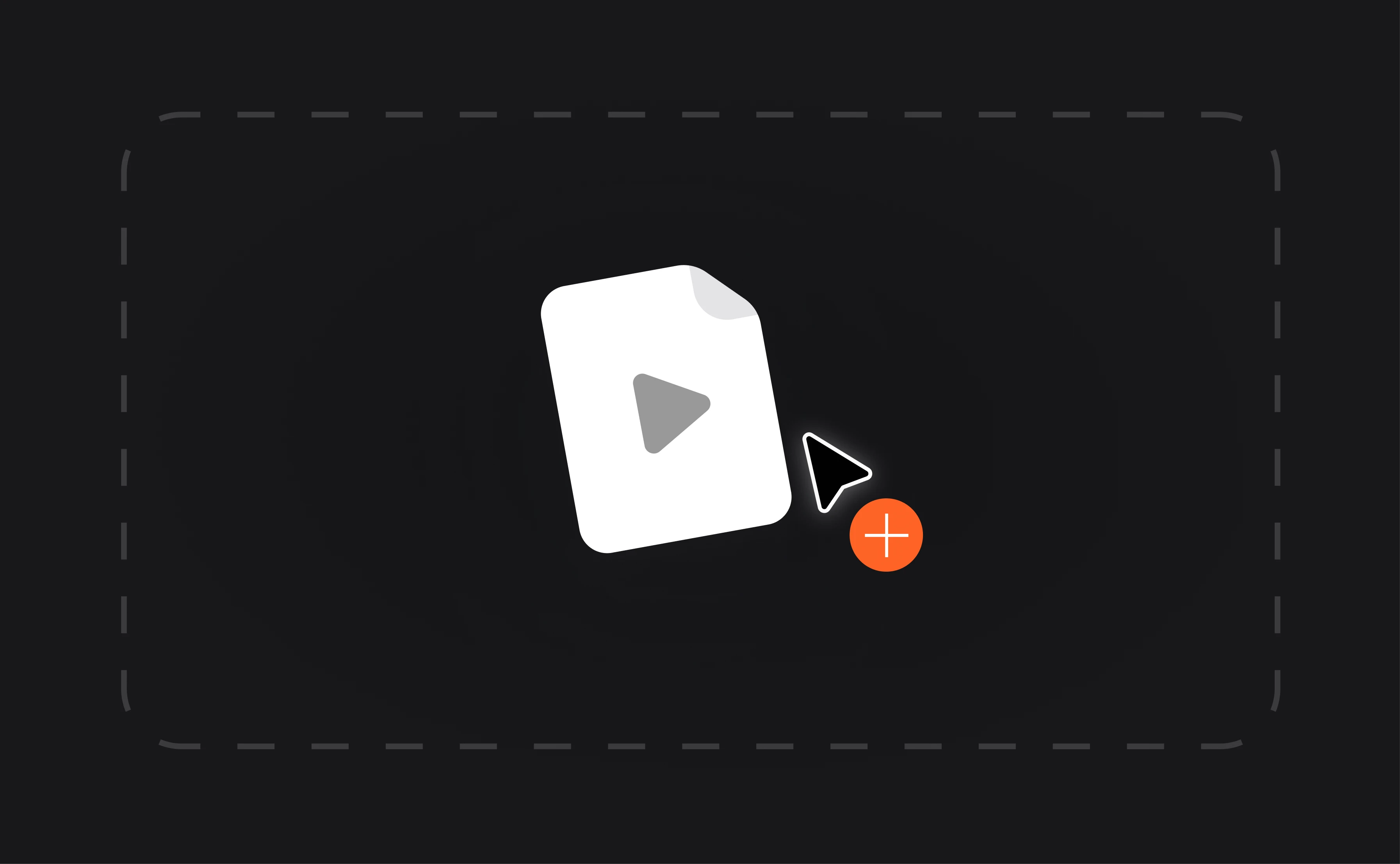
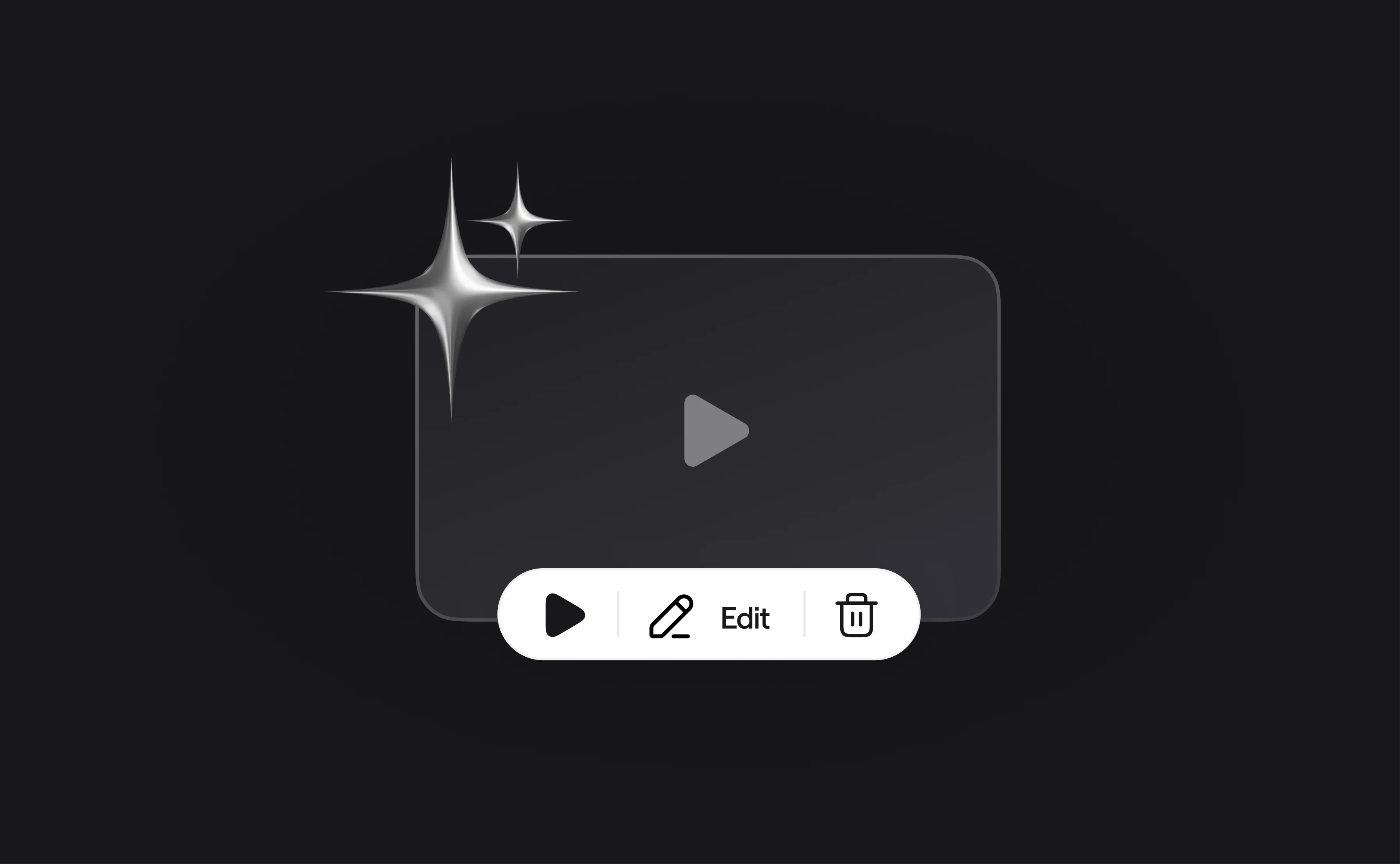
How to cut YouTube videos?

card 1 img
card 2 img
card 3 img
benefit img 1

Ideal for YouTube

Our video editor is powerful enough to handle all kinds of videos, making it perfect for editing long and short YouTube videos. If you have a video you want to cut, simply upload and get going straight away.
benefit img 2

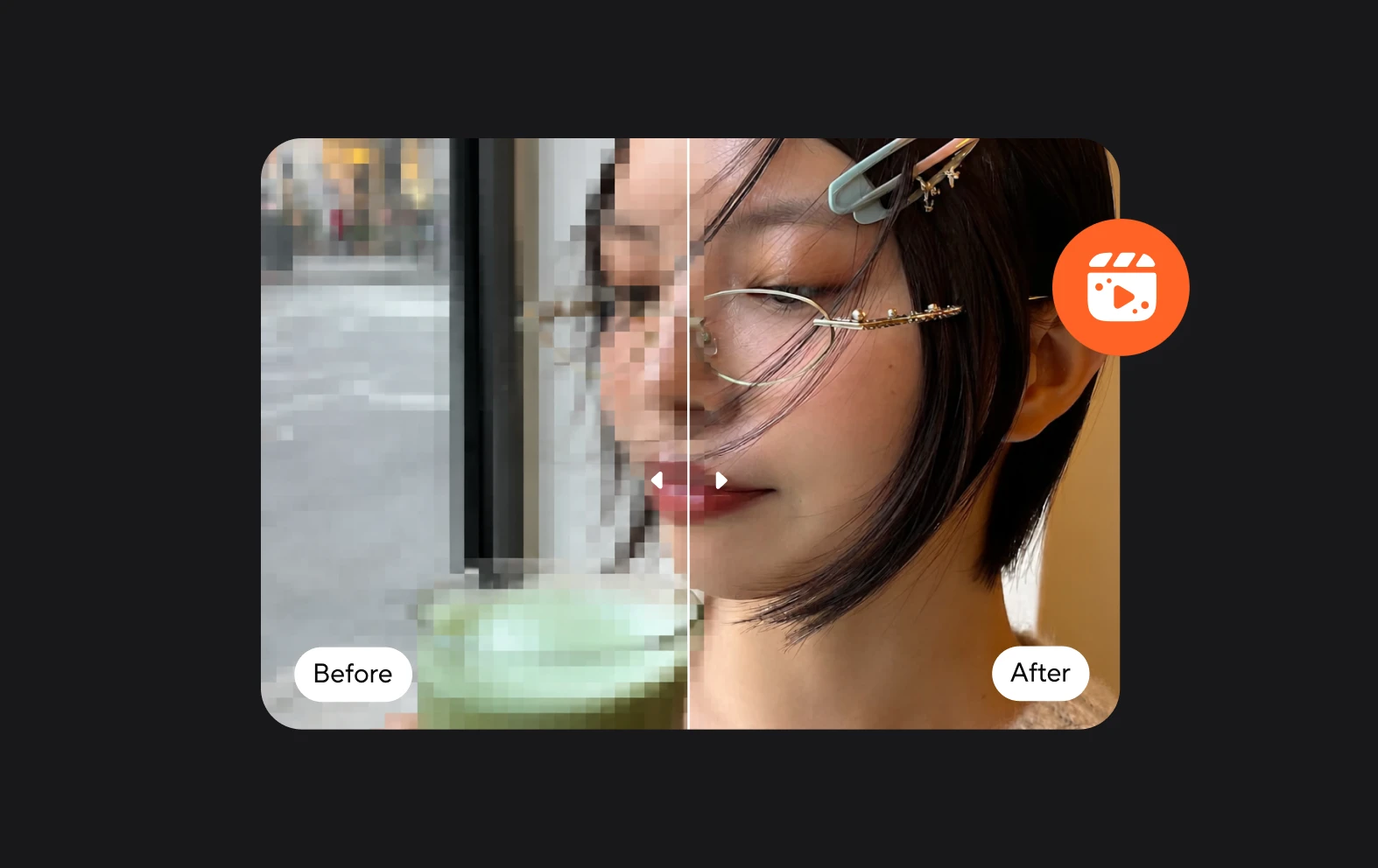
Power up with AI

AI will transform how you edit your videos. It makes things faster, easier and lets you create quality content that’s as good as any video out there. Enhance the video and audio quality or just make tweaks to the look and feel.
benefit img 3

Safe and secure

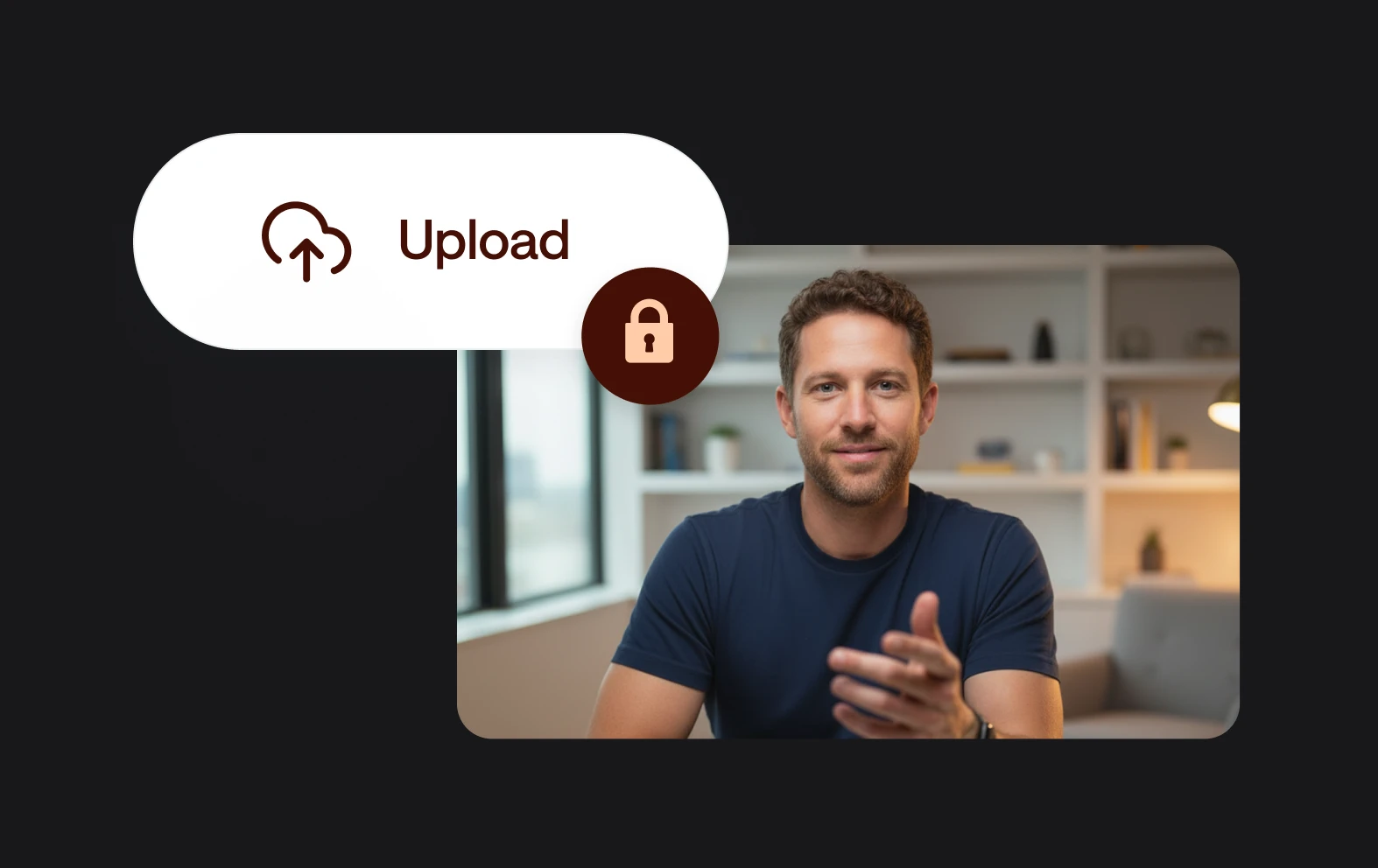
Once you upload your files, they will be saved in your Async account and ready to be accessed from anywhere. Get secure cloud storage that lets you upload and download your files in your browser.

Discover more

Add Audio to Video OnlineAdd Music to VideosAdd Subtitles to VideoAdd Text to VideoAI Audio AssistantAI Audio EnhancerAI Content ToolsAI Noise ReducerAI Podcast Clip GeneratorAI Subtitle GeneratorAI Video AssistantAI Video EditorAI Video EnhancerAI Video UnblurAnimation VoiceoversAudio JoinerAudio LooperAudio PodcastAudio ProductionAudio RecorderAudio to TextAudio TranslatorAudiobook Recording StudioAutomatic Video EditorBirthday Video MakerBlur Video BackgroundsCar Sound EffectsChange Video Aspect RatioClip MakerCloud Video EditingCompress MP4Compress VideoCreate a PodcastCreate Marketing VideosCreate Training VideosCreate Video OnlineCrop VideoDigital Marketing VideosE-Learning VoiceoversEasiest Video Editing AppEdit MOV FilesEdit WebM FilesExplainer Video MakerExplainer Video VoiceoverExtract AudioEye Contact FixerFemale Voice ChangerFiller Word DetectionFlip VideoFunny Sound EffectsFunny Video MakerHappy Stock MusicInterview TranscriptionJazz Stock MusicLightweight Video EditorLong Video to Short VideoLoop VideoLyric Video MakerMerge Audio FilesMerge VideoMontage Video MakerMP3 Audio CutterMP3 EditorMp3 to TextMP3 to WAV ConverterMP3 TrimmerMP3 Volume IncreaserMP4 to MP3 ConverterMp4 to TextMP4 TrimmerMP4 Video CutterMP4 Video EditorMusic Video MakerMute VideoOnline Audio ConverterOnline Movie MakerOnline Video ConverterOnline Video CutterOnline Video MakerOnline Video RecorderOnline Video TrimmerPhoto to Video MakerPodcast Editing SoftwarePodcast MakerPodcast RecordingPodcast StudioPodcast TeleprompterPodcast TranscriptionPodcast Video EditorPromo Video MakerRain Sound EffectsRecord Audio on iPhoneRemote Interview RecordingRemove Background Noise from AudioRemove Background Noise from VideoRemove Music from VideoResize VideoRotate VideoSilence RemovalSocial Media Marketing VideosSocial Media Video EditorSound Effects LibrarySpeech to Text SoftwareStart PodcastingText Video MakerText-Based EditingTrailer MakerTravel Video MakerTutorial Video MakerVideo Ad MakerVideo Background RemovalVideo ClearerVideo Collage OnlineVideo Compilation MakerVideo CreatorVideo Game VoiceoversVideo Interview SoftwareVideo JoinerVideo MakerVideo MergerVideo PodcastVideo Quality EnhancerVideo Recording SoftwareVideo ResizerVideo Size ReducerVideo SplitterVideo Subtitle GeneratorVideo to AudioVideo to TextVideo TranscriptionVideo TrimmerVideo Tutorial SoftwareVideo Voice OverVoice Over RecordingVoice Over StudioVoice RecorderVoice to TextVoiceovers for PresentationsWAV EditorWAV to MP3 ConverterWebinar Recording SoftwareWedding Video MakerYouTube Sound EffectsYouTube to MP4 TrimYouTube Video CreatorYouTube Video CutterYouTube Video EditorYouTube Video MakerYouTube Video TrimmerYouTube Video Voiceovers
More tools

Frequently Asked Questions

How do I cut YouTube videos?

To cut YouTube videos, you can use Async, a simple and efficient online tool. First, download the YouTube video or use a YouTube downloader to get the video file on your device. Then, upload the file to Async’s platform. Once the video is uploaded, use the intuitive drag-and-drop editor to trim or cut out the sections you don't need. Async allows you to make precise edits by setting start and end points on the timeline. After cutting, you can export the edited video in your preferred format, all without the need for complex software.

How long can YouTube videos be?

YouTube videos can be up to 12 hours long or 128 GB in size, whichever is smaller. To upload videos longer than 15 minutes, you need to verify your account through YouTube’s verification process. This typically involves confirming your phone number to enable extended upload limits. While most users rarely approach these maximum limits, knowing them can be useful for planning large projects or lengthy content.

Can I edit the audio of a YouTube video?

Yes, you can edit the audio of a YouTube video using tools like Async. To do this, first download the YouTube video, ensuring you have permission from the rights holder. Upload the video to Async, where you can access a range of audio editing features. Async allows you to adjust audio levels, remove background noise, and even add or replace audio tracks. Once you've made your changes, you can export the edited video with the improved audio quality, all without needing specialized software

How should I edit videos for YouTube?

To edit videos for YouTube effectively, start by focusing on creating a compelling and engaging narrative. Begin with a clear plan or script, and use editing software to trim unnecessary footage and refine the content. Add attention-grabbing elements like titles, transitions, and background music to enhance viewer engagement. Ensure your video has high-quality audio, which is crucial for maintaining audience interest. Incorporate branding elements, such as logos or consistent color schemes, to strengthen your channel's identity. Finally, optimize the video for YouTube by using relevant keywords in your title, description, and tags, and ensure the video is formatted correctly for the platform's requirements.

How can I convert YouTube videos to MP3 and cut them?

To convert YouTube videos to MP3 and cut them, start by using a tool like Async. Upload the MP4 file to Async and automatically convert it to MP3 where you can easily trim and edit the audio. Async provides intuitive tools to cut, adjust, and refine your audio tracks, allowing you to customize your MP3 file before exporting it. This all-in-one approach simplifies the process, from conversion to editing, within a single platform.
Your video, made by chat.
Just tell Async what you want.

From raw footage and AI-generated scenes to finished videos in one AI workflow.

Start creating for free