
YouTube to MP4 Trimmer
Trim any kind of video, including YouTube videos with Async’s video editor. It’s super simple, easy to get started and free to try.
How to convert and trim a YouTube video
If you’ve seen a video you’d love to use as part of your project, but want to trim parts off the end or cut out just a single clip, it’s easy with Async. Simply get a copy of the YouTube video you want to edit, ensuring that it’s either your own video or that you have permission to use someone else’s video. Once you have the video file upload it to Async where you can trim it by simply dragging the ends of the video file. When you’re happy, just click on export to download it as an MP4.

How to trim MP4 files?


Quick video editing
Async’s video editor is designed to be incredibly streamlined. We know editing can be slow, which is why we’ve designed a tool that’s anything but. From uploading a video to making changes to exporting, everything is done with speed and ease-of-use in mind. Try it out and see just how slick it is.
AI video tools
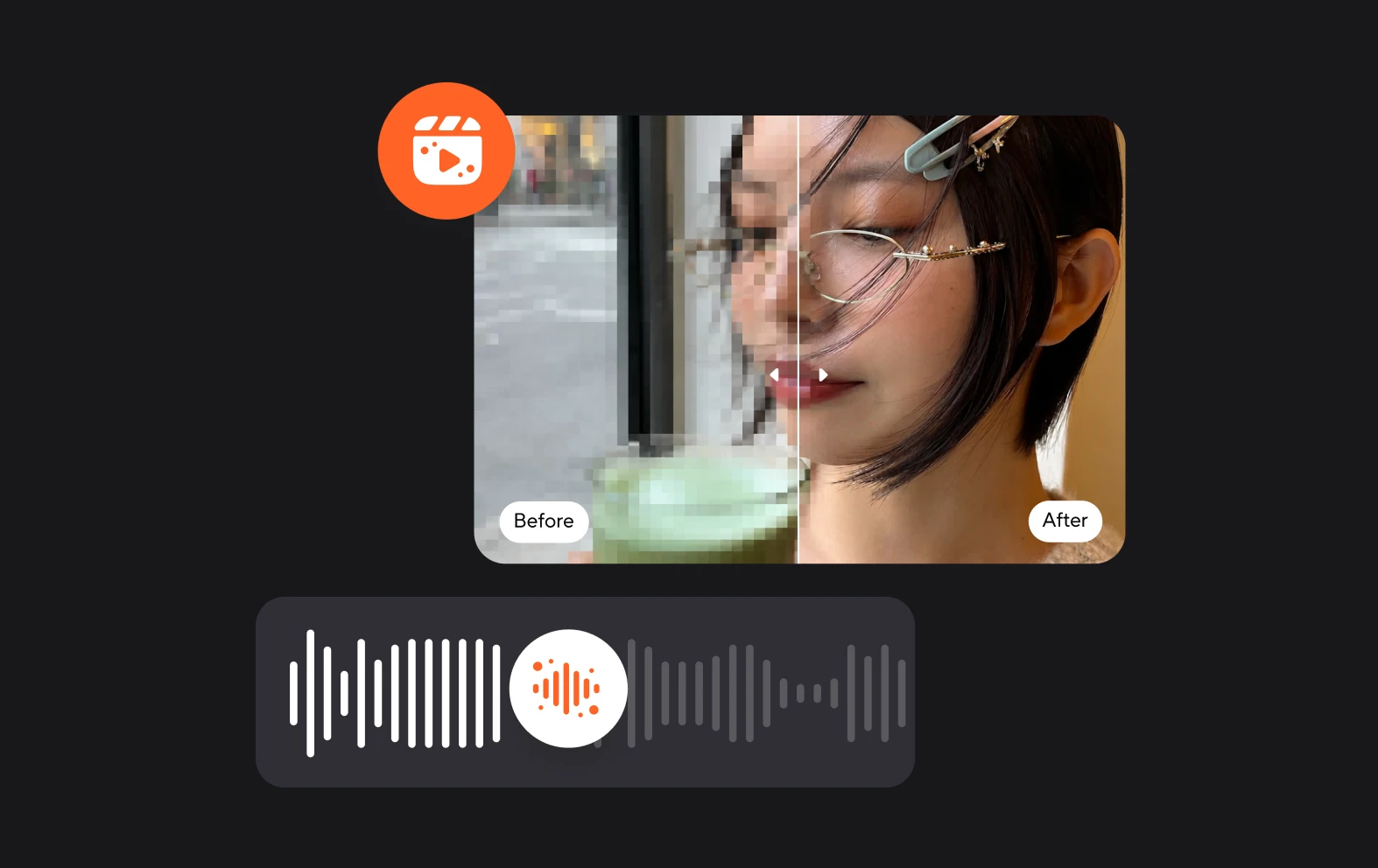
You can record and edit video in our free plan, but our premium plans offer a range of AI features that let you change your video with a single click. Enhance the quality, fix eye contact, blur backgrounds and add AI subtitles easily with the power of AI.
Secure cloud storage
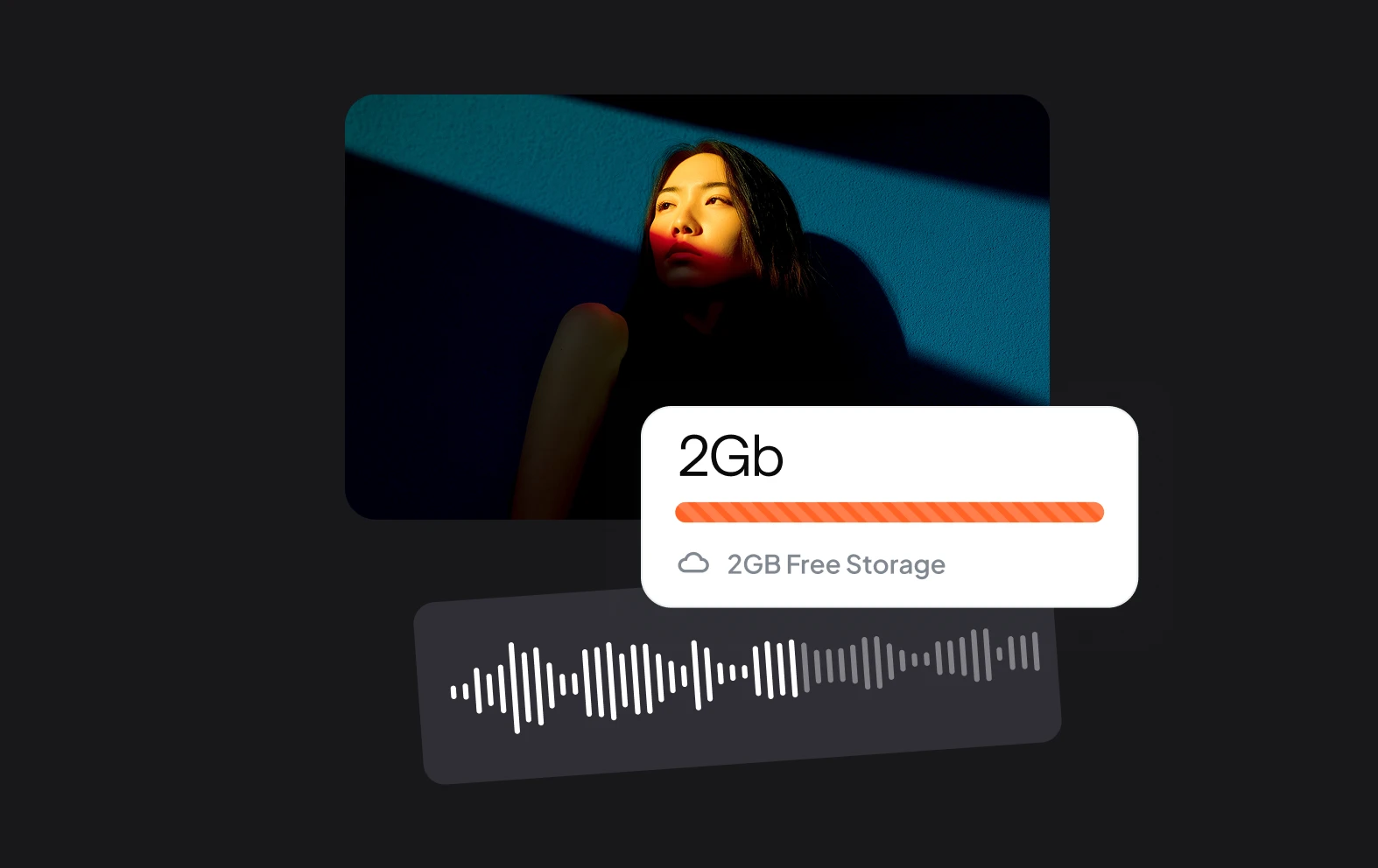
Async lets you work directly from a web browser, meaning you can edit files on the go and store them in your workspace. Even our free plan has secure cloud storage, so if you want to come back and re-edit or re-download your files, they will be there waiting for you.