icon

Create Marketing Videos

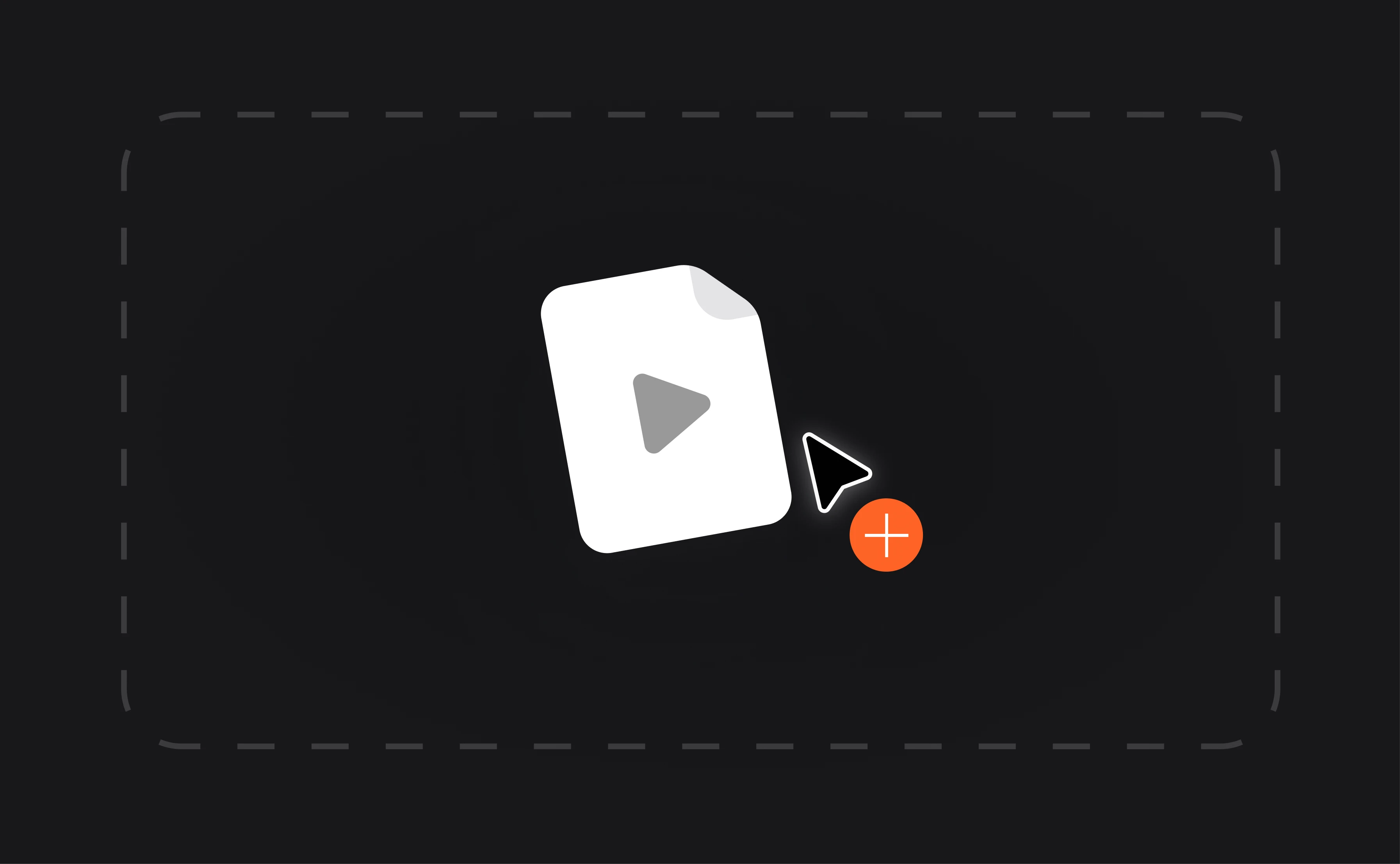
With Async, creating marketing videos is as simple as uploading, editing, and sharing.

Effortless tools to create marketing videos

Async’s video editor makes it easy to create marketing videos that capture attention and elevate your brand. Whether you’re crafting a product demo, a webinar, or an engaging promotional clip, our AI-powered tools streamline the process from start to finish. You can create marketing videos free and customize every detail to fit your brand identity, all within a clutter-free, browser-based platform.

icon

How to create marketing videos

card 1 img
card 2 img
card 3 img
benefit img 1

Built-in captions and branding tools

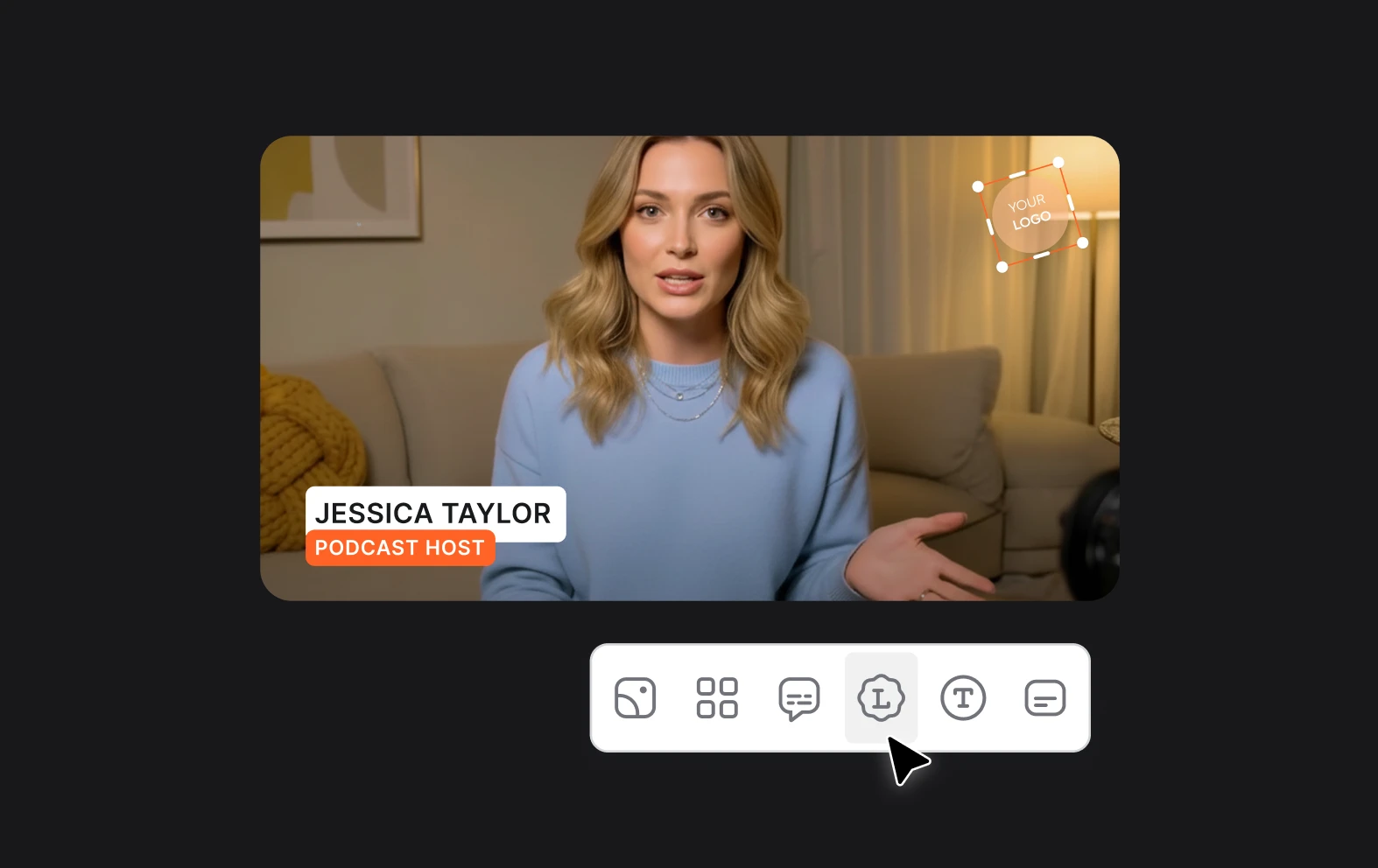
Save time with automated captions that are customizable to fit your brand’s tone and style. Whether you’re creating videos for marketing or sharing social media clips, adding captions makes your content accessible and engaging. Plus, you can enhance your videos with branding elements like logos, colors, and fonts, ensuring consistency across all your digital marketing channels.
benefit img 2

Streamlined workflow for marketing professionals

Async’s video editor simplifies the editing process, letting you focus on your message instead of getting lost in technical details. Drag and drop large files directly into the browser-based platform and start editing without delays. This streamlined approach helps marketers create polished marketing videos quickly, freeing up time to focus on other aspects of their campaigns.
benefit img 3

Export in multiple formats

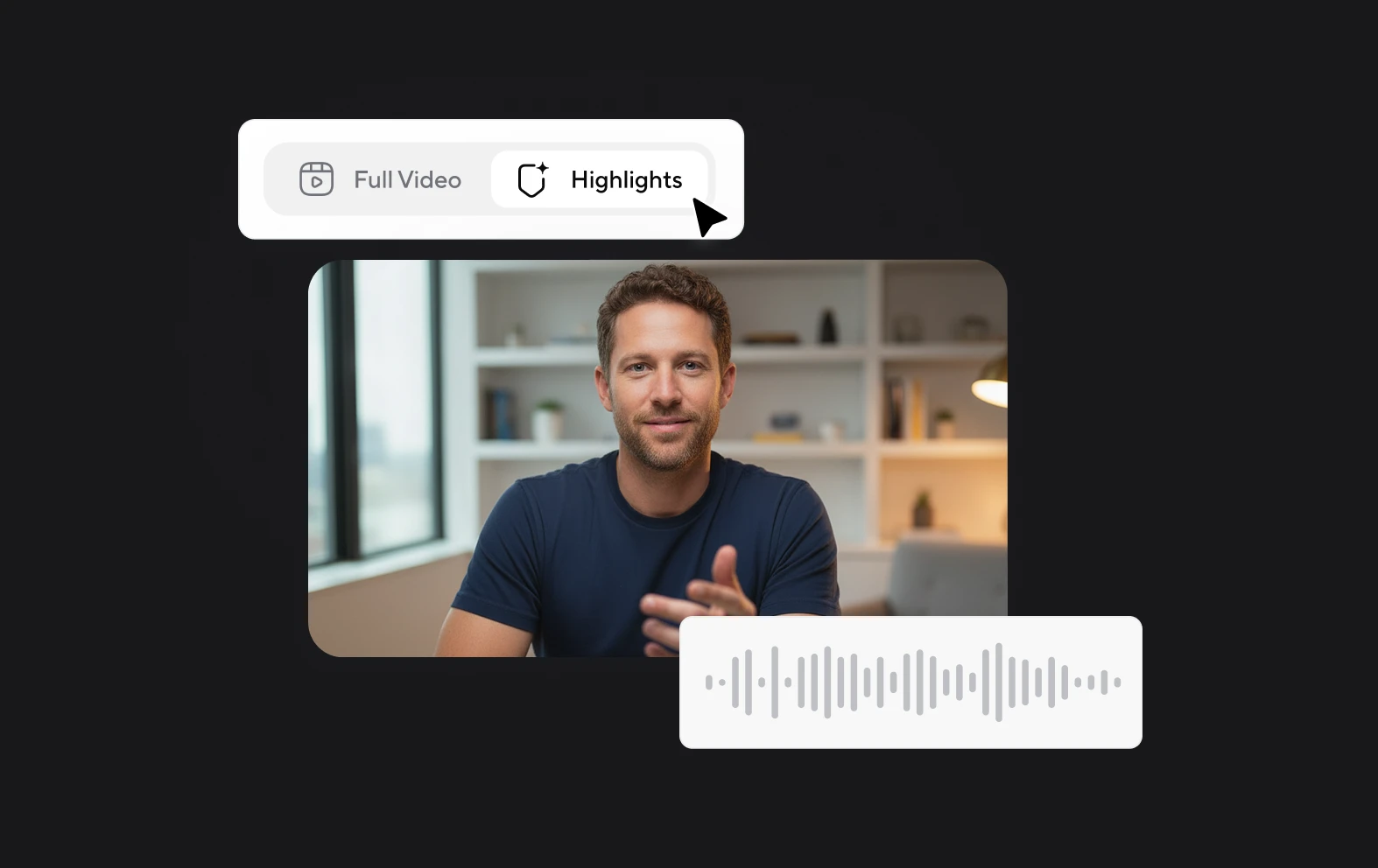
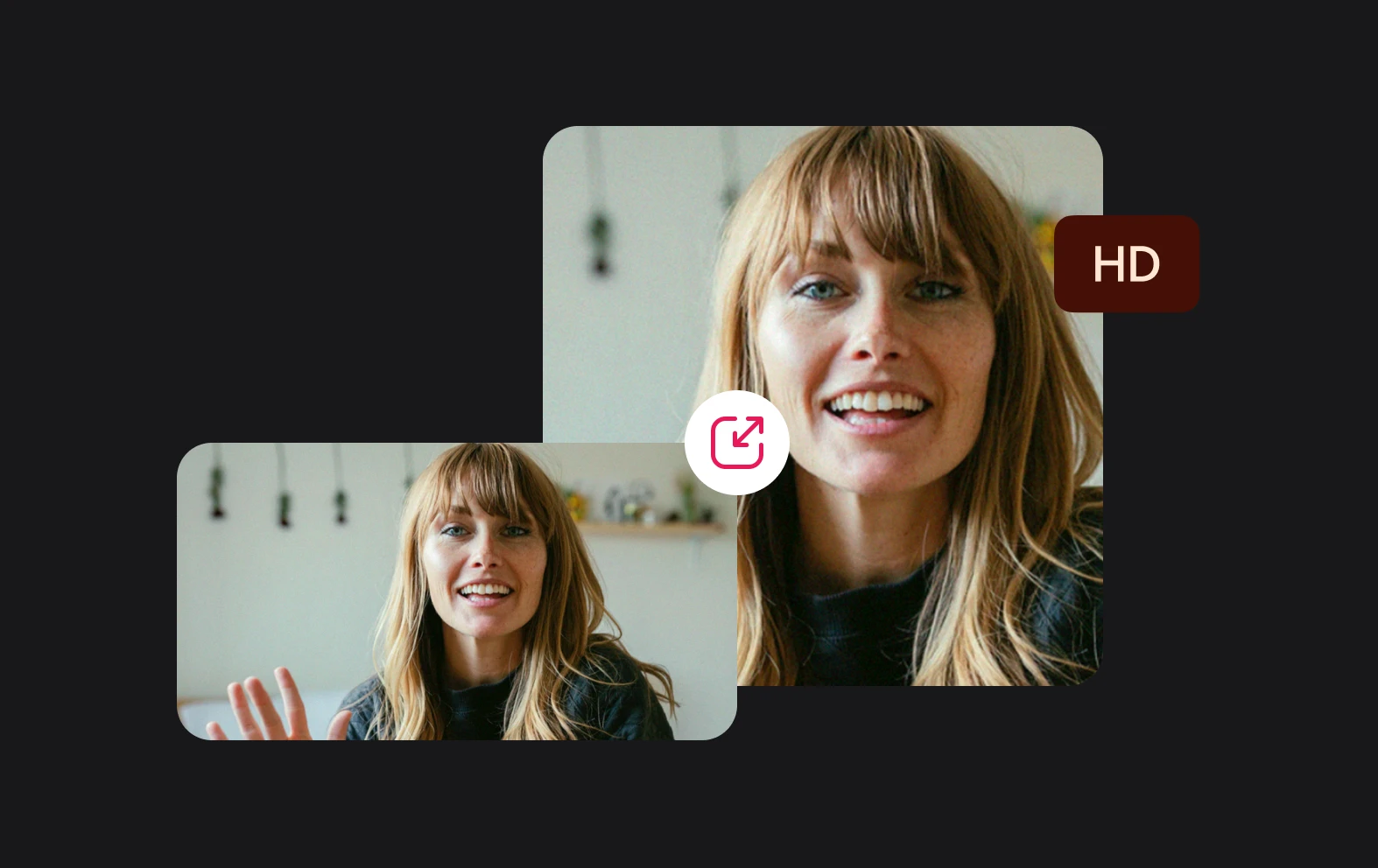
Async ensures your marketing videos are ready for any platform. Export your content in various resolutions and formats optimized for YouTube, Instagram, and other digital channels. Need shorter promotional clips for social media? Cut longer videos effortlessly with our trimming tools, so every piece of content is tailored for its audience and purpose.

Discover more

Add Audio to Video OnlineAdd Music to VideosAdd Subtitles to VideoAdd Text to VideoAI Audio AssistantAI Audio EnhancerAI Content ToolsAI Noise ReducerAI Podcast Clip GeneratorAI Subtitle GeneratorAI Video AssistantAI Video EditorAI Video EnhancerAI Video UnblurAnimation VoiceoversAudio JoinerAudio LooperAudio PodcastAudio ProductionAudio RecorderAudio to TextAudio TranslatorAudiobook Recording StudioAutomatic Video EditorBirthday Video MakerBlur Video BackgroundsCar Sound EffectsChange Video Aspect RatioClip MakerCloud Video EditingCompress MP4Compress VideoCreate a PodcastCreate Marketing VideosCreate Training VideosCreate Video OnlineCrop VideoDigital Marketing VideosE-Learning VoiceoversEasiest Video Editing AppEdit MOV FilesEdit WebM FilesExplainer Video MakerExplainer Video VoiceoverExtract AudioEye Contact FixerFemale Voice ChangerFiller Word DetectionFlip VideoFunny Sound EffectsFunny Video MakerHappy Stock MusicInterview TranscriptionJazz Stock MusicLightweight Video EditorLong Video to Short VideoLoop VideoLyric Video MakerMerge Audio FilesMerge VideoMontage Video MakerMP3 Audio CutterMP3 EditorMp3 to TextMP3 to WAV ConverterMP3 TrimmerMP3 Volume IncreaserMP4 to MP3 ConverterMp4 to TextMP4 TrimmerMP4 Video CutterMP4 Video EditorMusic Video MakerMute VideoOnline Audio ConverterOnline Movie MakerOnline Video ConverterOnline Video CutterOnline Video MakerOnline Video RecorderOnline Video TrimmerPhoto to Video MakerPodcast Editing SoftwarePodcast MakerPodcast RecordingPodcast StudioPodcast TeleprompterPodcast TranscriptionPodcast Video EditorPromo Video MakerRain Sound EffectsRecord Audio on iPhoneRemote Interview RecordingRemove Background Noise from AudioRemove Background Noise from VideoRemove Music from VideoResize VideoRotate VideoSilence RemovalSocial Media Marketing VideosSocial Media Video EditorSound Effects LibrarySpeech to Text SoftwareStart PodcastingText Video MakerText-Based EditingTrailer MakerTravel Video MakerTutorial Video MakerVideo Ad MakerVideo Background RemovalVideo ClearerVideo Collage OnlineVideo Compilation MakerVideo CreatorVideo Game VoiceoversVideo Interview SoftwareVideo JoinerVideo MakerVideo MergerVideo PodcastVideo Quality EnhancerVideo Recording SoftwareVideo ResizerVideo Size ReducerVideo SplitterVideo Subtitle GeneratorVideo to AudioVideo to TextVideo TranscriptionVideo TrimmerVideo Tutorial SoftwareVideo Voice OverVoice Over RecordingVoice Over StudioVoice RecorderVoice to TextVoiceovers for PresentationsWAV EditorWAV to MP3 ConverterWebinar Recording SoftwareWedding Video MakerYouTube Sound EffectsYouTube to MP4 TrimYouTube Video CreatorYouTube Video CutterYouTube Video EditorYouTube Video MakerYouTube Video TrimmerYouTube Video Voiceovers
More tools

Frequently Asked Questions

Can I create marketing videos for free?

Yes! Async allows you to create marketing videos free of charge. With our free plan, you can access essential tools to record, upload, and edit your videos with ease. From AI-powered enhancements like automated captions and Magic Dust to basic branding options, you can create high-quality videos without spending a dime. Whether you're testing ideas or creating simple content, our free plan is a great way to start crafting professional marketing videos.

How long does it take to create a marketing video?

The time it takes to create a marketing video depends on its complexity and your familiarity with the tools. With Async, the process is designed to be as fast and efficient as possible. Record or upload your footage, make edits using intuitive tools like drag-and-drop and AI enhancements, and export your finished video—all within a matter of minutes. For simpler videos, you can have polished content ready in under an hour.

What types of videos are best for marketing?

Marketing videos come in many forms, depending on your goals and audience. Product demos, explainer videos, promotional clips, webinars, and social media teasers are some of the most effective types. Async’s video editor is versatile enough to handle all of these and more, letting you create videos tailored for platforms like YouTube, Instagram, or LinkedIn. No matter your focus, the key is to keep your content engaging, clear, and visually appealing.

Why are videos effective for marketing?

Videos are highly effective for marketing because they capture attention and convey information quickly. They combine visuals and audio to tell compelling stories that resonate with audiences. Whether it’s showcasing a product, explaining a concept, or building brand awareness, videos make it easier to connect emotionally with your viewers. With Async, creating marketing videos becomes even more impactful, thanks to tools that enhance quality and simplify the editing process, helping you maximize engagement.

Can Async’s video editor help me create videos for different platforms?

Absolutely! Async’s video editor is built to make multi-platform marketing simple. You can export your videos in different resolutions and formats optimized for YouTube, Instagram, Facebook, and other platforms. Whether you’re creating long-form content or bite-sized social media clips, our trimming and editing tools ensure your videos fit perfectly. Plus, the browser-based interface lets you edit from anywhere, giving you complete flexibility to tailor your marketing content to your needs.
Your video, made by chat.
Just tell Async what you want.

From raw footage and AI-generated scenes to finished videos in one AI workflow.

Start creating for free