
Lightweight Video Editor
If you want to quickly and easily edit videos without unnecessary tools and hours of training, try Async’s powerful, but simple video editor.
Your go-to video editing suite
Editing videos doesn’t have to be a painful process if you use the right tools. Async’s video editor is powerful enough to be used by professional editors, but simple enough to be used by anyone. Sometimes you don’t want a complicated video editor that has to be installed on a high-end laptop, for simple video projects a lightweight editor will suffice.
Our video editor can be used in your browser from any computer and will give you cloud-based access to all of your files and projects. Simply upload or record video and enjoy a multi-track video editor packed full of one-click features.

How to edit videos with Async?

Save time and edit faster
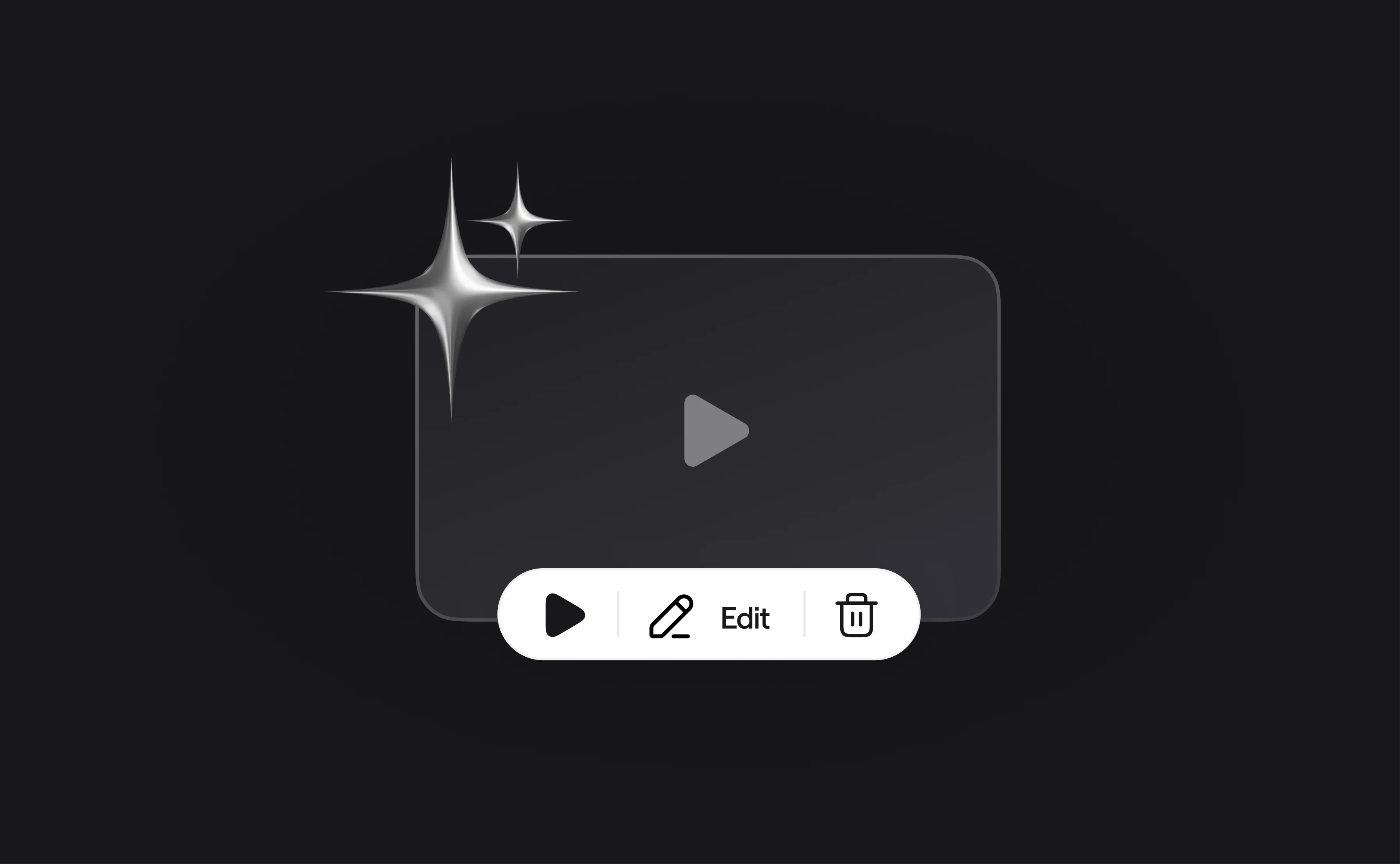
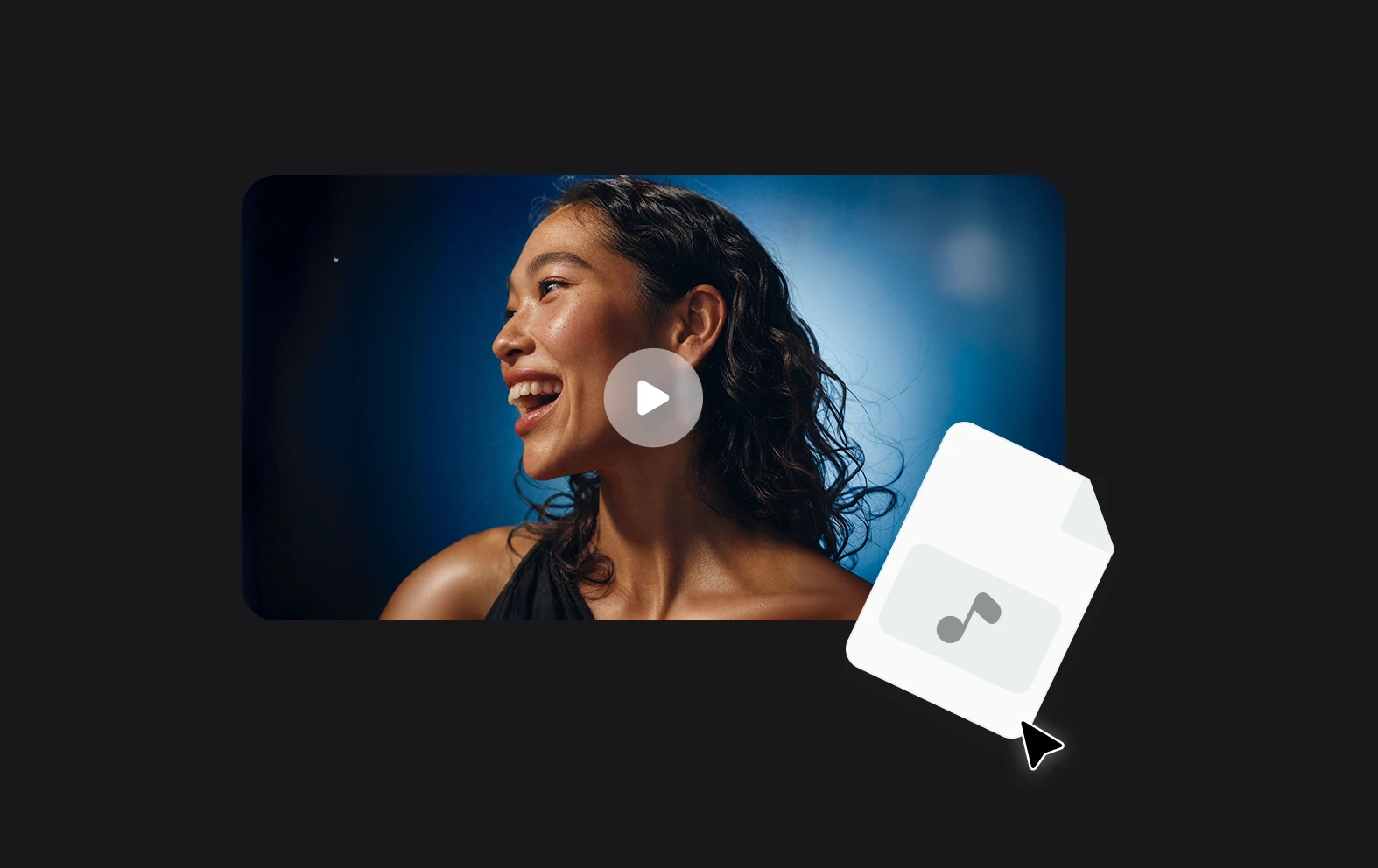
You don’t want to be slowed down with a million settings and a clunky interface when editing a video. Async’s video editor is designed to be simple and quick to use, while also giving you the power you need to create any kind of video in a flash.
Premium quality videos
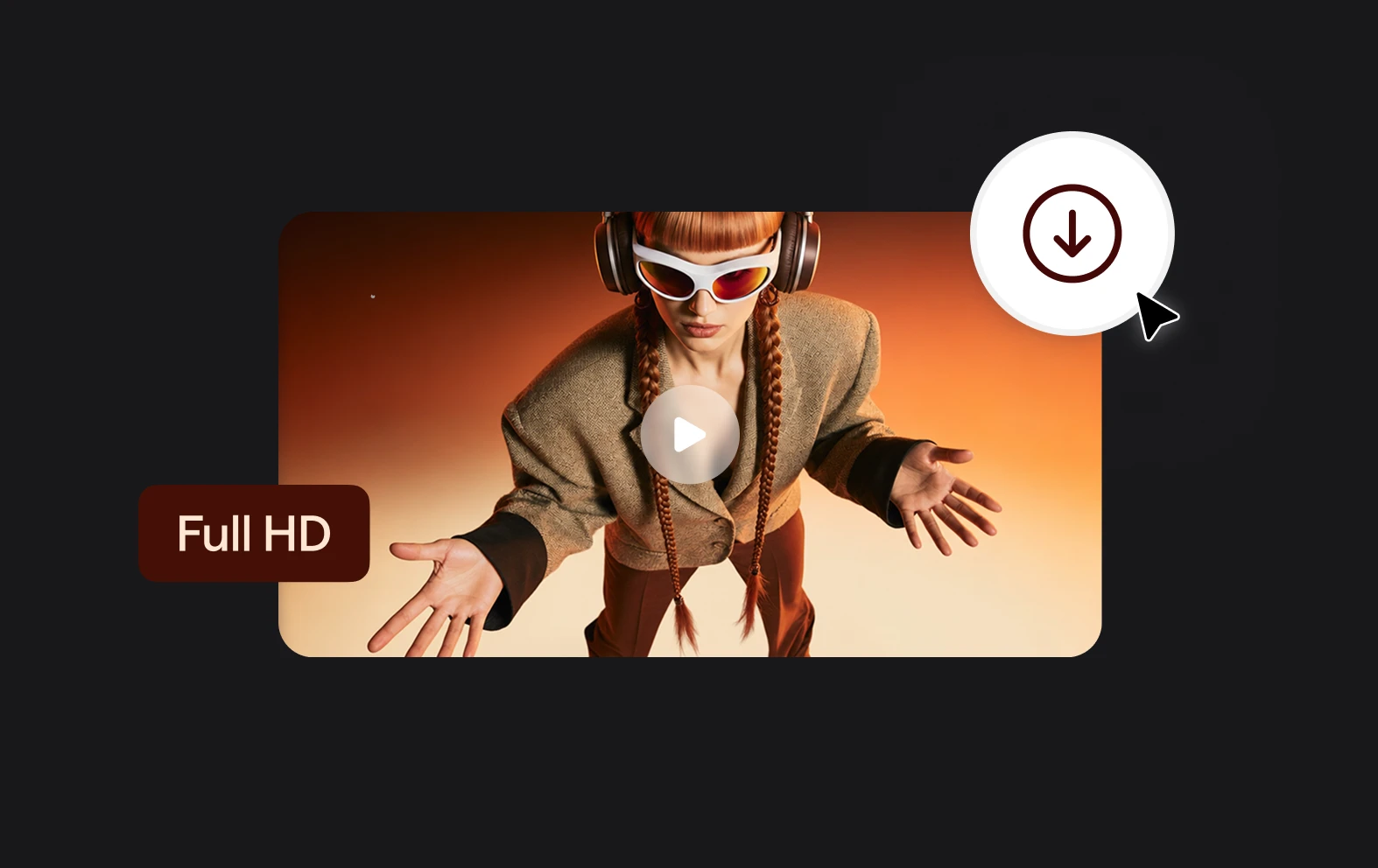
Just because you’re using a lightweight video editor, doesn’t mean you have to compromise on quality. Upload or record 4K video footage and use our AI enhancement tools to create professional-looking videos easily.
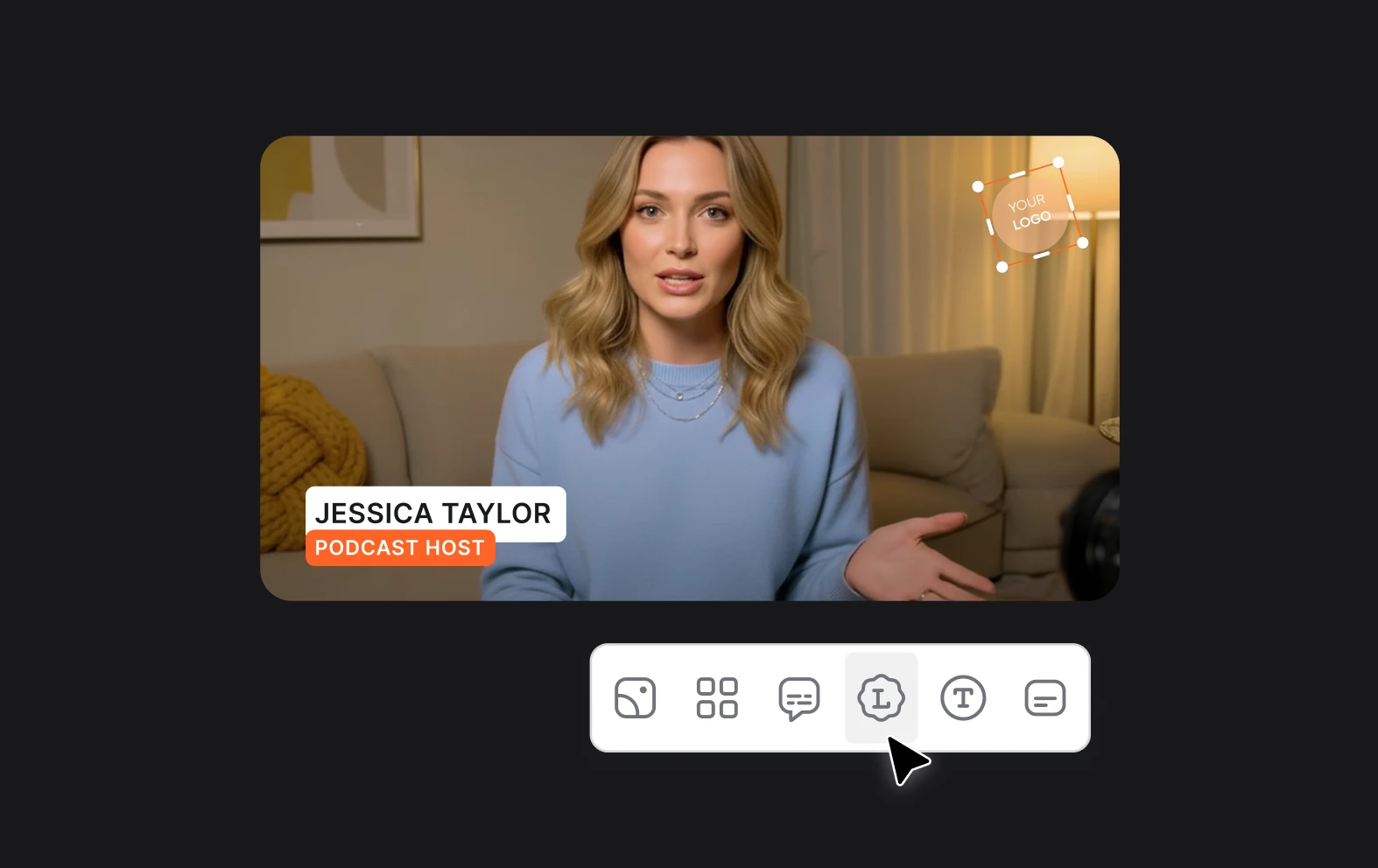
Add captions automatically
Our transcription software will not only provide a full and accurate transcription of your video, it will also automatically generate subtitles that can be customized with a range of options including size and color. Improve accessibility and reach with AI subtitles.