icon

Remove Background Noise from Audio

Get rid of annoying noise from your audio tracks with a click of a button. Easily remove background noise with our AI-powered tool.

Background Noise Remover

No need to worry about recording in a noisy environment, or using fancy noise canceling equipment. Async's AI-powered noise cleaner delivers clean, crisp audio to help you sound like you're in a professional studio.

If you’re recording a podcast, a YouTube video or marketing content, the last thing you want is annoying noises spoiling the experience. You want your content to sound professional and easy to hear. No matter how well you prepare, there’s always the risk of noise disrupting your recording. Fortunately, with Async, you can easily remove these noises using our voice cleaner.

icon

How to edit audio with Async?

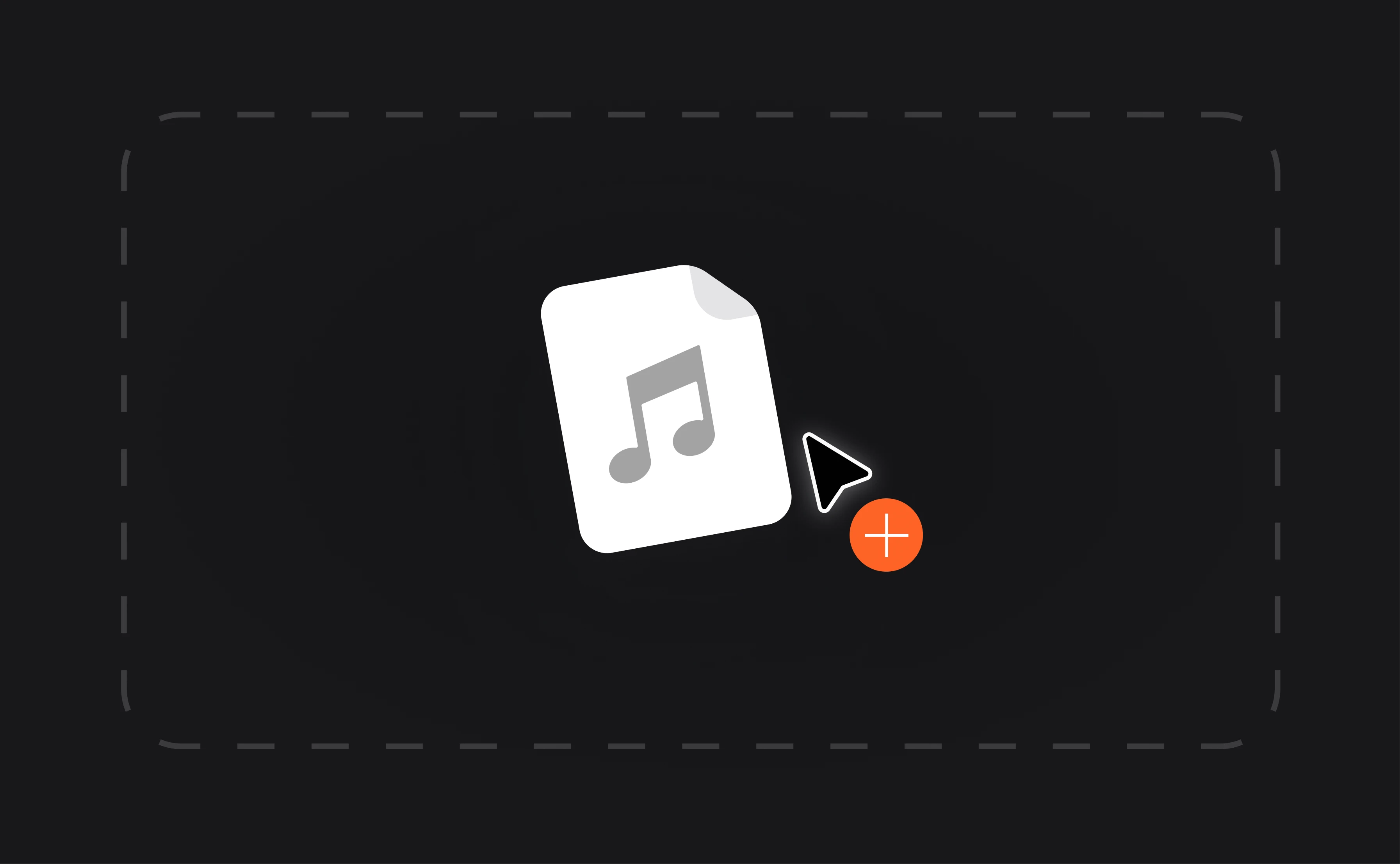
card 1 img
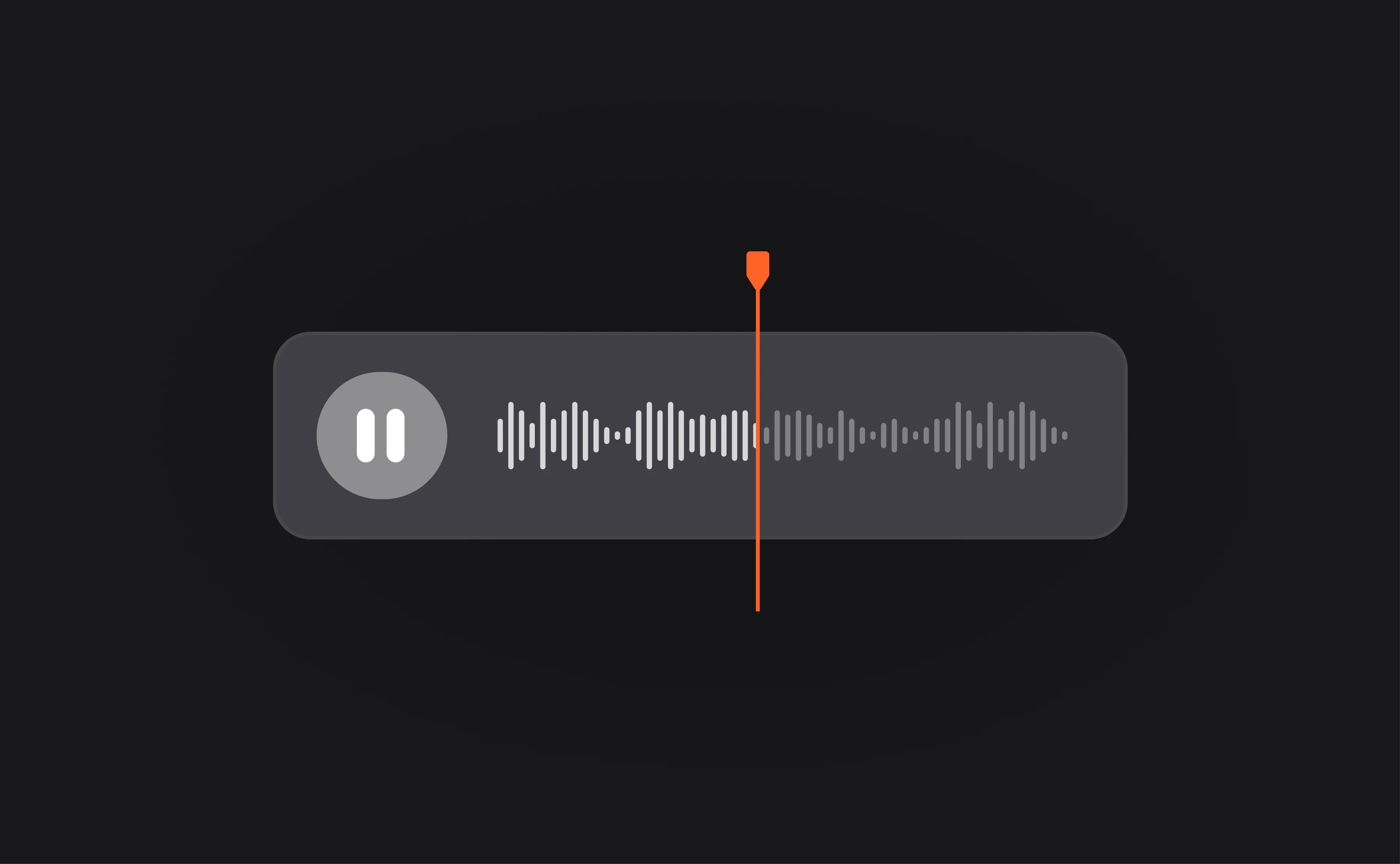
card 2 img
card 3 img
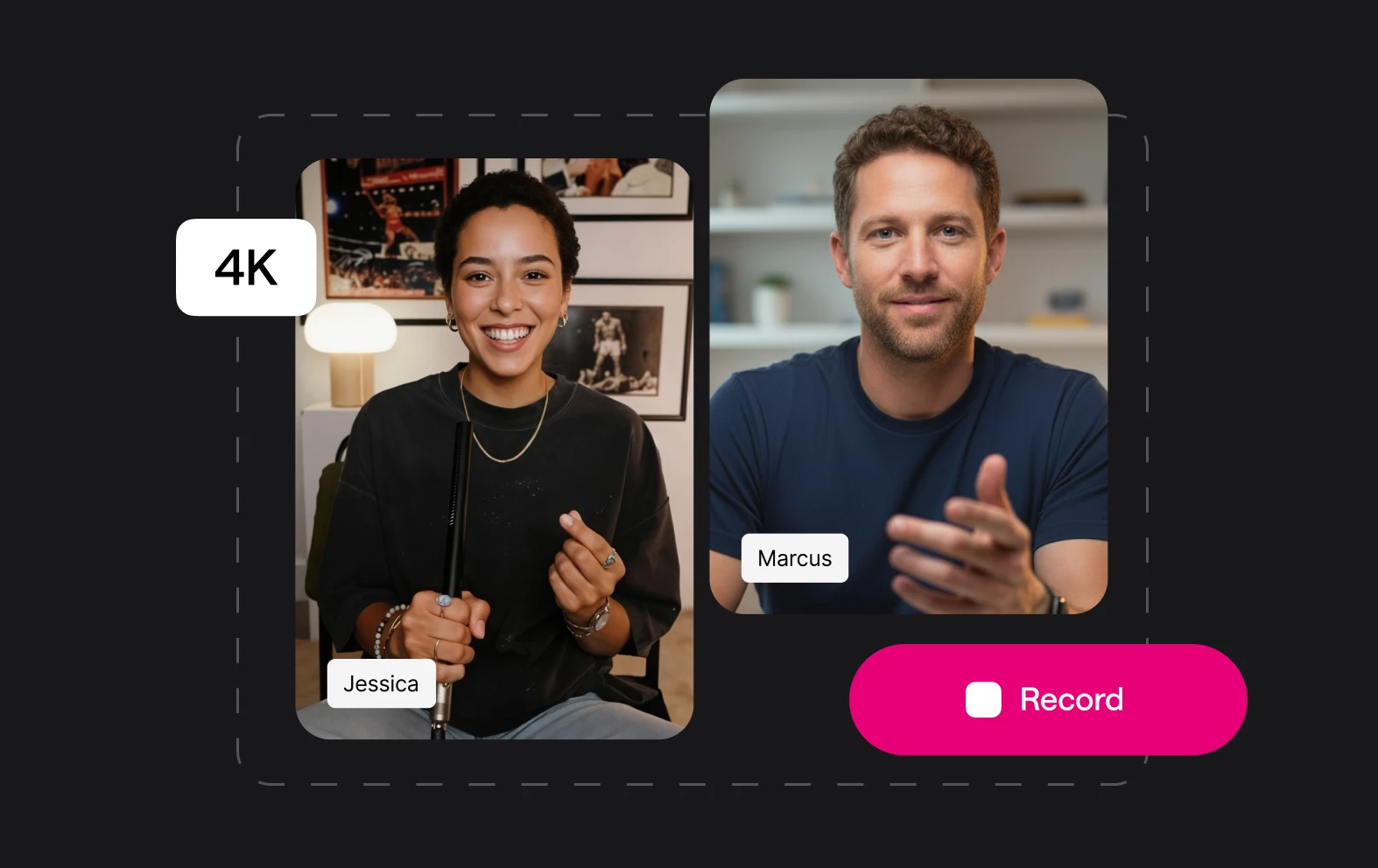
benefit img 1

Give it a professional touch

Poor quality audio and video is the quickest way to turn off potential viewers or customers. Creating professional-quality content can be done every time by using AI features like noise removal and AI enhancement.

benefit img 2

Move fast and fix things

Editing doesn’t have to take hours any more! Features like our Noise Remover and AI Audio Enhancer can be applied with one click and be finished in seconds or minutes, depending on the length of your content.

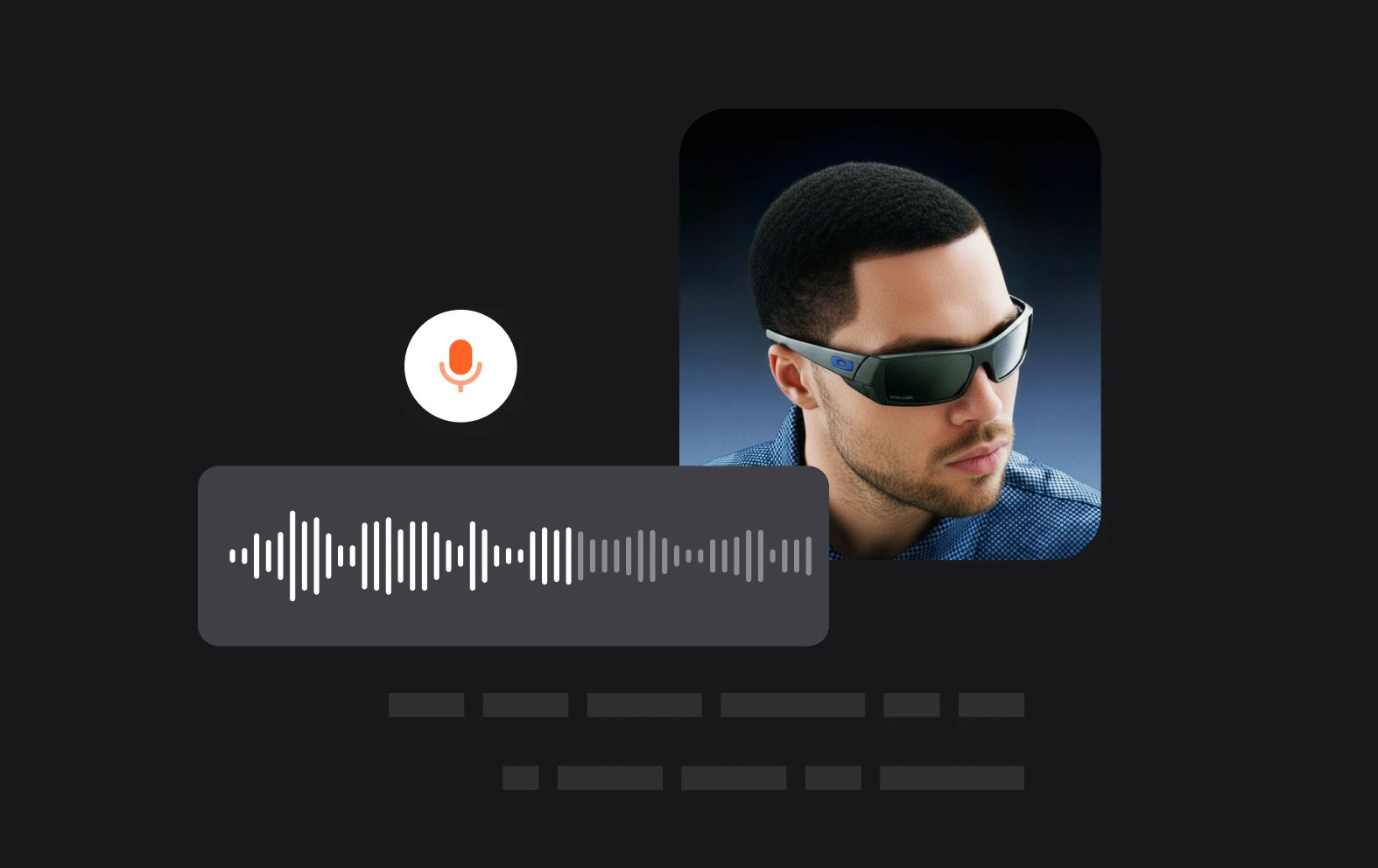
benefit img 3

Enhance your sound

Our Magic Dust AI feature doesn’t just clean your audio and remove noise, it also uses the power of AI to enhance the quality of your audio. So no matter the quality of your microphone or other equipment you can get studio-level sound.

Discover more

Add Audio to Video OnlineAdd Music to VideosAdd Subtitles to VideoAdd Text to VideoAI Audio AssistantAI Audio EnhancerAI Content ToolsAI Noise ReducerAI Podcast Clip GeneratorAI Subtitle GeneratorAI Video AssistantAI Video EditorAI Video EnhancerAI Video UnblurAnimation VoiceoversAudio JoinerAudio LooperAudio PodcastAudio ProductionAudio RecorderAudio to TextAudio TranslatorAudiobook Recording StudioAutomatic Video EditorBirthday Video MakerBlur Video BackgroundsCar Sound EffectsChange Video Aspect RatioClip MakerCloud Video EditingCompress MP4Compress VideoCreate a PodcastCreate Marketing VideosCreate Training VideosCreate Video OnlineCrop VideoDigital Marketing VideosE-Learning VoiceoversEasiest Video Editing AppEdit MOV FilesEdit WebM FilesExplainer Video MakerExplainer Video VoiceoverExtract AudioEye Contact FixerFemale Voice ChangerFiller Word DetectionFlip VideoFunny Sound EffectsFunny Video MakerHappy Stock MusicInterview TranscriptionJazz Stock MusicLightweight Video EditorLong Video to Short VideoLoop VideoLyric Video MakerMerge Audio FilesMerge VideoMontage Video MakerMP3 Audio CutterMP3 EditorMp3 to TextMP3 to WAV ConverterMP3 TrimmerMP3 Volume IncreaserMP4 to MP3 ConverterMp4 to TextMP4 TrimmerMP4 Video CutterMP4 Video EditorMusic Video MakerMute VideoOnline Audio ConverterOnline Movie MakerOnline Video ConverterOnline Video CutterOnline Video MakerOnline Video RecorderOnline Video TrimmerPhoto to Video MakerPodcast Editing SoftwarePodcast MakerPodcast RecordingPodcast StudioPodcast TeleprompterPodcast TranscriptionPodcast Video EditorPromo Video MakerRain Sound EffectsRecord Audio on iPhoneRemote Interview RecordingRemove Background Noise from AudioRemove Background Noise from VideoRemove Music from VideoResize VideoRotate VideoSilence RemovalSocial Media Marketing VideosSocial Media Video EditorSound Effects LibrarySpeech to Text SoftwareStart PodcastingText Video MakerText-Based EditingTrailer MakerTravel Video MakerTutorial Video MakerVideo Ad MakerVideo Background RemovalVideo ClearerVideo Collage OnlineVideo Compilation MakerVideo CreatorVideo Game VoiceoversVideo Interview SoftwareVideo JoinerVideo MakerVideo MergerVideo PodcastVideo Quality EnhancerVideo Recording SoftwareVideo ResizerVideo Size ReducerVideo SplitterVideo Subtitle GeneratorVideo to AudioVideo to TextVideo TranscriptionVideo TrimmerVideo Tutorial SoftwareVideo Voice OverVoice Over RecordingVoice Over StudioVoice RecorderVoice to TextVoiceovers for PresentationsWAV EditorWAV to MP3 ConverterWebinar Recording SoftwareWedding Video MakerYouTube Sound EffectsYouTube to MP4 TrimYouTube Video CreatorYouTube Video CutterYouTube Video EditorYouTube Video MakerYouTube Video TrimmerYouTube Video Voiceovers
More tools

Frequently Asked Questions

How to remove background noise from MP3?

If your audio recording is being ruined by unwanted background noise, it can be easily fixed with AI. Simply upload your MP3 file to Async. Right-click on the audio track once it’s in our audio editor and choose ‘Add Magic Dust’. We'll remove all the background noise in a matter of seconds. You can then export your file in a variety of formats. Our AI noise removers work on almost any kind of audio file including WAV and AAC as well.

What can cause a video to have poor audio quality?

Poor audio quality in a video can be caused by several factors. Background noise, such as wind, traffic, or crowd chatter, can interfere with clear sound capture. Inadequate recording equipment, like low-quality microphones, can introduce distortions or fail to capture audio accurately. Poor microphone placement, such as being too far from the sound source, may result in distant or muffled audio. Additionally, echo or reverb in certain environments, improper audio settings, or low bit-rate recording can further degrade sound quality, making it difficult to hear or understand the speaker.

How to remove background noise from voice recording?

To remove background noise from voice recordings, you can use tools designed for audio enhancement, such as Async’s Magic Dust feature. This AI-powered tool automatically detects and reduces unwanted background noise, improving voice clarity without the need for complex editing. It’s perfect for podcasters, content creators, and anyone looking to enhance audio quality quickly and easily. Simply upload your recording, apply Magic Dust, and it will filter out ambient sounds, ensuring your voice stands out crisply and clearly.

What background noises can be removed with Async?

Async’s AI-powered tools are designed to clean up a wide variety of unwanted sounds from your recordings. This includes background hisses from electrical appliances, wind noise during outdoor shoots, and subtle ambient sounds like air conditioning or fan hums. It also helps reduce general room noise, such as distant conversations, traffic outside, or light echo from hard surfaces. Impressively, it can even soften or eliminate pet noises like barking or meowing. This makes it perfect for podcasts, interviews, voiceovers, and other spoken content.

What’s the difference between an audio cleaner and a noise removal tool?

An audio cleaner is a broader tool designed to enhance overall sound quality by addressing various imperfections, such as volume inconsistencies, distortion, or noise. It often includes features like equalization, reverb reduction, and clarity enhancement to produce a polished final output. Noise removal tools, on the other hand, specifically target and eliminate unwanted background sounds, like hums, hisses, or environmental noise, focusing on isolating the main audio source (usually speech) from interference. While noise removal is a function within audio cleaning, an audio cleaner typically offers more comprehensive sound optimization.
Your video, made by chat.
Just tell Async what you want.

From raw footage and AI-generated scenes to finished videos in one AI workflow.

Start creating for free