Video is where creative tools either prove themselves or fall apart. A still image can look great for one second. Video has to survive movement.
When you're making videos, you need something that can handle motion, timing, style, characters, references, and edits without making the whole thing feel random.
Most “best AI tools” lists still throw everything into one pile, but video creation has its own rules. You need tools that can turn an idea into moving content, then let you refine it until it is close enough to publish.
The Stanford AI Index Report also points to the bigger shift happening right now: people are moving beyond text-only tools and using more systems that can work across images, video, audio, and other formats.
That shift is already obvious for anyone who’s into video. If before video models were mainly for fun, now they are clearly becoming part of real workflows for social media, ads, and sometimes even cinematic shots.
For 2026, the best AI models for video are those that can do more than generate something flashy. They need to follow direction, work from prompts or images, and give you something you can keep building on.
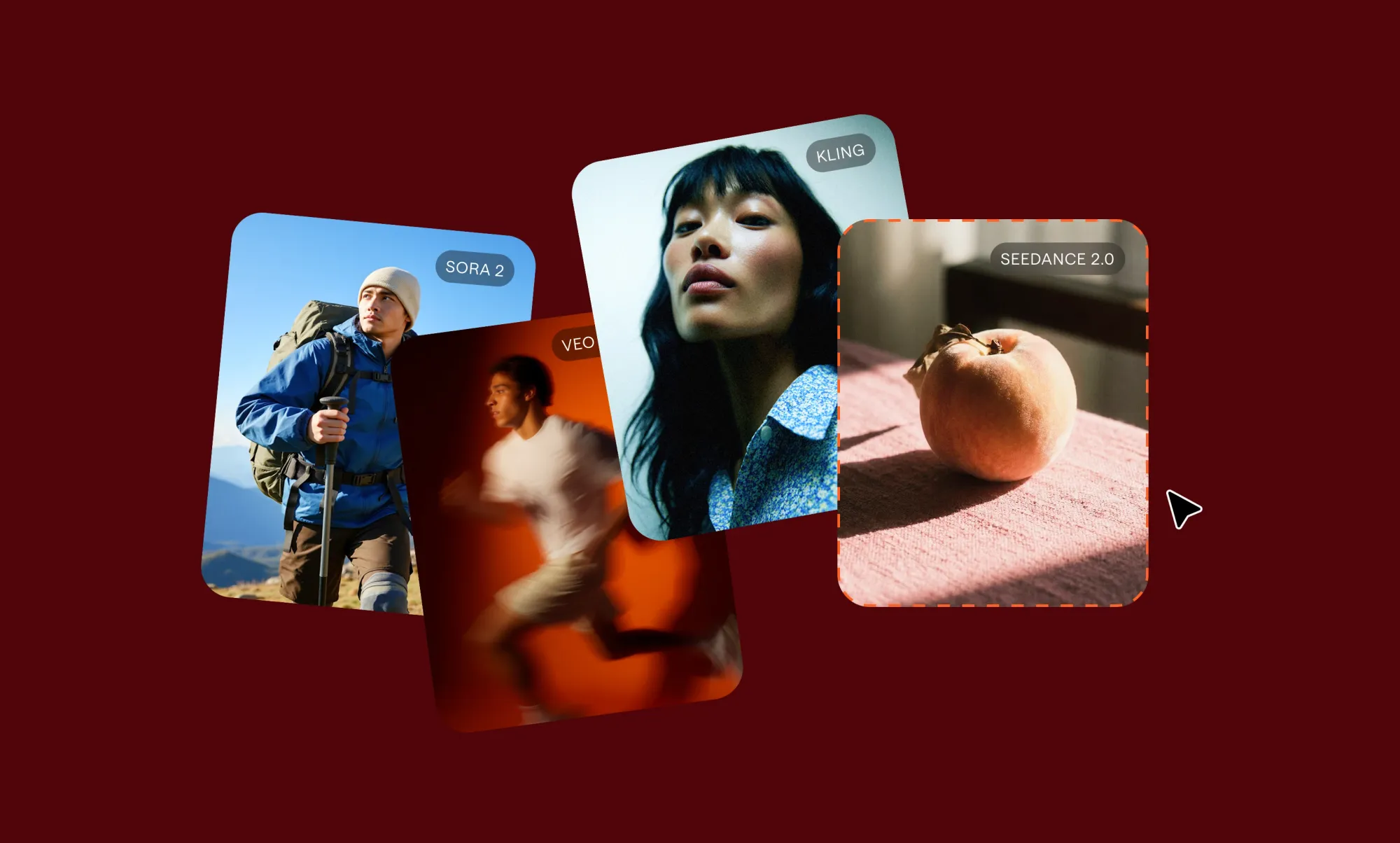
This guide focuses on the video-first models and tools worth knowing right now, including Veo 3, Sora 2, Kling, Hailuo, Seedance, Wan, LTX, HeyGen, Sync LipSync, Grok Imagine Video.
What “best AI models” means when you are making video
The best AI models for video are not always the most famous AI models.That sounds obvious, but it matters. A model can be amazing at text and still be useless for video. Another can create beautiful images and still struggle the second you ask that image to move.
Video adds pressure. Every frame has to connect to the next one; the motion needs to feel natural. The subject should not change identity halfway through. The scene needs to stay readable.
And if you gave the model a clear direction, it should not wander off into something completely different.So when we talk about the best AI models for video generation, we are really asking a more specific set of questions:
- Does the motion feel believable?
- Does the model actually follow the prompt?
- Can it work from both text and images?
- Does the subject stay consistent across the clip?
- Can you create variations without starting from zero every time?
- Does the output fit into a real editing workflow?
That last point is important. A lot of generated clips look impressive on their own but become harder to use once you try to build a real project around them. Maybe the motion is off, or the style changes too much. Maybe you need five more versions before one is usable. That is why many creators now use different AI video tools for social media depending on the job.
There is no perfect one-model answer anymore. The better question is: which model is best for this part of the workflow?
How we picked the best AI models for video generation
We did not choose these tools just because they are popular or loud on social media. For video, hype does not matter much if the output falls apart when you try to use it.
A model can look incredible in a demo and still be annoying in a real workflow. So we looked at the things creators actually care about when they are trying to make something:
- Visual quality: Does the video look sharp, detailed, and clean enough to use?
- Motion: Does movement feel smooth, stable, and intentional?
- Prompt control: Does your model follow what you asked for, or does it improvise too much?
- Having image-to-video functionality: Can the model animate a reference image without destroying the original idea?
- Flexibility and speed: Can you test multiple versions without losing half of your day?
- Workflow fit: Can the output move into editing, refinement, or publishing without becoming a mess?
In the end, it is all about getting a result you can shape, adjust, extend, and actually use.
Best AI models for video generation in 2026
We can’t say there is a single AI model that is best for all your use cases. What we can tell you, though, is which AI model is better for which specific use case.
In this list, we’ve compiled the best AI models for various generation tasks, highlighting what each is best for.
Here is the breakdown.
Veo 3
Use case: Best for high realism and cinematic video generation
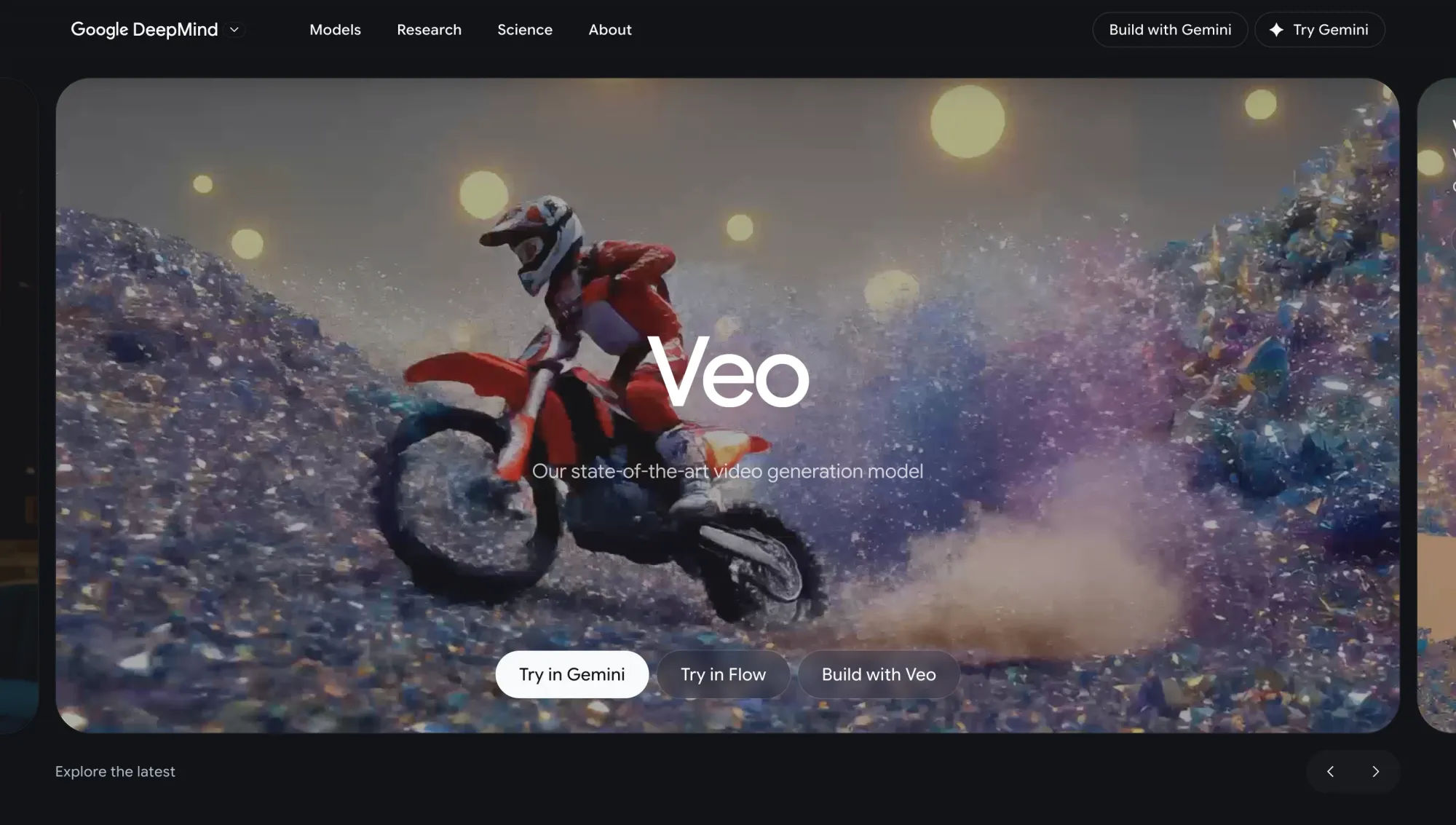
Veo 3 is one of the strongest options for creators who care about realism and cinematic movement.
It is built for the kind of prompts where you want to focus on the details like camera direction, subject movement, lighting, and so on. When it works well, the output feels closer to a finished shot than a rough experiment.
What creators like
- Strong motion realism compared to many other models
- Better consistency across frames, especially in more polished clips
- Good handling of cinematic prompts and camera movement
- Outputs that often feel closer to production-ready content
Where it falls short
- Access can still be more limited than easier-to-open tools
- Higher-quality generations can take longer
- You need to be more deliberate with prompts
- It is not the fastest option for quick social content testing
Who it’s for
Veo 3 is best for teams that care about visual quality, realism, and polished storytelling more than speed.
Sora 2
Use case: Best for cinematic storytelling and prompt-driven video generation
Sora 2 is a strong choice when you want the video to feel directed, not random.
It is especially useful for prompts that involve story flow, camera movement, scene changes, and more intentional composition. Instead of just creating a moving image, it can help build something that feels closer to a sequence.
What creators like
- Strong at turning detailed prompts into structured scenes
- Better handling of camera angles and transitions
- Useful for narrative clips and concept videos
- Outputs often feel more directed than improvised
Where it falls short
- Not the best fit for fast testing
- Needs clear, structured prompts to get the best results
- Access may vary depending on availability
- Less practical for quick short-form workflows
Who it’s for
Sora 2 is best for creators working on storytelling, concept videos, cinematic sequences, and visual ideas where direction matters more than speed.
Kling
Use case: Best for smooth motion and flexible generation modes
Use case: Best for smooth motion and flexible generation
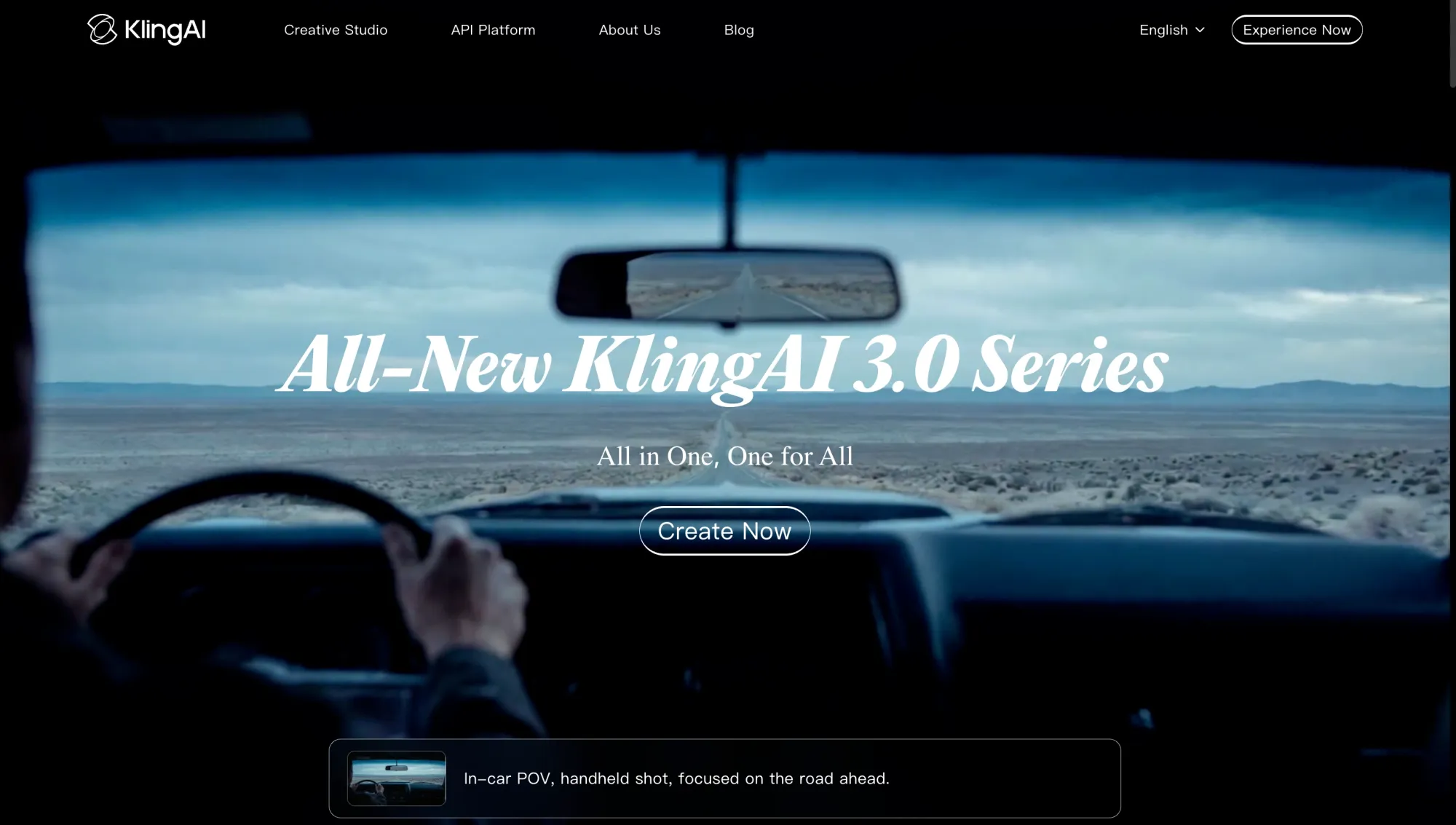
Kling stands out because of motion.
If you care about movement, action, or turning an image into something that feels alive, Kling is one of the models worth testing. It works with both text-to-video and image-to-video, which makes it flexible for different creative starts.
What creators like
- Smooth motion compared to many other models
- Strong for movement-heavy scenes
- Works with text and image inputs
- Good for testing different styles and visual directions
Where it falls short
- Results can depend heavily on prompt clarity
- You may need several generations to get the right version
- Less control over narrative structure than cinematic-focused models
- Busy scenes can become less stable
Who it’s for
Kling is best for creators who care about motion, experimentation, and flexibility across different video styles.
Hailuo 2.3 Pro
Use case: Best for fast iteration and rapid content testing
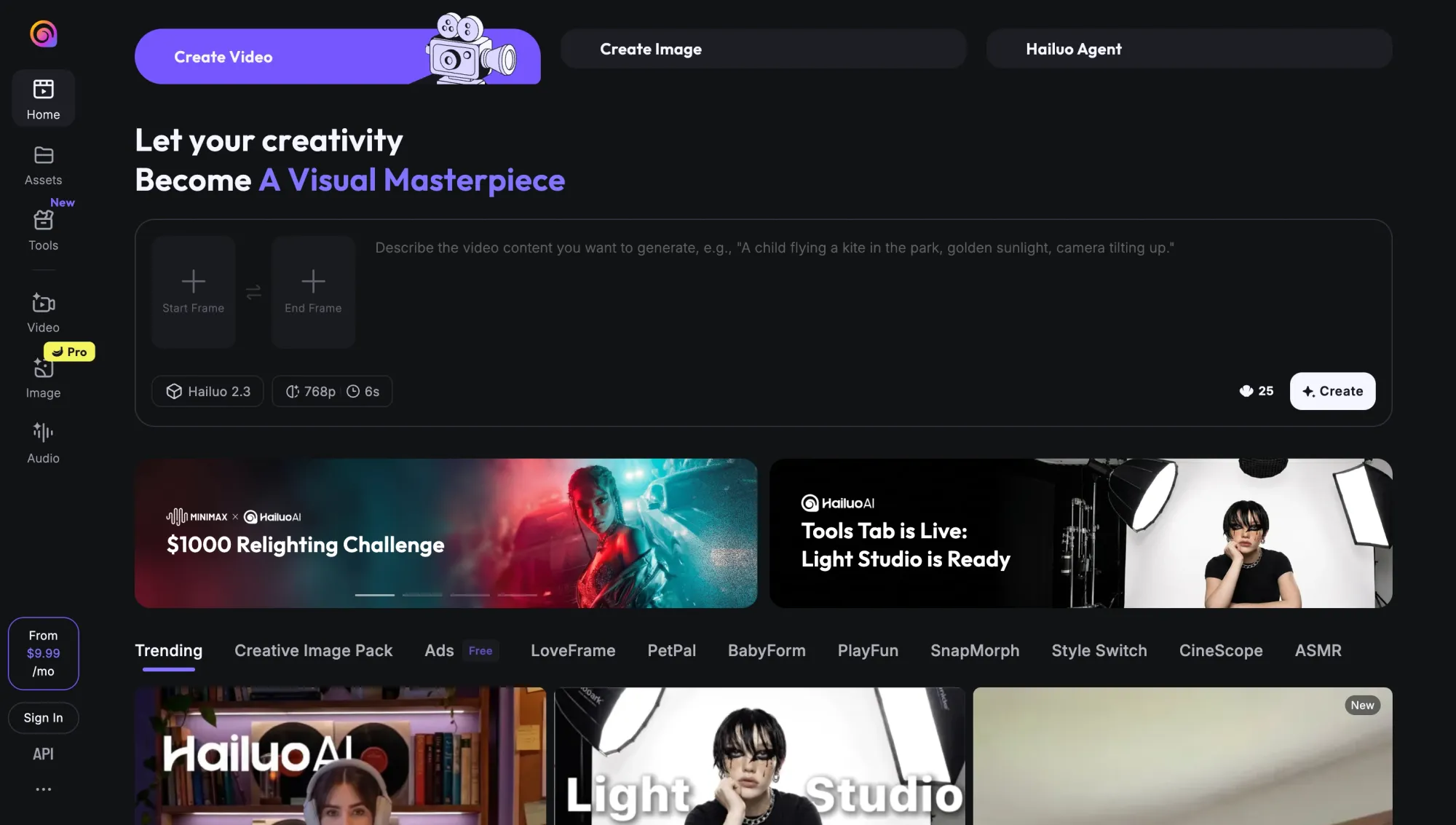
Hailuo 2.3 Pro is useful when speed matters.
Not every video needs to be a perfect cinematic shot. Sometimes you need to test five ideas, compare directions, or get a rough version quickly before you decide where to spend more time.
That is where Hailuo works well. It supports text-to-video and image-to-video, and it is better suited for creators who want to move through ideas quickly.
What creators like
- Faster generation compared to many high-quality models
- Good for testing prompts and variations
- Supports both text-to-video and image-to-video
- Useful for early ideas and content experiments
Where it falls short
- Output quality can be less consistent than realism-focused models
- Motion and detail may vary between generations
- Less control over complex scenes
- Results often need editing or refinement before final use
Who it’s for
Hailuo is best for those who want speed, testing, and lots of variations without waiting too long between ideas.
Seedance 1.5 Pro / Seedance 2.0
Use case: Best for balanced text-to-video and image-to-video workflows
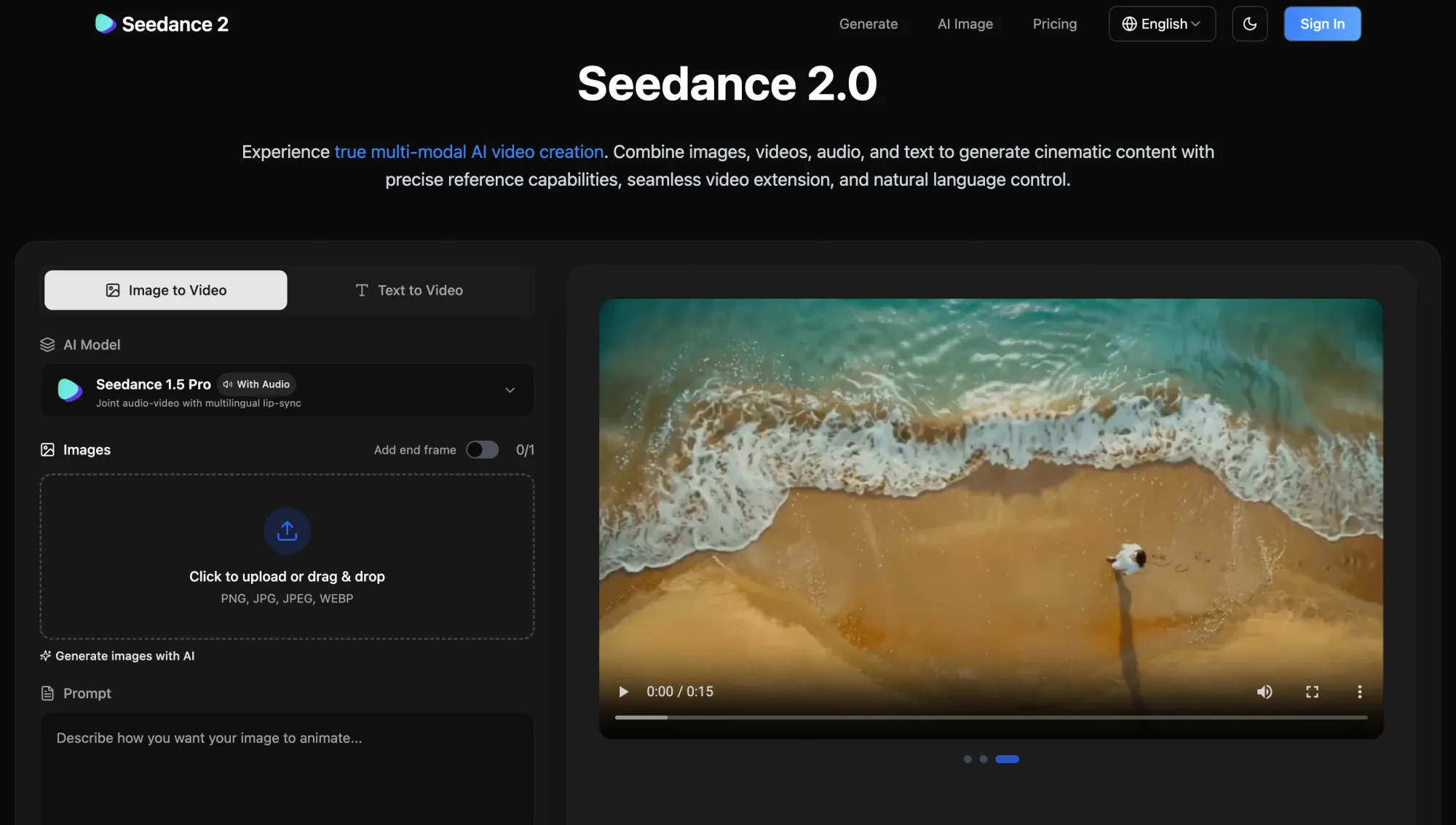
Seedance is a good middle-ground option.
It may not always be the most cinematic, the fastest, or the most experimental, but it gives creators a flexible way to work across different types of video generation tasks.
If you want a model that can handle both text-to-video and image-to-video without forcing you into one narrow use case, Seedance is worth considering.
What creators like
- Balanced performance across quality, speed, and flexibility
- Works well with text and image inputs
- More predictable than some experimental models
- Useful when you want to test ideas without switching tools constantly
Where it falls short
- Does not lead in one specific category like realism or storytelling
- Output quality can feel more average next to top cinematic models
- Less advanced control over complex scenes
- Not always the fastest for rapid iteration
Who it’s for
Seedance is best if you’re looking for a reliable model that can handle different video tasks without needing constant tool switching.
Wan 2.6
Use case: Best for reference-based video generation and multi-input control
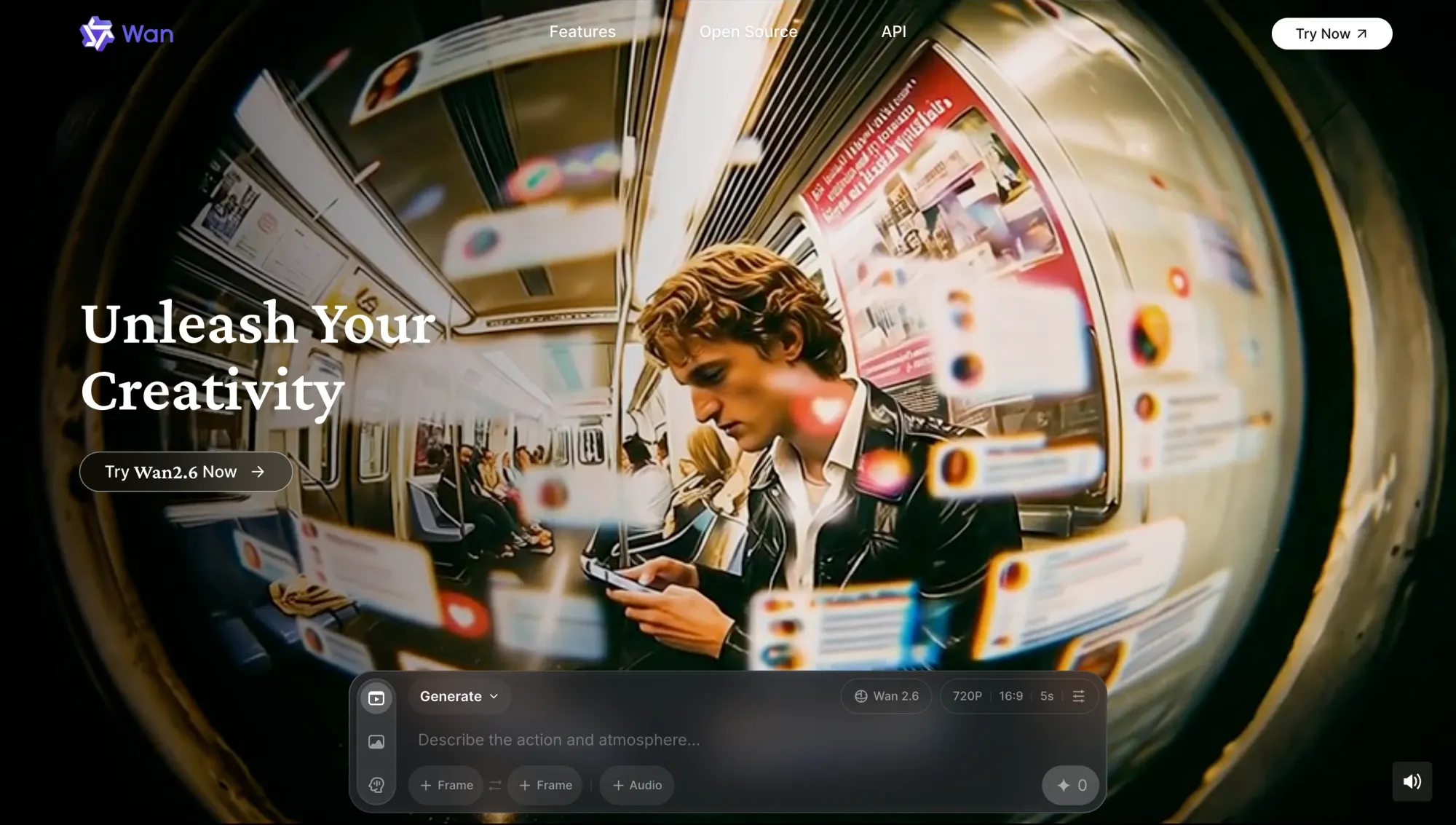
Wan 2.6 is useful when you want more control over the input.
Instead of relying only on a written prompt, you can work with references and more structured direction. That makes it helpful for projects where visual consistency matters, especially if you are trying to build a sequence instead of a one-off clip.
What creators like
- Strong support for image references
- More control over how scenes develop
- Useful for visual consistency across clips
- Good fit for structured, repeatable workflows
Where it falls short
- Requires more setup than simple prompt-based tools
- Slower when you just want to test a quick idea
- Workflow can feel less beginner-friendly
- Output quality depends heavily on the input
Who it’s for
Wan is best for creators who want control, references, and consistency, especially when building a visual idea across more than one clip.
LTX 2.3
Use case: Best for editing, extending, and refining generated video

LTX 2.3 is not only about starting from scratch.
Its real value shows up after you already have a clip and want to keep working with it. You can extend, refine, continue, or adjust existing video instead of regenerating everything from the beginning.
That makes it useful for the messy middle of video creation, where the first output is close but not quite there yet.
What creators like
- Can extend and continue existing clips
- Useful for improving outputs instead of starting over
- Helps keep continuity across iterations
- Gives more control over smaller changes
Where it falls short
- Not the strongest first-step generator
- Needs a base clip before it becomes useful
- Less relevant for quick ideation
- Can feel slower than generation-first tools
Who it’s for
LTX is best if you already have a result and want to refine, extend, or improve it without throwing everything away.
Grok Imagine Video
Use case: Best for experimental video generation and creative exploration
Grok Imagine Video is more about exploration than precision.
It is useful when you want to play with strange ideas, unexpected prompts, or directions that do not need to be perfectly controlled from the start. The results can be interesting, but not always predictable.
What creators like
- Good for unusual or open-ended prompts
- Less rigid than more structured models
- Useful for visual brainstorming
- Can produce surprising creative results
Where it falls short
- Less consistent than more controlled models
- Outputs can be unpredictable
- Limited control over structure and continuity
- Not the best choice for production-ready content
Who it’s for
Grok Imagine Video is best for creators who want to explore ideas, test strange directions, and find inspiration without needing every result to be polished.
HeyGen Avatar 4
Use case: Best for avatar-based video creation and talking-head content
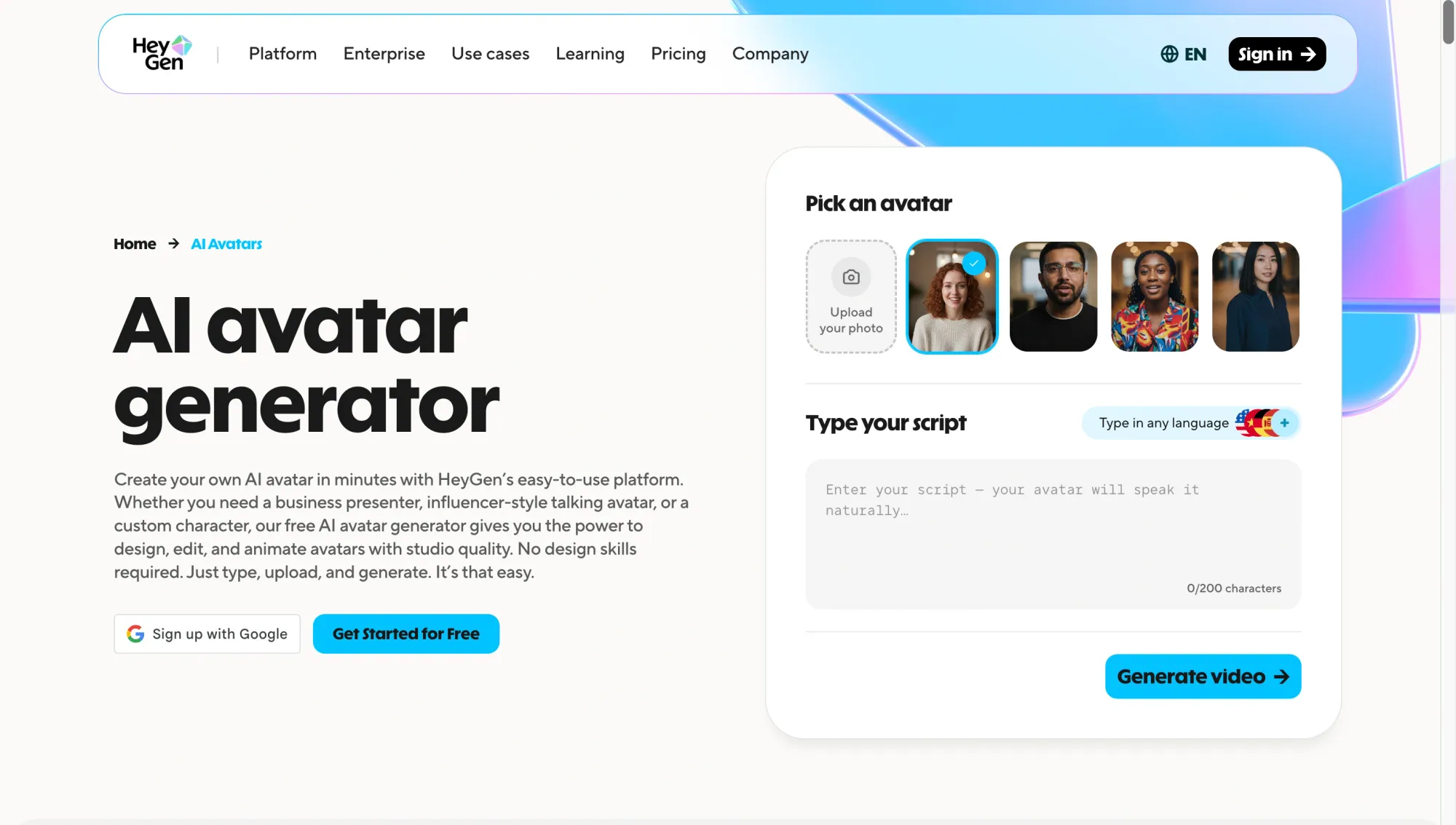
HeyGen Avatar 4 is different from the cinematic video models on this list.
It is not trying to create dramatic moving scenes. It is built for realistic digital avatars that can speak, present, explain, and deliver scripted content.
That makes it especially useful for teams that need training videos, product explainers, onboarding content, sales videos, or multilingual communication at scale.
What creators like
- Realistic avatars for scripted videos
- Fast way to create talking-head content without filming
- Strong support for languages and voice syncing
- Consistent output across many videos
Where it falls short
- Limited for cinematic or scene-based generation
- Can feel repetitive if used too much
- Less control over dynamic environments
- Not ideal for creative narrative videos
Who it’s for
HeyGen is best for creators, marketers, educators, and teams making communication-driven videos at scale.
Sync LipSync v2
Use case: Best for lip sync, dubbing, and localized video workflows
Sync LipSync v2 is not a classic video generator, but it solves a very real video problem.
If you are dubbing, translating, or adapting content for different languages, speech needs to match the person on screen. Bad lip sync can make even a good video feel off.
Sync LipSync v2 helps align speech with the video, which makes it useful alongside generation and editing tools.
What creators like
- Strong lip sync for speech timing
- Useful for dubbing and multilingual content
- Helps repurpose existing videos
- Works well as part of a larger editing workflow
Where it falls short
- Does not generate new video on its own
- Needs existing footage
- Output depends on the quality of the video and audio
- Mainly useful for voice and dialogue workflows
Who it’s for
Sync LipSync v2 is best for creators and teams working on localization, dubbing, translated content, and dialogue-heavy videos.
Which AI video model is best for each use case?
The best AI video generator depends on what you are trying to make.That is the annoying but honest answer. These models are not interchangeable, and picking the wrong one can waste a lot of time.
Here is a simpler way to think about it.
Best AI model for cinematic video quality
If you care most about realism, scene structure, and polished visuals, start with Veo 3 or Sora 2.
Veo 3 is stronger for realism and motion quality. Sora 2 is better when story flow, camera direction, and prompt structure matter more.
Best AI model for image-to-video
If you want to turn a still image into a moving clip, start with Kling, Veo 3, or Hailuo.
Kling is strong for motion. Veo 3 gives you higher visual quality. Hailuo is useful when you want to test multiple versions quickly.
Best AI model for speed and iteration
If speed matters more than perfection, Hailuo and Seedance are practical places to start.
They help you test ideas, compare directions, and move faster. LTX 2.3 also becomes useful once you already have a clip and want to refine or extend it.
Best AI model for avatar videos
For talking-head content, training videos, product explainers, and internal communication, HeyGen is one of the strongest options. It is not for cinematic scenes, but it works well when you need a person on screen delivering a script without filming.
Best AI model for lip sync and localization
For dubbing, translation, and localized video versions, Sync LipSync v2 fills an important gap. It does not generate a full video from scratch, but it helps existing footage feel more natural when the voice changes.
Best AI model for creators who want one workspace
This is where the conversation changes. Most creators do not need one perfect model. They need a way to move between the right models without turning the whole workflow into a tab maze.
Async brings multiple models and video tools into one place, so you can work across text-to-video, image-to-video, avatars, editing, voice, and more. If you want to see how that works, this breakdown of a chat-based AI model in workflows explains how creators are starting to use multiple models together instead of relying on just one.
Free AI apps can be useful for video, but they are usually better for testing than serious production.
That does not mean they are bad. Free plans, trials, and credit-based access are great when you are learning how different models behave. You can test prompts, compare styles, try image-to-video, and see which tools feel worth paying for.
But free access usually comes with limits.You may run into lower resolution, shorter clips, slower queues, watermarks, fewer exports, or weaker model access. That can be fine for experimenting, but it gets frustrating when you are trying to create content regularly.
Free AI programs are best for:
- Testing prompt ideas
- Comparing different video styles
- Trying text-to-video or image-to-video
- Learning which models fit your workflow
- Checking whether a tool is worth using before you pay
Where they fall short is consistency.
If you need to create videos often, you will probably want a setup that gives you reliable access, better export quality, faster iteration, and more than one model to work with.
The best approach is to use free tools as a testing layer. Try things. Learn what works. Then build a workflow that can actually support the way you create.
Why the best AI models work better together
Each model on this list can be useful on its own.
But most real video workflows do not happen inside one model from start to finish. One tool might be better for a base scene. Another might help you extend it. Another might handle avatars, voice, lip sync, cleanup, or upscaling.
That is why the real advantage is not just having access to strong models. It is being able to use them together without slowing yourself down.
McKinsey estimates that generative AI could add trillions of dollars in annual value, but the real value depends on how these systems actually fit into work. For creators, that usually comes down to workflow.
A typical video workflow might look like this:
- Generate a base clip with one model
- Refine or extend it with another
- Add voice, avatars, lip sync, or localization
- Edit timing, structure, format, or pacing
- Upscale or enhance before publishing
The hard part is not finding tools anymore. There are plenty.
The hard part is moving between them without losing momentum.
Every extra export, upload, download, tab, and format change adds friction. That is why workflow design matters almost as much as model quality. The easier it is to move between models, the faster you can test ideas and get to something usable.
Use Async to explore 100+ AI models for video generation in one workspace
Finding the best AI models is one thing. Actually using them without breaking your workflow is another.
Async brings video generation, editing, avatars, voice, and enhancement tools into one workspace. Instead of jumping between separate apps, you can generate, edit, refine, and finalize your video in one flow.
You can start from a prompt or image, create a clip, make changes, add voice, sync dialogue, improve quality, and keep working without restarting the process every time.
Async also lets you test how different models behave in real projects. You can explore systems like Veo, Sora, Kling, Hailuo, Seedance, Wan, and LTX, while also working with tools for avatars, voice, and enhancement like HeyGen, ElevenLabs, and Topaz.
That makes it easier to compare results, move faster, and build a workflow that fits the way you actually create.
If you want to see how this kind of setup comes together, this guide on building a content creation workflow breaks down how creators structure multi-tool systems in practice.
The point is not just having more models.
The point is being able to use the right one at the right moment, then keep going.
FAQ
What are the best AI models for video generation in 2026?
The main ones to know are Veo 3, Sora 2, Kling, Hailuo, Seedance, Wan, and LTX.
Each of them is great for one specific use case. The best way to work with them would be to work with a platform like Async that has them all, so you can switch between all of these models for different parts of your project.
What is the best AI for making videos?
There is no one winner for every type of video.
A cinematic scene, a talking-head avatar, a social clip, and a dubbed video all need different tools. Veo or Sora may be better for realistic scenes. Hailuo or Seedance may be better when you want quick variations. HeyGen makes more sense for avatar videos. Sync LipSync is useful when you are dubbing or localizing existing footage.
Most creators end up using more than one tool because video has too many moving parts for one model to handle everything perfectly.
Are there any free AI apps for video generation?
Yes, but free plans are usually better for testing than serious video work.
They are great when you want to try prompts or understand how a model behaves before paying. The limits usually show up once you need better quality,fewer watermarks, or faster access.
So use free AI apps to experiment. For regular content creation, you will probably need a stronger paid plan or a workspace that gives you access to more models.
What is the difference between AI tools and AI models?
Think of the model as the engine and the tool as the place where you use it.
The model is what creates or changes the video. The tool is the app or workspace around it, where you write prompts, upload images, edit clips, export files, or combine different models.
That is why two tools can sometimes use similar models but feel completely different in practice. The workflow around the model matters a lot.
Which AI model is best for image-to-video?
Kling, Veo 3, and Hailuo are good places to start.
Kling is strong when you want smooth movement from a still image, while Veo 3 is better when visual quality and realism matter more. Finally, if you want to create a few versions quickly and see what direction works, we’d suggest going with Hailuo.
The best choice depends on whether you care more about motion, quality, or speed.
Do I need one AI model or multiple AI tools?
For most video workflows, you will probably use more than one.
One model might help you generate the first clip. Another might be better for refining it. Another might handle voice, avatars, lip sync, or upscaling.
That is normal. Video creation is rarely one clean step. The better setup is not always one “perfect” model, but a workflow where you can use the right tool at the right moment without constantly starting over.