Small businesses today face a familiar challenge: how to produce professional video content without the budget for a full production crew, multiple takes, or expensive software subscriptions. According to a 2025 market analysis by MarketsandMarkets, the AI avatar market is projected to grow from $0.80 billion in 2025 to $5.93 billion by 2032, driven by the demand for scalable, affordable content creation.
At the same time, AI video adoption is accelerating across marketing, training, and customer communication. As highlighted in the Stanford AI Index, generative AI is becoming part of everyday business workflows, not just experimentation. For small teams, the focus is simple: produce more content, faster, without increasing overhead.
That’s where affordable AI avatar generators for small businesses come in. The right tool does more than generate a talking avatar. It helps you build a repeatable workflow, supports different use cases, and stays within a realistic monthly budget.
Key highlights
- Async stands out by combining avatar creation with editing, subtitles, and publishing in one workflow, which can reduce how many tools a small team needs.
- Most small businesses can start with a free plan or trial before committing. In this category, “affordable” usually means staying under $50 per month for consistent video output.
- Multilingual support matters if you’re targeting more than one market, but not every tool includes it at entry-level pricing.
- Ease of use often matters more than feature count, especially for teams without a video production background.
What does "affordable" actually mean for AI avatar generators?
For small businesses, “affordable” usually means staying under $50 per month while replacing tools like filming, editing, and voiceover.
Most small businesses produce between 4 and 20 short videos per month. At that volume, a tool is only affordable if pricing stays predictable and doesn’t scale aggressively with usage. Watch for:
- Per-video or per-minute pricing that escalates with output
- Features like multilingual dubbing or background removal locked behind expensive tiers
- Storage and hosting fees added separately
- Watermarks on exports that require a paid upgrade to remove
The cheapest plan is rarely the best value. A $29 per month platform that covers your avatar creation, editing, subtitles, translation, and hosting in one place is more affordable in real terms than a $5 per month tool that requires four additional subscriptions to do the same job.
Best affordable AI avatar generators for small businesses
Affordable AI avatar generators for small businesses are tools that help you create professional video content with a digital presenter, usually for under $50 per month. The best ones balance ease of use, output quality, and workflow efficiency so a small team can go from script to finished video without juggling multiple tools.
These tools were selected based on pricing transparency, ease of use, and how well they support real small business workflows, including marketing, training, and multilingual content. The goal isn’t just to generate an avatar, but to create videos your team can actually use consistently.
Which affordable AI avatar generator is right for your business?
Choosing the right affordable AI avatar generator for small businesses depends on how you plan to use it. Some tools are better for quick videos, others for structured training, and a few are designed to handle your entire content workflow. The breakdown below focuses on real use cases so you can match each tool to how your team actually works.
1. Async: best overall for small businesses
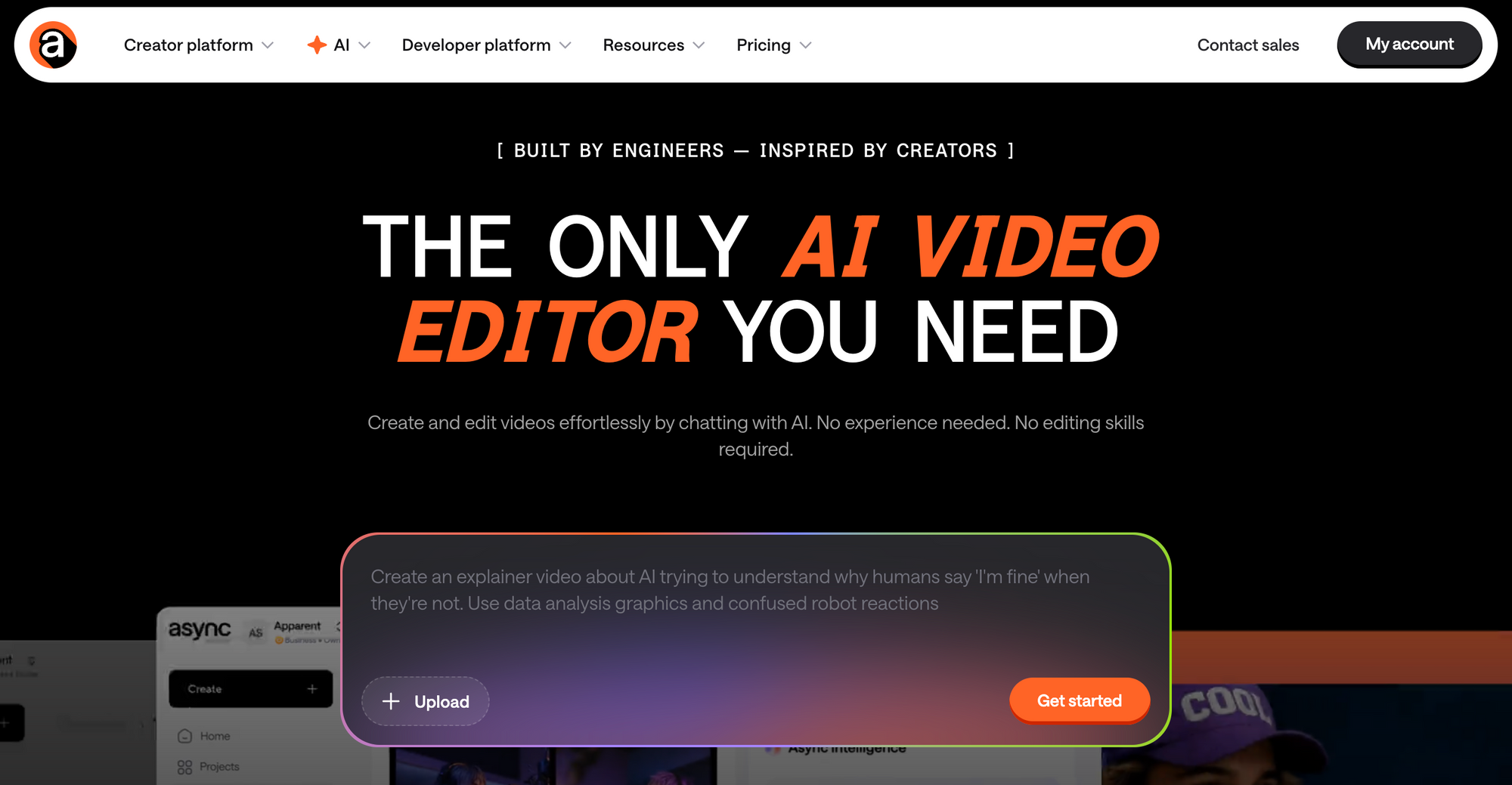
Async is one of the strongest all-in-one options for small businesses that want AI avatar videos without juggling multiple tools. It combines avatar generation with editing, AI subtitles, translation, and publishing in one workspace, making it a strong fit for teams that produce content regularly.
Async was built for creators and business teams who want professional output without a studio setup. Its AI models let you generate avatar-based videos from a script, then edit, enhance, and publish that content without ever leaving the platform. For small businesses, that means one subscription can replace four or five separate tools.
Pricing:
Free tier available. Paid plans start at competitive rates with credits that scale as your output grows. Check the AI credit system explained for a full breakdown of how usage is counted.
Pros:
- Covers the full workflow from creating an avatar video to editing and publishing in one place
- Reduces the need to switch between multiple tools or manage separate subscriptions
- Built-in support for subtitles and multilingual content
- AI clips make it easy to repurpose content for different formats and platforms
- Free plan available to test how it fits your workflow
Cons:
- Newcomers may need a short onboarding period to discover all available features
- Avatar customization depth is evolving and may not yet match the widest avatar libraries of avatar-only platforms
Best for:
Small businesses and content teams that want to create, edit, repurpose, and publish video content in one platform without paying for multiple subscriptions.
What makes it different: is how much of the workflow it keeps in one place. Instead of stopping at avatar generation, it also covers video and audio editing, subtitles, translation, and repurposing, which makes it more practical for small teams creating content regularly. It feels less like a standalone avatar tool and more like a broader content workflow.
2. HeyGen: best for multilingual marketing videos
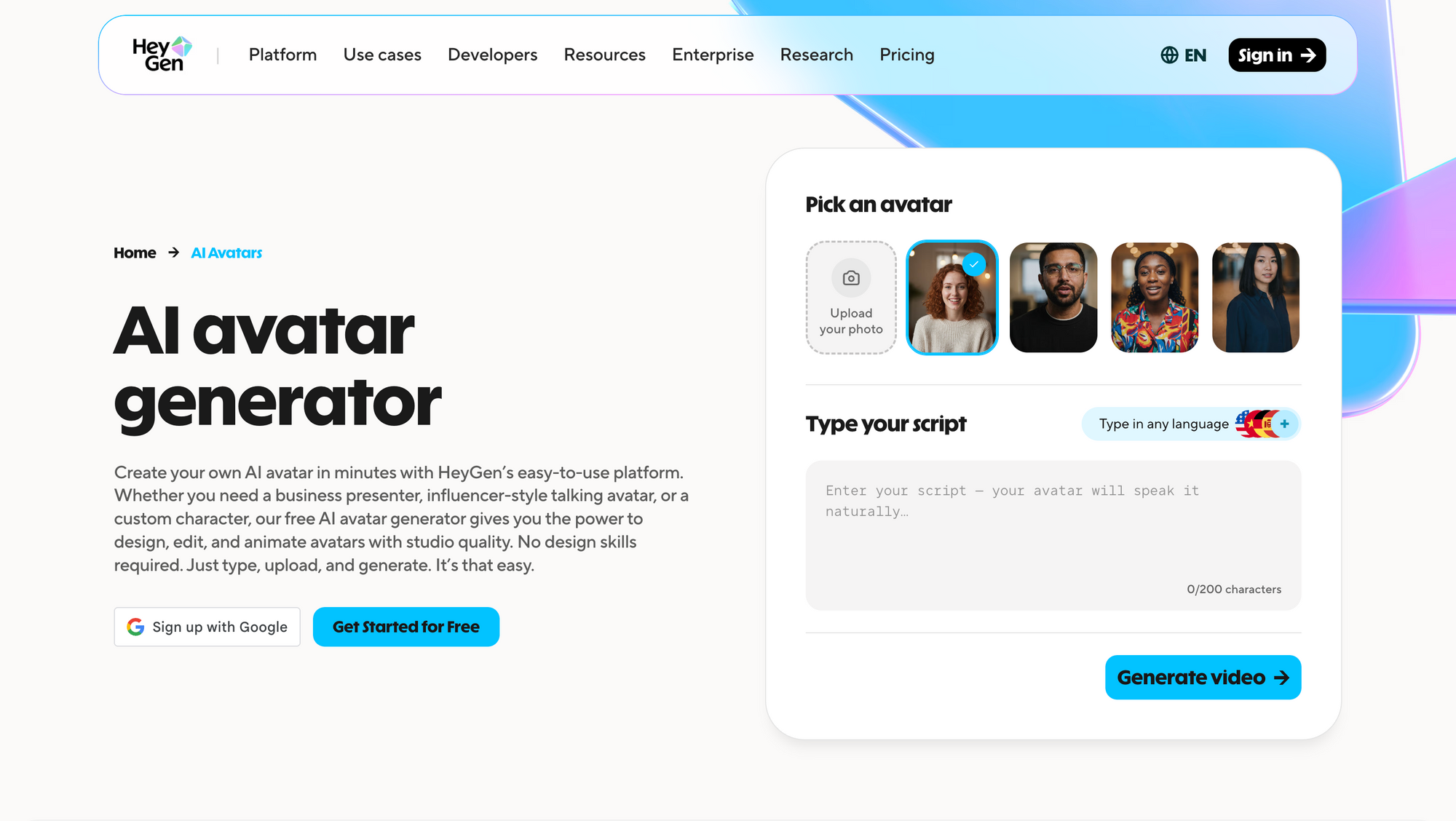
HeyGen is one of the strongest choices for small businesses that need multilingual video at scale. With support for a large number of languages and a clean avatar studio, it makes it straightforward to produce branded video content in multiple markets from a single script.
HeyGen's core strength is its video translation feature, which lets you lip-sync an existing video into another language rather than re-recording. For businesses running campaigns across different regions, this cuts production time dramatically. The avatar quality is polished, and the interface is accessible to non-technical users.
Where HeyGen falls short for smaller teams is the cost curve. The entry-level plan covers basic use cases, but teams that need high video output, custom avatars, or advanced scene templates will move up to higher tiers quickly. It also functions as a standalone avatar tool, so you will still need separate software for editing, hosting, or repurposing content.
Pricing:
Free plan with limited exports. Paid plans start at around $29 per month.
Pros:
- Strong multilingual video translation across 175+ languages
- Clean avatar quality with natural lip-sync
- Large template library for different industries
- Easy-to-use interface for non-technical users
Cons:
- Costs rise quickly with higher output volumes
- No built-in editing or hosting suite
- Limited functionality outside of avatar generation
Best for:
Businesses focused primarily on multilingual marketing content and video translation.
What makes it different: HeyGen's video translation and lip-sync feature is one of the most advanced in the category, making it particularly strong for businesses that need to adapt existing content for international markets.
3. Synthesia: best for training and onboarding videos
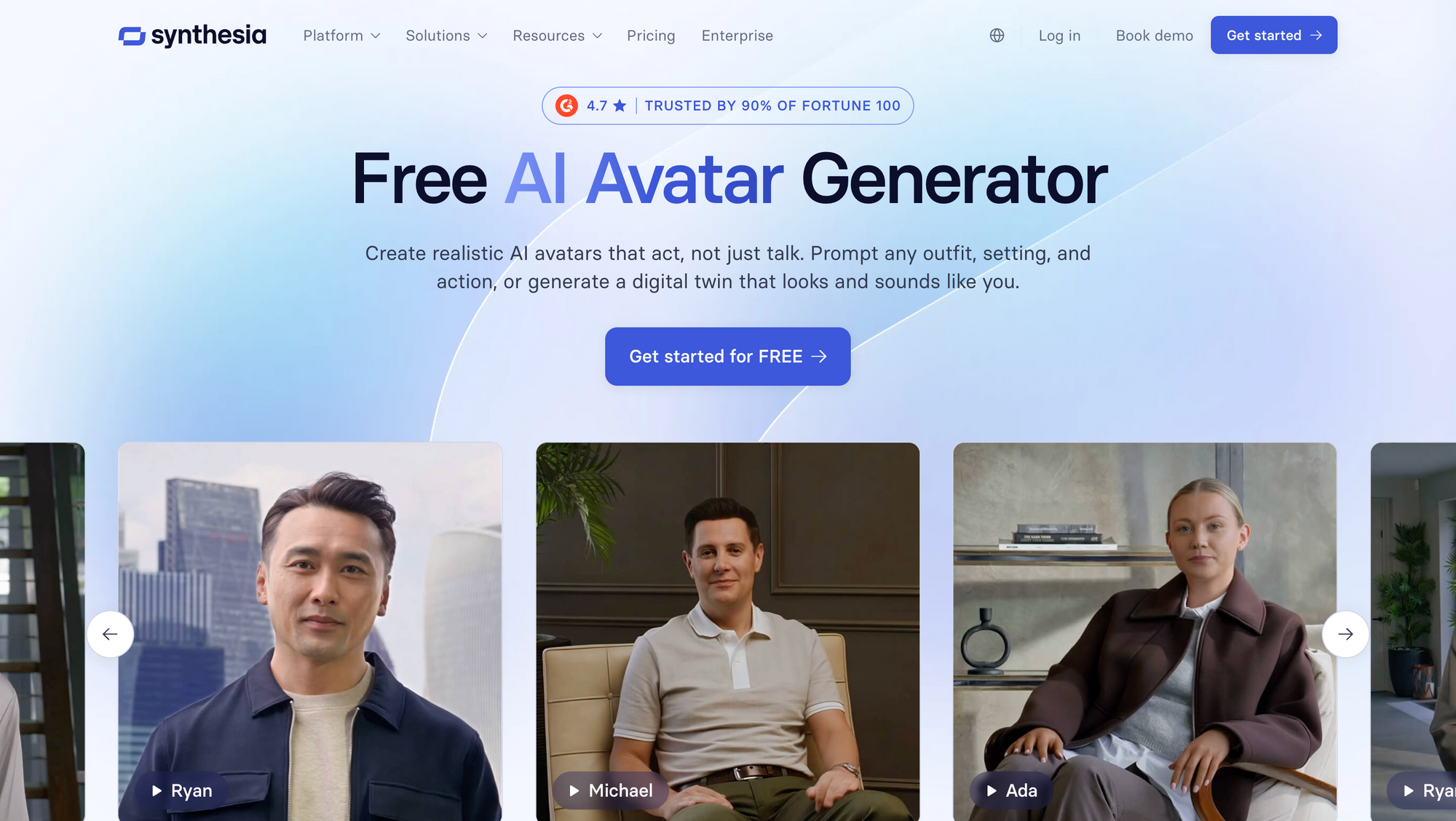
Synthesia is the go-to platform for businesses that produce training videos, onboarding walkthroughs, and internal communications at scale. With support for over 120 languages and a large library of professional avatar presenters, it is well-suited to HR teams, L&D departments, and small businesses running structured employee programs.
Synthesia's template system and SCORM export make it popular with teams that need to push content into learning management systems. The interface is simple enough that non-technical staff can produce a polished training module without any video editing experience.
The trade-off is flexibility. Synthesia is purpose-built for structured, presenter-style video. If you need short-form social content, product demo videos, or anything that requires heavy post-production, you will need additional tools. It is a strong choice when making, for example, training videos for employee onboarding, but not a complete content production platform.
Pricing:
Starts at around $22 per month (annual billing). No free plan; demo access only.
Pros:
- Huge language library with 120+ languages
- Professional avatar quality suited to corporate use
- LMS integration and SCORM export for training teams
- Strong template system for structured video formats
Cons:
- No free plan; limited trial access
- Limited flexibility for non-training content
- No built-in editing or repurposing tools
Best for:
HR teams and small businesses that produce regular training and onboarding video content.
What makes it different: Synthesia's SCORM export and learning management system integration make it one of the few AI avatar generators built specifically for corporate training workflows rather than general video content.
4. D-ID: best budget entry point
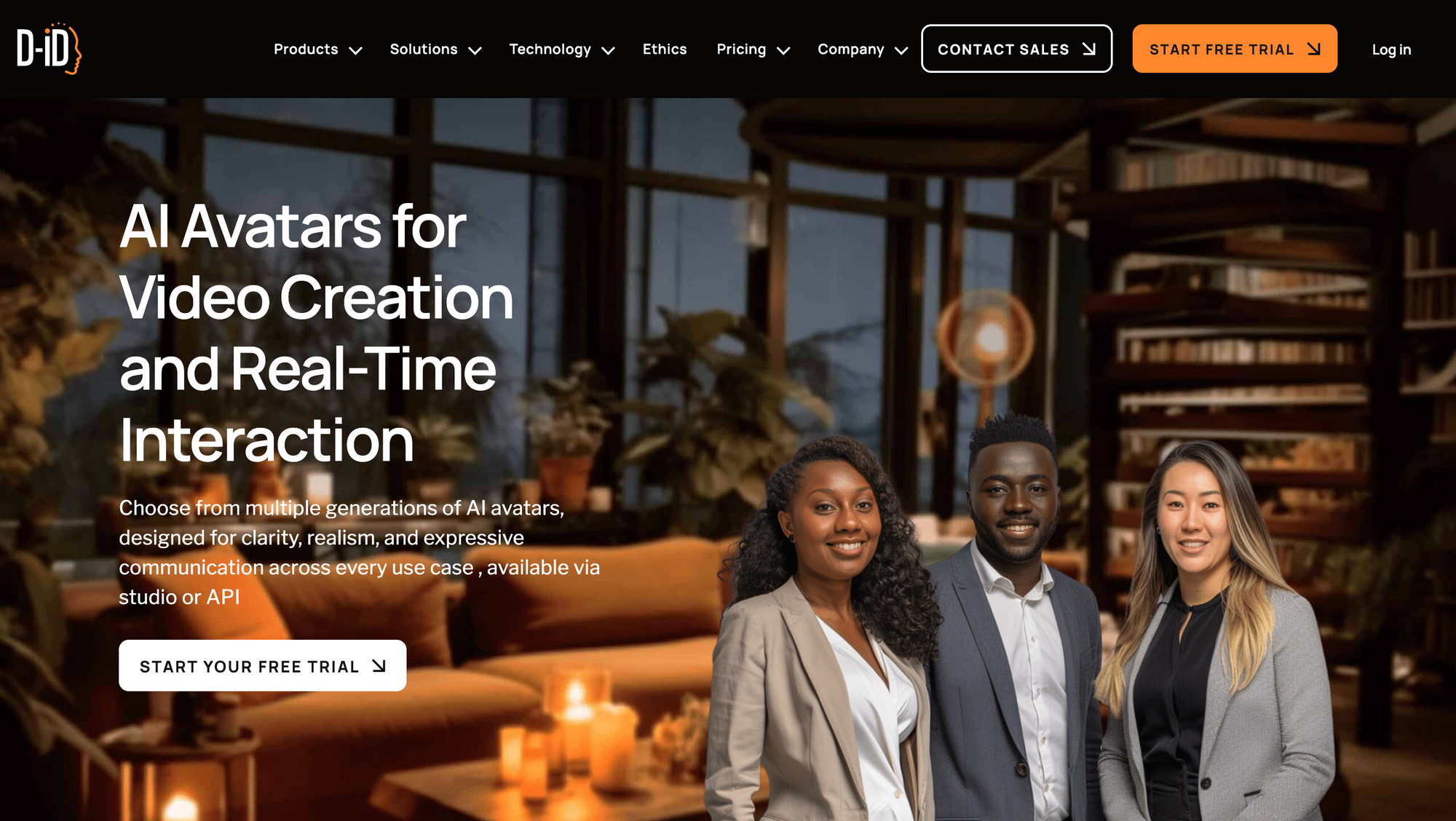
D-ID offers the most accessible entry point for small businesses testing AI avatar video for the first time. Its free tier lets you generate short talking-head videos from a photo and a script, making it one of the few genuinely usable free AI avatar generator options on the market.
D-ID's technology is best known for animating still images, which gives it a distinctive use case: turning a headshot into a speaking avatar without needing a full avatar studio session. This is useful for solopreneurs, coaches, or micro-businesses that want a low-effort way to add a human face to their content.
The platform is limited compared to Async or HeyGen when it comes to scene design, background control, and post-production. It is best treated as a starting point or a supplementary tool rather than a primary content production platform.
Pricing:
Free tier with limited credits. Paid plans start at around $5.90 per month.
Pros:
- Generous free tier for testing
- Very low entry price for paid plans
- Easy photo-to-avatar workflow
- Fast generation time
Cons:
- Limited scene templates and background options
- Basic features compared to full platforms
- No editing or repurposing suite
- Lower avatar quality than premium platforms
Best for:
Solopreneurs and micro-businesses looking for a no-cost way to experiment with AI avatar video.
What makes it different: D-ID's photo-to-avatar technology lets you create a talking avatar from a single still image, which is a faster and simpler entry point than platforms that require video recording or extensive avatar customization.
5. Colossyan: Best for Corporate Learning Content
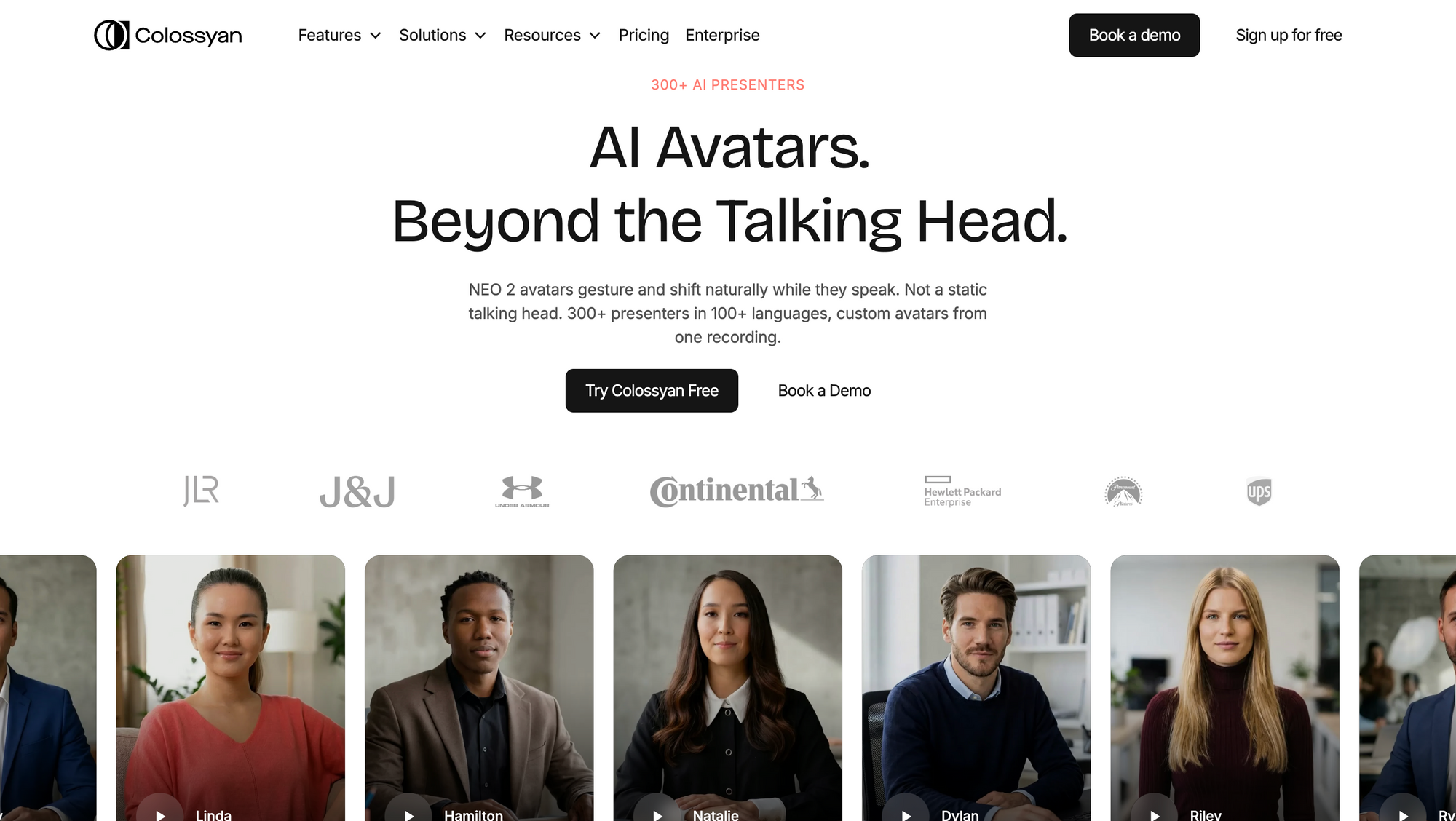
Colossyan is designed for businesses that need structured, branded learning content at scale. Its collaborative features and scene editor make it a practical choice for small teams producing regular instructional or internal communications video without a dedicated production team.
Colossyan has a cleaner interface than many competitors and offers automatic background removal as part of its standard workflow. Its multilingual support and custom avatar options are competitive at its price point, and the platform handles the kind of compliance and onboarding video formats that enterprise teams typically need.
It is not the right choice for businesses that need social-first, short-form, or highly dynamic content. Like Synthesia, it sits firmly in the structured video category.
Pricing:
Starts at around $19 per month (annual billing).
Pros:
- Clean interface suited to non-technical users
- Good multilingual support
- Collaborative workspace for team projects
- Automatic background removal included
Cons:
- Limited creative flexibility for non-corporate formats
- No audio or video editing tools
- Less suited to social or marketing content
Best for:
Small businesses producing regular internal or educational video content.
What makes it different: Colossyan's collaborative workspace features make it easier for small teams to produce branded learning content together without needing dedicated production roles.
6. Elai.io: best for e-commerce scene templates
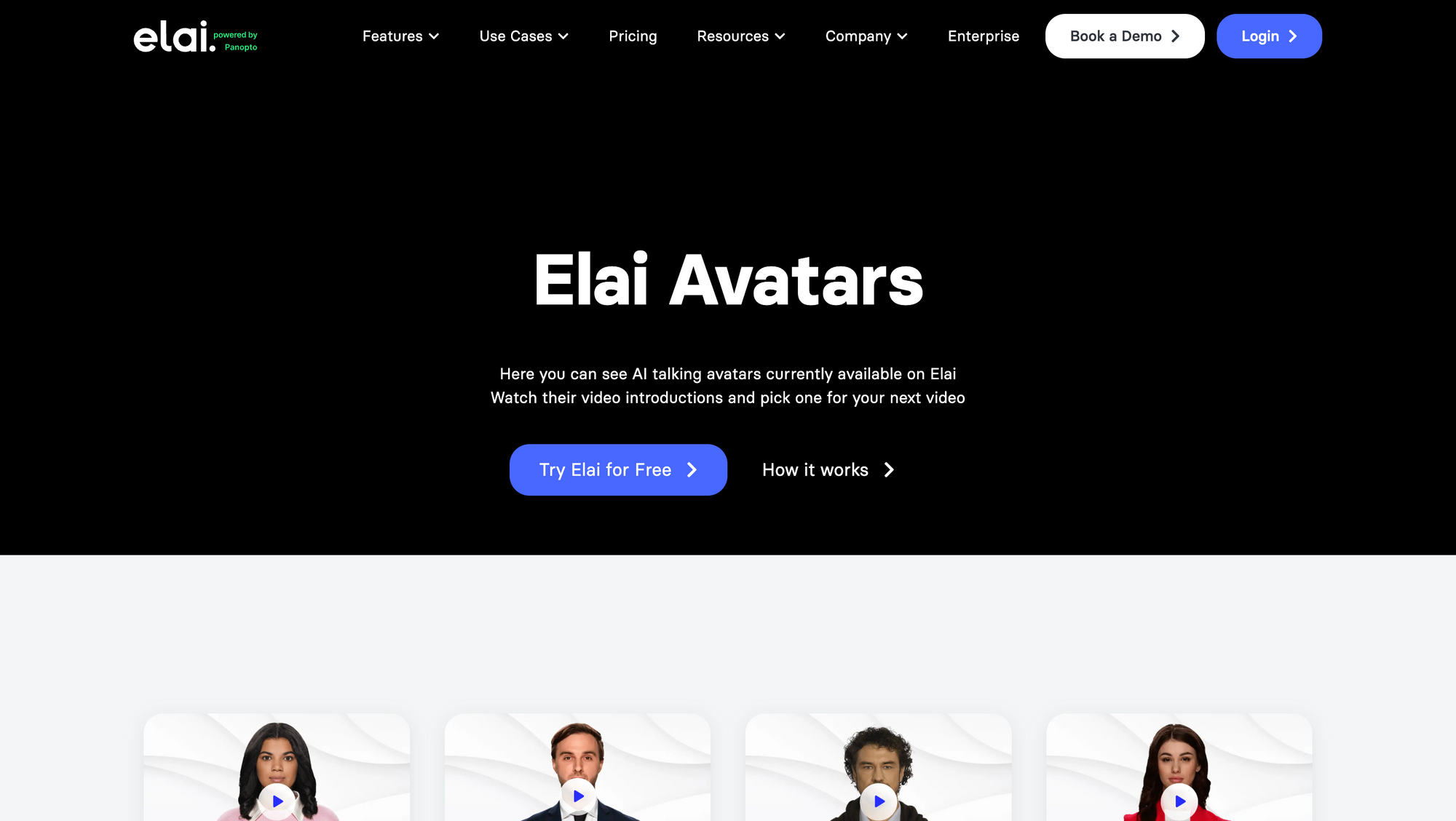
Elai.io is one of the few AI avatar generators with scene templates designed specifically for e-commerce use cases. If you sell physical products and want to create consistent product demo videos or ad creatives with an avatar presenter, Elai gives you pre-built scenes that fit that workflow without custom design work.
Elai supports multiple languages, includes automatic background removal, and offers a browser-based interface that requires no software installation. For small e-commerce businesses producing high volumes of short product videos, it offers a reasonably efficient pipeline.
It lacks the depth of a full content production platform and the audio tools are minimal, but for its specific use case of avatar-fronted product content, it competes well at its price point.
Pricing:
Starts at around $23 per month. Limited free access available.
Pros:
- E-commerce scene templates built for product videos
- Multilingual support for international markets
- Automatic background removal
- Browser-based with no software installation
Cons:
- Narrow use case focus limits flexibility
- Minimal audio tools
- Limited post-production options
- Less suited to non-product content
Best for:
Small e-commerce businesses creating product demo and promotional videos.
What makes it different: Elai.io's e-commerce scene templates and product-focused workflow make it one of the few AI avatar generators built specifically for online retail rather than general business video.
How these tools compare by key features
Different tools stand out for different reasons. Beyond pricing and use cases, features like background control, multilingual support, and ready-made templates can make a big difference depending on how you plan to use AI avatar video in your business.
AI avatar generators with automatic background removal
AI avatar generators with automatic background removal make it easier to create clean, professional videos without a studio setup. Tools like Async, HeyGen, Synthesia, and Colossyan include this feature, allowing small businesses to place avatars in different environments without extra editing work.
AI avatar generators offering multilingual support
AI avatar generators offering multilingual support allow businesses to create content for different markets without re-recording videos. Synthesia, HeyGen, and Async are among the strongest options, with support for multiple languages and built-in dubbing or translation features.
AI avatar generators with scene templates for e-commerce
AI avatar generators with scene templates for e-commerce help businesses create product-focused videos quickly. Platforms like Elai and HeyGen offer pre-built layouts designed for product demos, while tools like Async allow more flexibility through background editing and repurposing workflows.
How to choose the right AI avatar generator for your small business
The right AI avatar generator depends on what you’re creating, how often you publish, who your audience is, and what happens to your content after it’s generated.
What are you making? Training videos and onboarding content call for structured, professional avatars. Marketing clips and social content call for more flexibility, faster turnaround, and repurposing tools. Product demos benefit from scene templates and clean backgrounds.
How often are you making it? If you produce video weekly, you need a platform that fits into a repeatable workflow. Look for tools with content creation workflow support, batch production features, and easy editing rather than one-off generators.
Who is watching? If your audience includes international customers, multilingual support is not a nice-to-have. It is a core requirement. Look for platforms that offer AI dubbing and translation rather than just subtitle export.
What happens next? A video is rarely finished when it leaves the avatar generator. It often still needs subtitles, reformatting for different platforms, trimming for short-form use, and sometimes transcription. If your avatar tool cannot handle any of that, you will likely end up paying for additional platforms. That is where more workflow-focused tools, including Async, become more cost-effective over time.
How to generate an AI avatar (step-by-step)
Generating an AI avatar video for your small business takes four steps regardless of which platform you use.
Step 1: Choose your avatar. Most platforms offer a library of stock avatars you can use immediately. Some allow you to create a custom avatar from a short recorded clip of yourself. For brand consistency, a custom avatar is worth the setup time.
Step 2: Write or paste your script. The avatar will present your script using AI-generated speech. Keep sentences short and conversational for the most natural delivery. Use punctuation to control pacing.
Step 3: Select your scene and background. Choose a background that matches your brand or use automatic background removal to place the avatar in a custom environment.
Step 4: Generate, review, and export. Most platforms generate a preview in under two minutes. Review for pronunciation issues, pacing, and visual quality, then export to your preferred format or publish directly.
On Async, this workflow also includes subtitle generation, noise removal, and format conversion as part of the same session.
The next step is making this work for you
You have compared the tools. You know what affordable AI avatar generators for small businesses can do. The next step is trying the workflow that makes the most sense for your team.
Async has a free plan and doesn’t require any video production experience. It gives small teams a simple way to create, edit, subtitle, translate, and publish AI avatar videos in one place. Whether you are building a product demo series, onboarding your first team members, or launching a multilingual campaign, the workflow is the same: open Async, write your script, generate your avatar, and publish.
Frequently asked questions
Which AI avatar generator offers the best value for money?
Async offers some of the best value for money for small businesses because it can replace multiple tools in a single subscription. Rather than paying separately for an avatar generator, a video editor, an audio enhancer, a subtitle tool, and a translation service, Async includes all of these in one platform. For teams producing content regularly, the total cost savings are significant compared to assembling a multi-tool stack.
Which AI avatar generator offers the best customization options?
For customization depth, HeyGen and Synthesia lead among avatar-focused platforms. HeyGen offers a wide library of avatar styles and the ability to create a custom avatar from a recorded clip. Synthesia provides over 140 stock avatars with strong scene customization. Async allows custom avatar creation alongside extensive post-production customization through its editing and background tools, making it the most flexible for teams that want control over the full visual output.
How do I generate an AI avatar?
To generate an AI avatar, sign up for a platform such as Async, choose an avatar from the library or upload a clip to create a custom one, paste in your script, select a background or scene, and click generate. The platform converts your text to speech using the avatar's voice and produces a video file you can export or publish directly. The process typically takes less than five minutes for a short video.
How do I generate an AI avatar for free?
You can generate an AI avatar for free by signing up for Async's free tier or D-ID's free plan, both of which include credits for generating avatar videos without a paid subscription. Async's free tier provides access to the full platform including editing tools, while D-ID's free credits are suited to short talking-head video tests. HeyGen also offers limited free exports on signup.
Is there any free AI avatar generator?
Yes. Several AI avatar generators offer free plans. Async, D-ID, and HeyGen all provide free tiers with varying levels of access. Async's free plan is the most complete because it includes editing, audio, and subtitle tools alongside avatar generation rather than limiting you to the avatar feature alone. D-ID's free tier is the most accessible entry point for users who simply want to test the technology before investing in a paid plan.
What is the difference between AI avatar generators and general AI video tools?
AI avatar generators create videos featuring a human presenter (either a stock character or a custom avatar) speaking from a script. General AI video tools, including those that convert text or images to video, do not necessarily include a human presenter. For small businesses, avatar video is valuable because it adds a human face to content without the cost or logistics of live recording. Platforms like Async combine avatar generation with general video production tools, covering both use cases in one place.
How do I choose between a free and paid AI avatar generator?
Start with a free tier to validate whether AI avatar video fits your workflow. If you find yourself producing more than two or three videos per month, running into export limits, or needing features like multilingual dubbing, subtitles, or background removal, a paid plan quickly pays for itself. The key question is total workflow cost: a $29 per month platform that covers every step from creation to publishing is more affordable than a free tool that requires $50 worth of additional subscriptions to produce finished content.
Are AI avatar videos good for small business marketing?
AI avatar videos can work well for small business marketing when speed, consistency, and budget matter more than full studio production. They are especially useful for product explainers, onboarding content, multilingual campaigns, and simple social videos, as long as the delivery still feels clear and on-brand.