[ TOP FEATURE ]
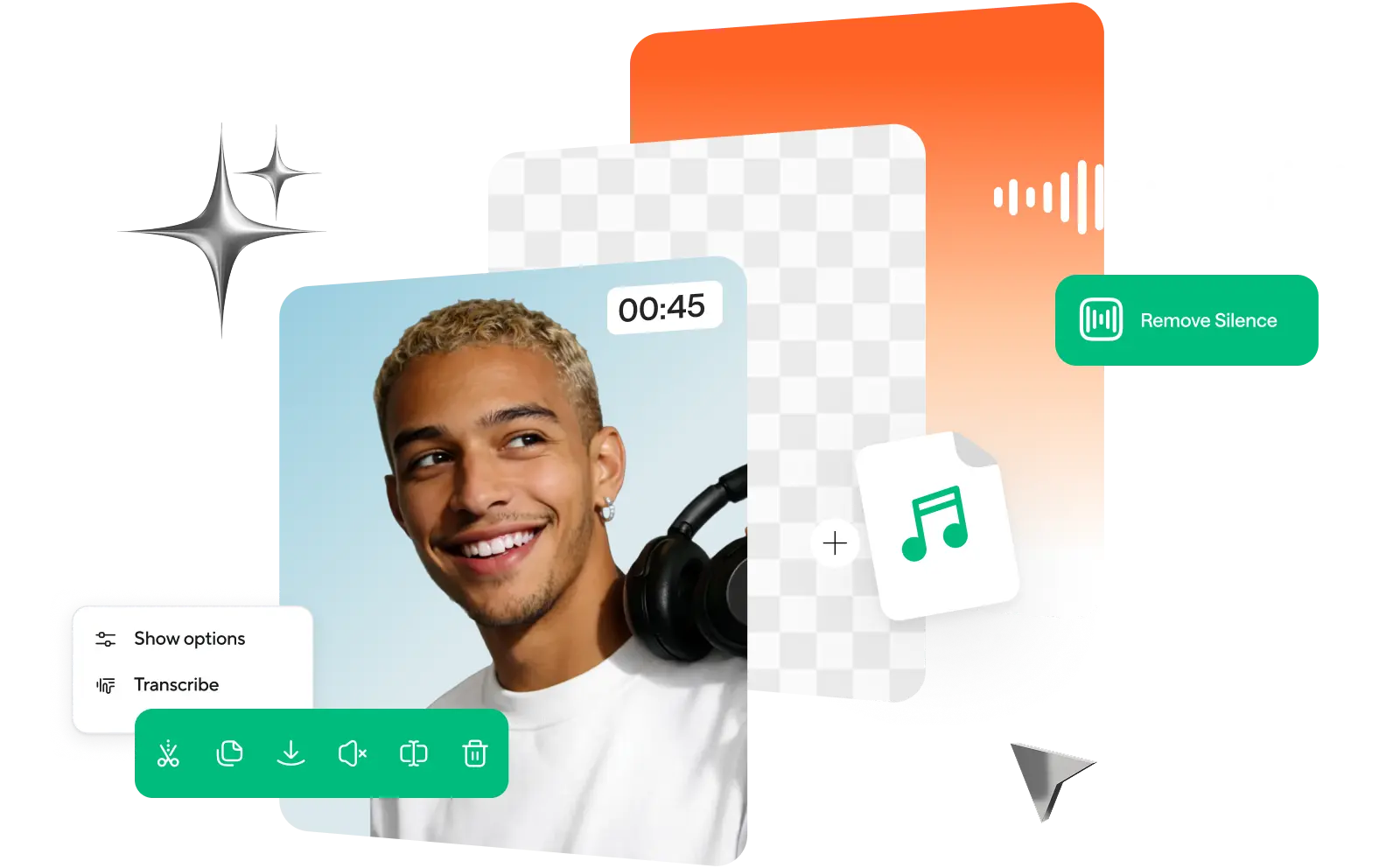
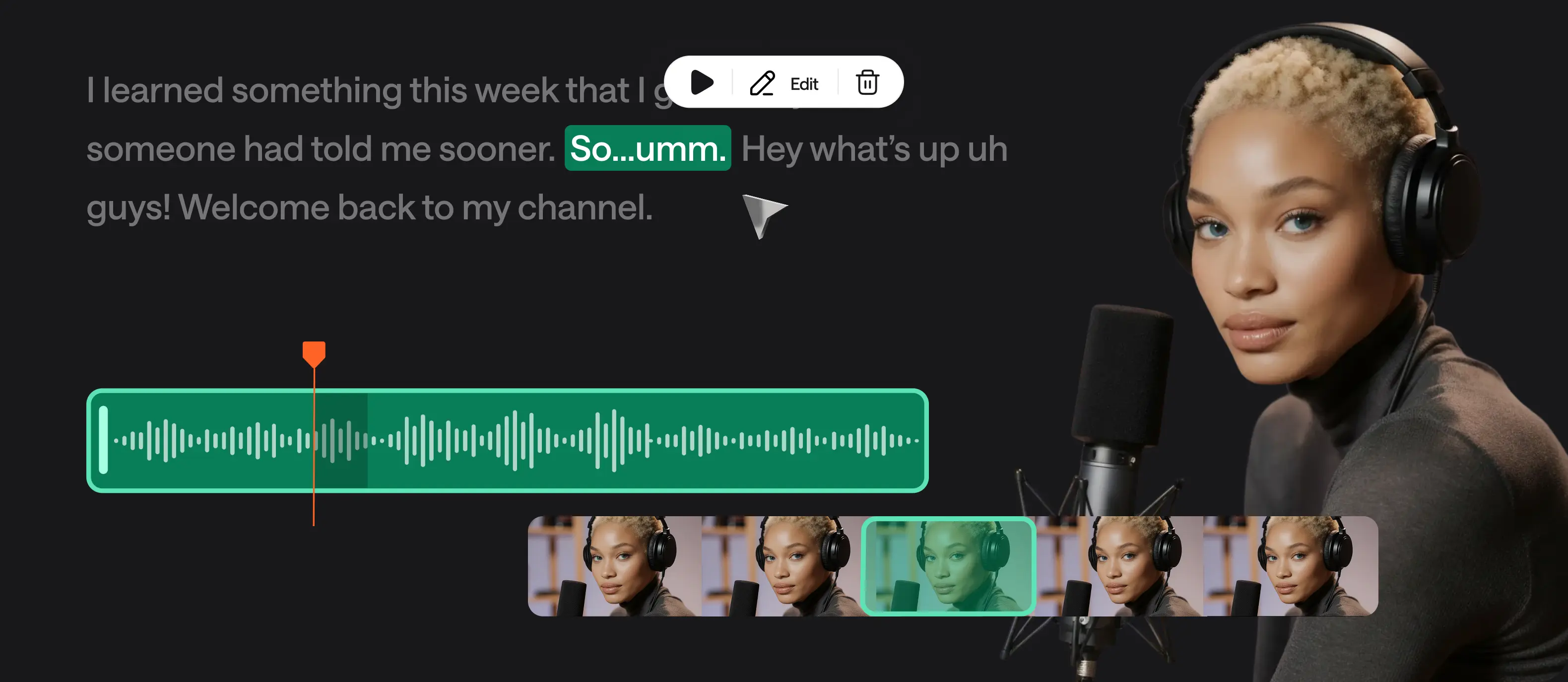
Edit audio like a doc
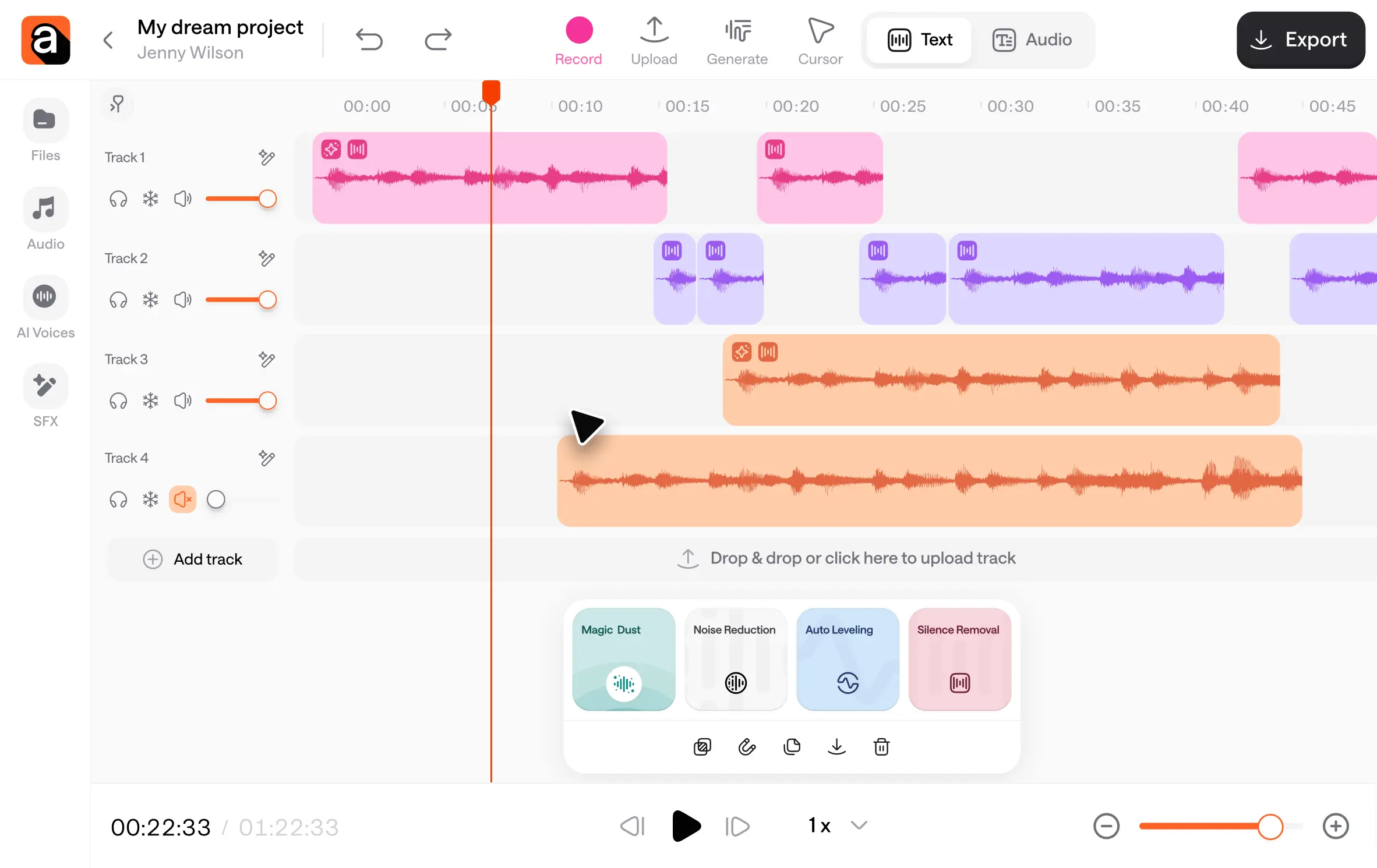
Text-based editing that turns audio into a transcript, so you can edit podcasts and interviews or work on multitrack projects faster.
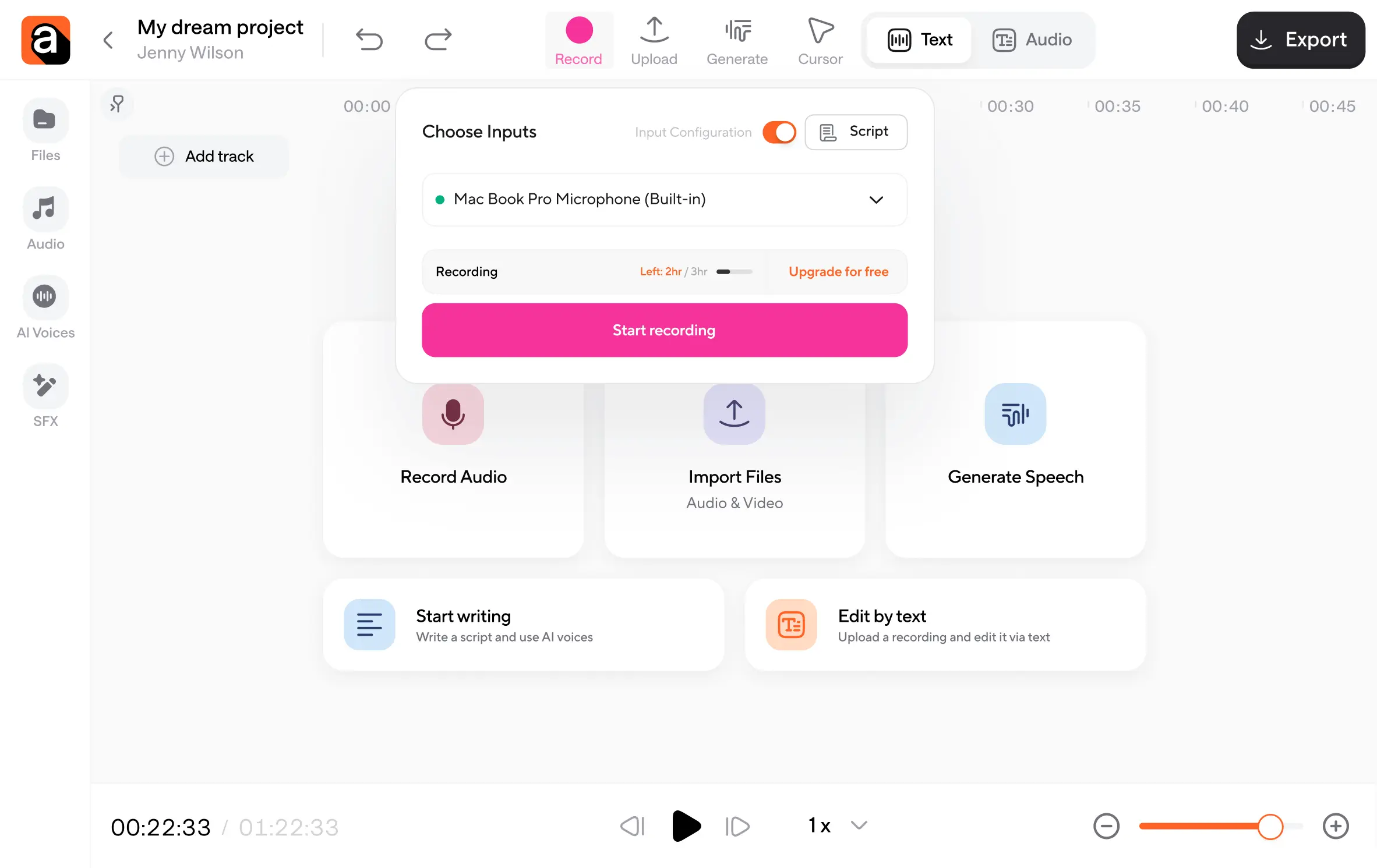
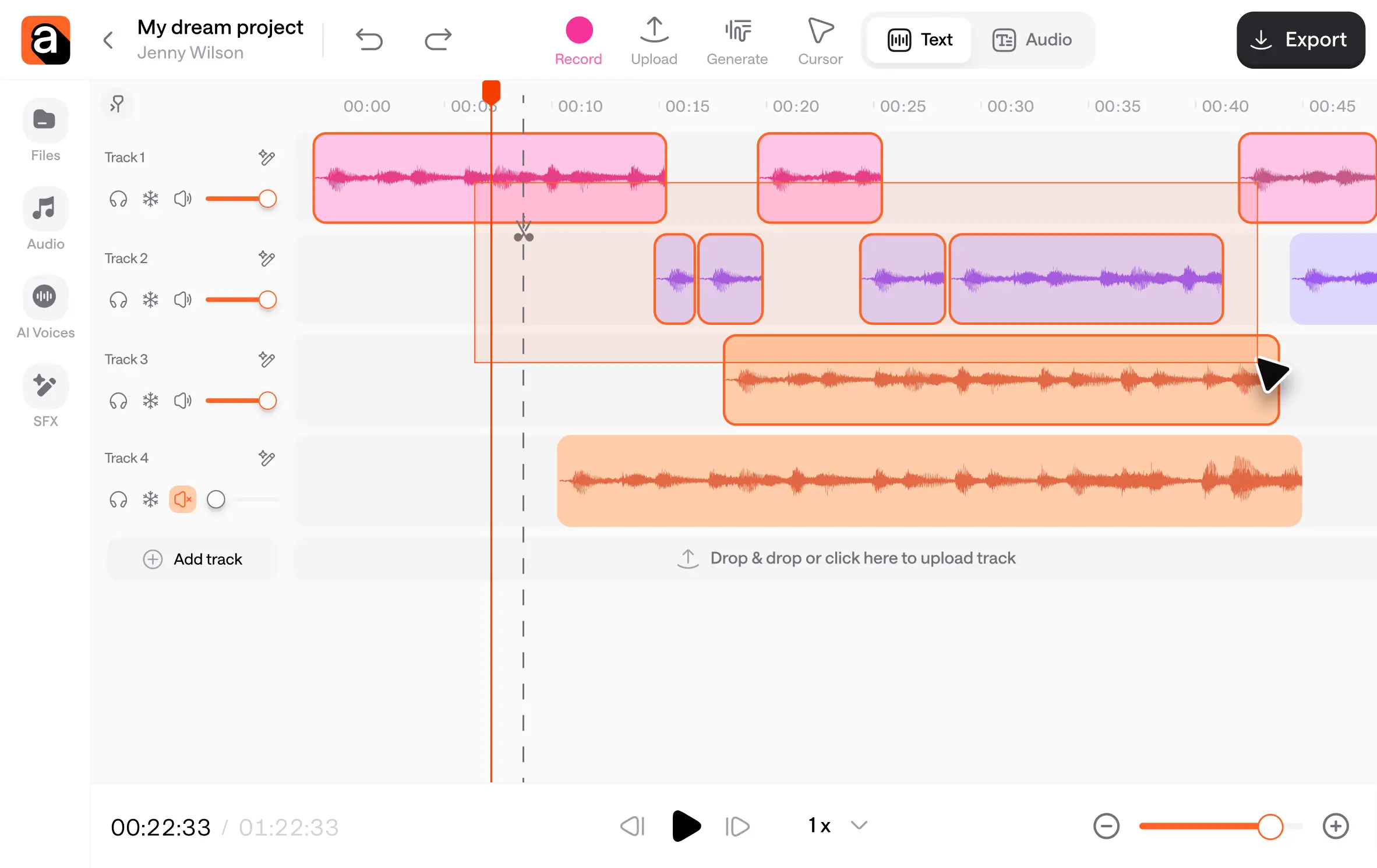
Your entire creative workflow, seamlessly connected
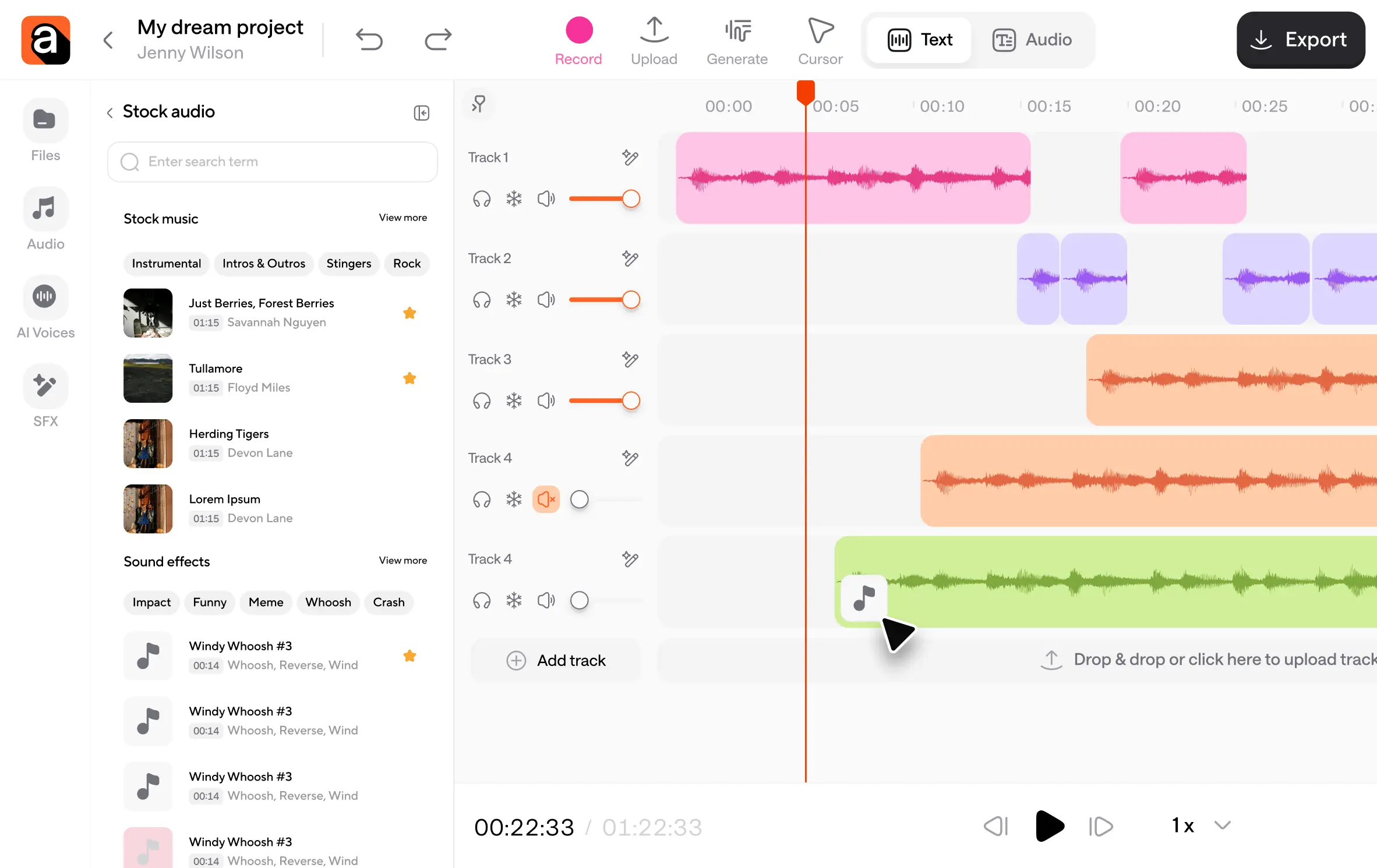
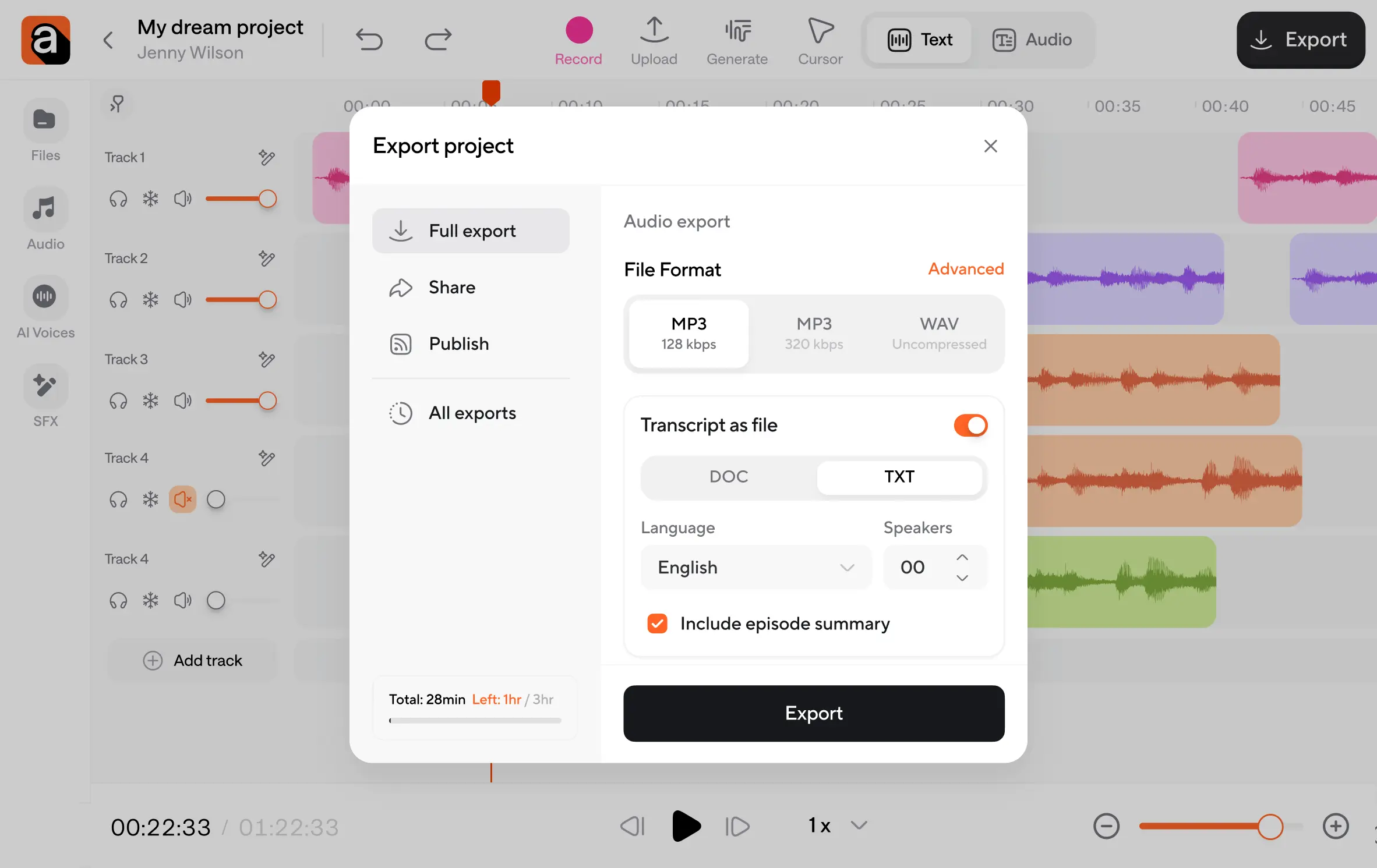
Unlike other tools, Async connects every step of your workflow under one roof, so you can focus on stories, not on software.
One AI Audio Editor. Endless possibilities.
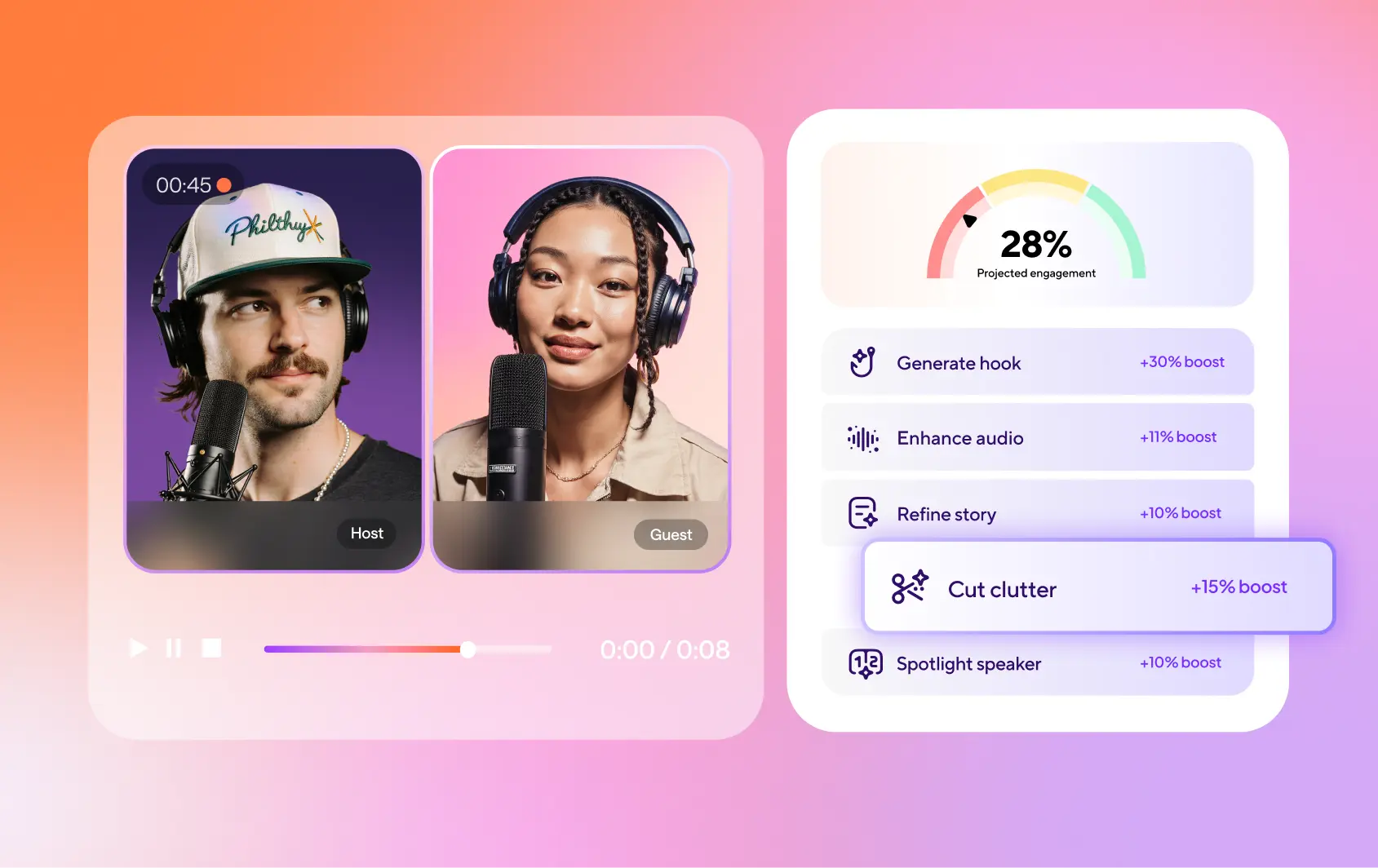
Create podcasts that sound like they came from a studio.
Make YouTube videos that sound as good as they look.
Produce marketing videos with professional-grade audio.
Create audiobooks listeners want to finish from start to end.
Loved by creators worldwide

“I really like it because it's the best application i have used so far for recording my episodes in the podcast.”
iCast P. on G2
“Async is very easy to use. The customer service is also top rate. I am glad I chose to work with them.”
Robert S. on G2
“Async has saved me so much time and money to be able to do everything all in one tool.”
Cosmin G. on G2
How do you edit audio?
You can edit audio by trimming unwanted parts, adjusting volume levels, removing background noise, and enhancing voice clarity. With our online audio editor, you simply upload your recording, make your edits visually on a timeline, and export the final file.
Is there an easy way to edit audio files?
Yes. Our online AI audio editor makes the process simple and beginner-friendly. You can edit by deleting words from an automatic transcript instead of cutting waveforms manually. This speeds up the process and ensures a polished result.
What is the best audio editing software?
Some of the best audio editing software include Async, Adobe Audition, Audacity, and Logic Pro. For beginners and content creators, our AI audio editor stands out because it combines AI-powered enhancements, multitrack editing, and easy exporting in a single platform.
Is there an audio editor for Google Chrome?
Yes. Many web-based editors work in Chrome. Our free online audio editor is one option that runs entirely in your browser without downloads or additional setup. Just record and edit the moment you sign up.
Is there anything better than Audacity?
Audacity is great for advanced users, but many creators want something simpler and faster. Our free audio editor gives you an easier workflow with built-in AI tools for cleaning up and enhancing your audio automatically.
How do YouTubers edit their audio?
Many YouTubers use tools like Async, Adobe Audition, Audacity, or Premiere Pro’s built-in audio features. They typically clean up background noise, balance sound levels, enhance voices, and add effects to create clear, professional-sounding videos.