If you work in SaaS, you are already aware of how quickly interest can be killed by a poor product demo. Even if you have a fantastic pitch, a clear value proposition, and an excellent product, people will become disinterested if the demo is clumsy, outdated, or difficult to follow.
Sales calls, landing pages, onboarding processes, and even support have all experienced it. Buyers no longer look for explanations. They want the product to function swiftly, smoothly, and in their context.
According to Demand Gen Report, 80% of B2B buyers only initiate contact with sales after completing around 70% of their buying journey independently, which means most evaluation now happens before a salesperson ever gets involved.
Selecting the best SaaS product demo video software that works with your team's real workflow is more difficult than deciding whether you need demos. Certain tools emphasize sophisticated graphics but are difficult to update. Others are quick, but they crumble when scale, branding, or cooperation is involved.
In this article, we'll talk about how to assess SaaS product demo video software, what features are most important for practical use, and how to pick the best tool for your company in terms of sales, marketing, onboarding, and retention.
Understanding SaaS product demo videos
The short answer:
SaaS product demo videos are short videos that show how a software product works in a real situation. Instead of explaining features in text or live calls, they visually walk people through a key workflow so they can quickly understand the product and decide if it fits their needs.
And now for the more detailed answer:
Product demo videos matter because they reduce friction in how people understand software. SaaS products are often complex, and written explanations or static screenshots leave too much room for confusion. A demo video shows the product in action, which helps set expectations early and saves time for both buyers and teams.
They also help keep people engaged. Watching a short demo that focuses on one clear use case is easier than sitting through a long walkthrough or sales call. When viewers can clearly see how a feature works and what problem it solves, they are more likely to stay interested and keep exploring.
Finally, product demo videos play an important role in lead generation. When demos are placed on homepages, landing pages, or in follow-up emails, they help answer common questions before someone reaches out. This means leads come in more informed, with clearer intent, which leads to better conversations and smoother onboarding later on.
Key features to look for in the best SaaS product demo video software
The short answer:
The best SaaS product demo video software makes it easy to record clear demos, edit them quickly, keep branding consistent, and share them with others for feedback. It should save time, support collaboration, and scale as your product and team grow, without making demo creation feel heavy or technical.
And now the more technical answer:
Not all demo tools are built for SaaS teams. Some focus only on screen recording, while others are polished but slow to update. When choosing software, the goal is to find a tool that fits real workflows, from marketing and sales to onboarding and support. Below are the core features that matter most in practice.
High-quality recording and capture options
A good demo starts with a clean recording. The software should capture your screen, audio, and camera clearly, without lag or quality loss. It should also handle different resolutions and layouts, so demos look professional whether they are viewed on a website, sent in an email, or shared internally.
AI-powered editing and enhancement
Editing is where most teams lose time. AI-powered tools help by trimming mistakes, improving audio, and speeding up basic edits. This makes it easier to update demos when the product changes and avoids starting from scratch every time a workflow is updated.
Subtitles and accessibility support
Many people watch demo videos without sound. Built-in subtitles make demos easier to follow and more accessible. Automatic captioning also saves time and helps teams publish demos faster across different channels.
Voiceover options for smoother narration
Clear narration helps viewers follow along. Voiceover tools let teams record, edit, or regenerate audio without re-recording the entire video. This is especially useful when demos need small wording changes or localization.
Easy sharing, review, and feedback workflows
Demo videos often go through several rounds of feedback. The right software makes it easy to share a demo, collect comments in one place, and apply changes quickly. This avoids long email threads and keeps reviews organized.
Brand consistency and reusable assets
As teams create more demos, consistency matters. Good software allows reusable templates, colors, fonts, and intros, so every demo looks like it belongs to the same product. This helps keep brand quality high without extra effort.
Collaboration features for teams
Demo creation is rarely a solo task. Collaboration features let marketers, sales teams, and product teams work together on the same demo. This includes shared access, version control, and clear ownership, so demos do not get lost or duplicated.
Top SaaS product demo video software options
The short answer:
The best SaaS product demo video software helps teams create clear demos quickly, keep them easy to update, and use them across sales, marketing, onboarding, and support. The right tool depends on what you need most, whether that’s fast creation, interactive tours, lead capture, or branded video distribution.
And now the more detailed answer:
There is no single tool that works for every SaaS team. Some platforms focus on interactive product tours, others on recording and editing, and others on distribution and analytics. What matters is choosing software that fits how your team creates demos and where those demos will be used.
Below, we’ll look at some of the most commonly used SaaS product demo video tools, each best suited for a specific use case, to help you compare options and choose what fits your workflow.
Async (best for quick, polished demos that stay easy to update)
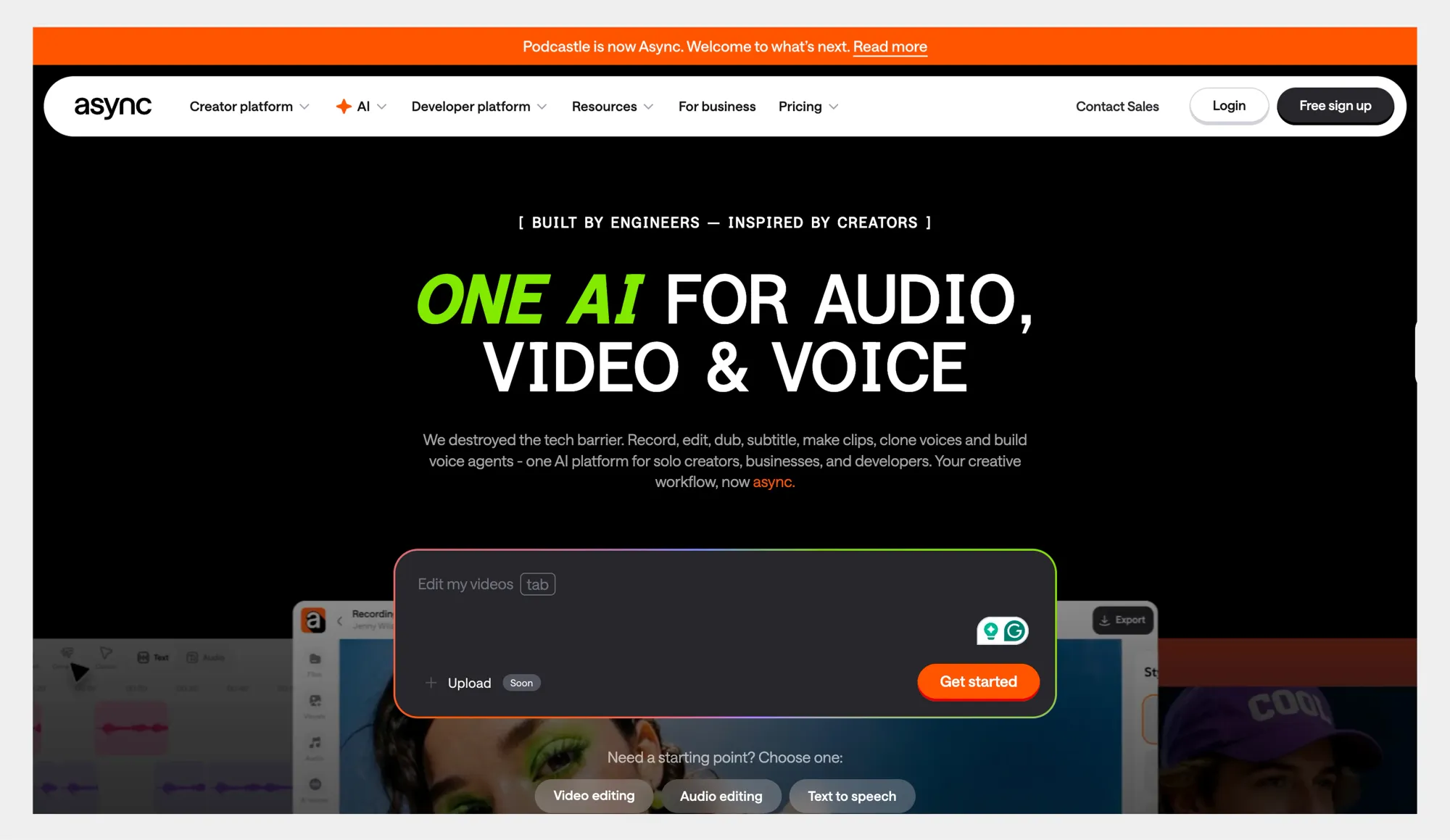
Async is a strong pick if you want the best SaaS product demo video software for teams that need to record, edit, subtitle, and ship product demos fast, without bouncing between tools. It is browser-based, so you can record or upload a demo, edit it, add captions, and export it in the format you need.
Overview:
Async combines a video editor with AI helpers that speed up common demo tasks like improving video quality, cleaning up audio, and generating captions. It also includes AI clips to turn longer recordings into short vertical clips, with smart cropping, face tracking, and automatic subtitles.
Pros:
• Browser-based workflow, easy to start, and share work across a team.
• Built-in AI clips with vertical reframing, face detection, and subtitles for short-form distribution.
• Team collaboration roles are built into the workspace, including viewers who can comment.
Cons:
• AI-powered features may require some manual review, as results can vary depending on the input and use case.
• Access to certain features and higher usage depend on the selected plan.
Pricing:
Async has a free Basic plan and paid Essentials and Pro plans. The pricing page also lists export quality limits by plan, watermark-free exports on paid tiers, and storage that scales from 2 GB on Basic to higher tiers.
Navattic (best for interactive product tours)
Overview:
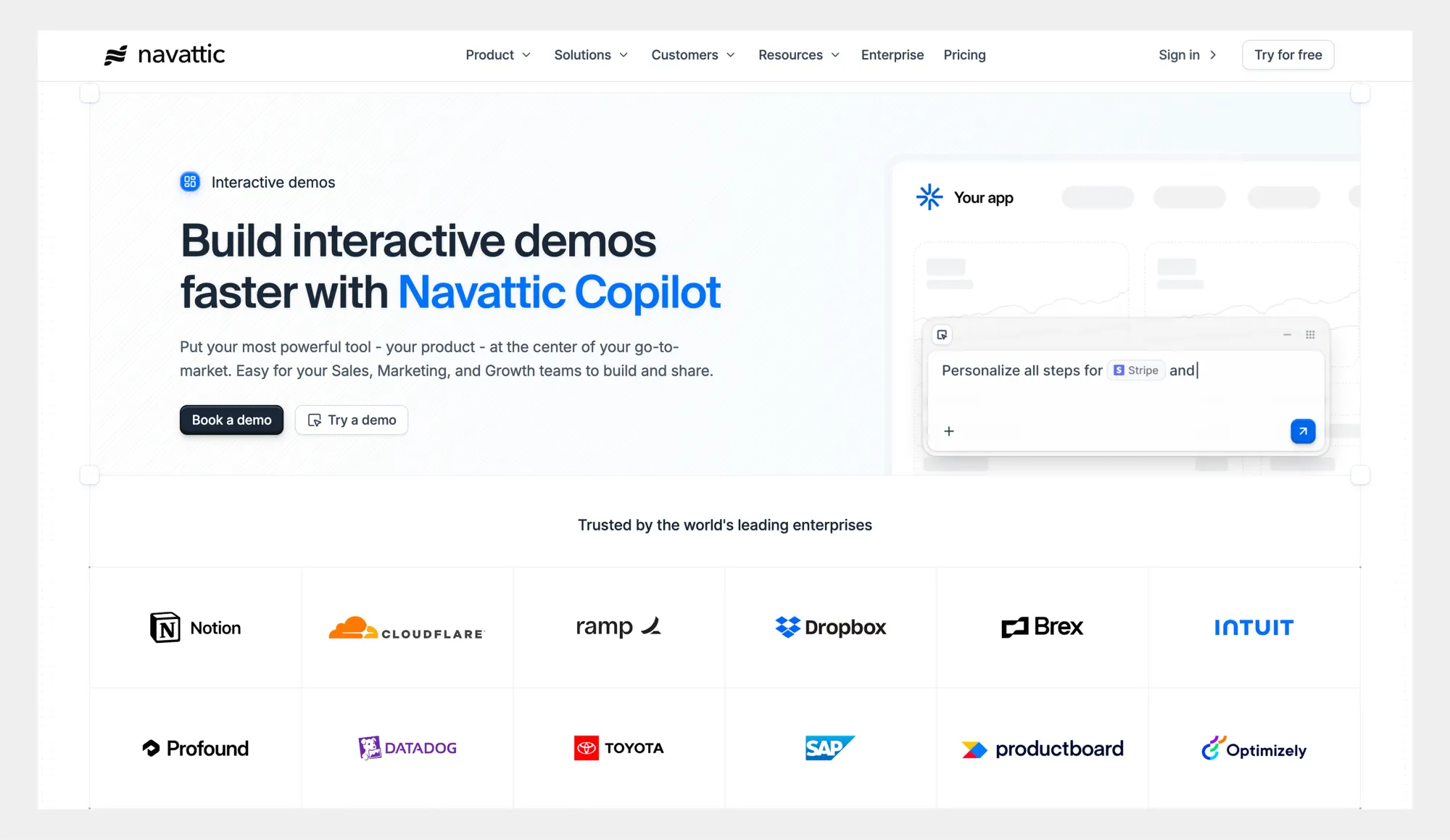
Navattic is a no-code platform that lets SaaS teams build interactive, clickable product tours instead of recording traditional videos. Prospects can explore key screens and workflows on their own, which works well for self-serve demos on websites and in sales follow-ups.
Pros:
• Interactive tours encourage hands-on exploration.
• Easy to embed on landing pages and share with prospects.
• Useful for early-stage education and asynchronous sales.
Cons:
• Better suited for guided tours than narrated video demos.
• Interactive setups can take more time than simple recordings.
Pricing:
Navattic offers paid plans for SaaS teams, with pricing based on features and usage. Details are available on their website.
Gumlet (best for secure hosting and scalable product demo delivery)
Overview:
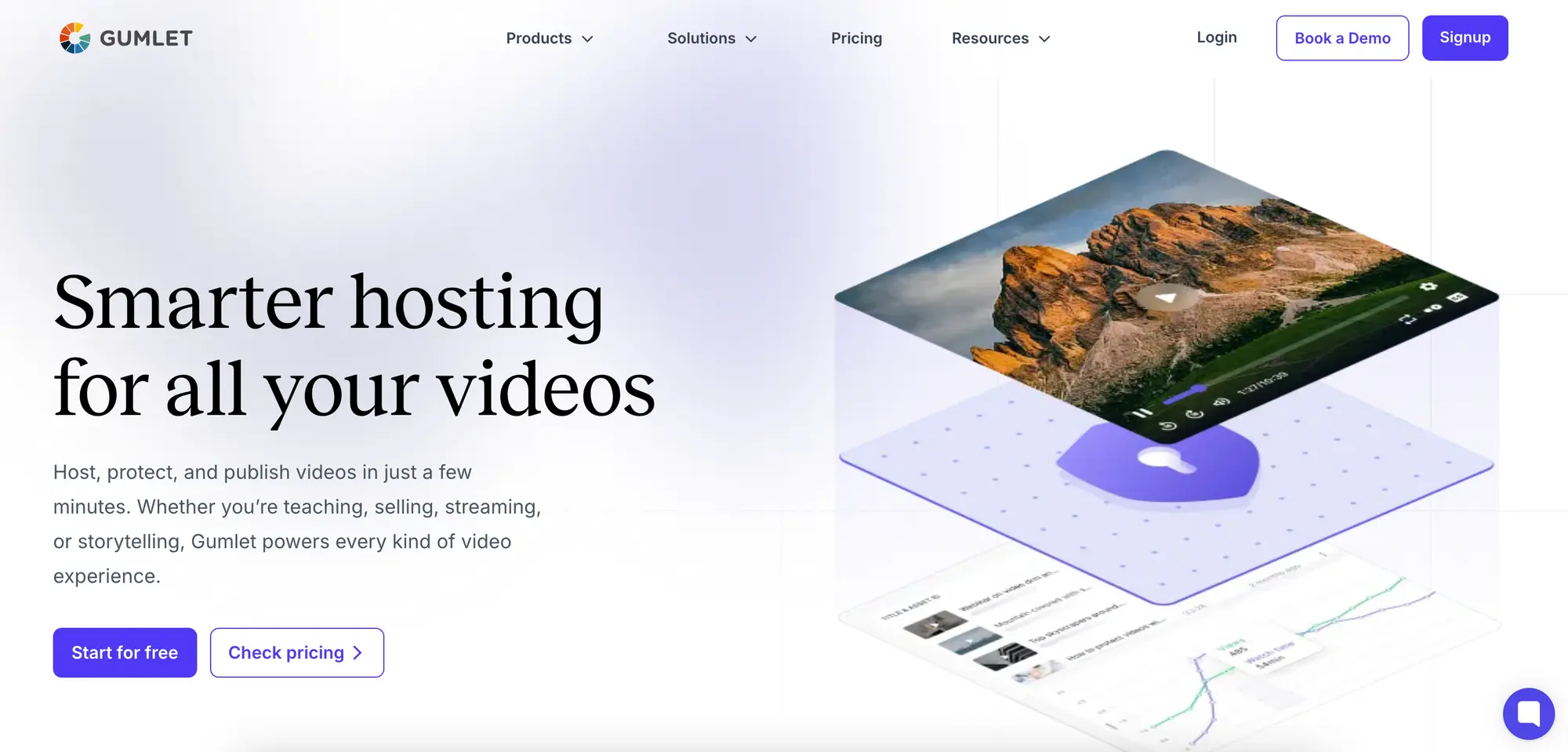
Gumlet is a video hosting and streaming platform built for businesses that want fast, secure, and fully branded video delivery. It is commonly used to host SaaS product demo videos on websites, in onboarding flows, in help centers, and within web applications. While it does not focus on heavy video editing, it excels at performance, protection, and seamless embedding across digital touchpoints.
Pros:
• High-performance video hosting with global CDN delivery for buffer-free playback.
• Advanced security features including DRM (Widevine & FairPlay), signed URLs, and dynamic watermarking.
• Customizable video player with branding controls and embeddable options for landing pages and SaaS apps.
• Built-in analytics to track viewer engagement and optimize demo performance.
Cons:
• Not a full-featured video editing suite.
• Focused more on hosting, security, and delivery than creative production tools.
Pricing:
Gumlet offers a free plan along with paid plans based on bandwidth usage and feature requirements. Pricing scales transparently as your demo video views and storage needs grow. Full details are available on their website.
HubSpot (best for lead generation tools)
Overview:
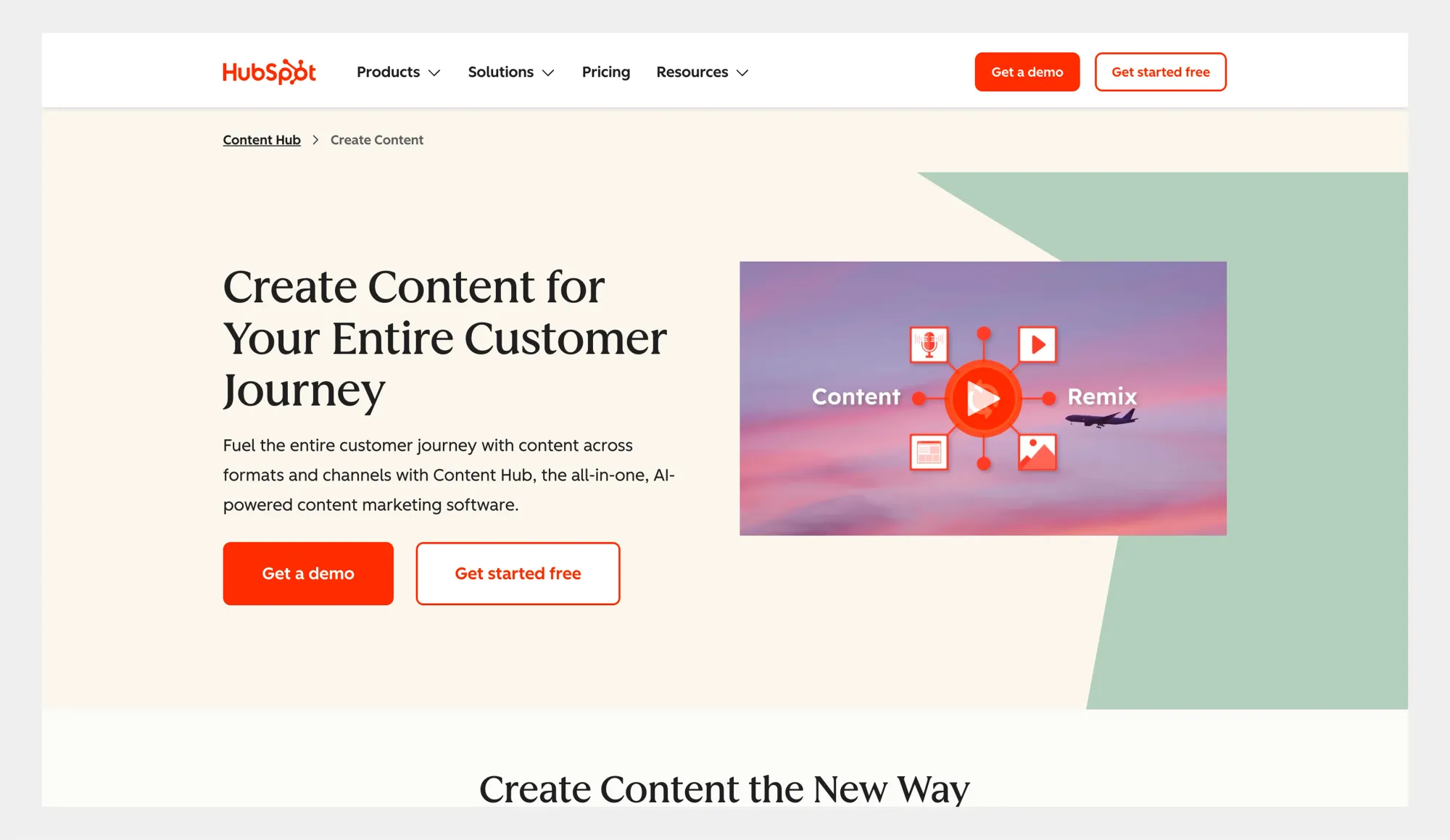
HubSpot is a full CRM and marketing platform that includes tools for creating and sharing product demos as part of broader lead generation and sales workflows. While it is not a dedicated demo video tool, teams often use HubSpot to host videos, add calls to action, and connect demo engagement directly to contact and deal data.
Pros:
• Strong integration between demo content, forms, and CRM data.
• Useful for tracking how demos contribute to leads and conversions.
• Fits well into existing marketing and sales workflows.
Cons:
• Not built specifically for creating product demo videos.
• Video and demo features are more basic than those in dedicated tools.
Pricing:
HubSpot offers free tools and paid plans across its marketing, sales, and CRM hubs. Pricing varies based on features and scale, with details available on their website.
Intercom (best for customer engagement tools)
Overview:
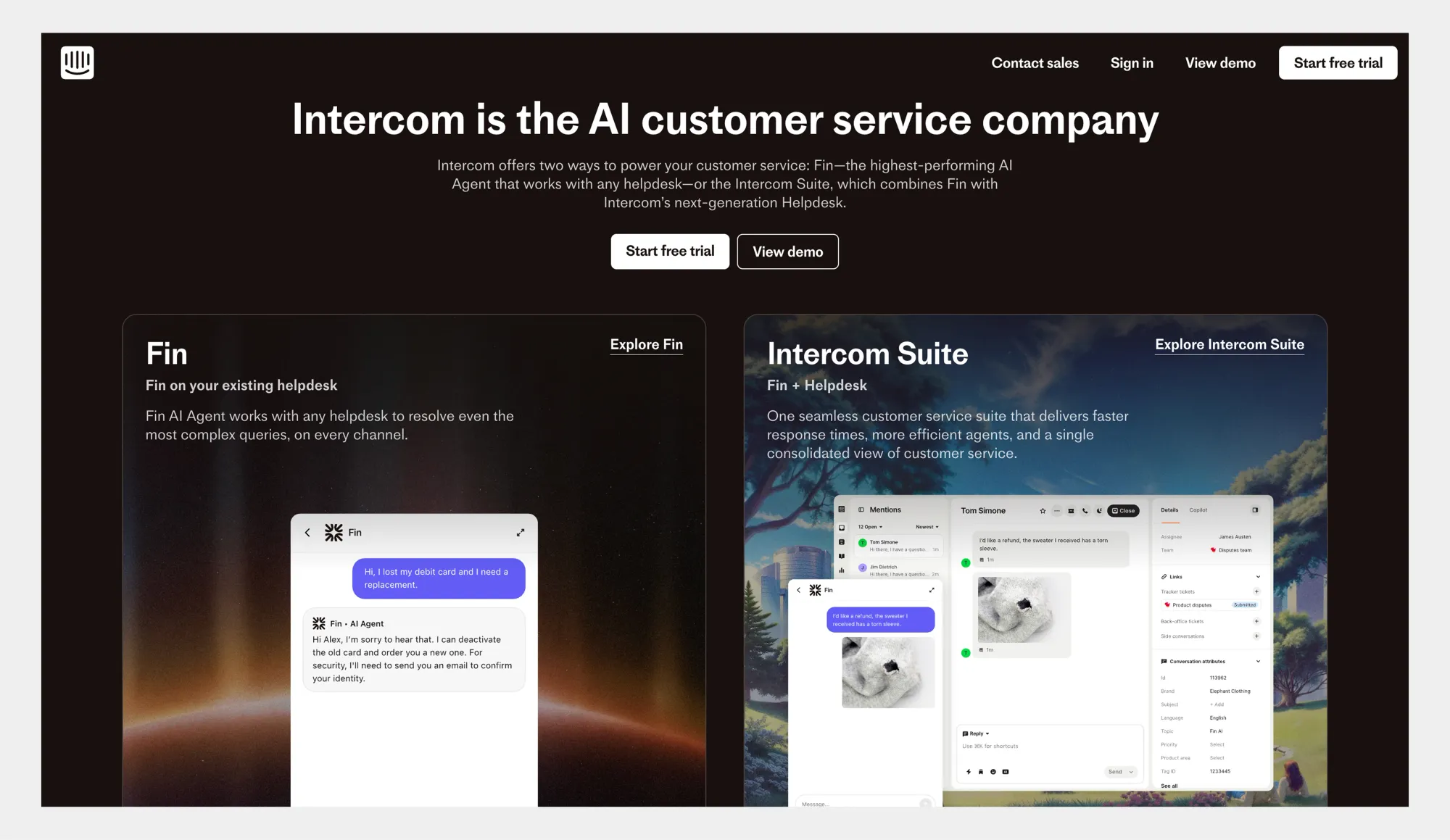
Intercom is a customer messaging and support platform designed to help SaaS teams communicate with users across onboarding, support, and retention. While it is not a demo creation tool, teams often use Intercom to deliver short product demos, walkthrough videos, and feature explanations directly inside chats and in-app messages.
Pros:
• Strong for in-app demos and contextual product education.
• Fits naturally into onboarding, support, and retention flows.
• Helps teams share demos at the exact moment users need guidance.
Cons:
• Not built for recording or editing product demo videos.
• Better suited for delivery and engagement than demo creation.
Pricing:
Intercom offers paid plans based on product usage and features, with pricing details available on their website.
Wistia (best for video marketing tools)
Overview:
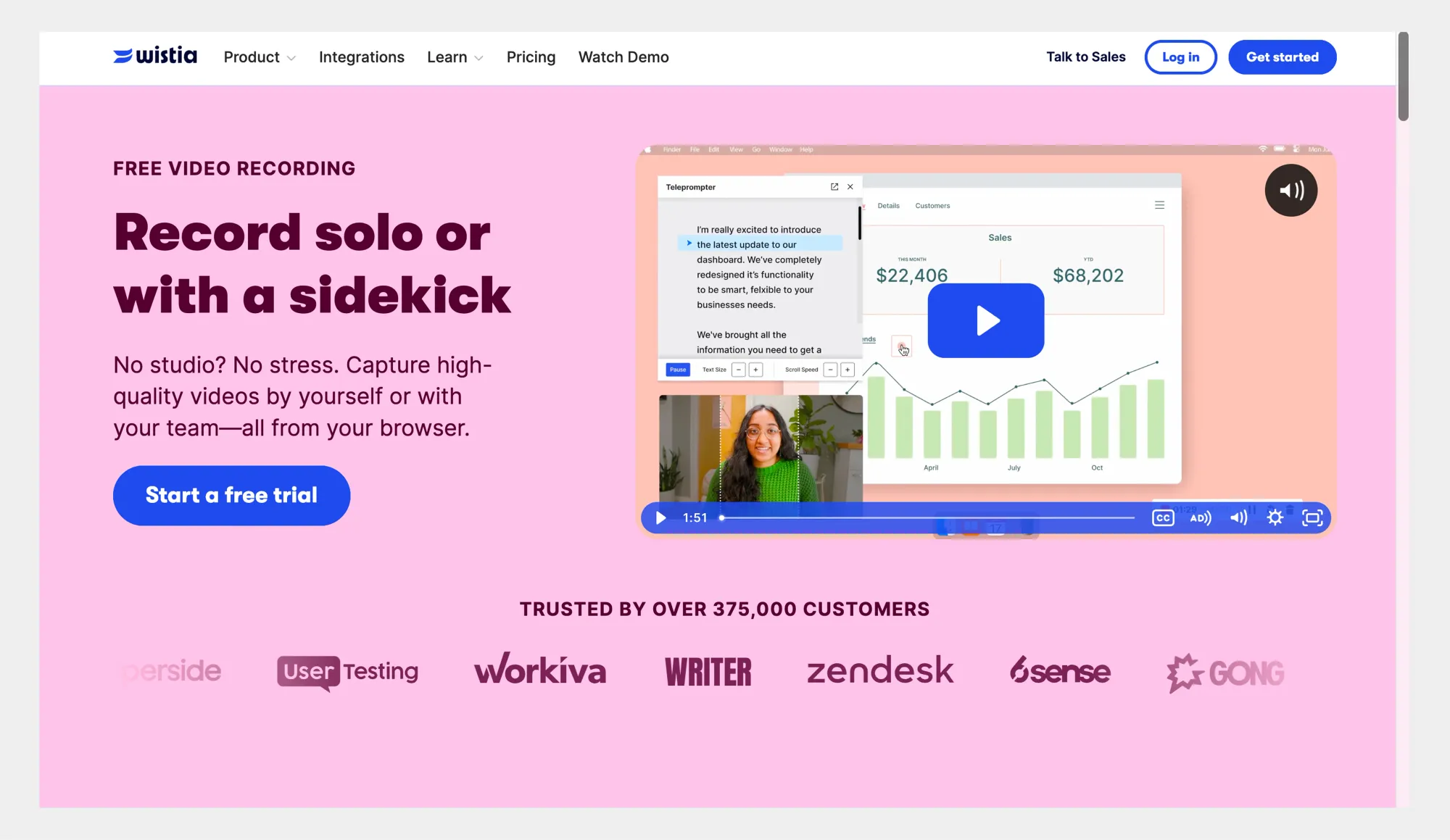
Wistia is a video hosting and analytics platform built for marketing teams that want to use video to drive engagement and conversions. It is often used to host product demo videos on websites, landing pages, and email campaigns, with a strong focus on performance tracking rather than video creation.
Pros:
• Strong video hosting with detailed engagement and performance analytics.
• Built-in tools for calls to action, email capture, and lead tracking.
• Well-suited for embedding product demos on marketing pages.
Cons:
• Not designed for recording or editing product demo videos.
• Better suited for distribution and measurement than demo creation.
Pricing:
Wistia offers free and paid plans, with pricing based on features, video volume, and advanced analytics. Full details are available on their website.
Canva (best for visual content marketing)
Overview:
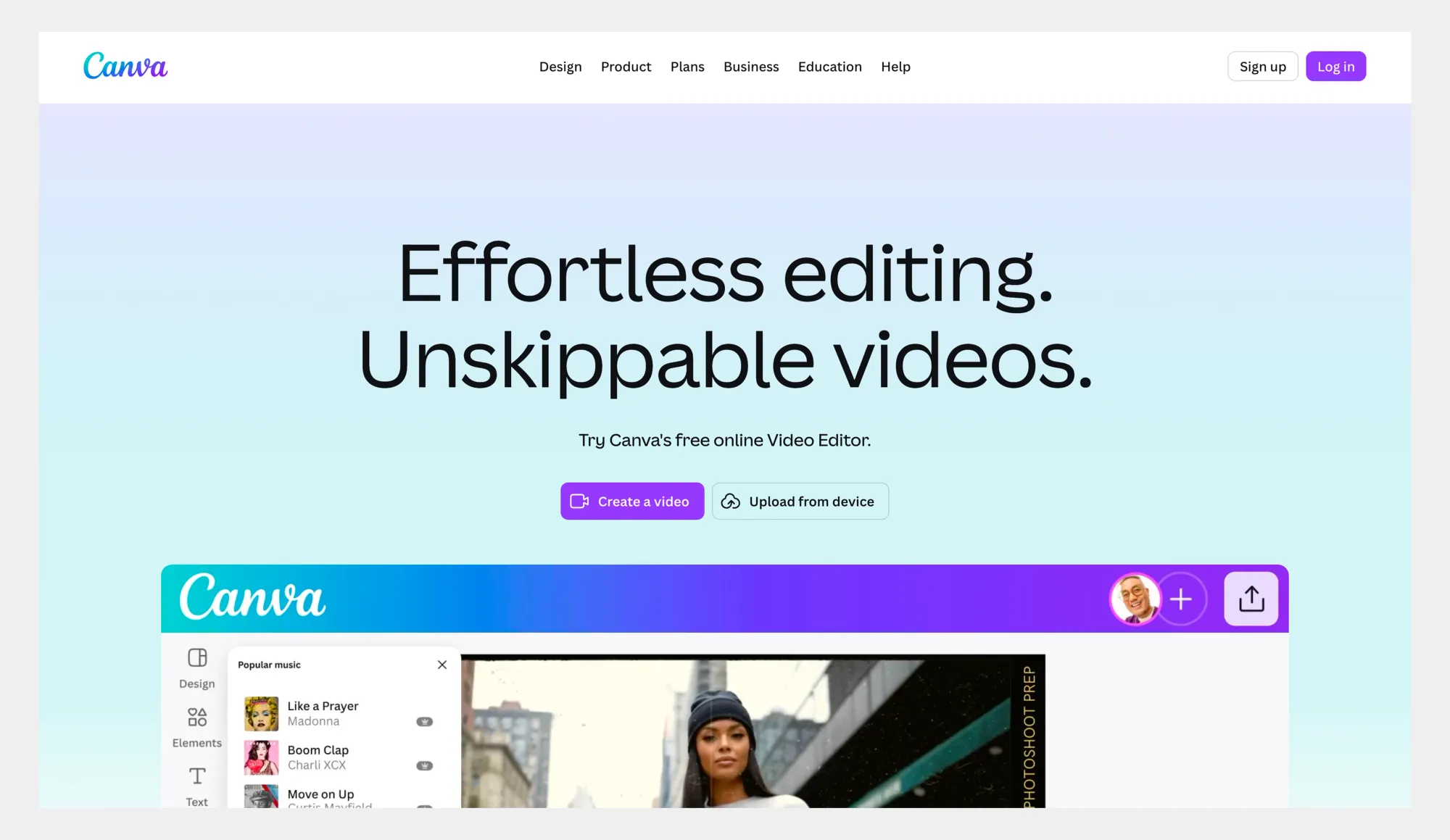
Canva is a visual content marketing platform used to create graphics, presentations, and short videos with ready-made templates. While it is not built specifically for SaaS product demos, many teams use Canva to create simple demo-style videos, visuals, and explainer assets for marketing and social content.
Pros:
• Easy to use, even for non-designers.
• Large library of templates for videos, presentations, and visuals.
• Useful for quick, branded marketing assets and lightweight demo visuals.
Cons:
• Not designed for recording real product workflows.
• Limited for detailed or interactive SaaS product demos.
Pricing:
Canva offers a free plan along with paid Pro and Teams plans, with pricing based on features and collaboration needs. Full details are available on their website.
Loom (best for screen recording software)
Overview:
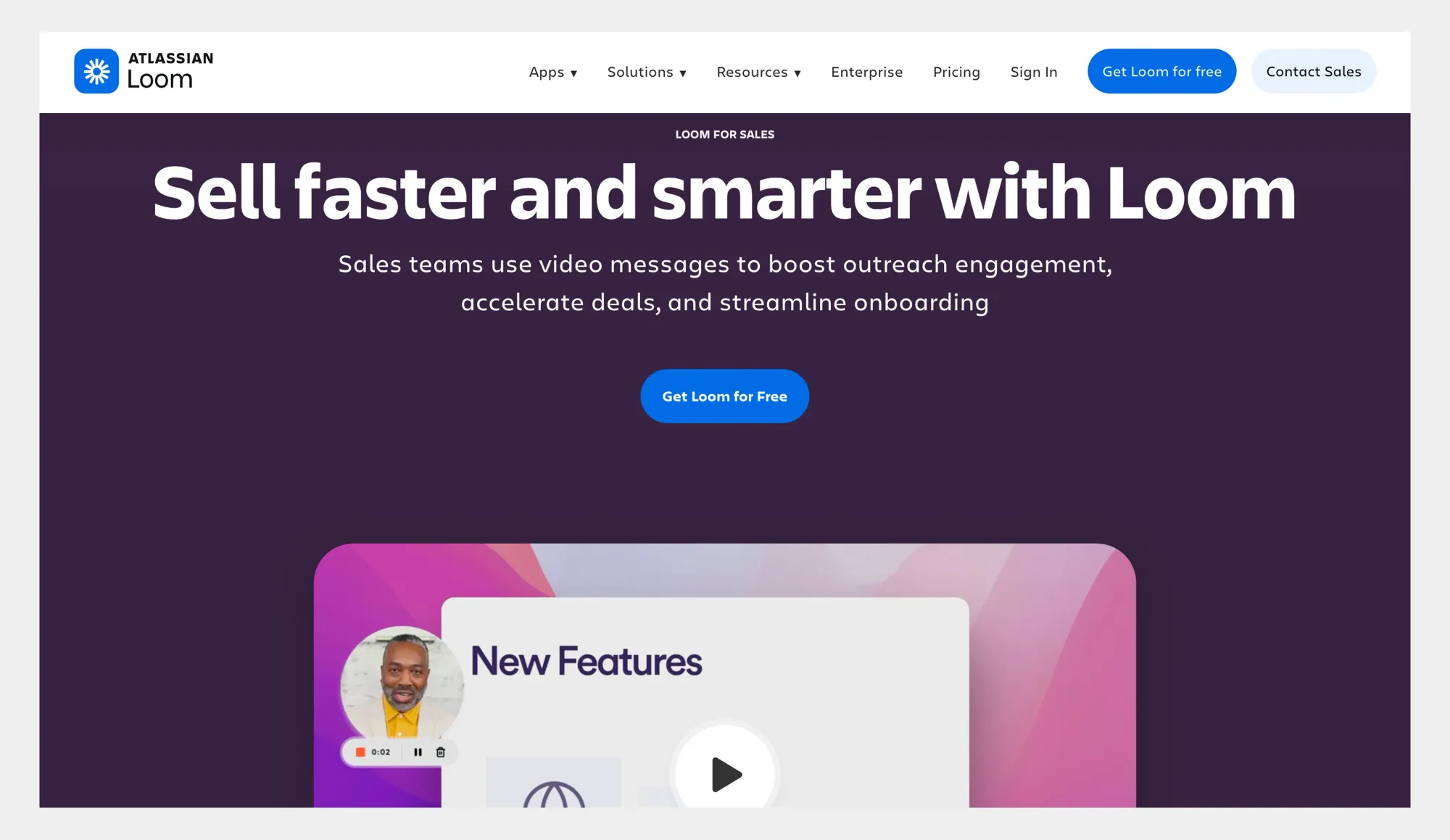
Loom is a screen recording tool designed for quick video messages and async communication. SaaS teams often use it to record fast product demos, walkthroughs, and explanations that can be shared instantly with prospects, customers, or internal teams.
Pros:
• Very fast to record and share screen and camera videos.
• Simple workflow that works well for async demos and explanations.
• Easy sharing via links, with basic viewer insights.
Cons:
• Limited editing and branding options for polished demo videos.
• Not built for structured demo workflows or large-scale reuse.
Pricing:
Loom offers a free plan and paid plans with additional features, recording limits, and collaboration options. Full pricing details are available on their website.
How to evaluate software for your business
The short answer:
To evaluate product demo video software, start by defining what you need it to achieve, then test how well each tool fits your workflows. Look beyond features and focus on ease of use, flexibility, and whether the software can grow with your product and team over time.
And now the more detailed answer:
Choosing the right tool is less about finding the one with the most features and more about finding the right fit for your workflow. Before committing, it helps to step back and look at how demos are created, shared, and maintained inside your team. The points below help turn that into a clear decision process.
Setting clear goals and objectives
Start by deciding what your demo videos are meant to do. Some teams need demos to support lead generation, others use them for onboarding, sales follow-ups, or support. Being clear about the main goal helps narrow your options and prevents overbuying tools you won’t use.
Trial periods and demos
Most platforms offer free plans or trials, and these are worth using. Testing the tool with a real product workflow quickly reveals whether it fits your pace and skill level. Pay attention to how easy it is to record, edit, update, and share demos without friction.
User reviews and feedback
Reviews help surface real-world tradeoffs that feature lists don’t show. Look for patterns across reviews rather than one-off complaints, especially around ease of use, reliability, and support. This gives a more realistic picture of what daily use looks like.
Long-term scalability and support
Finally, think about how the tool will hold up as your product evolves. SaaS products change often, and demo software should make updates easy, not painful. A good choice supports growing teams, more demos, and new use cases without forcing you to rebuild everything from scratch.
Where SaaS demo videos win across the funnel and what to measure
The short answer
SaaS demo videos work best when they are placed at key moments across the customer journey, from first visit to long-term use. When used correctly, they help move people forward faster, reduce friction, and give teams clearer signals about interest, adoption, and growth.
And now the more detailed answer
Demo videos are often treated as a single asset, usually tied to sales. In practice, they are more effective when used across the full funnel. Each stage has a different goal, and demo videos should be shaped and measured based on that goal rather than reused blindly.
Homepage and landing pages
On homepages and landing pages, demo videos help visitors quickly understand what the product does and whether it is relevant to them. The most effective demos here are short, usually between 30 and 60 seconds, and focus on one clear workflow tied directly to the page’s main message.
Instead of listing features, the demo should mirror the promise made in the headline, show the product solving that problem, and end with one clear next step. What to measure here is simple: play rate, watch time, and whether viewers take the intended action after watching.
Sales outreach and follow-ups
In sales, demo videos work best when they feel personal and specific. Short videos sent in follow-up emails or messages can show “your problem in our product” in under 90 seconds. This helps prospects visualize value without committing to another call.
Sales teams often use these demos to unblock deals or earn the next conversation. Key metrics to track include video views, replies after viewing, and whether the demo helps move deals to the next stage.
In-app onboarding and feature launches
Inside the product, demo videos should be even shorter and more focused. Micro-demos between 15 and 40 seconds work well when they teach one action at the moment a user needs it, such as during onboarding or when a new feature is introduced.
These demos reduce confusion and help users reach value faster. Teams should measure activation rates, feature adoption, and drop-off points to understand whether the demos are doing their job.
Help center and support deflection
Demo videos are also powerful in support content. Embedding short “watch-and-fix” demos in help articles allows users to solve problems without opening a ticket. This is especially effective for common issues that are easier to show than explain.
Subtitles matter a lot here, since many users watch without sound. Using clear captions and visuals improves clarity and accessibility. If you want a deeper look at how this works, Async’s guide on AI subtitles explains why they are so important for demo and support videos.
Support teams should track ticket volume, repeat issues, and resolution time to see the impact.
Retention and expansion
After onboarding, demo videos can support retention and expansion by unlocking new workflows. Role-based demos for admins, teams, or power users help people discover features they may not find on their own.
These demos are often longer than onboarding clips and can be reused across customer success emails, in-app messages, or training libraries. Teams should measure feature usage over time, account growth, and expansion signals tied to demo engagement.
This is also where repurposing becomes valuable. Turning longer demos into short clips for different touchpoints helps teams stay consistent without recreating content. Tools and workflows built around AI social video tools make this easier by allowing teams to reuse demos across channels efficiently.
Final thoughts
Choosing the best SaaS product demo video software is about fit, not features. Demo videos are now used across sales, onboarding, support, and retention, so the tools behind them need to be easy to use and easy to update as products change.
Each option we covered serves a different role. Some focus on interactive exploration, others on hosting and analytics, and others on fast demo creation and reuse. The right choice depends on where demos live in your funnel and how often your team needs to create or update them.
The key is consistency. When demo creation is simple, teams use demos more often and keep them up to date. When it’s complex, demos quickly fall behind.
If you need a tool that supports quick creation and reuse across teams, Async is built for that kind of workflow. Good demo software should stay out of the way and let the product do the talking.