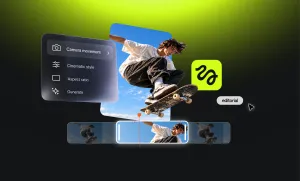
Higgsfield is easy to like when it gets the shot right. You choose a model, dial in the camera movement, generate something that looks suspiciously expensive, and suddenly AI video feels very simple.
Then you remember you still have to make the rest of the video.
Maybe you need better editing once the clip exists. Maybe you keep choosing Kling anyway and would rather go straight to the source. Maybe character consistency matters more than fancy camera movement, or you just want to experiment without watching your credits disappear quite so quickly.
That is why the best Higgsfield alternative is not necessarily the tool that looks most like Higgsfield. It is the one that solves the part of the process Higgsfield is not solving for you.
Here are seven worth looking at.
Higgsfield alternatives at a glance
Pricing note: Pricing was last checked in October 2026. AI video platforms change plans, credit allowances, and model access often, so these details should be checked again before publication.
1. Async: best for generating and finishing videos in one place
Best for: Creators and teams who want to generate the footage and then keep working on the actual video.
Why it’s a good Higgsfield alternative: Higgsfield puts a lot of attention into getting the shot. Async makes more sense when the shot is only one piece of what you are making.
A generated clip rarely arrives ready to post. It still needs another angle. Maybe a talking-head section. Captions. Music. Cleaner audio. A vertical version. A shorter cut for TikTok. Probably one last revision five minutes after everyone said the project was finished. That is usually where the workflow starts to split across several tools.
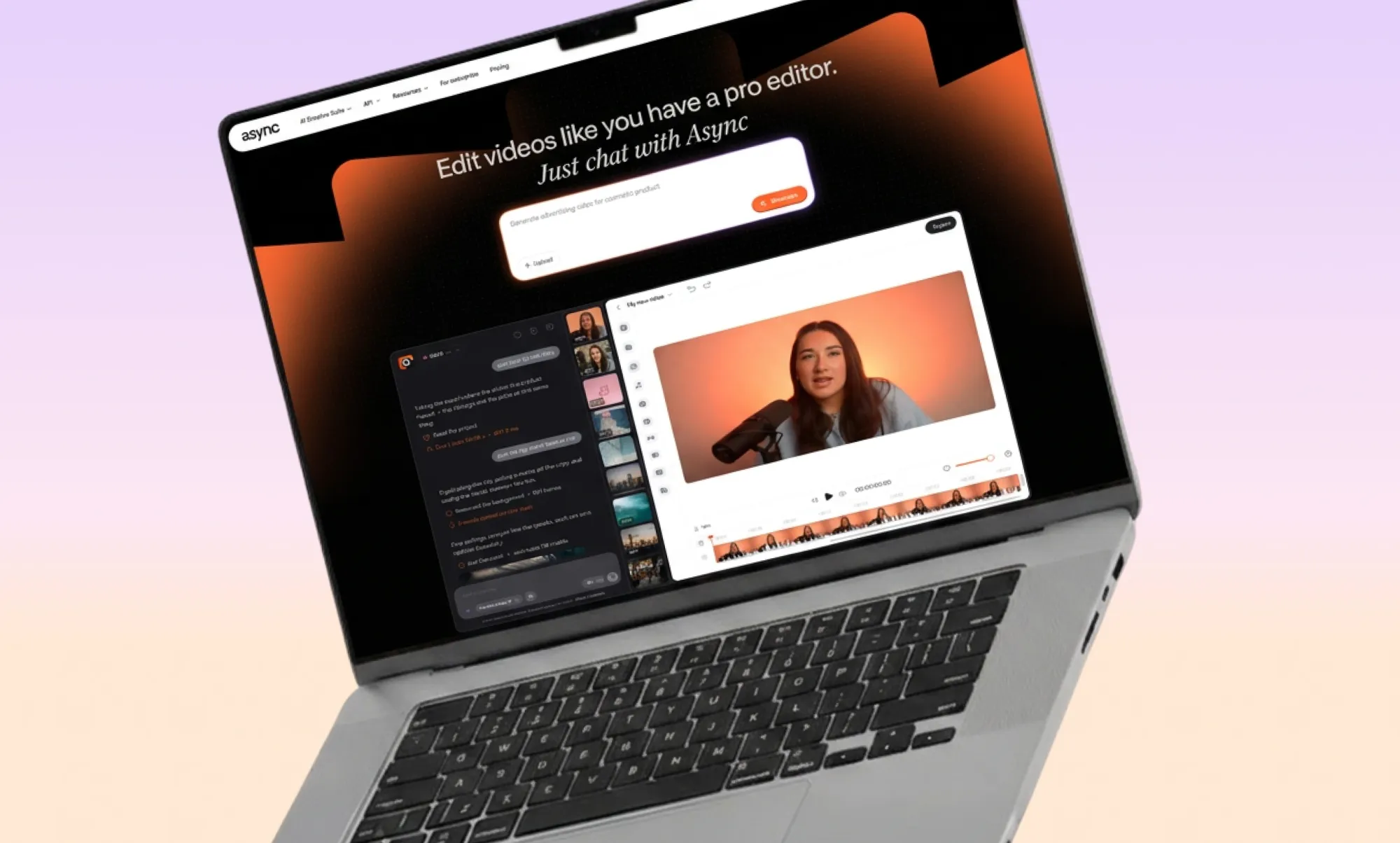
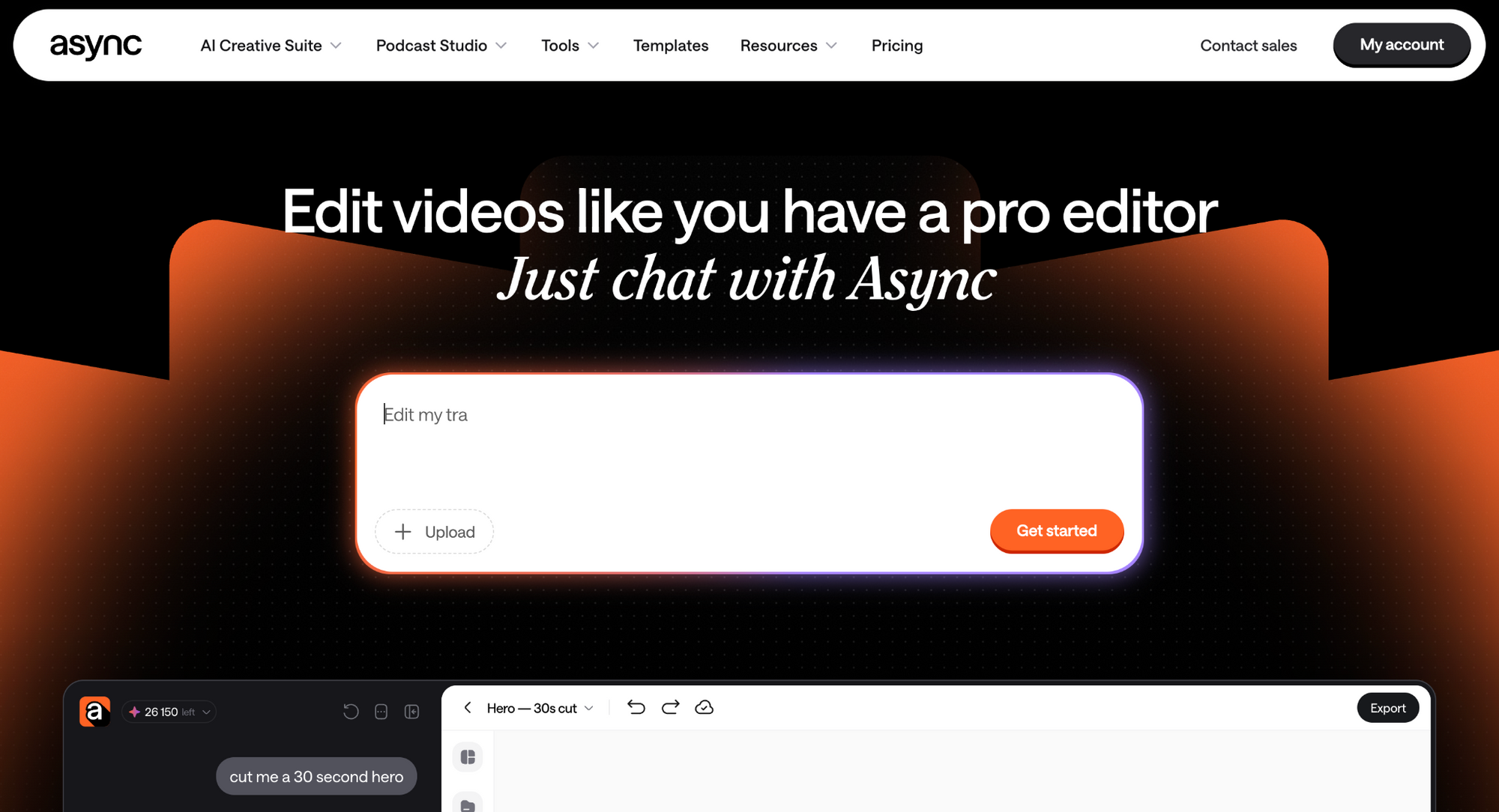
Async keeps generation and post-production much closer together. You can create video, images, avatars, music, and other assets using different models, then continue working on them inside the same multitrack editor. Chat-based editing also lets you ask for changes conversationally instead of making every adjustment manually.
That difference becomes clearer when you look at what Higgsfield itself is especially good at. As we found while testing it for our Higgsfield AI review, its strengths lean heavily toward generating and directing visual assets, while Async puts more emphasis on carrying those assets through the rest of production.
[Screenshot: Async project showing AI chat, generated media, and the editing timeline]
Key features:
- Multiple video and image generation models
- Chat-based creation and editing
- Multitrack timeline
- Automatic captions
- Audio cleanup
- AI reframing for different aspect ratios
- Generated B-roll and visual assets
- Short-form repurposing
- Manual editing controls when a prompt is not precise enough
Having multiple models available is useful because different AI video models are good at very different things. One may handle realistic movement better, another might understand stylized product footage more reliably, while another does a better job of preserving the composition of a reference image.
The useful part is being able to choose based on the shot instead of deciding that one model now has to solve every creative problem you have.
There is also something refreshingly normal about generating a clip and then simply editing it. AI video has spent the last few years finding increasingly impressive ways to create five seconds of footage. Eventually, someone still has to turn those five seconds into a finished piece of content.
Pros:
- Generation and post-production live in the same workspace
- Chat-based and traditional timeline editing can be used together
- Useful for marketers and social teams producing several versions of the same content
- Lets you move between different generation models rather than committing to one
Cons:
- Still feels more built around cinematic shot generation
- Generation-heavy projects consume credits quickly
- Someone who only wants standalone AI clips may not need the editing side
Pricing: Async offers a free tier; the Essentials tier includes 450 monthly AI credits, and the Pro plan includes 1,200. For context, credit use depends on factors such as the model, duration, resolution, and task complexity, as explained in Async's credit documentation.
Bottom line: Async is the stronger fit when the frustrating part begins after generation. You can create the missing footage and keep going instead of treating every AI clip like a file that now needs to be handed over to another app.
2. Runway: best for advanced AI filmmaking
Best for: Filmmakers and creators who want more ways to direct, transform, and manipulate footage.
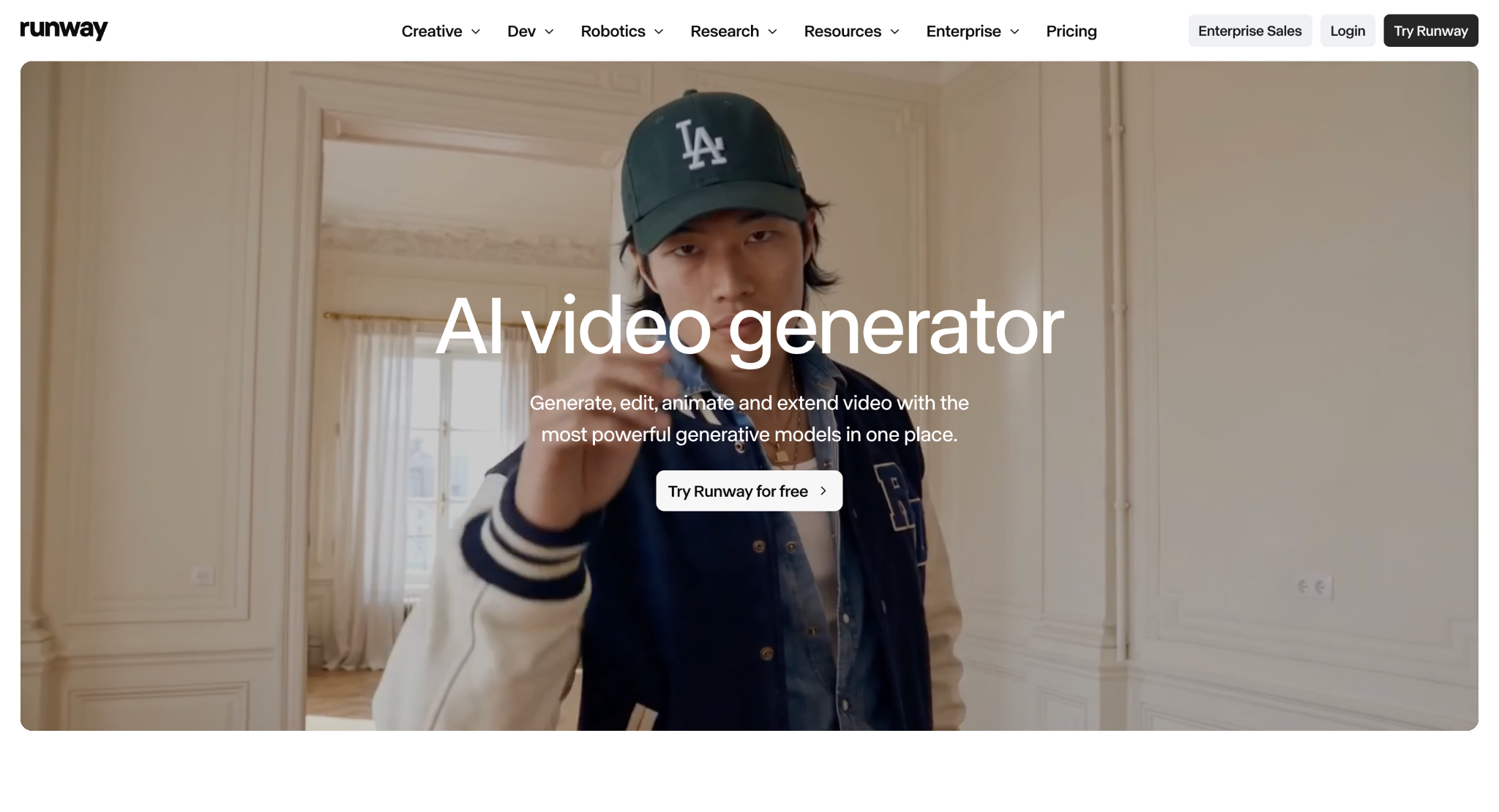
Why it’s a good Higgsfield alternative: Runway becomes interesting once the question stops being “can it generate a good shot?” and becomes “what can I do to that shot now?”
Its newer workflows go well beyond prompt-to-video. You can generate footage, but you can also make substantial changes to material you already have.
Maybe the performance is right but the room is wrong. Maybe the actor works but the wardrobe does not. Maybe the shot is almost there, except the lighting, background, or character needs to change. Starting from zero every time is not always the clever option.
Runway’s generative editing tools are increasingly built around modifying what already exists, along with performance controls, keyframes, character changes, environment changes, and other production-oriented workflows.
That gives the Higgsfield vs Runway comparison a more useful dividing line.
Higgsfield excels at getting you into the generation process quickly with cinematic controls and access to multiple models. Runway starts to pull ahead when you want more influence over the footage after the first result appears.
Key features:
- AI video and image generation
- Generative editing of existing footage
- Performance-oriented tools
- Keyframe workflows
- Character and environment changes
- 4K upscaling
- Audio and sound generation
- Multiple models inside the same account
Runway’s pricing has also changed enough that some older comparison articles are already outdated. Its former Unlimited plan is being replaced by Max, and eligible legacy Unlimited users move over on November 30, 2026. Runway explains the change in its Unlimited-to-Max announcement.
Basically, the old Unlimited plan relied on relaxed generation speeds. Instead, Max includes 9,500 monthly credits and one month of rollover.
Pros:
- Strong tools for transforming existing footage
- More production-oriented control than a basic generator
- Useful for more elaborate filmmaking workflows
- Good middle ground between generation and generative post-production
Cons:
- There is more to learn than with a simpler generator
- Experimenting heavily can burn through credits
- Many creators will never need some of its more advanced controls
Pricing: Runway offers Free, Standard, Pro, and Max plans. Pro currently includes 2,250 credits per month, while Max includes 9,500, according to Runway’s current plan documentation.
Bottom line: Runway is the stronger alternative when you want to keep directing the shot after it already exists.
3. Kling AI: best for going straight to the model
Best for: Creators who keep choosing Kling inside other platforms and are starting to wonder why they are not simply using Kling.
Why it’s a good Higgsfield alternative: This comparison is slightly different from the others because Higgsfield itself can give you access to Kling.
Kling AI is the first-party home of the model.
So the Higgsfield vs Kling question is not really “which one can generate cinematic video?” Both can get you there. The more useful question is whether you still need a larger platform sitting around the model.
Kling 3.0 supports text, images, audio, and video as inputs, along with text-to-video, image-to-video, reference-to-video, in-video editing, native audio, and multi-shot storytelling. Kuaishou also increased the maximum generation length to 15 seconds in the 3.0 series, according to its Kling 3.0 launch announcement.
That makes going direct increasingly attractive when Kling already handles most of what you want.
Say nine out of ten generations you make in Higgsfield use Kling. At that point, access to a huge model library may not be doing much for you. Using Kling directly means dealing with its own interface, feature releases, and model ecosystem instead.
The equation changes as soon as you start saying things like “Kling was better for this, but Veo understood the movement better.”, or “Seedance handled that shot… but I want Kling for the close-up.” Now the broader platform is starting to earn its place again.
Higgsfield vs Kling: what actually changes?
Think of Higgsfield as a food hall and Kling as one of the restaurants inside it: going directly to the restaurant makes perfect sense when you order the same thing every time. The food hall is more useful when you keep changing your mind.
There is a pricing angle here too. The same underlying model can be packaged differently depending on where you access it, which means comparing monthly plan prices alone does not tell you much.
The better comparison is the cost of the generation you actually make: the same duration, resolution, and model.
That is especially relevant to creators using image-to-video AI, because the quality of the starting reference, composition, motion instructions, and preservation of visual details can matter just as much as the name of the video model.
Key features:
- Kling 3.0 family
- Text-to-video
- Image-to-video
- Reference-to-video
- Multi-shot generation
- Native dialogue and audio
- Character, object, and scene references
- Video generation up to 15 seconds
- Native 4K support in supported workflows
Pros:
- Direct access to Kling’s latest capabilities
- Strong reference and consistency controls
- Longer individual generations than many short-clip workflows
- Native audio can reduce the number of separate production steps
Cons:
- You lose some of the convenience of jumping between unrelated model families
- Generated footage still needs somewhere to go when you want a full edit
- Pricing and packages can vary by platform and region
Pricing: Kling offers free and paid access, although pricing can vary by platform and region. It is one of the entries worth checking again immediately before publication rather than hard-coding a price that may not apply everywhere.
Bottom line: When Kling is already your favorite model, direct access is worth testing. When your favorite model changes every three prompts, Higgsfield’s wider model access becomes much harder to replace.
4. Luma: best for cinematic motion and visual iteration

Best for: Creators who care about movement, references, and developing a visual idea through motion.
Why it’s a good Higgsfield alternative: Anyone who still thinks of Luma mainly as Dream Machine may be picturing a much older version of the product.
Its current video model is Ray3.2, and Luma explicitly identifies Ray2 and the earlier Dream Machine-era model references as deprecated in its official model documentation.
The current Luma environment is much broader. Its app combines Luma’s own models with other video and image options, including Kling and Veo, while Ray3.2 adds more direct frame-level control, HDR generation, and professional output options.
The original appeal is still there, though. Luma remains particularly good when you already know what something should look like and now need to figure out how it should move. Think a fashion image, surreal landscape, product setup, or a cinematic still. Instead of asking a model to reinvent the entire concept with every generation, you can build from a visual reference and explore different movement.
Ray3.2 was designed specifically around that added control. Luma describes frame-level direction, HDR output, and EXR export among the model’s production features in its Ray3.2 release notes.
Key features:
- Ray3.2 generation
- Text-to-video
- Image-to-video
- Multi-keyframe workflows
- Video-to-video
- Reframing
- HDR output
- Additional models inside the wider Luma ecosystem
Pros:
- Strong cinematic motion workflows
- Good fit for reference-led creation
- More flexible than older Dream Machine comparisons suggest
- Useful bridge between still-image ideation and motion
Cons:
- A lot of older tutorials are already outdated
- The current product is broader than the simpler Dream Machine experience
- High-resolution and high-volume work can get expensive
Pricing: Luma currently lists Plus at $30 per month, Pro at $90, and Ultra at $300. The official Luma pricing page also breaks generation costs down by model, duration, resolution, and workflow.
Bottom line: Luma is a strong Higgsfield AI alternative when the visual concept already exists and you just need every bit of control to make it happen.
5. Pika: best for quick social effects
Best for: Creators who want something visually unique, fun, surprising, or immediately scroll-stopping without turning every idea into a filmmaking exercise.
Why it’s a good Higgsfield alternative: Pika is where this list gets a little less serious, in a good way.
It can generate conventional AI video, but some of its most interesting tools are built around doing something to a visual you already have.
Feature names like Pikaffects, Pikaswaps, Pikadditions, and Pikaframes tell you quite a lot about the mindset.
Instead of trying to describe an entire cinematic scene from scratch, you can start with an existing visual and make something happen to it. For example, an object inflates, or something melts or changes form, someone appears somewhere they definitely were not standing before, so on and so forth.
That approach works particularly well for social content because the transformation itself can be the hook.
Look at it this way: you do not always need to make Blade Runner. Sometimes Tuesday’s Reel just needs one visual idea people have not seen seventeen times already.
Key features:
- Text-to-video
- Image-to-video
- Pikaffects
- Pikaswaps
- Pikadditions
- Pikaframes
- Short-form transformations and visual effects
Pros:
- Easy to experiment with
- Effects feel naturally suited to short-form content
- Good for quick visual hooks
- Less intimidating than a filmmaking-oriented interface
Cons:
- Not the first choice for longer narrative work
- Narrower production control than Runway
- Advantages matter less when you only want realistic cinematic footage
Pricing: Pika still has a free account, but its current Free tier includes no monthly generation credits and instead uses purchased packs. Starter is $10 per month, Creator $35, and Fancy starts at $95, with lower effective prices on annual billing. The details are on Pika’s current pricing page.
Bottom line: Pika is one of the more useful apps like Higgsfield when “cinematic” is not the brief every single time. For quick social ideas and effects, being a little less serious is part of the appeal.
6. Krea: best for people who want to try everything
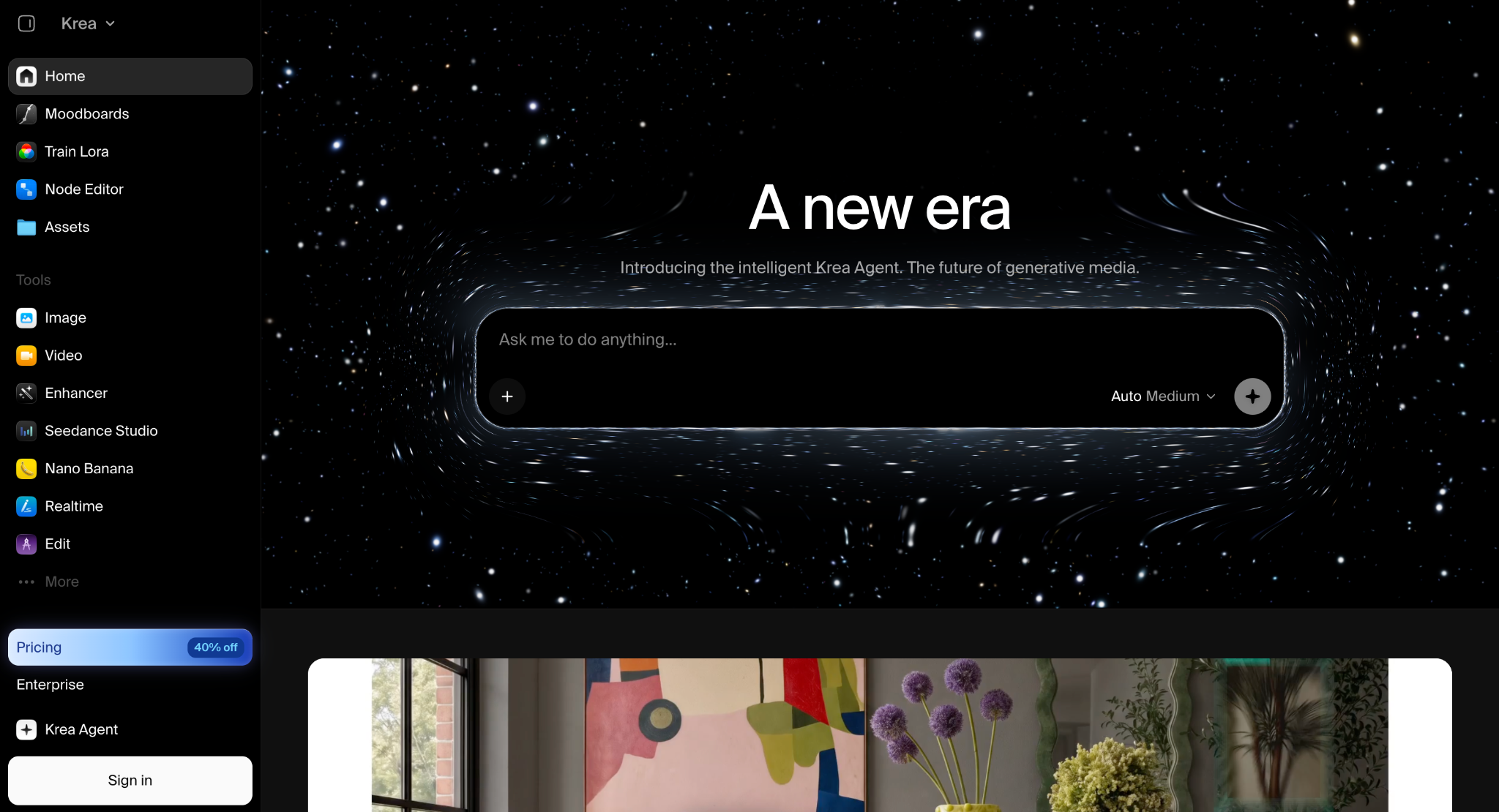
Best for: Creators who enjoy moving between models, images, video, upscaling, real-time generation, and the latest AI model.
Why it’s a good Higgsfield alternative: Krea makes a lot of sense for the person who liked Higgsfield because Higgsfield gave them options. Not necessarily because one particular model won. Because there were options.
Krea takes that idea and stretches it into a broader creative environment. Video sits alongside image generation, real-time tools, enhancement, LoRA training, 3D, and workflow automation. That makes it surprisingly useful before you even start spending heavily on video generations.
So that experimentation has a practical benefit, especially if your flow starts by generating an image, then changing styles and compositions, moving video models, and ending up not even remembering why you opened the project and forgetting what time it is.
A lot of expensive AI video mistakes are actually concept mistakes. The model did exactly what you asked, but you realize afterward that the lighting was wrong, the character design was boring, or the composition never worked. Working those choices out in cheaper image workflows first can save a surprising amount of video-generation budget.
This is also why lists of the best AI video generators usually mix dedicated model makers with platforms like Krea. You’re no longer only choosing between individual engines, but whether you want one engine or a workspace that lets you keep changing engines.
Key features:
- Multiple image and video models
- Image generation and editing
- Video generation
- Real-time AI creation
- Upscaling
- LoRA training
- 3D tools
- Workflow automation on higher plans
Krea currently gives free users 100 compute units per day, while Basic adds selected video models and Pro unlocks all video models. Those details are listed on Krea’s video-generation page.
Pros:
- Very broad creative playground
- Good for look development before video generation
- Multiple model families inside one account
- Useful free units for trials
Cons:
- Easy to get overwhelmed by choice
- Basic does not include every video model
- Different engines use compute differently, so monthly units do not translate into one clean number of videos
Pricing: Free includes 100 compute units per day. Basic is $9 per month, Pro $35, and Max $105.
Bottom line: Krea is a strong choice when you are not looking for one better model. You are looking for a better place to try many of them.
7. OpenArt: best for characters and visual world-building
Best for: Creators who need a character, look, or visual world to stay recognizable before they start worrying about camera movement.
Why it’s a good Higgsfield alternative: Sometimes the biggest problem with the video starts before the video exists.
Your lead character looked 28 in scene one, 43 in scene two, and vaguely related to themselves in scene three. The jacket changed. The room changed. The hairstyle is from a whole new era. Beautiful camera movement is not going to rescue that.
OpenArt approaches the problem more heavily from the image and character-development sides. If your workflow goes from establishing the character first, then creating references, defining the visual world, and finally putting things in motion, OpenArt will be just right for you.
That may sound like an extra step, but it can actually remove a lot of wasted generation. Instead of asking the video model to invent the character, wardrobe, location, lighting, composition, style, and movement all at once, you have already made several of those decisions.
Key features:
- Consistent-character creation
- Image generation
- Image editing
- Personalised models
- Story workflows
- Multi-model access
- Video generation from established visual concepts
Pros:
- Strong character-development workflows
- Good for visual planning before motion
- Broad creative model access
- Useful for creators moving frequently between still images and video
Cons:
- Less camera-first than Higgsfield
- Overkill when all you need is one standalone cinematic clip
- Credit value depends on the models and workflows you use
Pricing: OpenArt offers tiered paid plans with increasing credit allowances and character capacity, along with trial access for new users. But those allowances change fairly often, so this is another price worth confirming immediately before publication.
Bottom line: OpenArt is the odd one out here, but could be just right for you for that reason. When your biggest problem is maintaining the visual idea rather than generating the movement, solving that first can make everything afterward easier.
How to choose a Higgsfield alternative
You could open every tool on this list of Higgsfield AI alternatives and discover that, yes, all seven can make AI video. That might be very educational, but not particularly helpful.
Start by focusing on the part of your current process that annoys you most.
There is a pattern here. A social media manager constantly moving generations into another editor has a workflow problem. A filmmaker who wants to change an existing shot without starting again has a control problem. A creator who only uses Kling has a model-access problem. A storyteller whose protagonist develops a new face every six seconds has a consistency problem. Those people should not necessarily choose the same platform.
Price works the same way across Higgsfield competitors. A c A cheaper subscription is not automatically the cheaper tool. One platform might include a lot of monthly credits but charge heavily for the particular model you use. Another may cost more upfront but remove the need for a separate editor. Another may let you test the whole visual direction cheaply with images before you spend anything meaningful on video.
The number that matters more is: cost per usable result. Not cost per month. Not total credits. Not the impressive number printed on the pricing page. How much did it actually cost to get a clip you could use?
That question also makes searches like Higgsfield vs Sora easier to think about. Sora is primarily a generation product built around OpenAI’s models, while Higgsfield is a broader creative platform that can expose several engines and creative tools. They overlap, but they are not simply two versions of the same product.
Why look for a Higgsfield alternative?
There is a strange assumption behind most alternative articles: you must be leaving because something is terrible, but that's not necessarily the case.
Higgsfield can produce excellent results, but it may no longer be the right fit once your workflow changes. That is also why people comparing Higgsfield AI competitors are not necessarily looking for a tool that generates better-looking video. Sometimes they just need a different pricing model, workflow, or way to access the models they already use. That is what makes community discussions around Higgsfield more interesting than a simple collection of complaints. Some people are happy with the generation quality but look elsewhere because of credits, queues, direct access to a model, or the work that still needs to be done after a generation is finished.
You are doing too much credit maths
AI video has somehow turned creative people into part-time accountants.
Higgsfield charges different amounts of credits depending on the model, resolution, and duration. Its subscription credits reset and do not roll over, while purchased credit packs remain valid for 90 days. Higgsfield lays out those rules in its credit documentation.
None of that is particularly unusual for this category. The problem is that “this generation costs 20 credits” does not tell you whether it was expensive. One generation you keep is cheaper than five cheaper generations you throw away. For anyone producing at volume, cost per usable result is a much more honest metric than the sticker price of the subscription.
You only use one model anyway
Multi-model access is brilliant until you develop a favorite. Once that happens, opening an aggregator and clicking the same model every time can start to feel unnecessary. Going direct gives you a simpler relationship with that model’s own releases and controls.
The opposite is equally true. Someone moving constantly between Kling, Veo, Seedance, Runway, and whatever arrives next may save themselves an entire collection of subscriptions by keeping more of those options together.
Generation is not your bottleneck anymore
At first, generating the clip is exciting and fun. Then it becomes part of your everyday routine, and you start struggling with arranging the clips, double-checking that the captions fit and are well timed, and suddenly the problem is not:
“Can AI create this?”
It is:
“Can I please finish this before lunch?”
Once you reach that point, working inside an AI video editor that can handle generated and uploaded footage together may save more time than chasing another marginal improvement in generation quality.
Your characters refuse to remain themselves
Consistency has improved dramatically, but it is still one of the quickest ways to expose an AI-generated sequence. If a face changes slightly, then slightly again, and by scene five you appear to have recast the lead without telling anyone, then your AI-generated footage is instantly exposed.
Image-first tools can help by letting you establish the visual identity before asking a video model to animate it. That will not eliminate every consistency problem, but it gives the model a much stronger starting point.
You want to test before paying
Free access across these tools is not really comparable:
- Krea refreshes a small amount of compute every day.
- Runway provides a one-time credit allocation.
- Async has a free tier.
- Pika lets you open a free account but currently requires purchased packs for actual generation credits.
- Others rely more heavily on trials or restricted access.
So do not stop at the word “free.” Take the same reference image or prompt and test it across the two or three platforms you are seriously considering. Also, keep the brief as similar as the interfaces allow.
Then compare:
- Which one understood the prompt?
- Which preserved the important visual details?
- How many attempts did it take?
- How long did those attempts take?
- How much did the usable one cost?
- What did you still have to do afterward?
Five comparable generations will usually tell you more than fifty feature tables.
Which Higgsfield alternative should you actually try first?
There is no prize for picking the platform with the longest feature list. There is also no reason the tool you like today has to become your sworn lifelong creative partner. So, we’ve narrowed it down short and simple:
- Async: when you want generation to continue naturally into editing and repurposing.
- Runway: when you want more control over existing footage.
- Kling: when it’s already the model you trust.
- Luma: when cinematic movement and reference-led iteration are the priority.
- Pika: when the effect itself is the idea.
- Krea: when you want room to experiment across models.
- OpenArt: when characters and visual continuity need to come first.
Don’t think “Which one beats Higgsfield?” but “What am I trying to do that Higgsfield is not making easy enough?” Once you know that, the shortlist usually gets much shorter.
Frequently asked questions
What is the best Higgsfield alternative?
The best Higgsfield alternative depends on what you want to change. Async suits creators who need both generation and editing; meanwhile, Runway offers deeper generative control. On the other hand, Kling gives direct access to its own models if that’s what interests you. For experimentation, Krea is your best choice, and finally, OpenArt is useful when character and visual consistency matter more.
Is there a free alternative to Higgsfield AI?
Yes. Async, Runway, Krea, and Pika all offer some form of free access, though with very different limitations, including one-time credits, requiring regular usage to refresh, or restricting which models or features are available without paying.
Is Runway better than Higgsfield?
Runway can be a better fit when you need generative editing and more control over existing footage. However, if you need things like cinematic generation and model access, Higgsfield is particularly strong in those areas. The better choice depends on whether your priority is creating the shot or continuing to manipulate it afterward.
Is Kling better than Higgsfield?
Kling makes more sense when you specifically want Kling’s own models and would rather access them directly. Higgsfield becomes more useful when moving between several engines is part of how you work. The Higgsfield vs Kling decision is therefore as much about access and workflow as generation quality.
What apps are similar to Higgsfield?
Alternatives to Higgsfield include Async, Runway, Kling, Luma, Pika, Krea, and OpenArt. Each of them overlaps with Higgsfield in different areas, like cinematic generation, multi-model access, visual effects, editing, reference-driven creation, and character development.
Which Higgsfield alternative is best for AI video editing?
Async is a strong fit when you want to combine generation and traditional video production tasks on one platform. The tool has everything from timeline editing and captions to audio work, resizing, and repurposing. On the other hand, Runway is useful when the edit itself is generative, such as changing a character, environment, lighting, or other elements already inside a shot.