Formerly Podcastle

Podcasting made easy

Record, edit, enhance, and publish your podcast from one AI-powered podcast studio designed to keep creation simple.

Get Started Free

No credit card required.

G2
4.9/5
5 stars

Your AI podcast software

Create better podcasts with Async. Our online podcast editing software makes your entire workflow simpler.Record high-quality audio, cut mistakes, remove silences, and use AI tools to clean and polish your sound, all in one place.

info icon
three steps-1

Create

Professional quality podcasts and videos
three steps-2

Edit

Swiftly with user-friendly AI tools
three steps-3

Publish

On all major platforms to build your audience

Radically simple & streamlined

Recording Studio

Capture sharp video and clear audio, solo or with guests. Built-in tools like a teleprompter and producer mode keep everything running smoothly.

Audio Editor

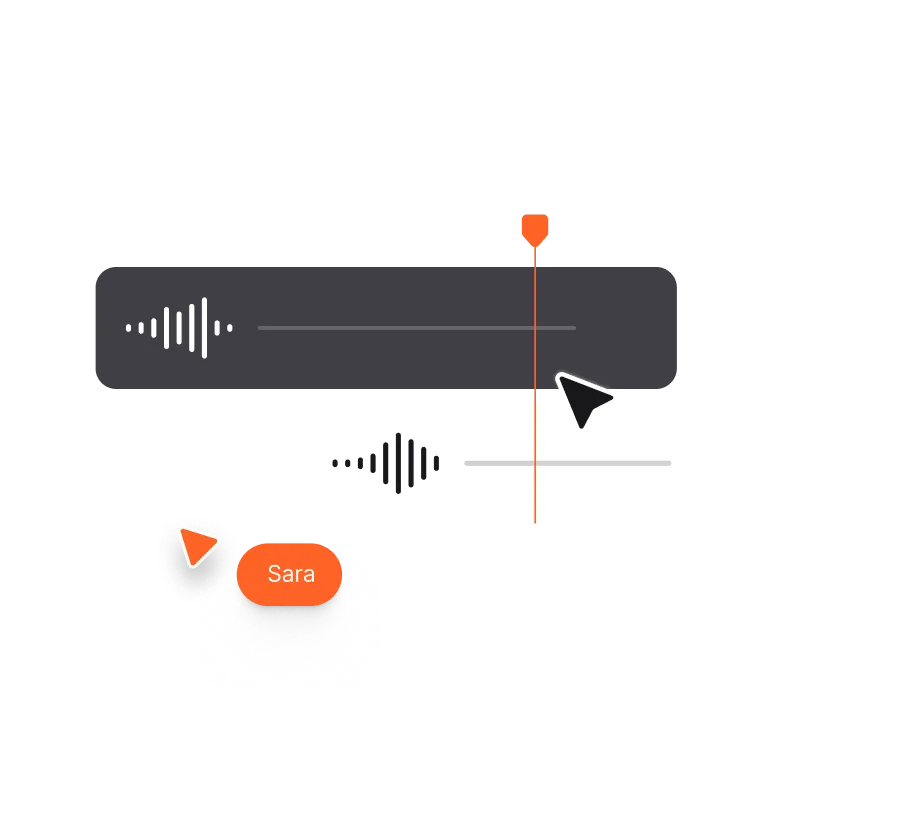
Trim, cut, and adjust your audio effortlessly. Perfect every segment with fade-ins, fade-outs, speed control, and more.

Video Editor

Edit videos right in your browser with the help of AI. Cut, clean up audio, and enhance quality without digging through endless timelines.

Hosting Hub

Host and publish your content right from your browser. Get an RSS feed and a dedicated podcast page — all in one place, no extra hassle.
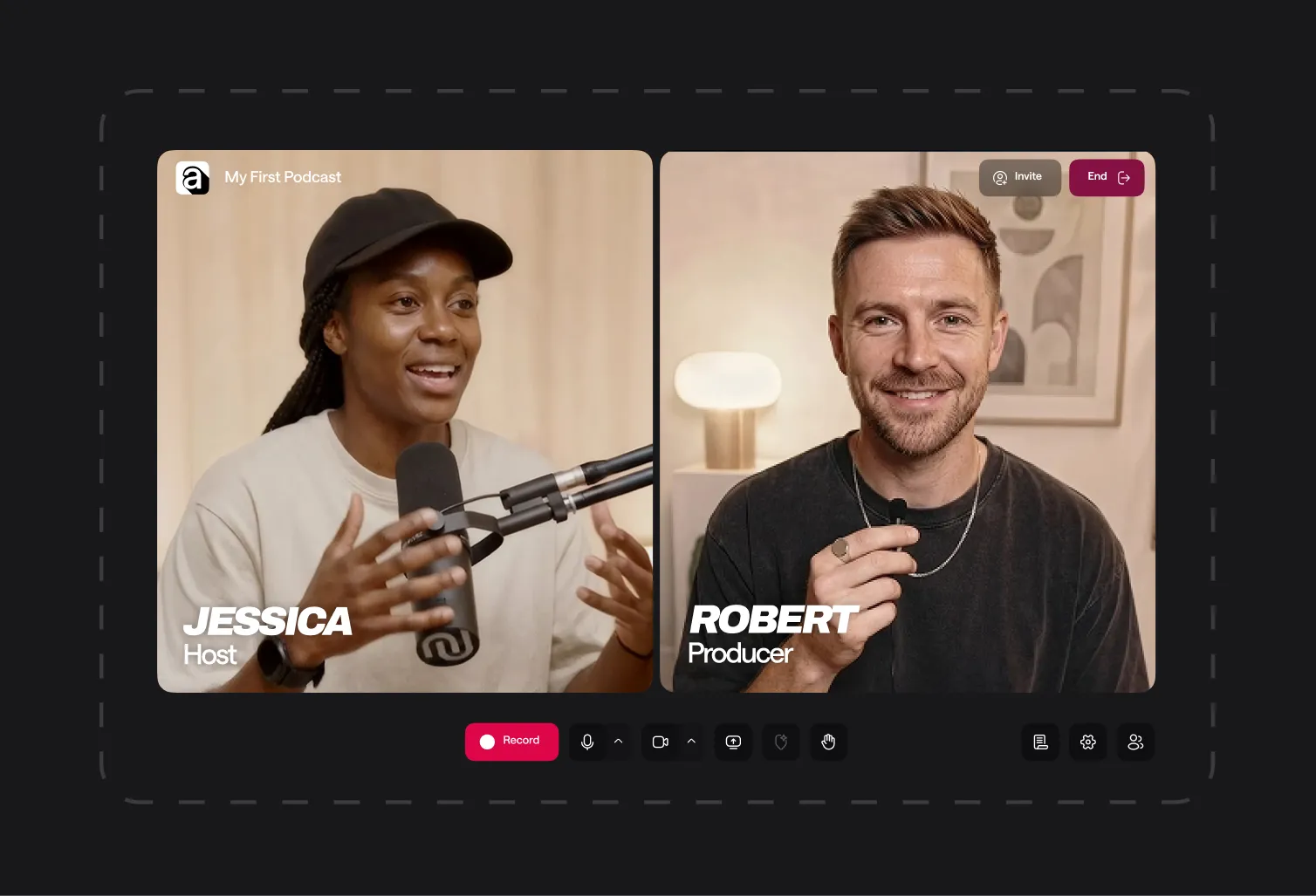
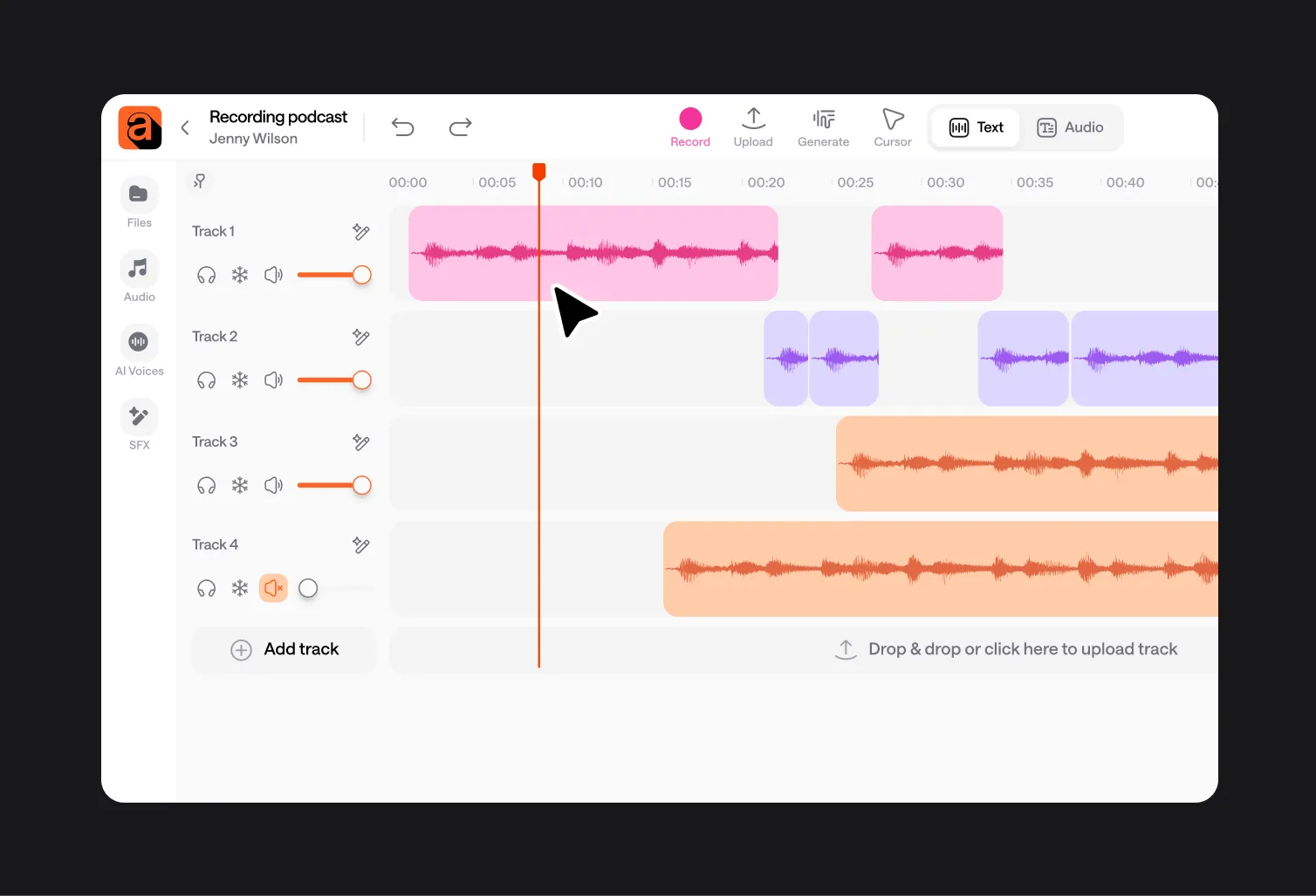
Recording Studio Audio Editor Video Editor Hosting Hub

Loved by creators worldwide

“I really like it because it's the best application i have used so far for recording my episodes in the podcast.”

“Async is very easy to use. The customer service is also top rate. 
I am glad I chose to work with them.”

“Async has saved me so much time and money to be able to do everything all in one tool.”

Frequently Asked Questions

What can I do in Async’s podcast studio?

You can record solo episodes or remote conversations, edit your audio, clean up the sound, add music and effects, create a transcript, and export the finished episode, all without leaving your browser.

Do I need to download any podcast software?

No. Async works online, so you can open your project and start creating from your browser without installing anything or setting up complicated equipment.

Can I record a podcast with remote guests?

Absolutely. Send your guests a link and Async will capture each speaker on a separate, high-quality track. That gives you clearer audio and more control when it’s time to edit.

How does the podcast editing software work?

You can trim clips on the timeline or edit your episode through its transcript. Async also helps you remove background noise, long silences, and uneven volume levels, so you spend less time fixing audio by hand.

Is Async suitable for first-time podcasters?

Yes. The whole podcast recording process is designed to feel approachable, even if you’ve never edited audio before. The tools are simple to use, while AI handles many of the slower, more technical jobs for you.

Can I use Async for free?

Yes, you can start recording and editing with Async for free. If you later need higher limits or more advanced tools, you can move to a paid plan.
One subscription.
Everything covered.

Record, edit, dub, subtitle, create clips, and clone voices. All in our AI platform.

Start creating for free